Dark Graph Mod (1.21.11, 1.20.1) – Dark Background for F3 Graphs
Java mod listed for Minecraft 1.20–1.21. Downloads from the MC Java Mods app on Android.
⬇ Download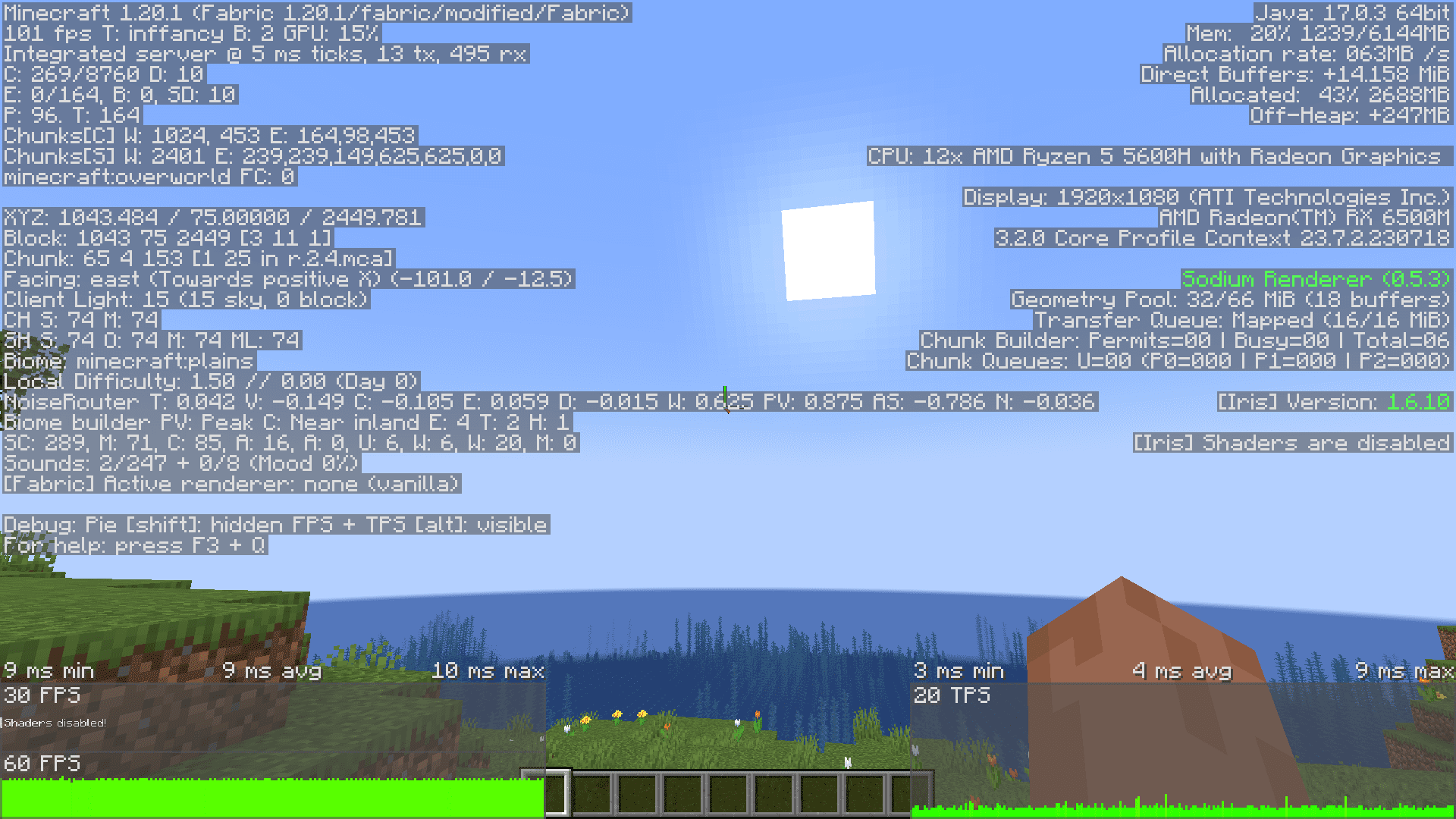
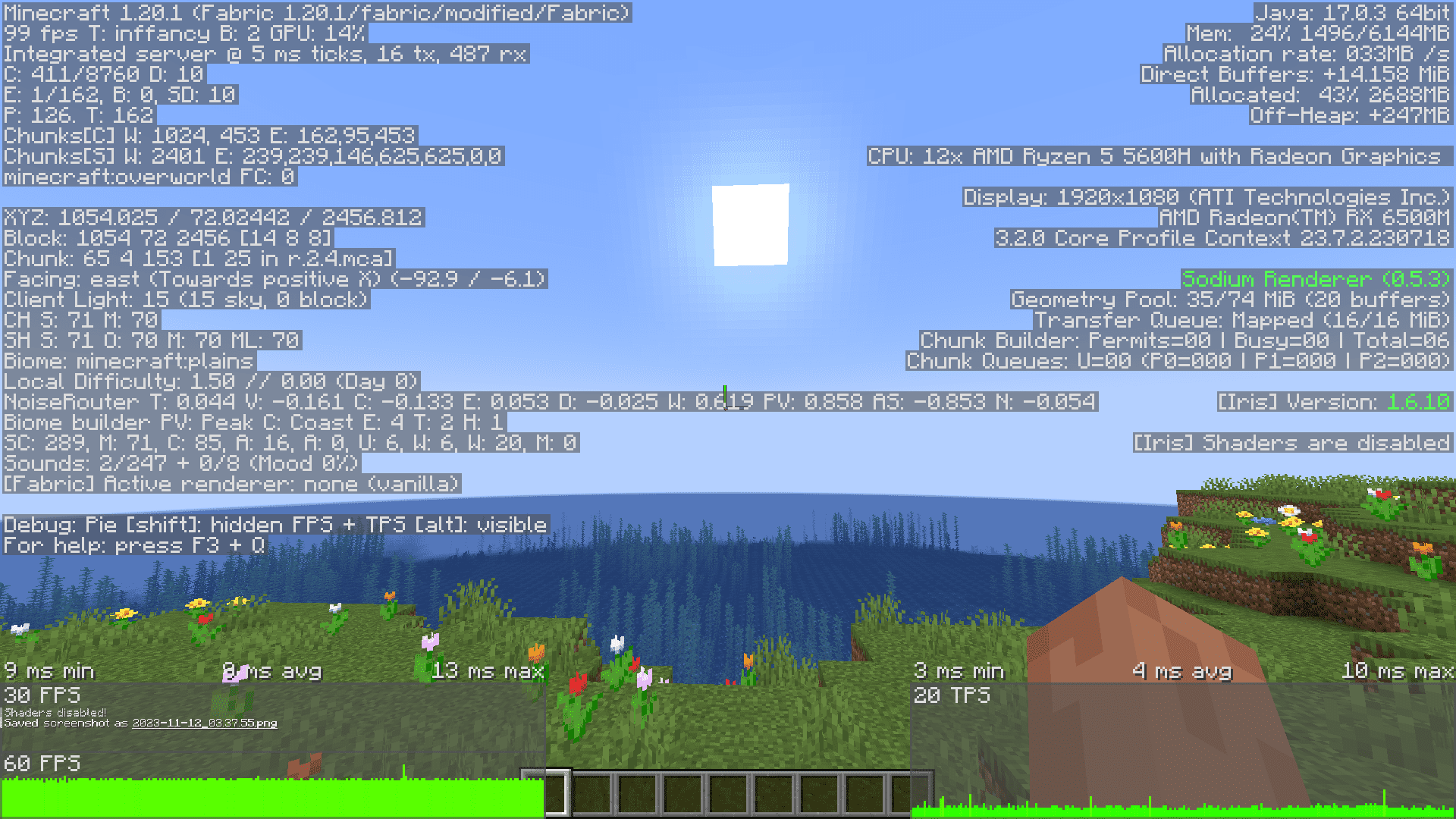
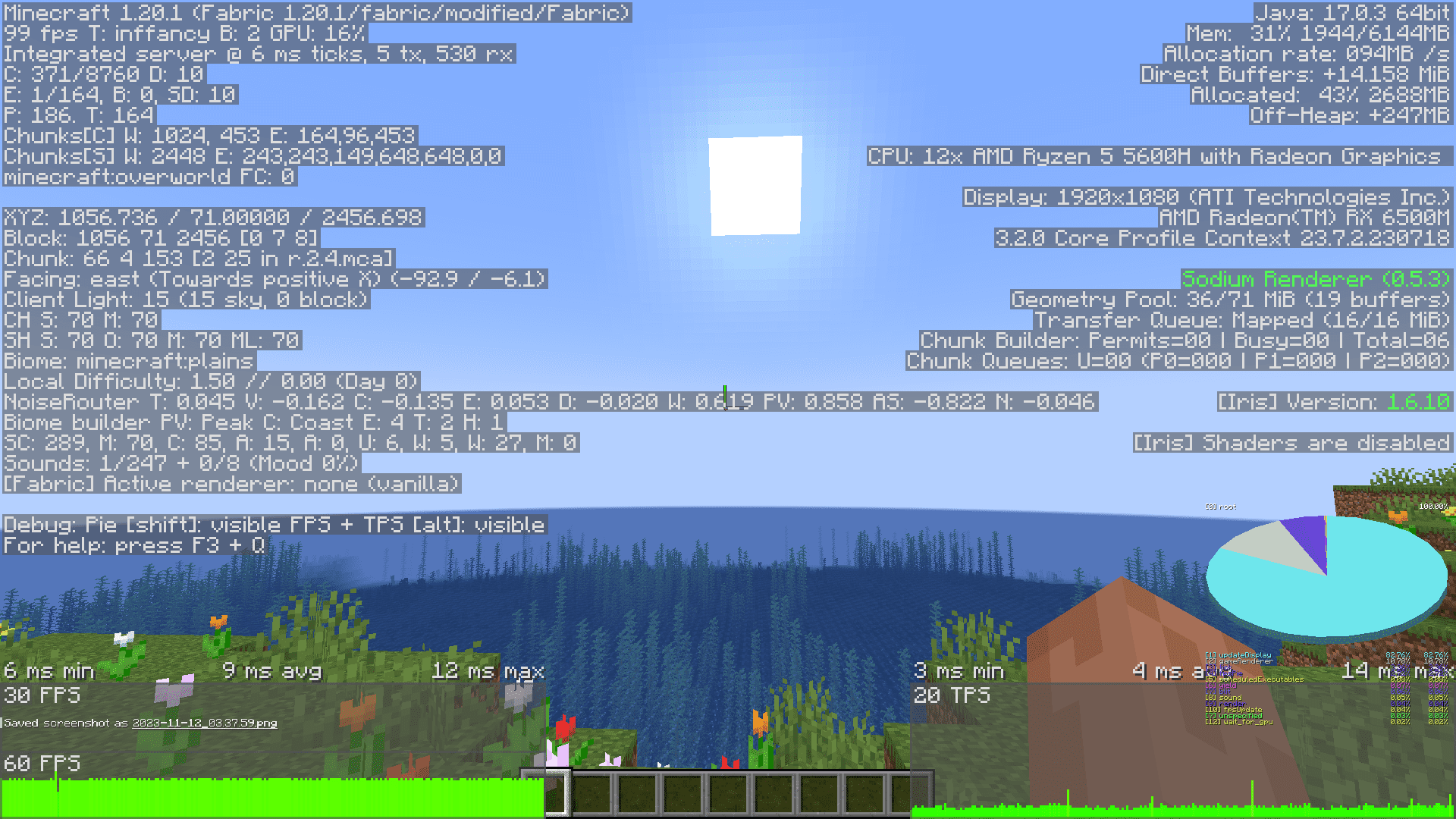
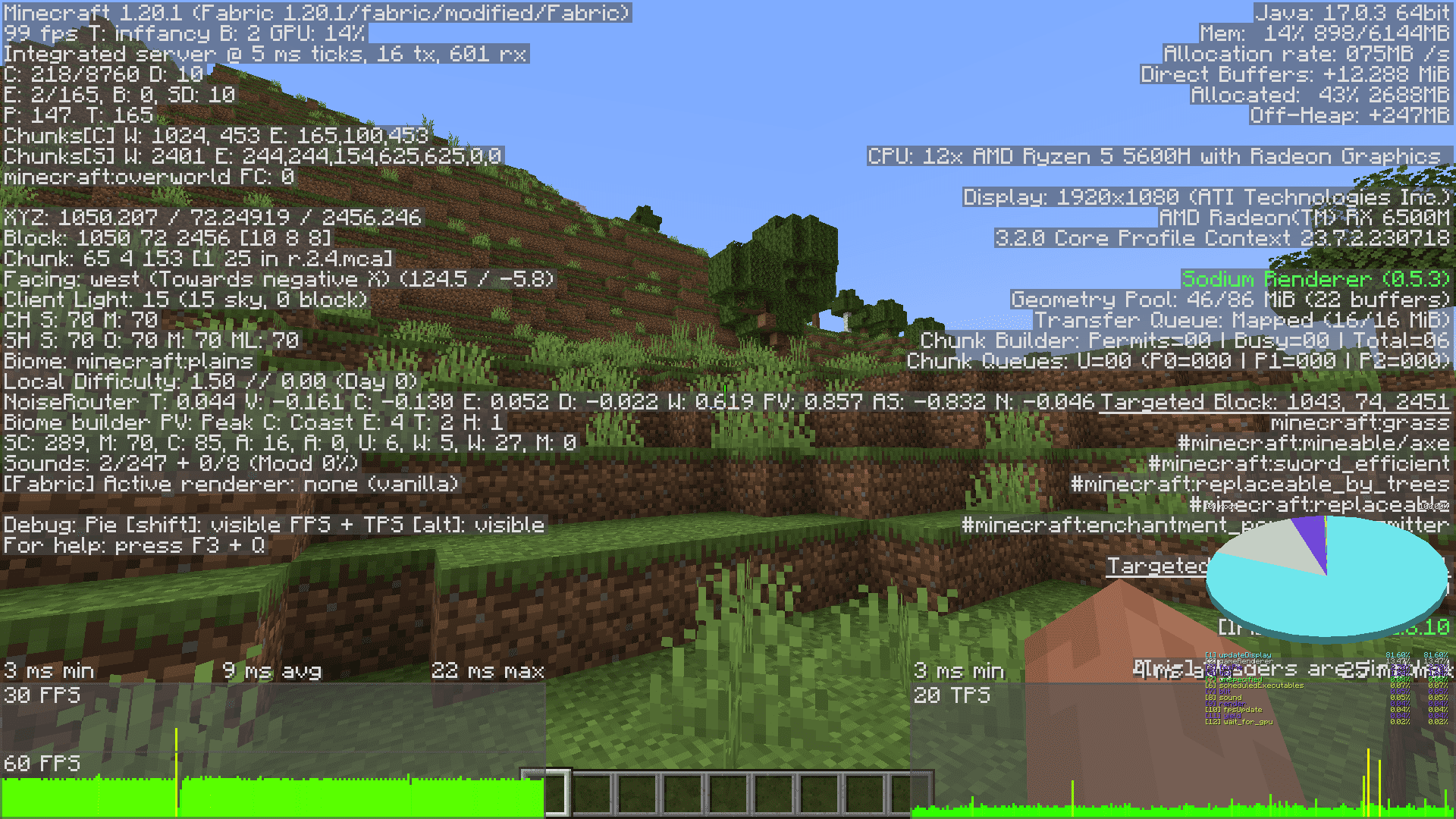
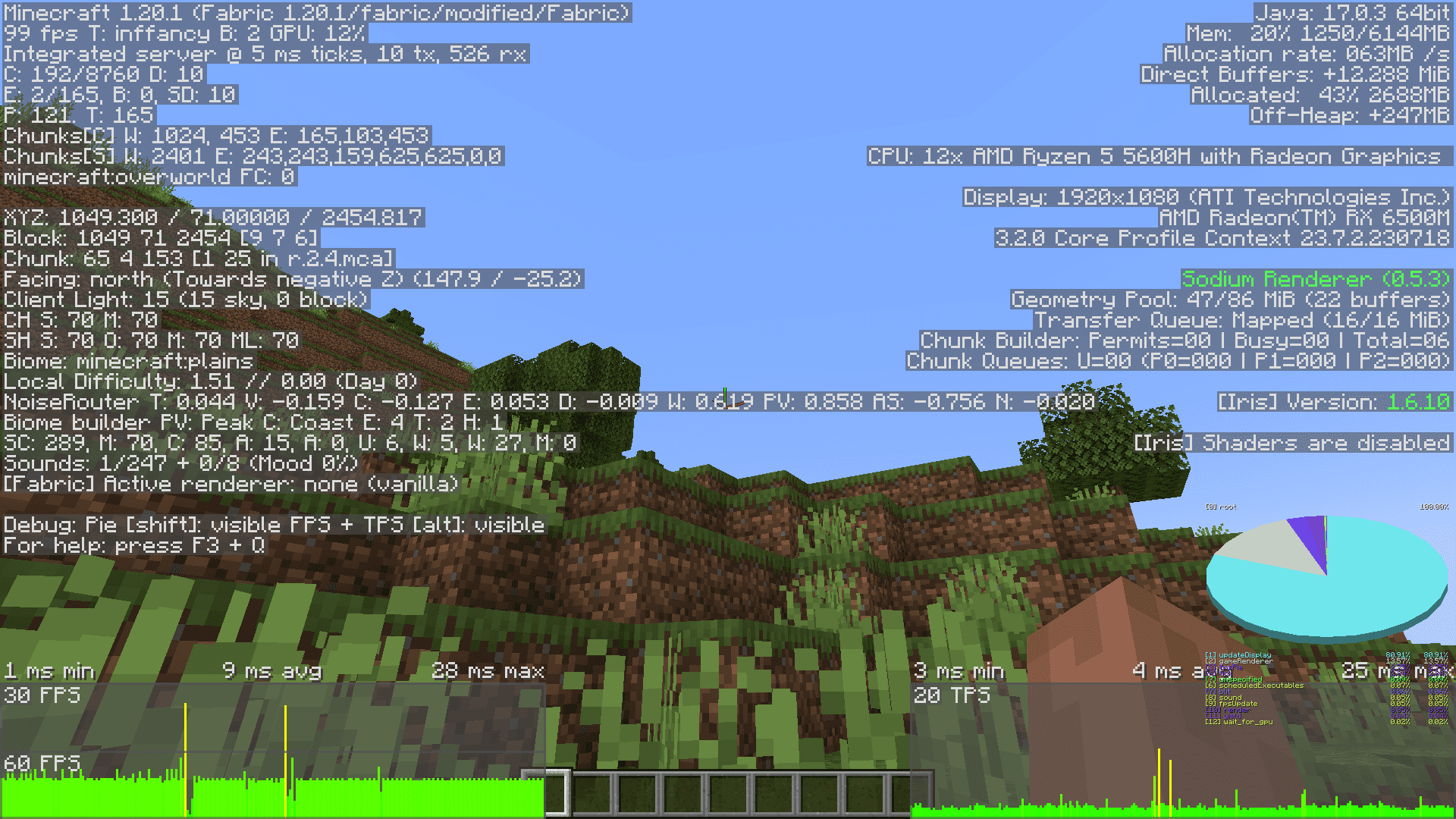
Most players know about the existence of the F3 screen in Minecraft. It’s basically a debug screen that gives you a lot of information regarding your game performance and your in-game surroundings. But did you know that pressing alt+f3 opens up a much more detailed F3 screen? This F3 screen has debug graphs on the lower corners on both the left and the right sides. The graph on the left gives you info regarding your game framerate, while the one on the right gives info regarding server performance. But in the vanilla game, these graphs are displayed directly as an overlay in your game. This makes it hard to read and observe details within the graphs. Dark Graph Mod solves this problem. With this mod installed, the alt+F3 screen will display graphs with a translucent dark background, that makes it easier to read and observe the graphs.
Screenshots:
Dark Graph Mod Download Links
- Edition: Minecraft Java
- File type: .jar
- Minecraft versions listed: 1.21.11, 1.20.1
- How to install: Install the matching mod loader (Forge, Fabric or NeoForge) for your Minecraft version. → Download the .jar. → Put it in the .minecraft/mods folder and launch that loader profile.
- Where to get it: In MC Java Mods, or directly above on this page.
Install steps are the general flow for this file type — How to install Minecraft Java mods & modpacks walks through it step by step.
- Downloads as 25756.mcaddon
- Download size: 9 KB
- Download link checked 25 Sept 2026 — working
- Mirrored on our own servers — the download does not depend on the original host
These come from our own check of the pack file, not from the source page.