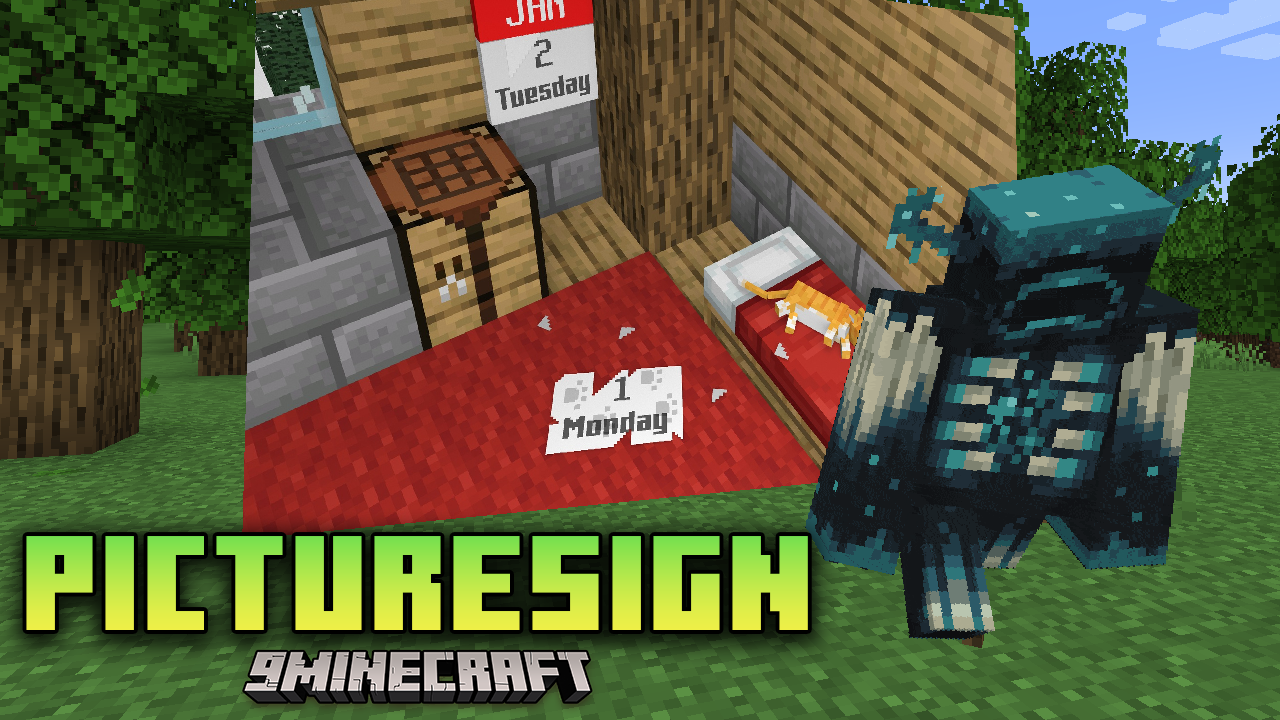
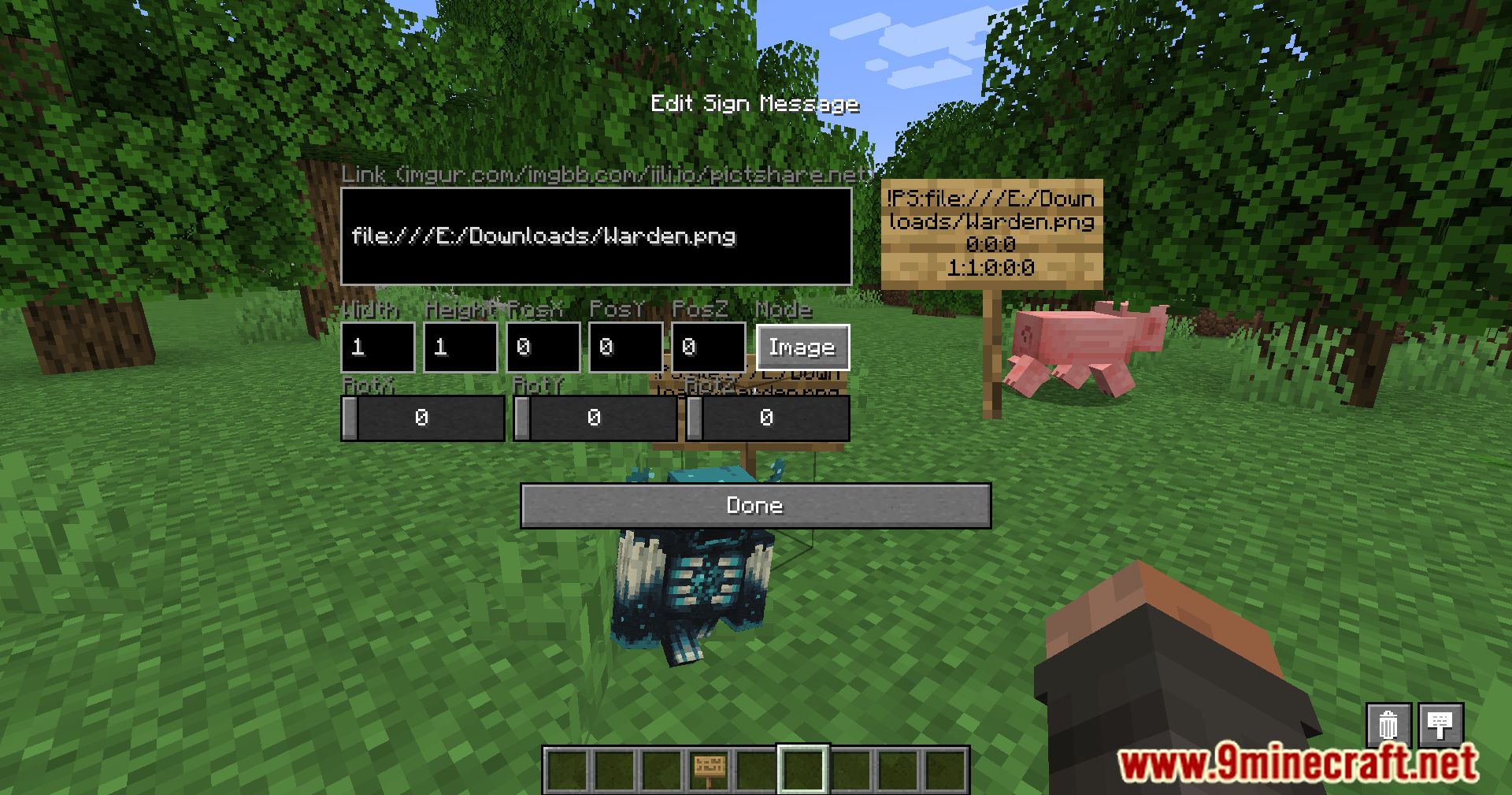
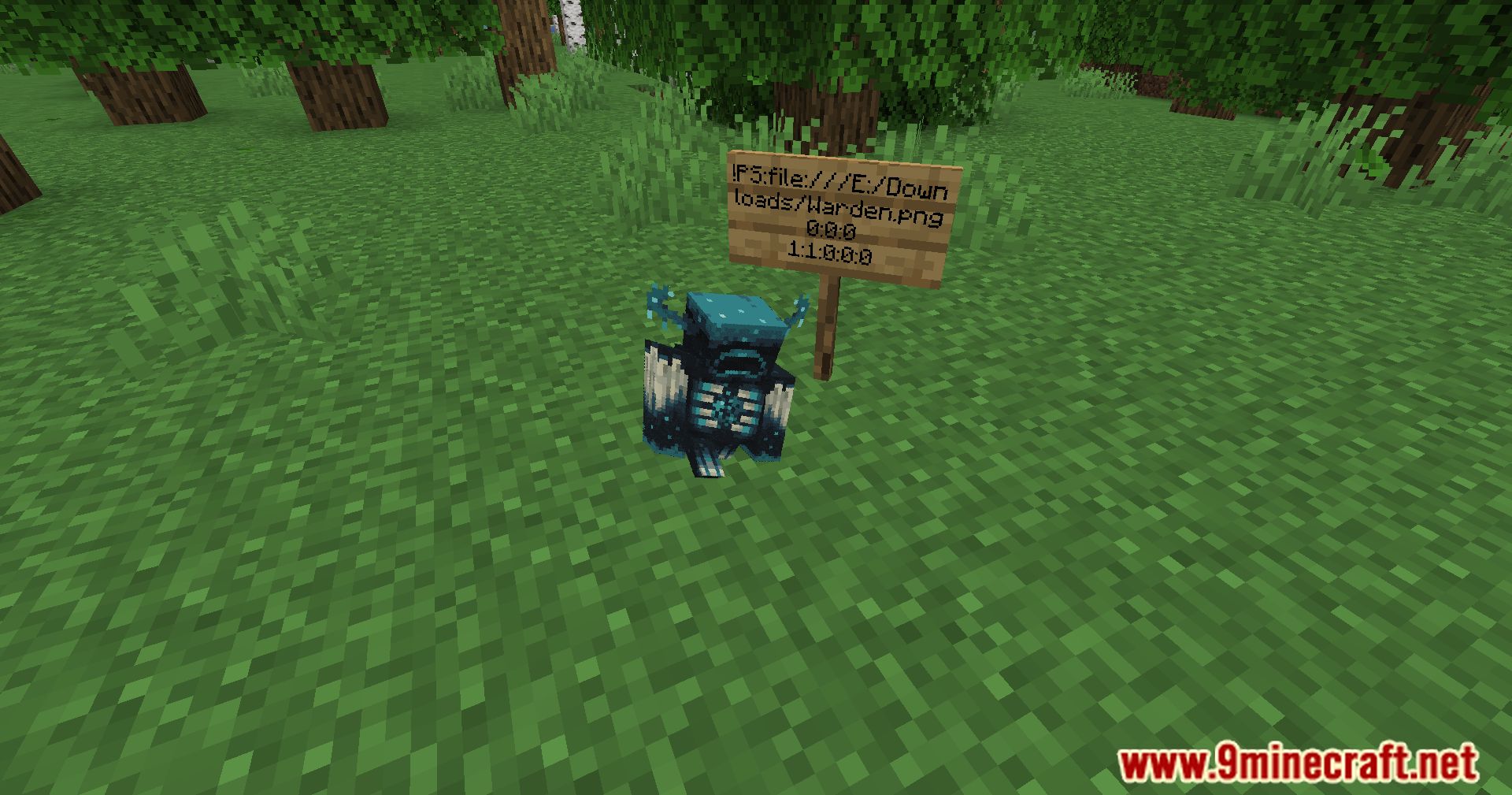
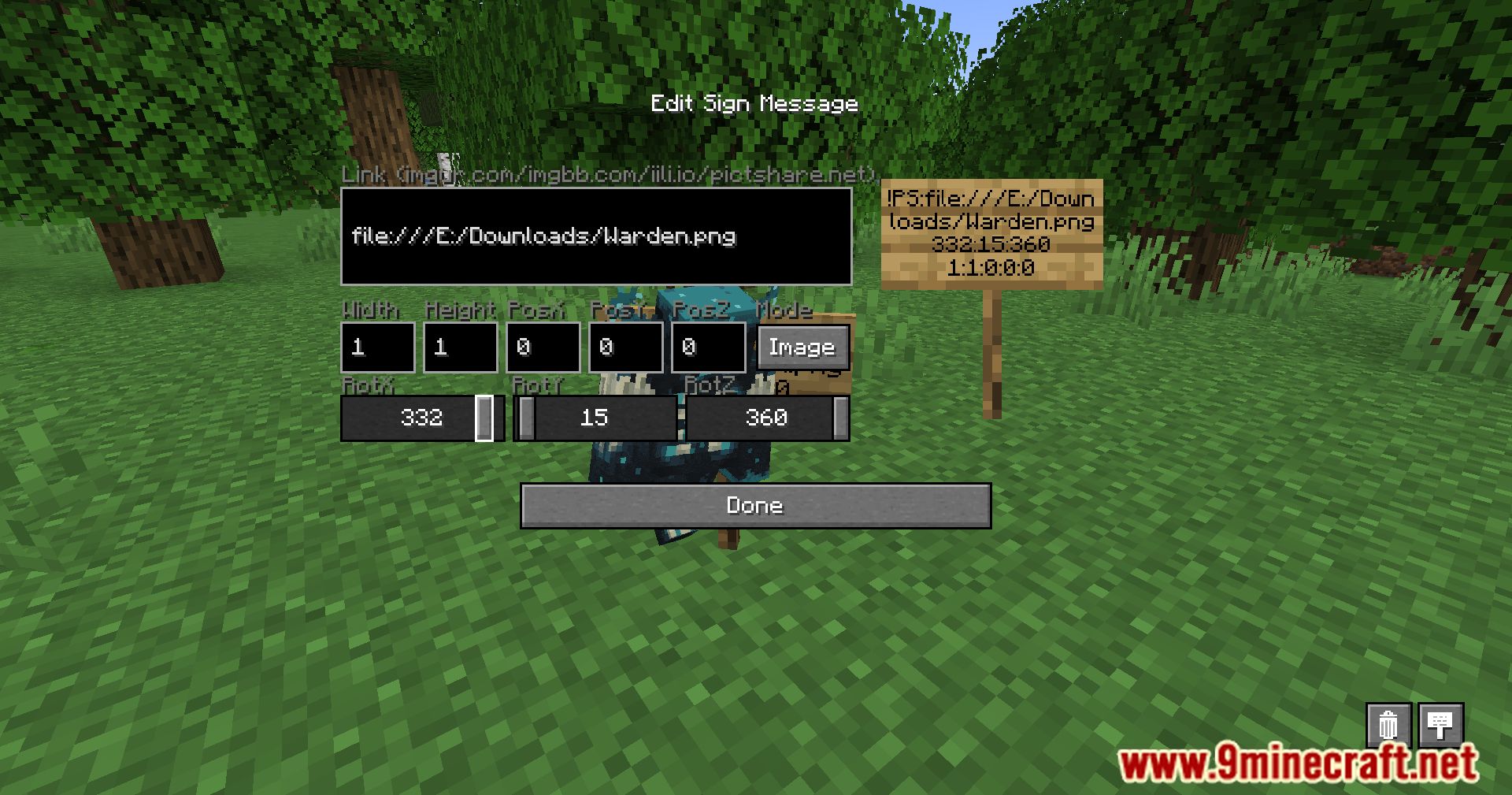
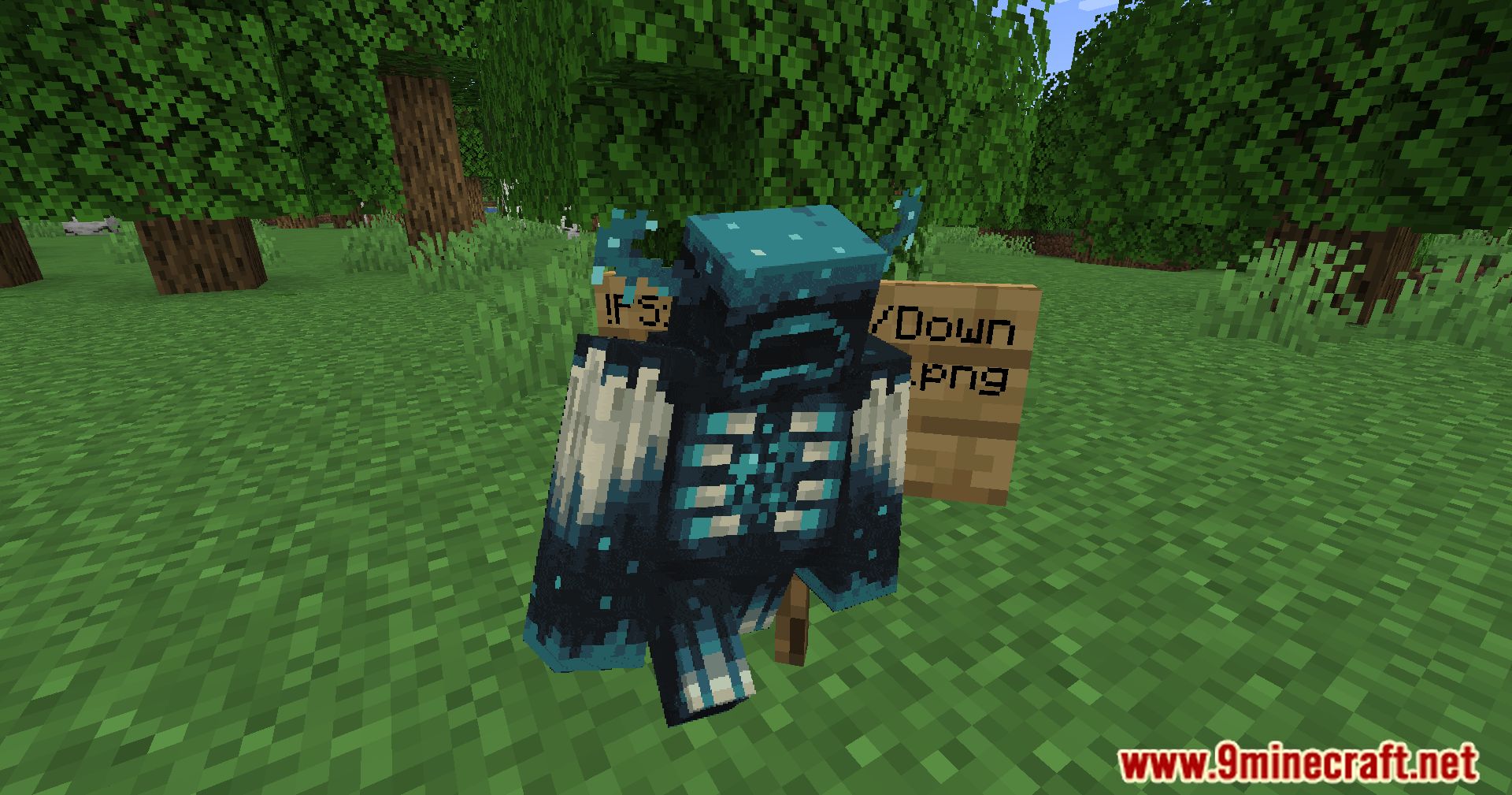
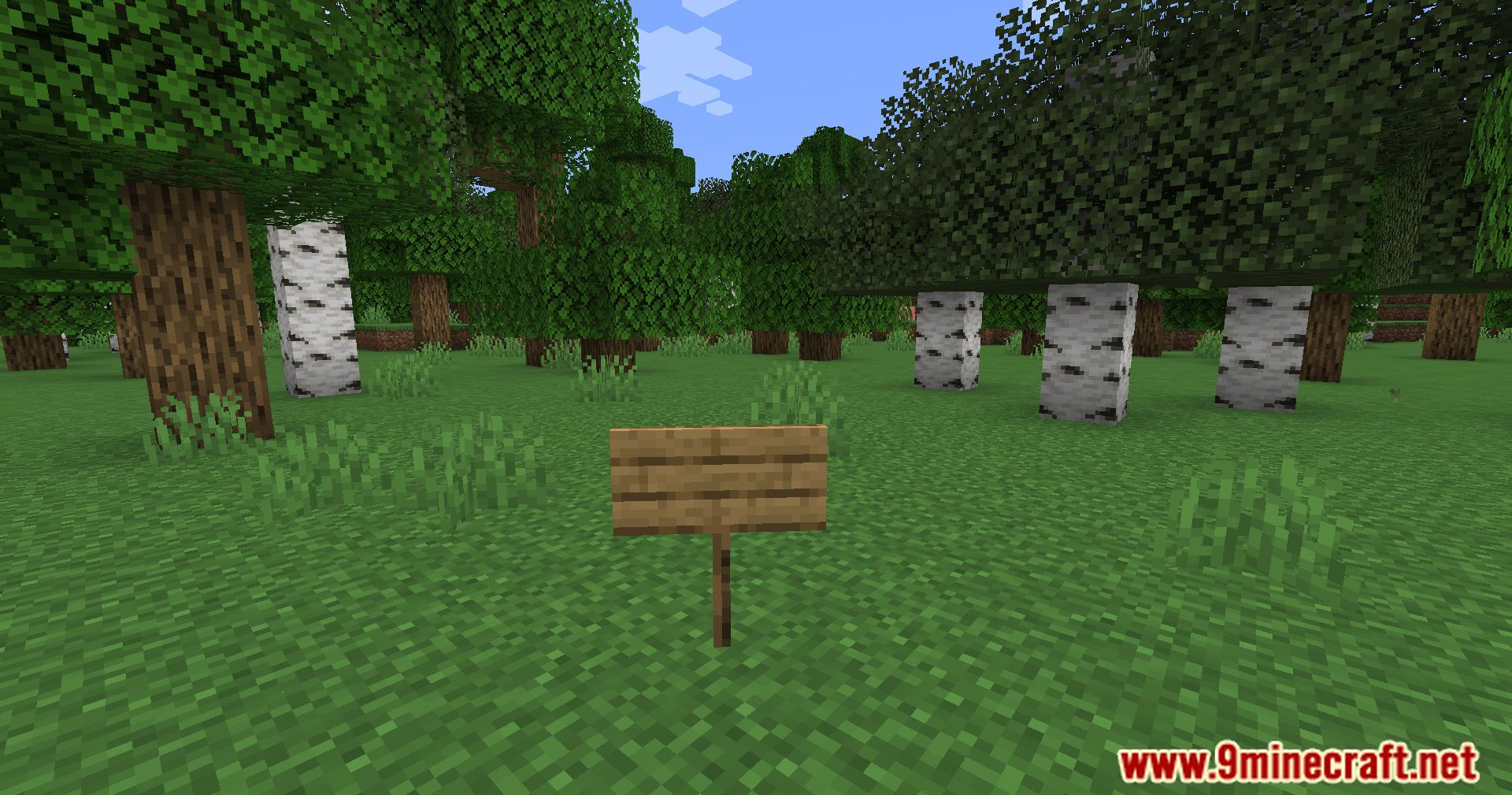
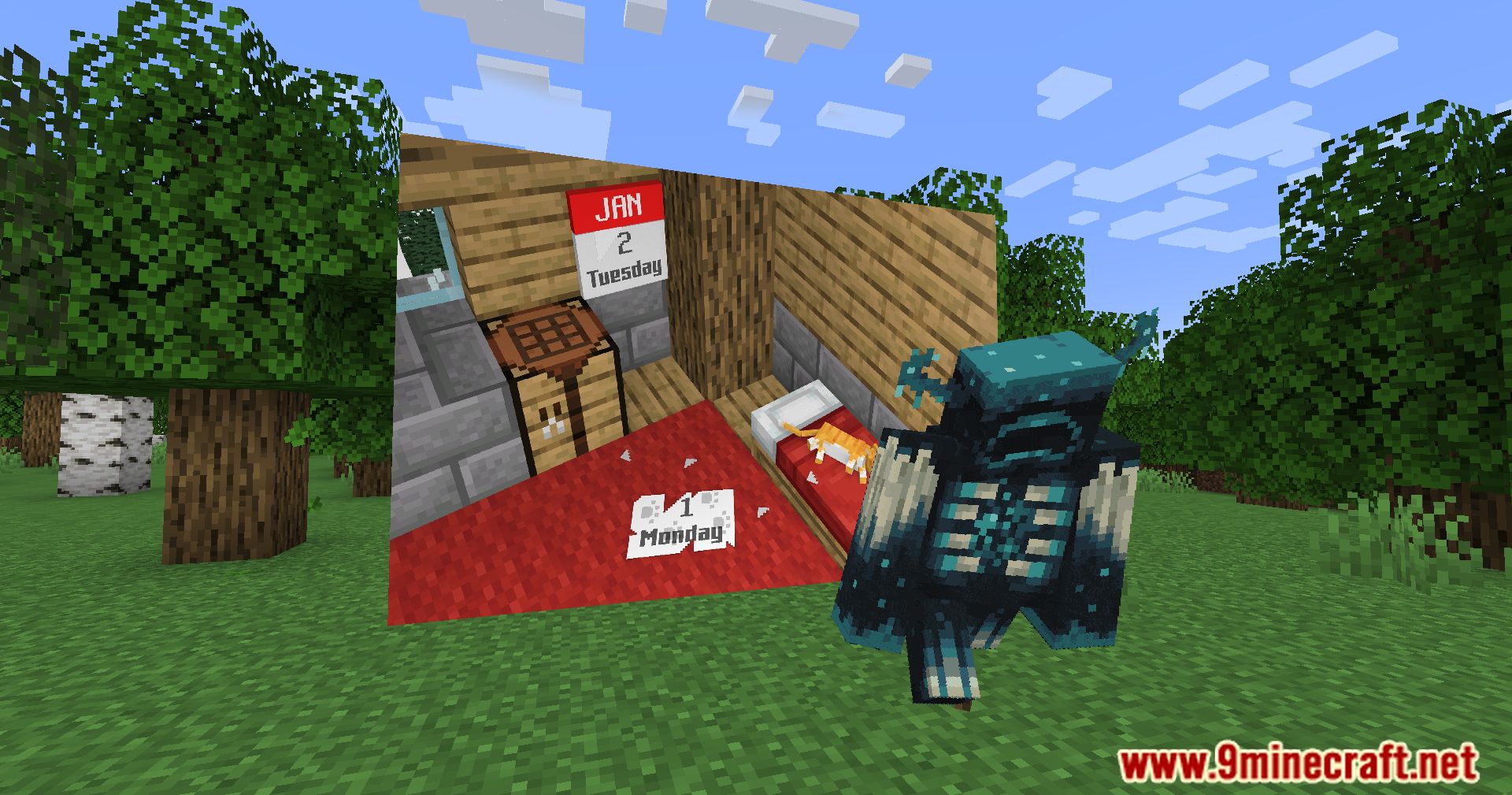
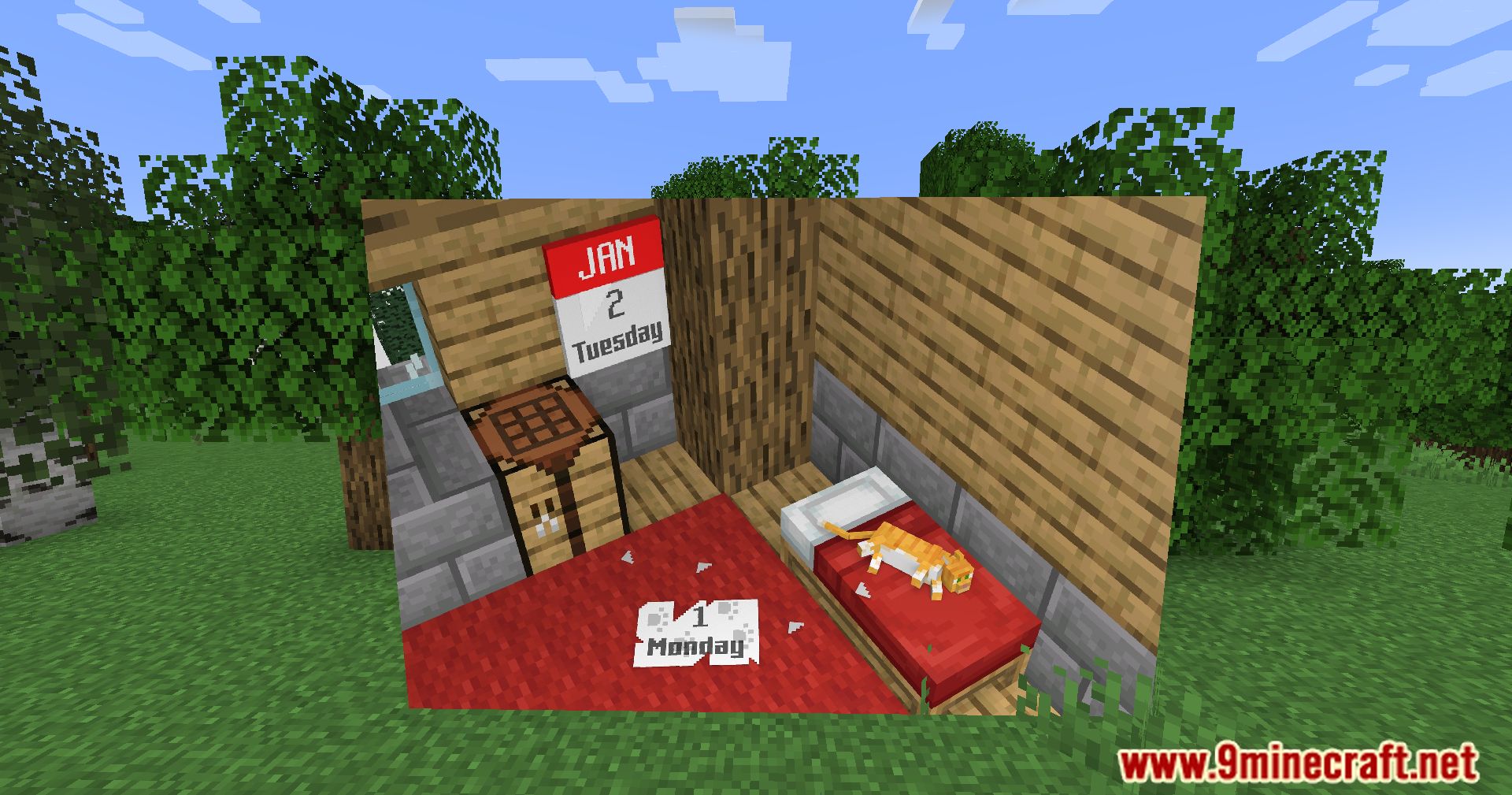
PictureSign Mod brings a new level of customization to your world by allowing you to display custom images, GIFs, audio, and even videos directly on signs.
Features:
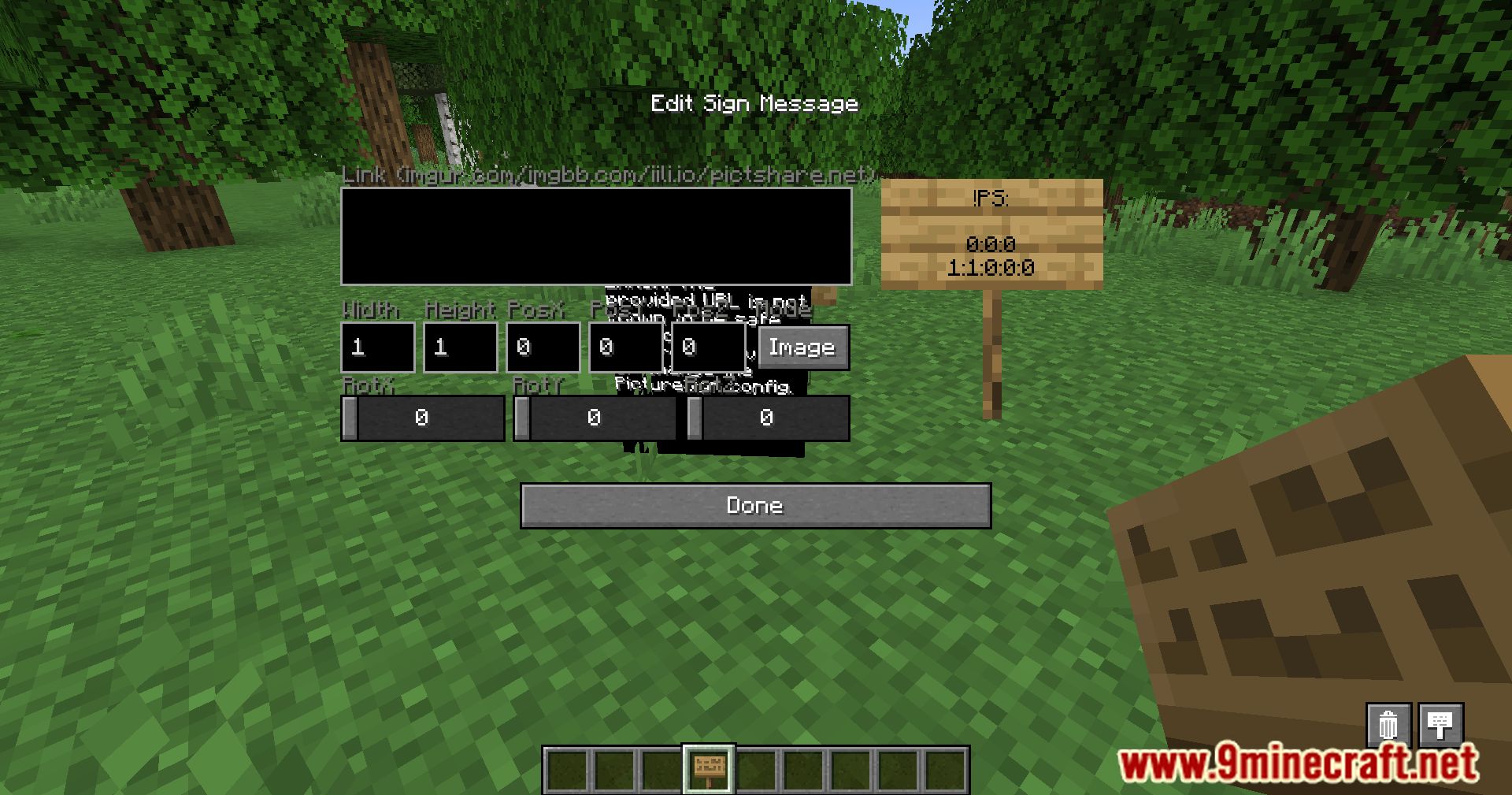
- Custom Images: Display any image of your choice on a sign, with the ability to resize and reposition it as needed.
- GIFs: Bring your signs to life by adding animated GIFs, perfect for creating dynamic displays.
- Audio Integration: Attach sound files to your signs, creating interactive audio experiences in your world.
- Video Support: Embed videos into your signs, allowing for a truly multimedia experience within Minecraft.
- Flexible Controls: Freely rescale, relocate, and rotate the media on your signs to fit your creative vision.
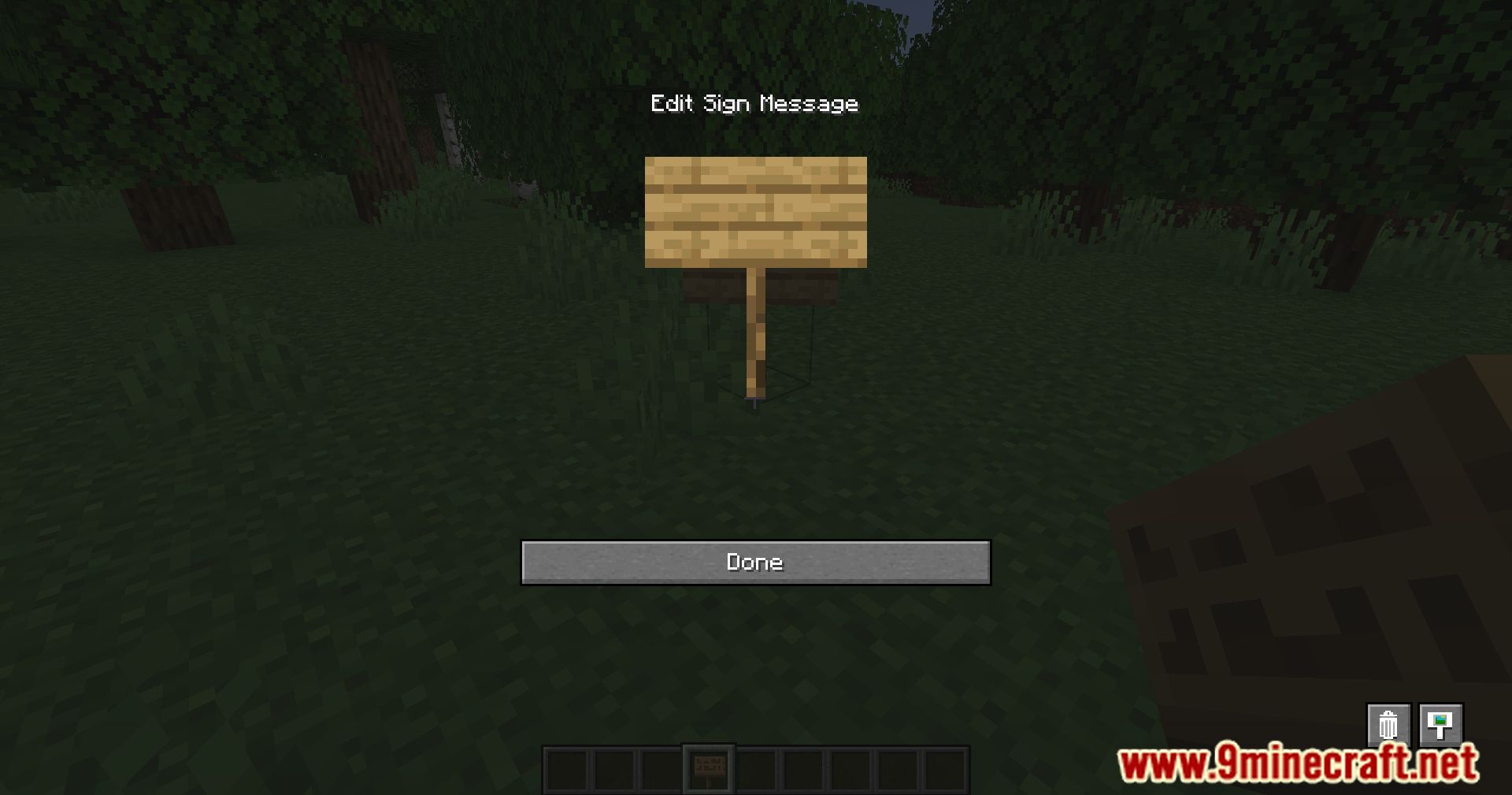
Screenshots:
PictureSign Mod Download Links
Quick facts
- Edition: Minecraft Java
- File type: .jar
- Minecraft versions listed: 1.21.11, 1.20.1
- How to install: Install the matching mod loader (Forge, Fabric or NeoForge) for your Minecraft version. → Download the .jar. → Put it in the .minecraft/mods folder and launch that loader profile.
- Where to get it: Opens on the file's original source — not every file is mirrored on our own servers.
Install steps are the general flow for this file type — How to install Minecraft Java mods & modpacks walks through it step by step.
PictureSign Mod (1.21.11, 1.20.1) – How To Display GIFs And Videos On Signs is a free Minecraft Java mod. Compatible with Minecraft 1.21.11, 1.20.1. Download it and open it directly in the game.