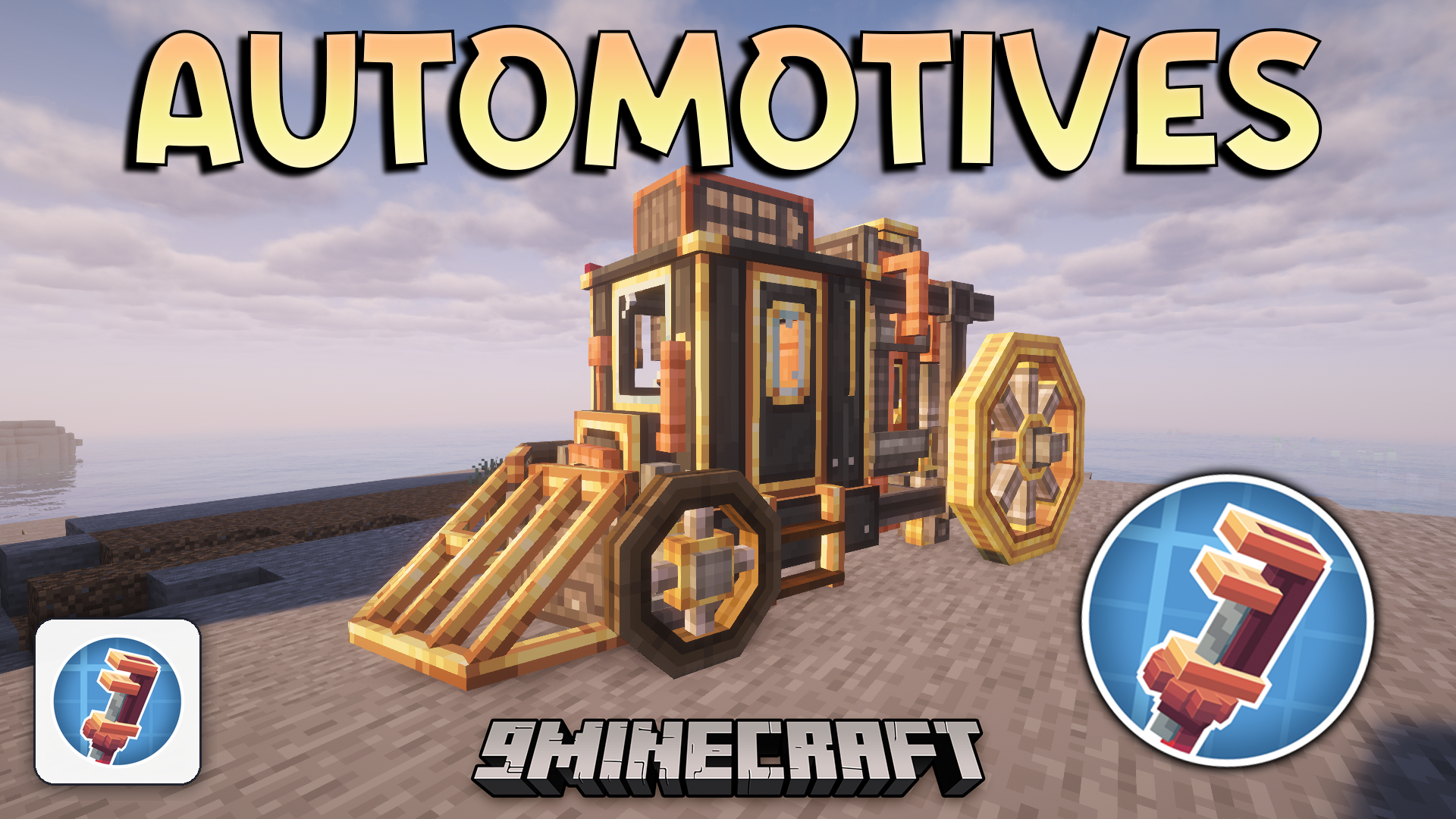
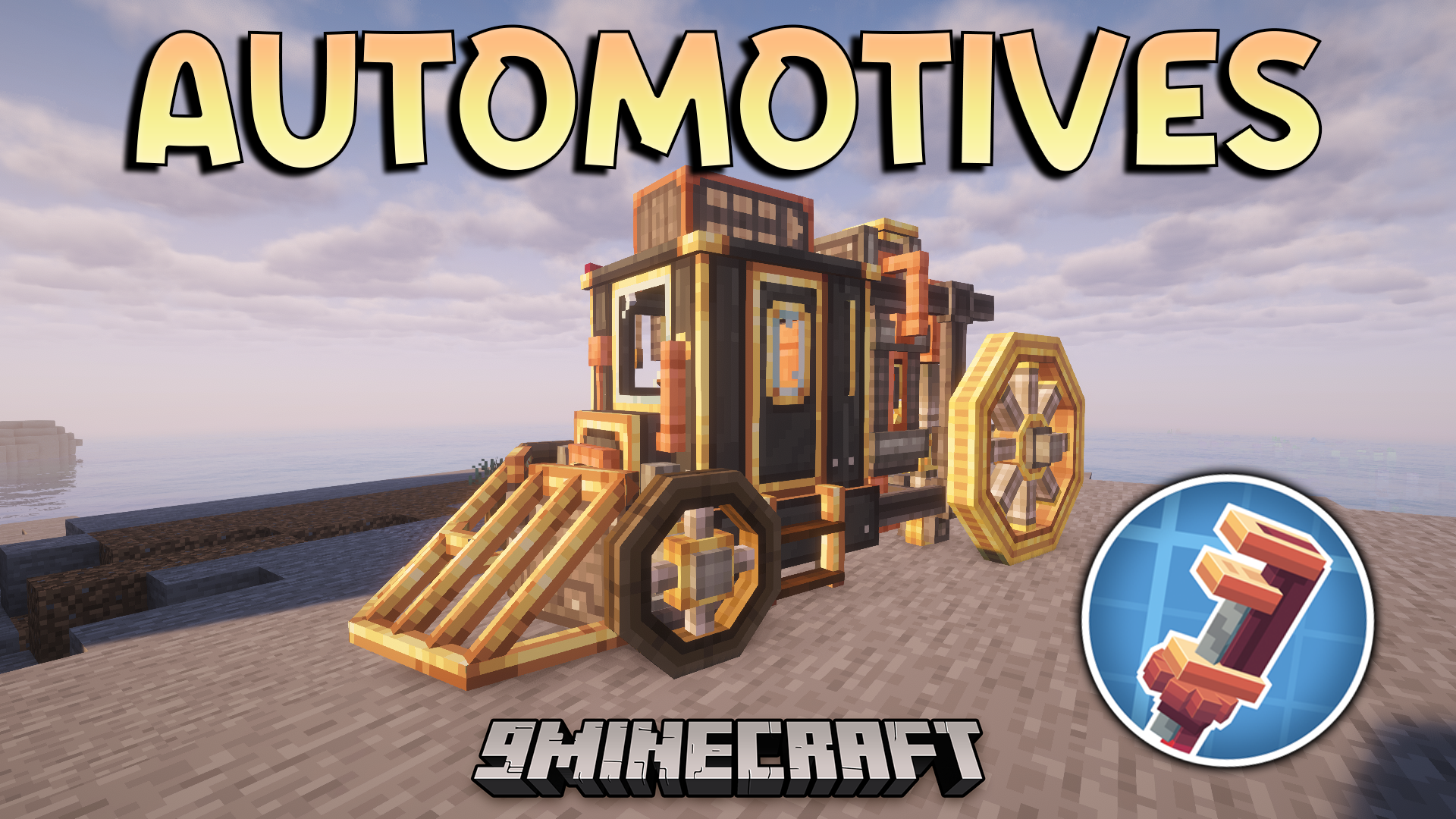
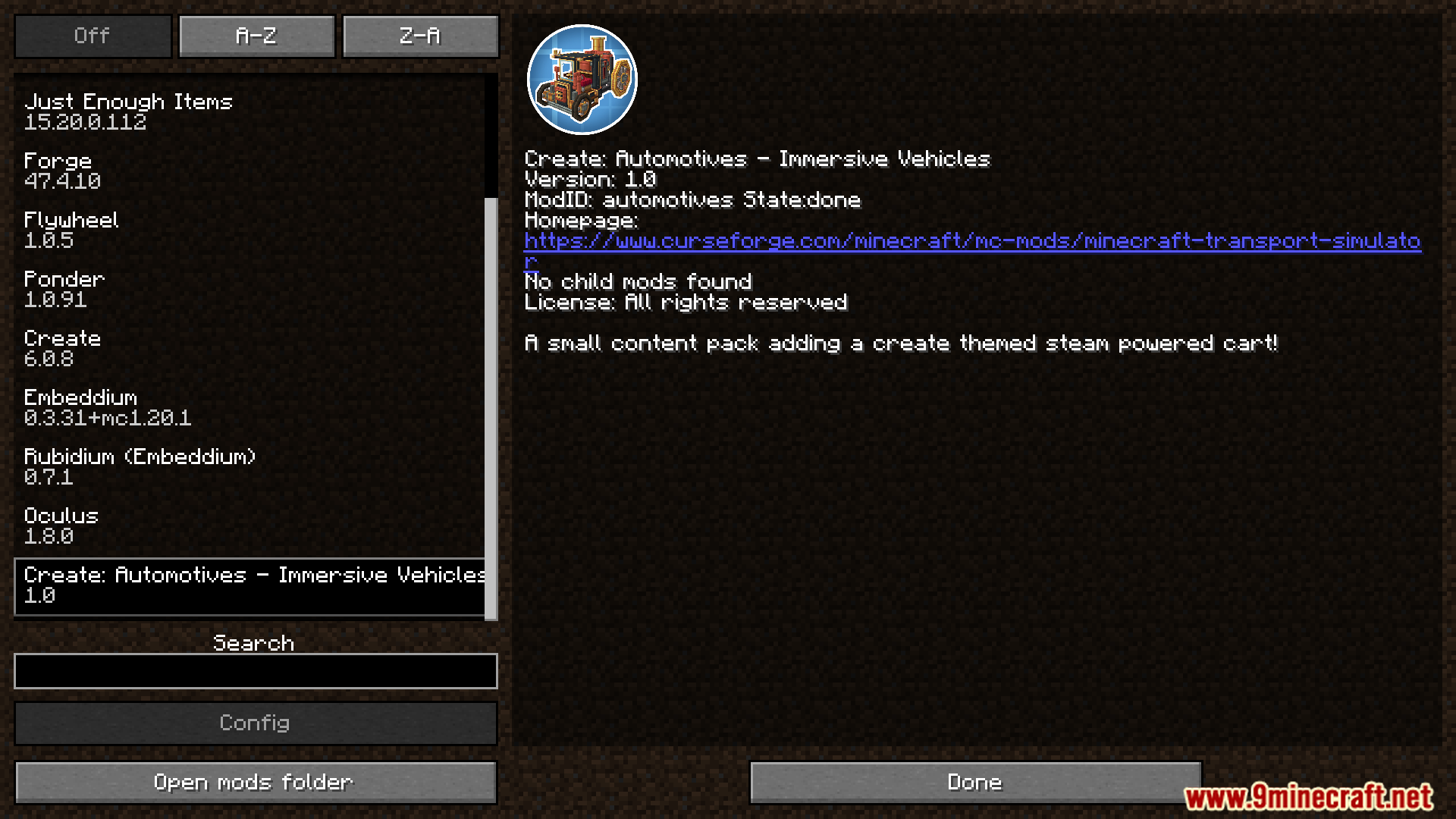
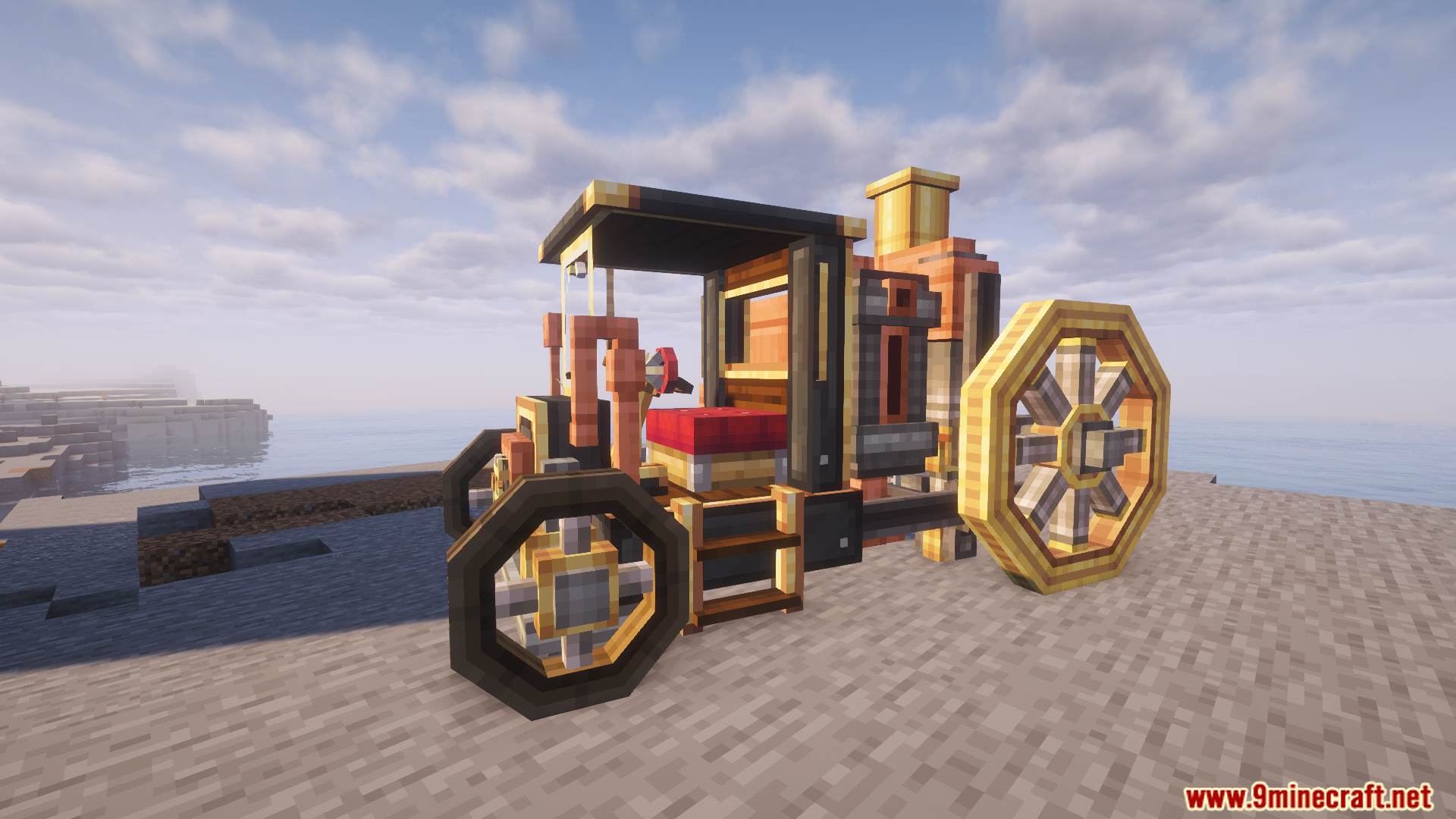
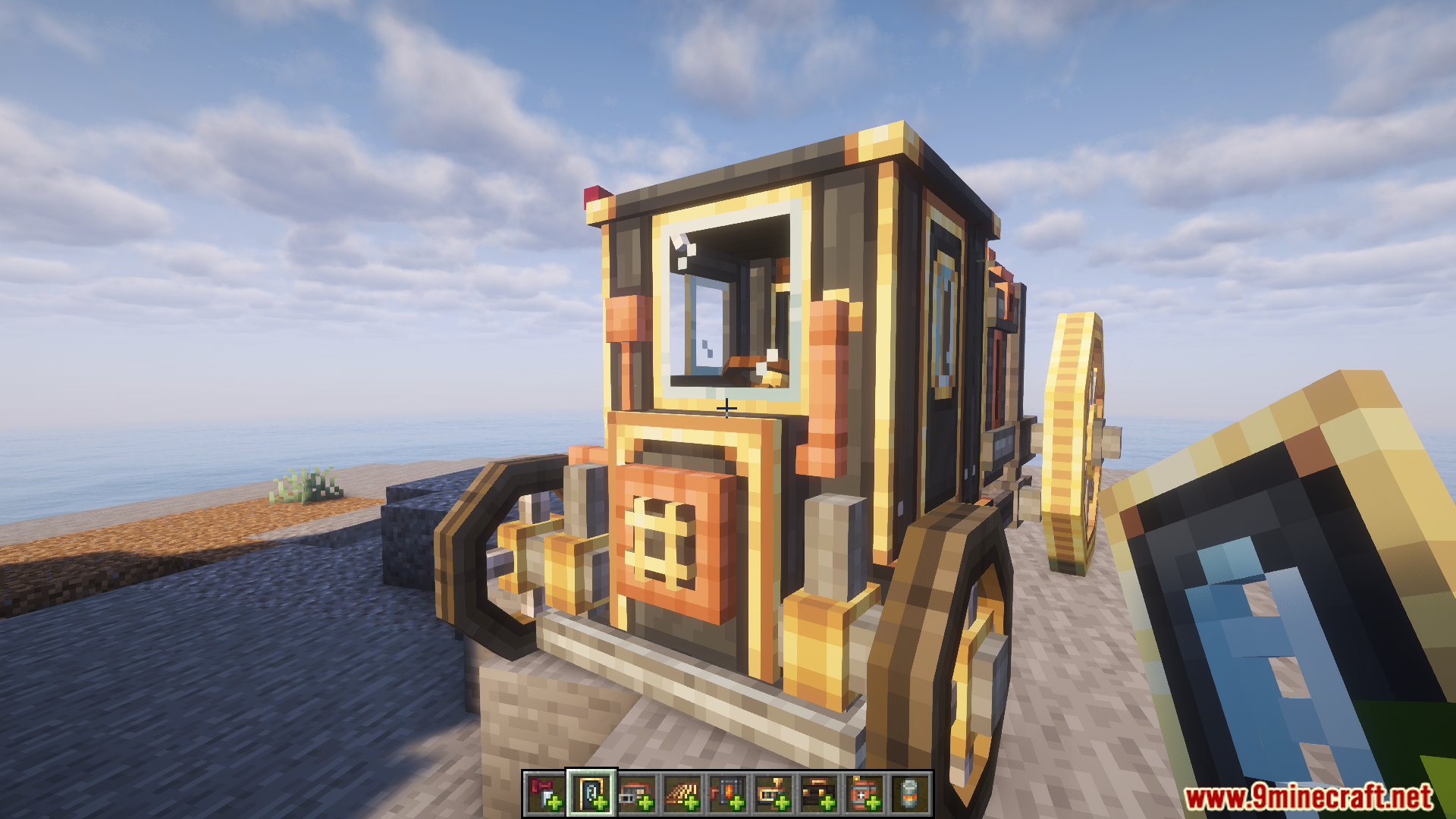
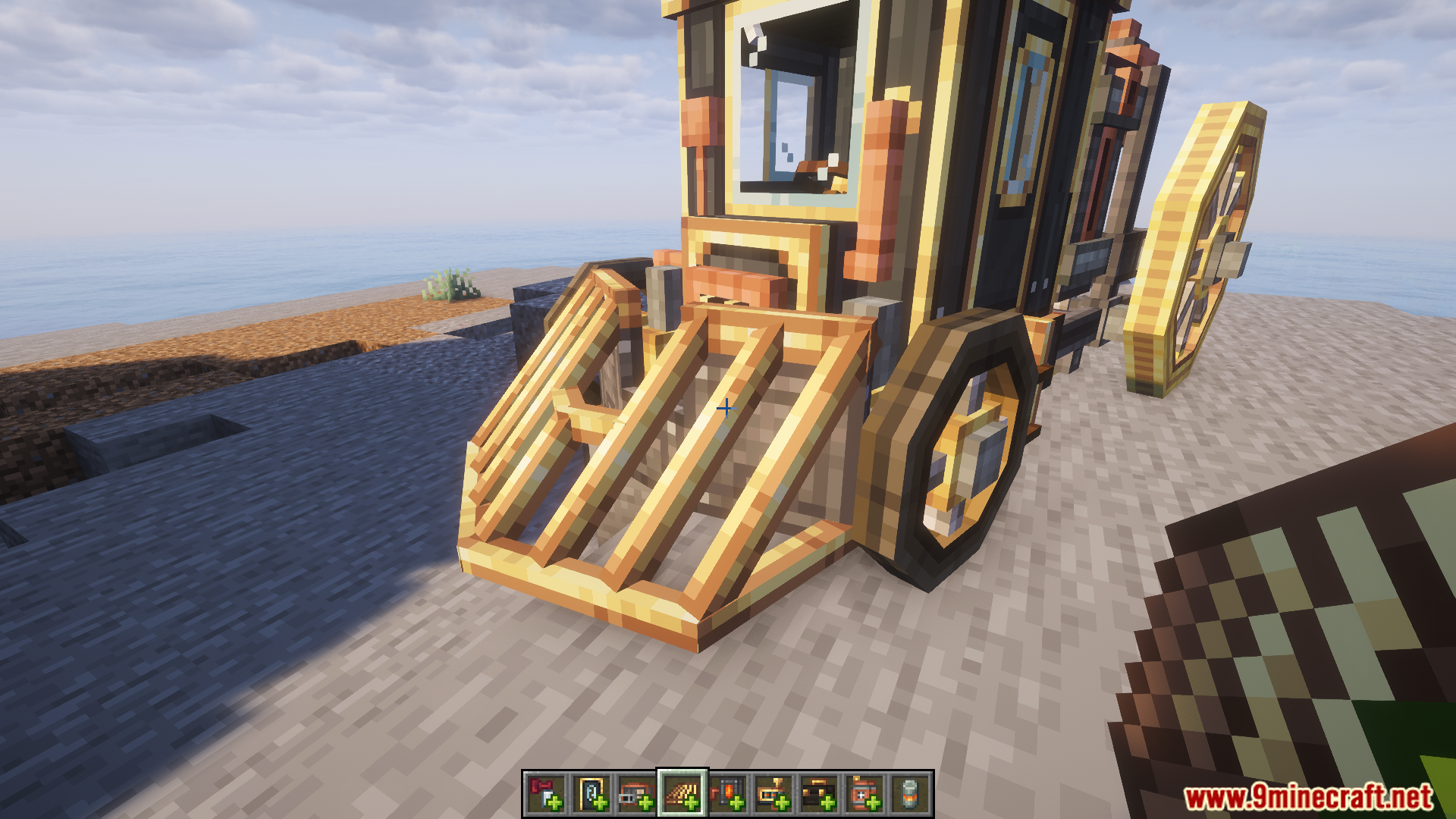
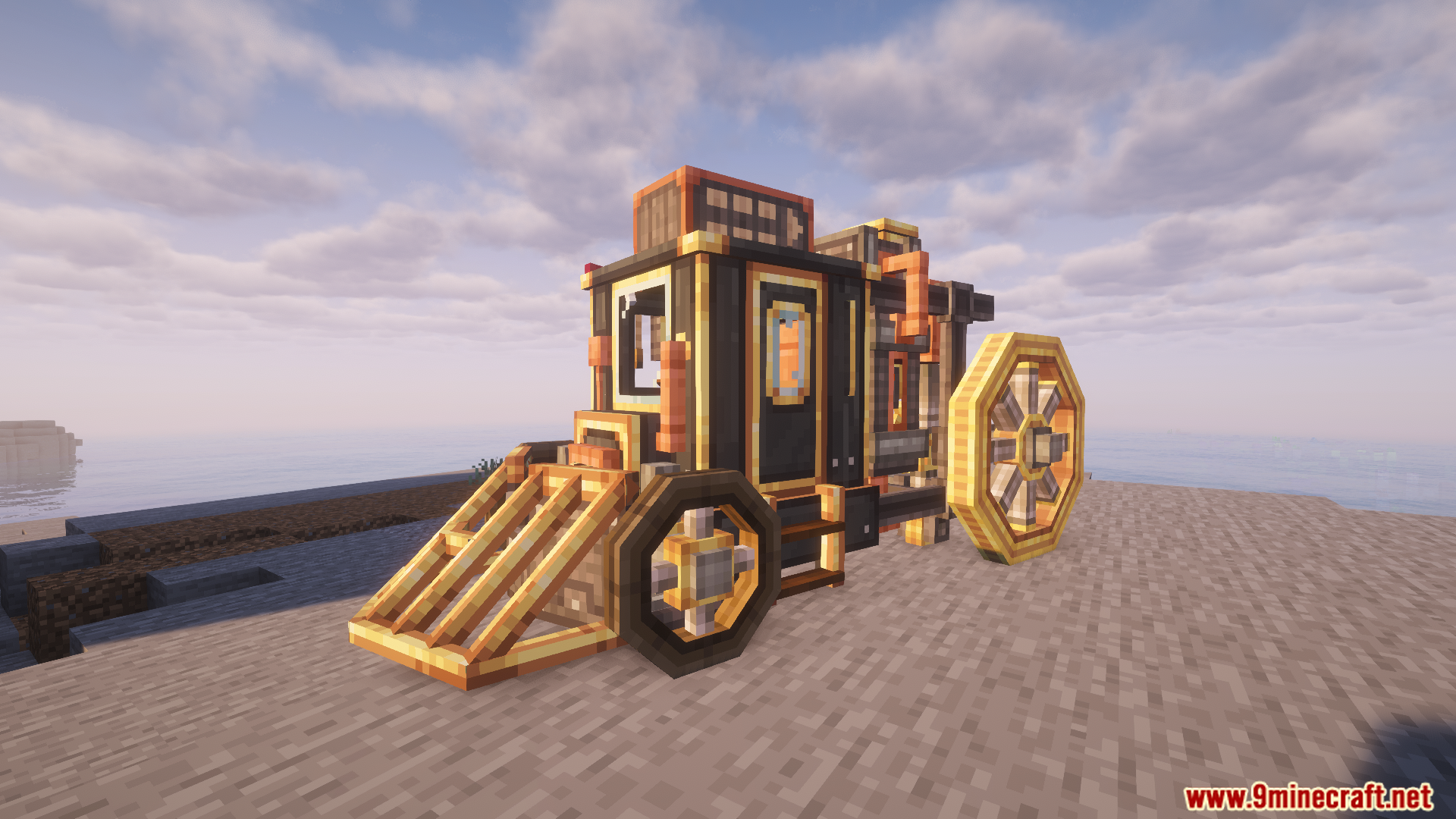
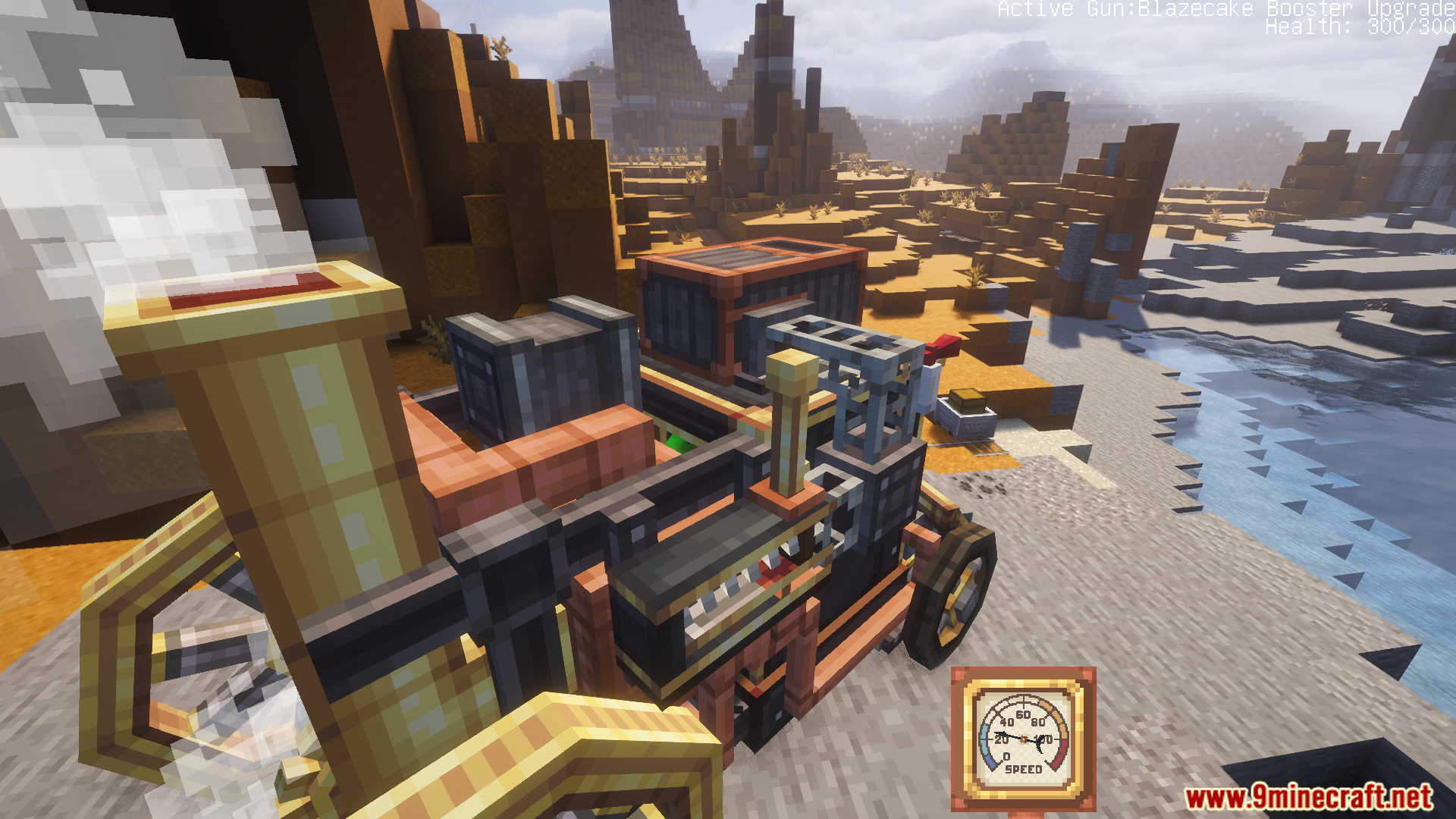
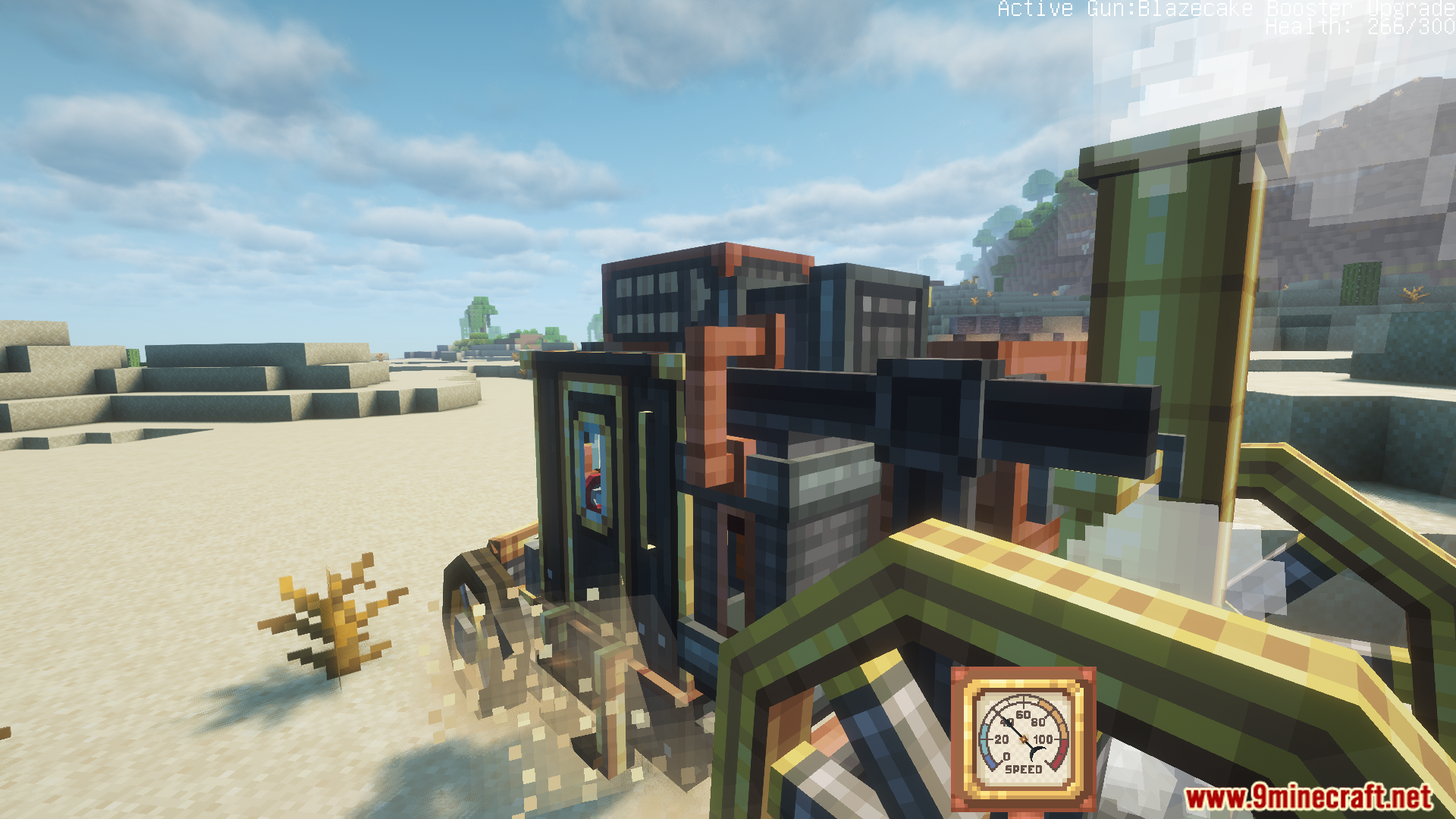
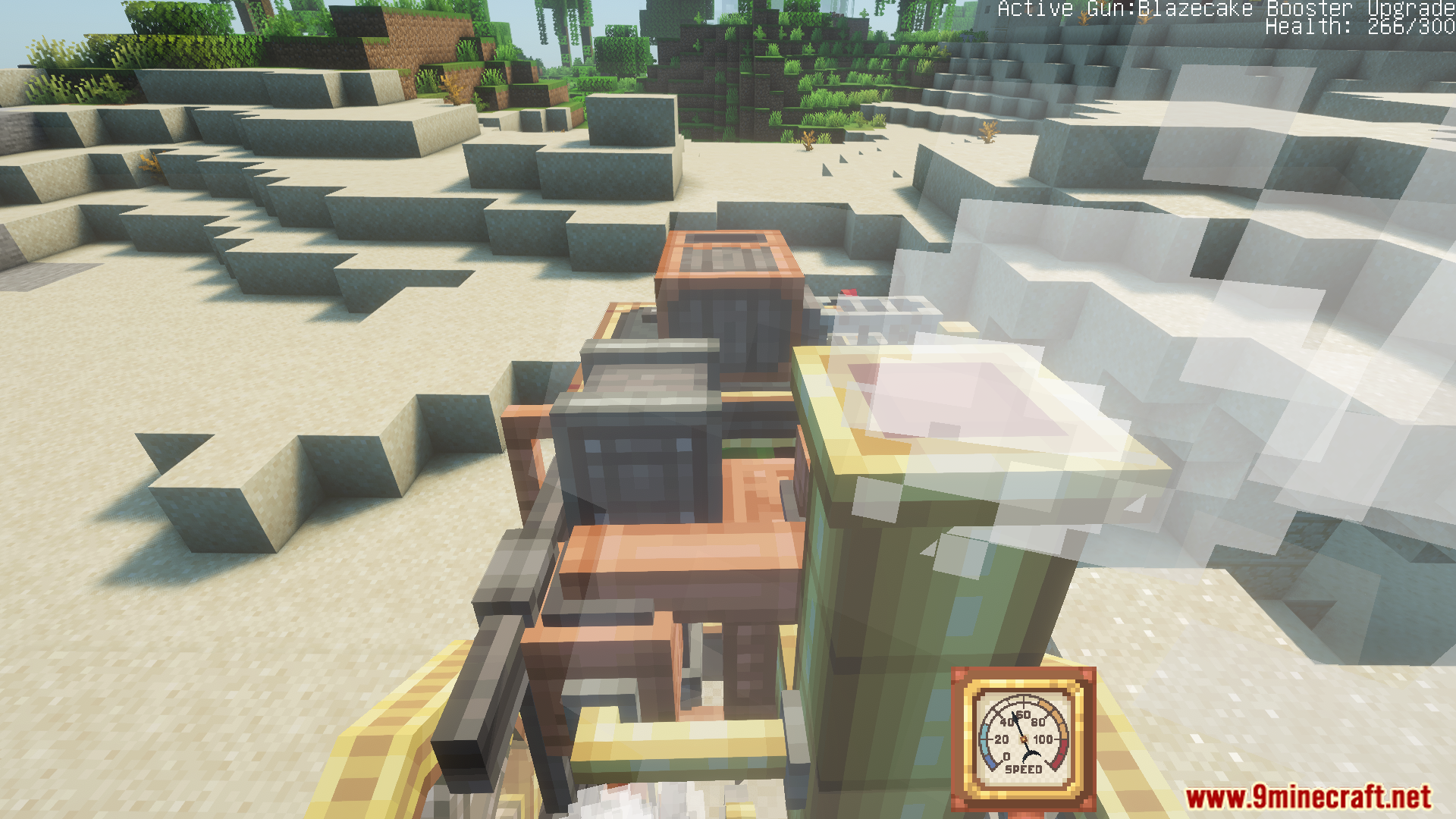
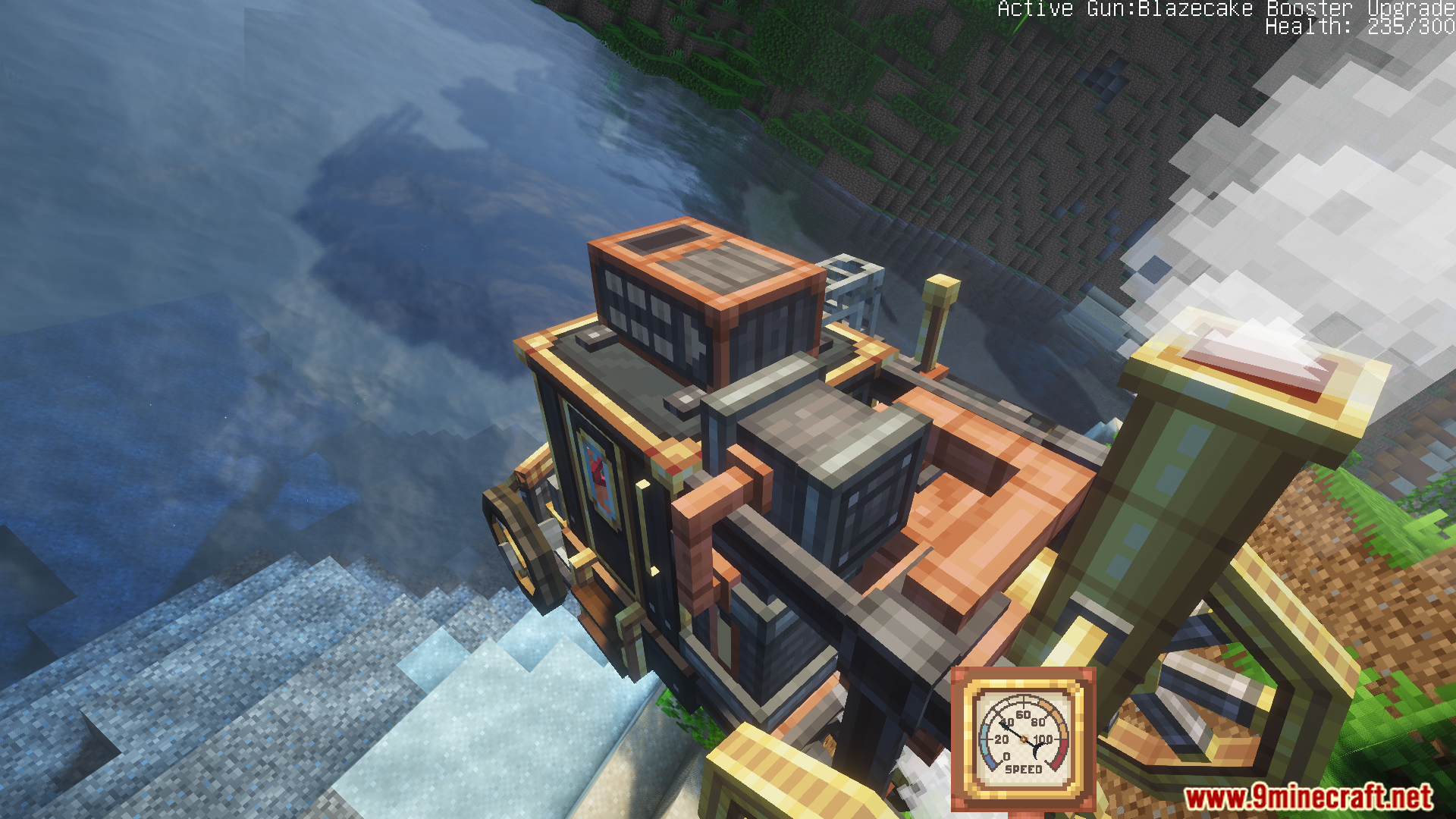
Create Automotives Mod adds fun steam-powered cars to your game. It lets you ride around the world using special machines. You can build these vehicles to match the style of the Create mod.
Features:
- You can drive your own steam machines.
- Add special parts to change your car.
- Matches the rules and look of the Create mod.
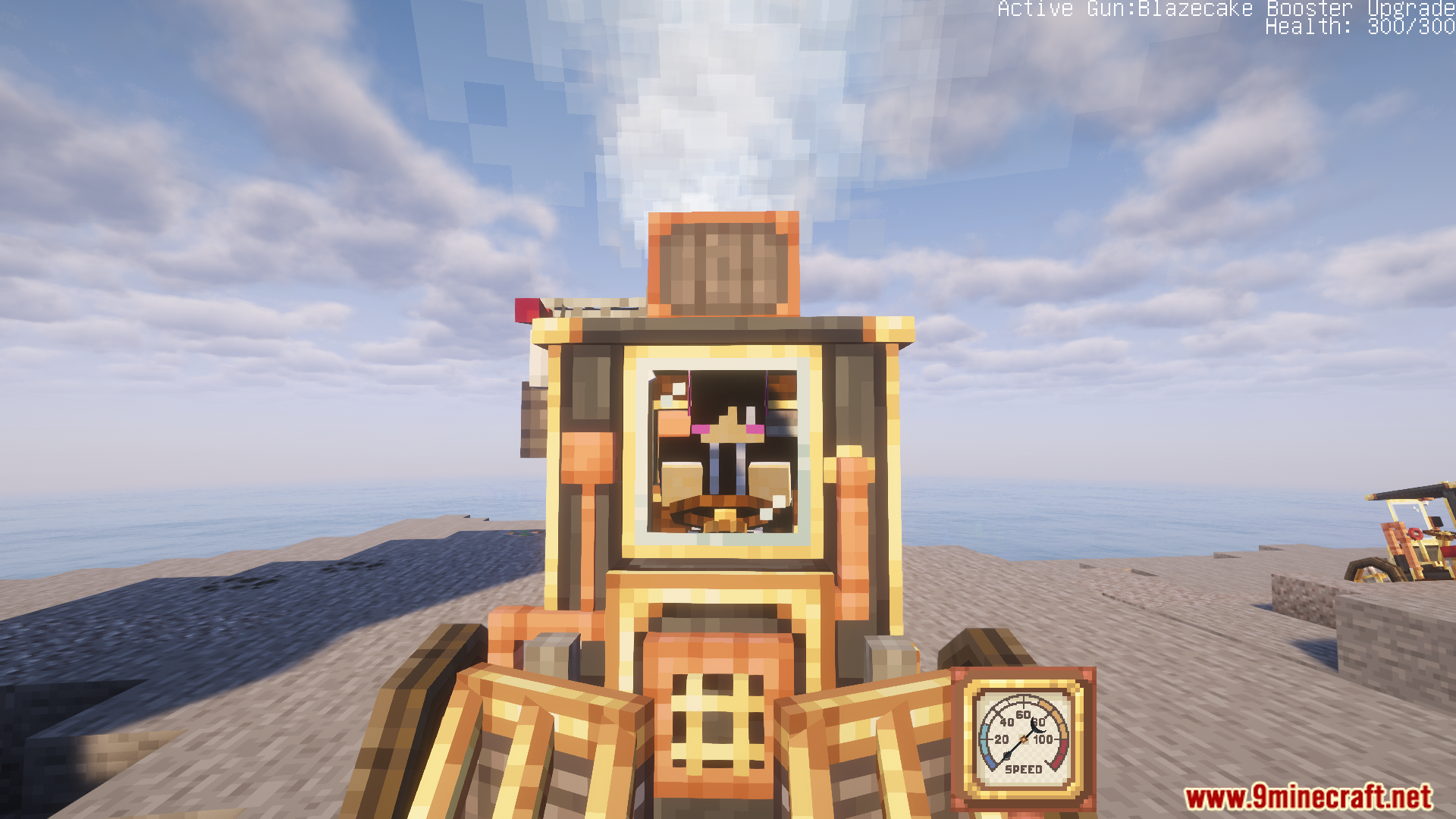
- Hear the engine and see smoke as you drive.
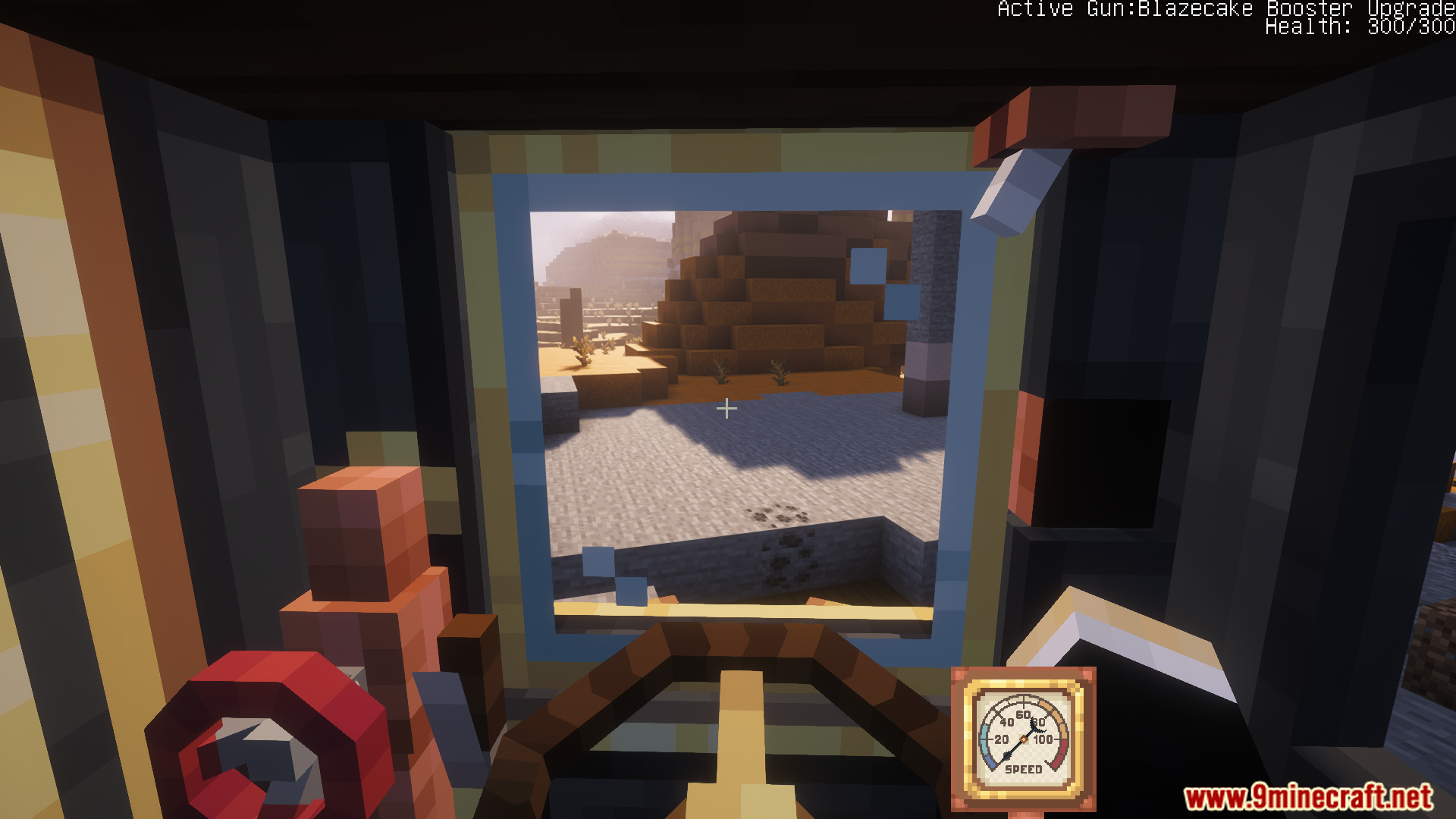
- Click on buttons and valves to control the car.
How to Use:
- Craft the Boilerbox using a mechanical crafter.
- Place the Boilerbox down in the world.
- Fill the left side tank with lava buckets for fuel.
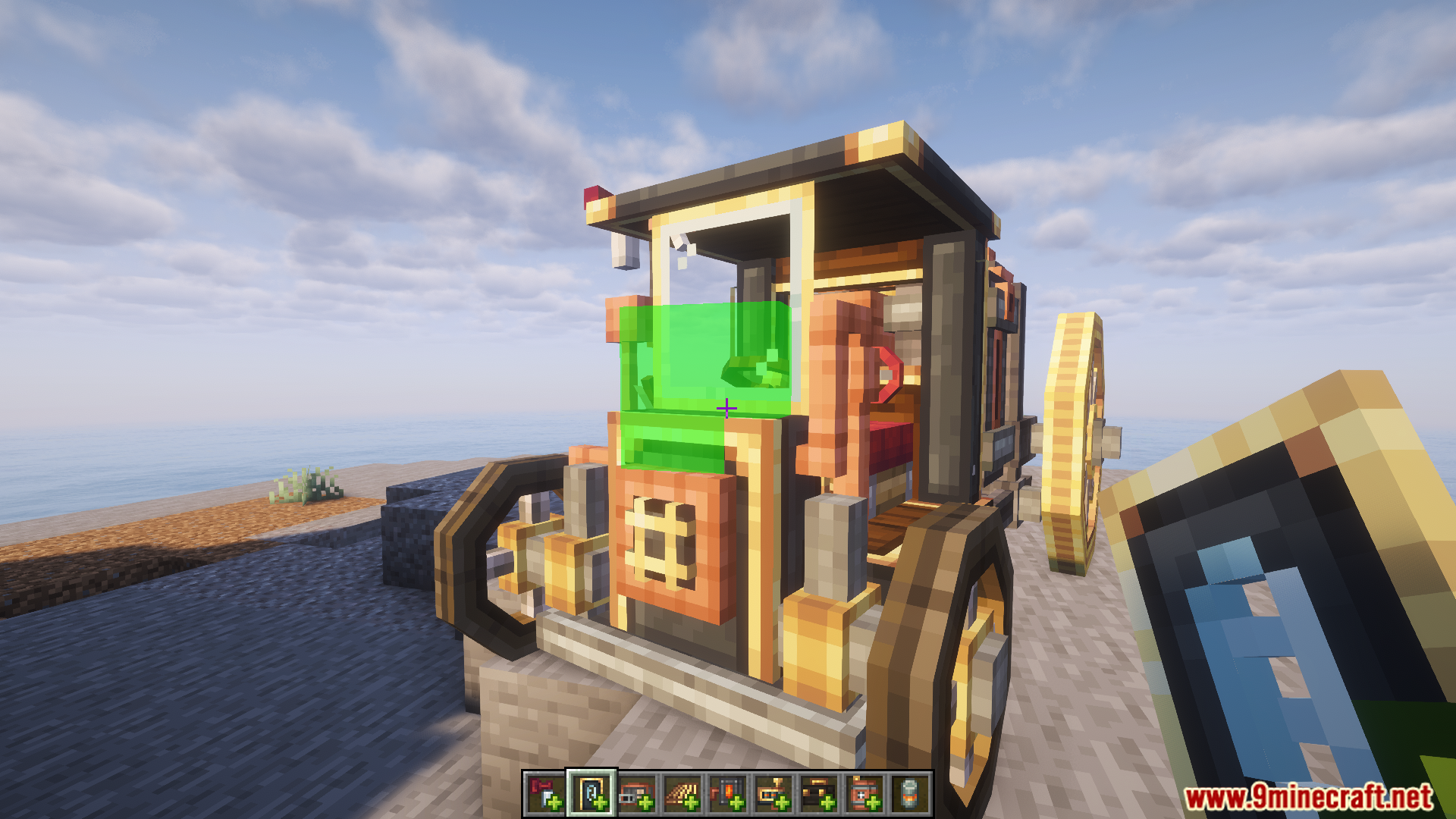
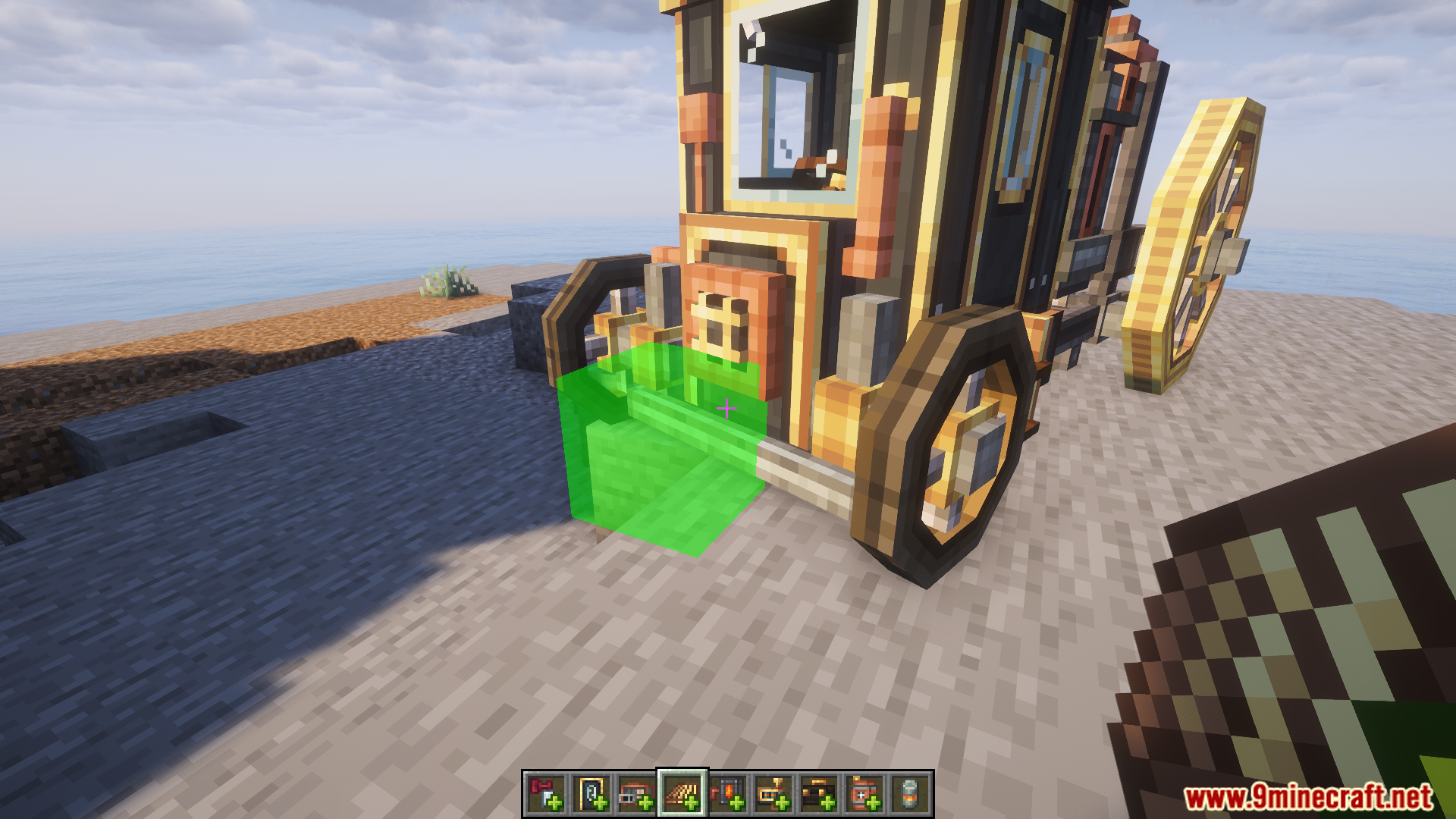
- Right-click the green boxes to add your upgrades.
- Right-click the seat to sit down.
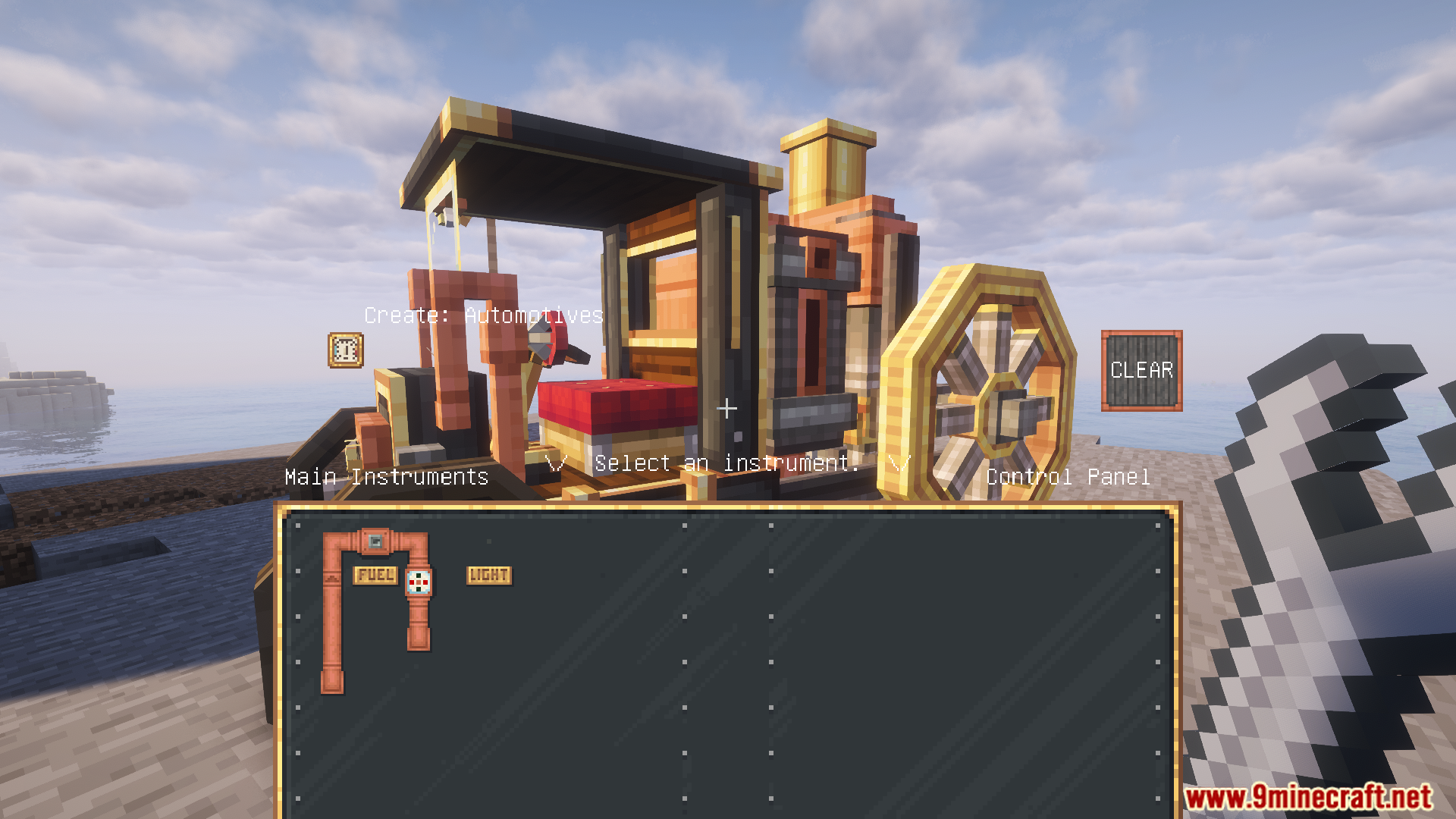
- Press U to open the panel and hold the fuel valve.
- Use WASD keys to drive around.
- Press Space for boosters and C to honk the whistle.
- Press N to use the handbrake.
- Left-click with the special wrench item to remove upgrades.
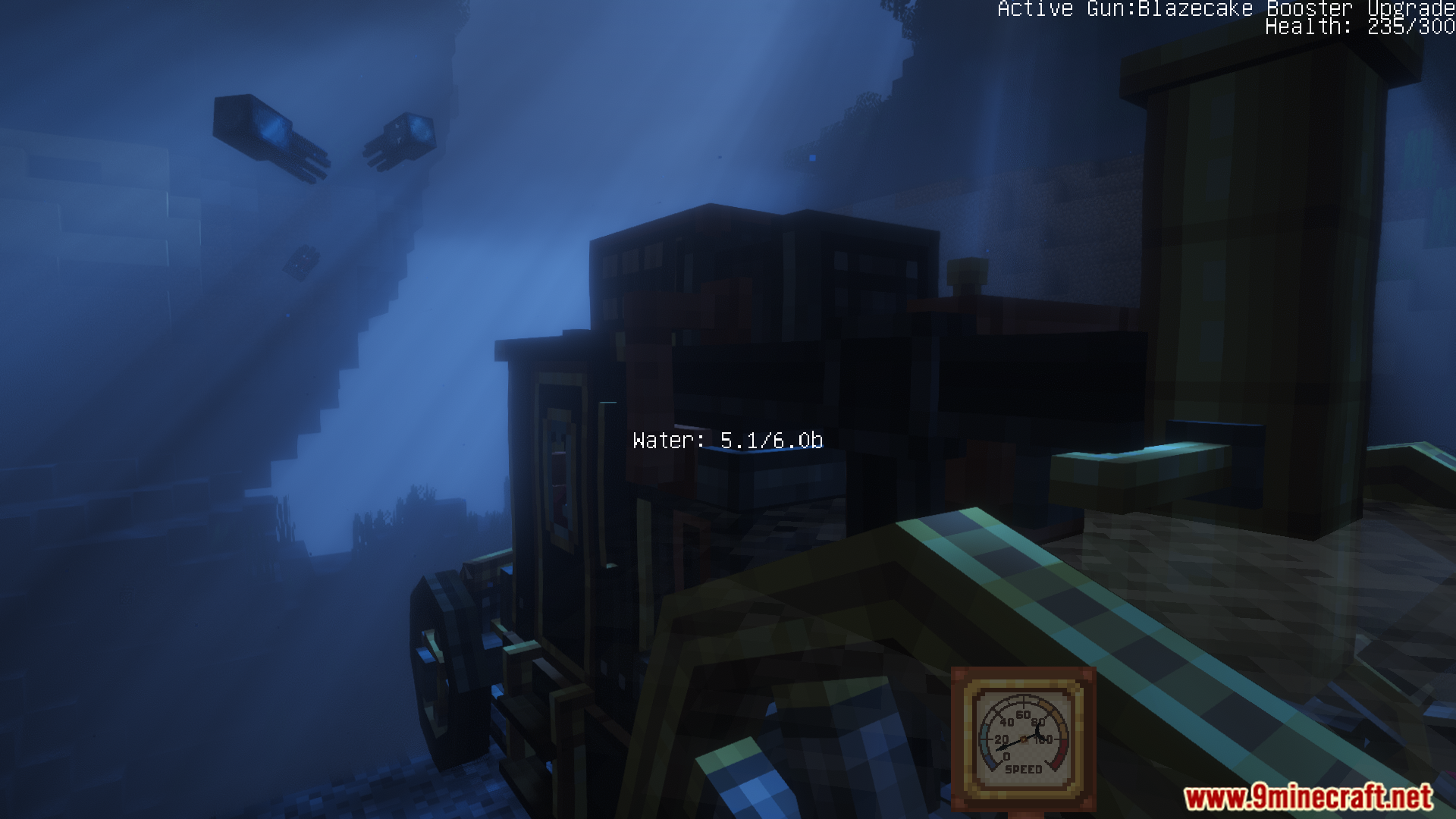
Screenshots:
Create Automotives Mod Download Links
Quick facts
- Edition: Minecraft Java
- File type: .jar
- Minecraft version listed: 1.20.1
- How to install: Install the matching mod loader (Forge, Fabric or NeoForge) for your Minecraft version. → Download the .jar. → Put it in the .minecraft/mods folder and launch that loader profile.
- Where to get it: Opens on the file's original source — not every file is mirrored on our own servers.
Install steps are the general flow for this file type — How to install Minecraft Java mods & modpacks walks through it step by step.
Create Automotives Mod (26.1.2, 1.20.1) – Drive Steam Powered Vehicles is a free Minecraft Java mod. Compatible with Minecraft 1.20.1. Download it and open it directly in the game.