
MCA Expanded
Java mod listed for Minecraft 1.20. Downloads from the MC Java Mods app on Android.
⬇ Download on Modrinth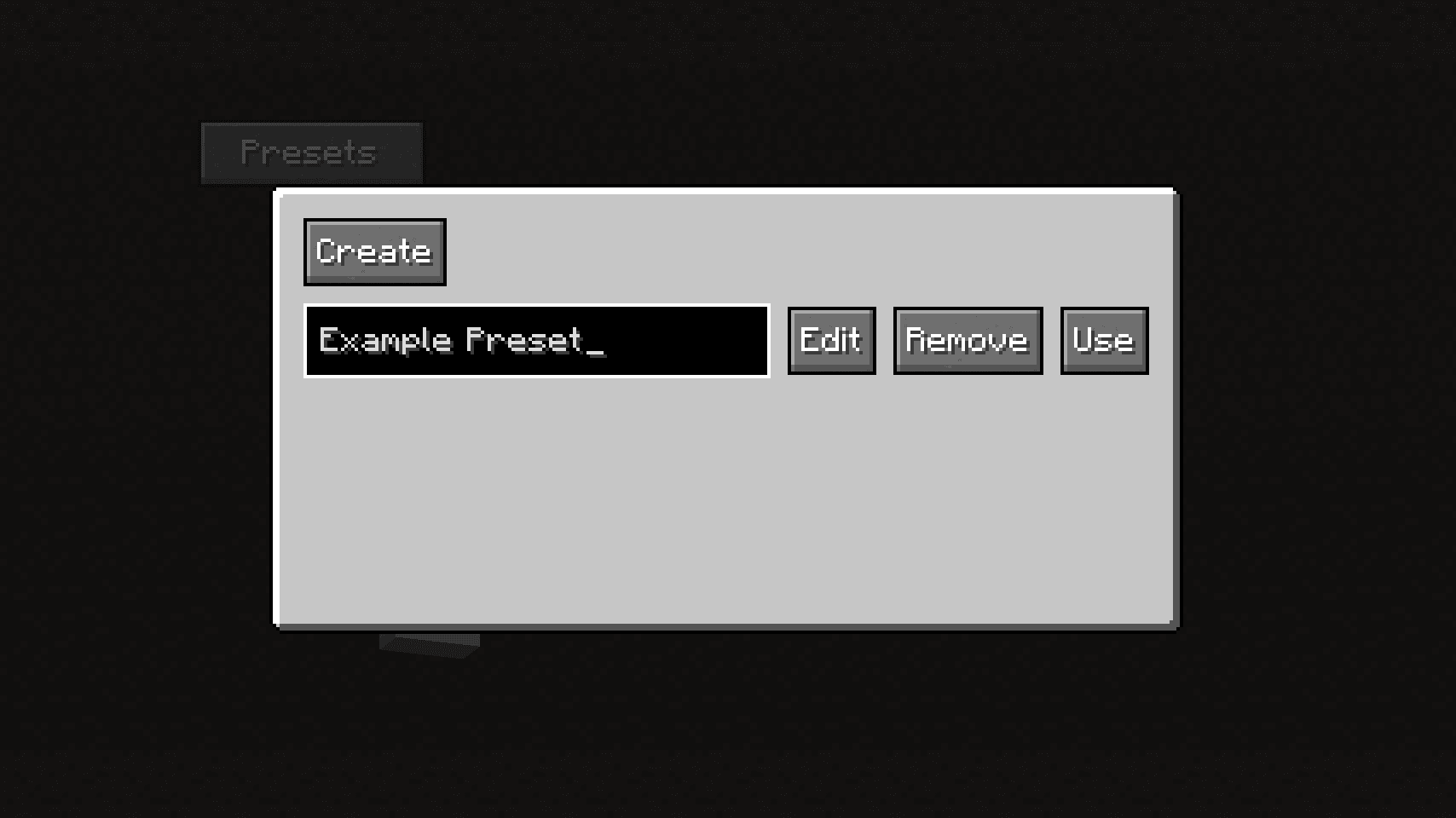
MCA Expanded
An addon for MCA Reborn that adds several QoL features
Features
- Presets for villager models
- Export villager models as skins
- Disable the destiny screen
- Villagers use totems of undying in their inventory
Villager Model Presets
You can use or edit villager presets in the villager editor screen by clicking on the "Presets" button. Alternatively, if you have Mod Menu installed, you can edit villager presets from the Mod Menu page.
 The screen that appears when the preset button is clicked
 The preset editor screen
Exporting Villager Models
You can export villager models as skins by clicking on the "Export" button. It will export the model as a regular Minecraft skin that you can use.
Disabling the Destiny Screen
In the Mod Menu screen, you may disable the destiny screen that appears after the character editor when you create a world or join one for the first time.
Totems of Undying
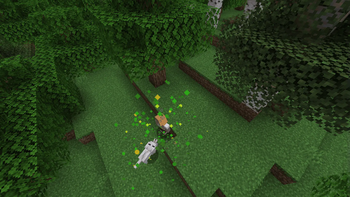
If a villager is given a totem of undying, it will equip it right before it's about to die.
 A villager using a totem
- Edition: Minecraft Java
- File type: .jar
- Minecraft versions listed: 1.20.1, 1.20.2, 1.20.3
- How to install: Install the matching mod loader (Forge, Fabric or NeoForge) for your Minecraft version. → Download the .jar. → Put it in the .minecraft/mods folder and launch that loader profile.
- Where to get it: Opens on Modrinth — not every file is mirrored on our own servers.
Install steps are the general flow for this file type — How to install Minecraft Java mods & modpacks walks through it step by step.
- Ships as mca-expanded-1.0.1.jar — drop this file into the mods folder
- Download size: 208 KB
- Download link checked 10 Oct 2026 — working
These come from our own check of the pack file, not from the source page.