ModsJava
RFTools Control Mod (1.21.1, 1.20.1) – Code Your Own Automation
Java mod listed for Minecraft 1.20–1.21. Downloads from the MC Java Mods app on Android.
⬇ Download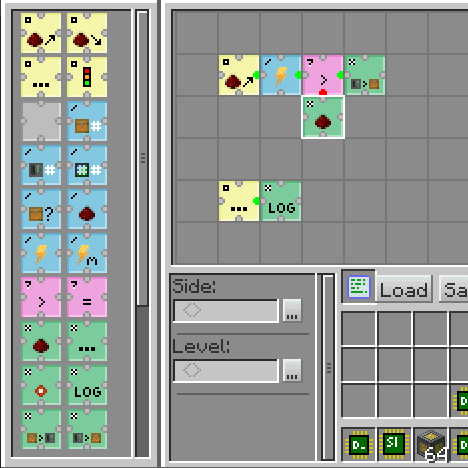
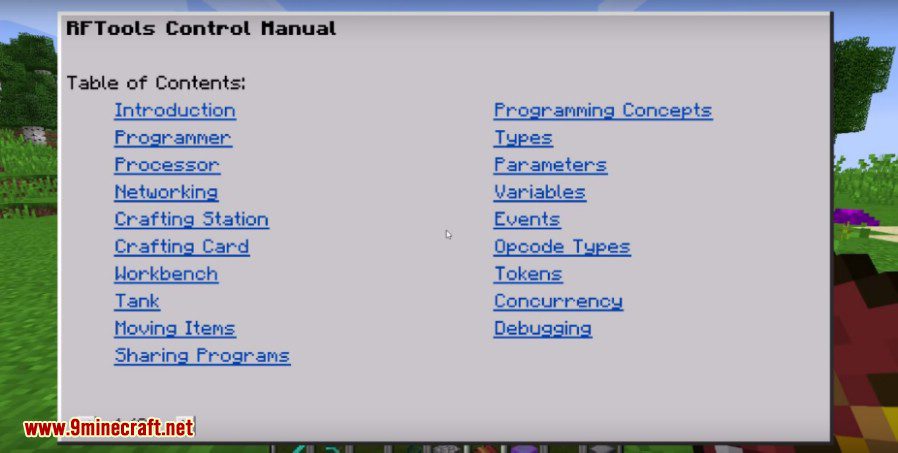
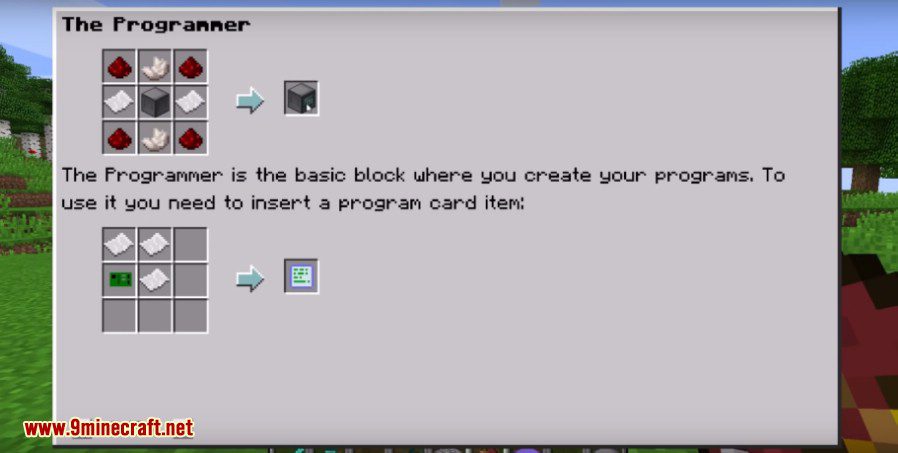
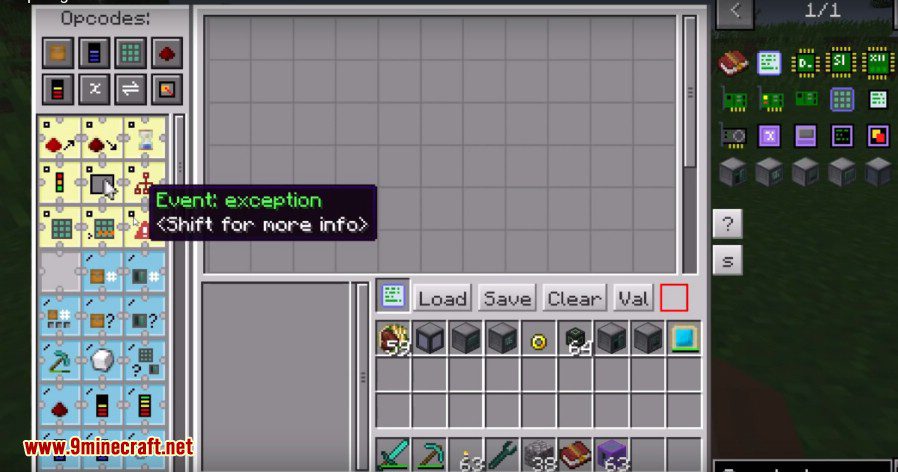
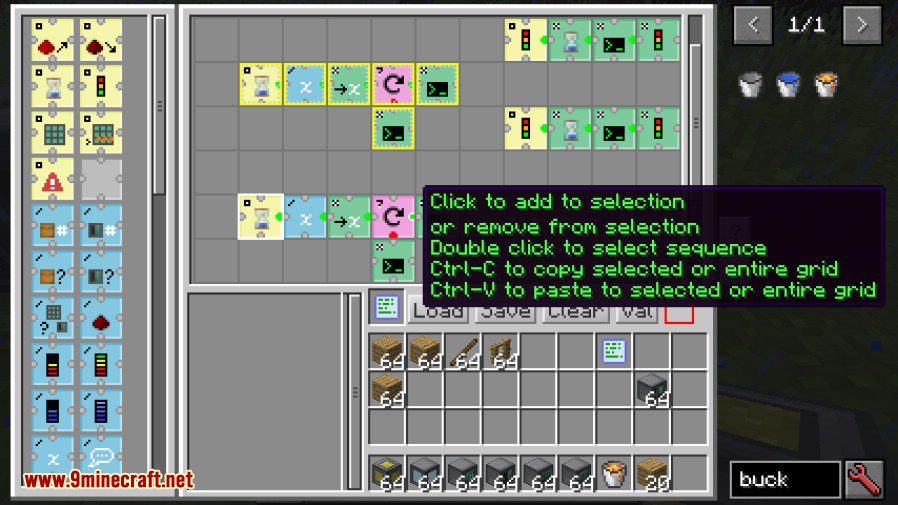
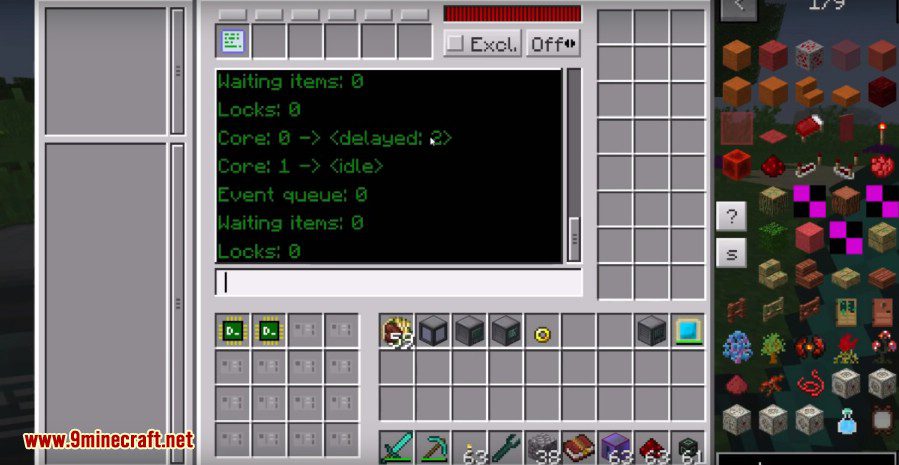
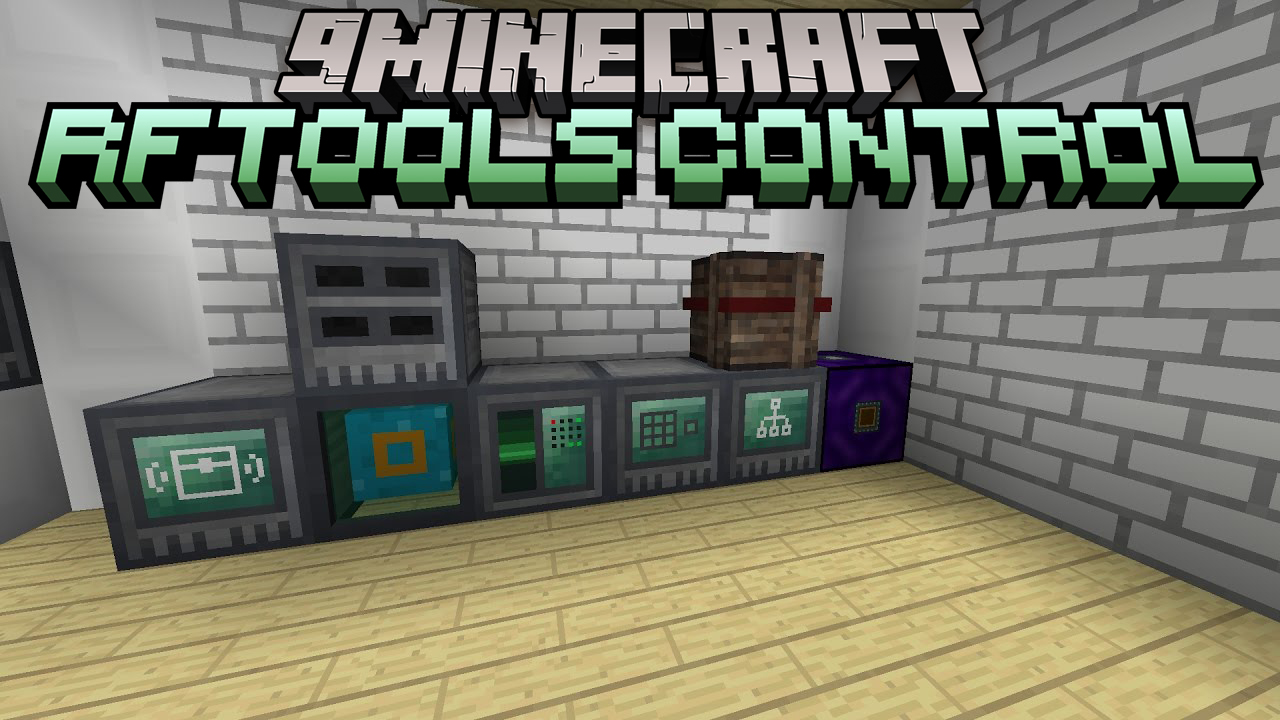
RFTools Control Mod is an addon for RFTools that lets you automate tasks using a visual programming language. You can arrange commands, called opcodes, on a grid to move items, control redstone, or check energy levels. This mod gives you access to regular inventories and also works directly with storage scanner systems. The two main blocks are the Programmer, which you use to create programs, and the Processor, which runs them.
Features:
- Create programs by placing special commands called opcodes on a grid.
- Automate tasks like moving items between inventories.
- Control redstone signals based on your program’s logic.
- Check the amount of RF energy in connected blocks.
- Works with standard inventories and storage scanner systems.
- Use the Programmer block to write and edit your automation scripts.
- The Processor block executes the programs you have created.
- Provides a networking system to connect your devices.
Screenshots:
RFTools Control Mod Download Links
Quick facts
- Edition: Minecraft Java
- File type: .jar
- Minecraft versions listed: 1.21.1, 1.20.1
- How to install: Install the matching mod loader (Forge, Fabric or NeoForge) for your Minecraft version. → Download the .jar. → Put it in the .minecraft/mods folder and launch that loader profile.
- Where to get it: In MC Java Mods, or directly above on this page.
Install steps are the general flow for this file type — How to install Minecraft Java mods & modpacks walks through it step by step.
File checked by MCModsHub
- Downloads as 25765.mcaddon
- Download size: 655 KB
- Download link checked 25 Sept 2026 — working
- Mirrored on our own servers — the download does not depend on the original host
These come from our own check of the pack file, not from the source page.