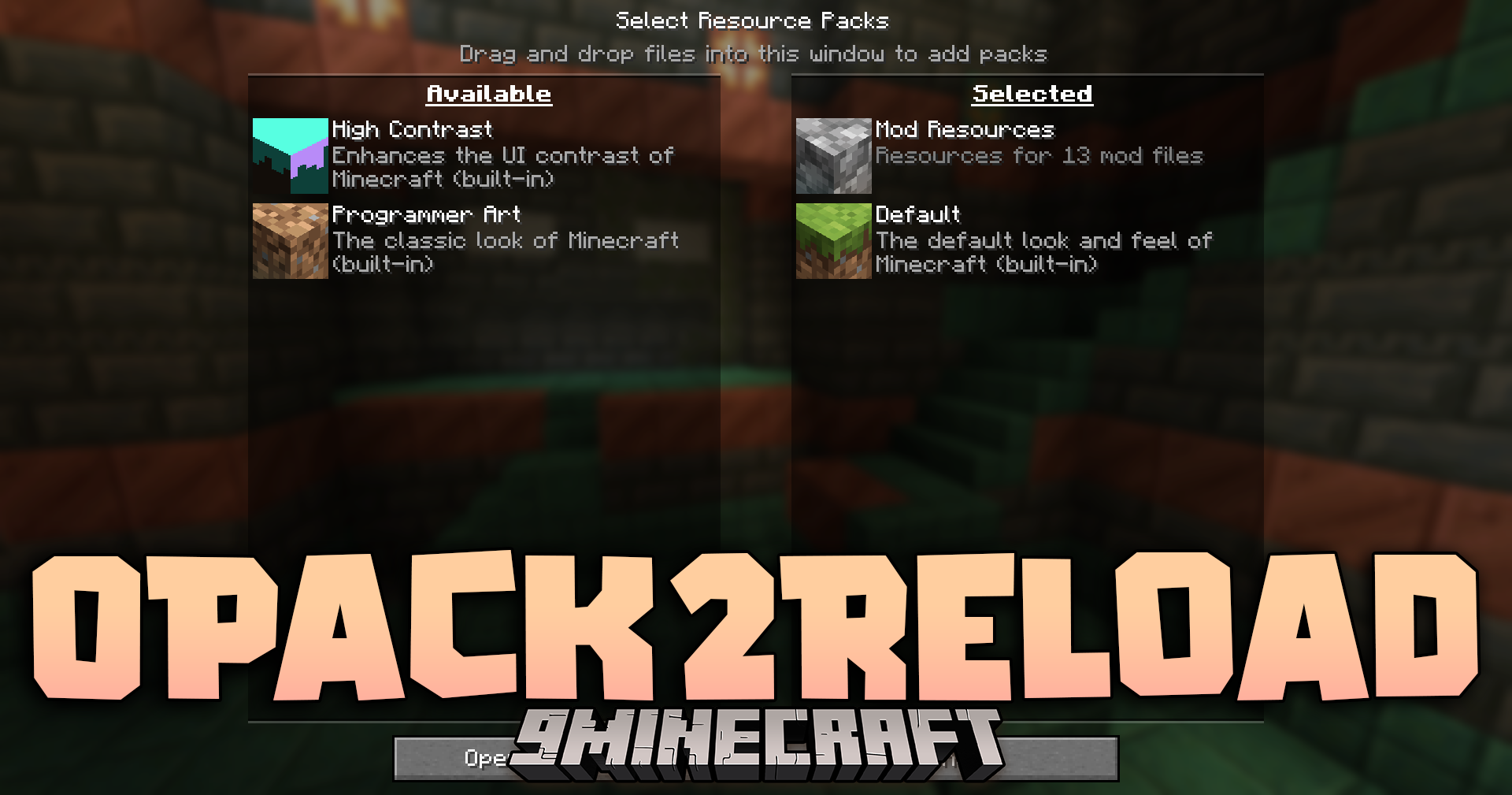
0Pack2Reload Mod stops the game from reloading your resource packs when you do not change anything. Normally, if you open the resource pack menu and close it without making edits, the game still reloads everything. This slow process wastes time, especially if you play with many other mods. This mod fixes that menu issue so you get back to your game faster.
Features:
- Smart Menu Check: The mod checks if you actually moved any resource packs around before it starts a reload.
- Prevents the long loading screen when you press Esc or click Done without making edits.
- Adds a new Cancel button to the resource pack screen so you can close it directly.
- Saves waiting time for players who use heavy modpacks with many built-in resources.
- The Cancel button is not present in the newer 1.21.1 game version because the menu code works differently there.
How to Use:
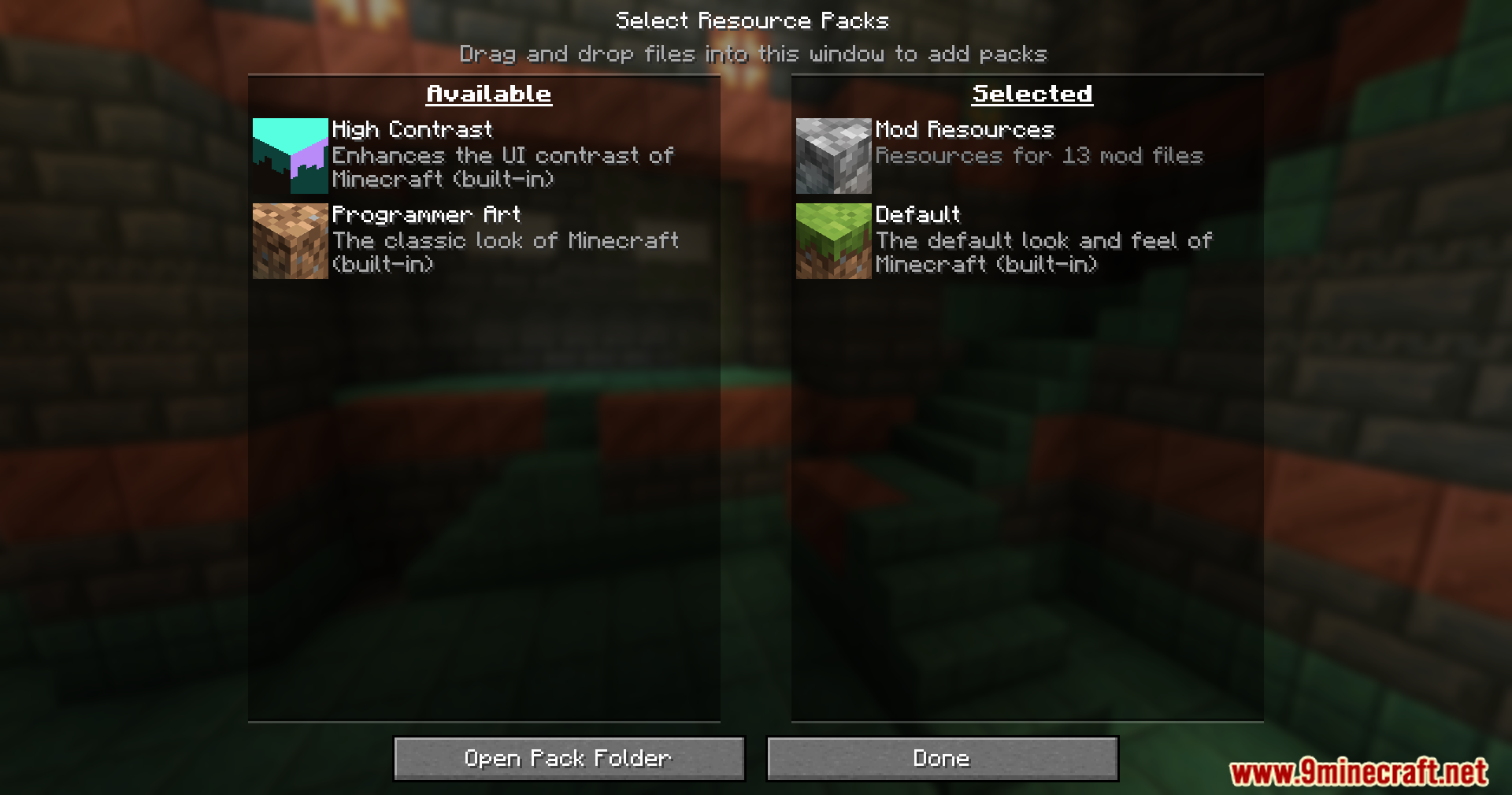
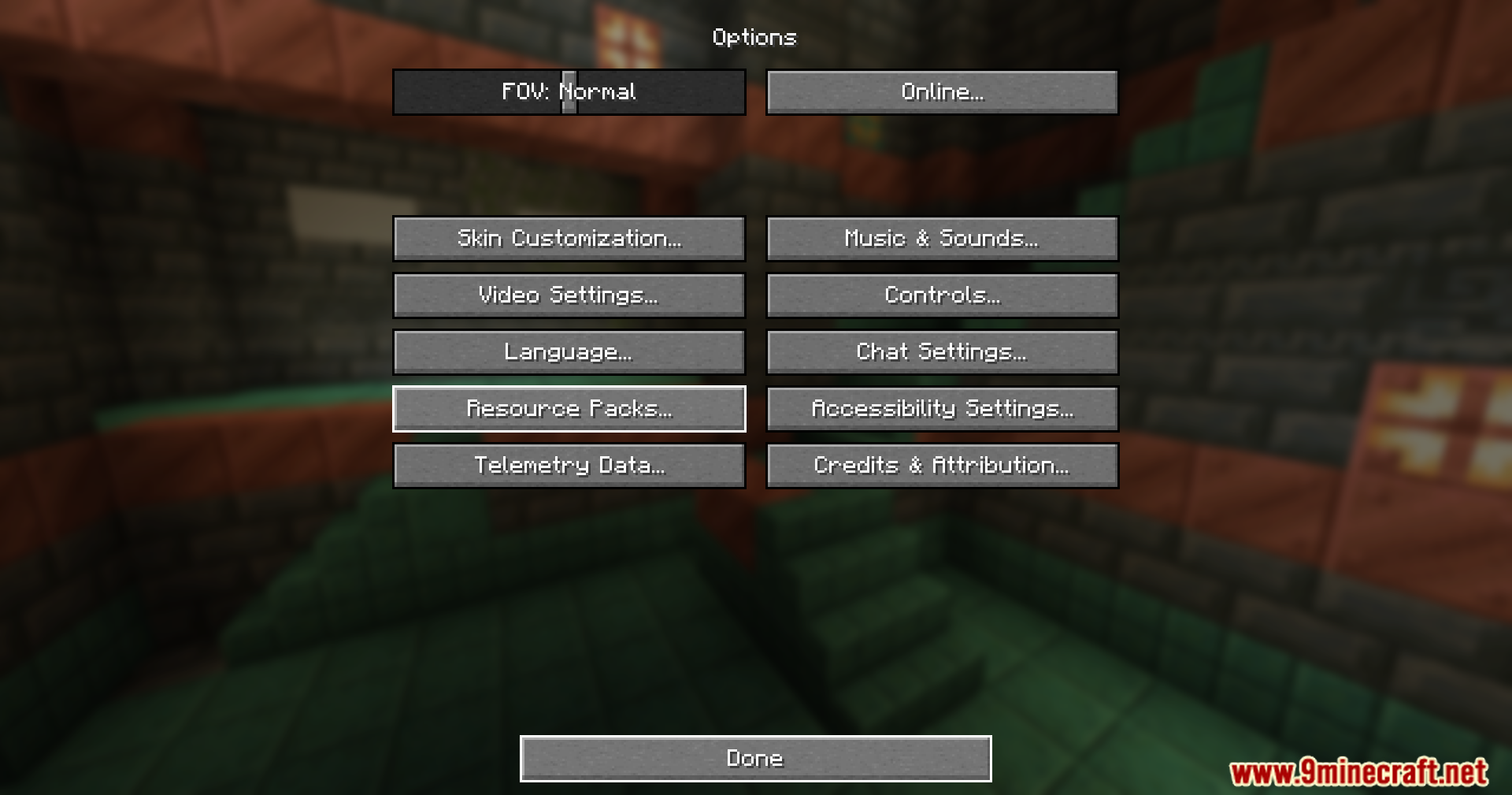
- Open the game options and go to the Resource Packs menu.
- Look at your active packs without moving any of them.
- Click the new Cancel button or press Esc to close the screen instantly.
- Notice that the game goes straight back to the previous menu instead of freezing to reload.
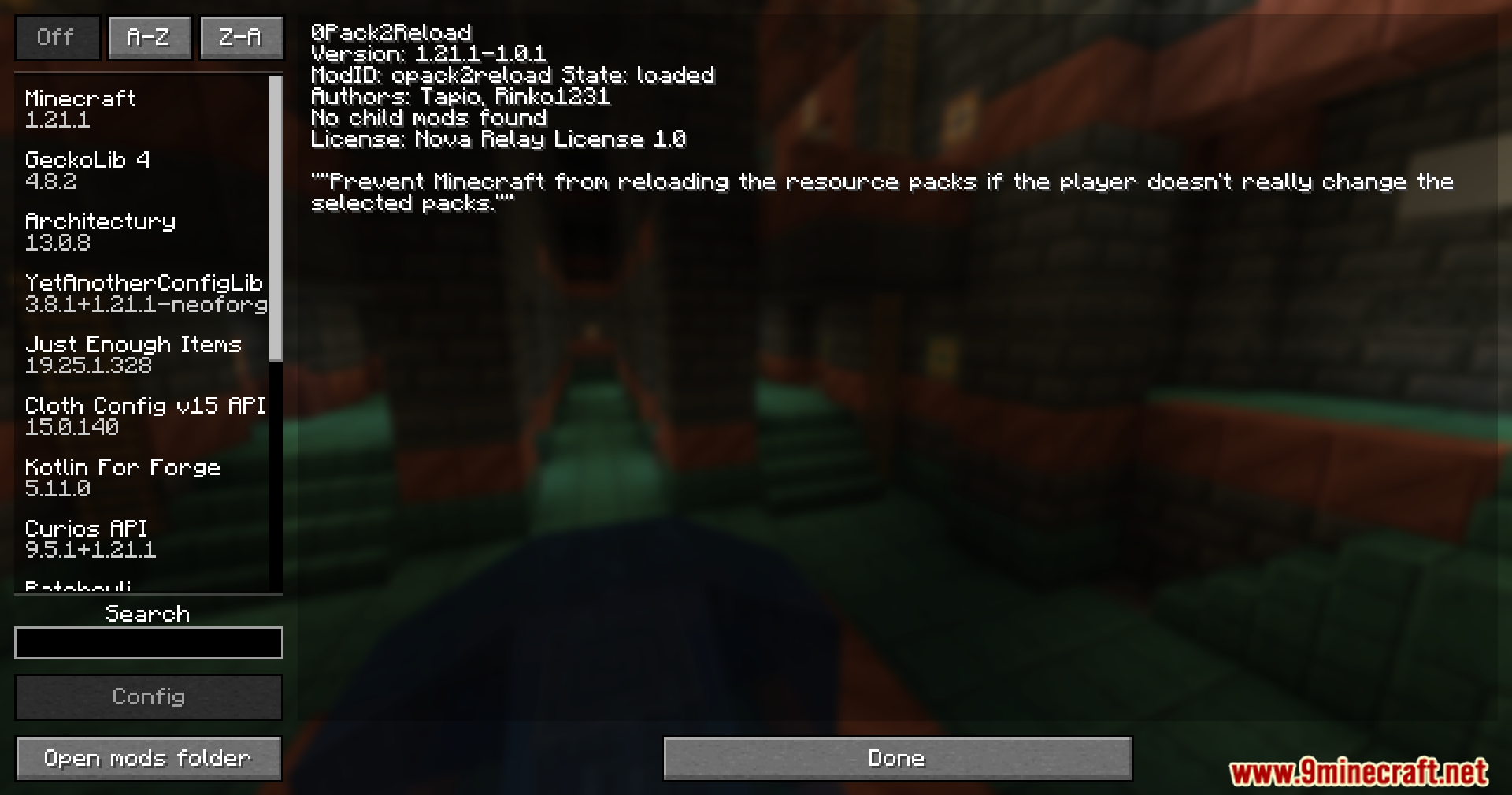
Screenshots:
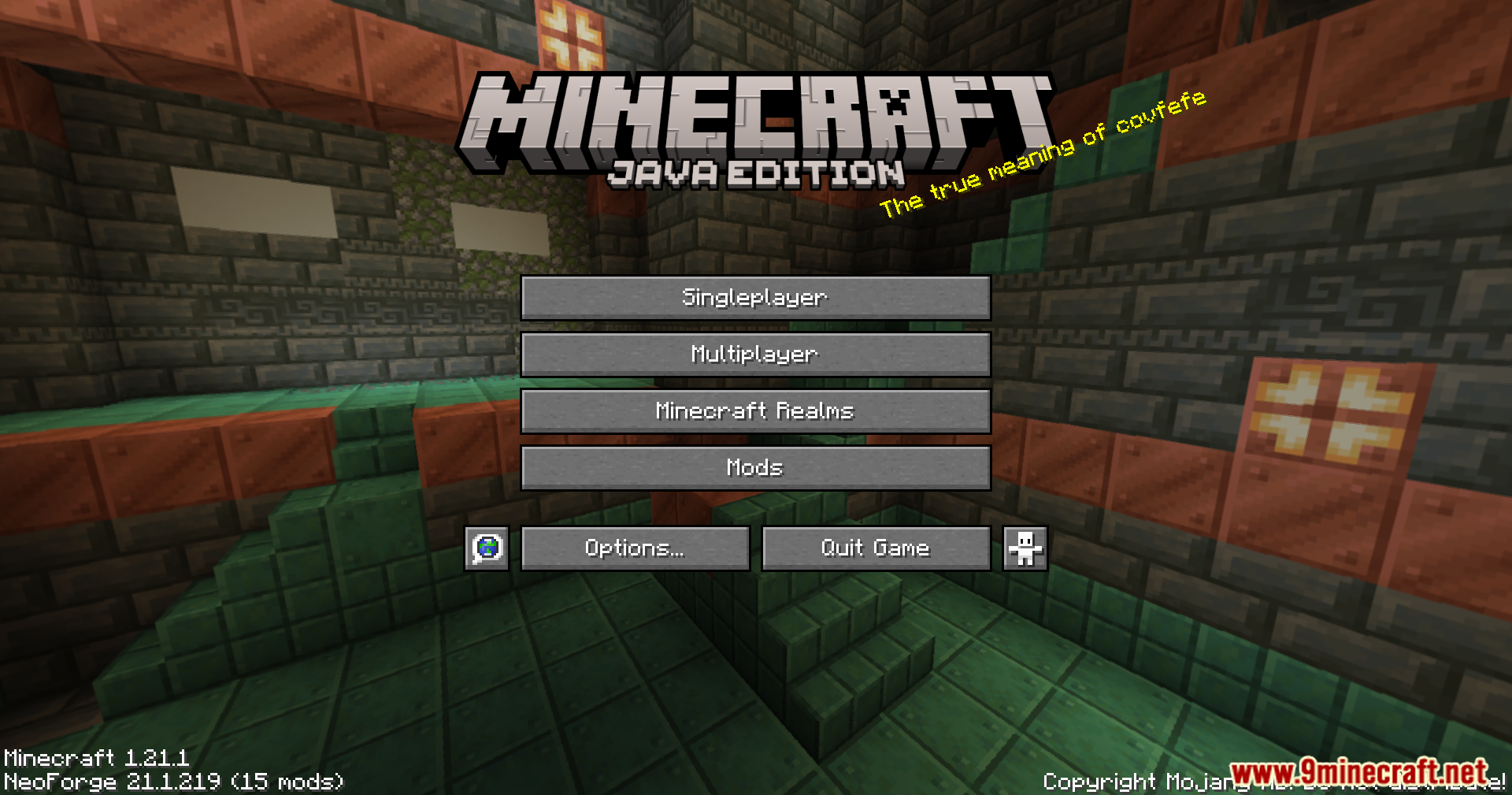
0Pack2Reload Mod Download Links
Quick facts
- Edition: Minecraft Java
- File type: .jar
- Minecraft versions listed: 1.21.1, 1.20.1
- How to install: Install the matching mod loader (Forge, Fabric or NeoForge) for your Minecraft version. → Download the .jar. → Put it in the .minecraft/mods folder and launch that loader profile.
- Where to get it: In MC Java Mods, or directly above on this page.
Install steps are the general flow for this file type — How to install Minecraft Java mods & modpacks walks through it step by step.
Verified by MCModsHub
- Downloads as 25768.mcaddon
- Download size: 6 KB
- Download link checked 24 Sept 2026 — working
- Mirrored on our own servers — the download does not depend on the original host
These come from our own check of the pack file, not from the source page.