
World of Flags
Java mod listed for Minecraft 1.21. Downloads from the MC Java Mods app on Android.
This is a decorative mod that adds national symbols of various countries to the game. With this mod, you can add more details to your city. The mod…
⬇ Download on Modrinth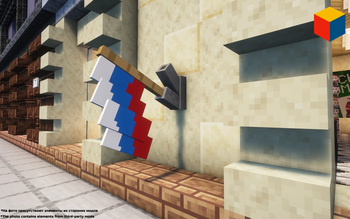
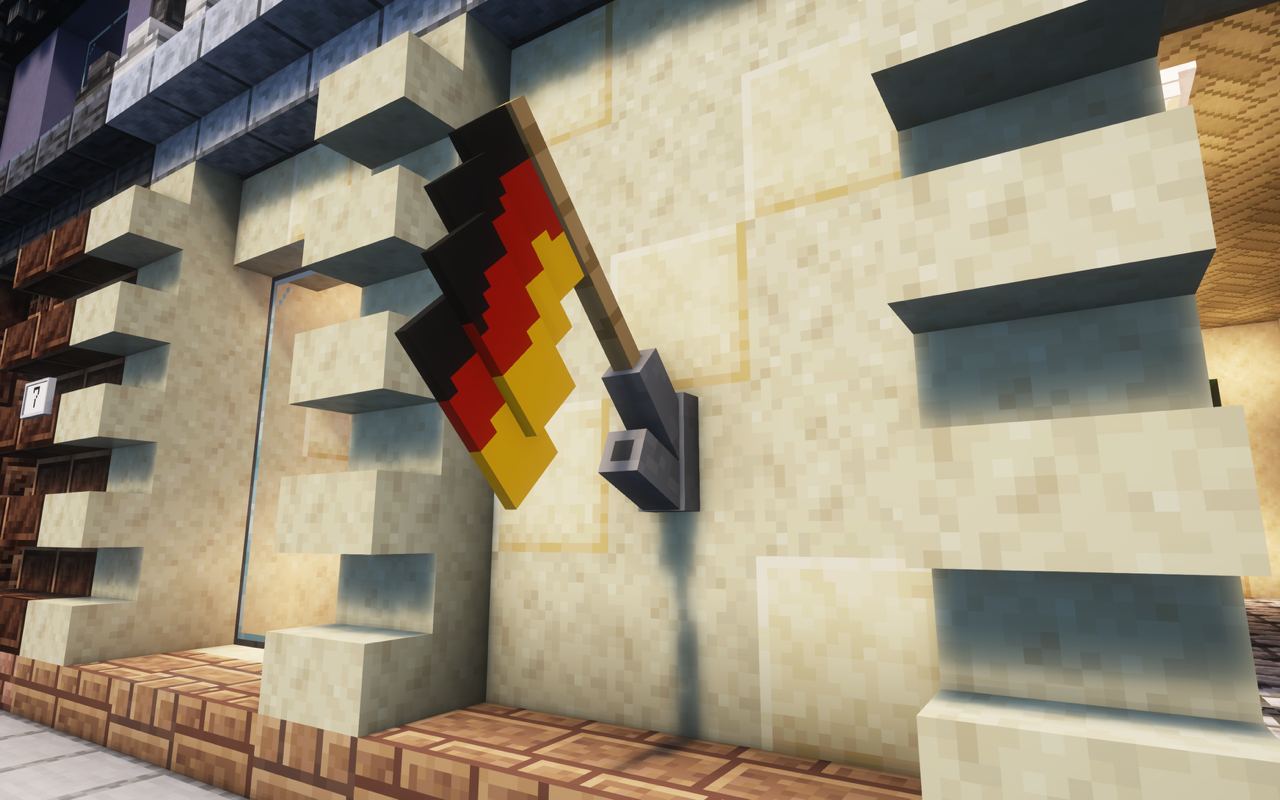
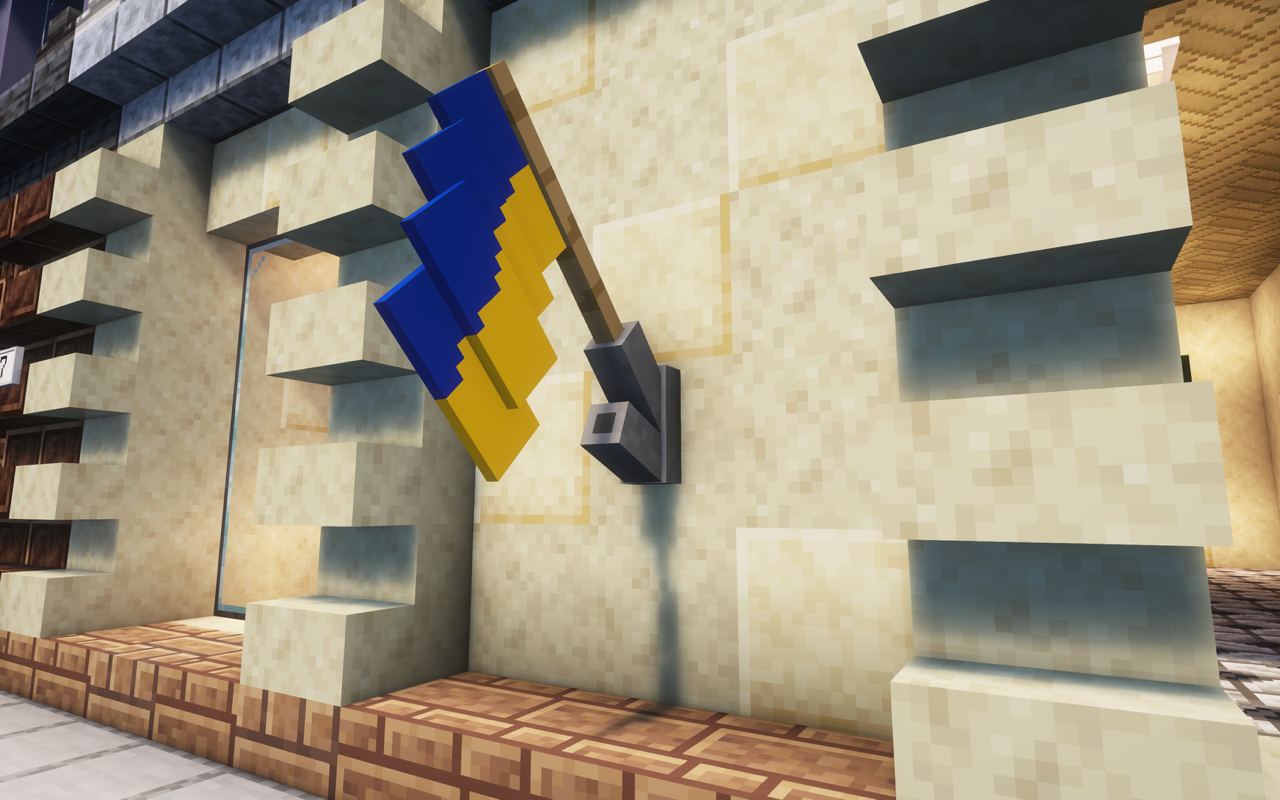
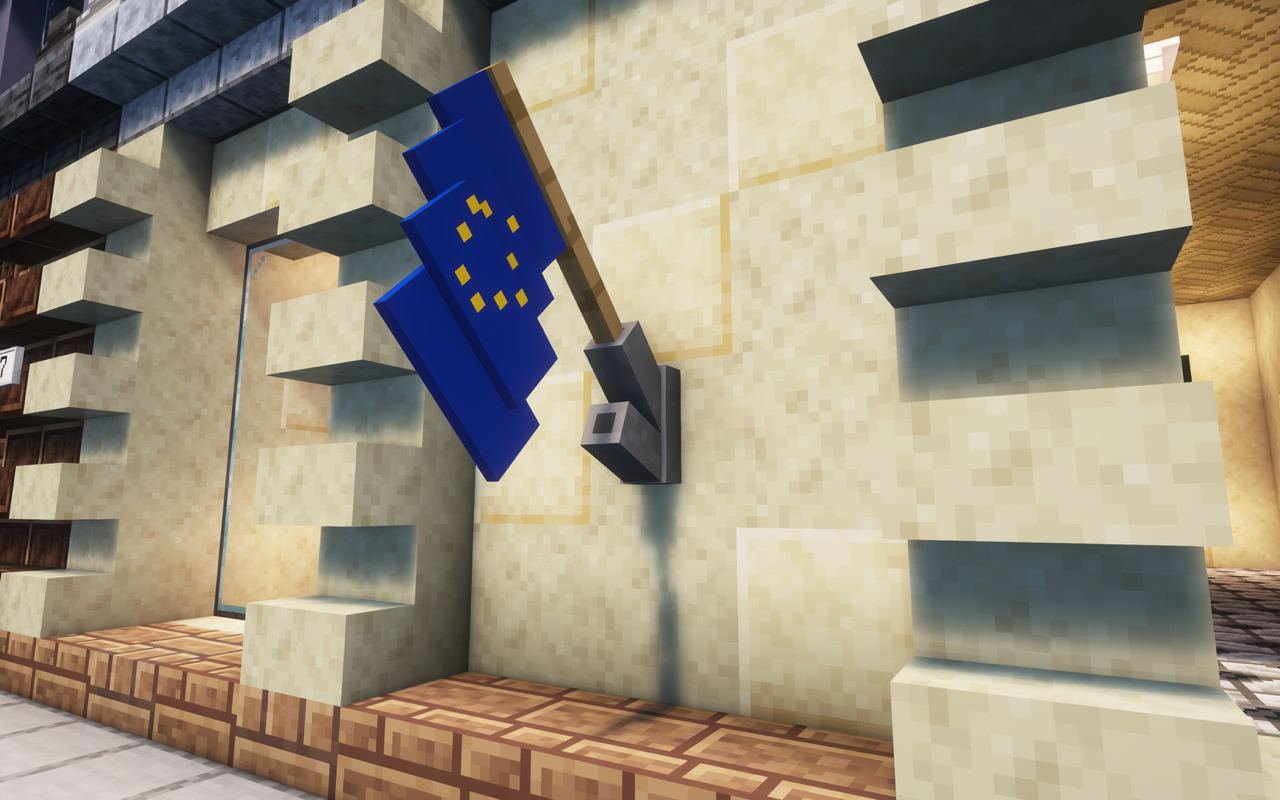
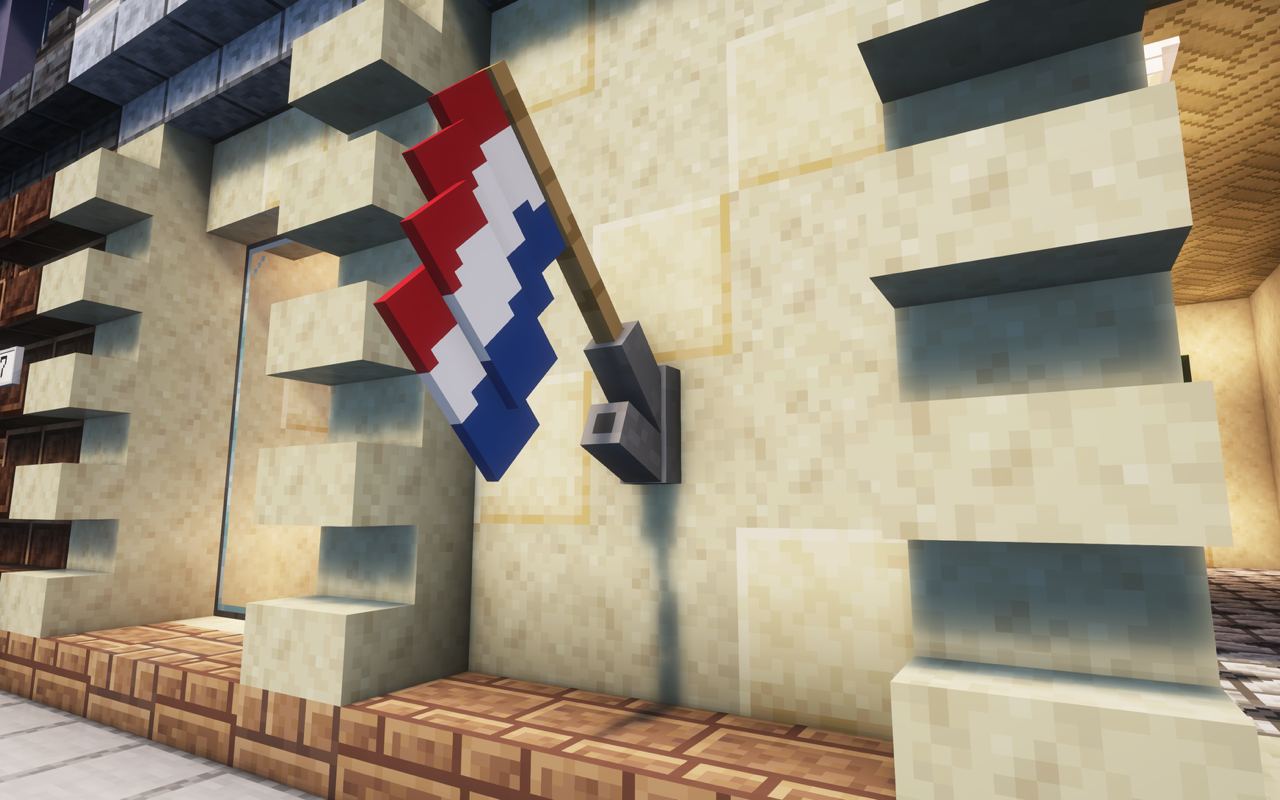
WORLD OF FLAGS
World of Flags is a decorative Minecraft mod that adds national flags and symbols from different countries to the game.
Use it to add more detail and identity to cities, buildings, embassies, public spaces, streets, roleplay maps, and other decorative builds.
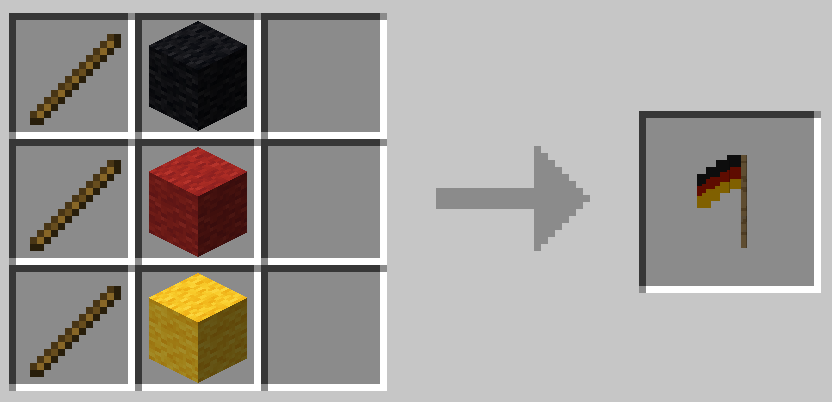
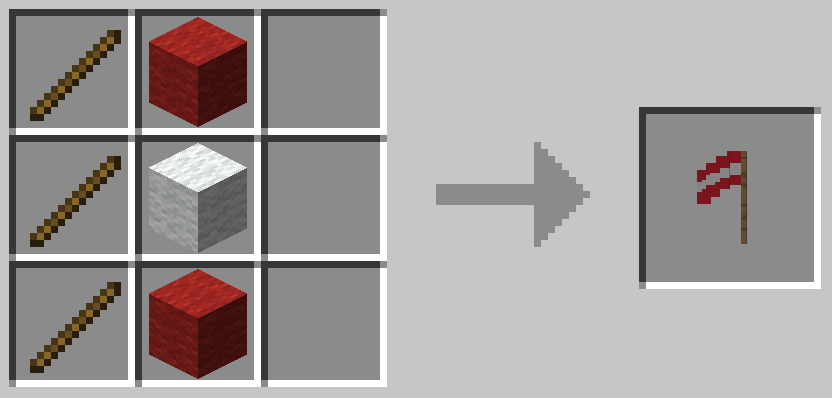
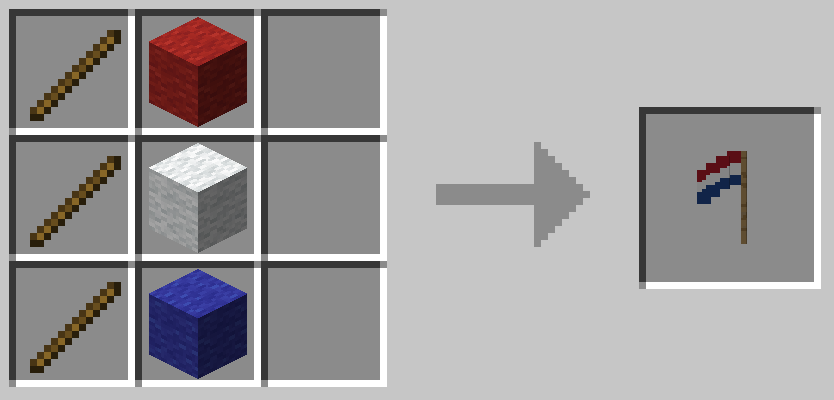
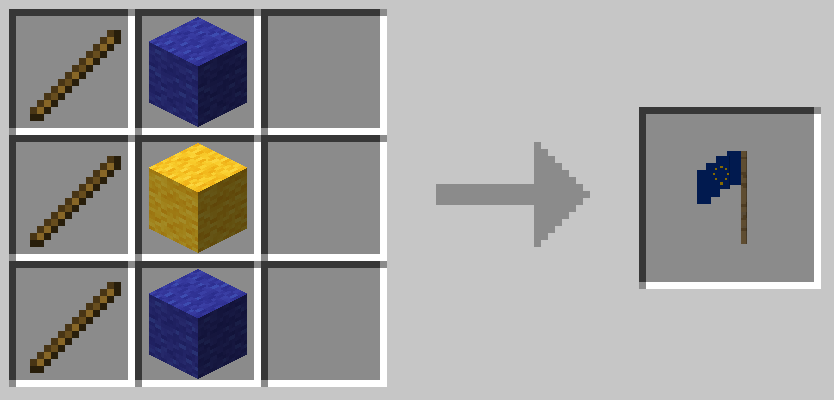
The mod currently includes flags for several countries and organisations, including Germany, Austria, the Netherlands, the European Union, Ukraine, England, the United Kingdom, the United States, and Russia. More countries and national symbols will be added in future updates.
World of Flags is currently available for Minecraft 1.20.1, 1.21.1, and 1.21.8. Main development has now moved to Minecraft 1.21.1.
Supported languages: English, Russian, Spanish (Mexico), German, and Ukrainian.
CONTENT
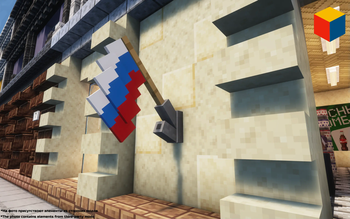
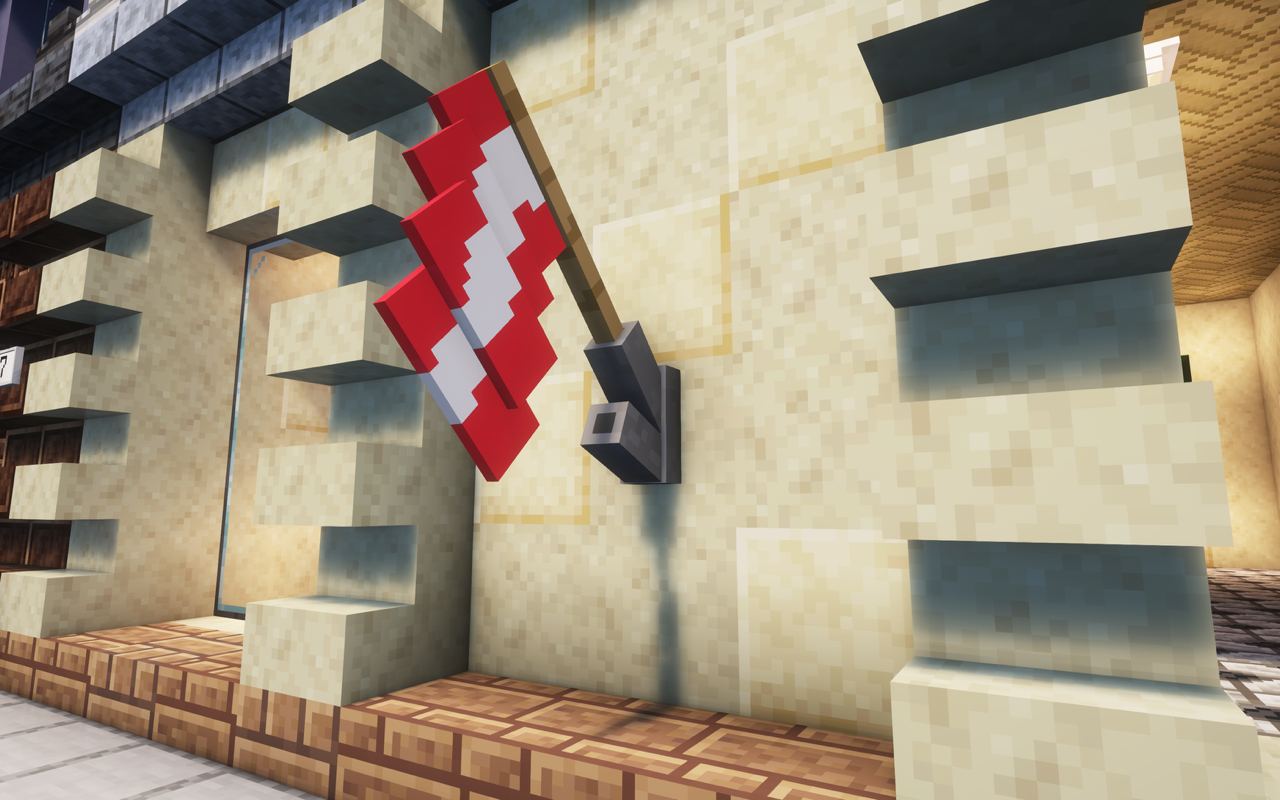
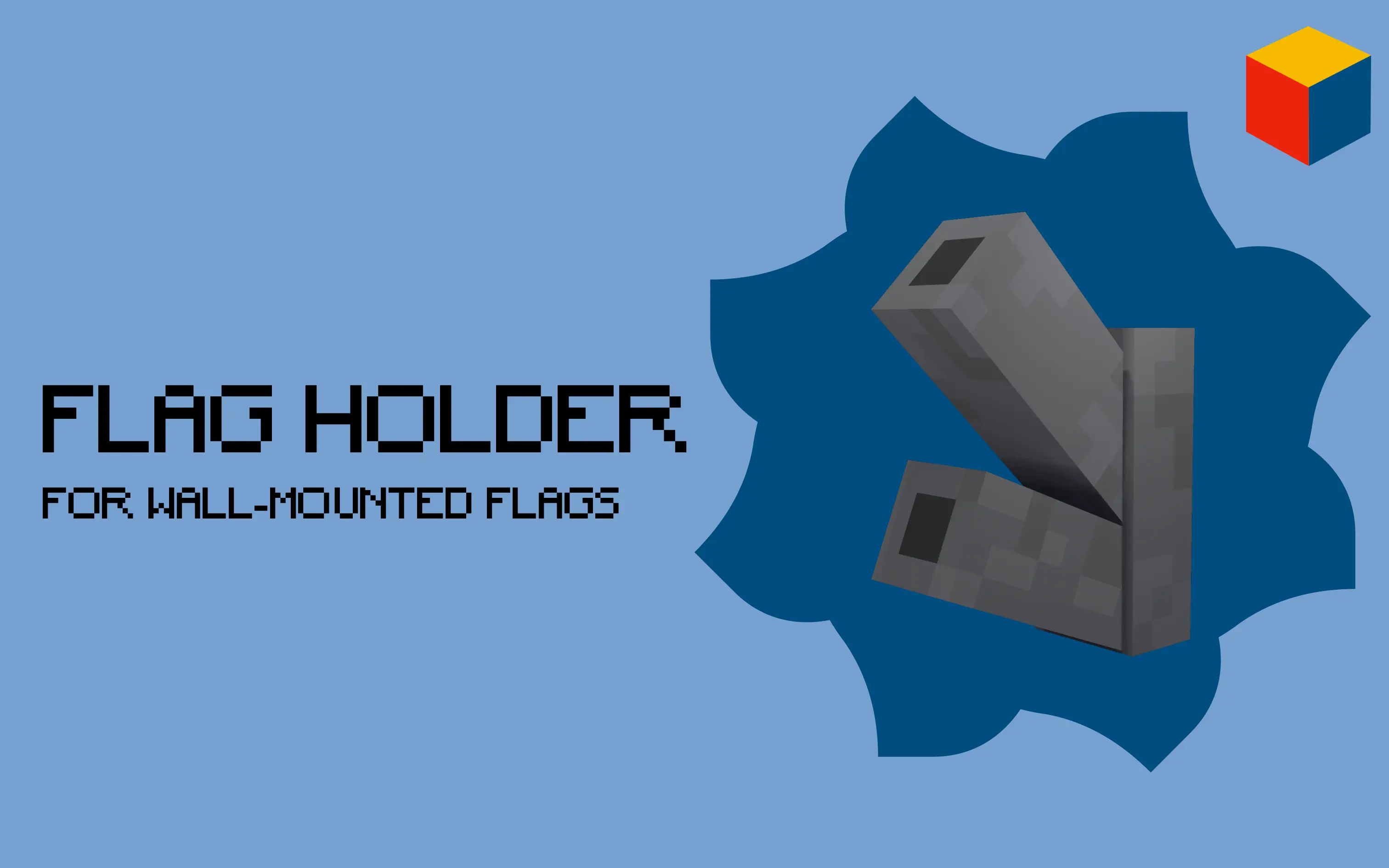
The mod adds a wall-mounted flag holder to the game. It can be attached to walls, and by right-clicking it with a flag, the flag will be placed in the upper position. To place the flag in the lower position, left-click the flag holder instead. For this feature to work, you need to be in Survival mode.
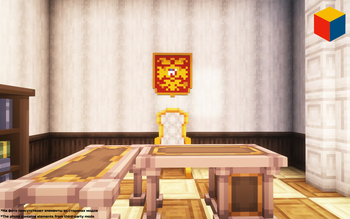
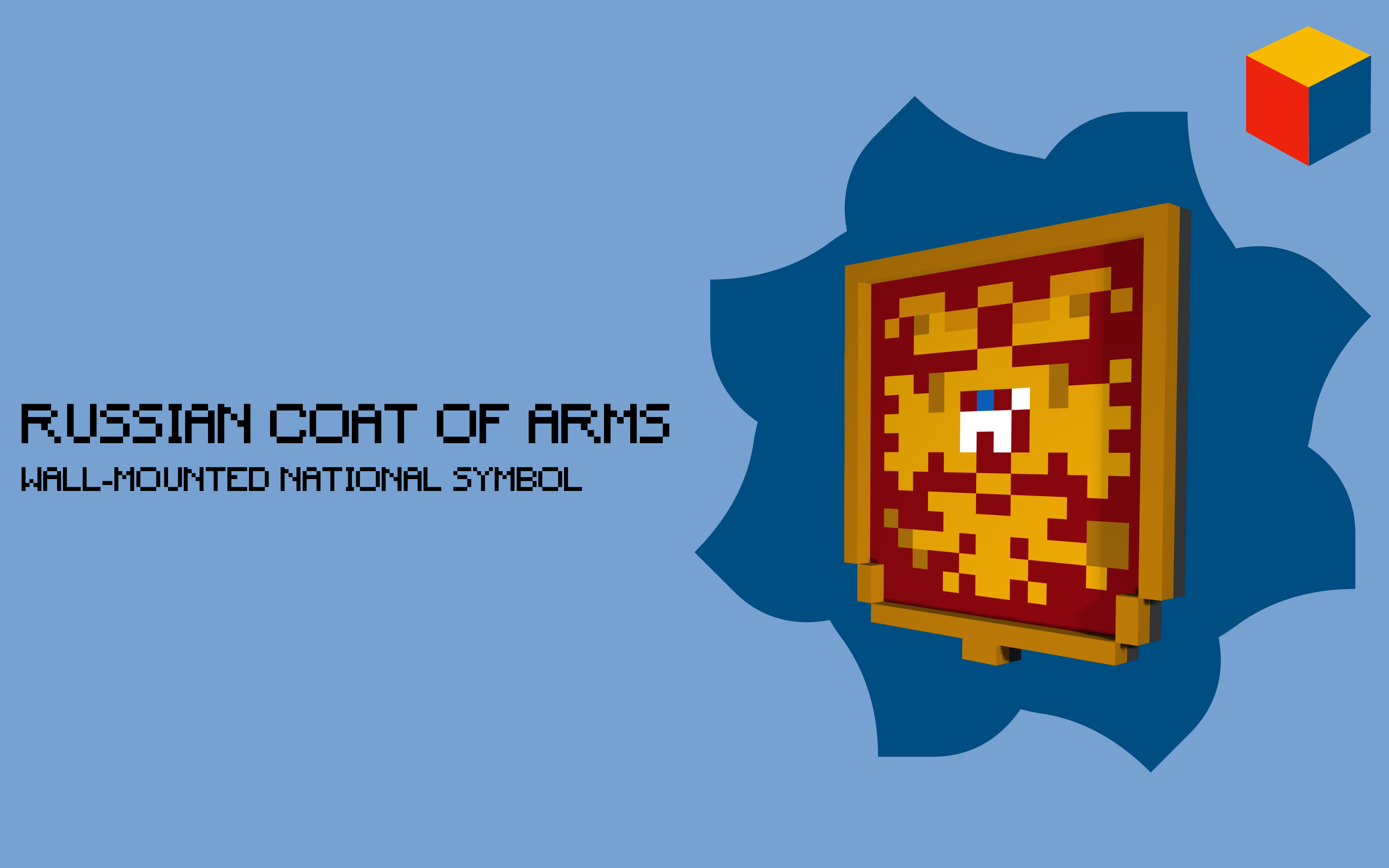
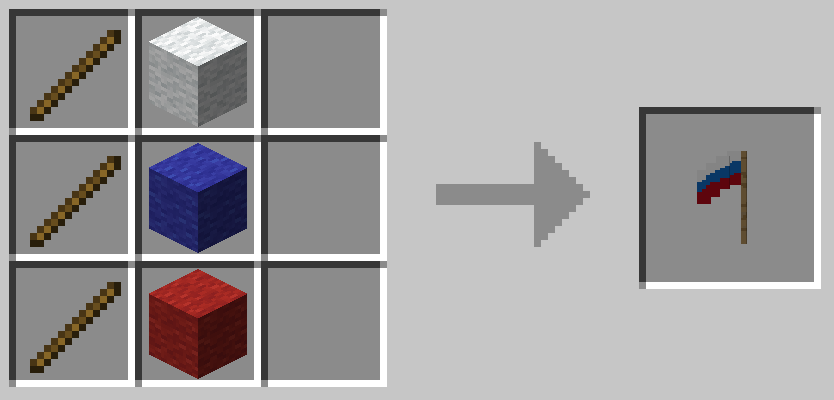
For every country will be added special item or block. For every country this item will be different. On photo example of special item for Russia.
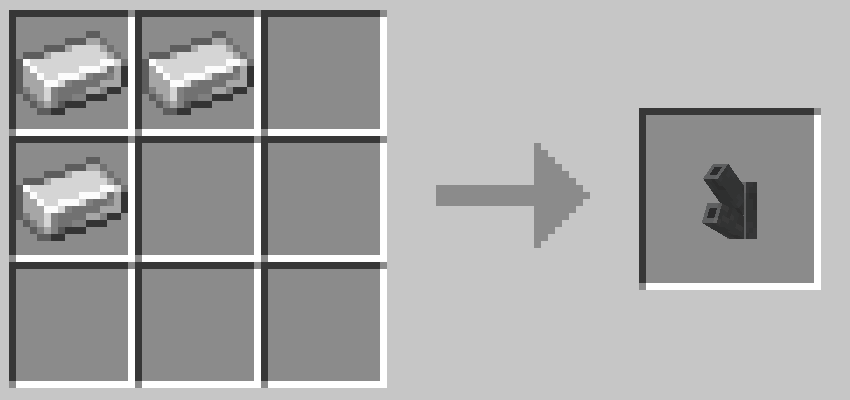
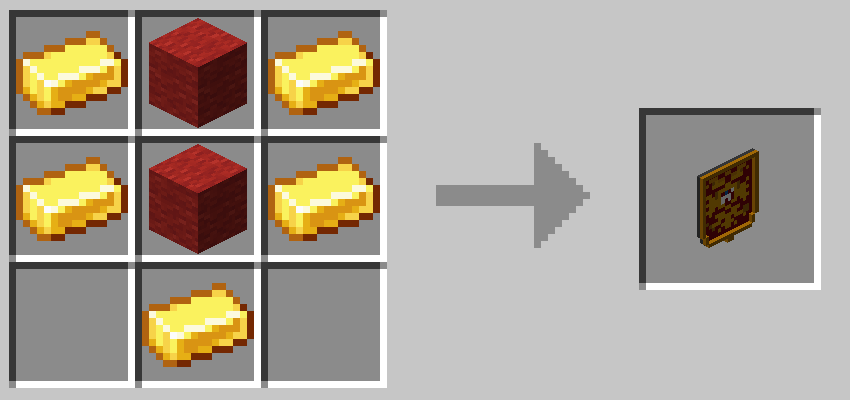
CRAFTS
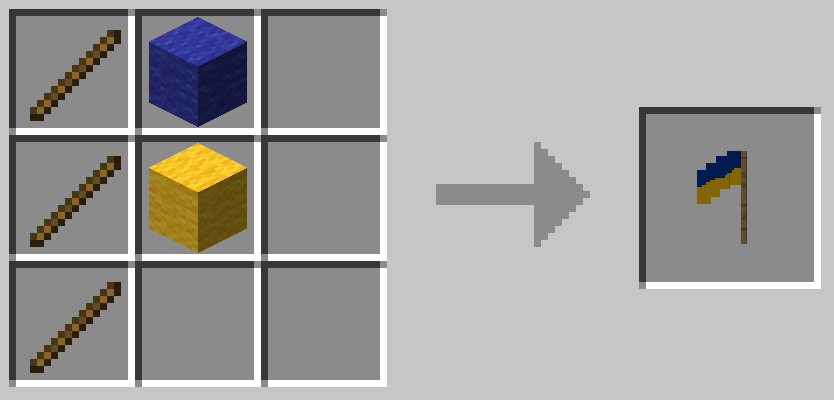
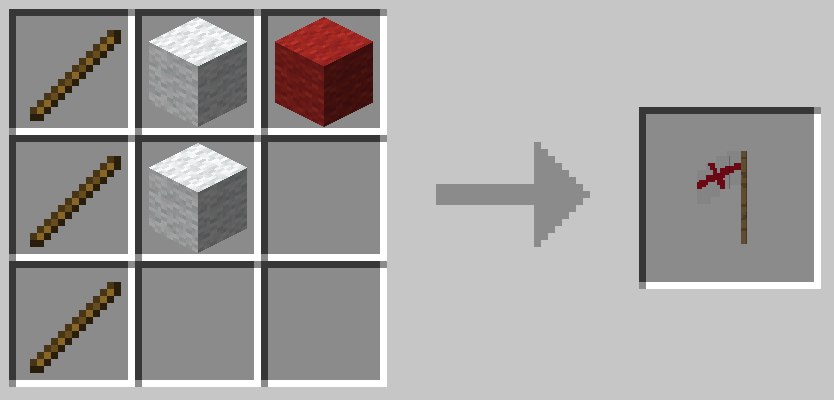
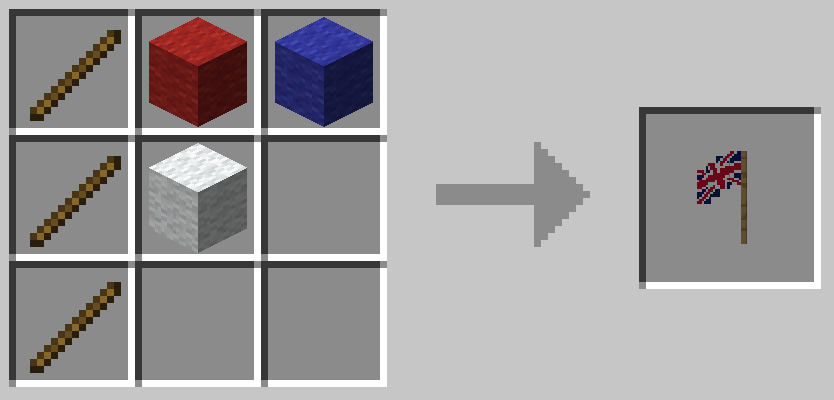
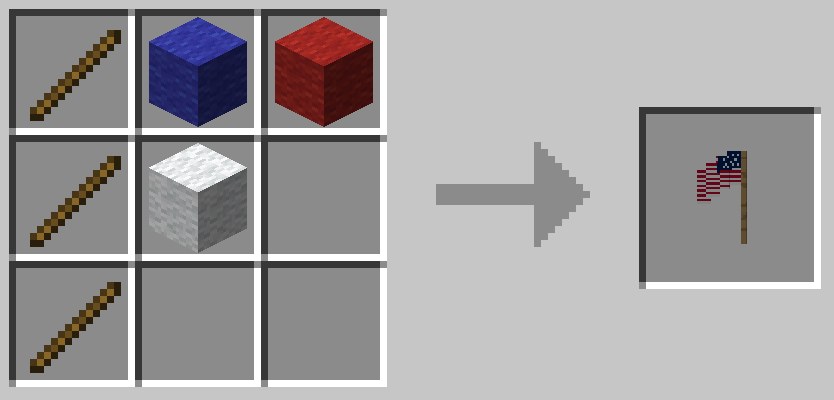
- Edition: Minecraft Java
- File type: .jar
- Minecraft version listed: 1.21.1
- How to install: Install the matching mod loader (Forge, Fabric or NeoForge) for your Minecraft version. → Download the .jar. → Put it in the .minecraft/mods folder and launch that loader profile.
- Where to get it: Opens on Modrinth — not every file is mirrored on our own servers.
Install steps are the general flow for this file type — How to install Minecraft Java mods & modpacks walks through it step by step.
- Ships as worldflags-1.5.0-neoforge-1.21.1.jar — drop this file into the mods folder
- Download size: 2.7 MB
- Download link checked 10 Oct 2026 — working
These come from our own check of the pack file, not from the source page.