
My Hero Craft
Java mod listed for Minecraft 1.20. File opened and checked on 25 Sep 2026; downloads from the MC Java Mods app on Android.
⬇ Download on Modrinth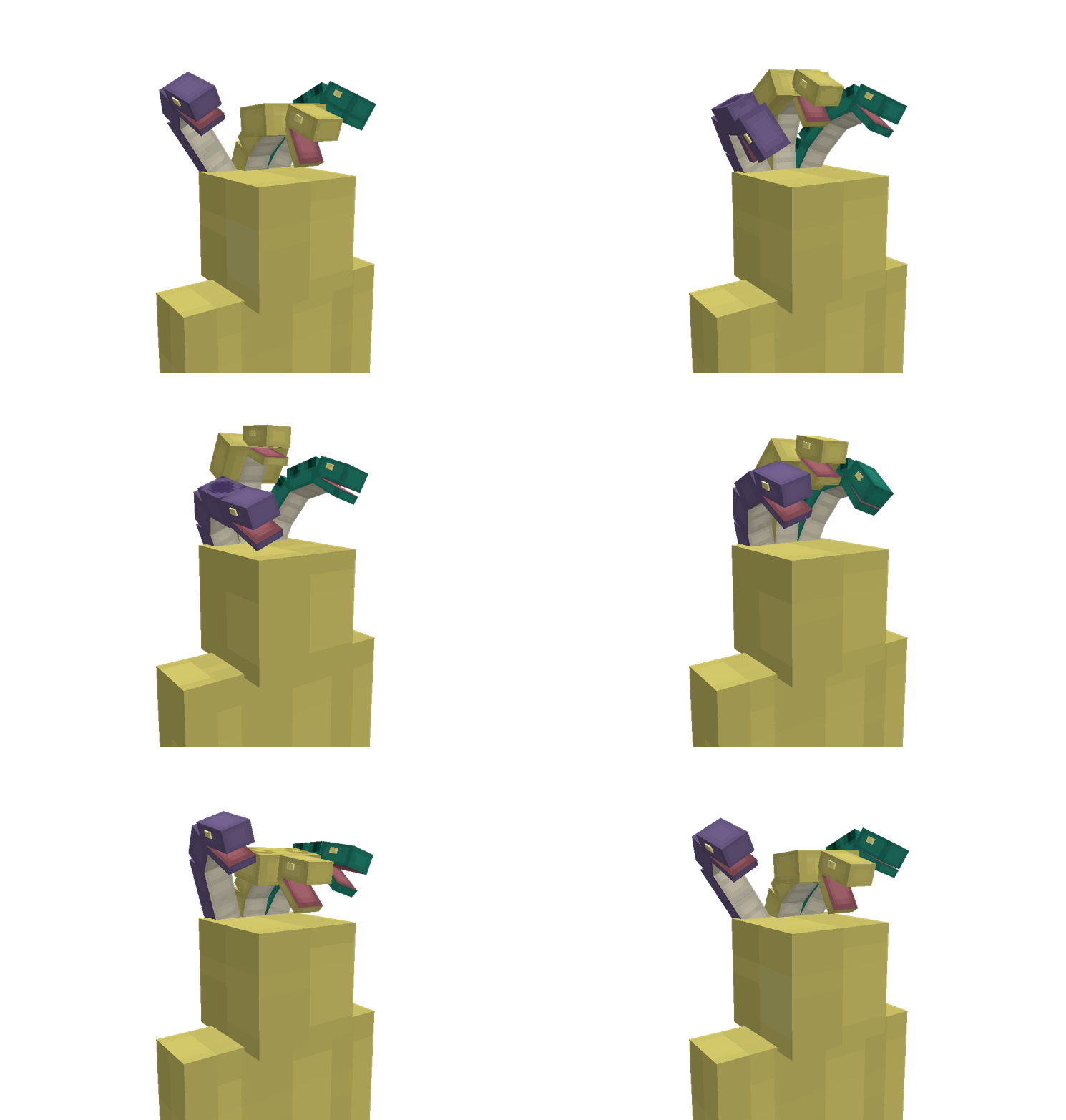
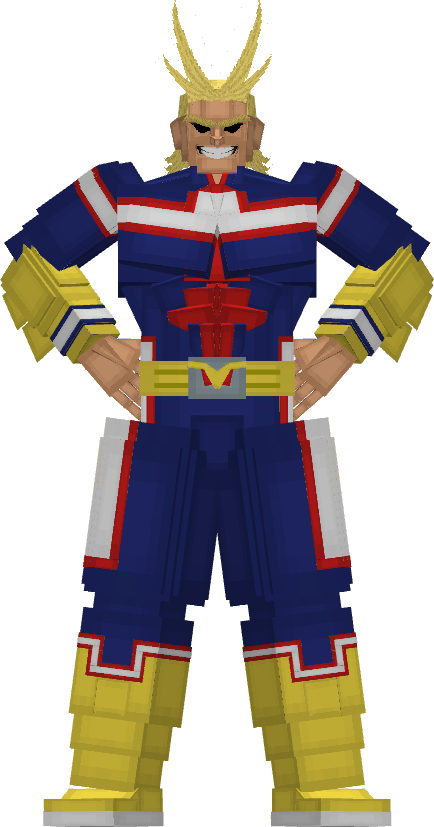
This is "Kujira" new My Hero Academia MOD!!!
Use of internal data such as textures and models is PROHIBITED.
Hello everyone!
Today I'm going to present you my mod.
Why i upload my mod here ? Because i'm japanese so for other peoples finding japanese site is hard.
Changelog: CHANGELOG VIDEO
My Hero Academia or in the original language Boku no HeroAcademia.
First of all the My Hero Academia mod is in 1.20.1
Boku no HeroAcademia mod adds a lot of armors, weapons, entities, and techniques.
You need to use cool techniques to exorcise villain and raise your Level.
I invite you to look at the pictures to see what the mod looks like!
Here are also the official websites: 自作Mod | uploader.jp (getuploader.com)
"how to play" When you enter the world, there is a probability that you will get a techniques.
〇Key settings R+Scroll: Change technique Right Click: Use selected technique Shift (Sneak): Guard
H: Hero mode
(Hero Mode)
W+Jump+Look Up: long jump S+Jump: Backstep N: Quark Note W/A/S/D ダブルクリック:サイドステップ (W/A/S/D double tap: Side Step)
通常打撃はいくつかのコンボがある(Normal attacks have several combo variations.) 以下組み合わせ ・地上で2回連打し、空中で3連打目を使用すると「蹴り飛ばす」に変化 ・地上で上を向きながら打撃を使用すると「昇拳」に変化 ・「昇拳」から連続で打撃を使用すると「蹴り飛ばす」に変化 ・「昇拳」から連続で上方向に打撃を使用すると「蹴り上げ」に変化 ・空中で下を向きながら打撃を使用すると「撃ち落とす」に変化 ・2連撃目にシフトを押すと「迅撃」に変化 ・地上で2回連打し、3連打目でシフトを押すと「連打」に変化 ・打撃を最大チャージにすると「強打撃」に変化(すべてのコンボが無効化)
Combo List Press attack twice on the ground and use the third attack in the air to change into Kick Launch Use an attack while looking upward on the ground to change into Rising Fist Use a follow up attack after Rising Fist to change into Kick Launch Use another upward attack after Rising Fist to change into Upward Kick Use an attack while looking downward in the air to change into Shoot Down Press Shift during the second hit to change into Swift Strike Press attack twice on the ground and press Shift during the third hit to change into Rapid Strikes Fully charging the attack changes it into Heavy Strike (all combos are disabled)
My Youtube channel : https://www.youtube.com/@kujira-area
My Twitter :
Thank you and I hope you'll like the mod !!!
Kujira(Whale) : Creator of the mod.
- Edition: Minecraft Java
- File type: .jar
- Minecraft version listed: 1.20.1
- How to install: Install the matching mod loader (Forge, Fabric or NeoForge) for your Minecraft version. → Download the .jar. → Put it in the .minecraft/mods folder and launch that loader profile.
- Where to get it: Opens on Modrinth — not every file is mirrored on our own servers.
Install steps are the general flow for this file type — How to install Minecraft Java mods & modpacks walks through it step by step.
- Ships as My Hero Craft-28.0.3.jar — drop this file into the mods folder
- Download size: 10.8 MB
- Download link checked 10 Oct 2026 — working
These come from our own check of the pack file, not from the source page.