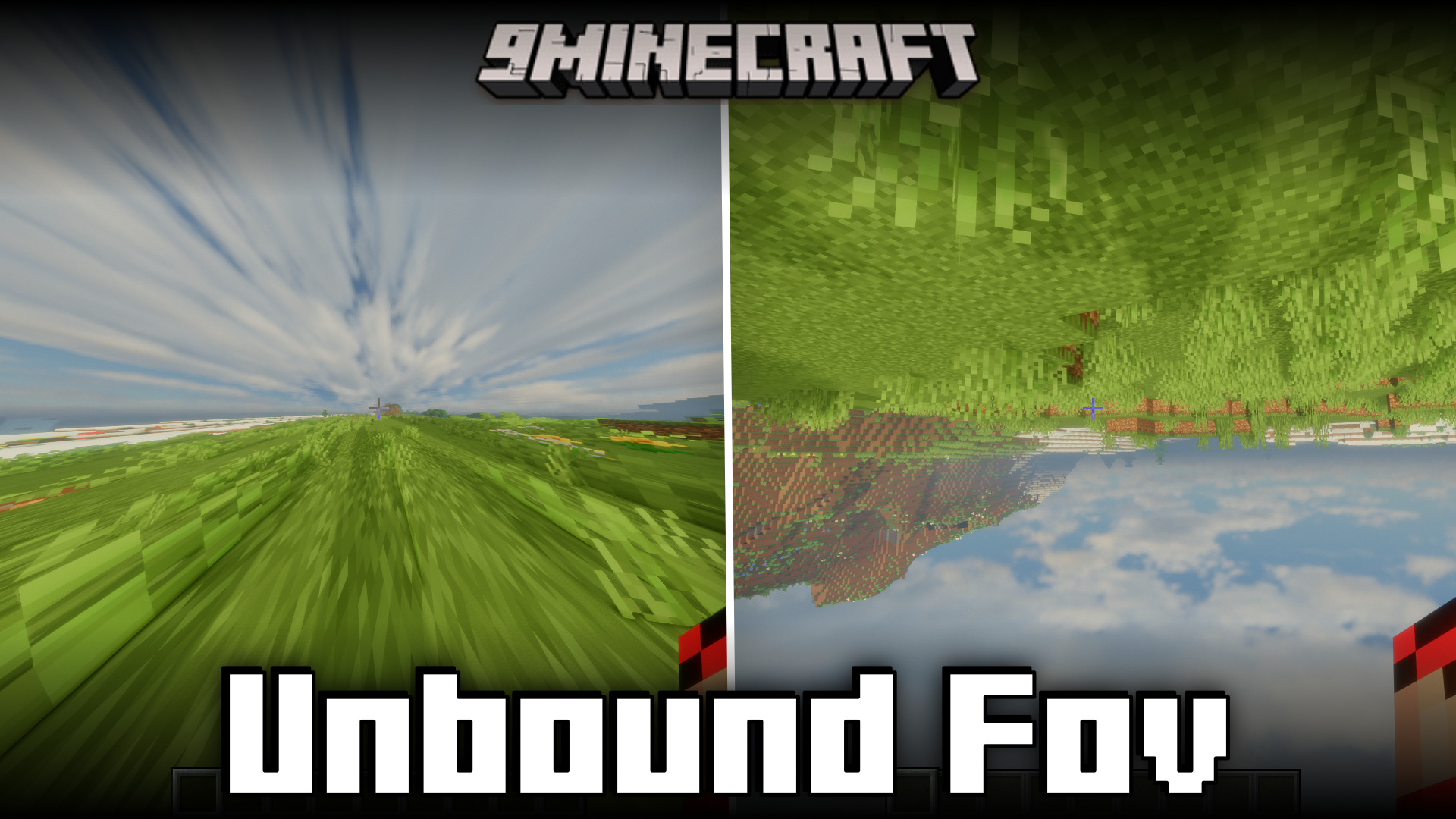

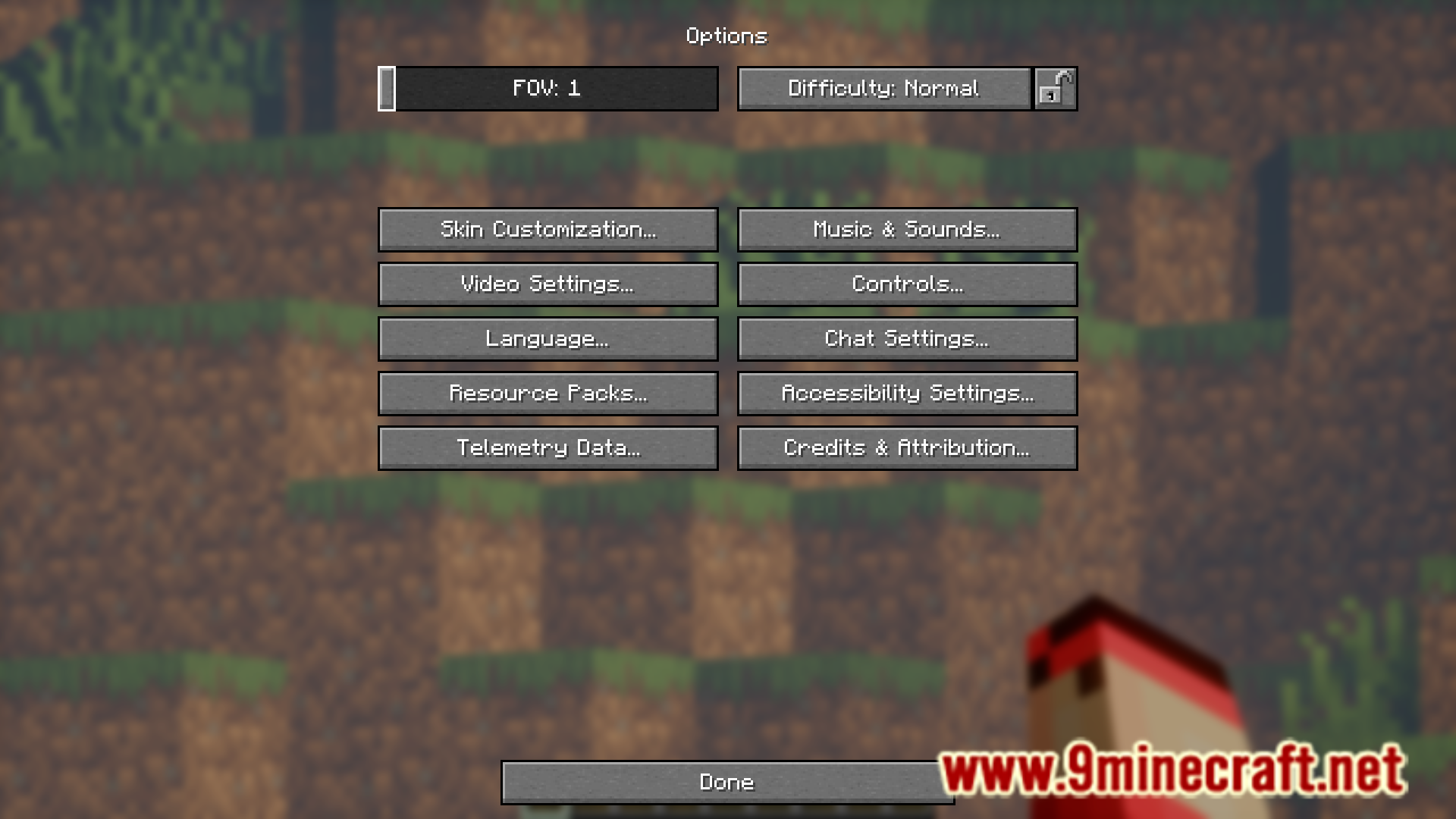

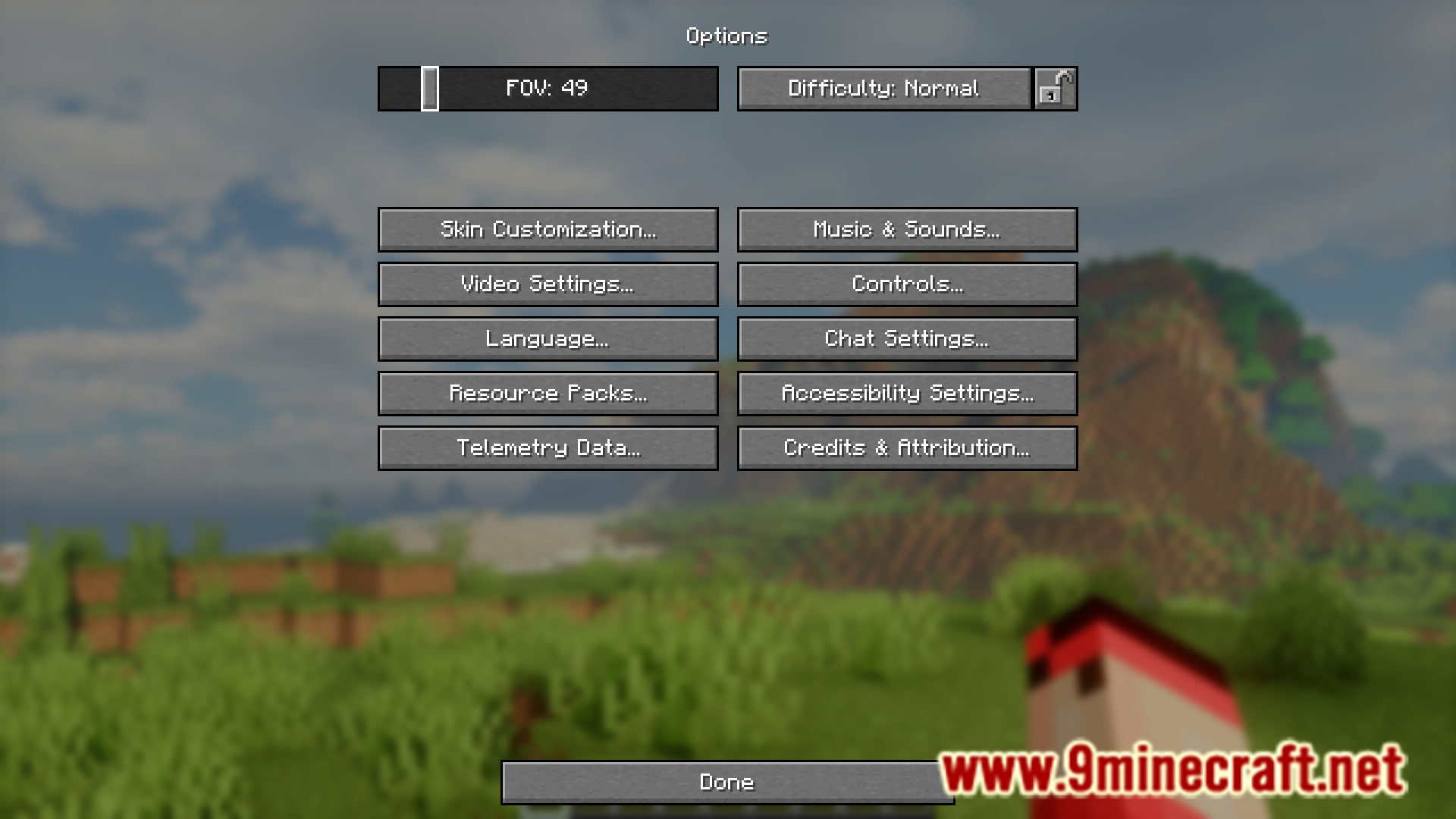
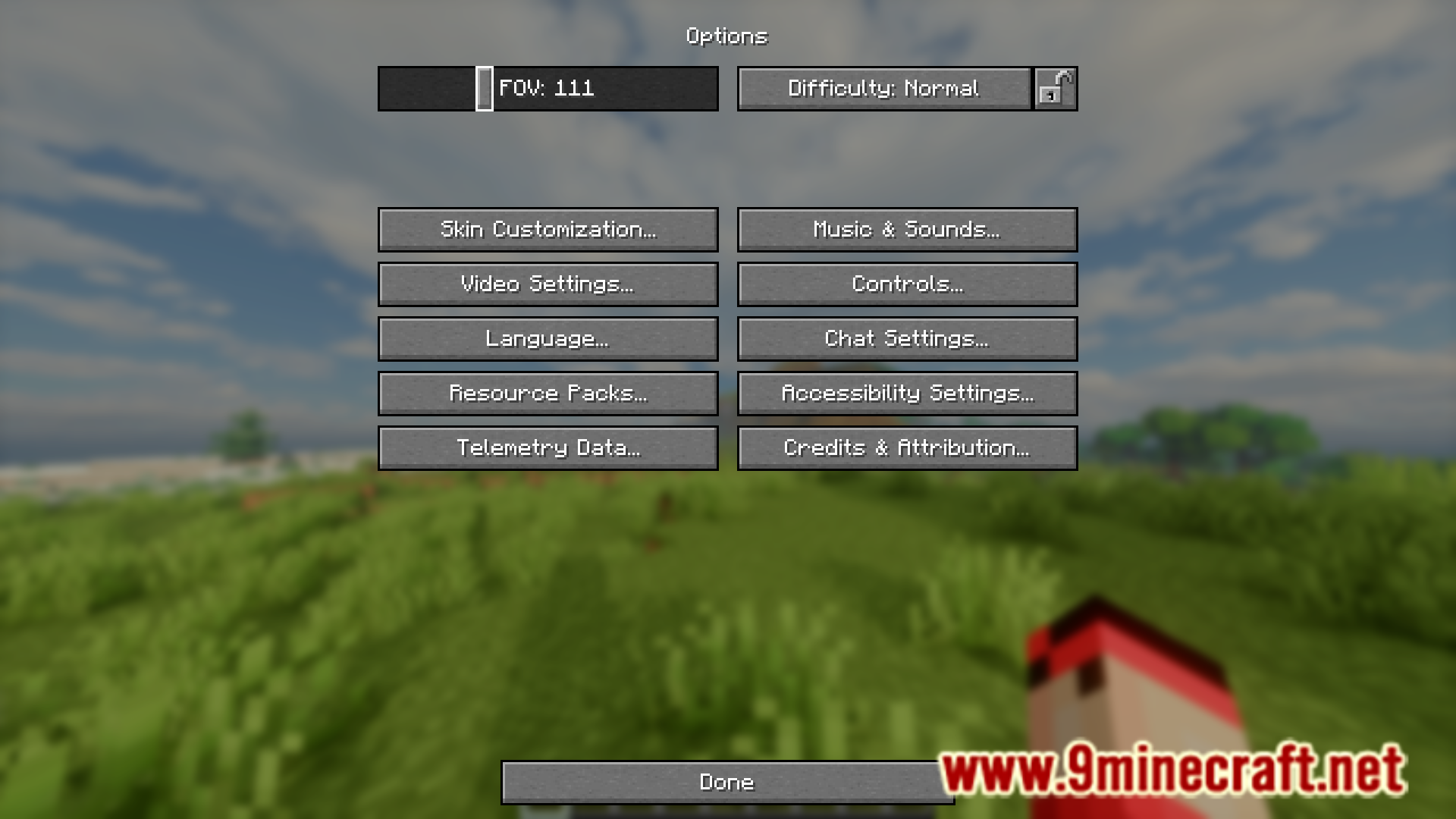
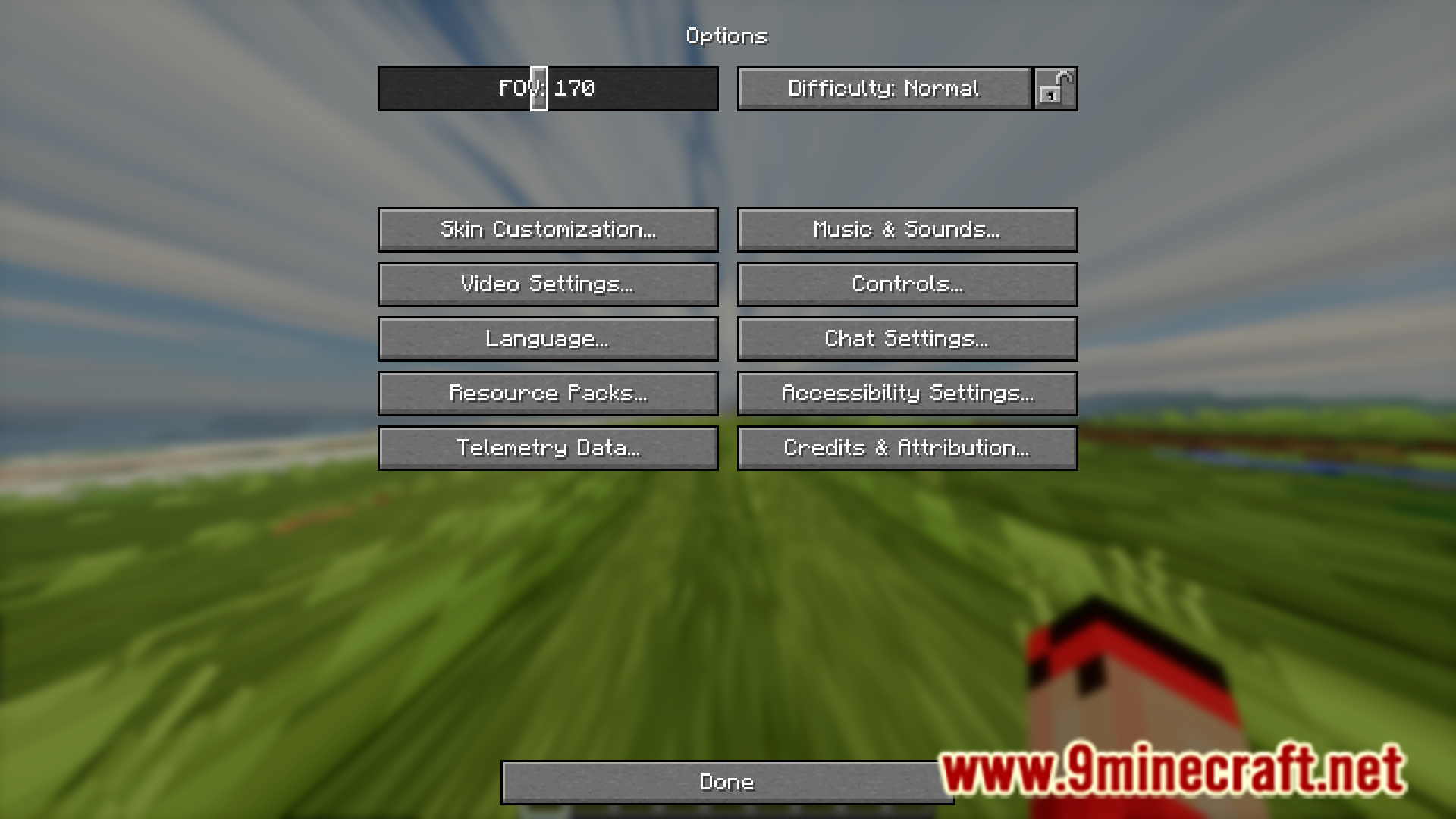
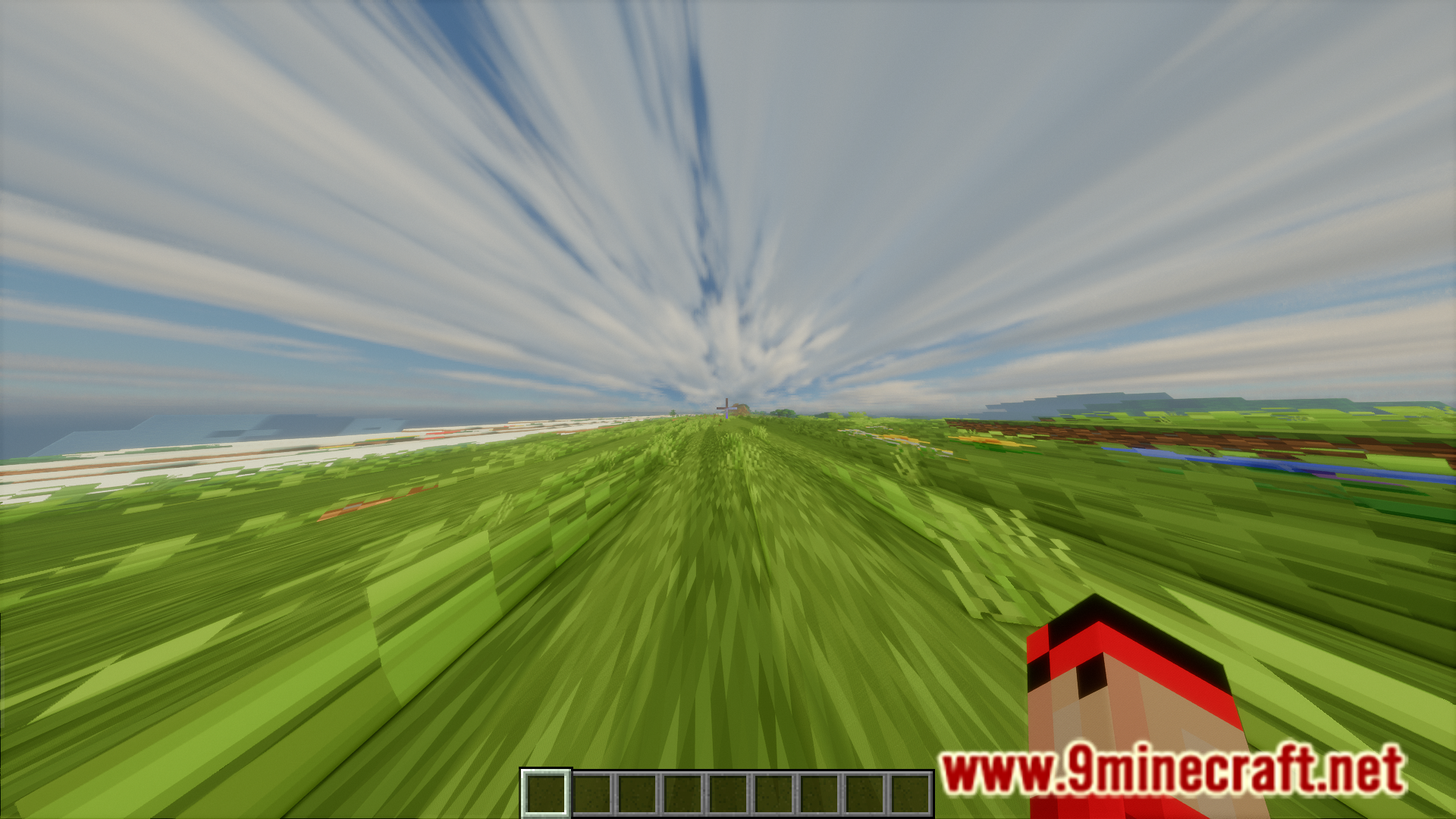
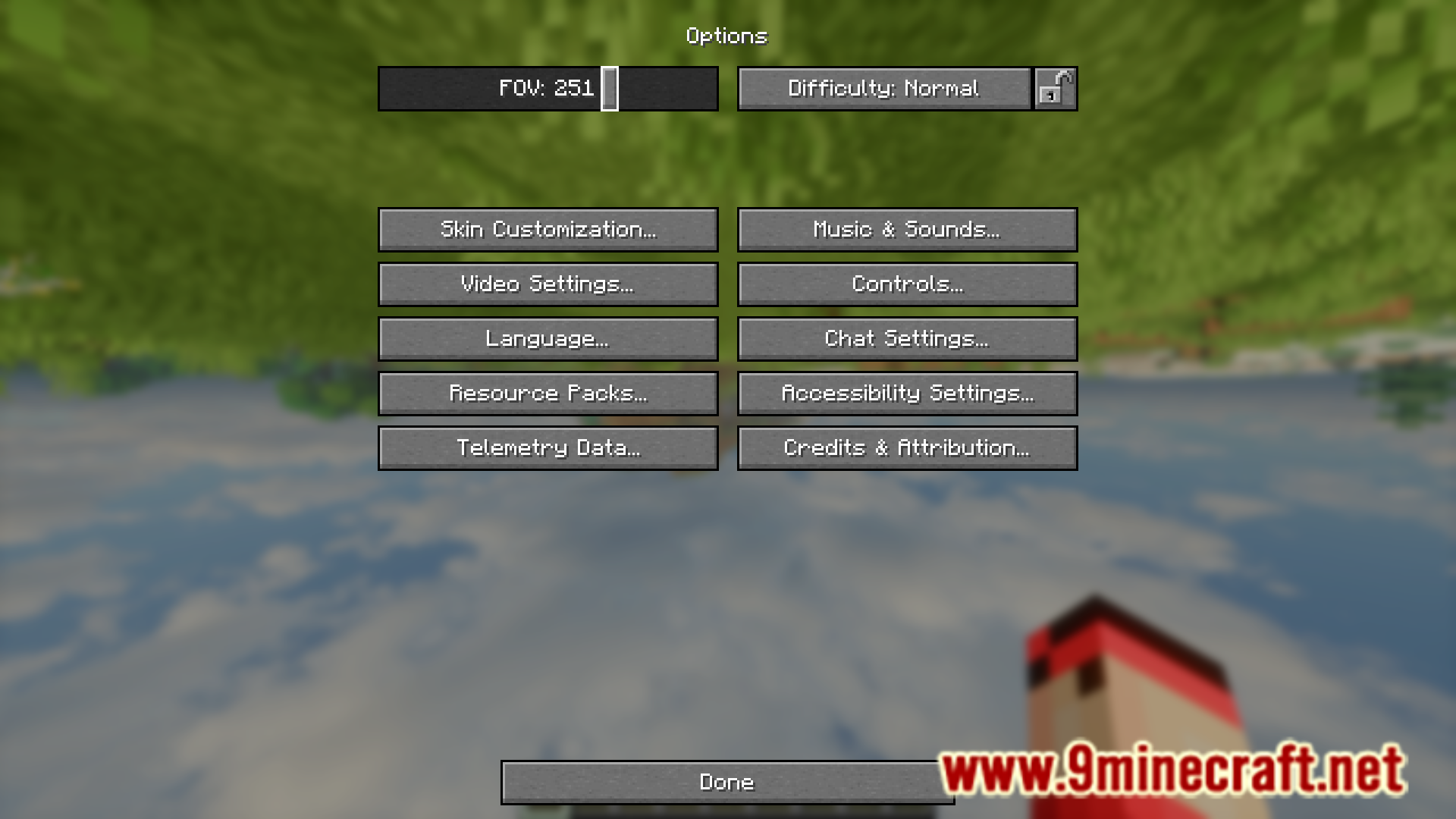
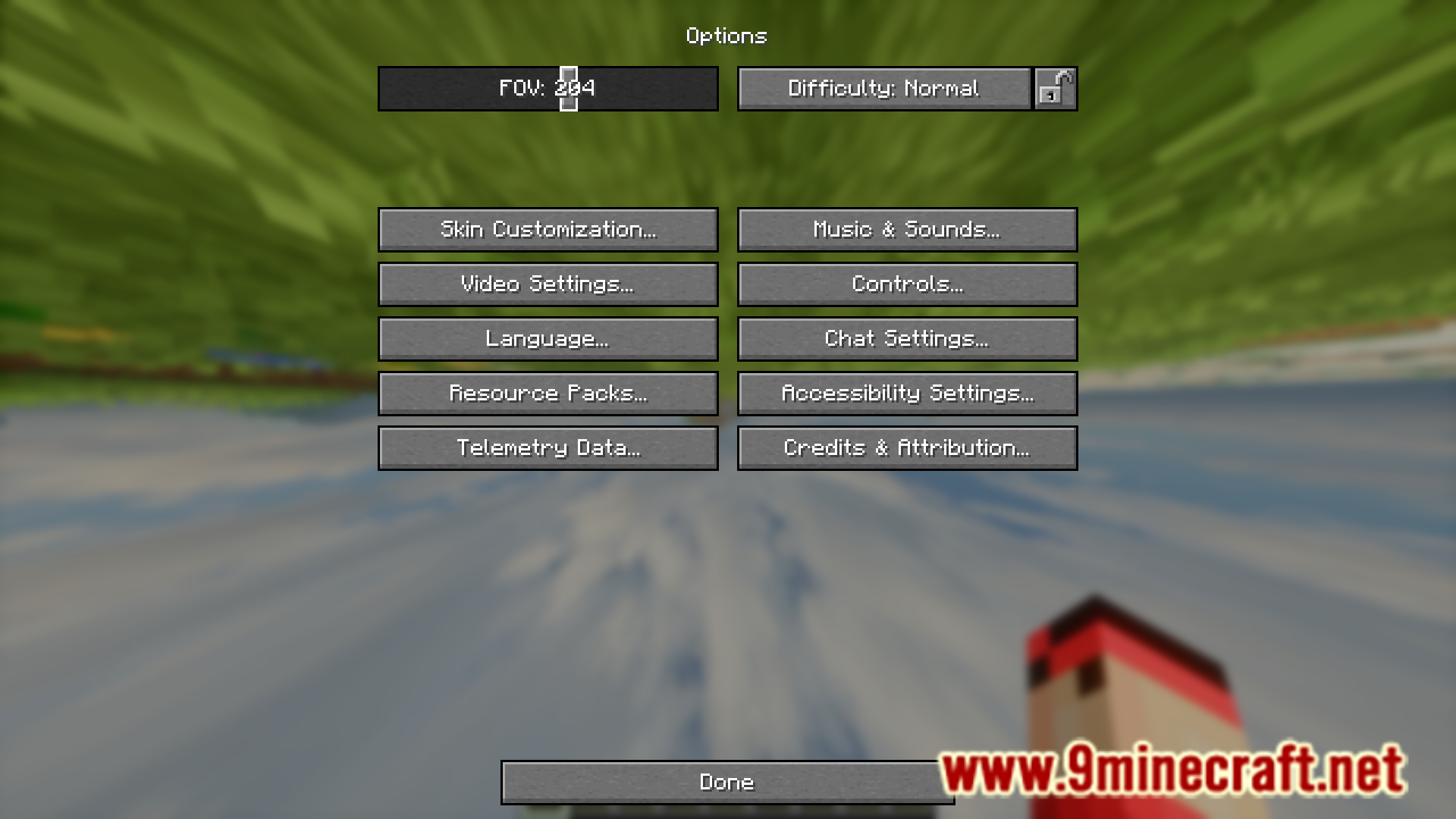
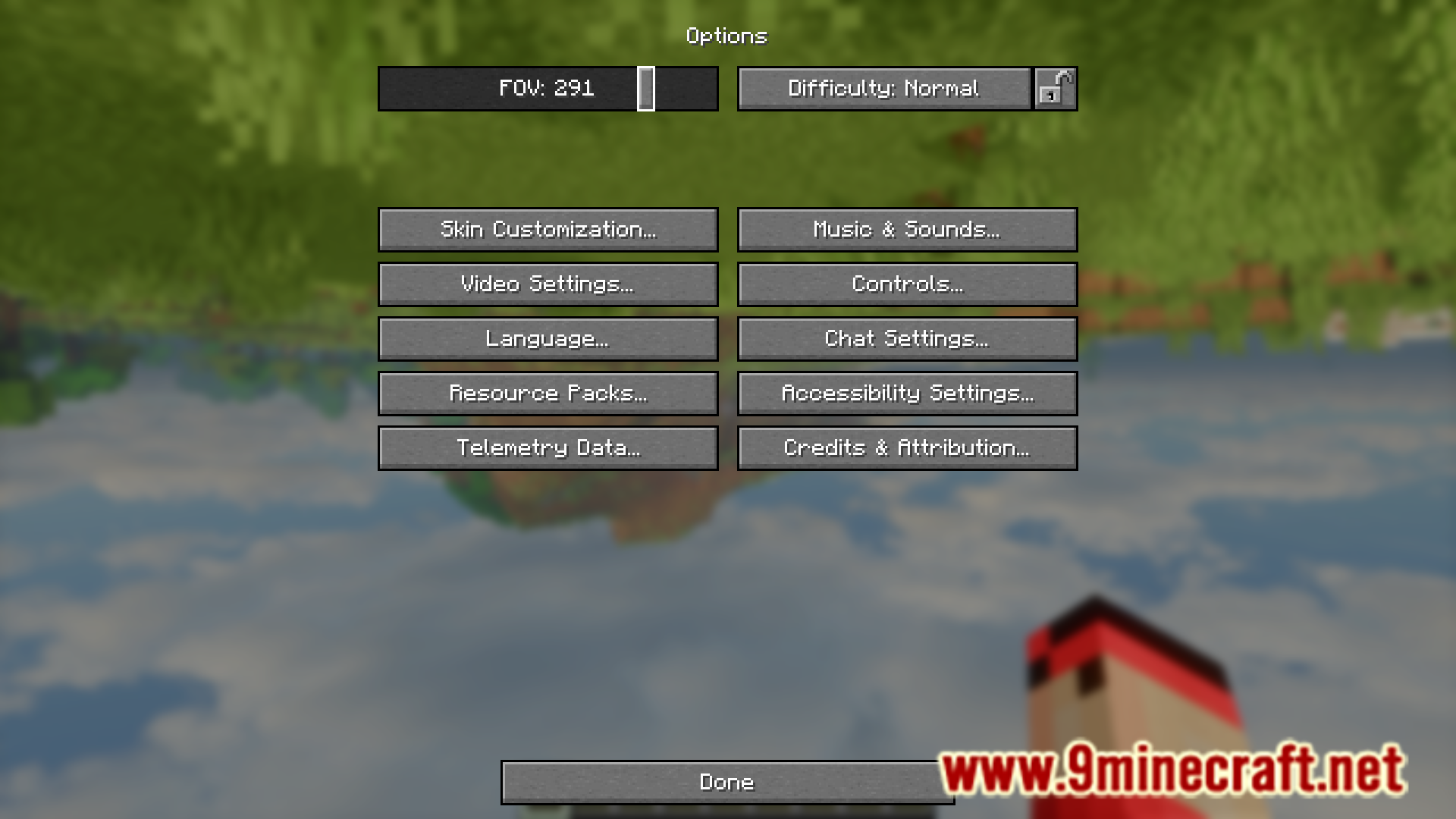
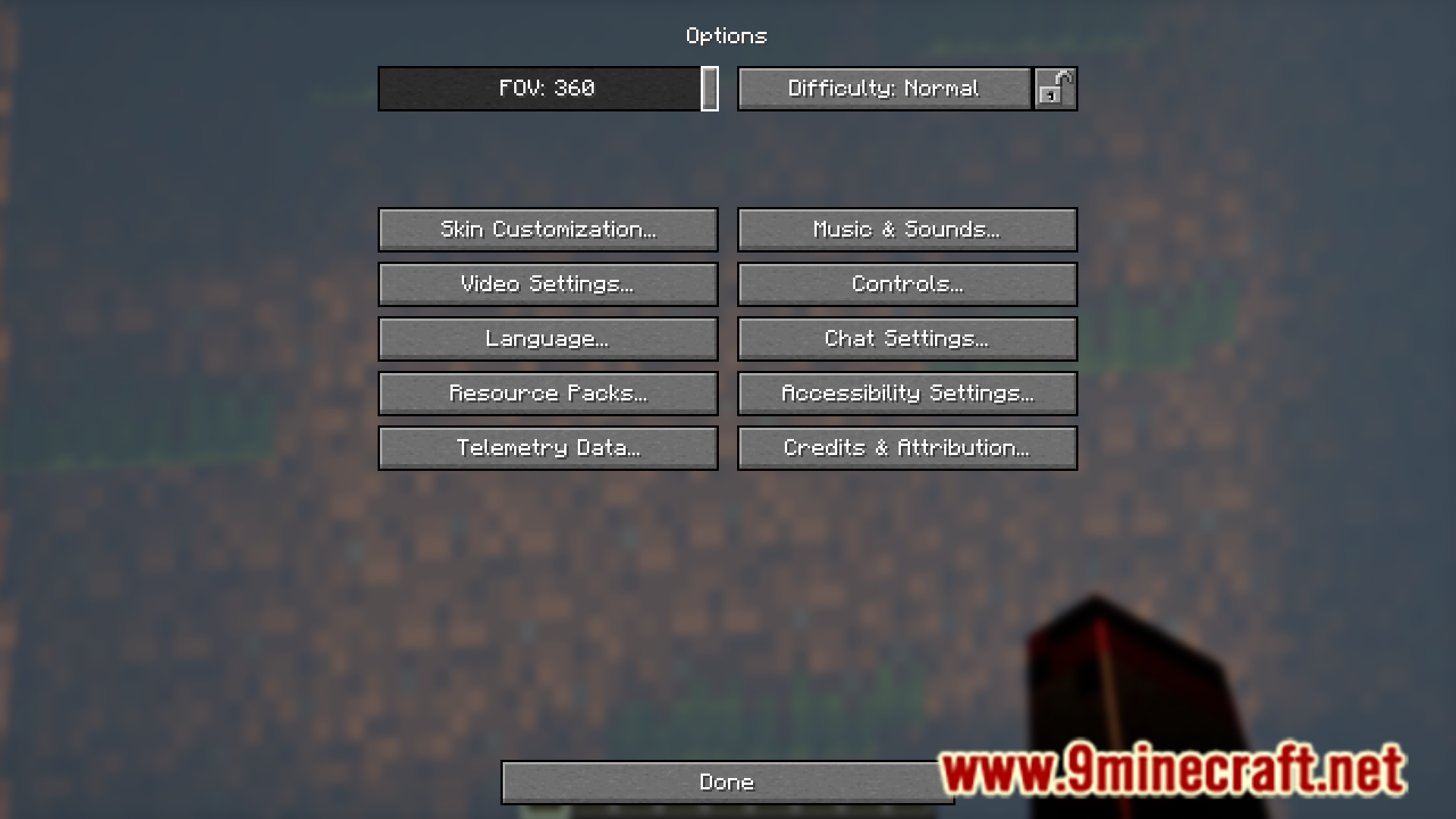
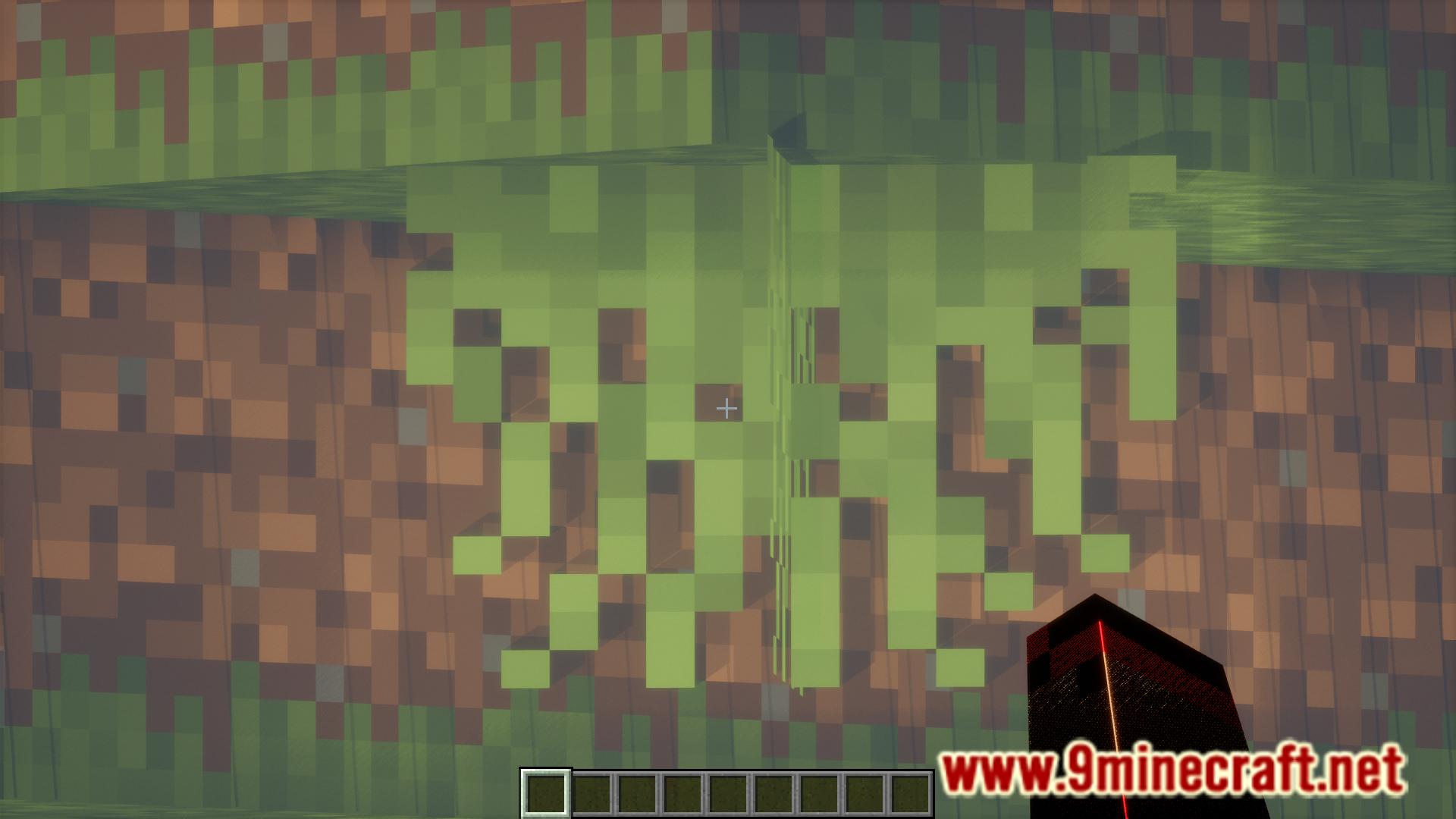
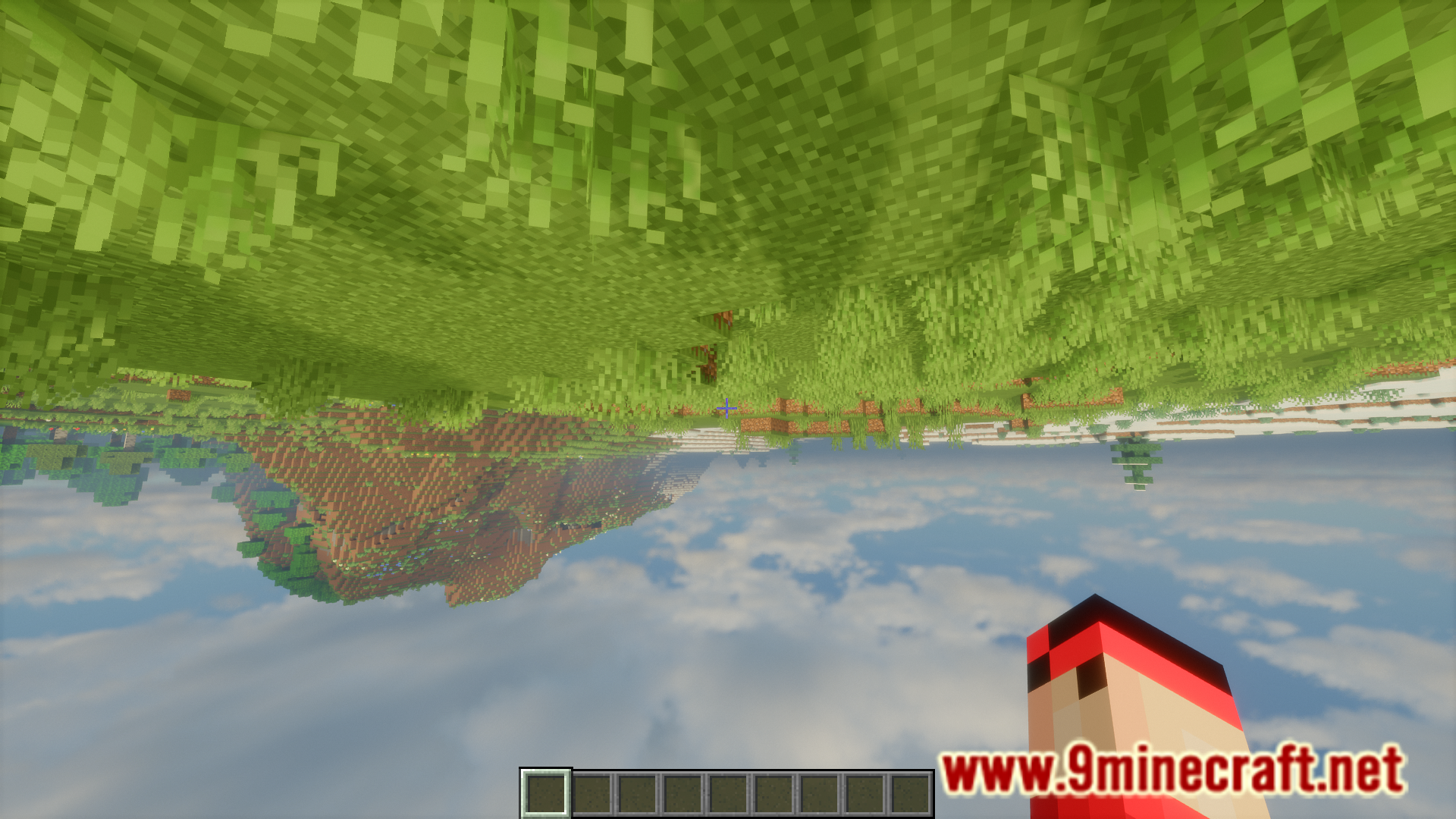
The field of view, or FOV for short, determines the angle of view that you can see with your eyes. In Minecraft, you can adjust your FOV using a slider provided in the settings. Increasing this value allows you to view a much larger area around the player, and the vice-versa has the opposite effect. The vanilla game allows you to adjust your FOV slider from a lower limit of 30 to the higher limit of 110. But what if you wanted more? Unbound Fov Mod, as the name suggests, is here to make it possible to adjust your FOV levels to the extreme limits. With this mod installed, you will be able to drag your FOV slider a full 360 degrees, all the way from 1 degree to 360 degrees. The extremities even cause your view to flip upside down.
Features:
- Increases the limit of the FOV slider to extreme limits.
- The slider now allows a full 360 degree FOV limit.
- Lower limit of 1 degree. Higher limit of 360 degrees.
Screenshots:
Unbound Fov Mod Download Links
- Edition: Minecraft Java
- File type: .jar
- Minecraft versions listed: 1.21.11, 1.20.1
- How to install: Install the matching mod loader (Forge, Fabric or NeoForge) for your Minecraft version. → Download the .jar. → Put it in the .minecraft/mods folder and launch that loader profile.
- Where to get it: In MC Java Mods, or directly above on this page.
Install steps are the general flow for this file type — How to install Minecraft Java mods & modpacks walks through it step by step.
- Downloads as 25786.mcaddon
- Download size: 96 KB
- Download link checked 24 Sept 2026 — working
- Mirrored on our own servers — the download does not depend on the original host
These come from our own check of the pack file, not from the source page.