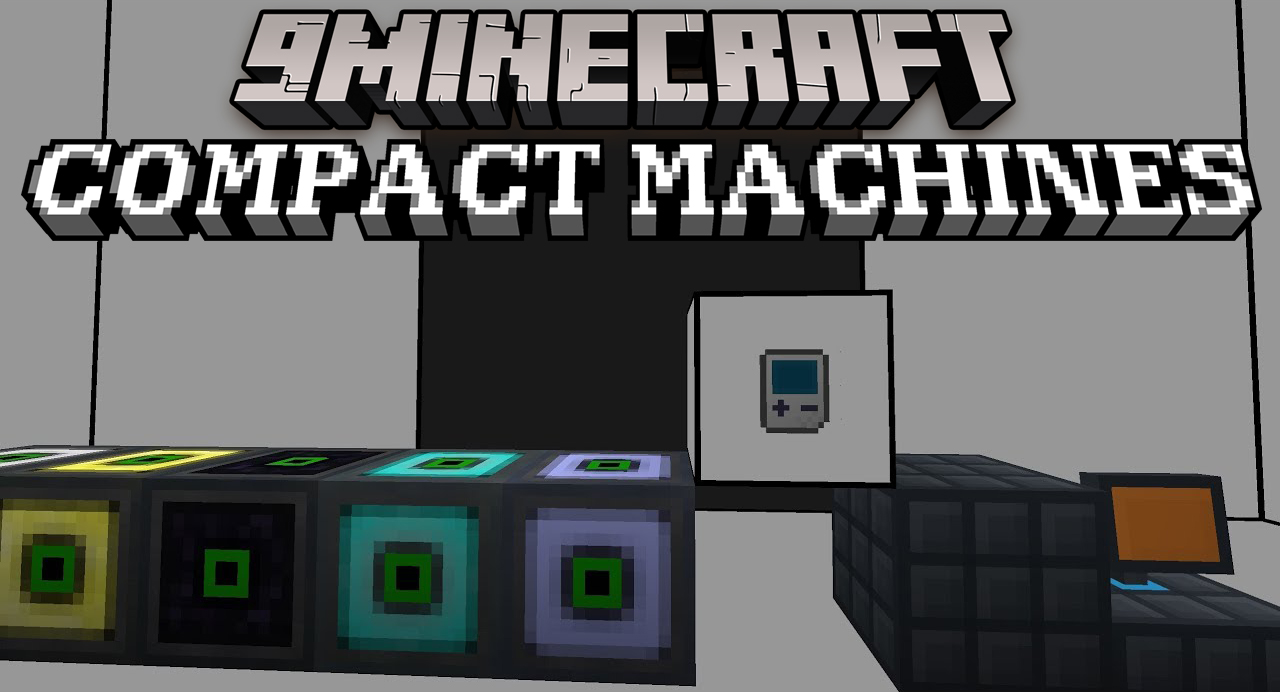
Compact Machines Mod (1.21.8, 1.20.1) – Build a Factory in a Block
Java mod listed for Minecraft 1.20–1.21. Downloads from the MC Java Mods app on Android.
⬇ Download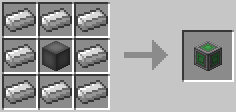
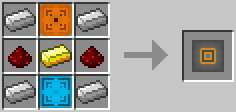
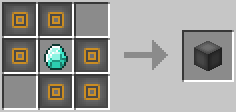
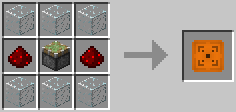
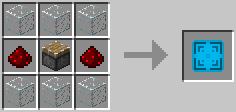
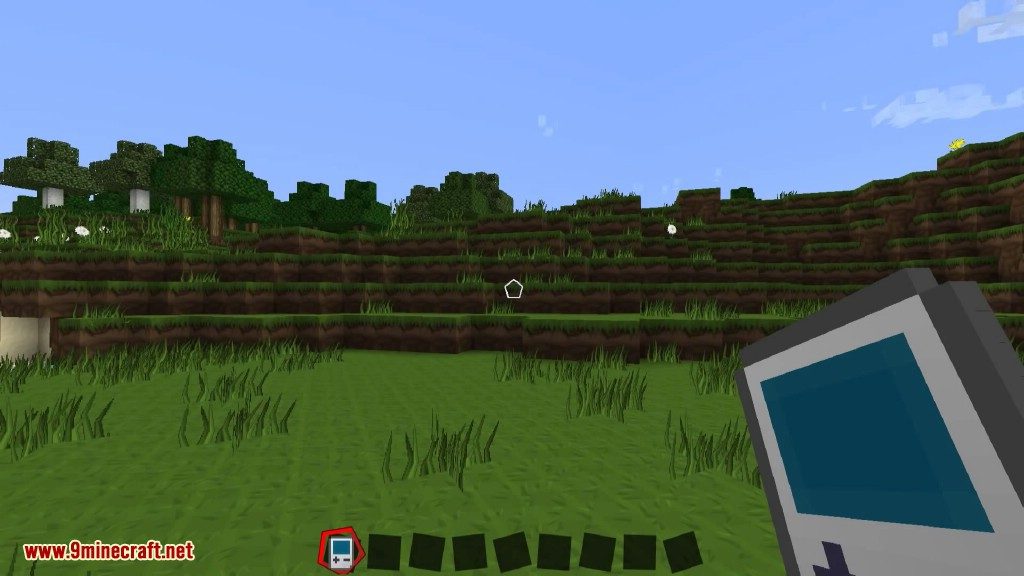
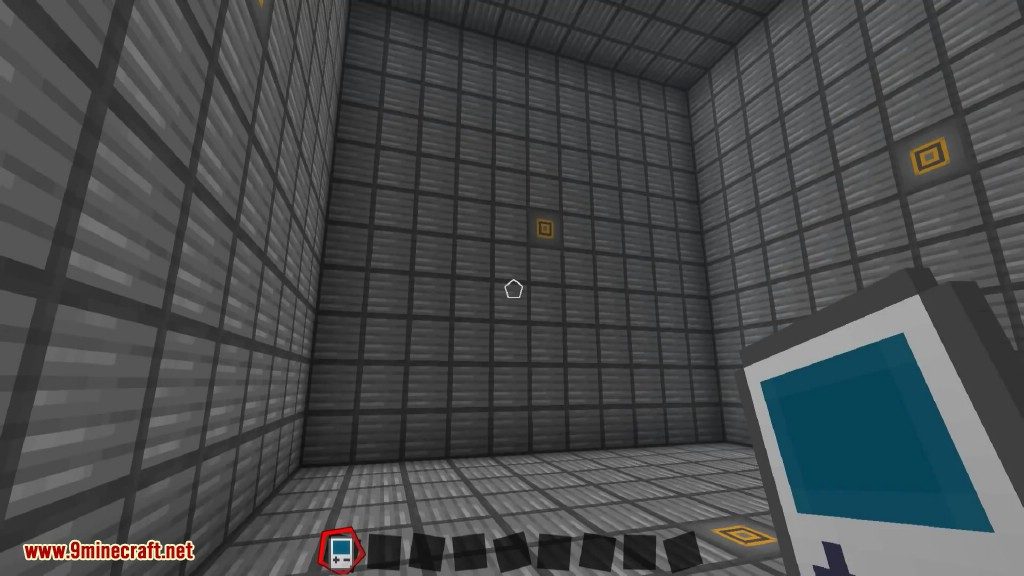
Compact Machines Mod adds small rooms that exist inside single blocks. This lets you build large and complicated machines without using up a lot of space in your world. Each side of a machine block can move items, fluids, and energy, allowing your hidden room to connect with the outside.
Features:
- Build complex machines inside special blocks to keep your main world from getting cluttered.
- Get access to rooms of different sizes, from a small 3x3x3 space to a huge 13x13x13 area.
- Use tunnels to create connections between the inside of a machine and the outside world.
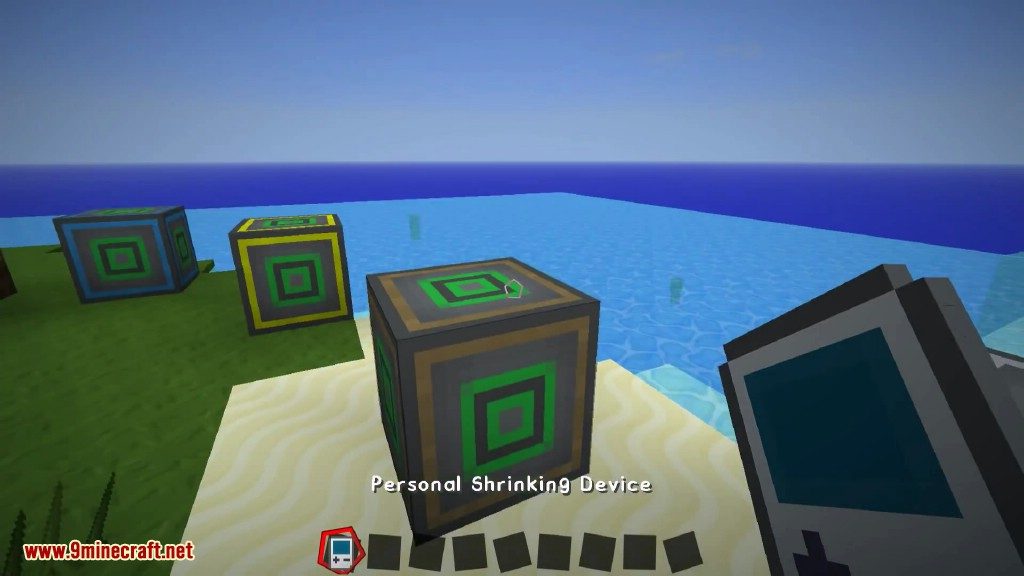
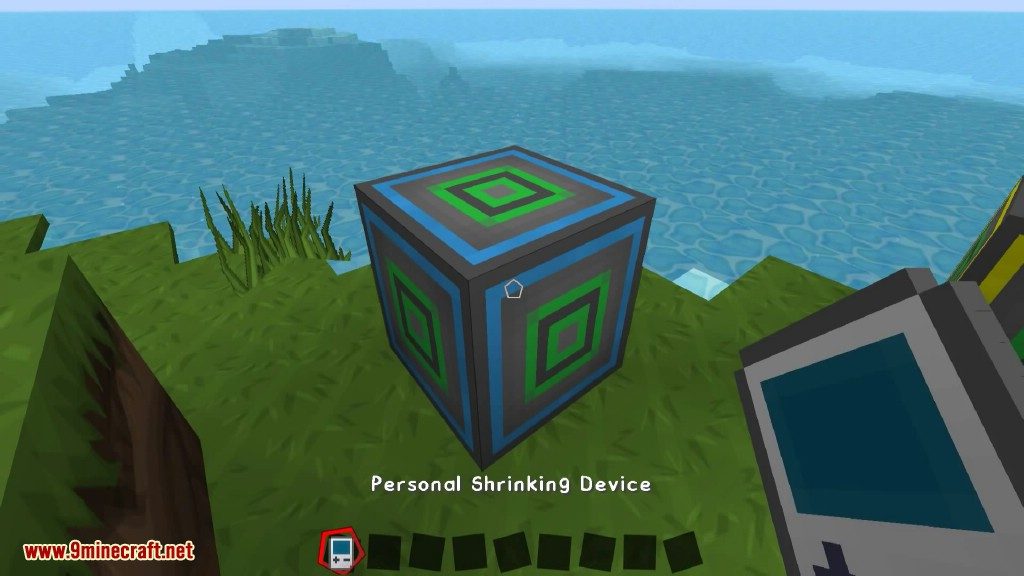
- Enter and leave your compact rooms with a special tool called the Personal Shrinking Device.
How to Use:
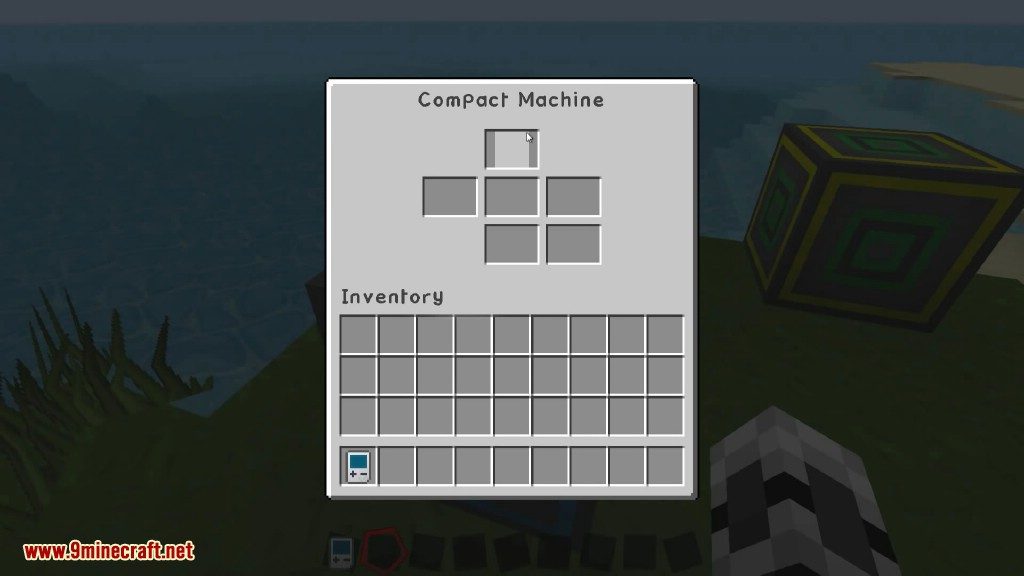
- First, craft a Compact Machine block.
- Right-click the block with a Personal Shrinking Device to enter the room inside.
- Use the interfaces on the walls to connect your build to the outside.
- To leave the room, simply right-click again with the device.
Crafting Recipes:
Blocks and Items:
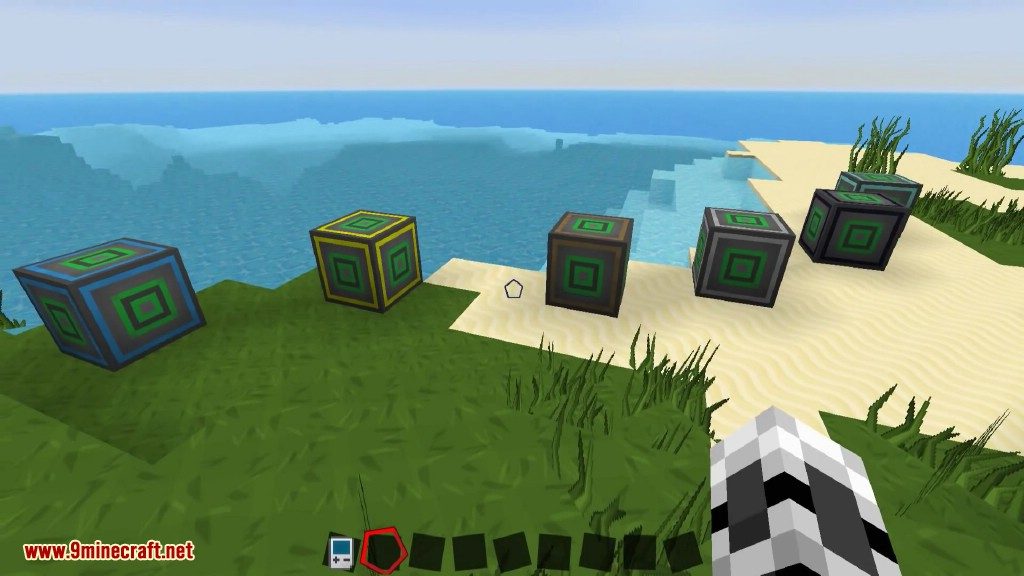
Compact Machines, 6 sizes
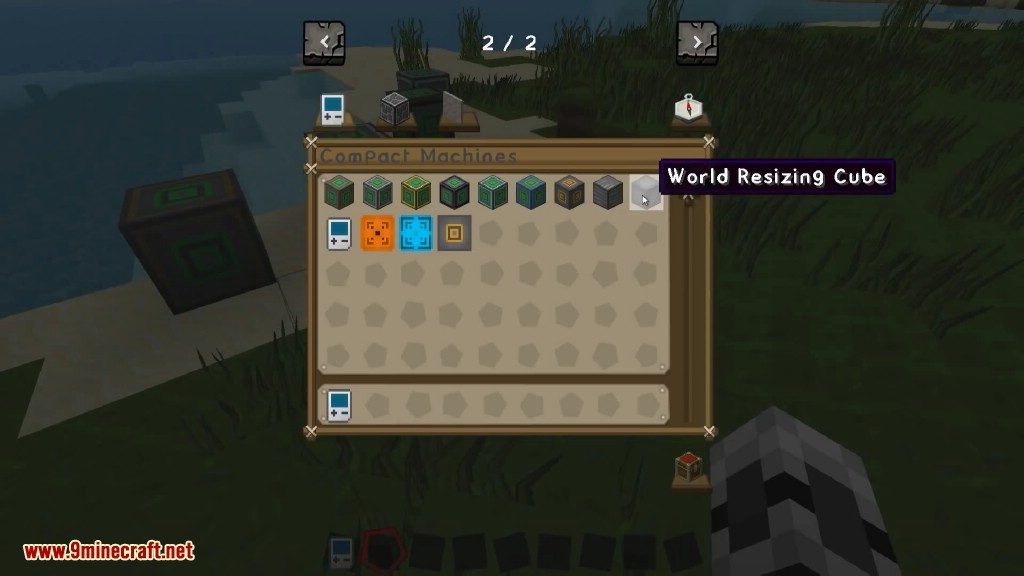
Surround a World Resizing Cube with one of the following materials:
- Wood gives you a 3x3x3 room
- Iron, 5x5x5
- Gold, 7x7x7
- Obsidian, 9x9x9
- Diamond, 11x11x11
- Nether Star, 13x13x13
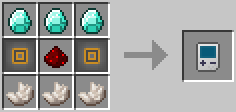
Personal Shrinking Device
Required to enter/leave a block. Don’t lose yours while you are working inside of a machine or you might get trapped.
Quantum Entangler
Use it to link two machines to the same room. They share the same content and buffers. Both machines must be upgraded with a netherstar and must be of the same size. You cannot entangle two used machines, i.e. the target machine must never have been entered before.
Stuff only required for crafting
You only need these to craft the two things above.
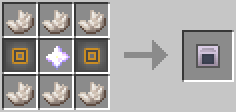
World Resizing Interface
World Resizing Cube
Atom Shrinking Module
Atom Enlarging Module
Screenshots:

Compact Machines Mod Download Links
- Edition: Minecraft Java
- File type: .jar
- Minecraft versions listed: 1.21.8, 1.20.1
- How to install: Install the matching mod loader (Forge, Fabric or NeoForge) for your Minecraft version. → Download the .jar. → Put it in the .minecraft/mods folder and launch that loader profile.
- Where to get it: In MC Java Mods, or directly above on this page.
Install steps are the general flow for this file type — How to install Minecraft Java mods & modpacks walks through it step by step.
- Downloads as 25798.mcaddon
- Download size: 538 KB
- Download link checked 22 Sept 2026 — working
- Mirrored on our own servers — the download does not depend on the original host
These come from our own check of the pack file, not from the source page.