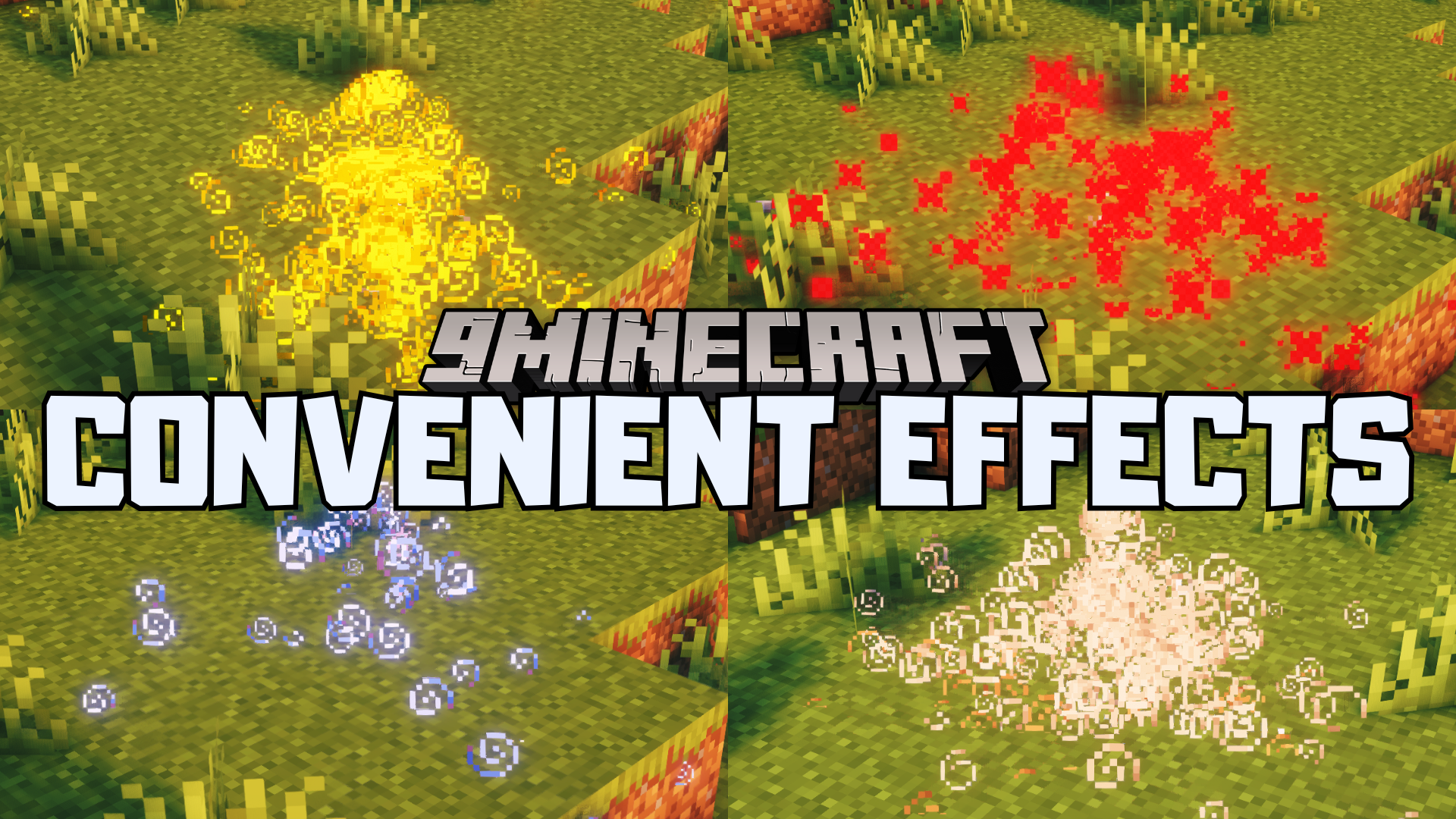
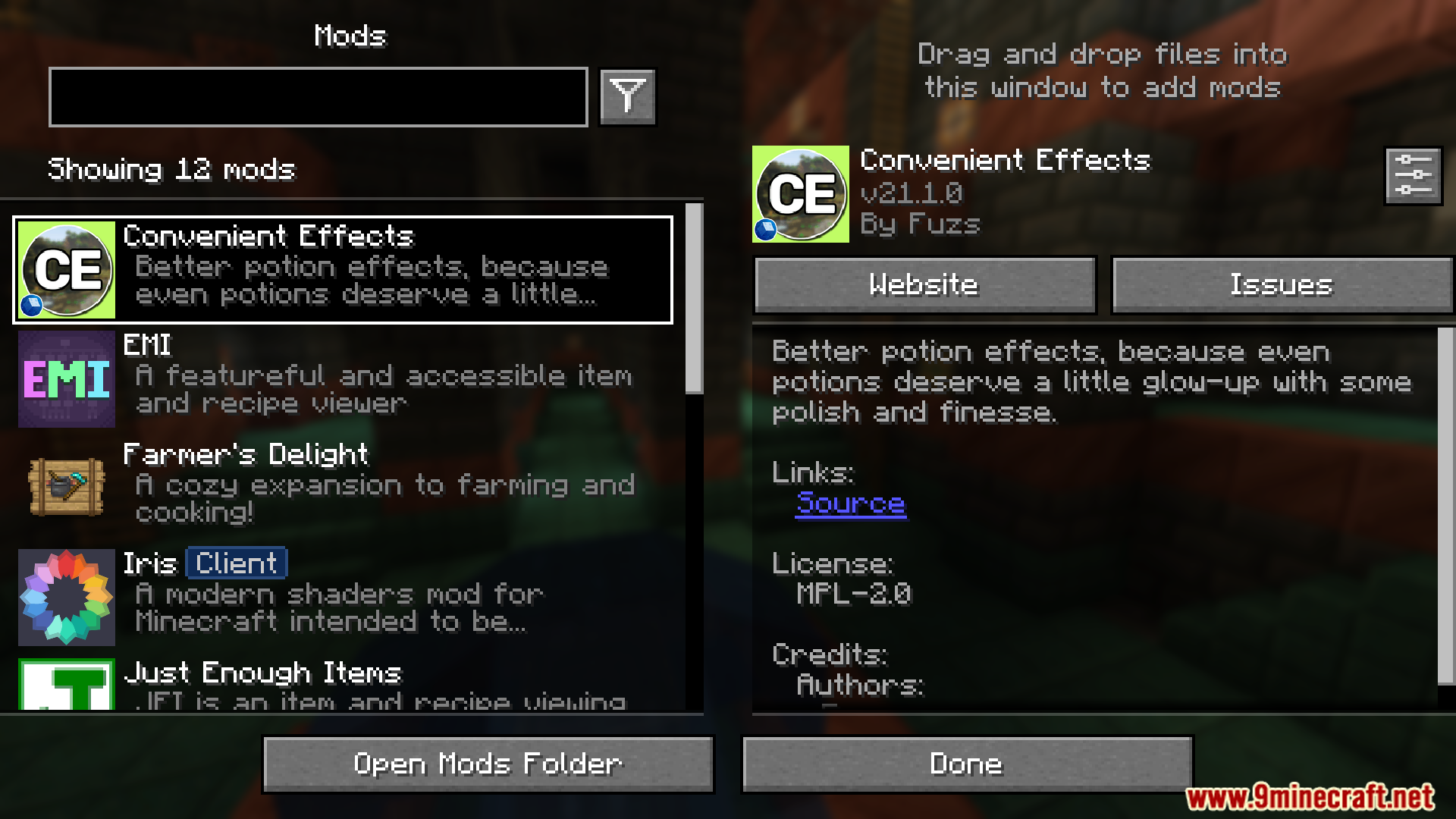
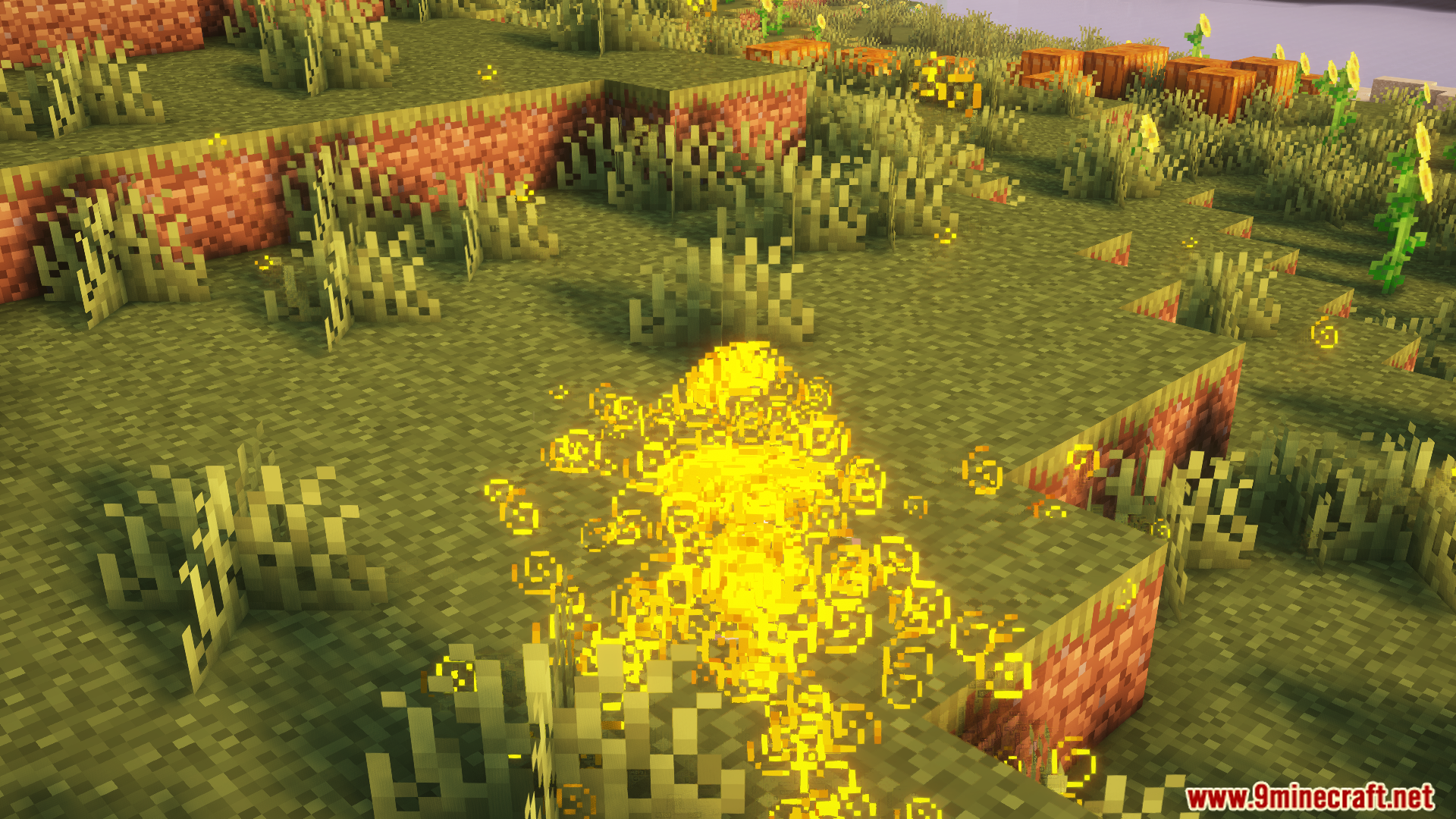
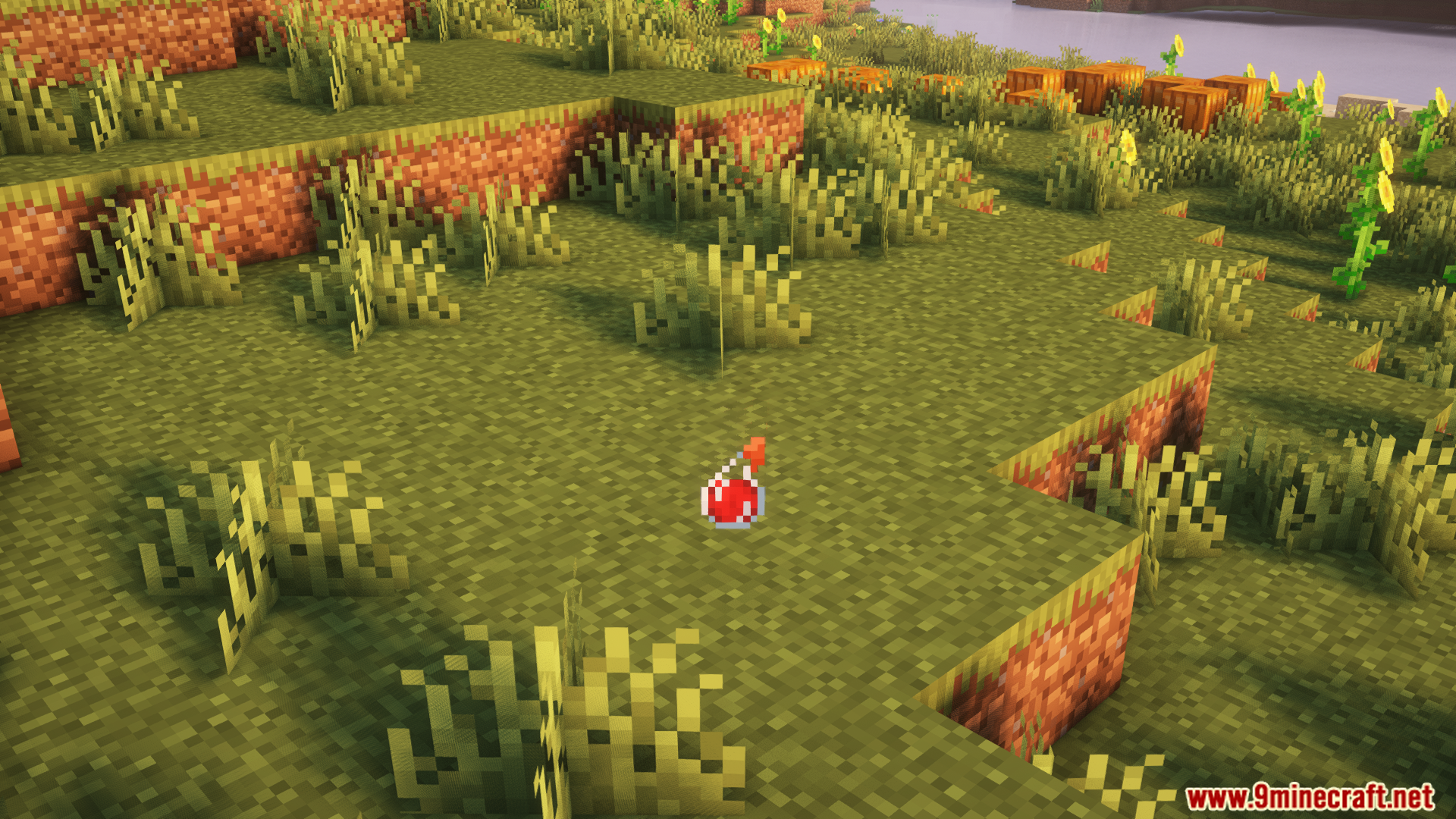
Convenient Effects Mod makes potion effects in the game look and work better. It keeps the game the same but makes the effects smoother, easier to use, and more useful.
Features:
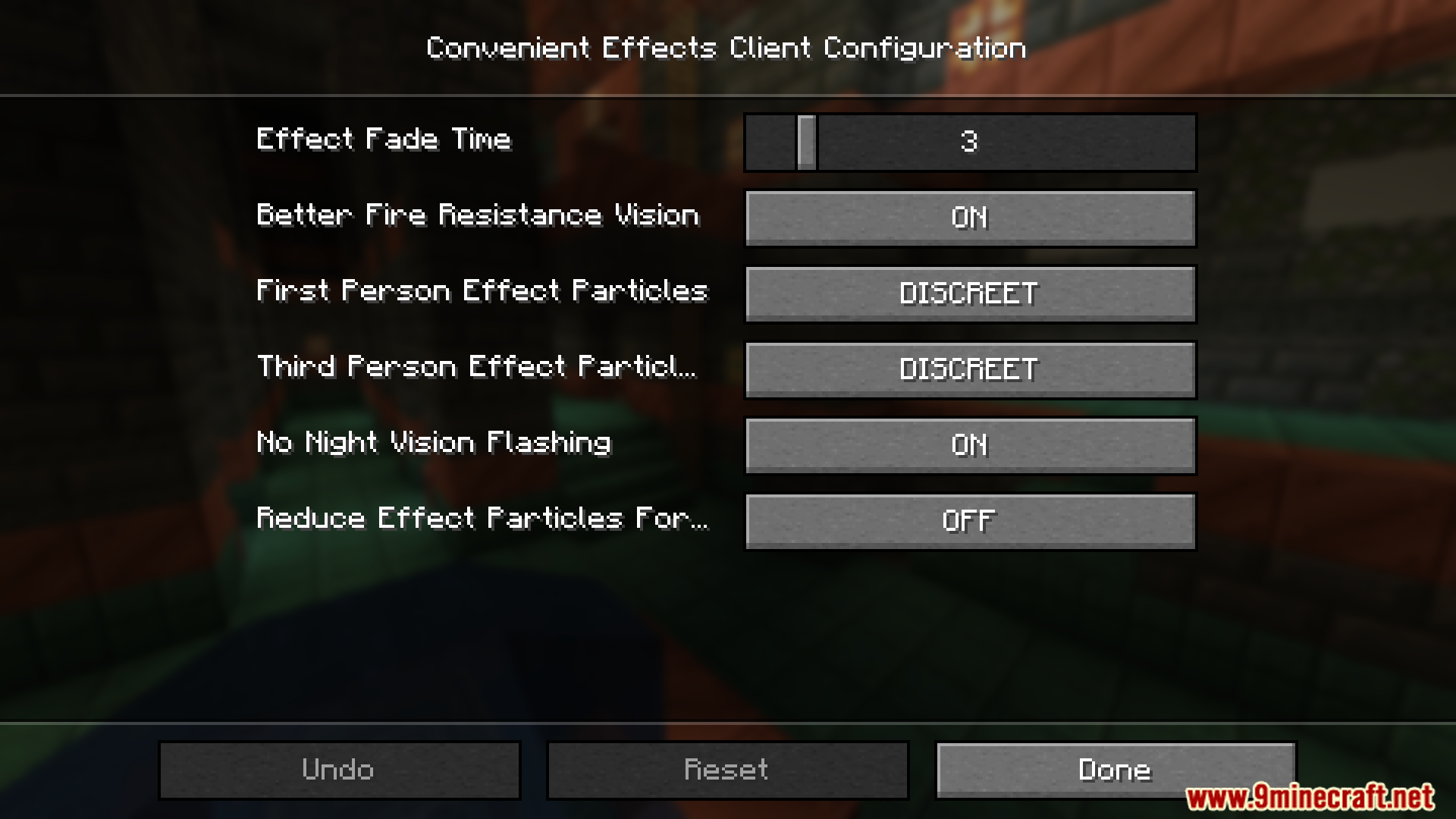
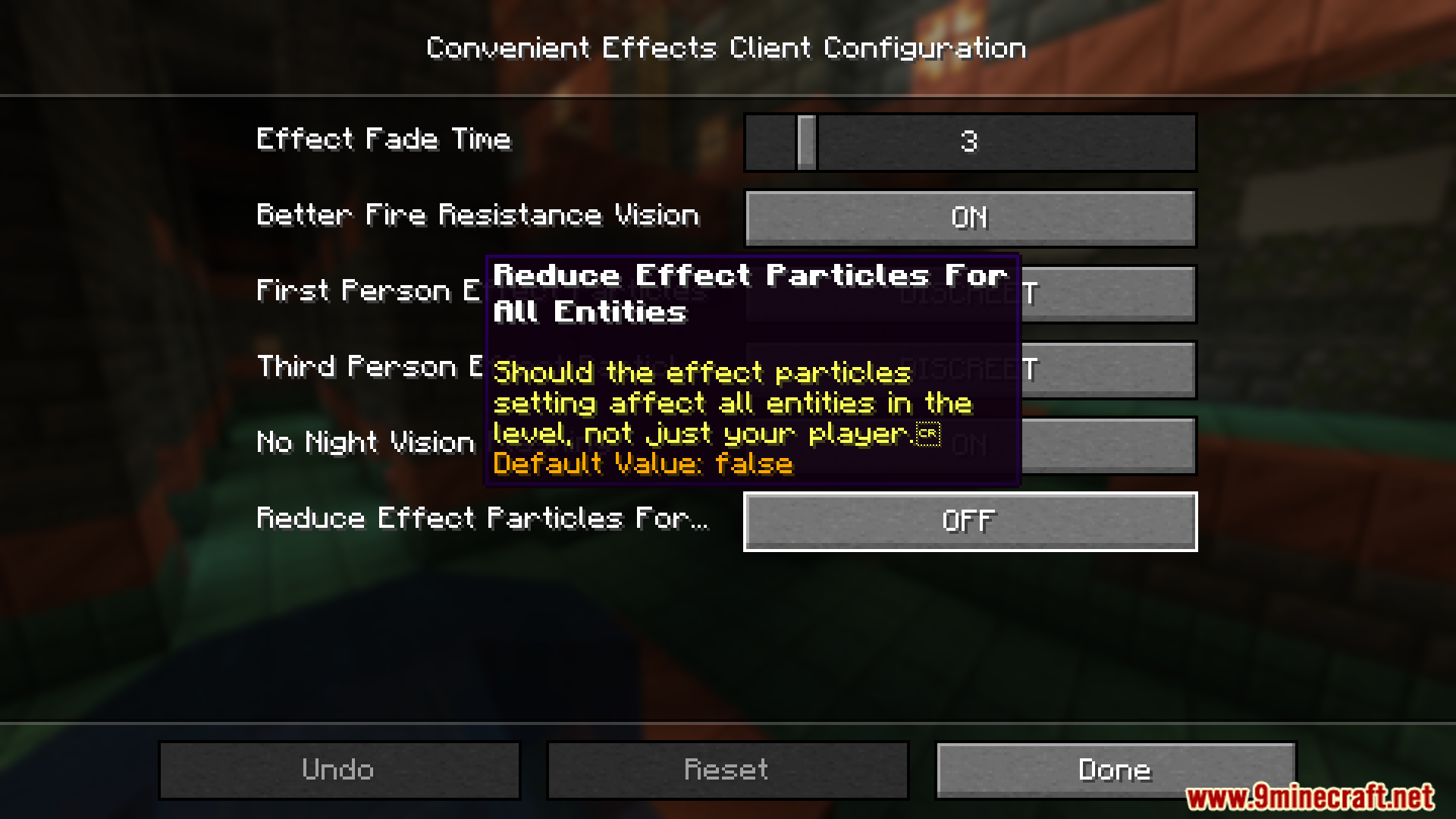
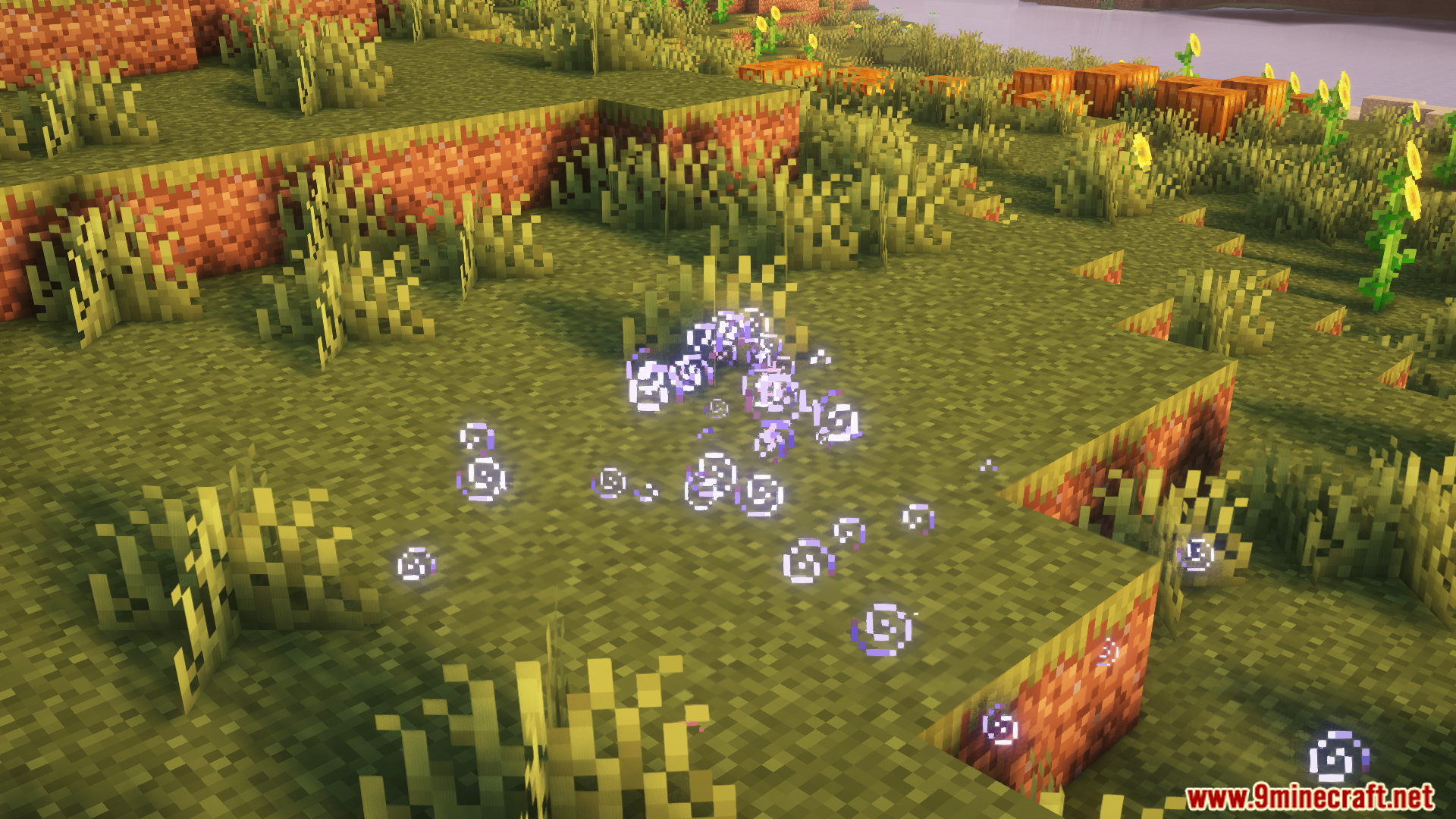
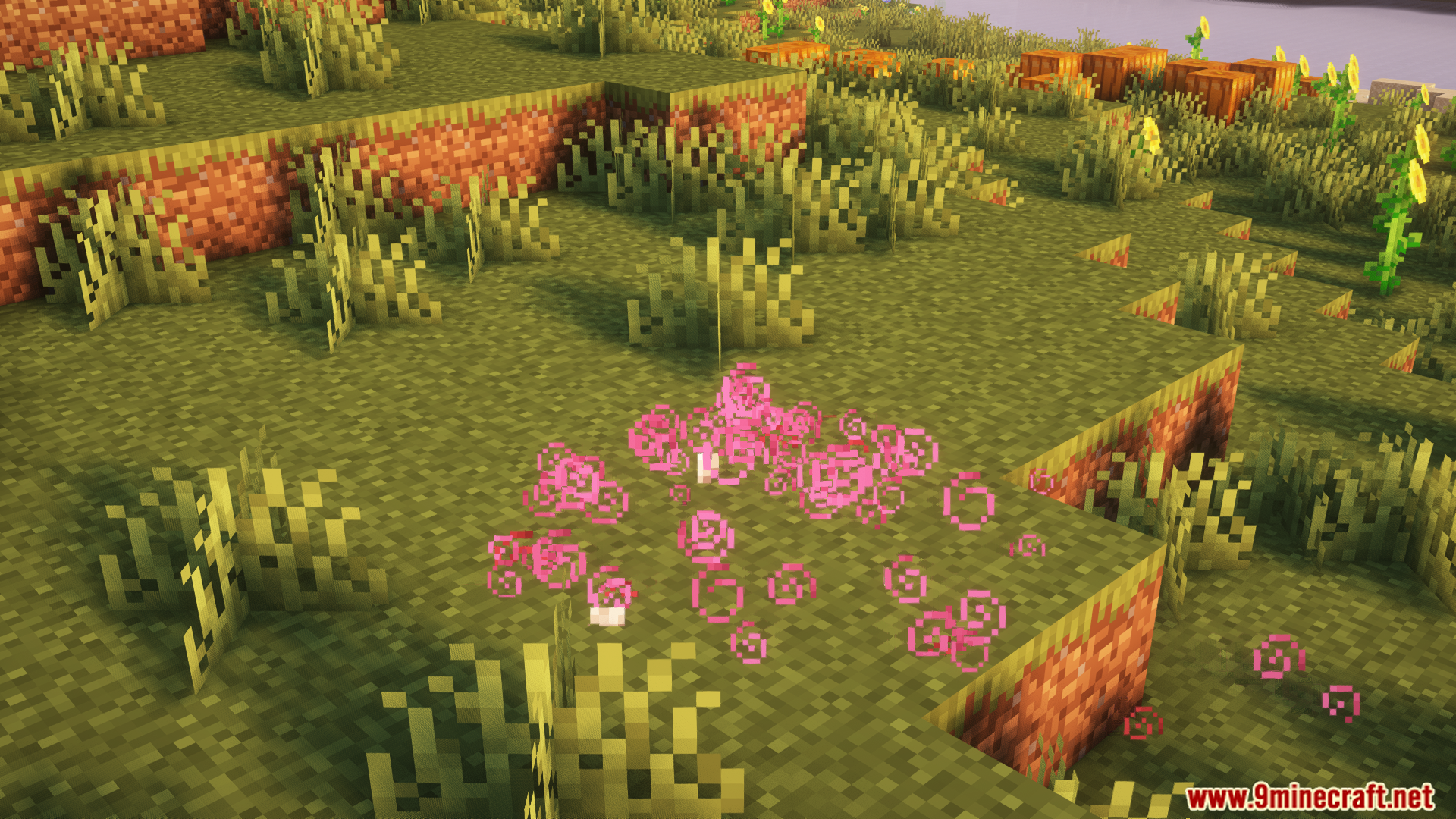
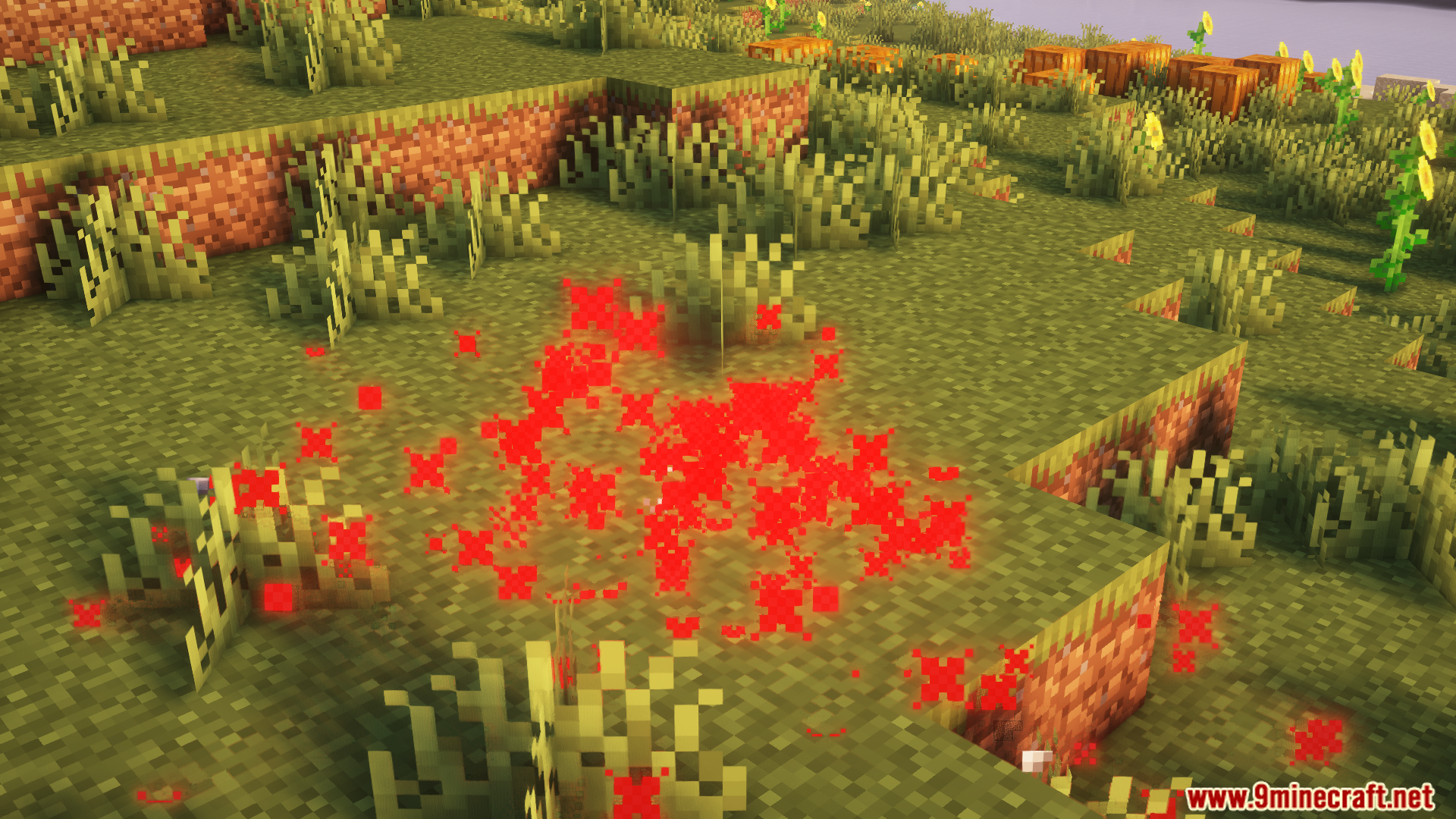
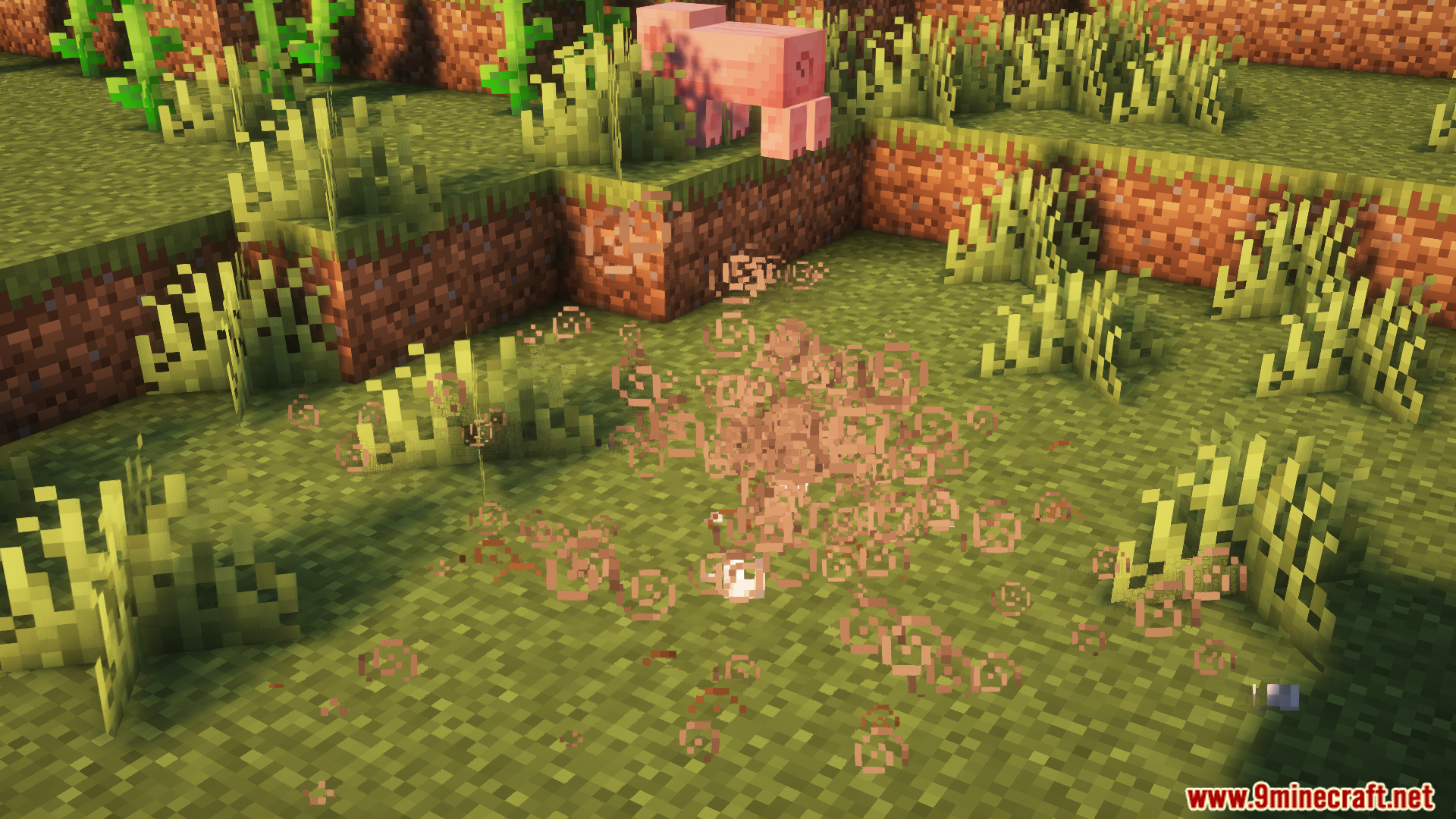
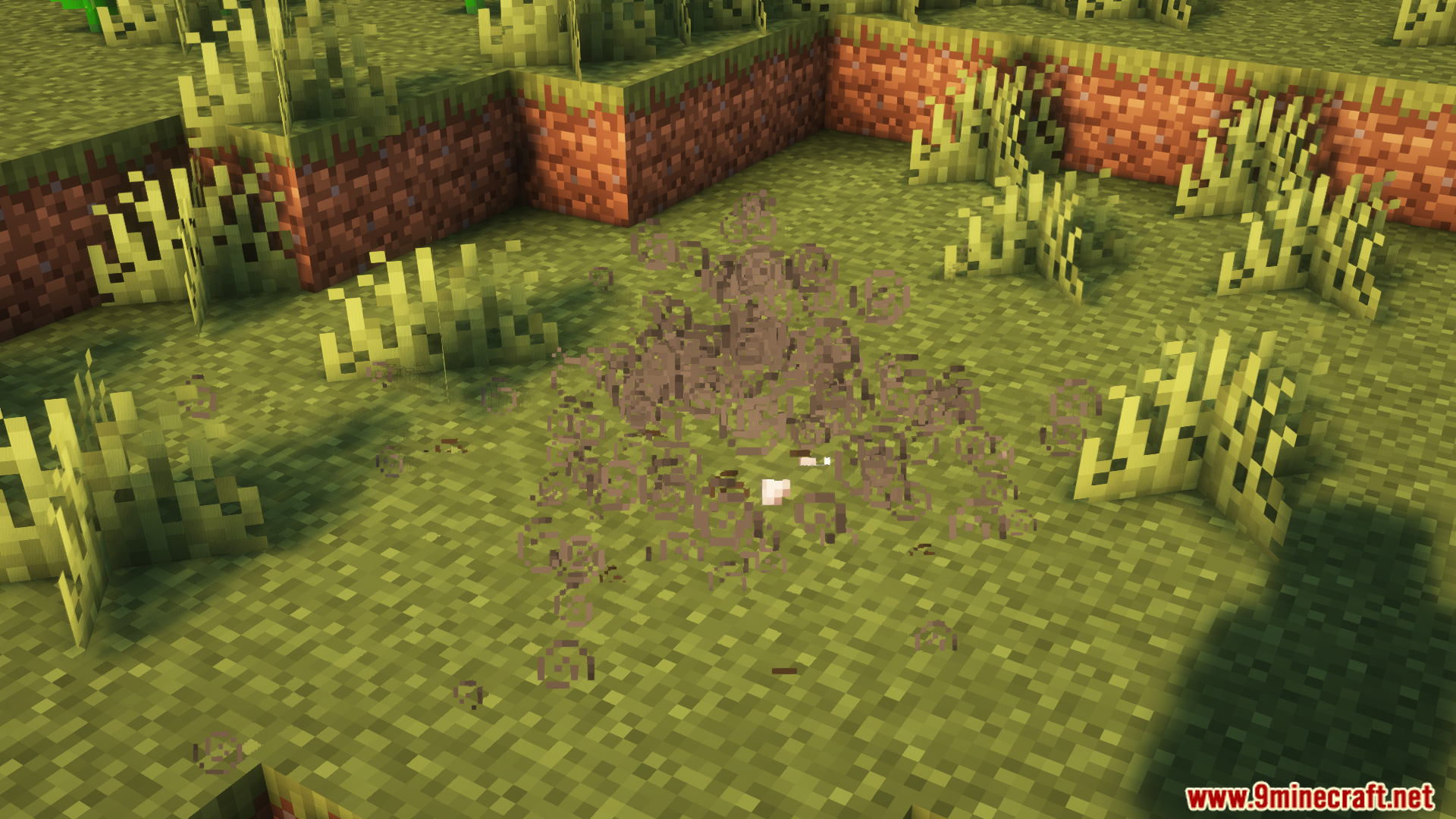
- Less Obtrusive Potion Particles
- Particles are reduced or hidden in first-person view for a clearer screen
- Can also be applied to third-person view or all entities via settings
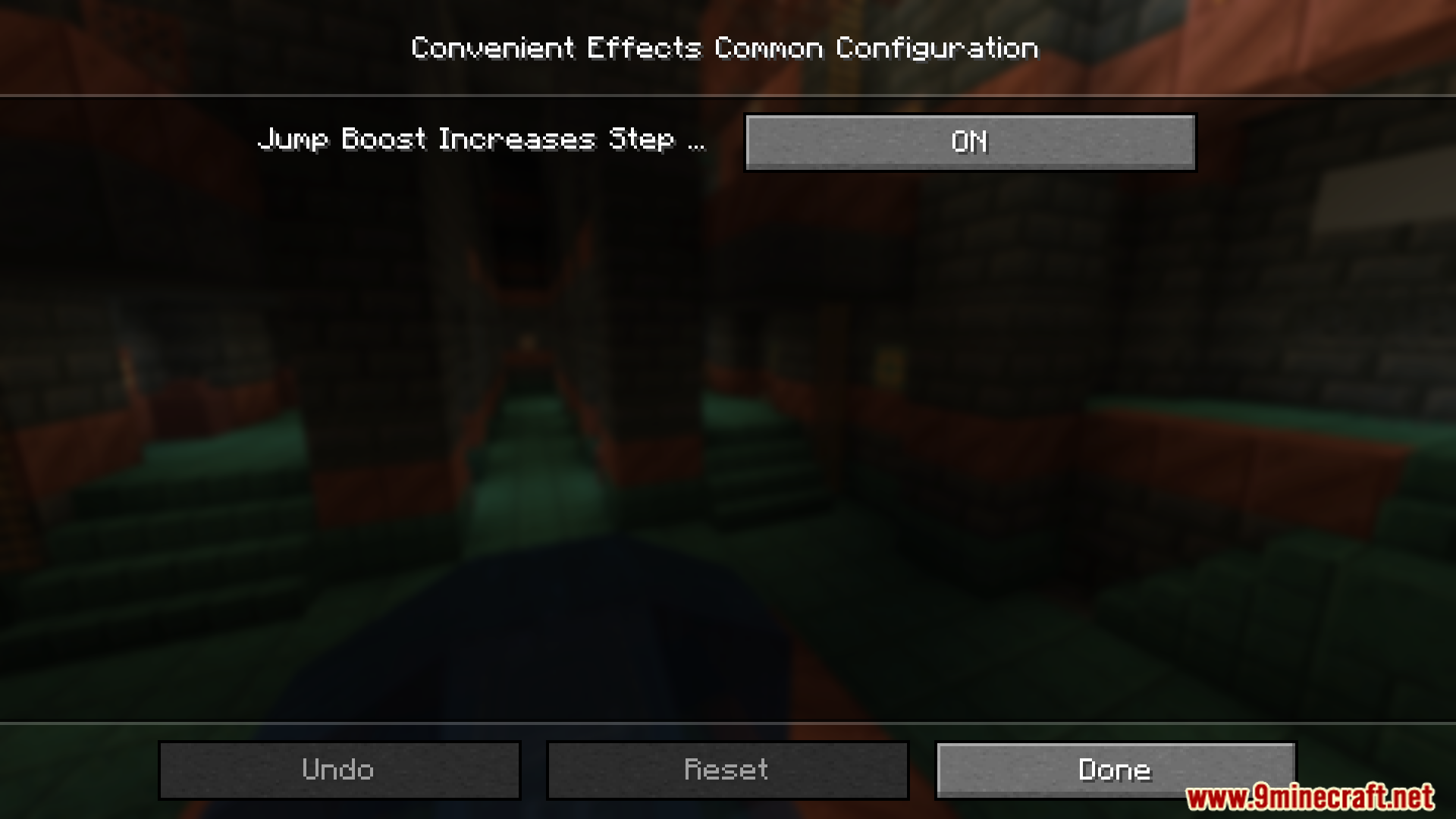
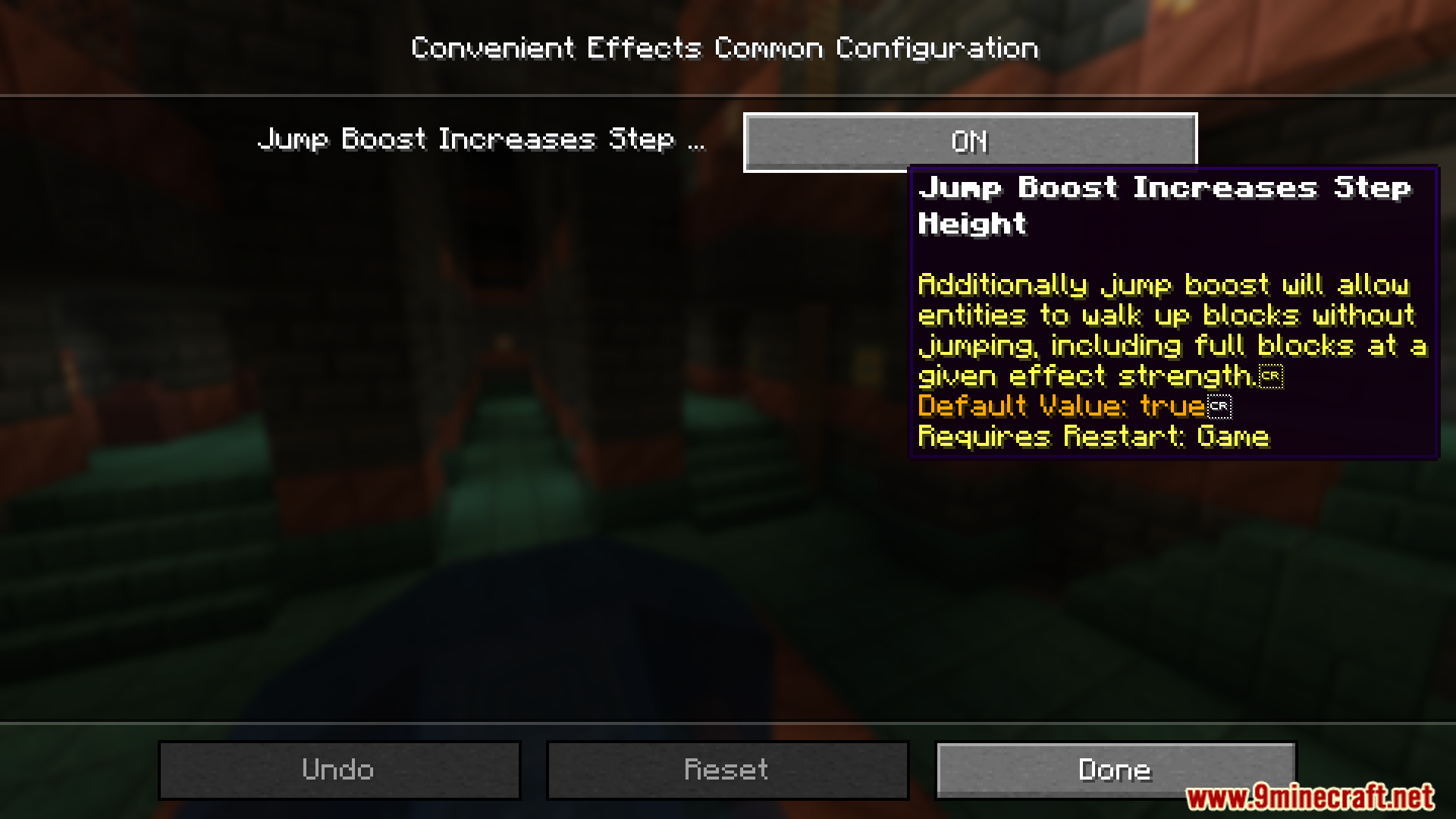
- Jump Boost
- At level 2 or higher, allows stepping up full blocks without jumping
- Helps with smooth parkour and exploring rough terrain
- Blindness
- Effect strength scales with potion level
- Mobs also experience reduced detection range, making stealth easier
- Fire Resistance
- No longer stays on fire after leaving lava or flames
- Hides the flame overlay for a clear view
- Improves visibility while swimming in lava
- Adds a smooth fade-out when the effect ends
- Night Vision
- Removes harsh flicker when the effect ends
- Adds a clean and gradual transition back to normal vision
- Slow Falling
- Sneaking temporarily increases fall speed without damage
- Useful for Elytra landings, climbing, and navigating caves
Screenshots:

Convenient Effects Mod Download Links
Quick facts
- Edition: Minecraft Java
- File type: .jar
- Minecraft version listed: 1.20.1
- How to install: Install the matching mod loader (Forge, Fabric or NeoForge) for your Minecraft version. → Download the .jar. → Put it in the .minecraft/mods folder and launch that loader profile.
- Where to get it: In MC Java Mods, or directly above on this page.
Install steps are the general flow for this file type — How to install Minecraft Java mods & modpacks walks through it step by step.
Verified by MCModsHub
- Downloads as 25800.mcaddon
- Download size: 36 KB
- Download link checked 24 Sept 2026 — working
- Mirrored on our own servers — the download does not depend on the original host
These come from our own check of the pack file, not from the source page.