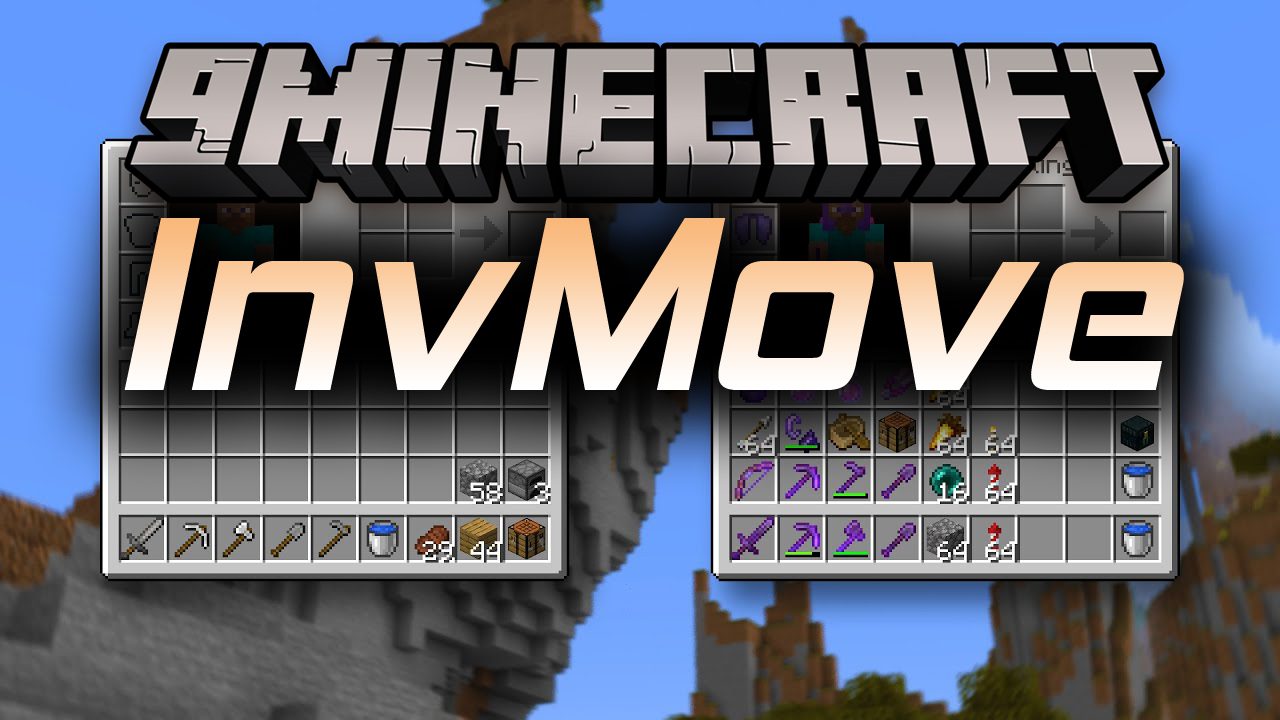
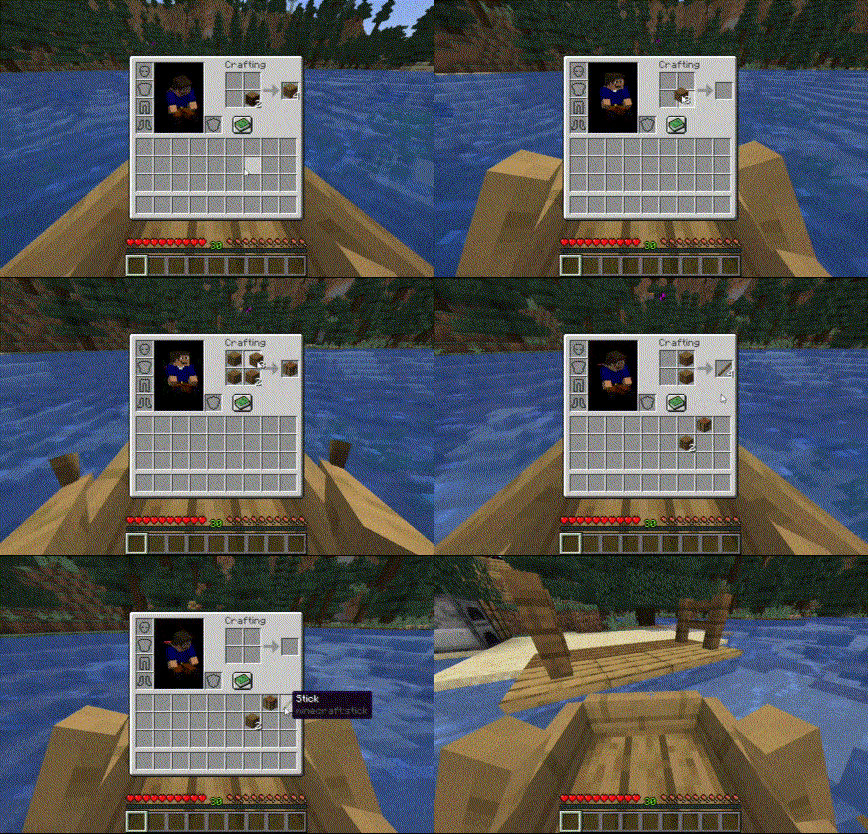
InvMove Mod adds the ability to walk around while in inventories. Enables moving, jumping, sprinting, etc. from within inventories. Also hides the darkened background tint in inventories that don’t pause the game. Both features can be toggled on or off per-inventory in the config menu.
InvMoveCompats:
- Addon for InvMove that adds additional mod compatibilities.
Features:
- Allows players to walk around, jump, and sprint while accessing their inventory.
- Removes the darkened background tint in inventories that don’t pause the game.
- Both features can be toggled on or off per-inventory in the config menu.
- The mod includes an addon called InvMoveCompats that enables compatibility with other mods.
Configs:
General:
- Enable Mod: Enable the entire mod
- Debug Display: Enables a debug overlay that can help debug compatibility problems.
UI Movement:
- Move In Inventories: Enable movement in inventories
- Allow Jumping: Allow jumping in inventories
- Sneak Mode: How to handle sneaking in inventories:
- Off = No sneaking
- Maintain = Keep sneaking if you were when the inventory opened (default)
- Pressed = Sneak only while holding the sneak button (can be distracting when shift-clicking)
- Allow Dismounting: Allow dismounting from mounts in inventories (overrides “Sneak Mode” while on a mount)
- Text Field Disables Movement: Disable movement when a text field is focused (like search bars or in an anvil)
UI Background:
- Hide Inventory Backgrounds: Hides the background tint while in inventories.
- Pause Screens Background: How to handle screens that pause the game:
- Show = Always show background
- ShowSP = Show background in singleplayer, otherwise allow hide
- AllowHide = Allow background to be hidden
Screenshots:
InvMove Mod Download Links
Quick facts
- Edition: Minecraft Java
- File type: .jar
- Minecraft version listed: 1.20.1
- How to install: Install the matching mod loader (Forge, Fabric or NeoForge) for your Minecraft version. → Download the .jar. → Put it in the .minecraft/mods folder and launch that loader profile.
- Where to get it: In MC Java Mods, or directly above on this page.
Install steps are the general flow for this file type — How to install Minecraft Java mods & modpacks walks through it step by step.
Verified by MCModsHub
- Downloads as 25804.mcaddon
- Download size: 82 KB
- Download link checked 24 Sept 2026 — working
- Mirrored on our own servers — the download does not depend on the original host
These come from our own check of the pack file, not from the source page.