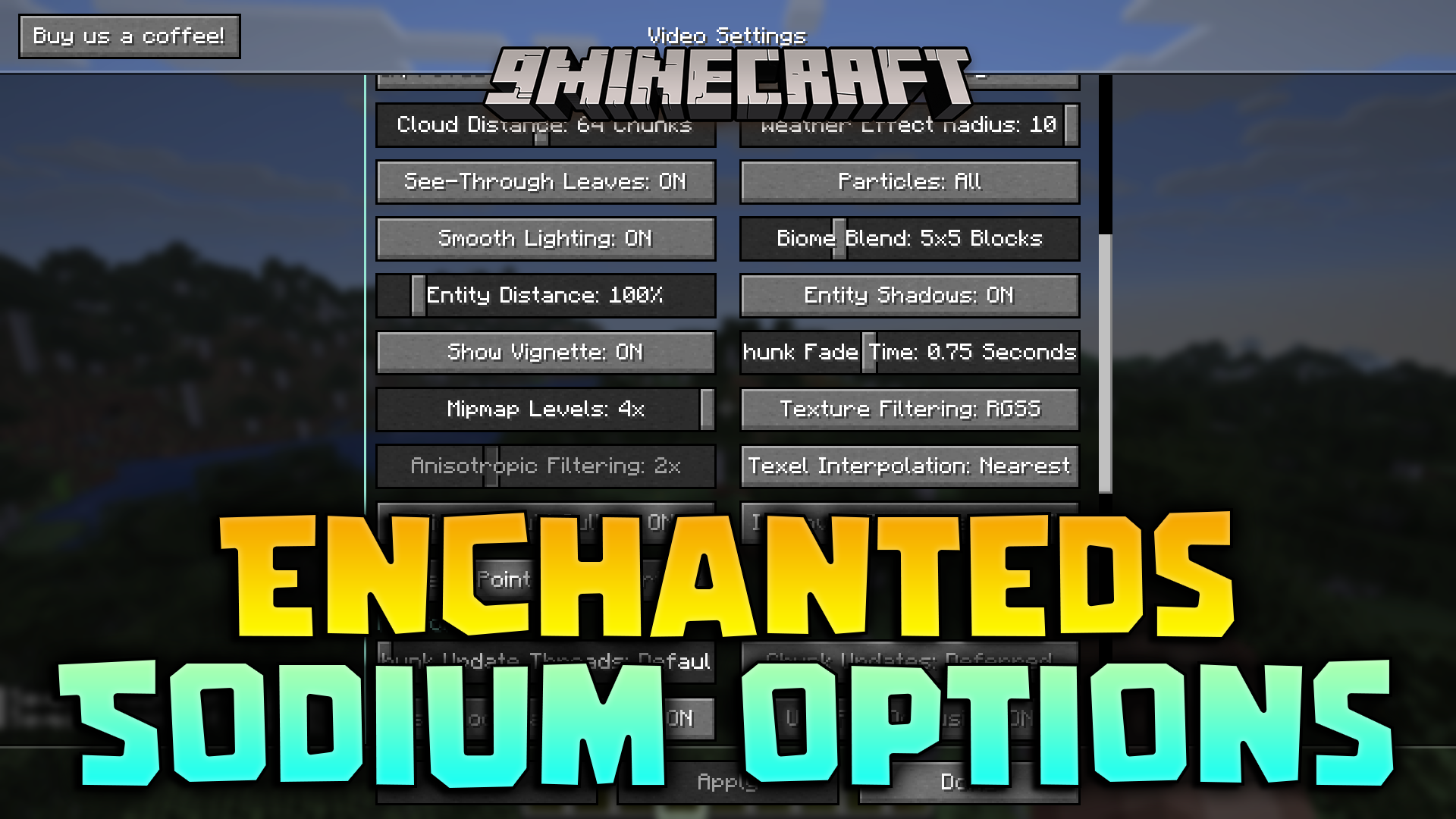
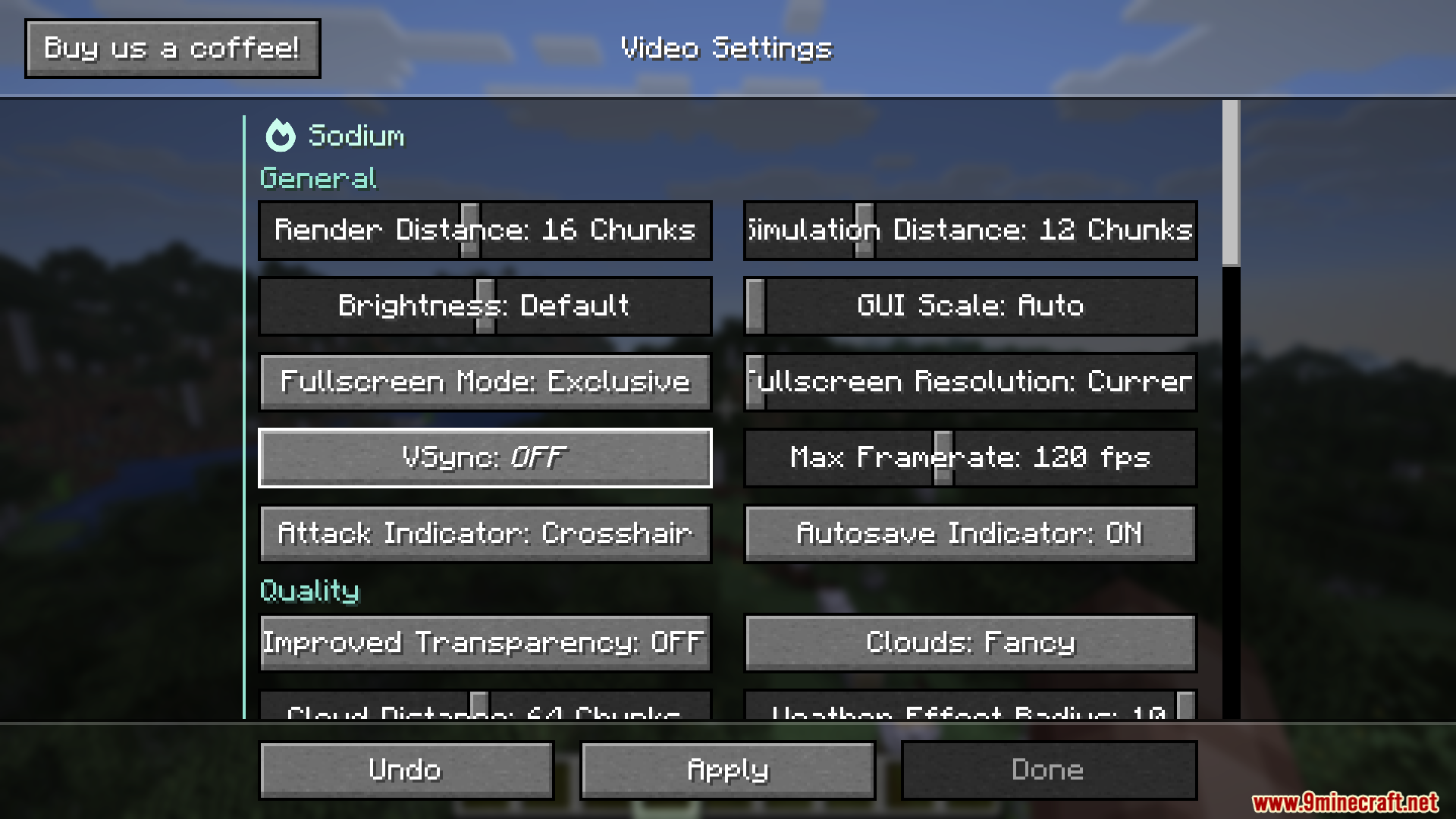
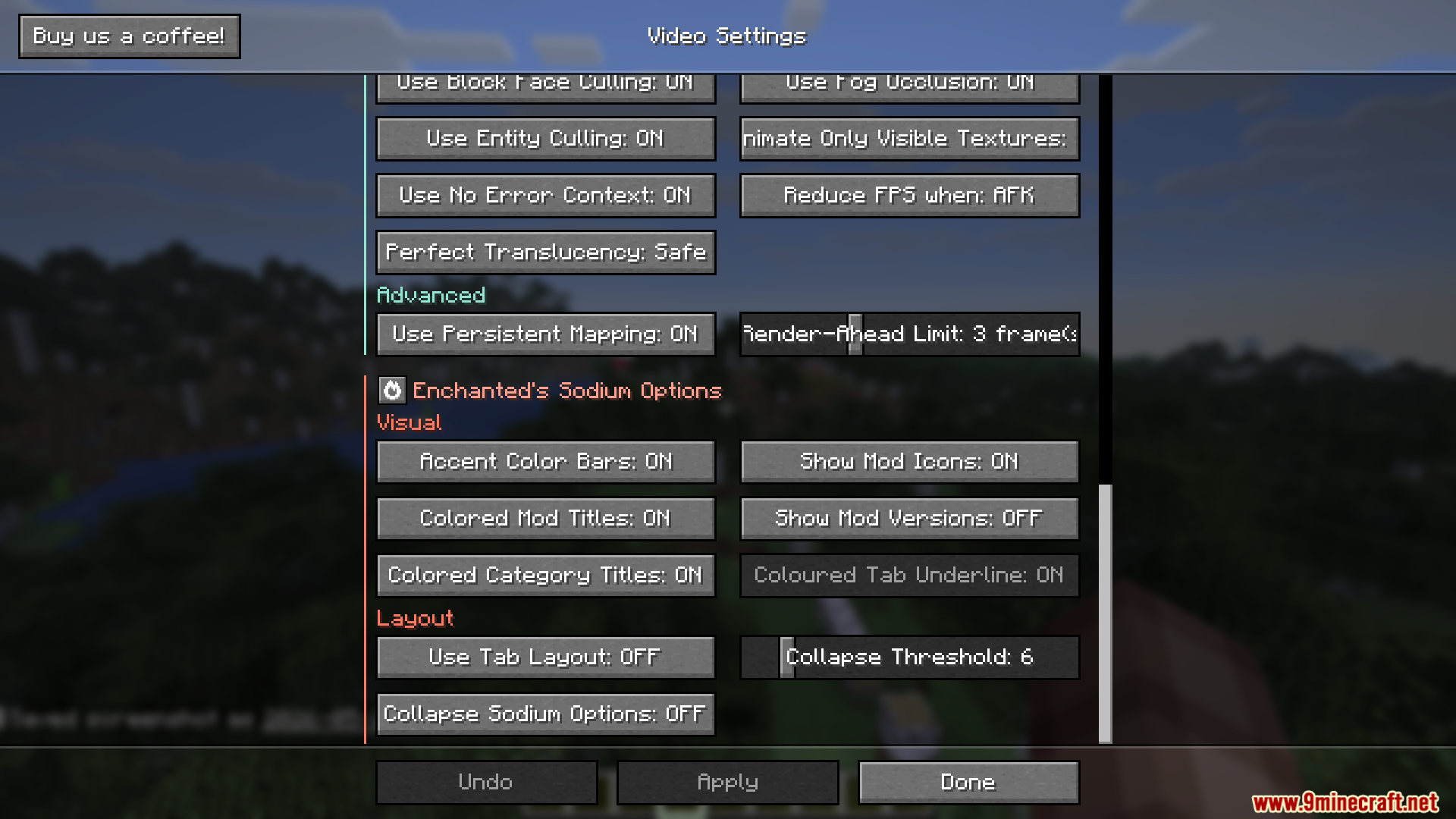
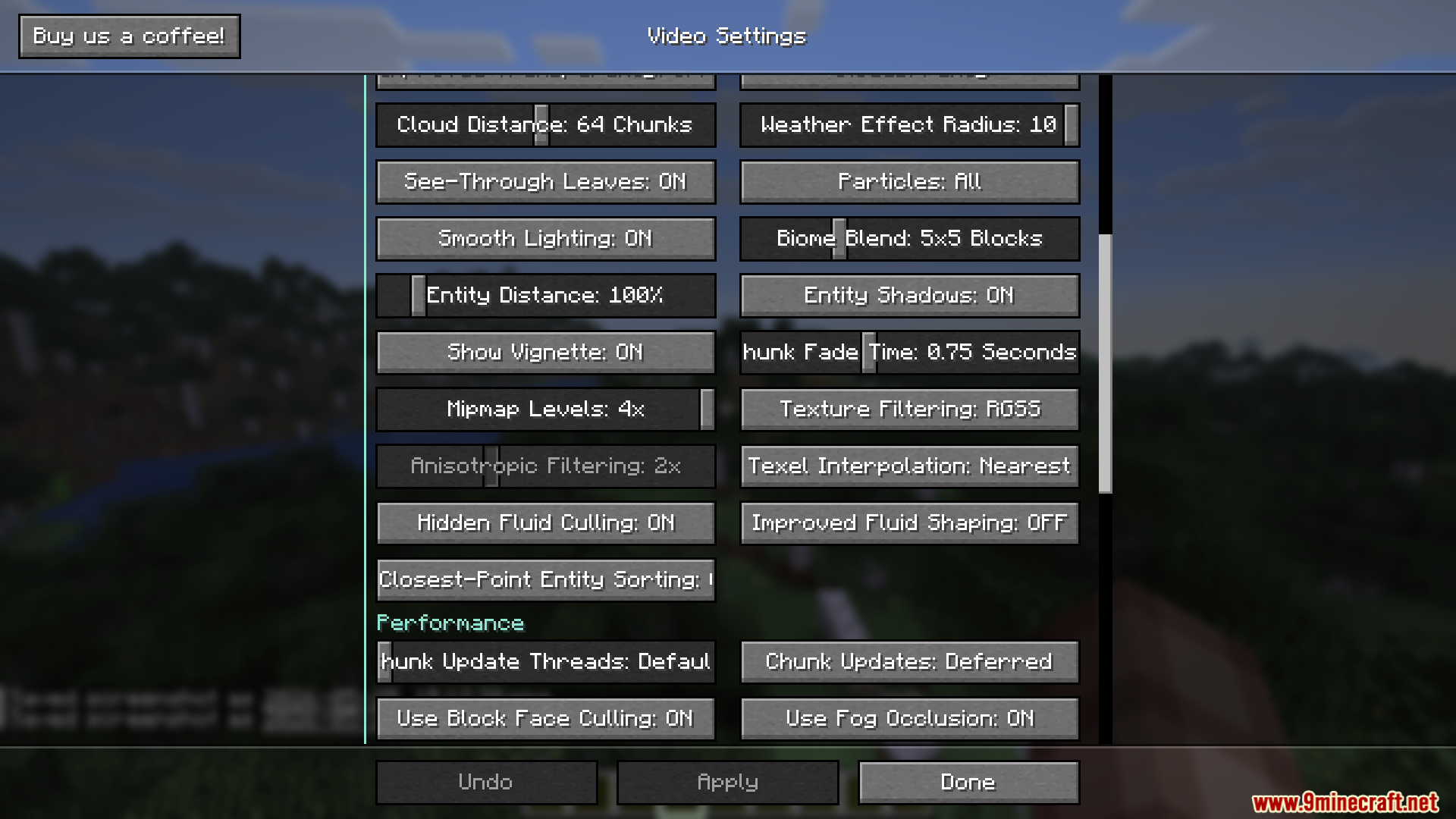
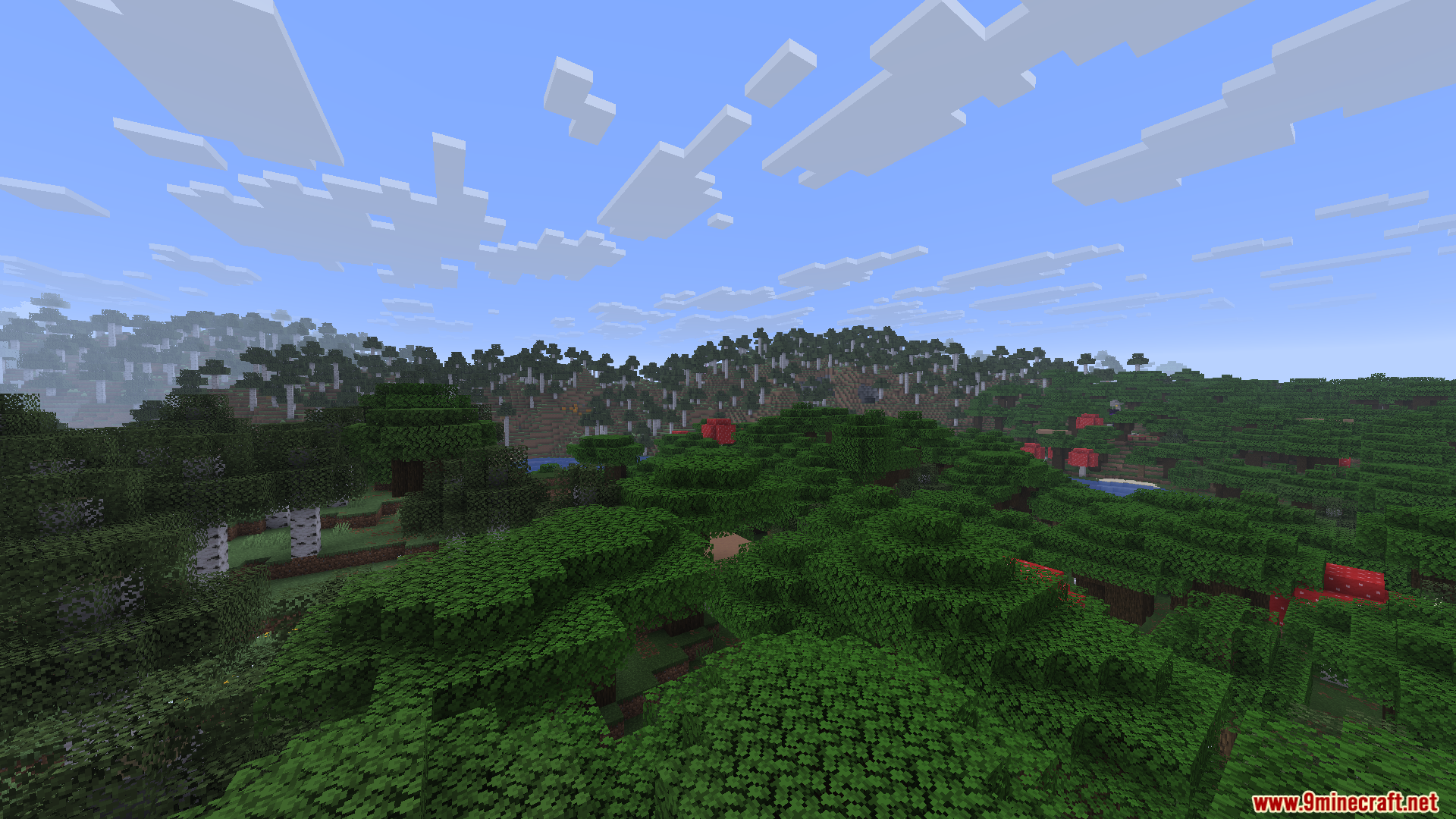
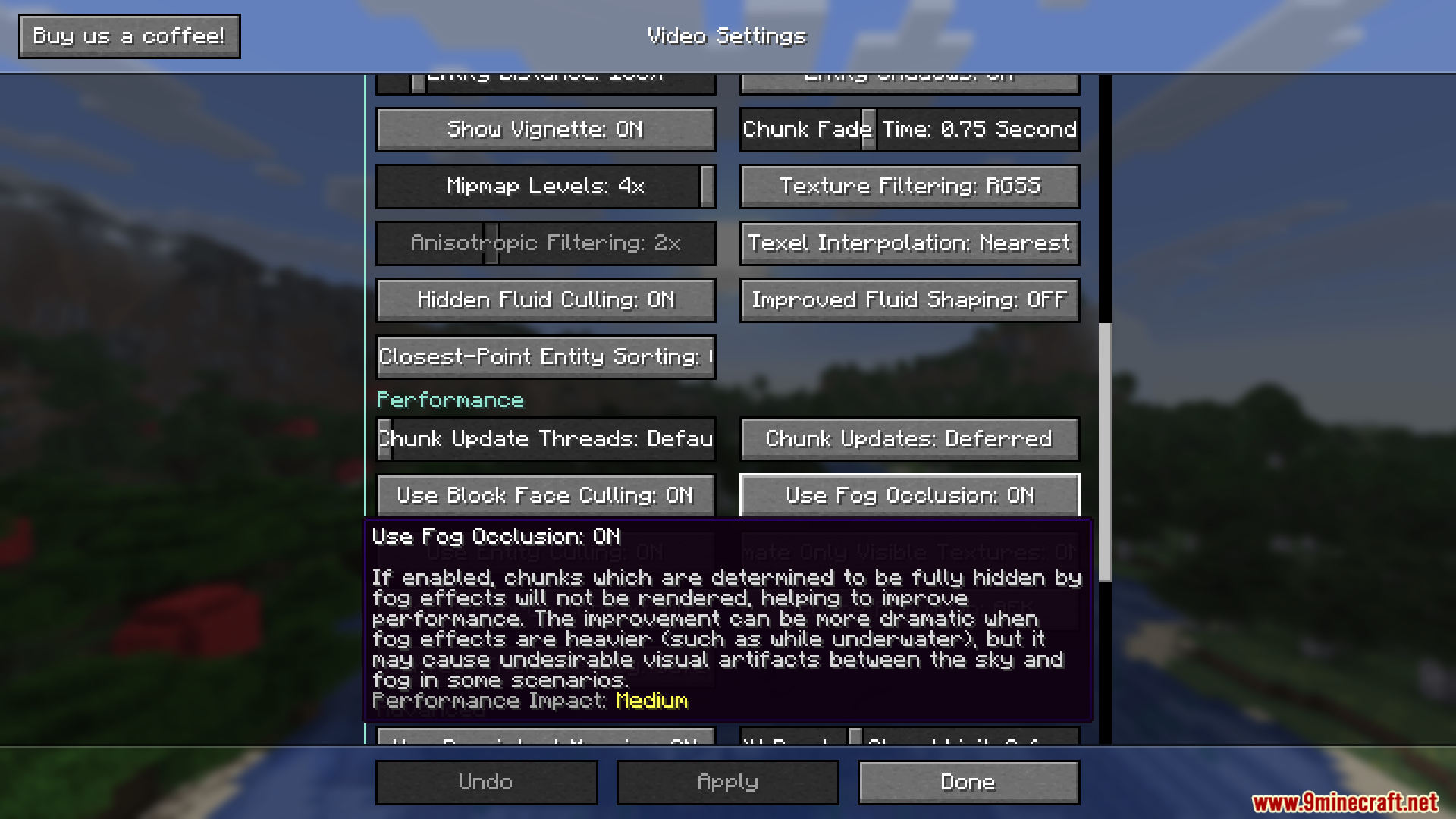
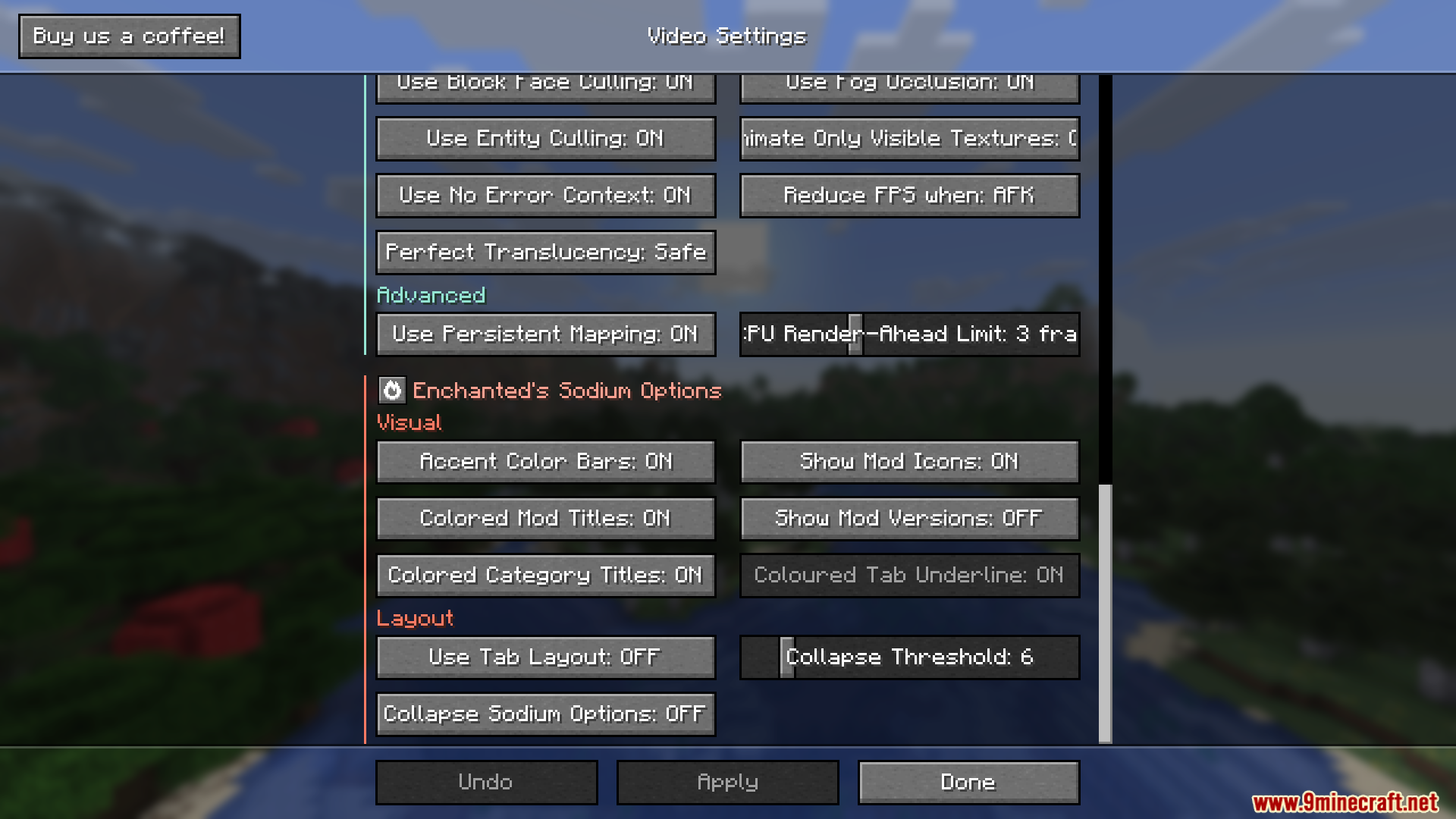
Enchanteds Sodium Options Mod changes the video settings menu in Sodium. It replaces the custom layout with a screen that looks just like the normal Minecraft menus. If you use the main performance mod but miss the classic buttons and backgrounds, this tweak brings them back.
Features:
- Vanilla Style: Replaces the custom video settings screen with one that matches the normal game menus.
- Supports all other mods that add their own options into the same menu system.
- Lets you turn off the extra colors in the settings if you prefer a simpler look.
- Works specifically with the newest updates of the main mod.
How to Use:
- Open your video settings from the main menu or pause screen.
- Look at the new layout that matches the rest of the game.
- Press Alt + P on your keyboard if you ever need to open the original custom settings screen.
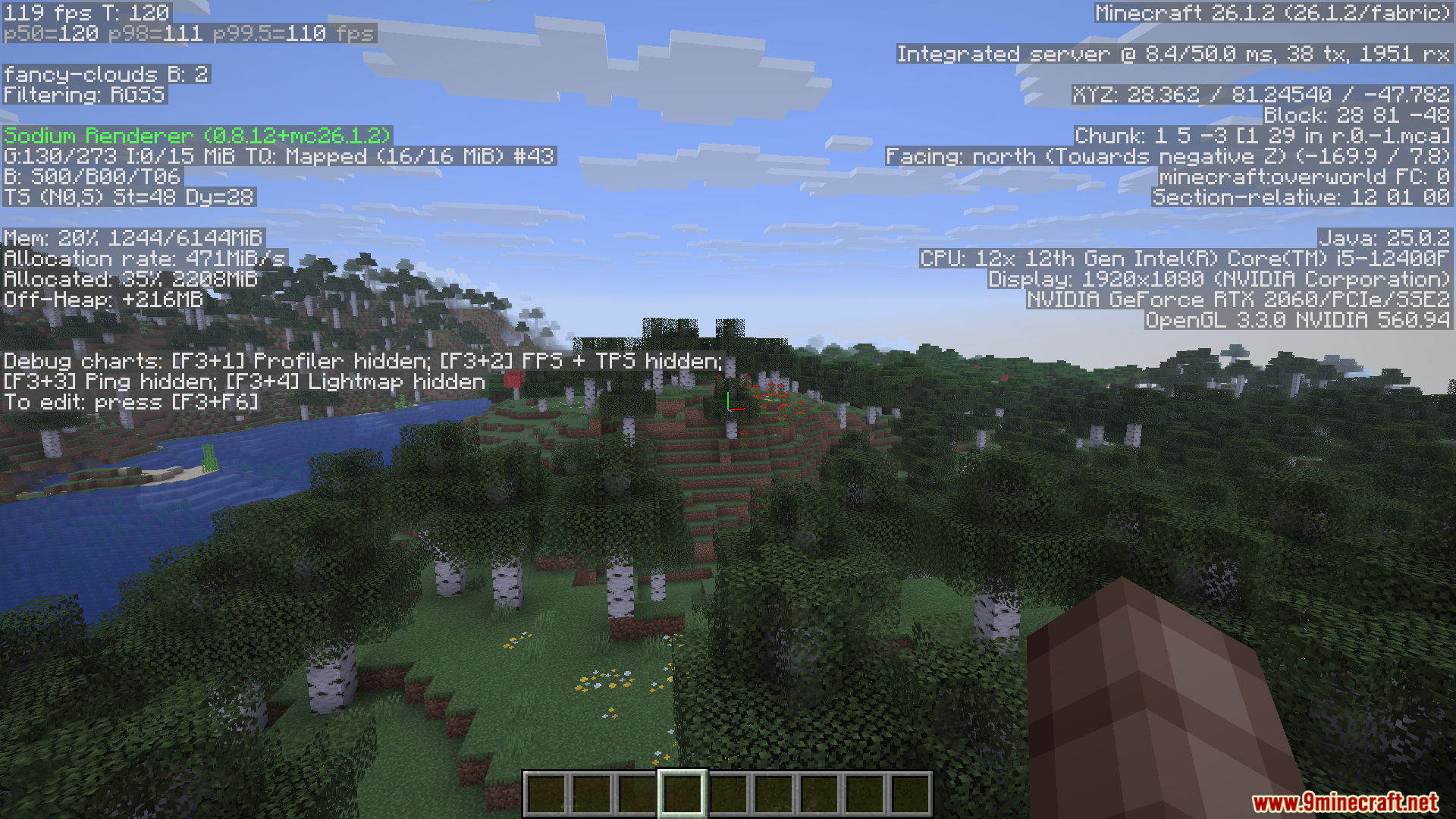
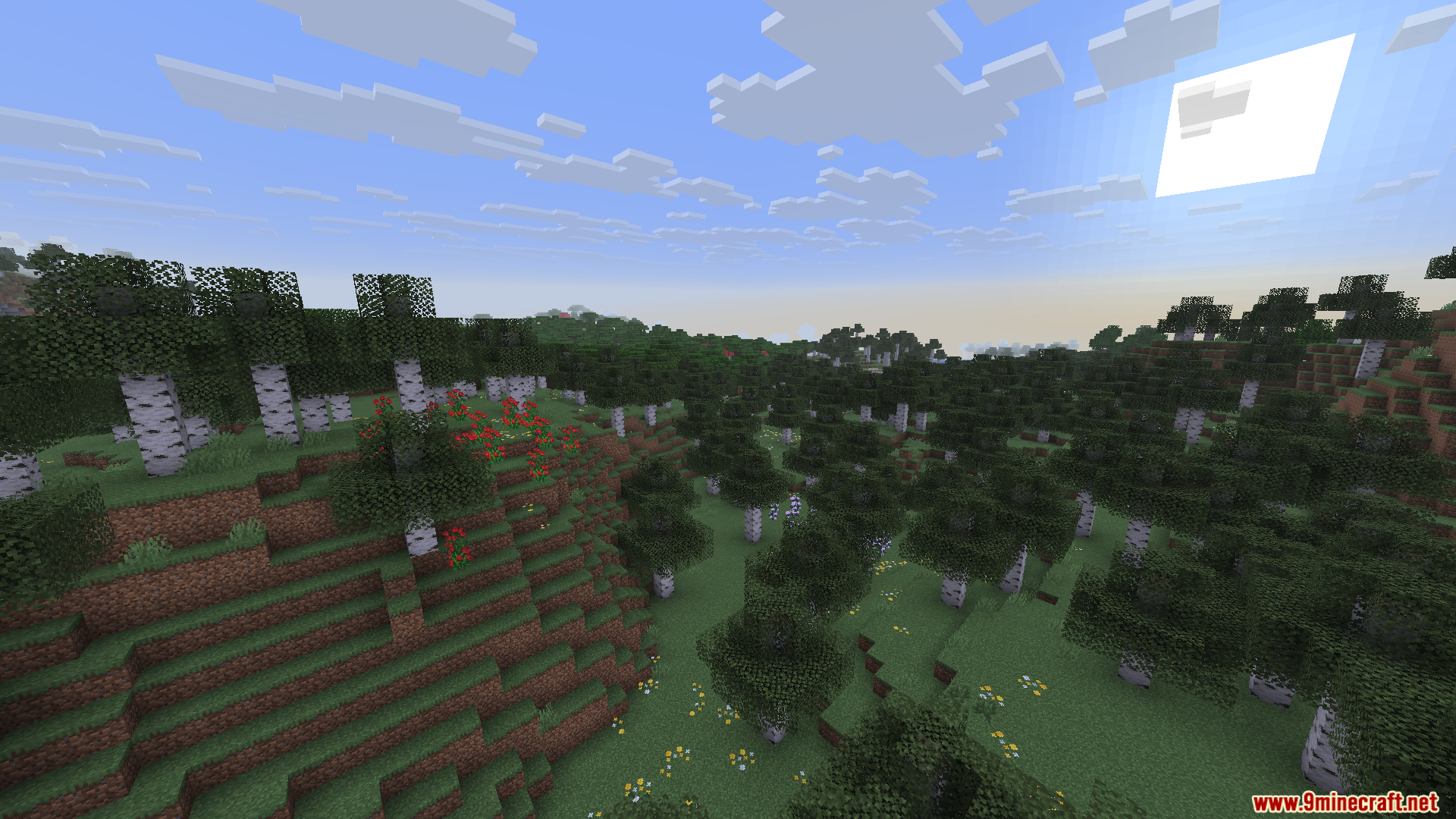
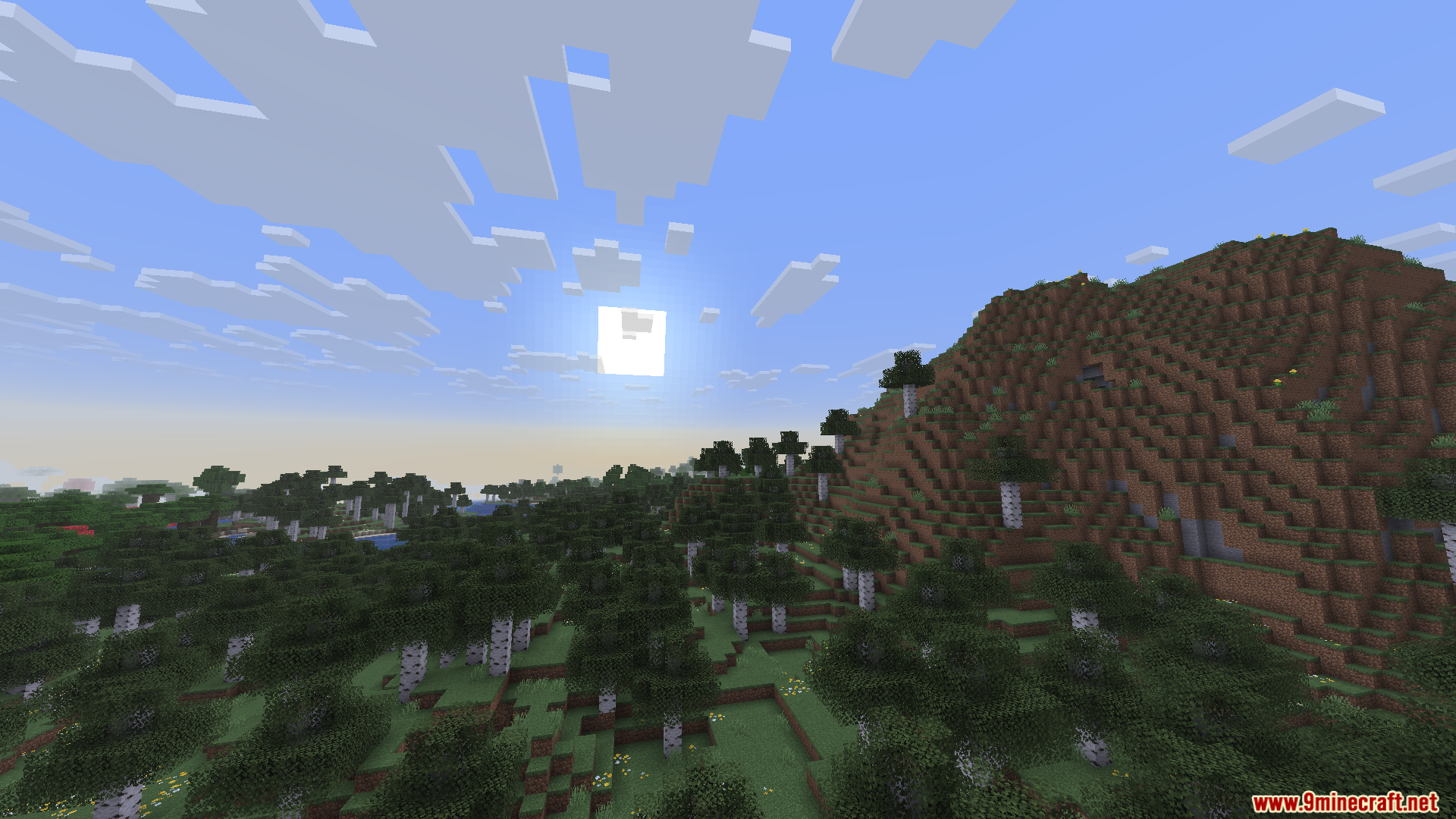
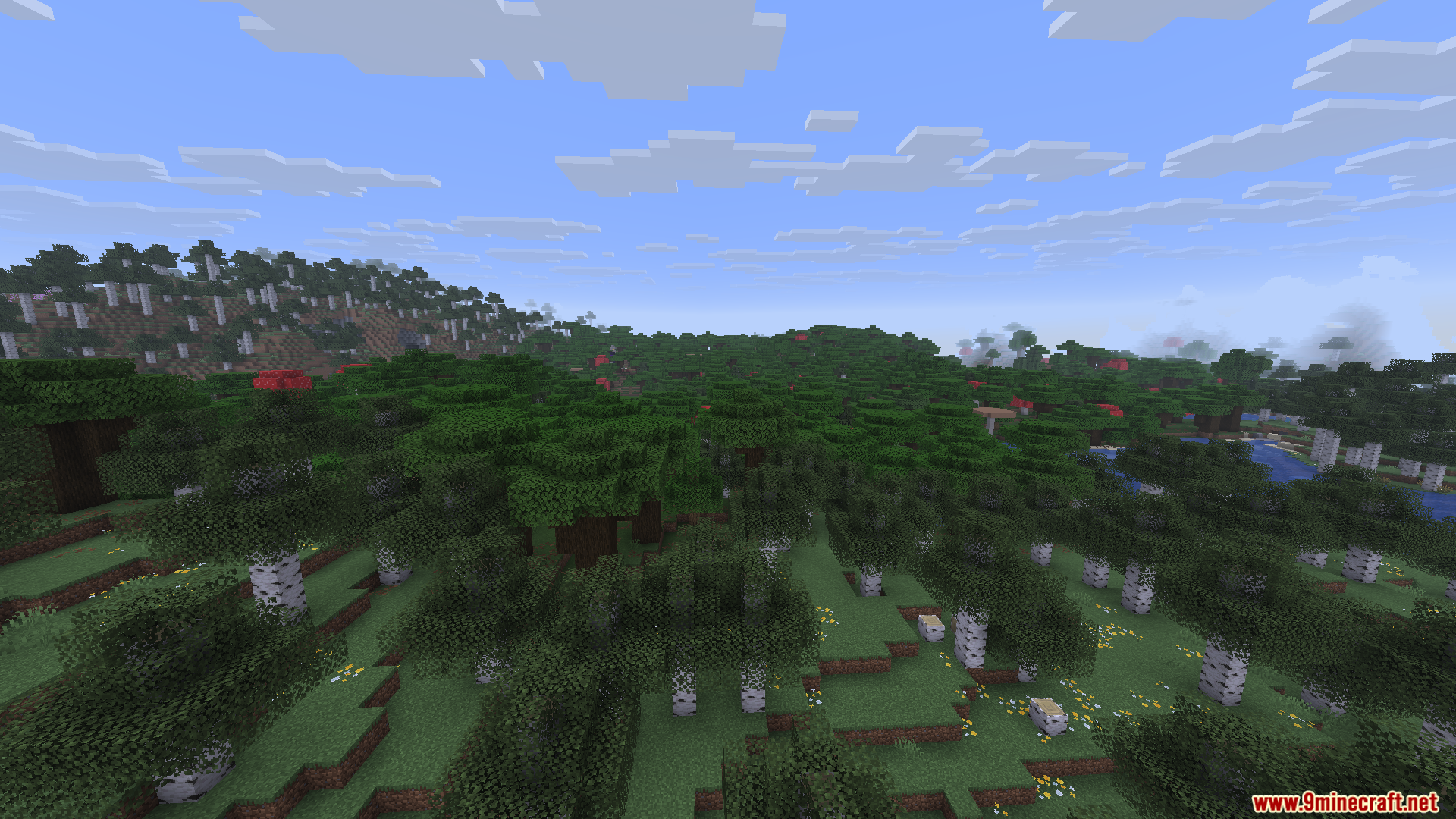
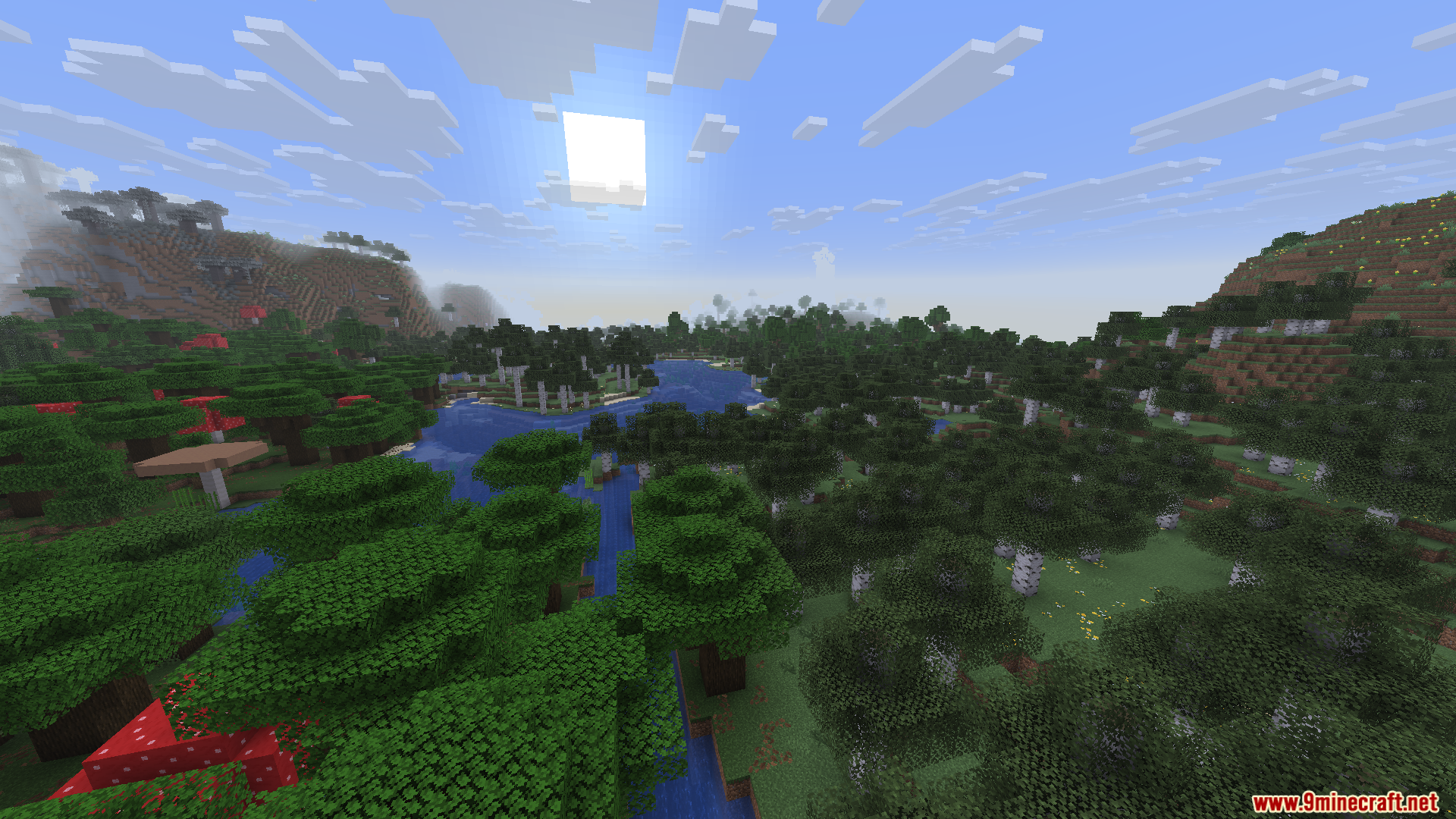
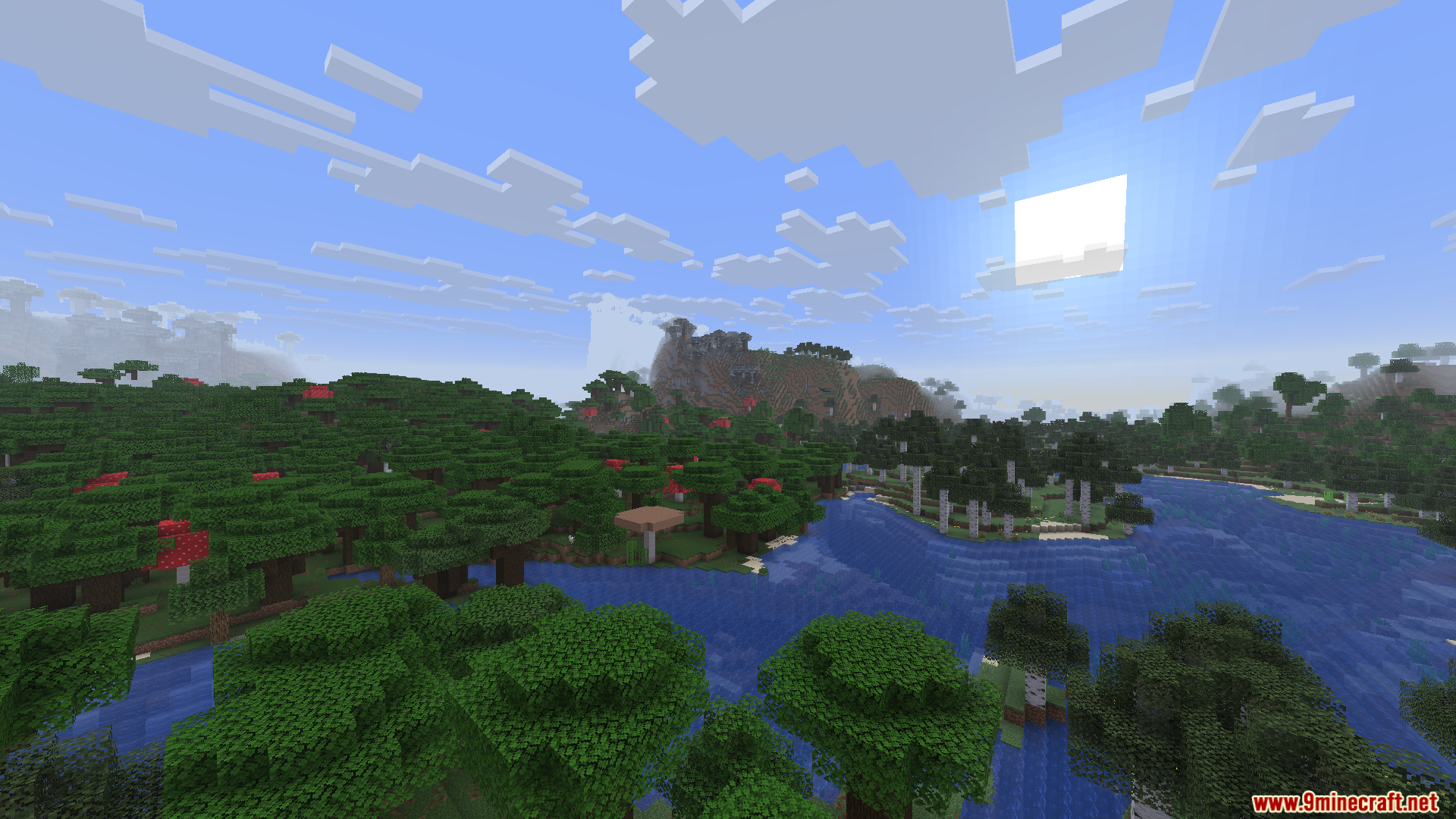
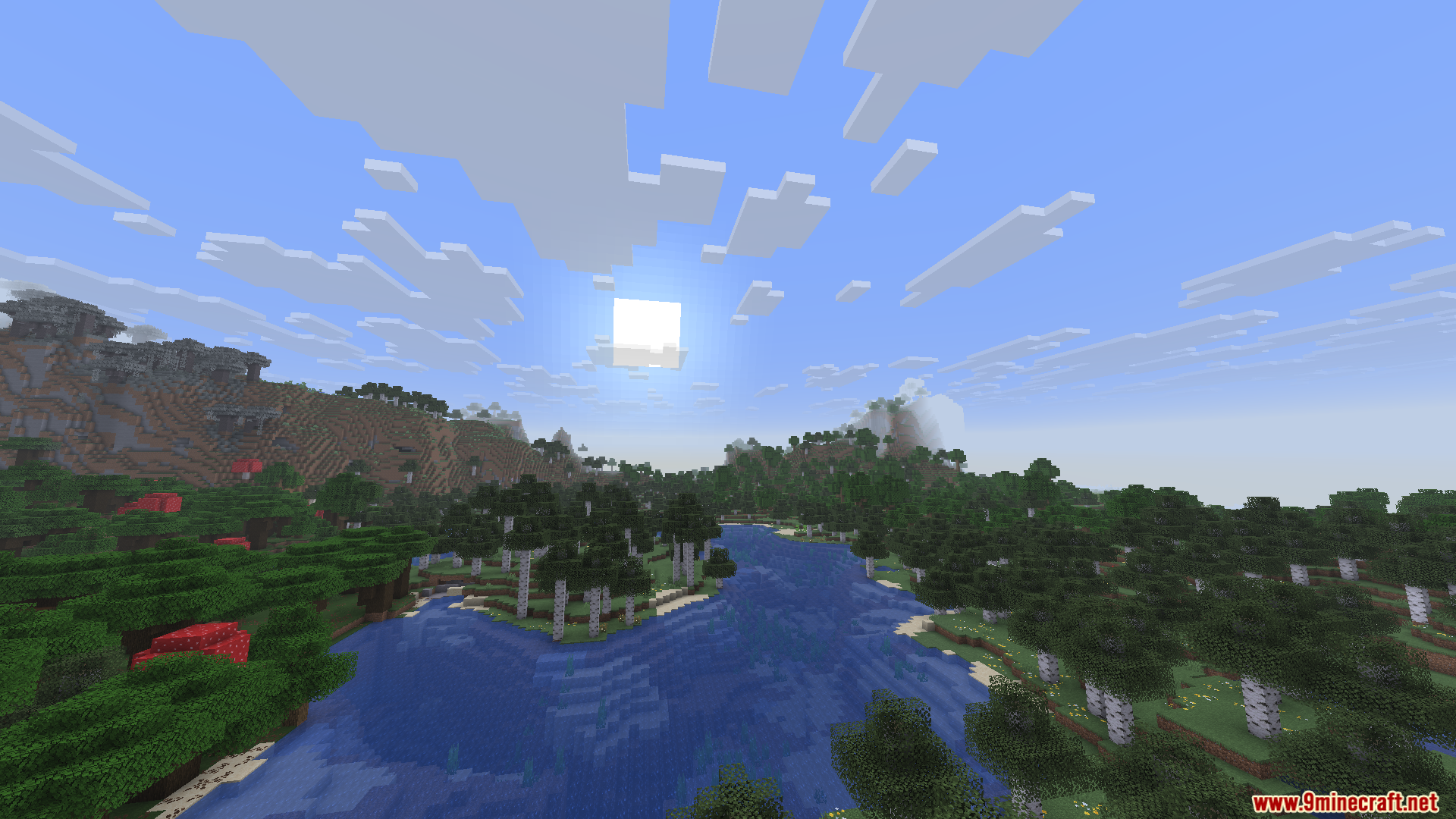
Screenshots:
Enchanteds Sodium Options Mod Download Links
Quick facts
- Edition: Minecraft Java
- File type: .jar
- Minecraft version listed: 1.21.11
- How to install: Install the matching mod loader (Forge, Fabric or NeoForge) for your Minecraft version. → Download the .jar. → Put it in the .minecraft/mods folder and launch that loader profile.
- Where to get it: Opens on the file's original source — not every file is mirrored on our own servers.
Install steps are the general flow for this file type — How to install Minecraft Java mods & modpacks walks through it step by step.
Enchanteds Sodium Options Mod (26.2, 1.21.11) – Advanced Video Settings is a free Minecraft Java mod. Compatible with Minecraft 1.21.11. Download it and open it directly in the game.