Home›Java›Mods›Explosion Overhaul a New Level of Destruction Mod (1.20.1) – Changes How TNT And Creepers Blow Up
ModsJava
Explosion Overhaul a New Level of Destruction Mod (1.20.1) – Changes How TNT And Creepers Blow Up
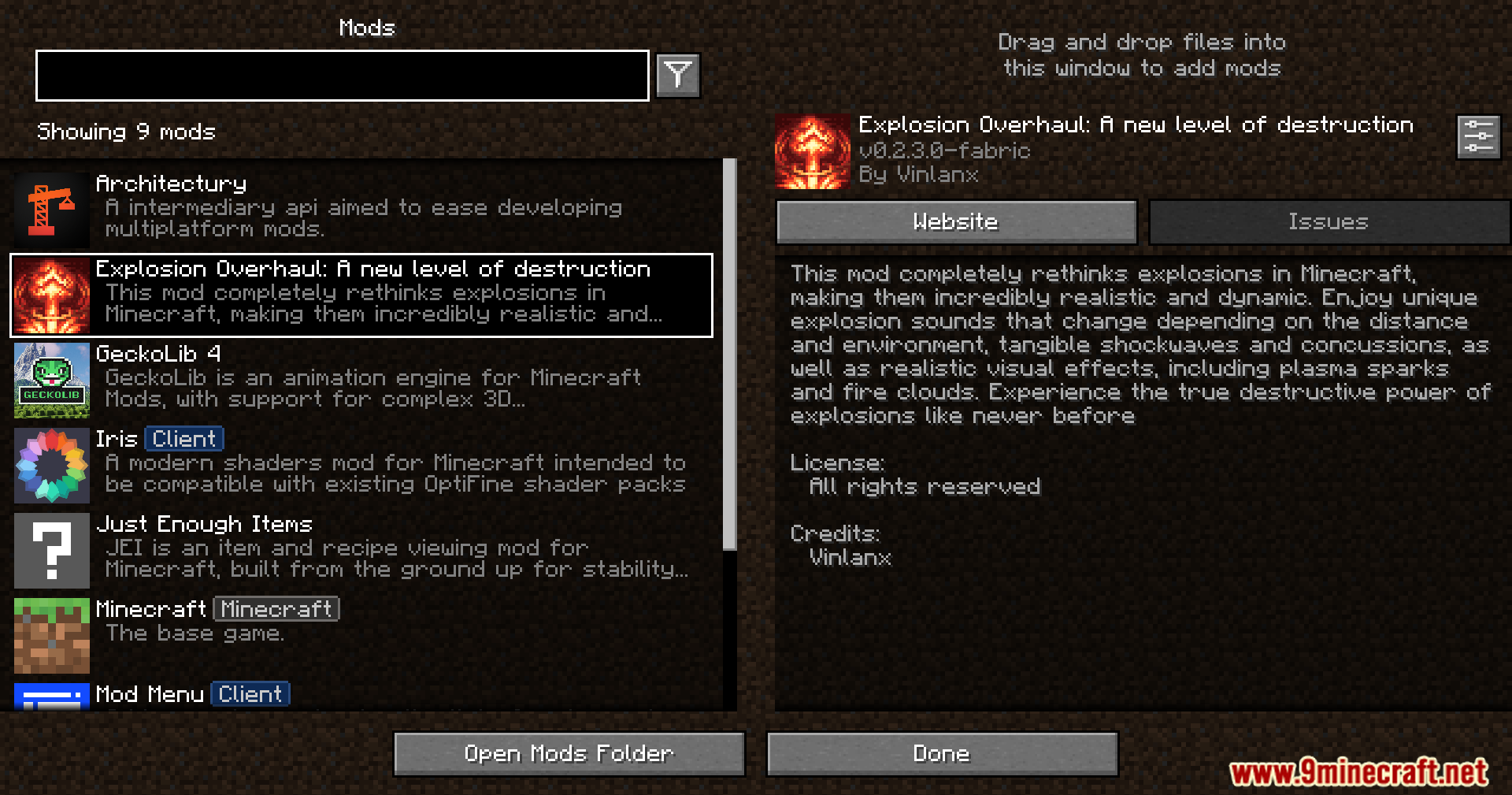
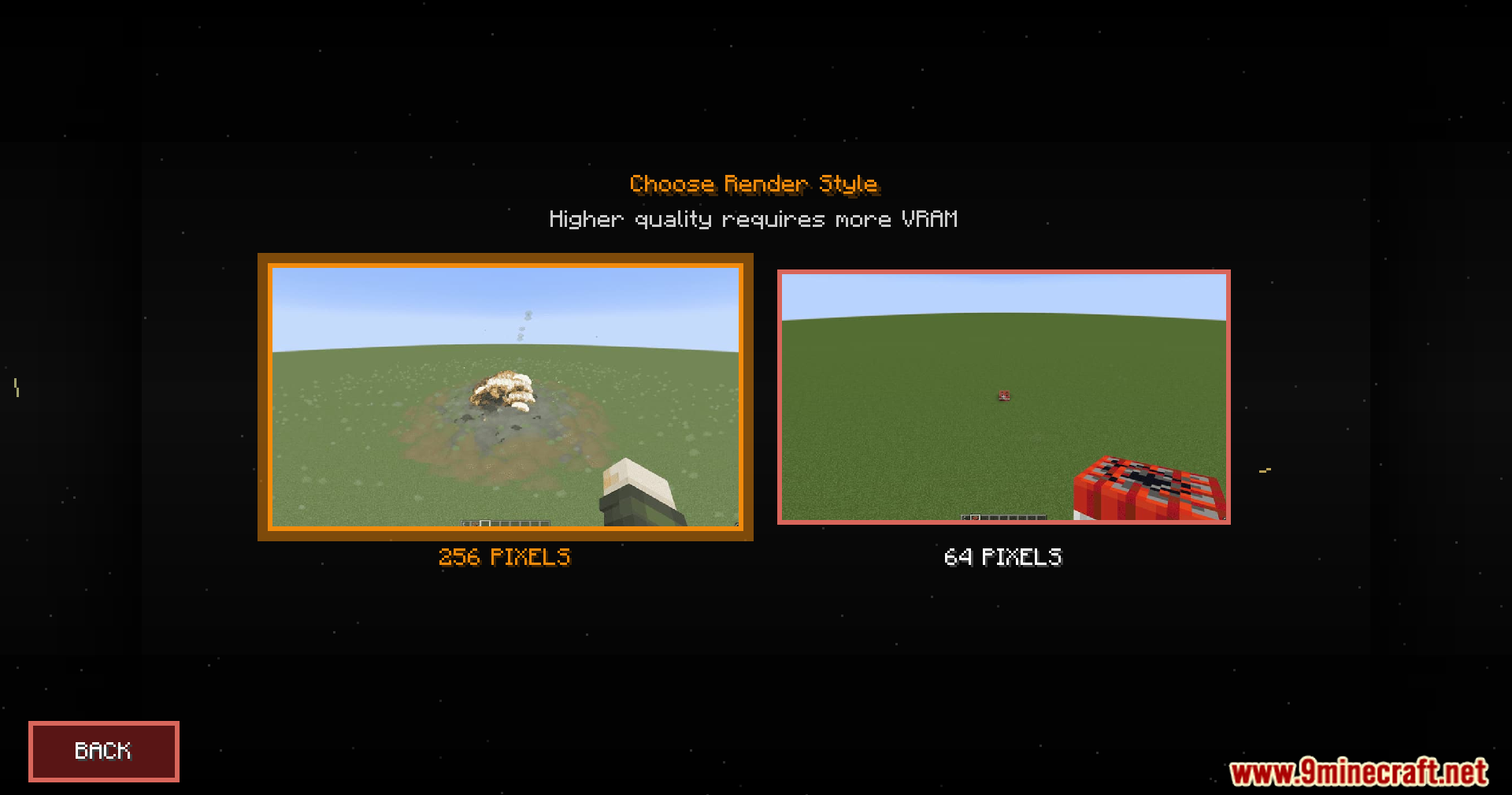
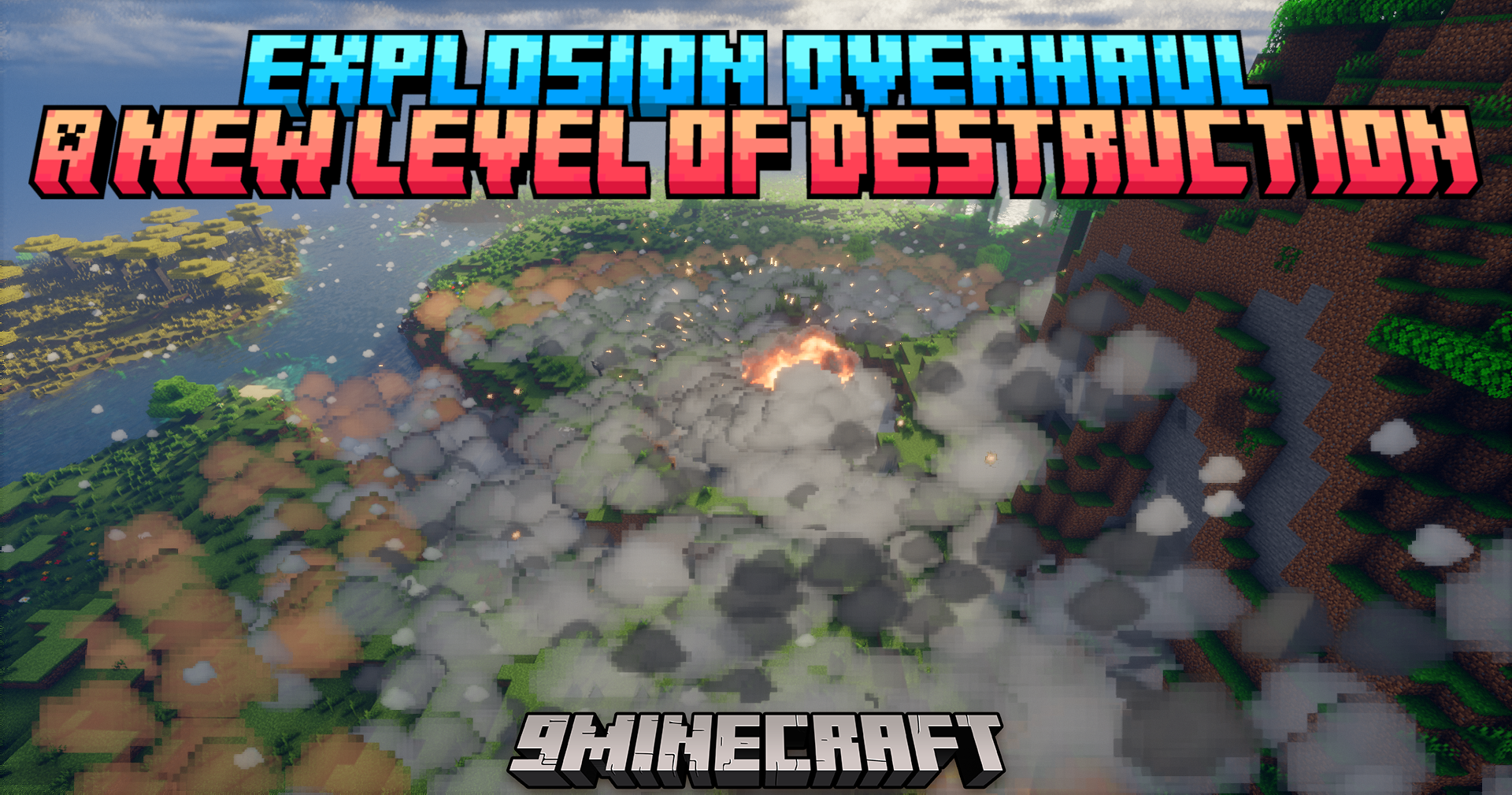
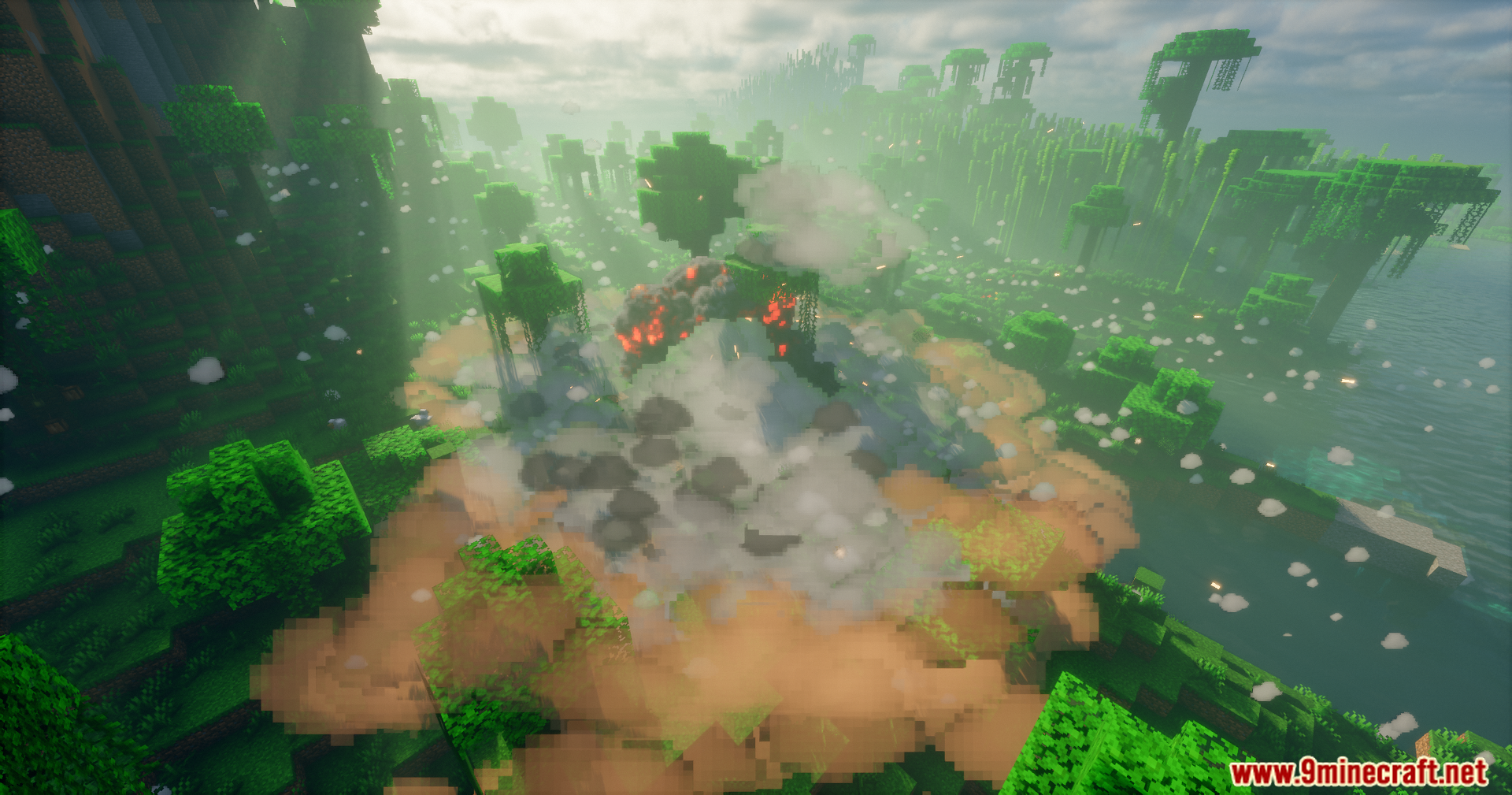
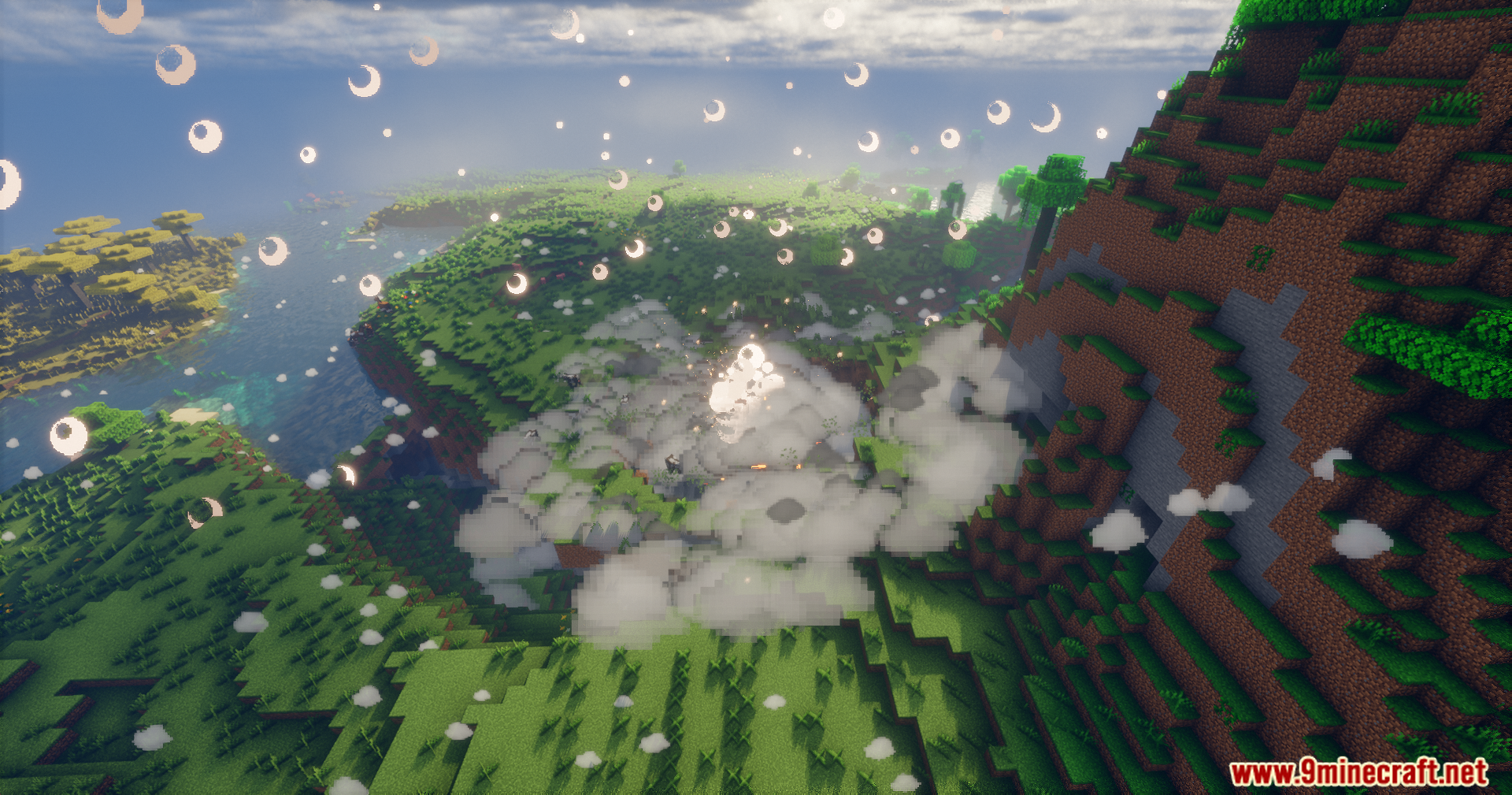
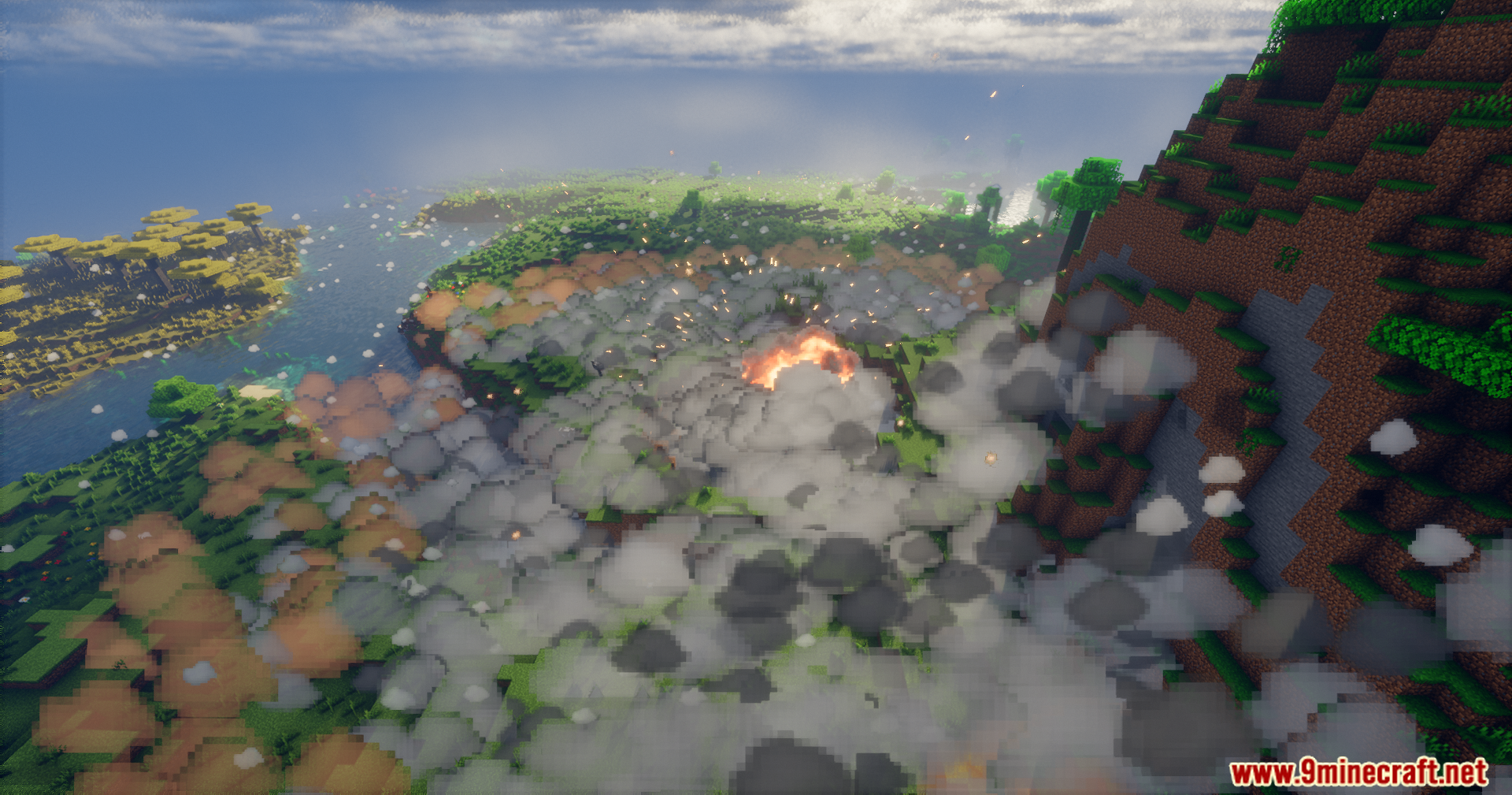
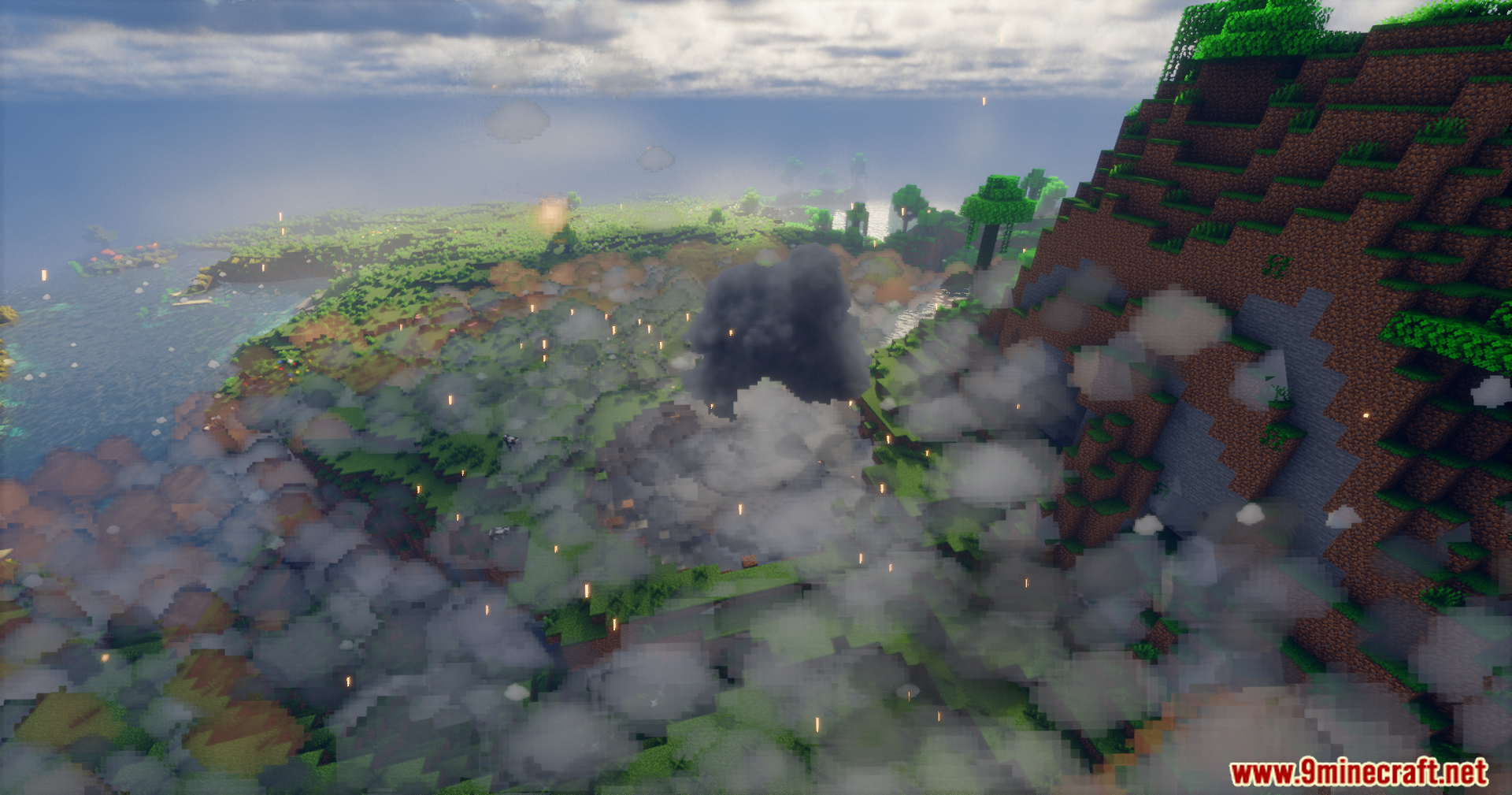
Explosion Overhaul a New Level of Destruction Mod changes how TNT and creepers blow up in your world. It replaces normal smoke with giant fireballs, flying sparks, and thick dust. You hear blasts differently if you stand far away or hide inside a cave. You even see the bright flash before you hear the loud boom. The shockwave shakes your screen and breaks glass windows nearby. If you blow things up underground, dirt and rocks fall from the ceiling. This mod makes fighting mobs or playing with explosives much more dangerous.
Features:
Sound Changes:
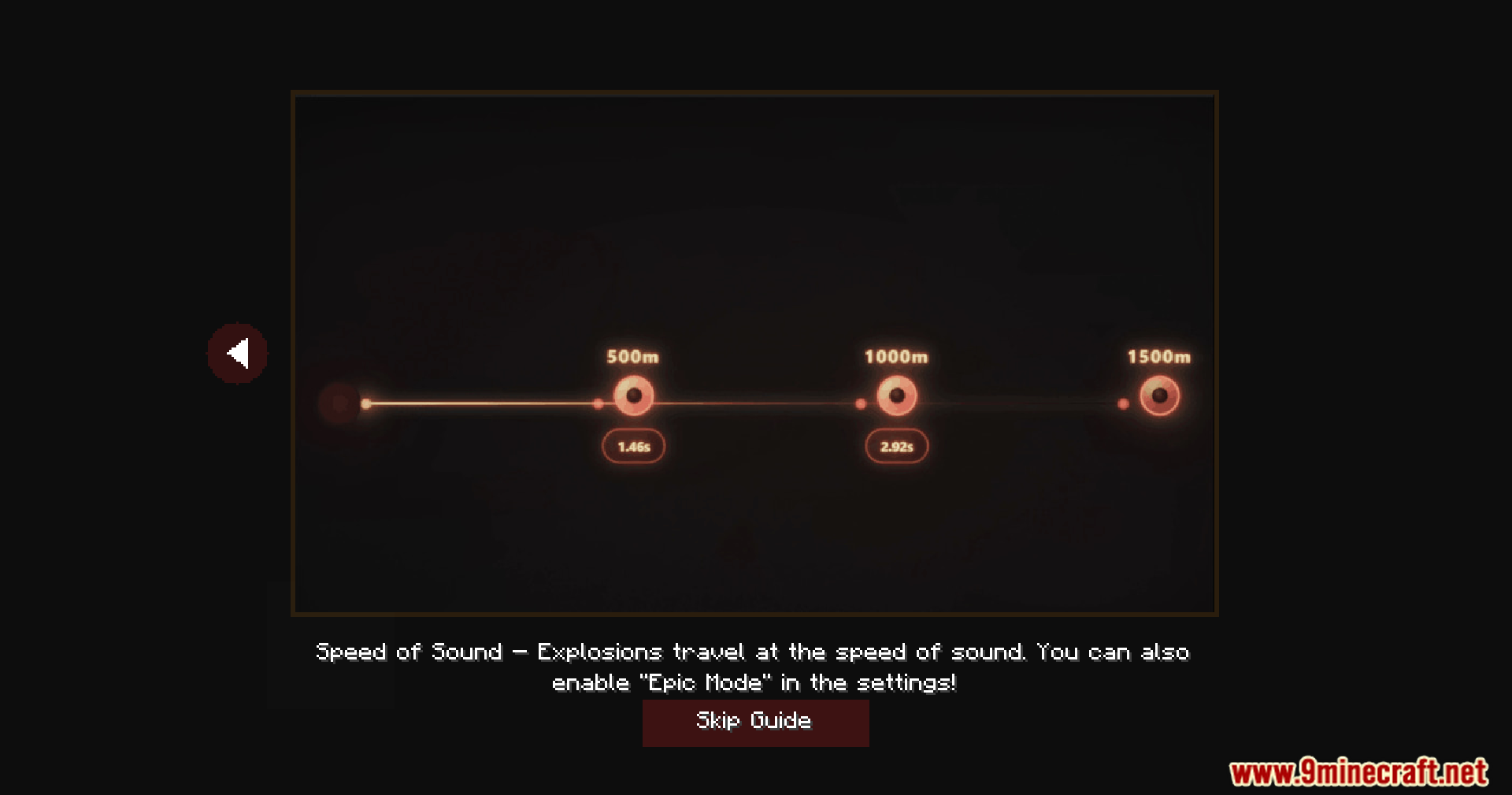
- Changes sounds based on distance, so a nearby blast is super loud while a faraway one is just a quiet rumble.
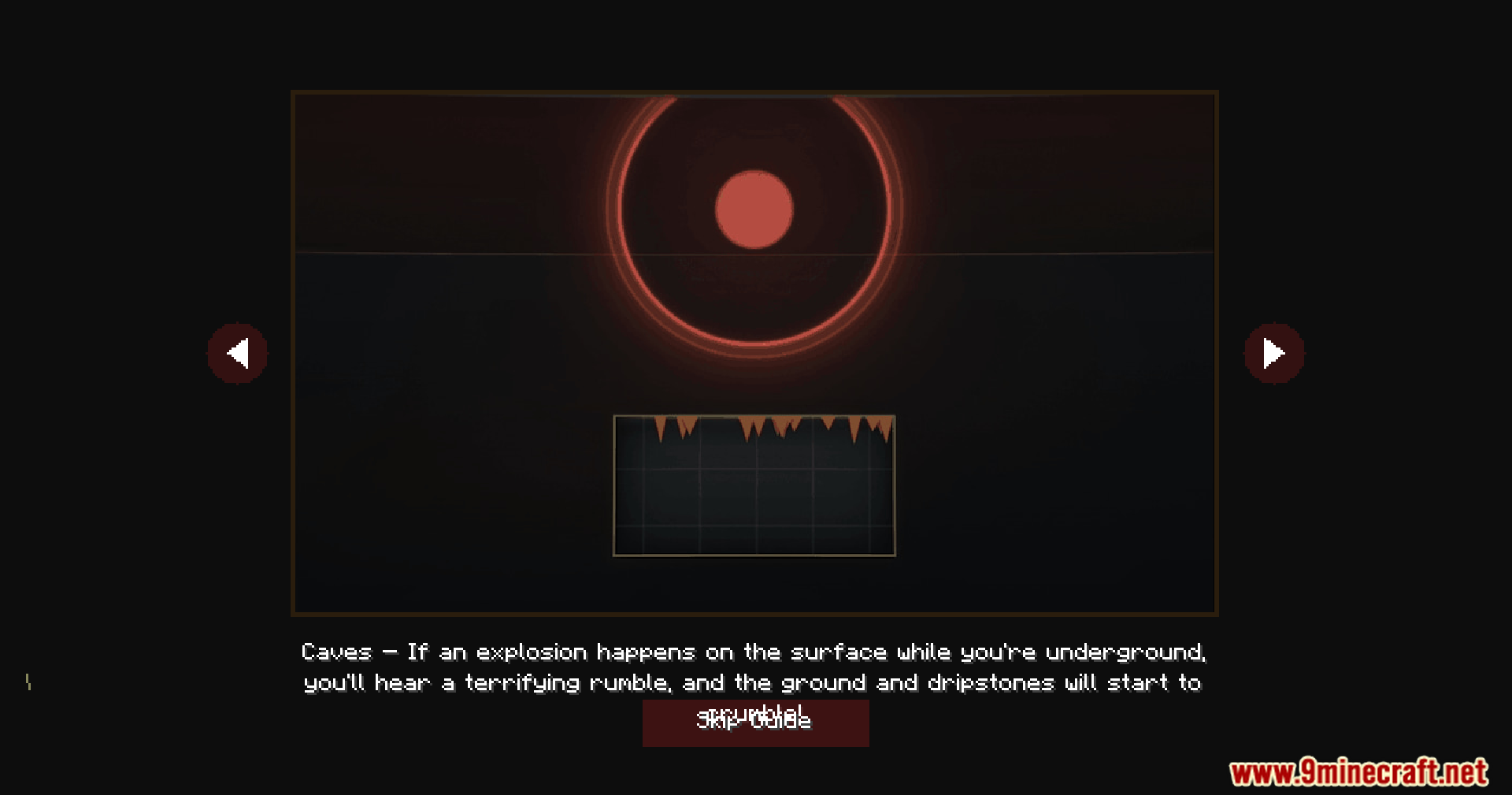
- Makes caves echo loudly, while hiding inside a house blocks most of the noise from outside.
- Shows the bright flash of light before you hear the boom, just like in real life.
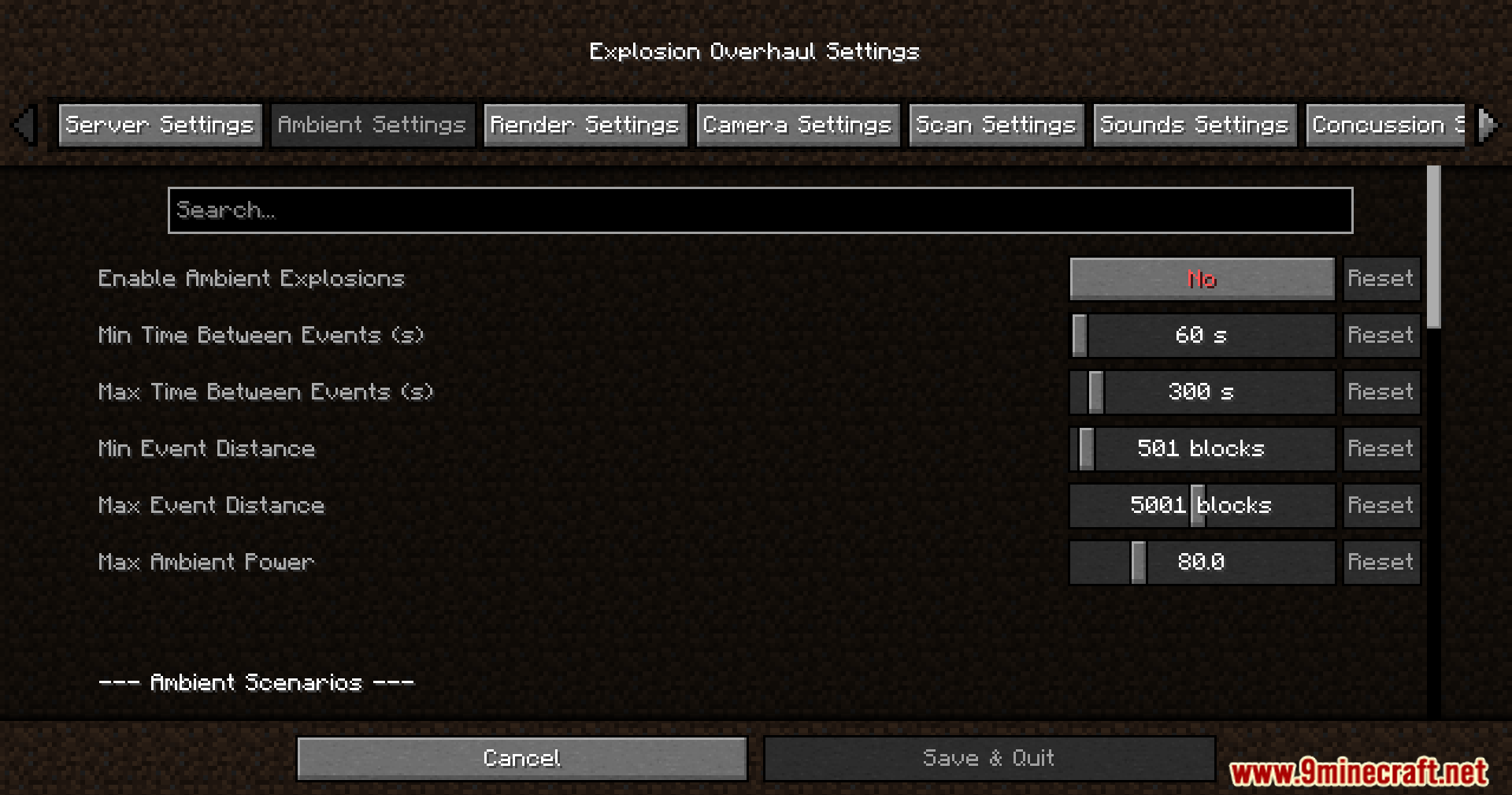
- Adds background battle noises if you want to hear distant drops and explosions while you play.
New Visuals:
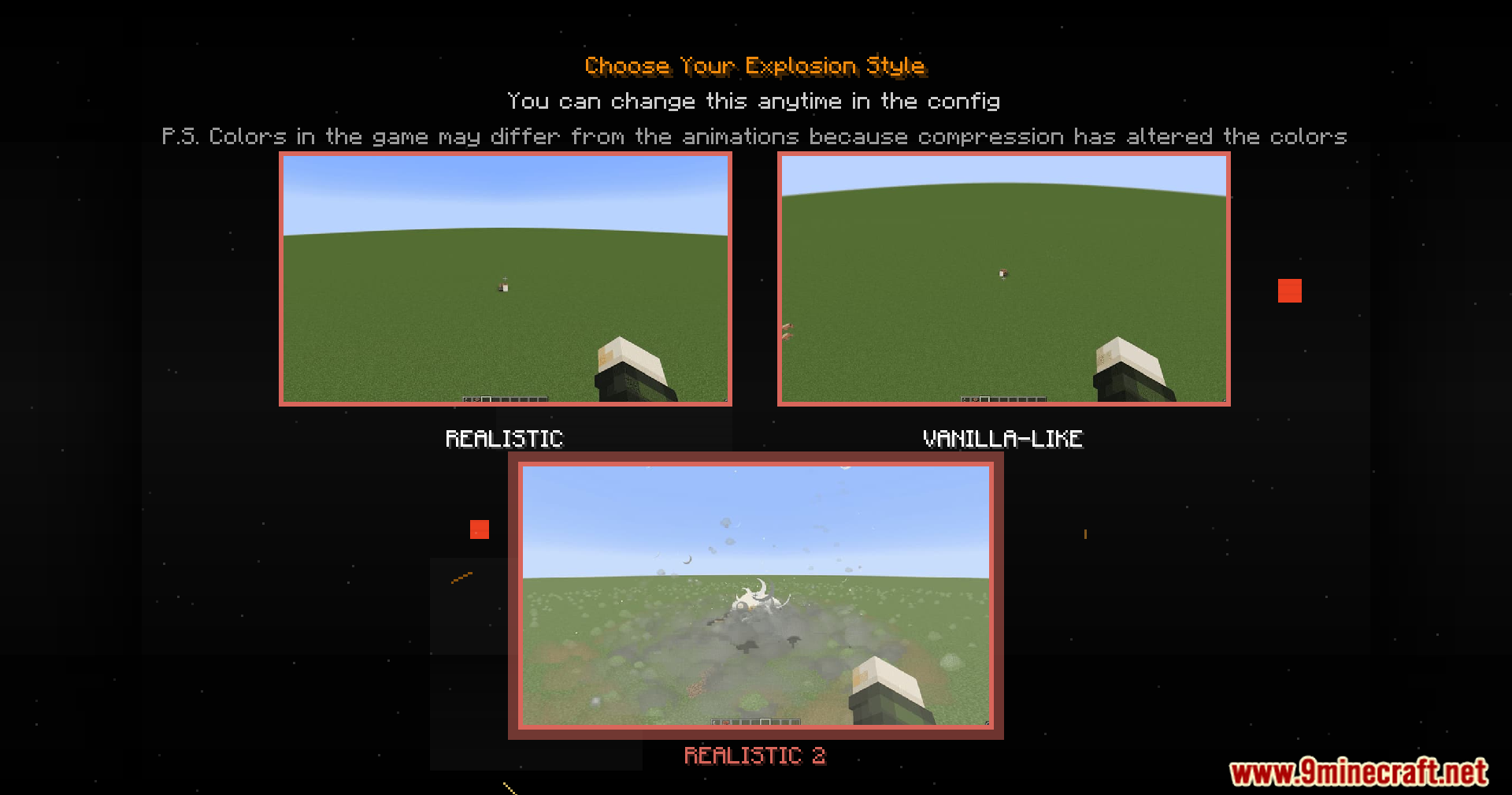
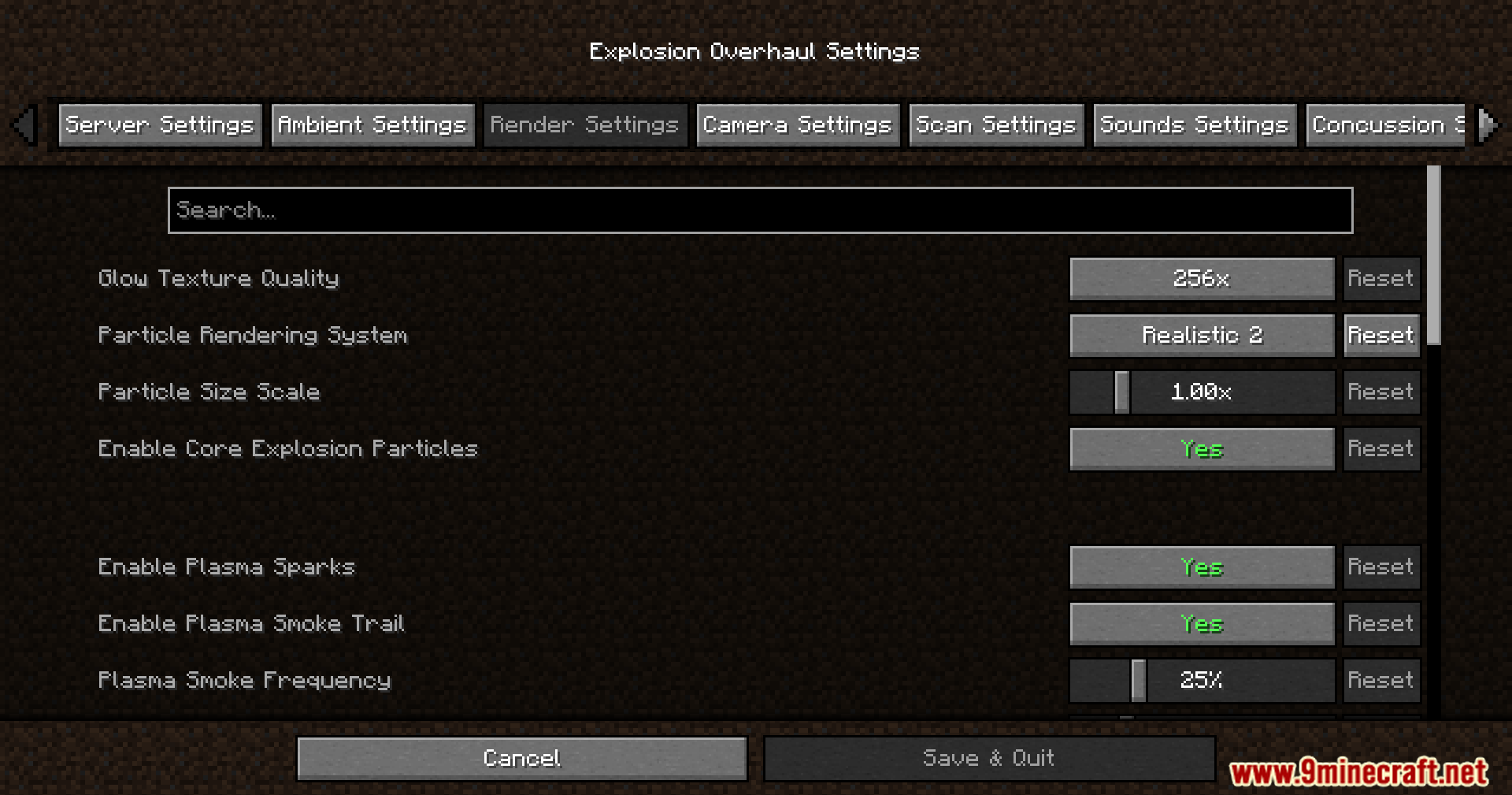
- Replaces normal smoke blocks with giant, glowing fire clouds that slowly cool down into thick mist.
- Shoots bright electrical sparks and flying debris out from the center of the blast.
- Flashes your screen with bright light depending on how big the bomb is.
World Impact:
- Shakes your camera hard when you stand close to the shockwave.
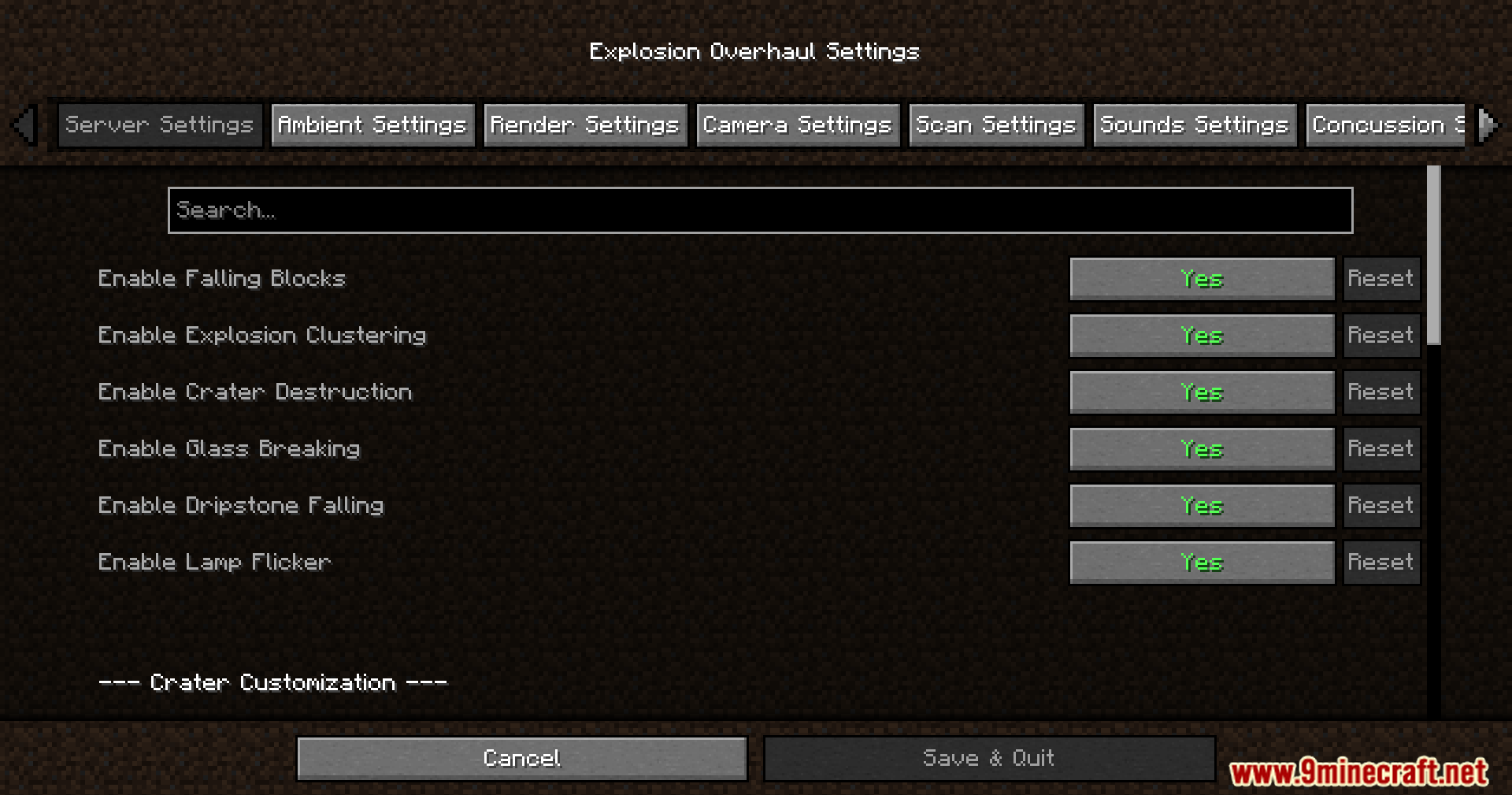
- Makes dirt, rocks, and dripstone fall from the ceiling if a bomb goes off underground.
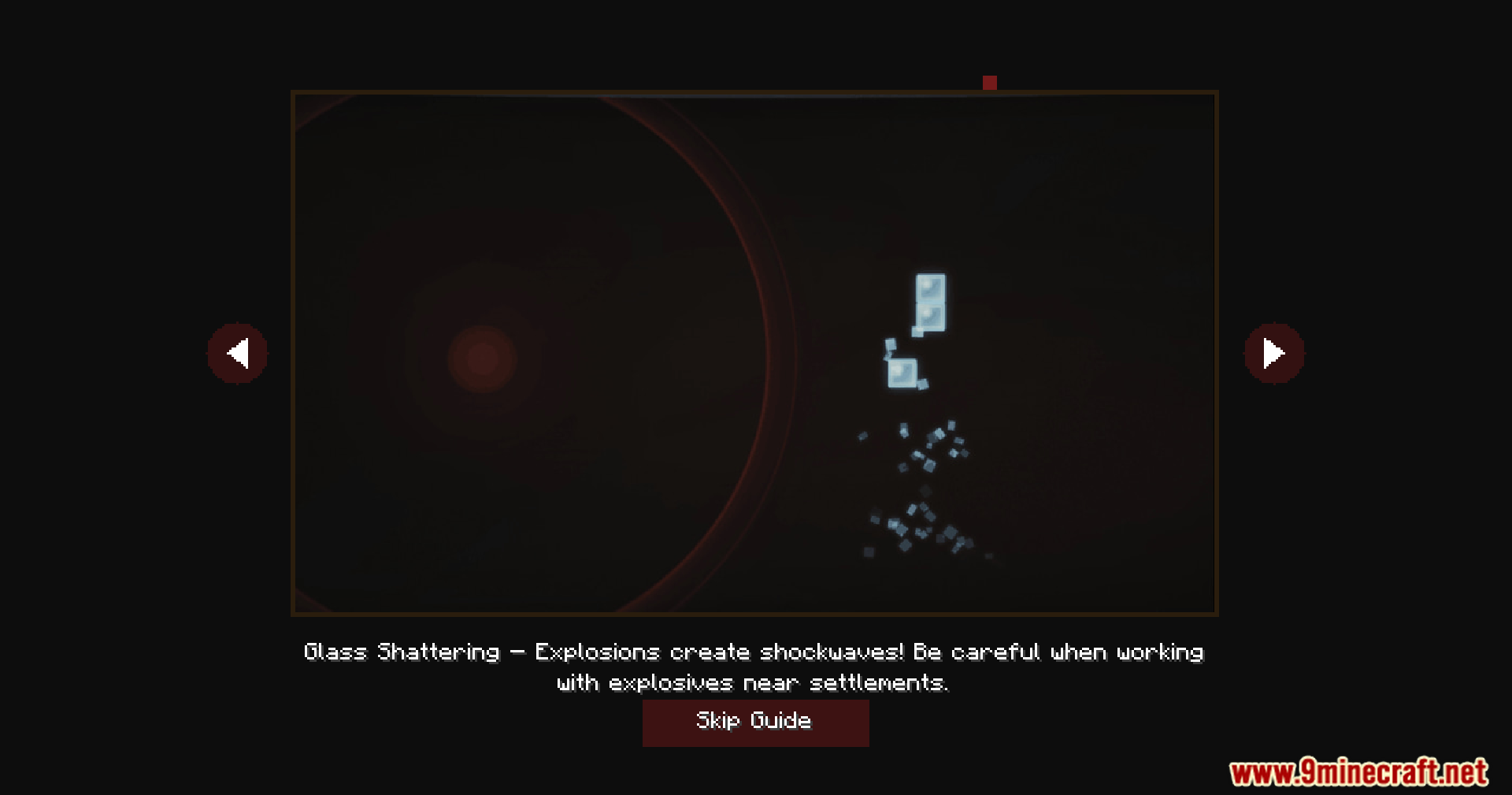
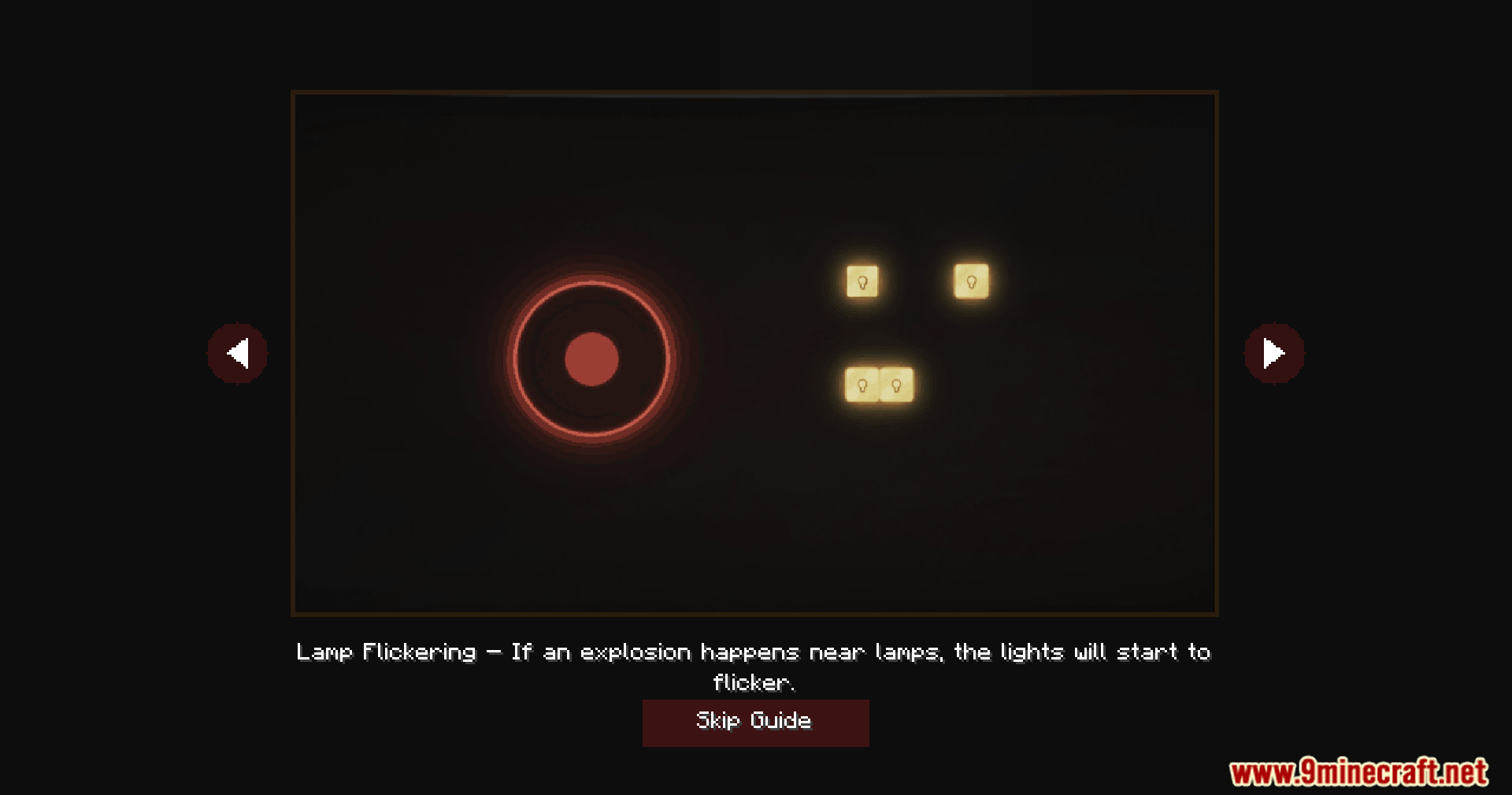
- Breaks weak blocks like glass windows and causes redstone lamps to flicker and spark nearby.
- Pushes your character back and rings your ears if you get caught in the blast zone.
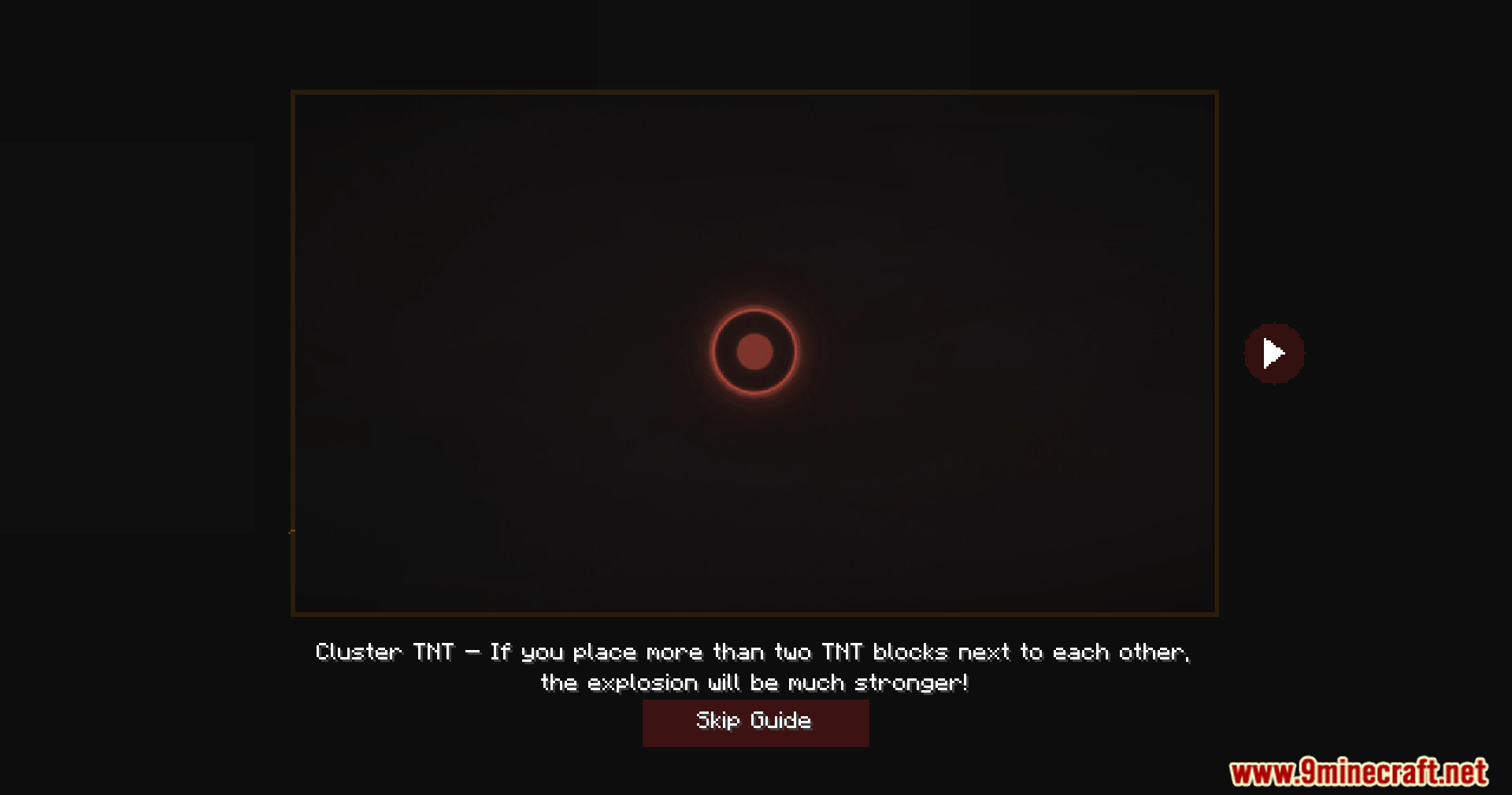
- Merges TNT blocks that blow up at the same time into one massive crater.
Screenshots:
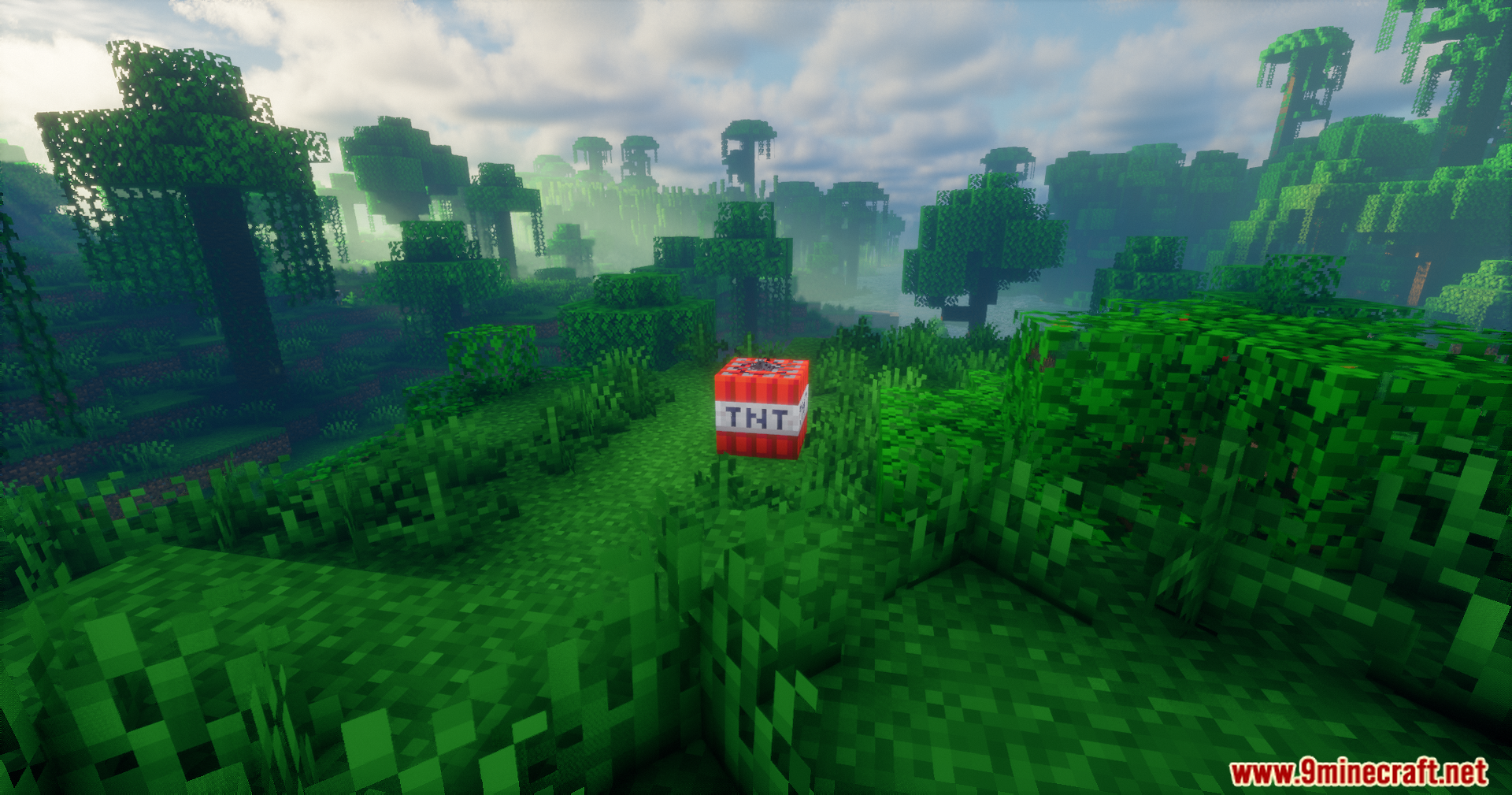
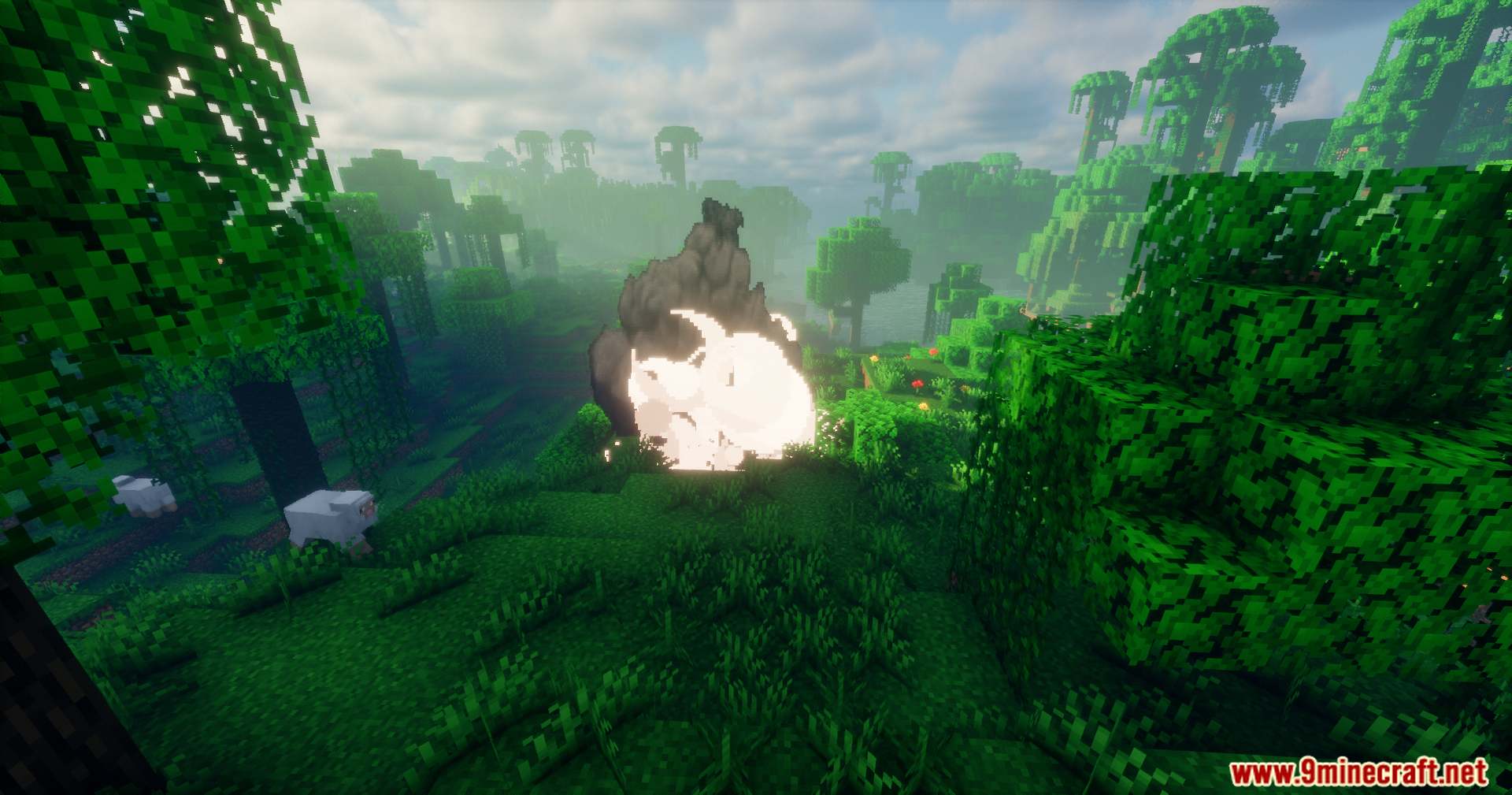
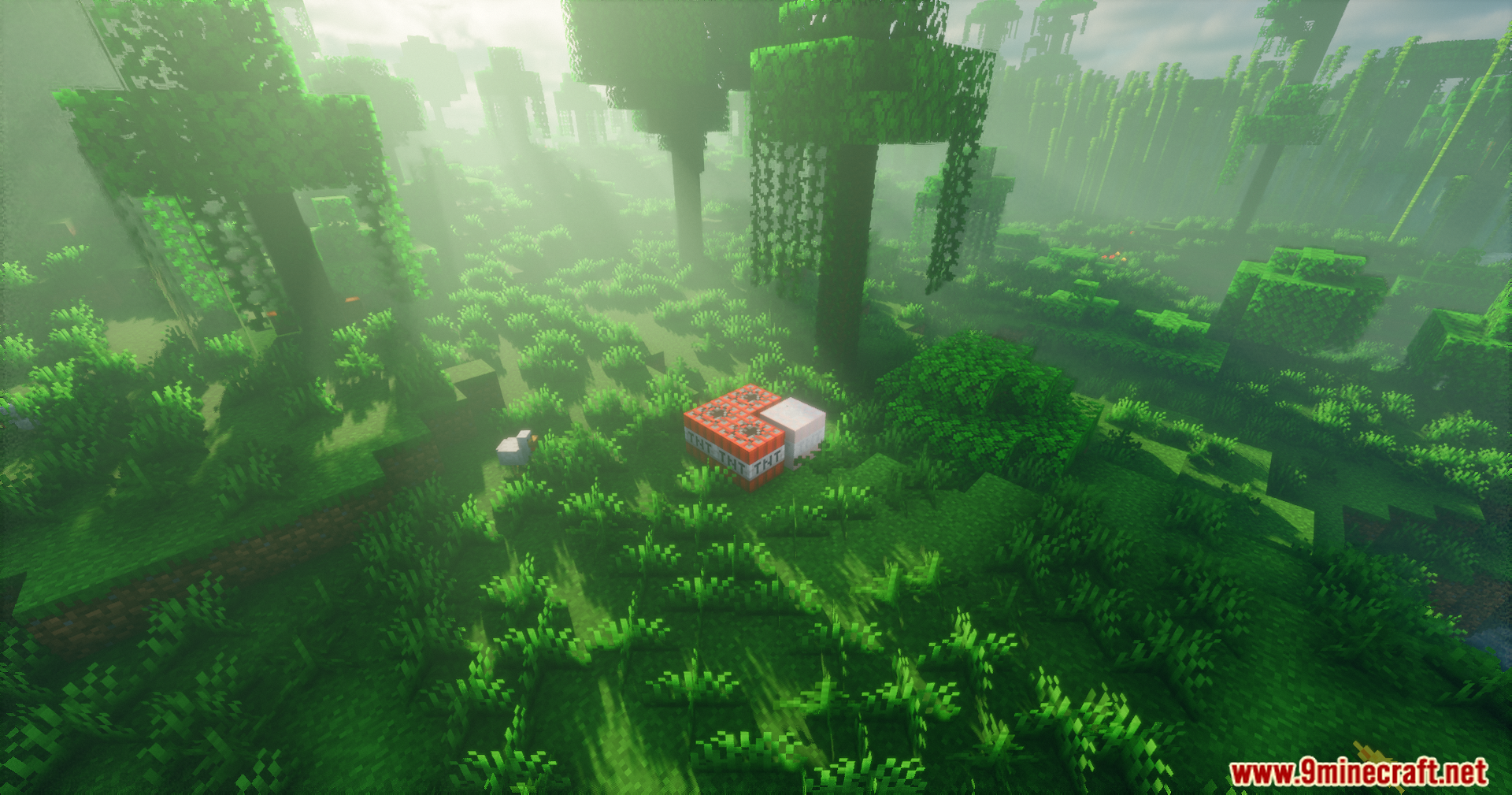
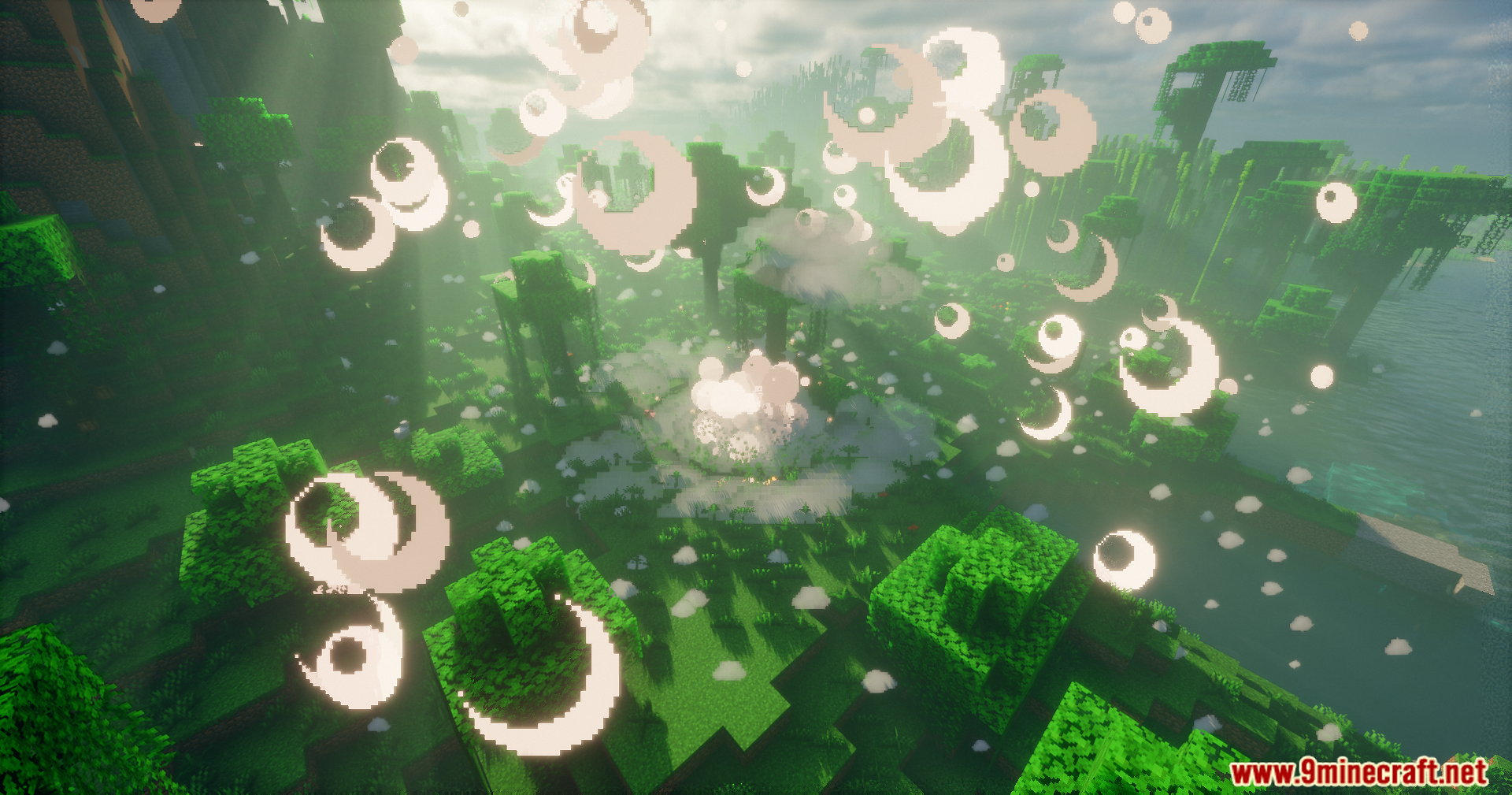
Explosion Overhaul a New Level of Destruction Mod Download Links
Quick facts
- Edition: Minecraft Java
- File type: .jar
- Minecraft version listed: 1.20.1
- How to install: Install the matching mod loader (Forge, Fabric or NeoForge) for your Minecraft version. → Download the .jar. → Put it in the .minecraft/mods folder and launch that loader profile.
- Where to get it: In MC Java Mods, or directly above on this page.
Install steps are the general flow for this file type — How to install Minecraft Java mods & modpacks walks through it step by step.
Verified by MCModsHub
- Downloads as 2584.mcaddon
- Download size: 80.5 MB
- Download link checked 25 Sept 2026 — working
- Mirrored on our own servers — the download does not depend on the original host
These come from our own check of the pack file, not from the source page.