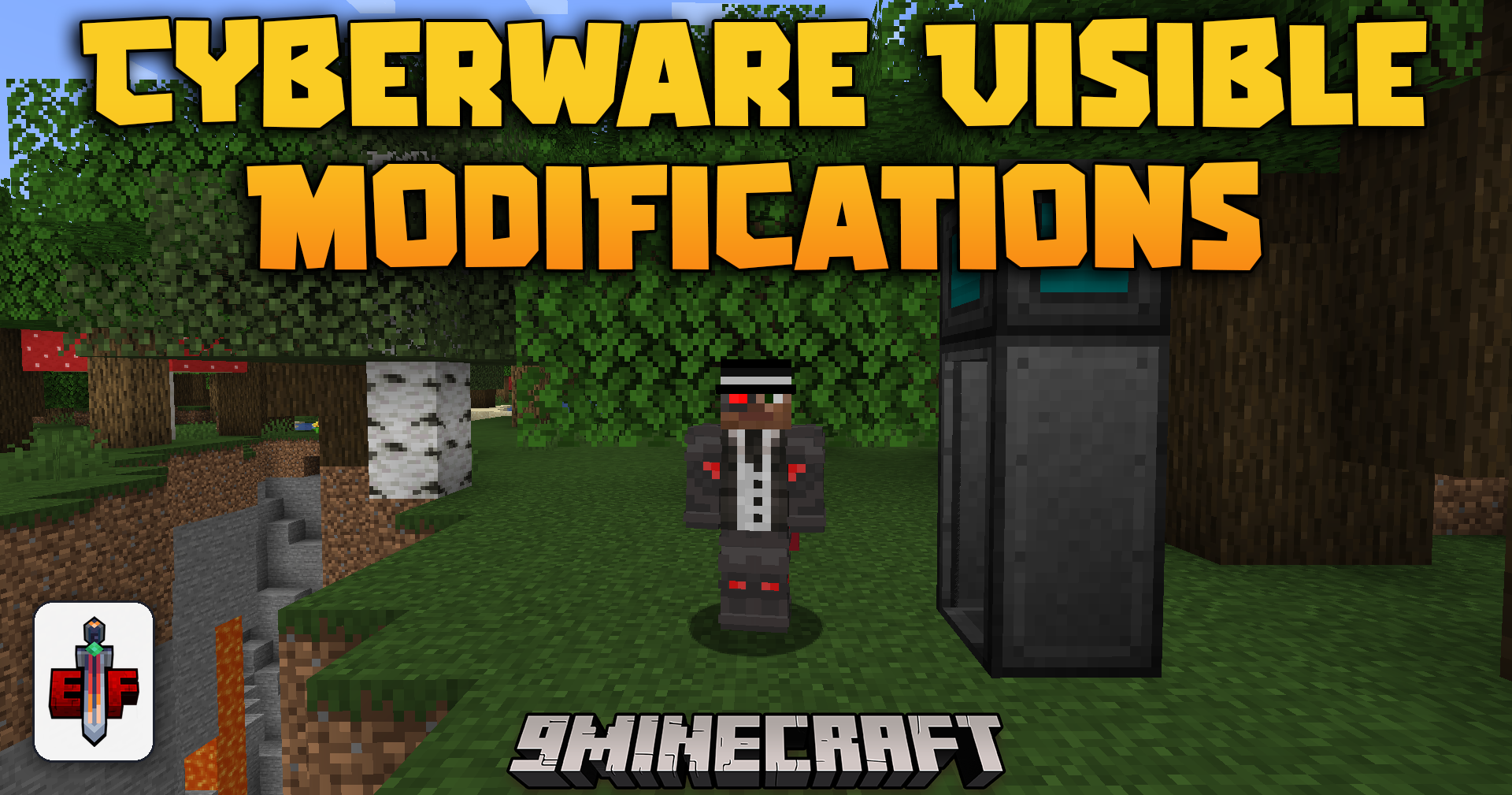
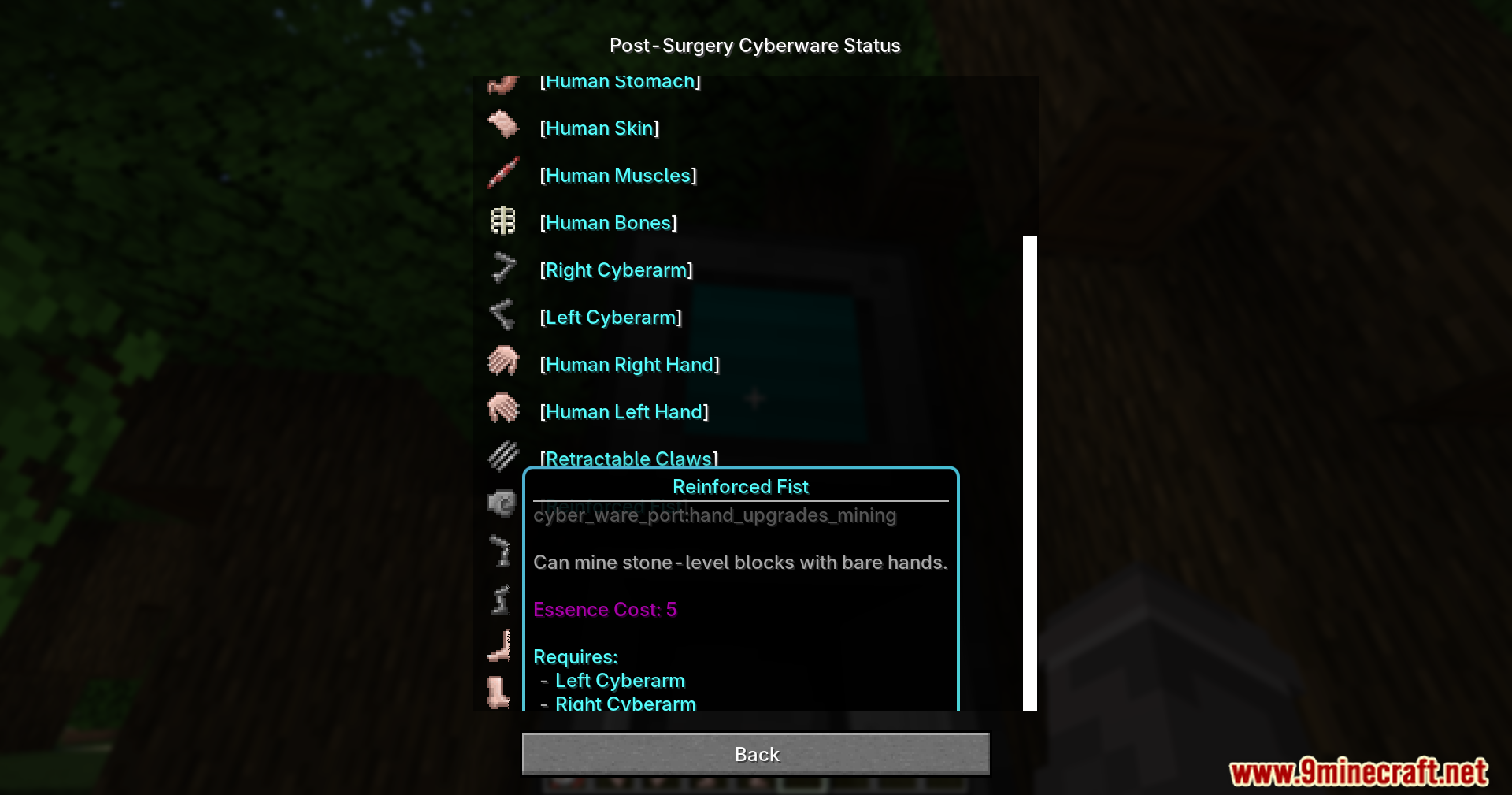
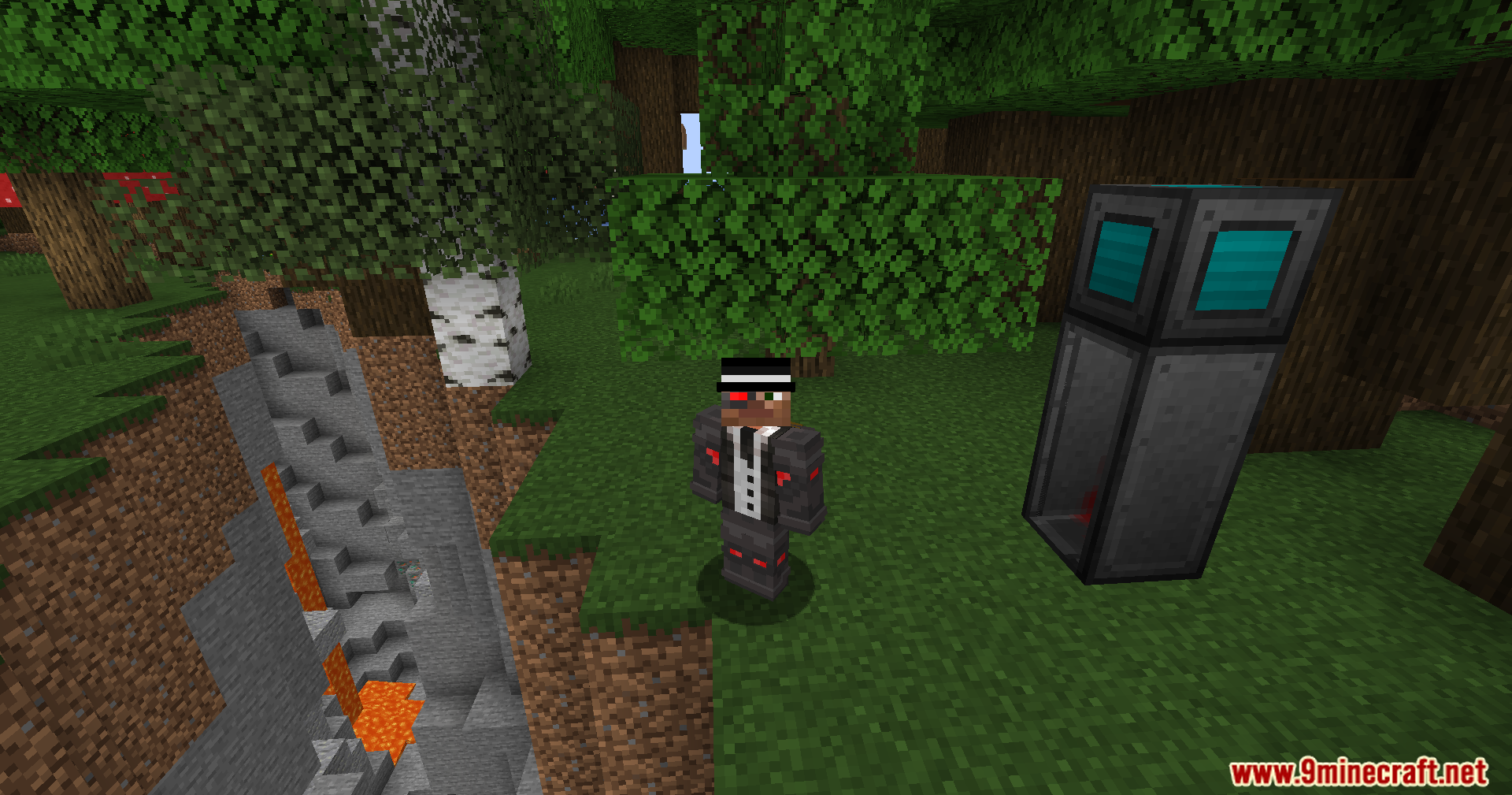
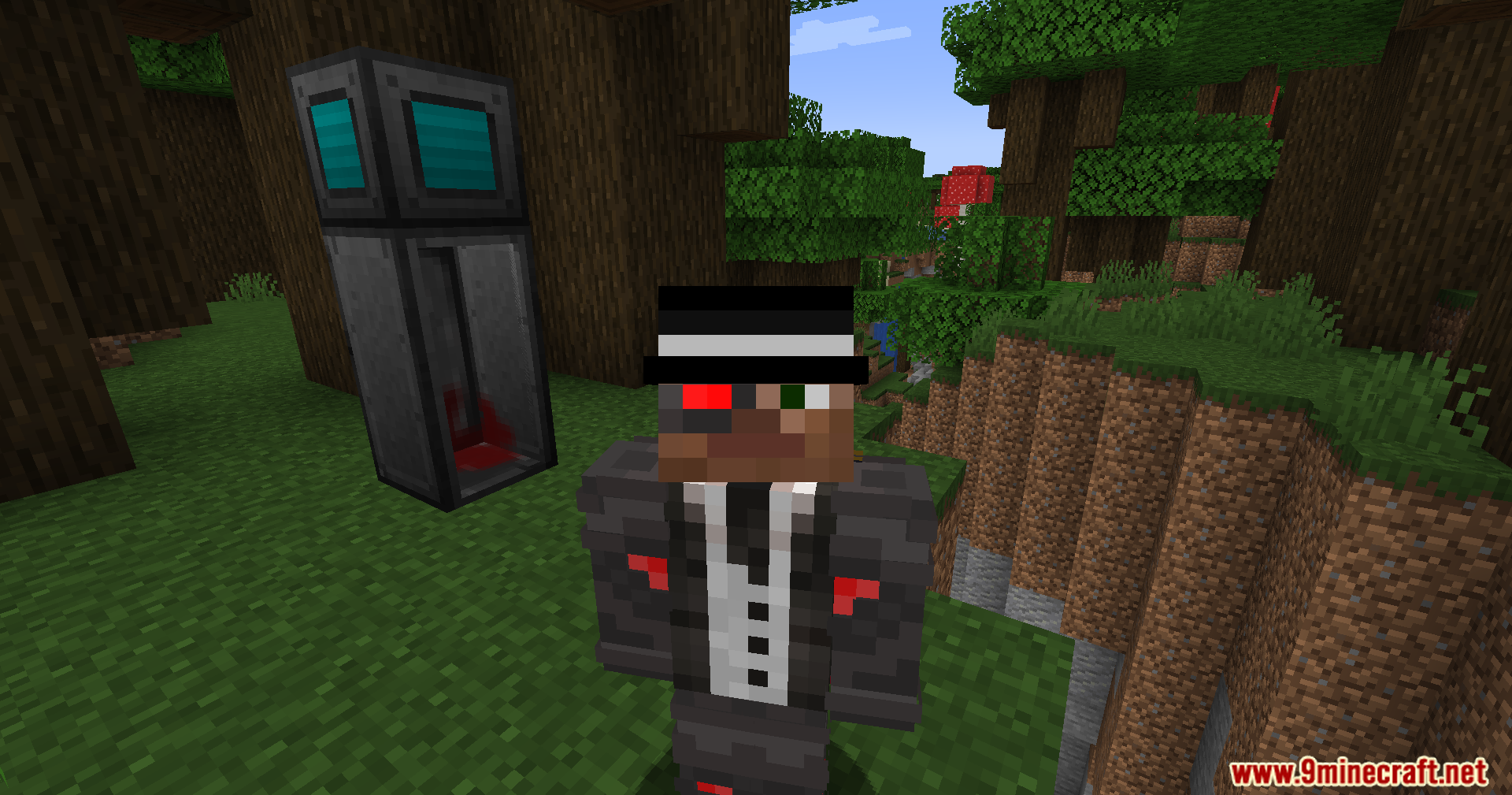
Cyberware Visible Modifications Mod patches visual glitches and adds new looks for Cyberware: Reforged. It lets you see all your robotic upgrades right on your character’s body. This addon fixes bugs so your robot parts show up perfectly, even when you play with other big animation mods.
Features:
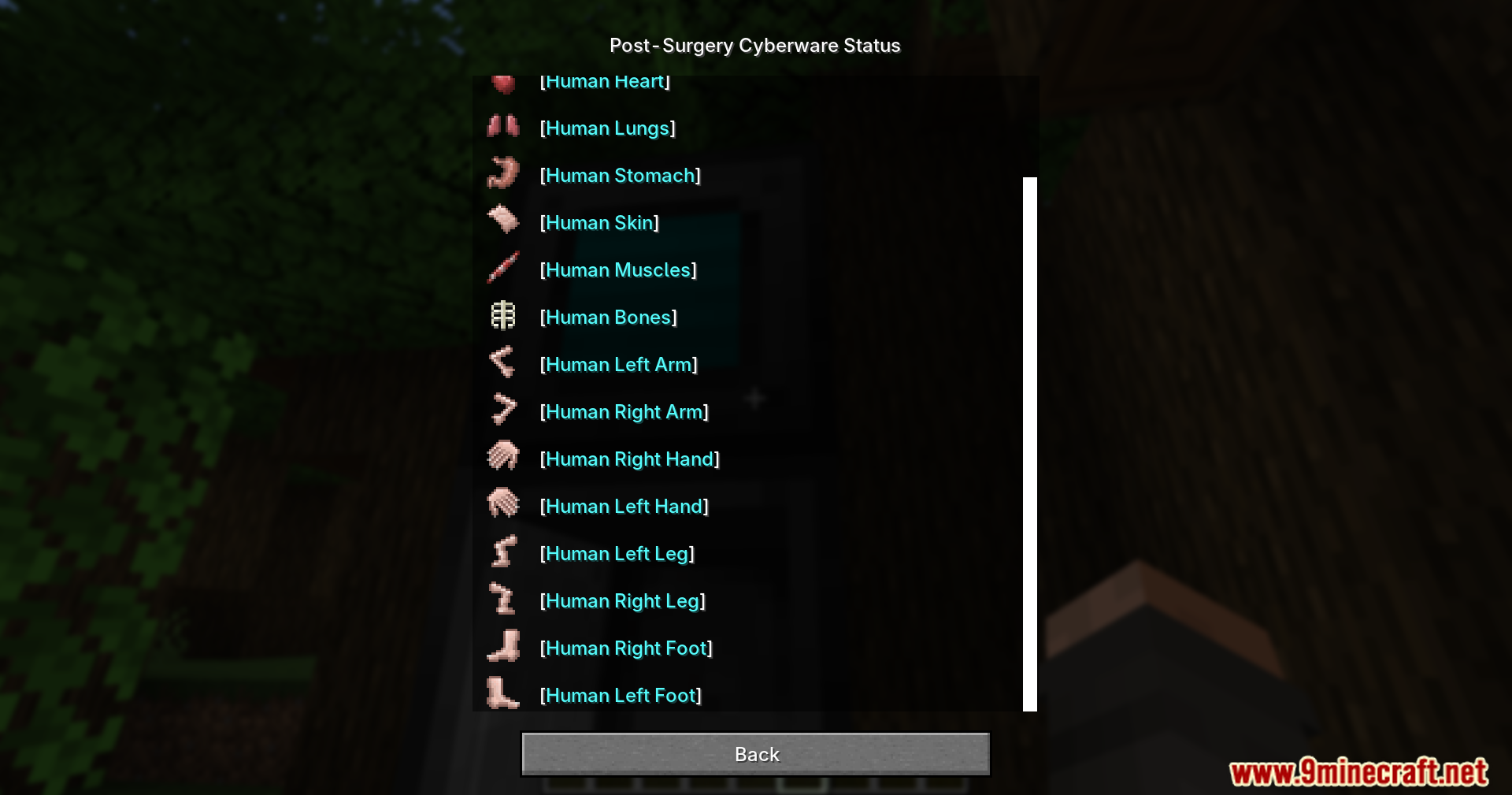
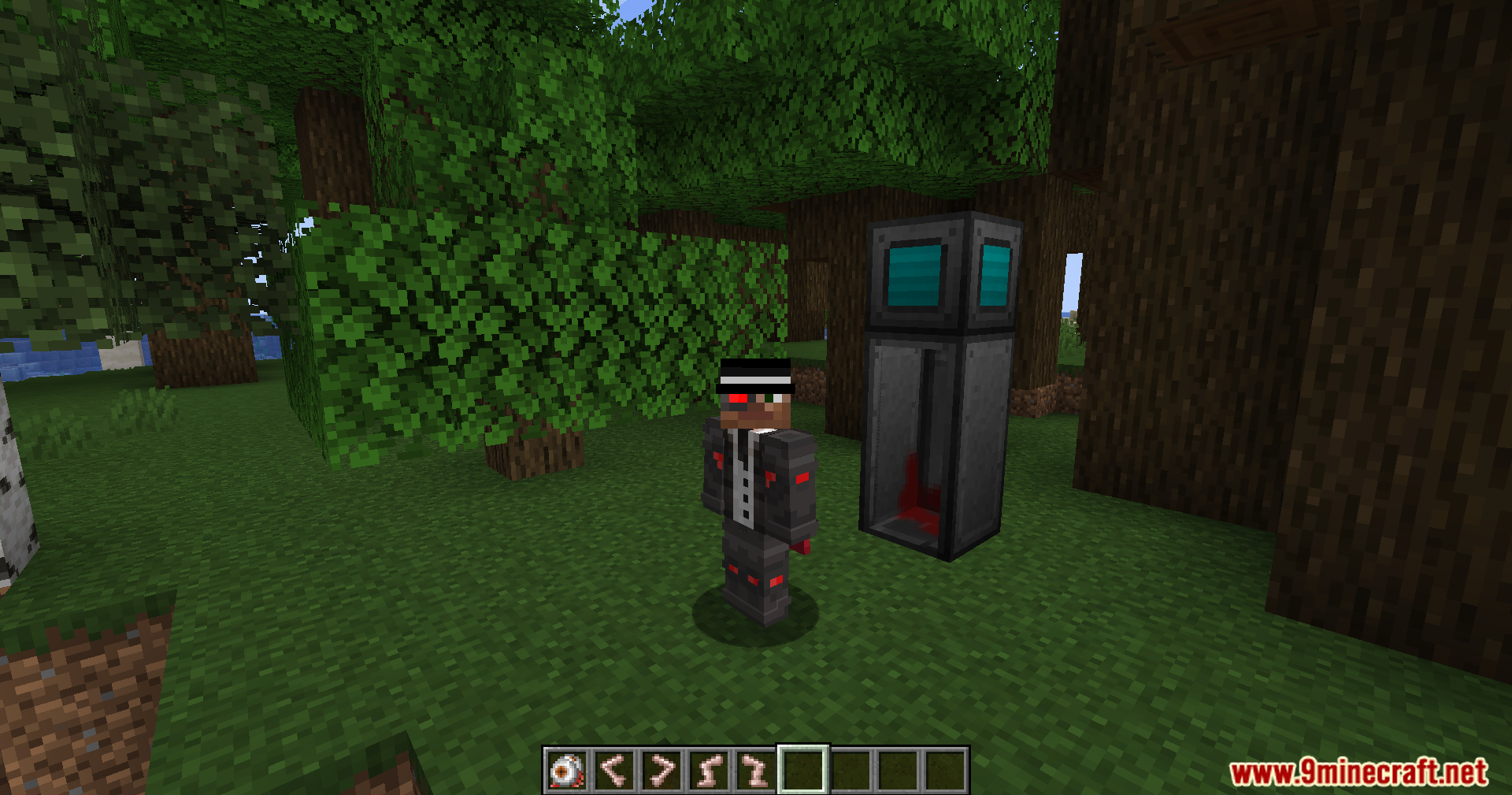
- Visible Robot Parts: Shows robotic arms, legs, eyes, and heart pumps on your character when you install them.
- Glowing Colors: Adds bright lights to your mechanical parts that you can change to any color you want.
- Updates your character model instantly as you add or remove different robotic pieces.
- Hides all your metal upgrades completely if you decide to put on synthetic skin.
- Shows missing limbs if you happen to lose your arms or legs while playing.
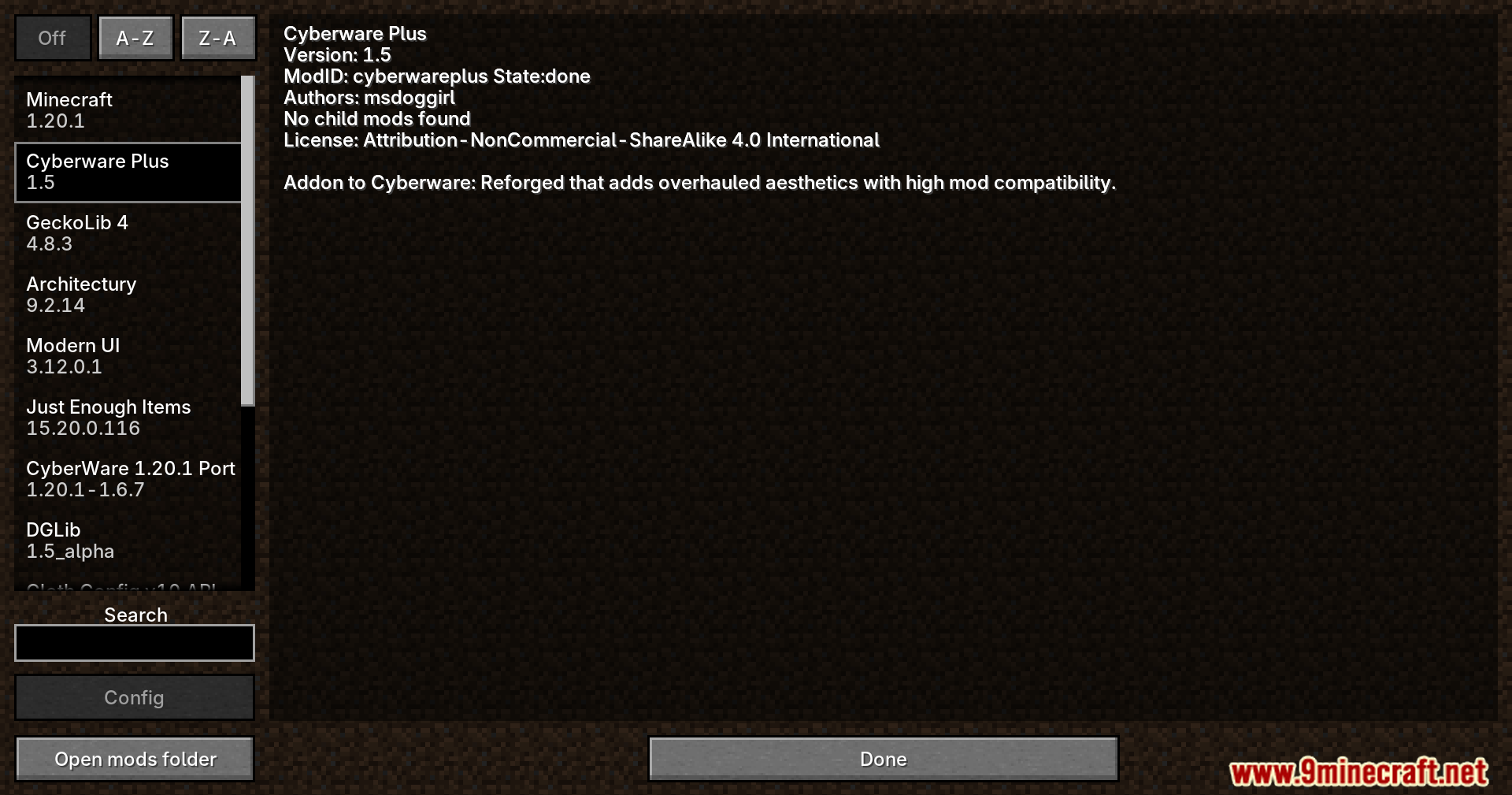
- Makes your cyborg body run smoothly alongside popular animation mods like Epic Fight and GeckoLib.
How to Use:
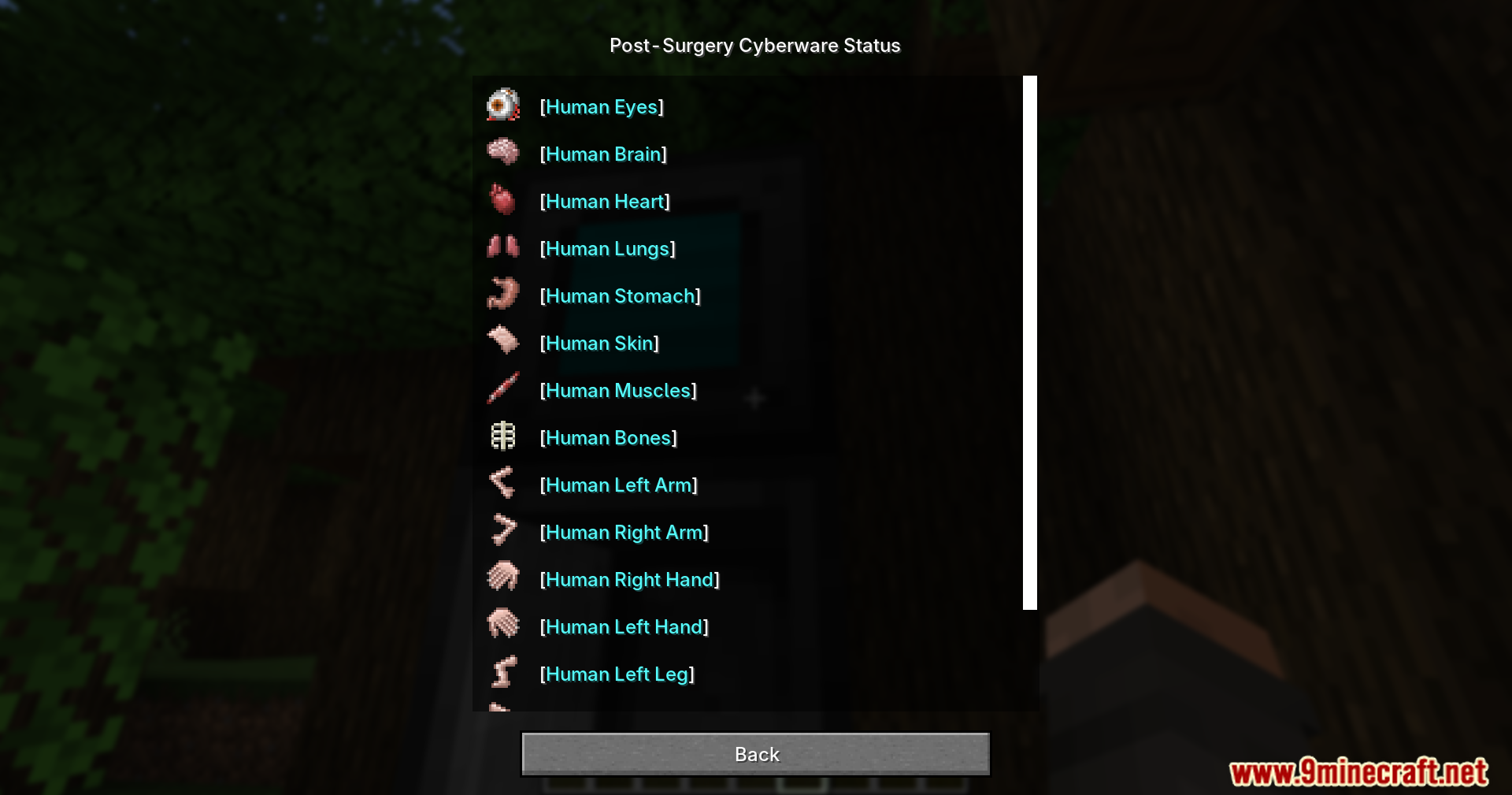
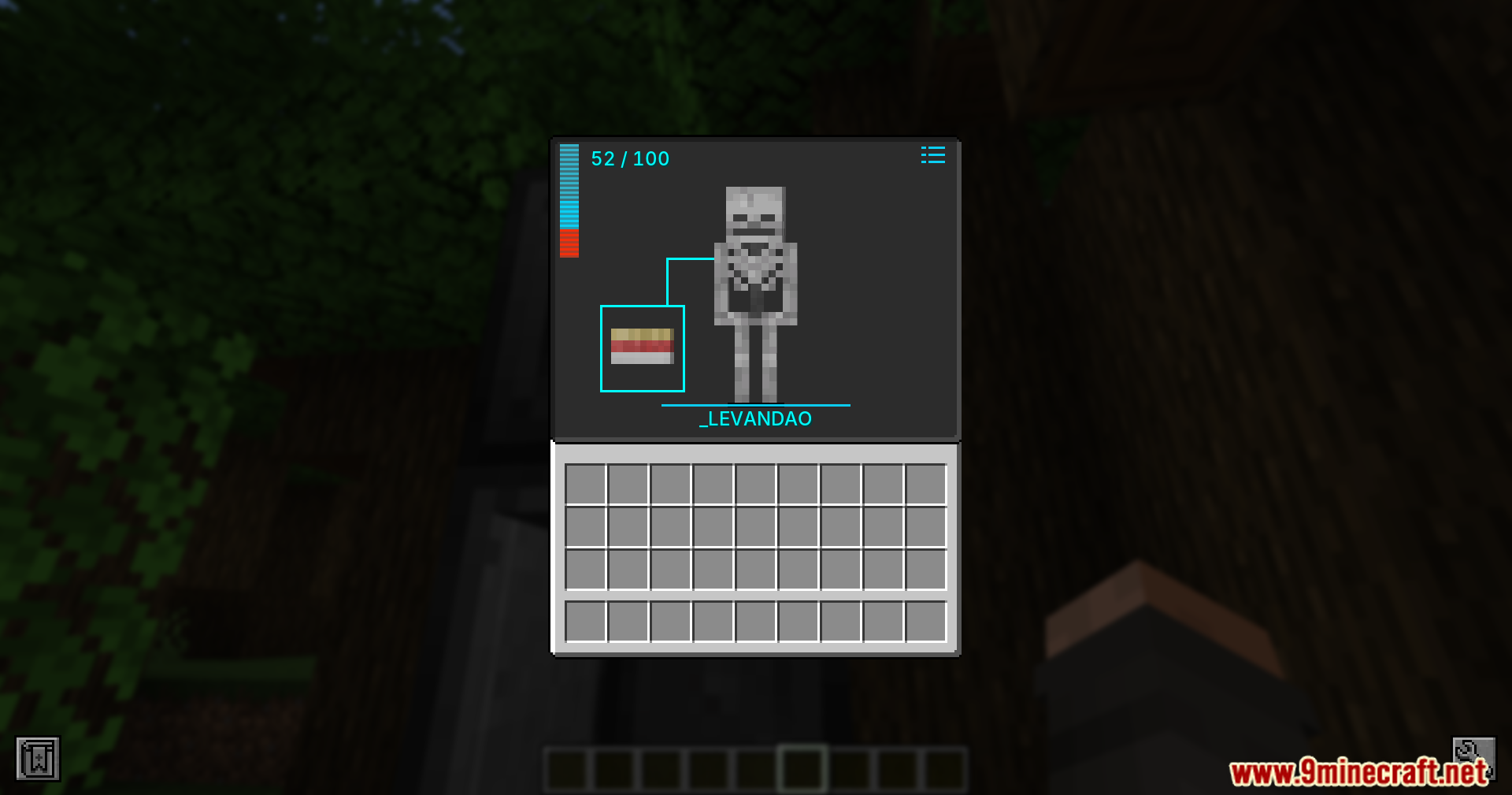
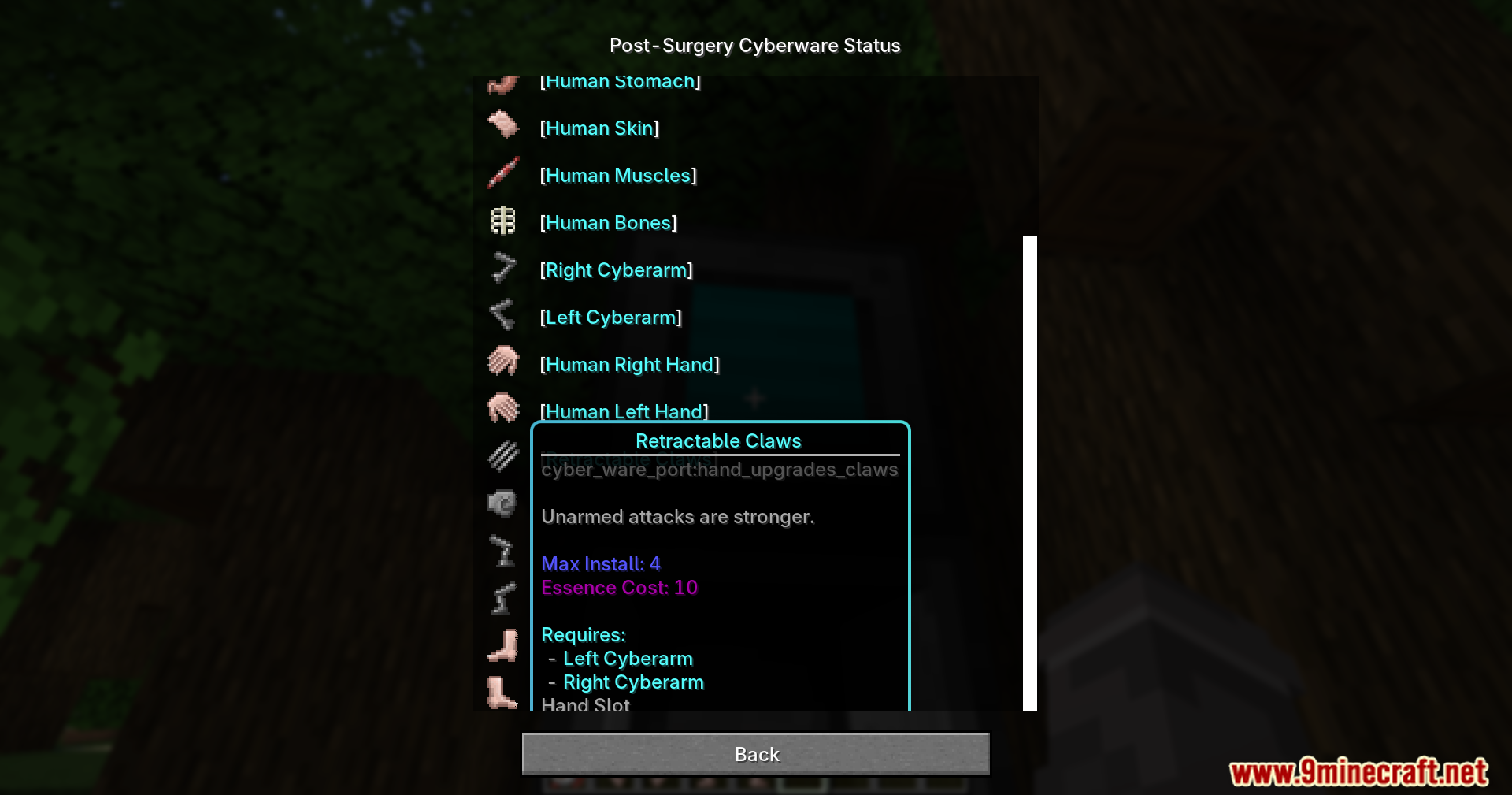
- Install your robotic parts using the main mod’s surgery machines.
- Press the O key on your keyboard to open the color menu.
- Pick your favorite color to make your robot parts glow.
Screenshots:
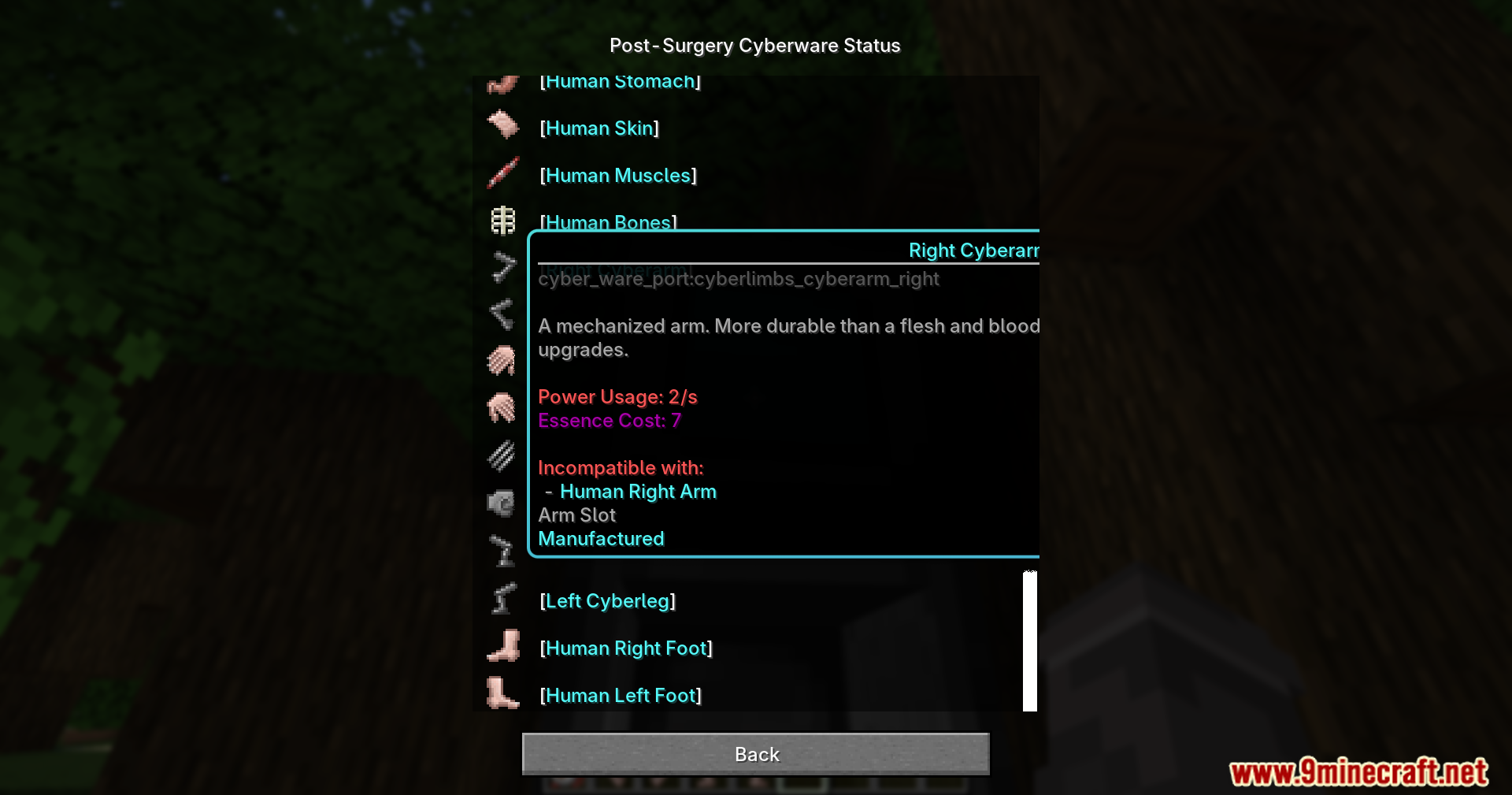
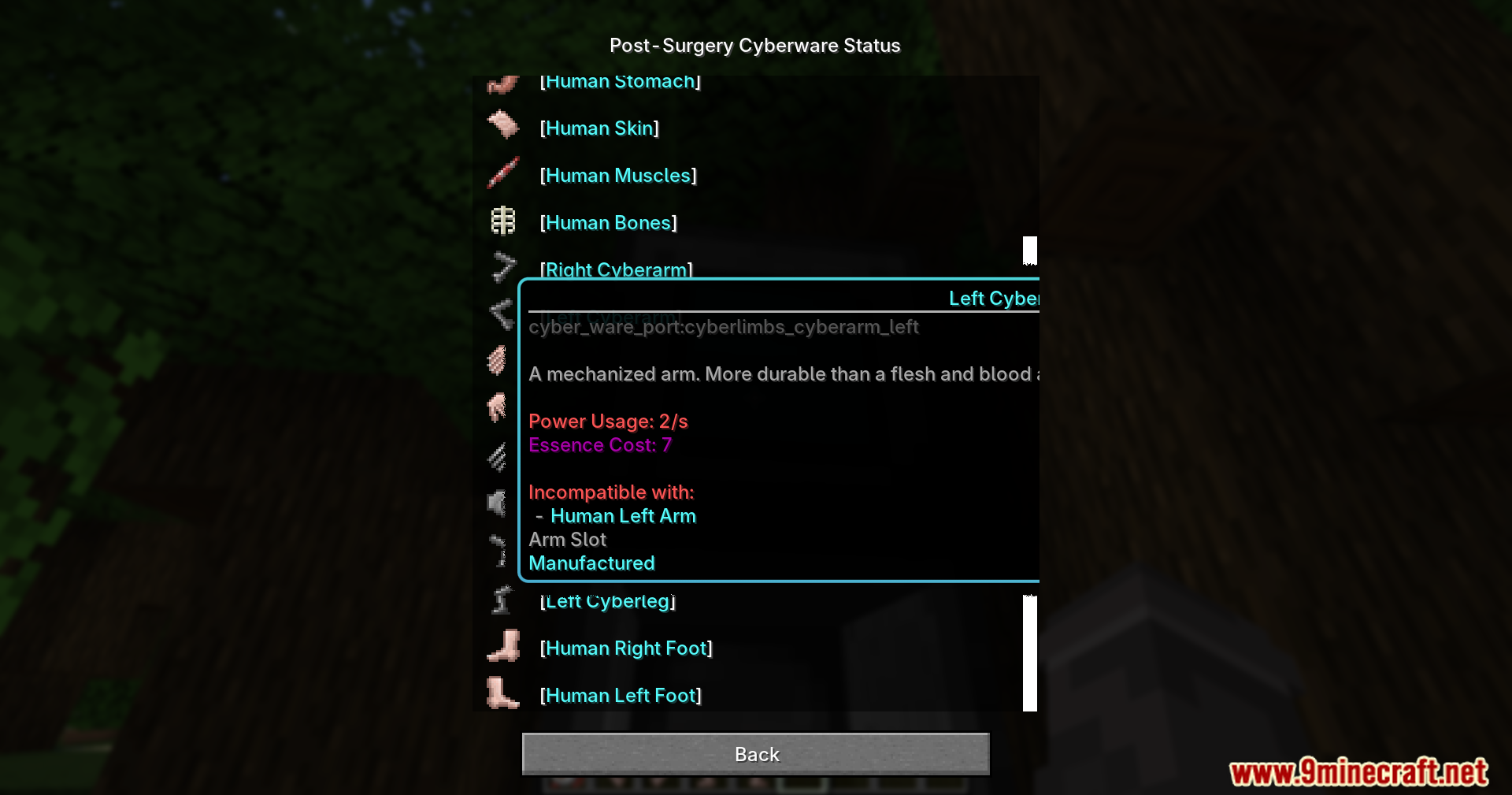
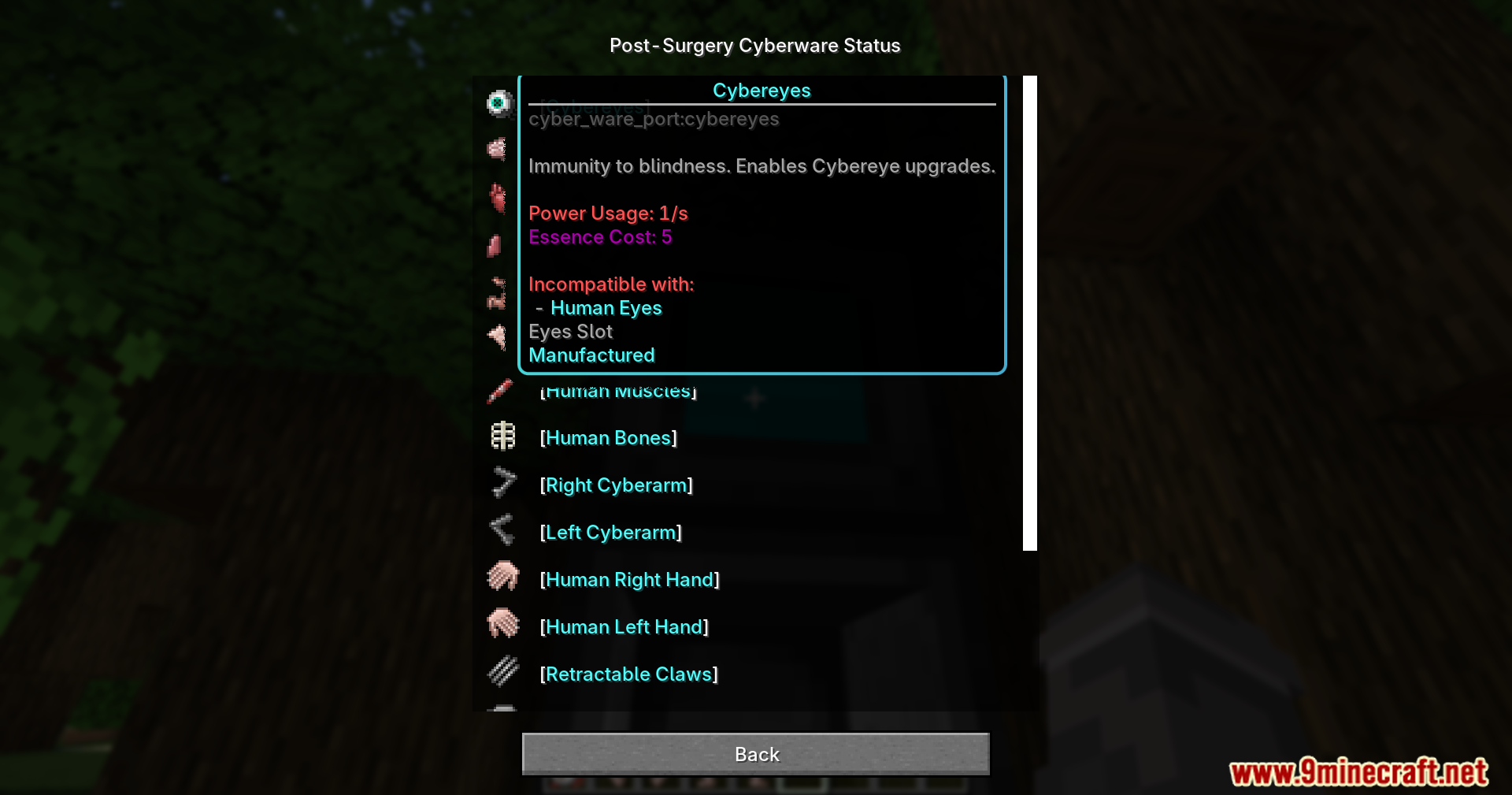
Cyberware Visible Modifications Mod Download Links
Quick facts
- Edition: Minecraft Java
- File type: .jar
- Minecraft version listed: 1.20.1
- How to install: Install the matching mod loader (Forge, Fabric or NeoForge) for your Minecraft version. → Download the .jar. → Put it in the .minecraft/mods folder and launch that loader profile.
- Where to get it: Opens on the file's original source — not every file is mirrored on our own servers.
Install steps are the general flow for this file type — How to install Minecraft Java mods & modpacks walks through it step by step.
Cyberware Visible Modifications Mod (1.20.1) – See Every Robotic Upgrade is a free Minecraft Java mod. Compatible with Minecraft 1.20.1. Download it and open it directly in the game.