RPG-Hud Mod (26.2, 1.20.1) – Your Screen Becomes an RPG
Java mod listed for Minecraft 1.20. Downloads from the MC Java Mods app on Android.
RPG-Hud Mod changes your in-game screen to look like it's from an RPG. This mod replaces the standard health, hunger, and experience bars with a new…
⬇ Download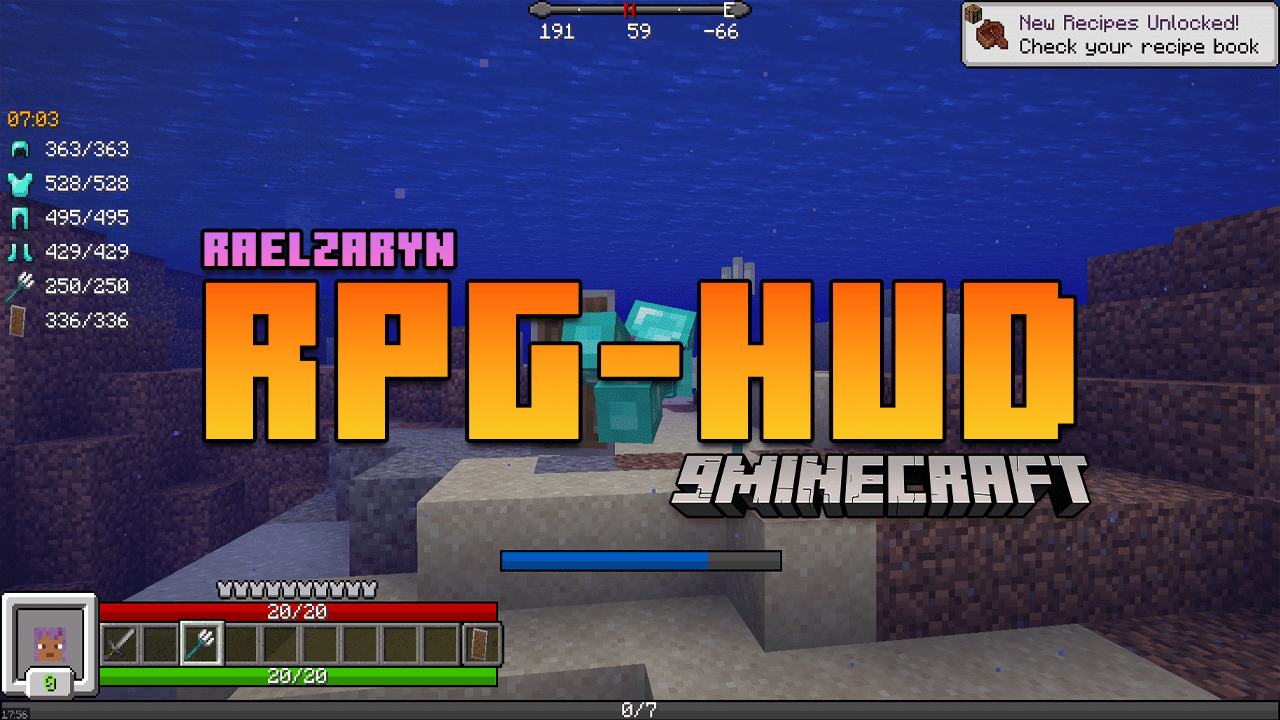
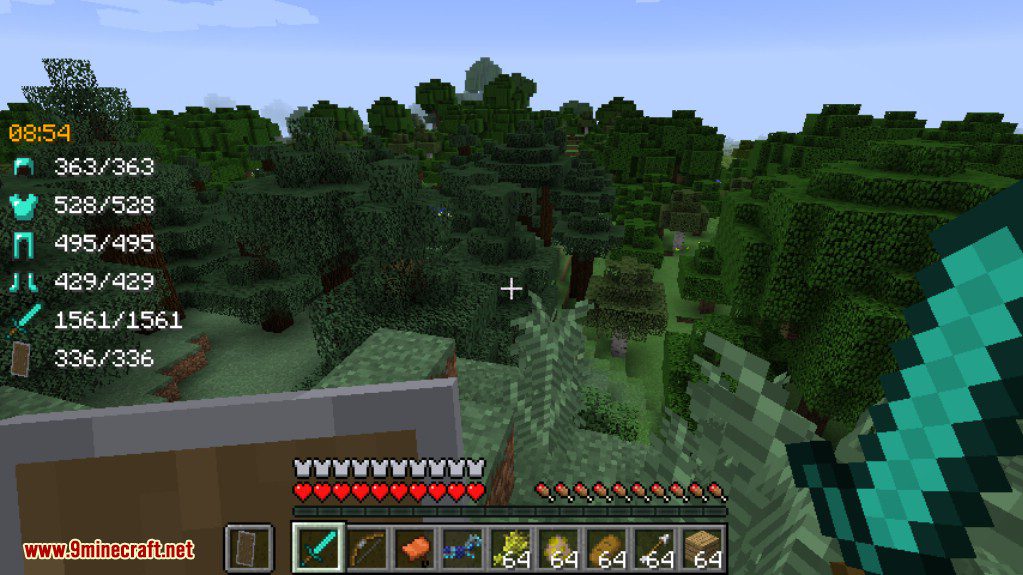
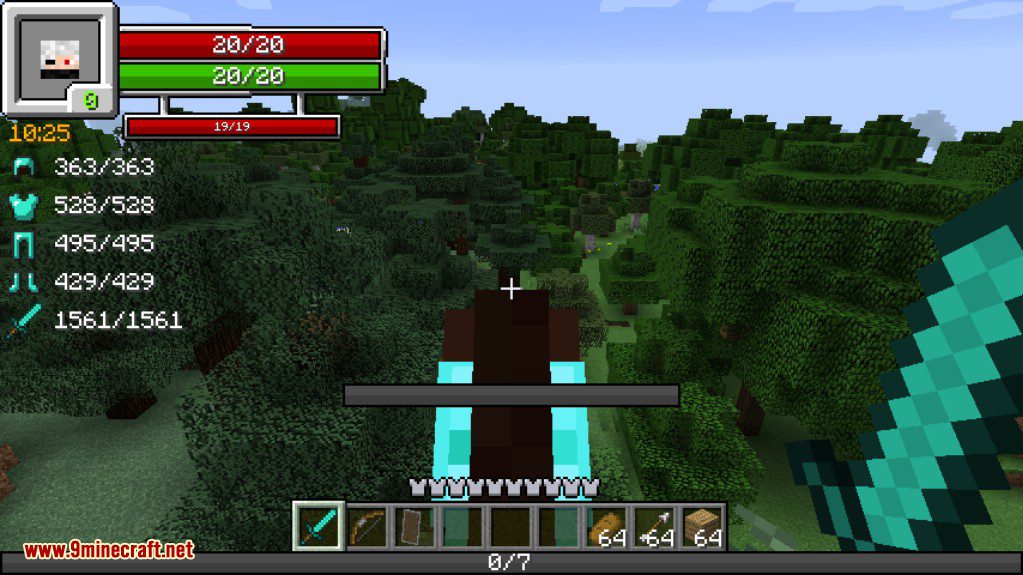
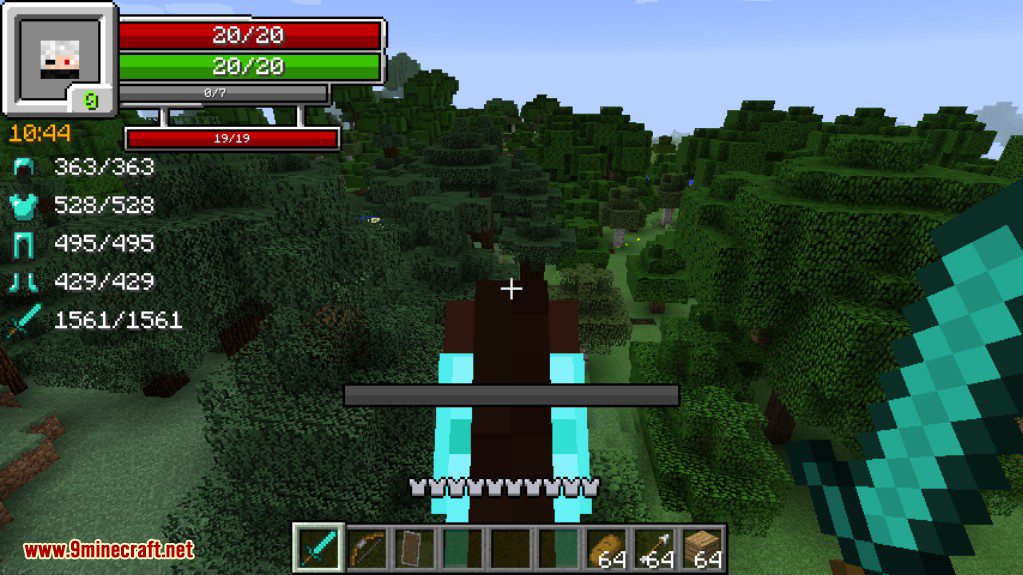
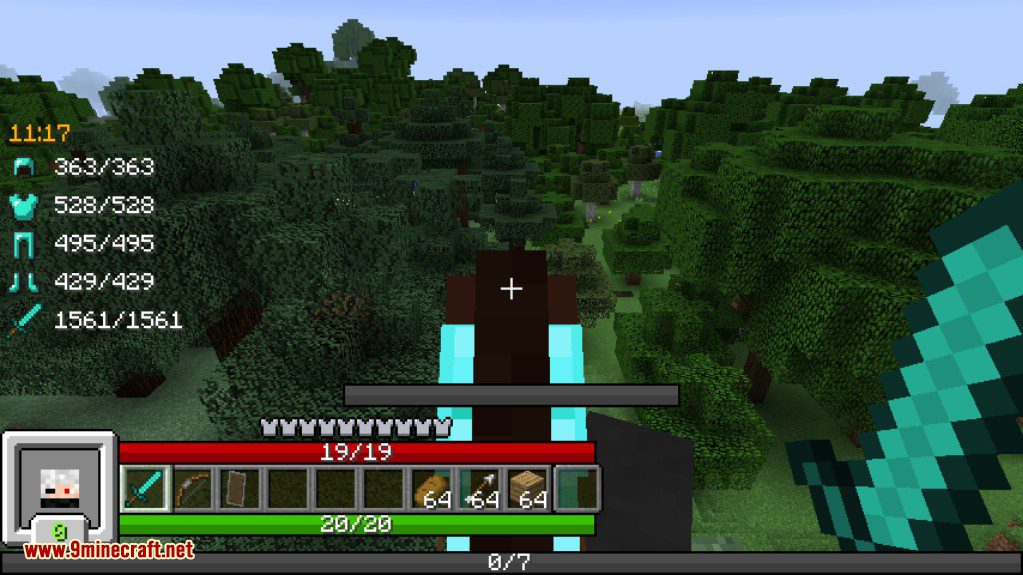
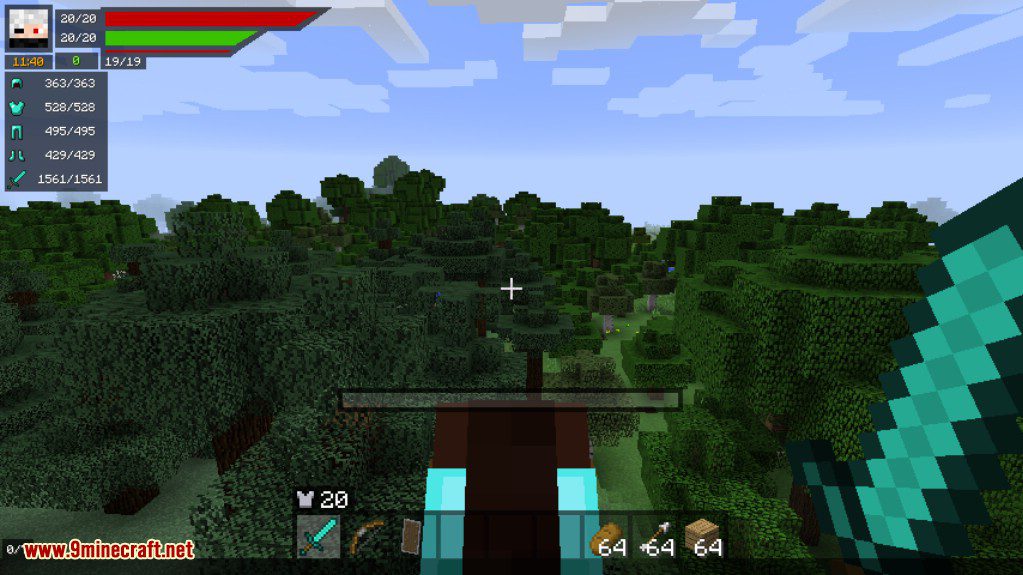
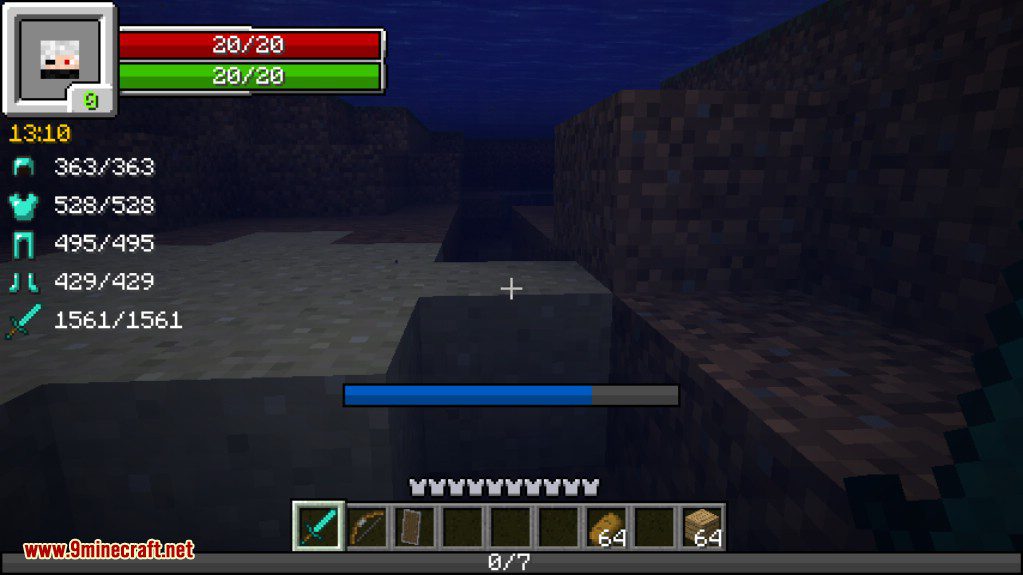
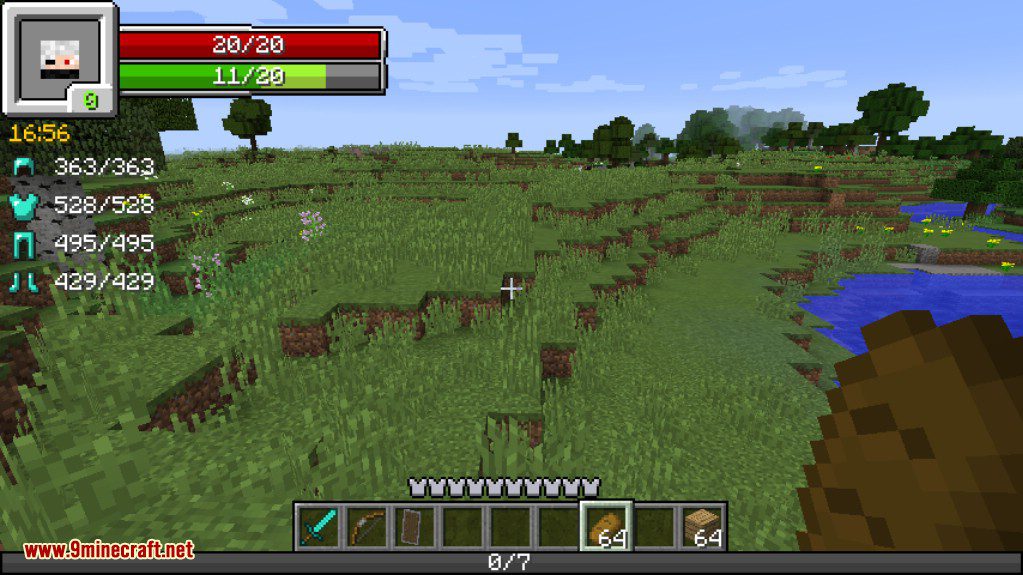
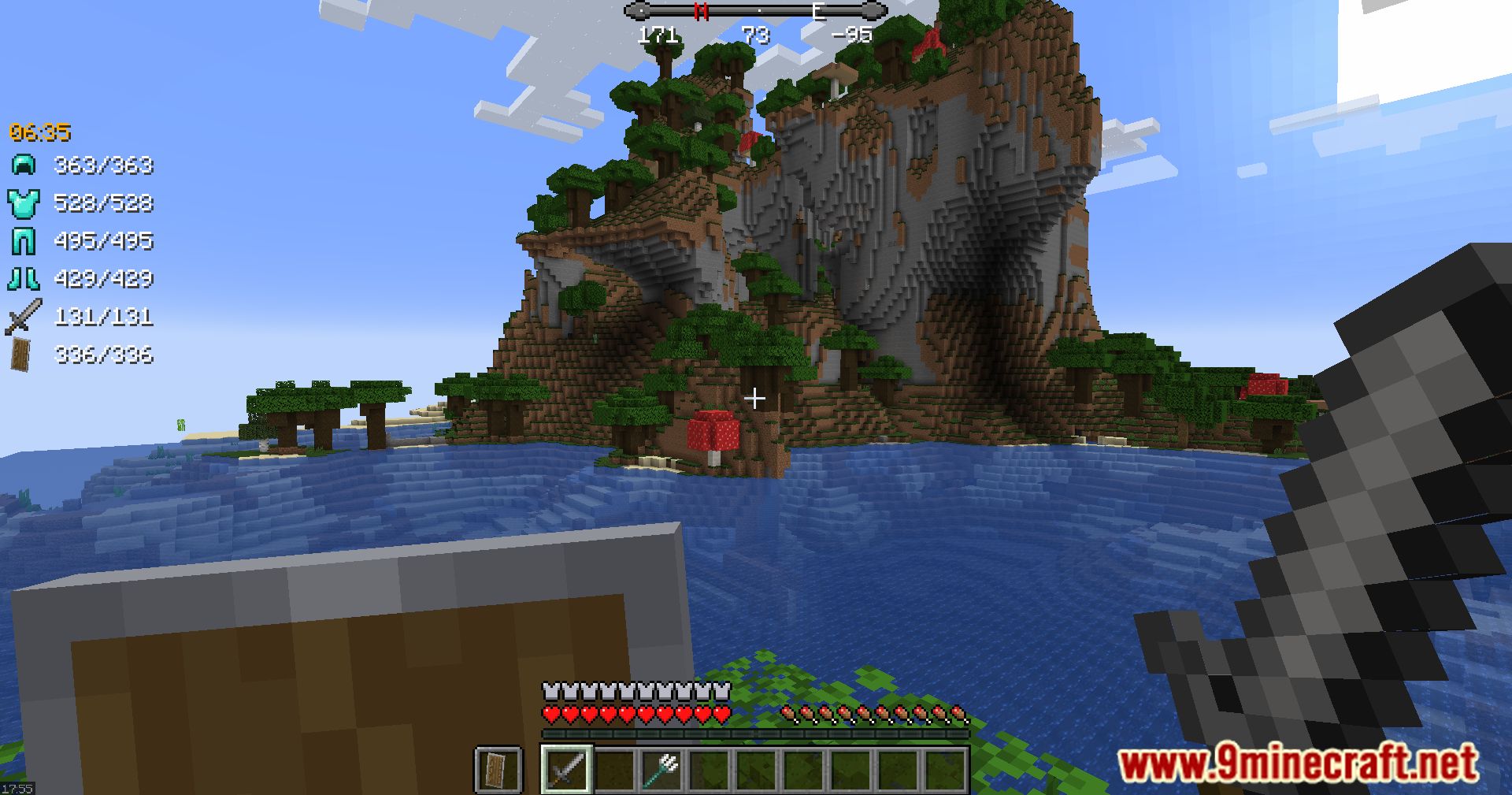
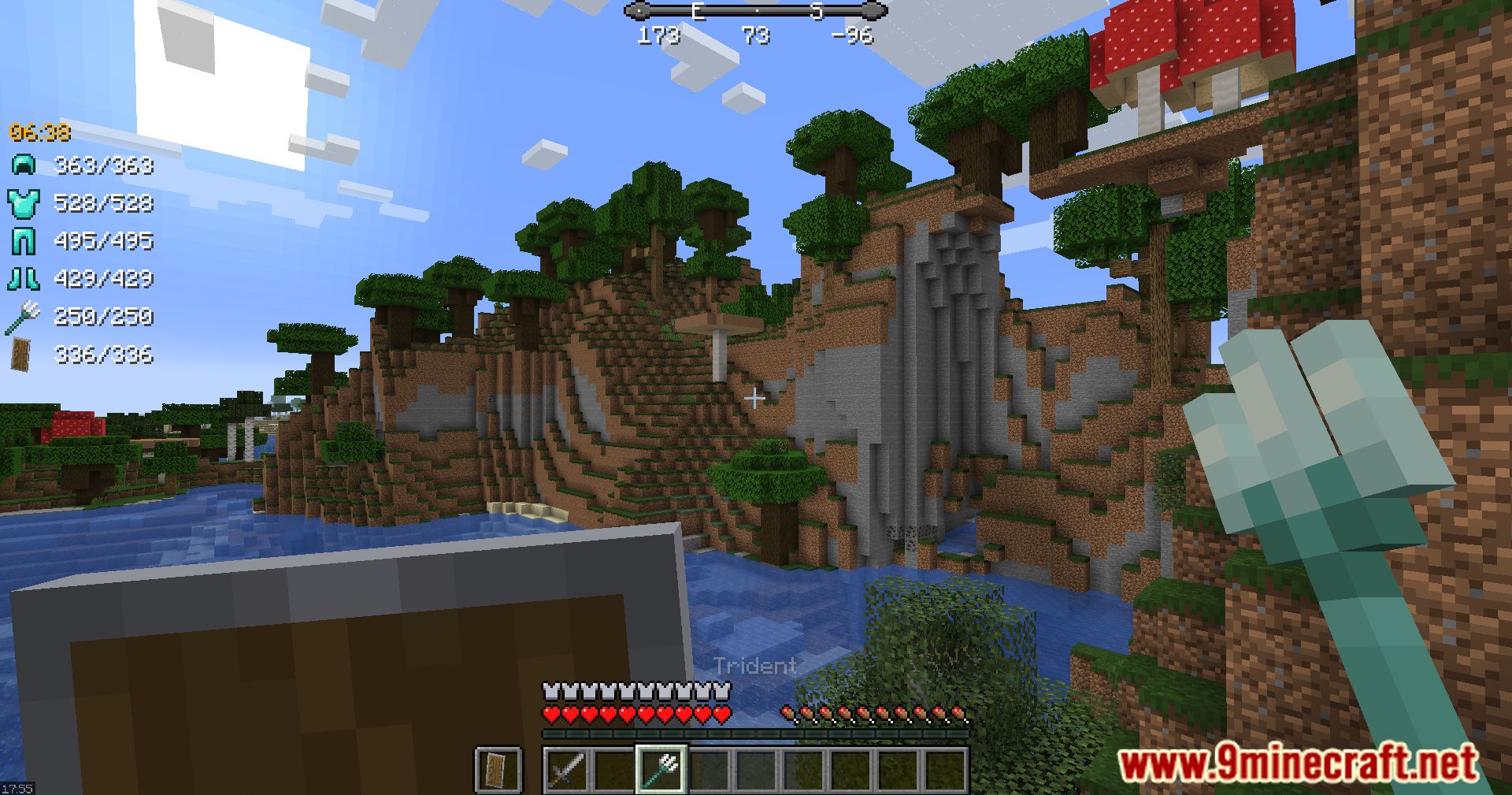
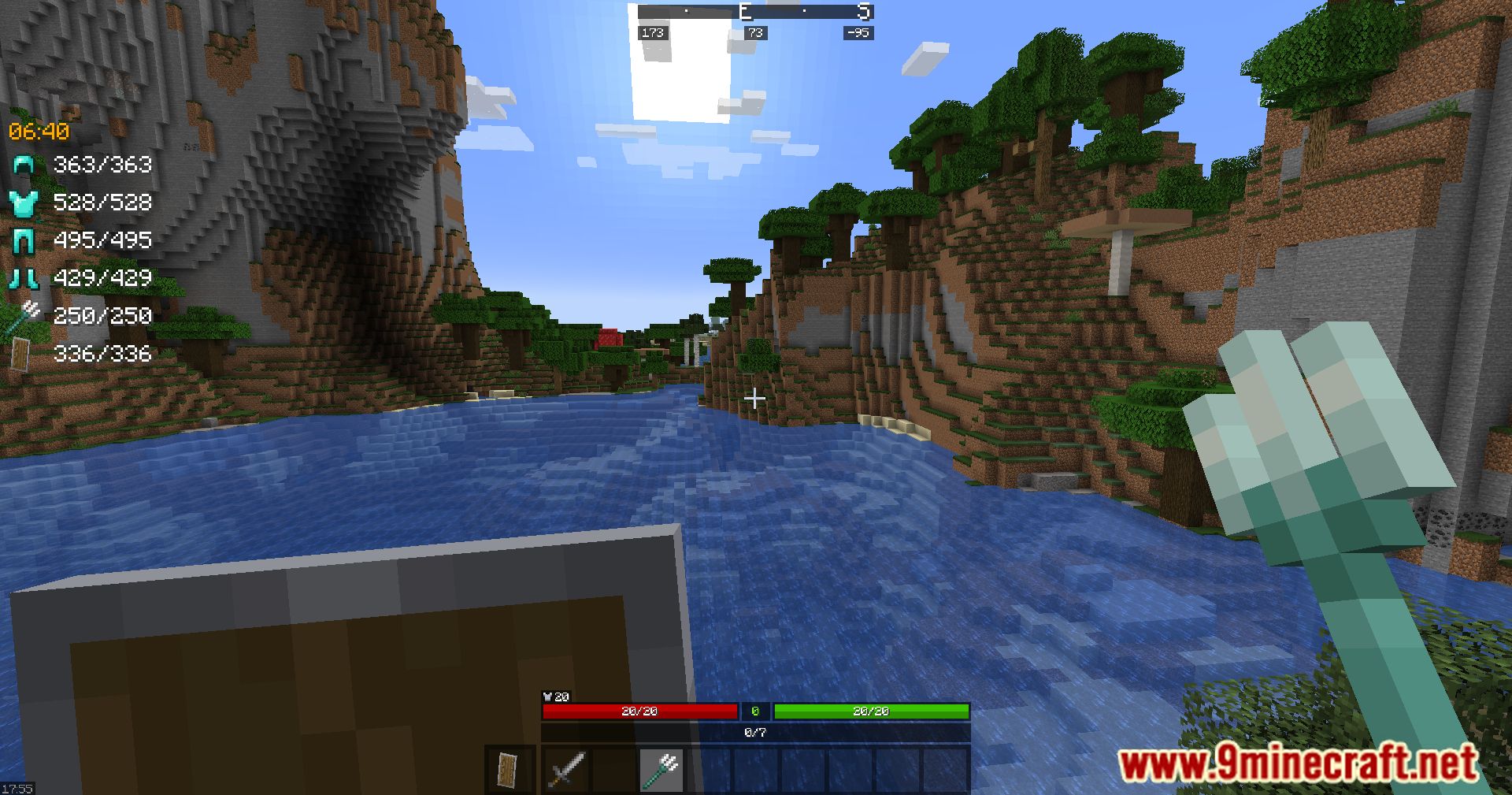
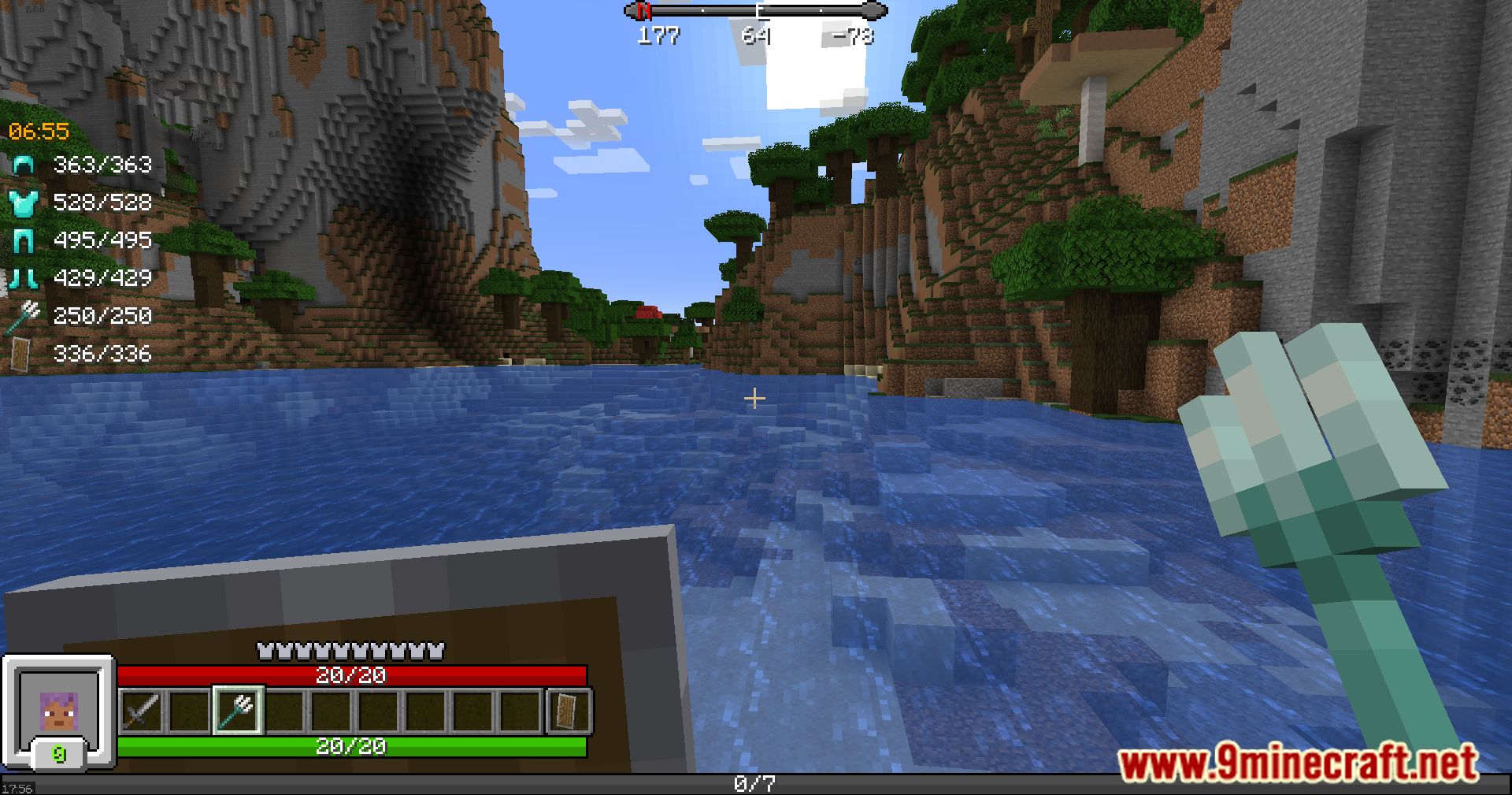
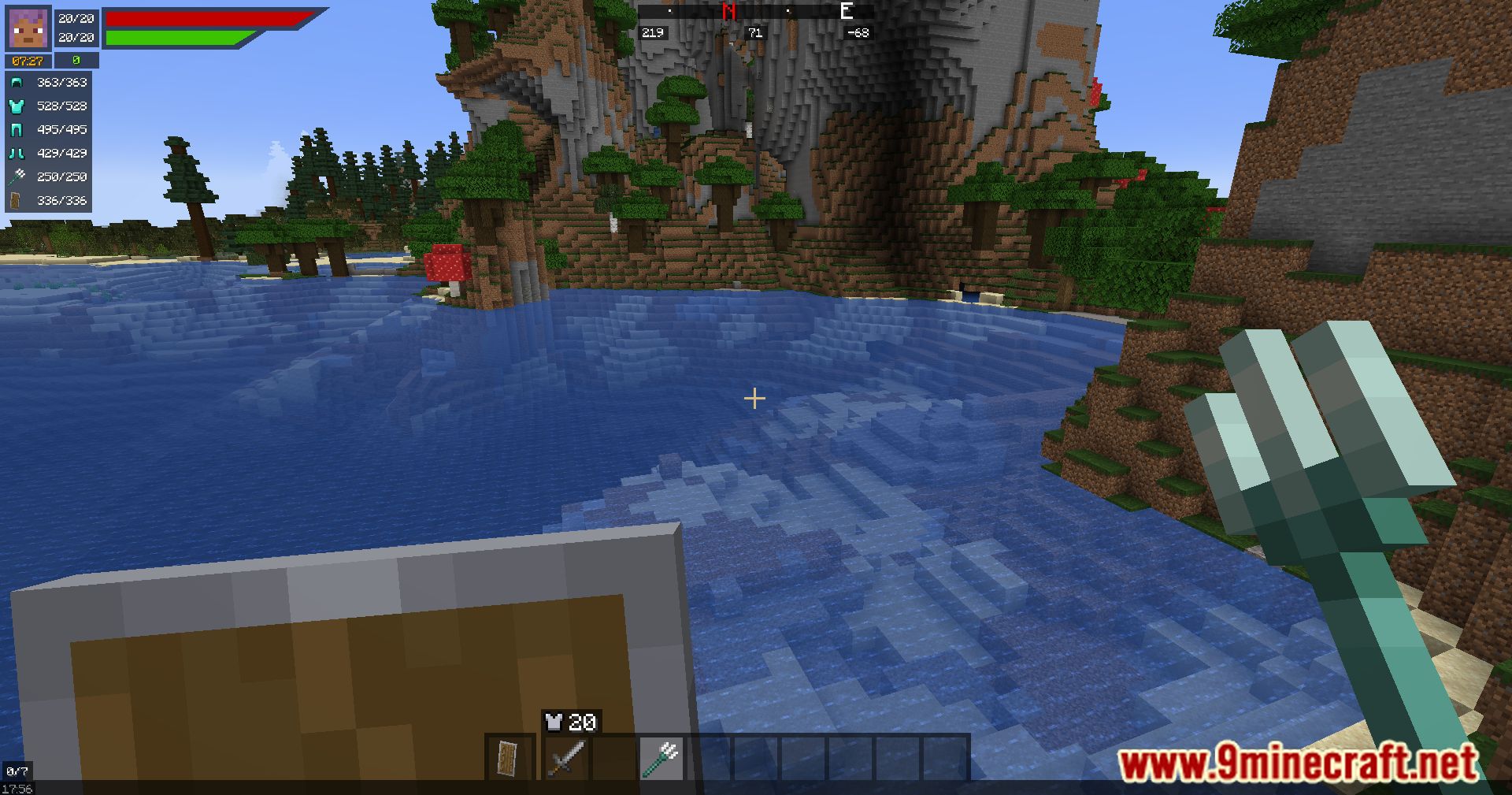
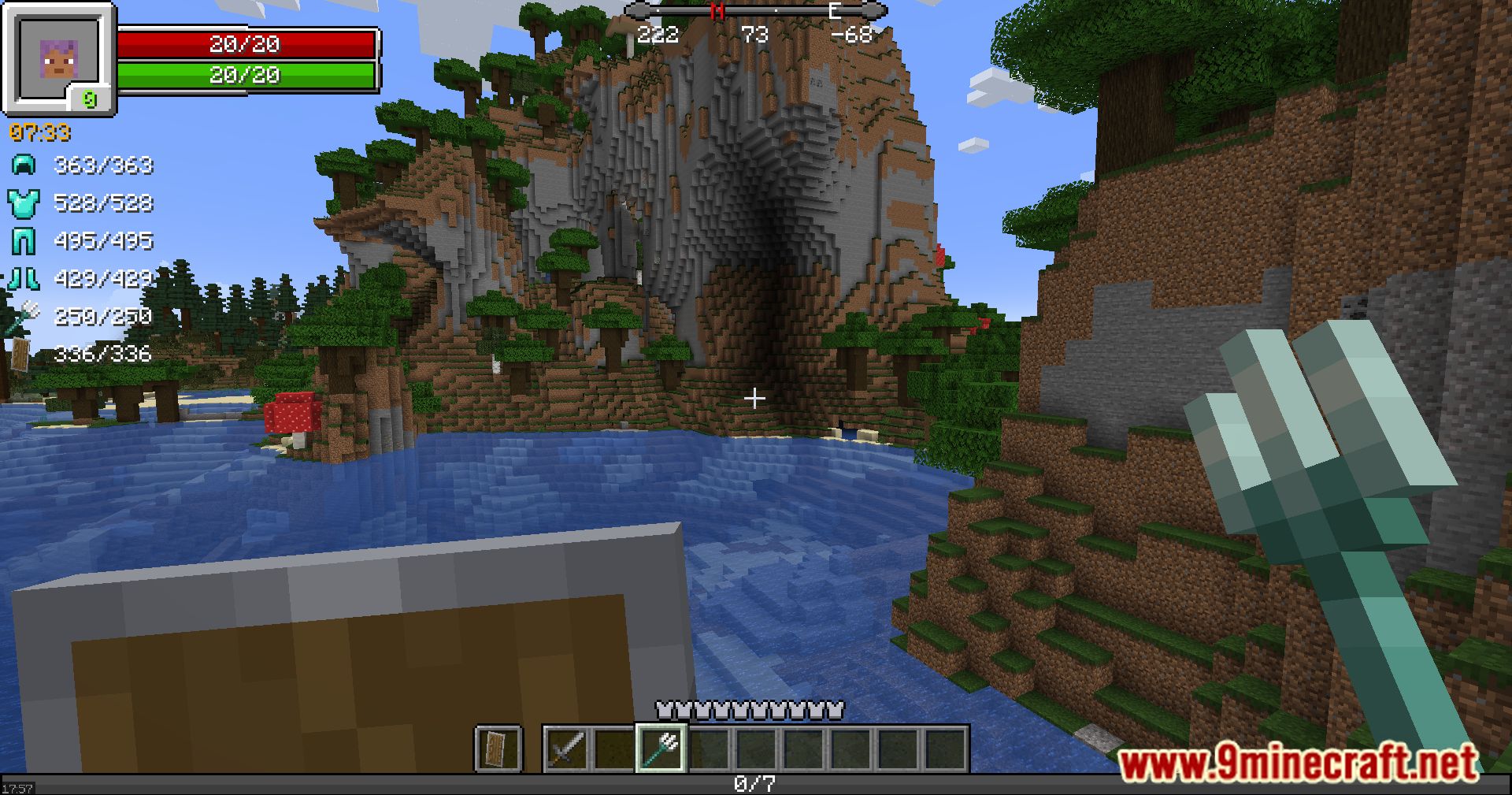
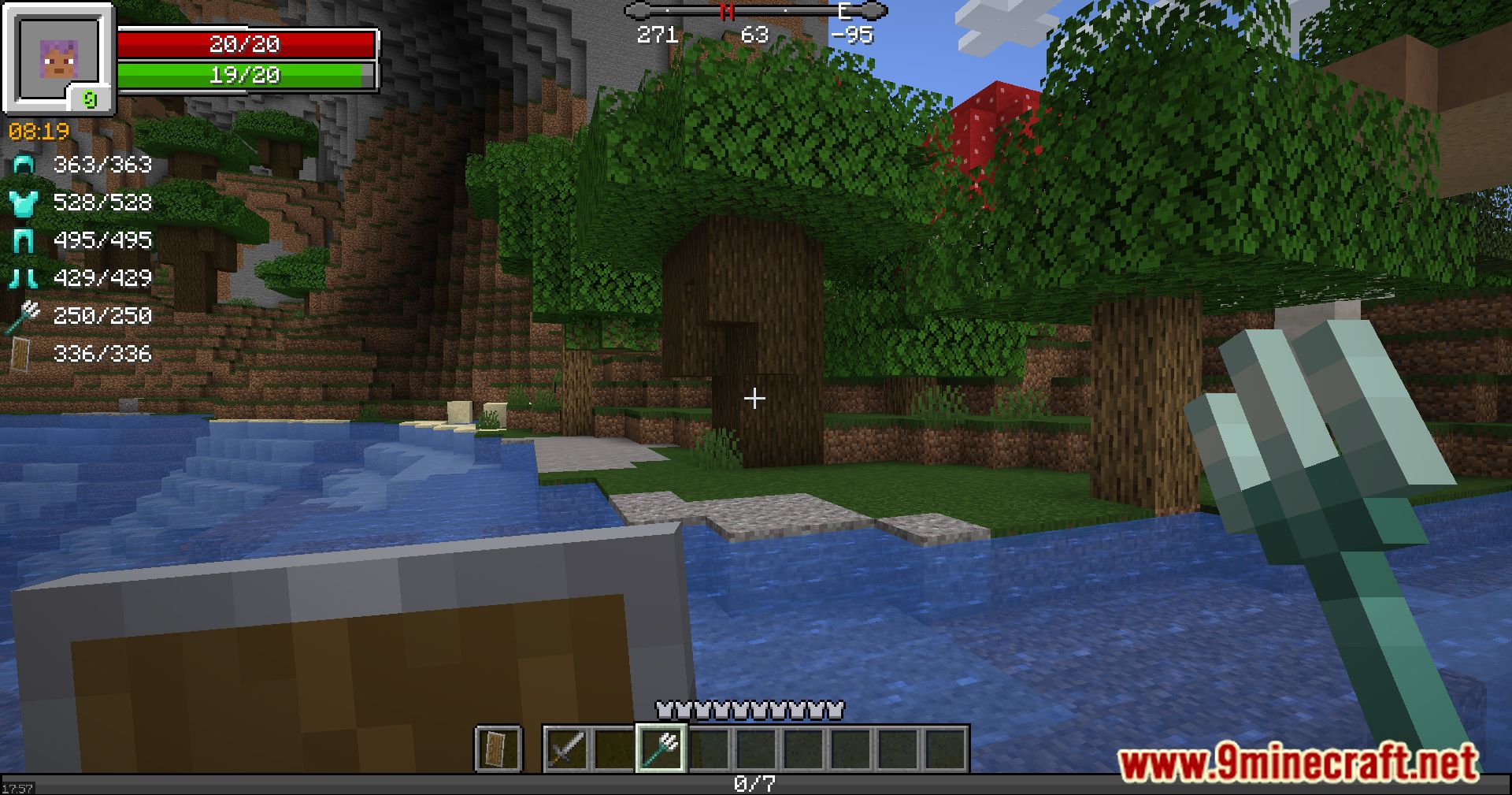
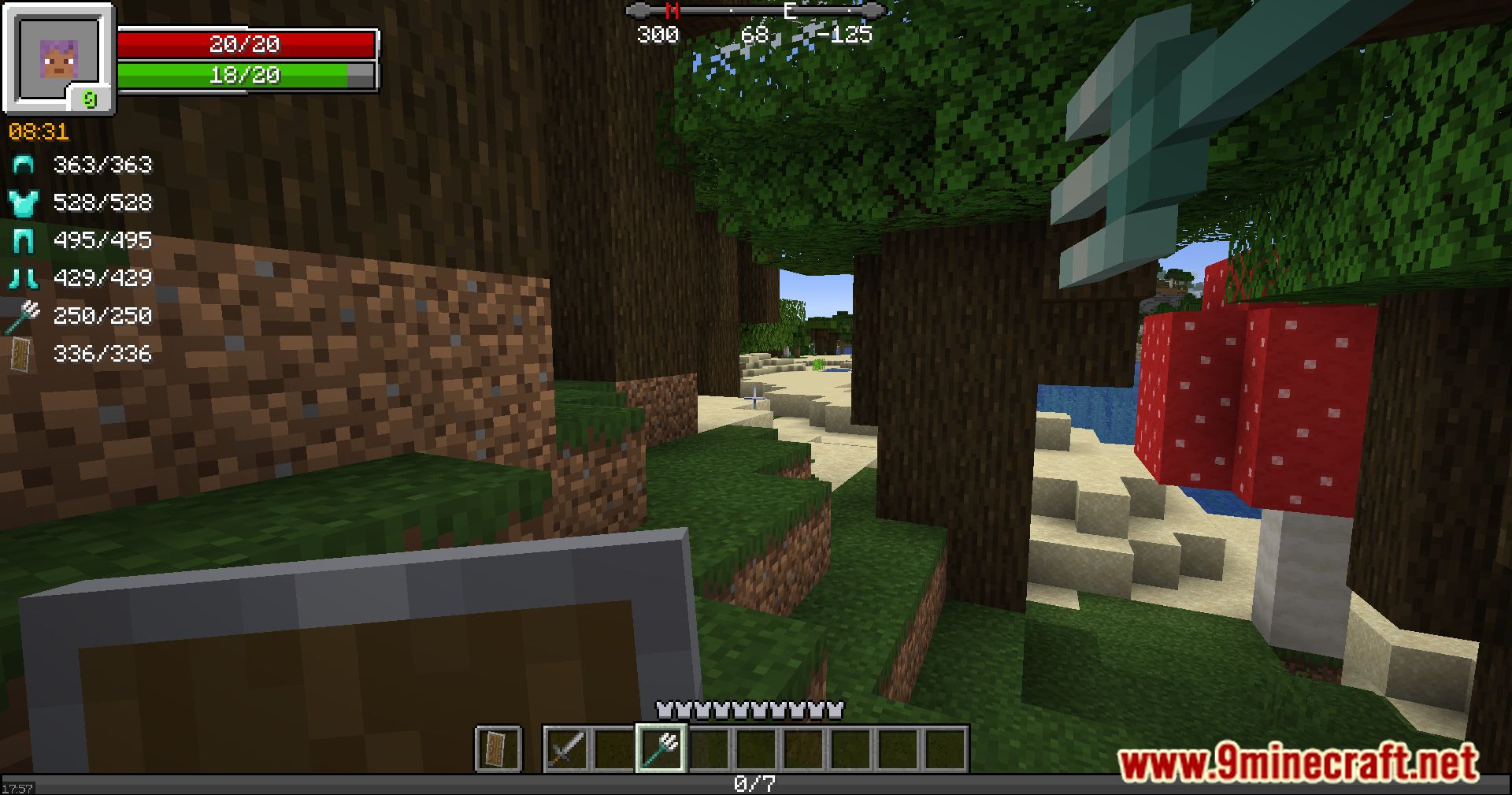
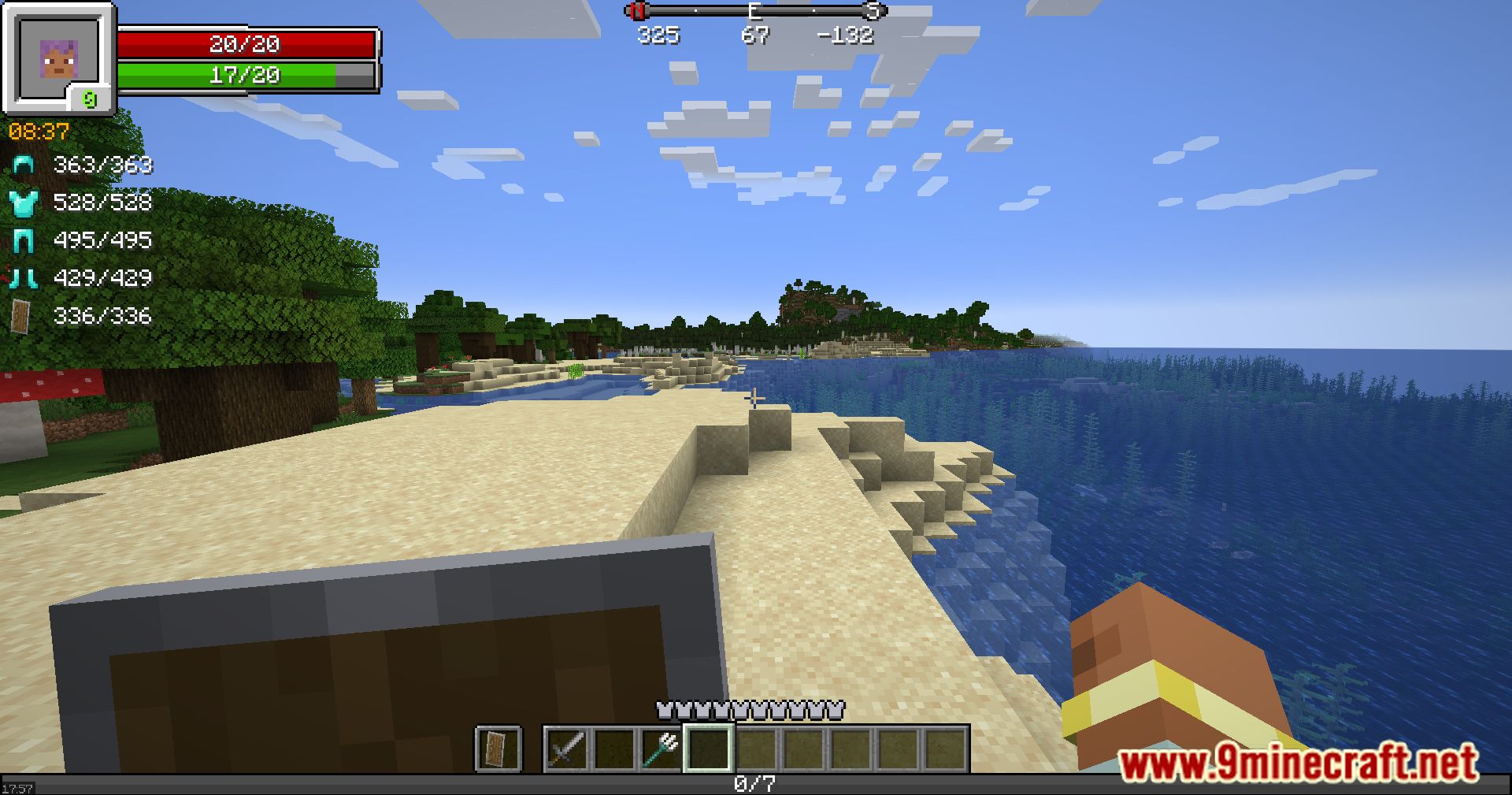
RPG-Hud Mod changes your in-game screen to look like it’s from an RPG. This mod replaces the standard health, hunger, and experience bars with a new, stylish interface. It also adds new widgets to show information like item durability and the time of day. You can choose from several different styles to find the look that works best for you.
Features:
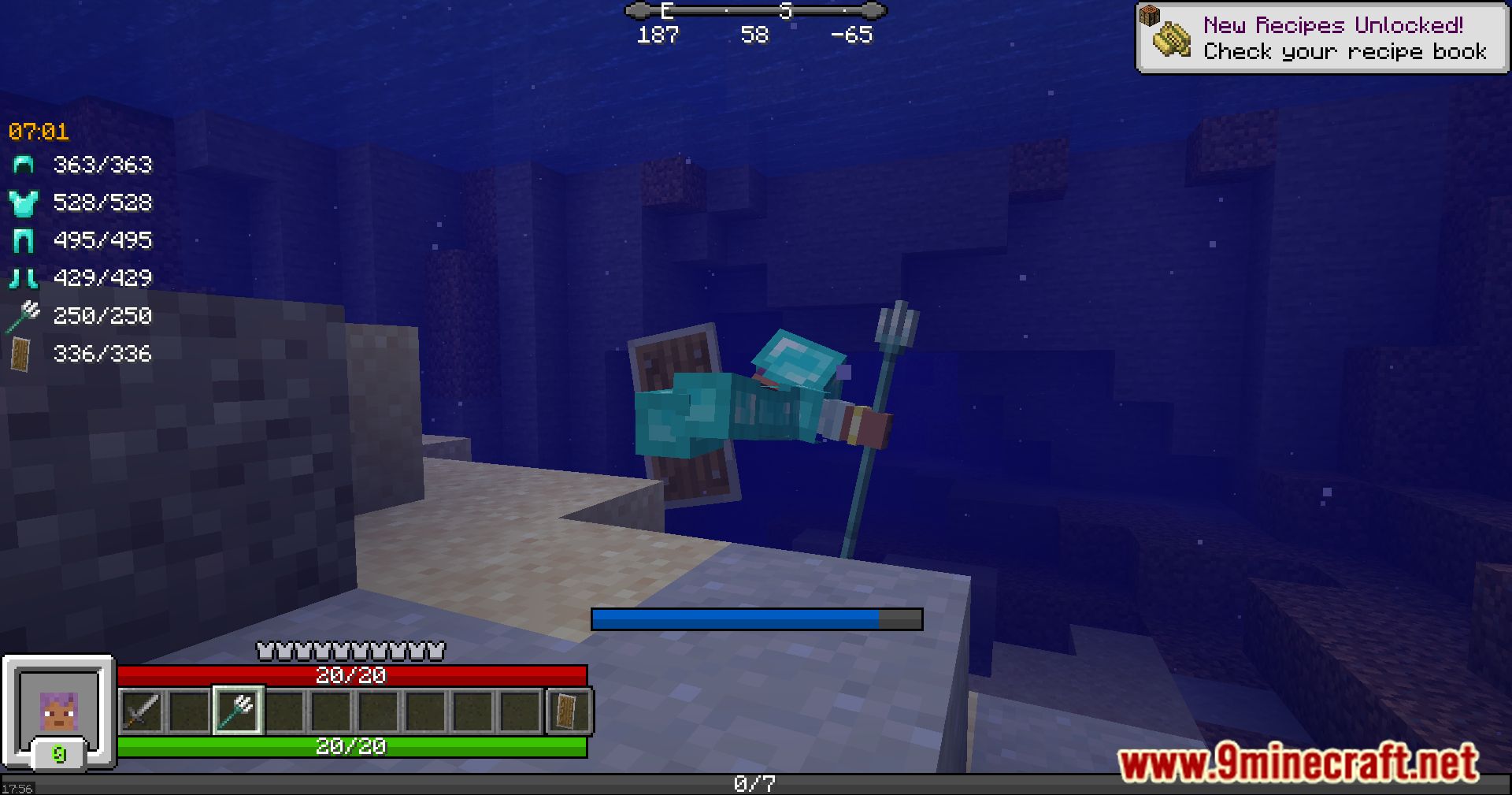
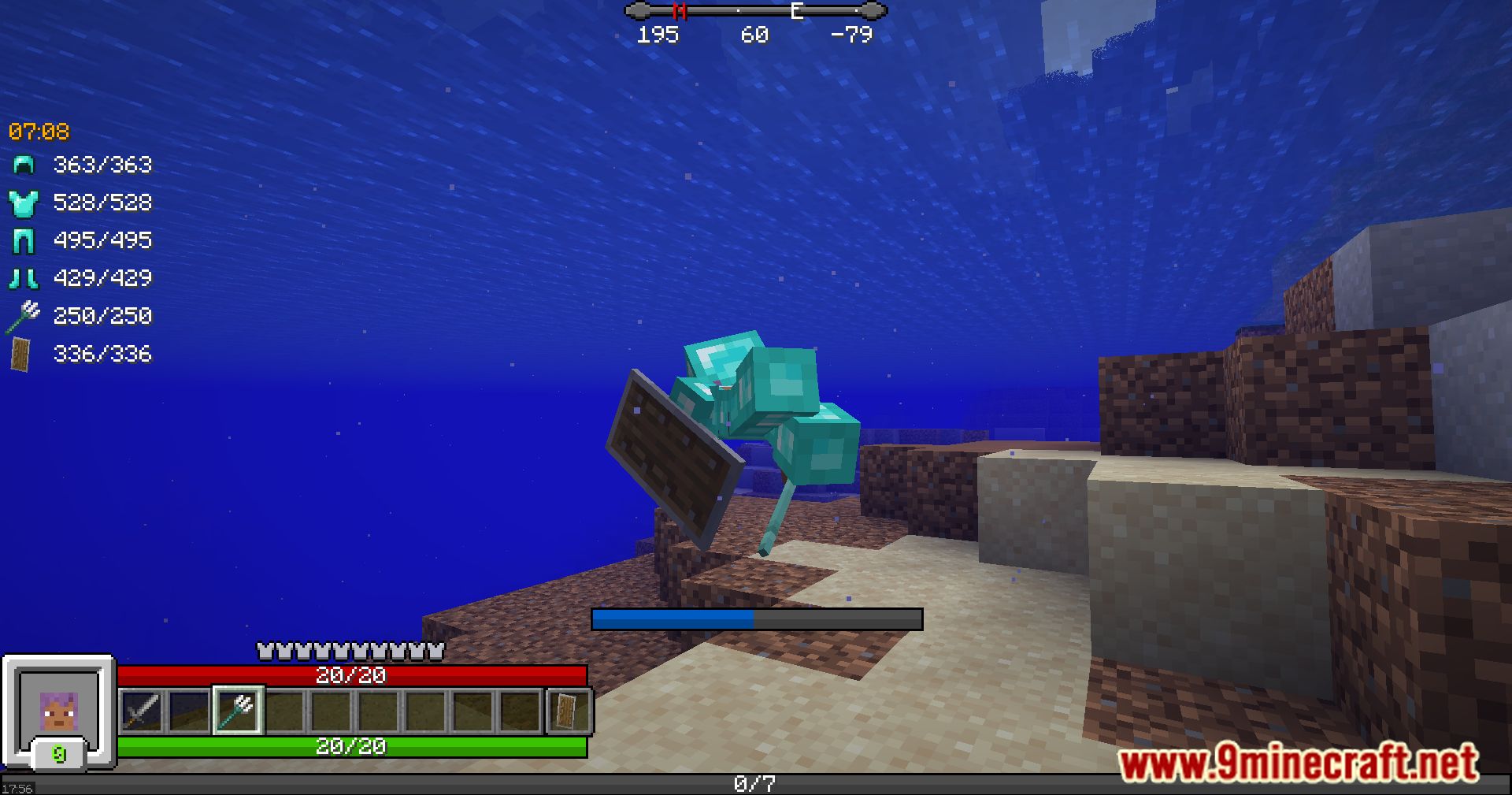
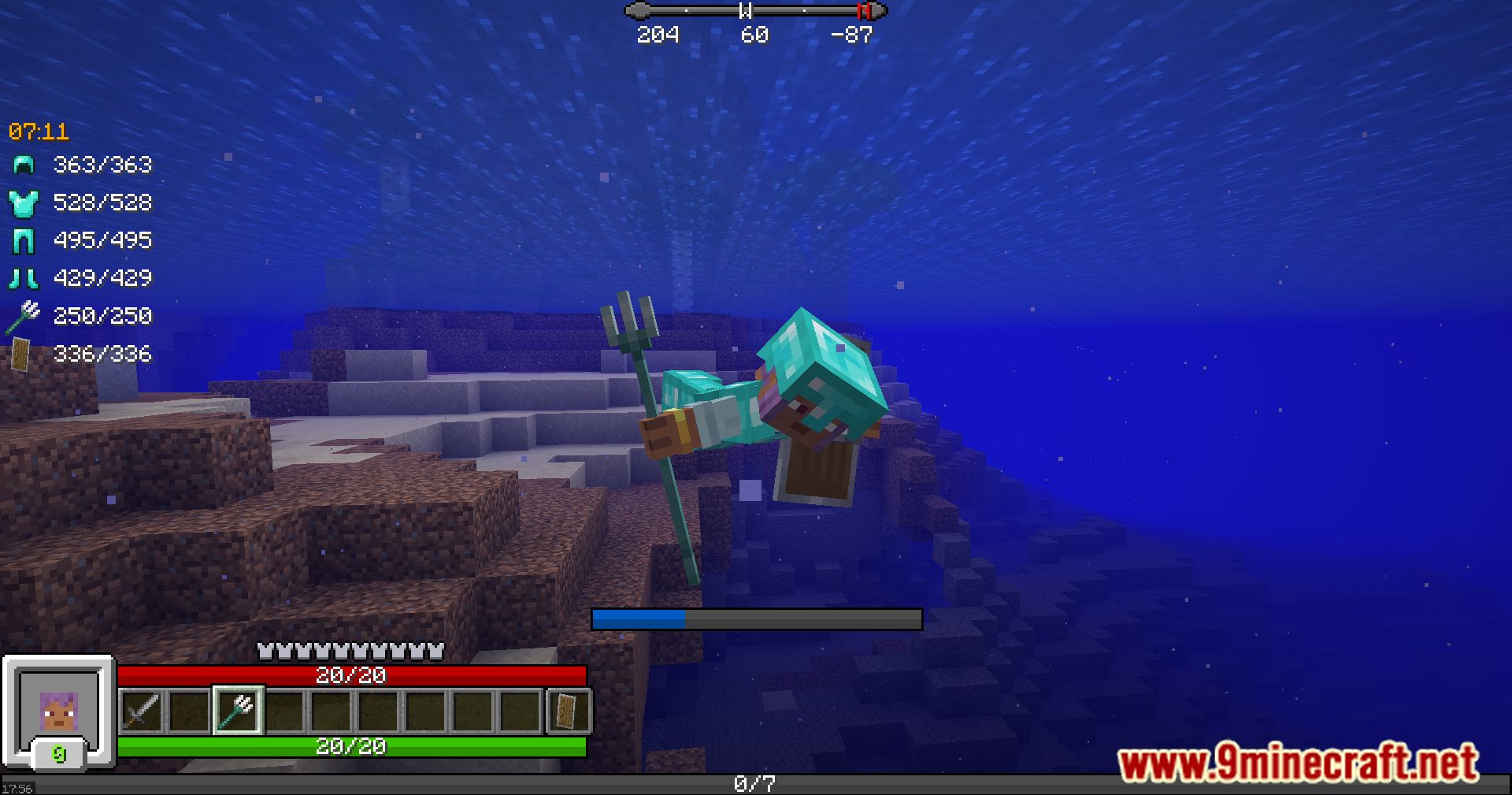
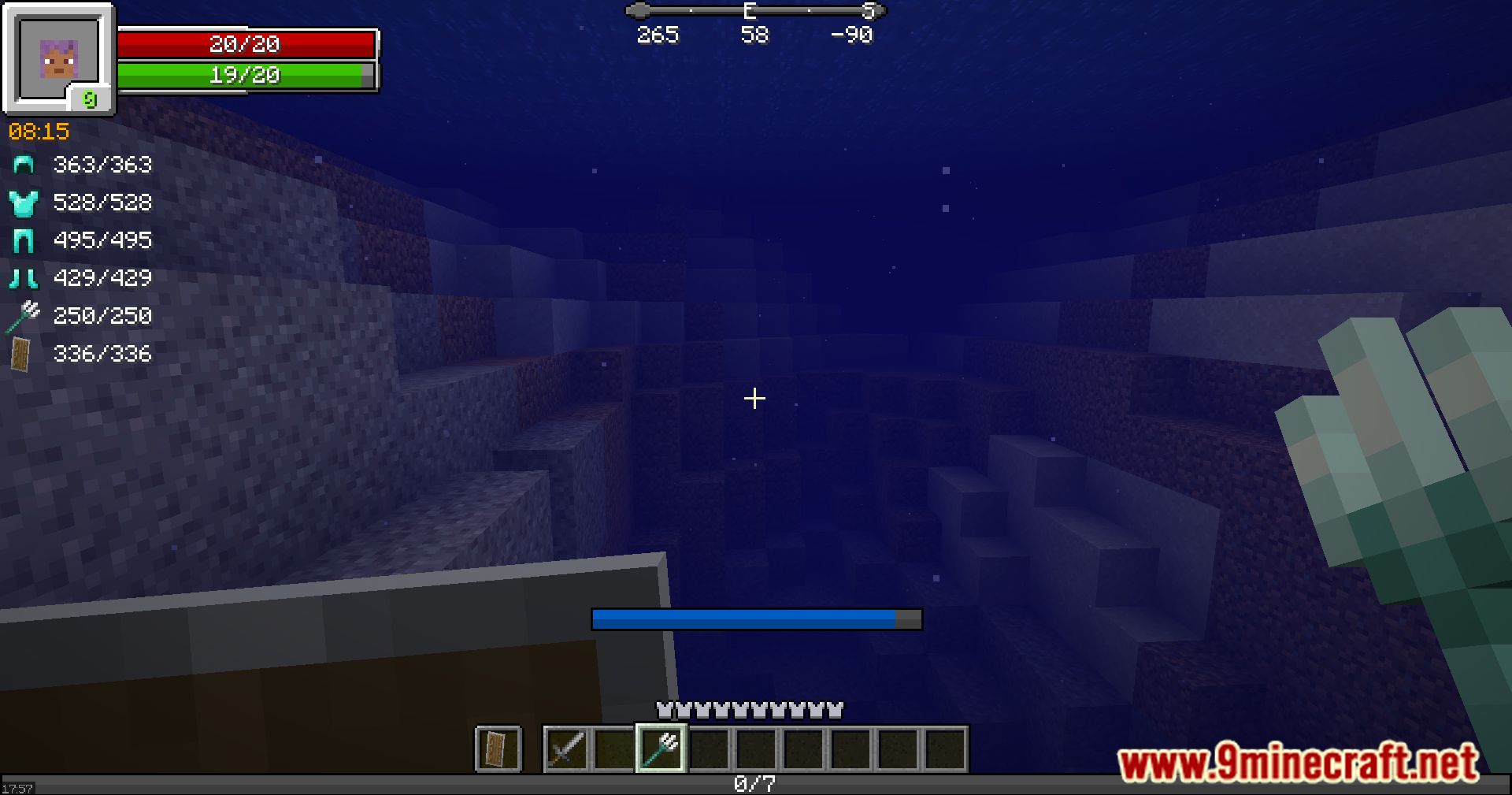
- Replaces the default health, hunger, experience, and breath bars with an RPG-style display.
- Adds a character widget that shows your player on the screen.
- Displays exact numbers for your health, stamina, and experience points.
- Includes a clock widget that shows the world’s time. You can set it to only appear when you carry a clock.
- Provides a compass widget to see which direction you are facing. This can also be set to only show up if you have a compass.
- Shows the durability of your equipped armor and tools.
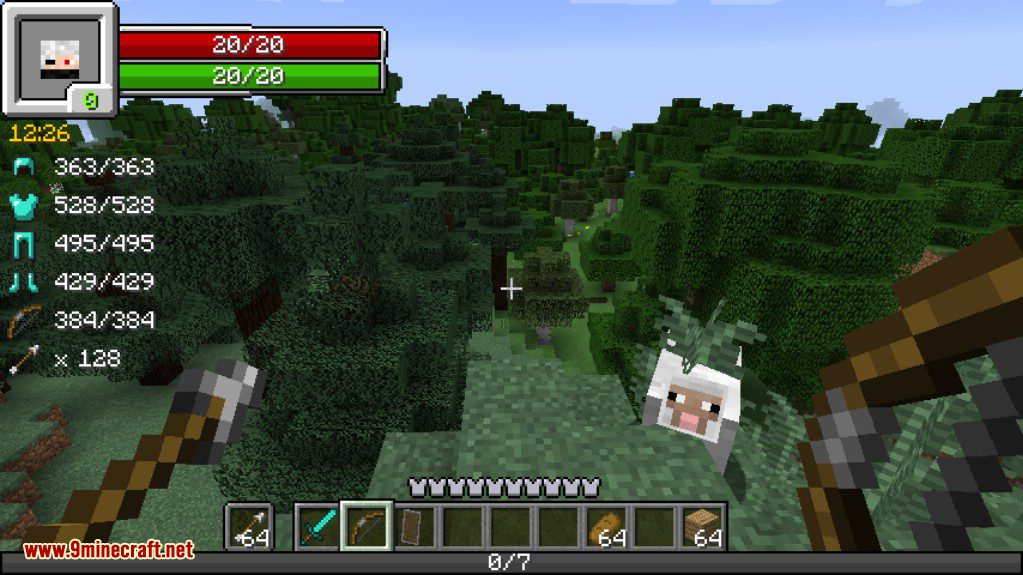
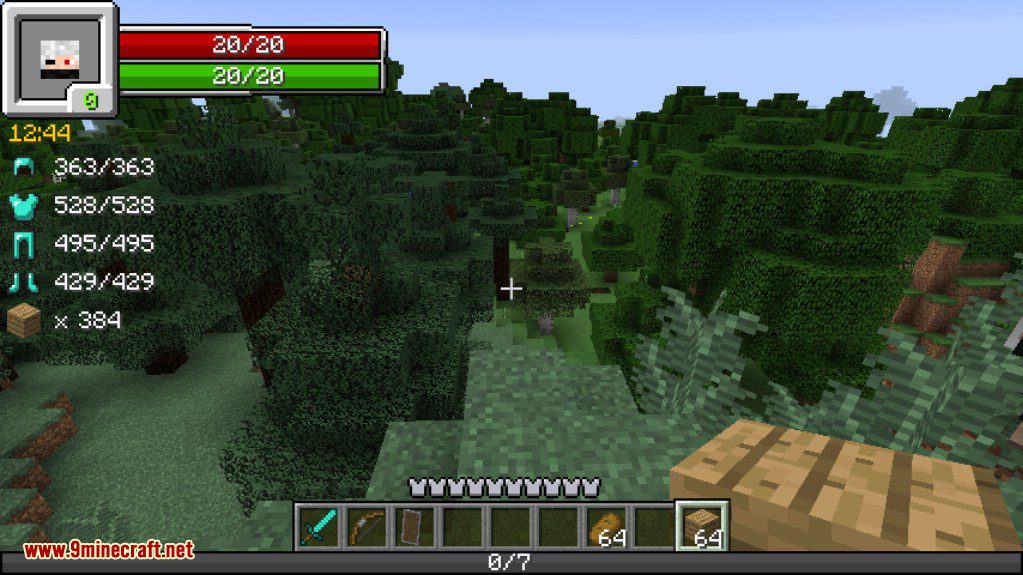
- Displays a count of how many of a certain block or arrow type you have.
- Lets you see the health and armor of any mob you are looking at.
- Shows your active status effects with timers and lets you resize them.
- You can freely move every element of the HUD to any position on your screen.
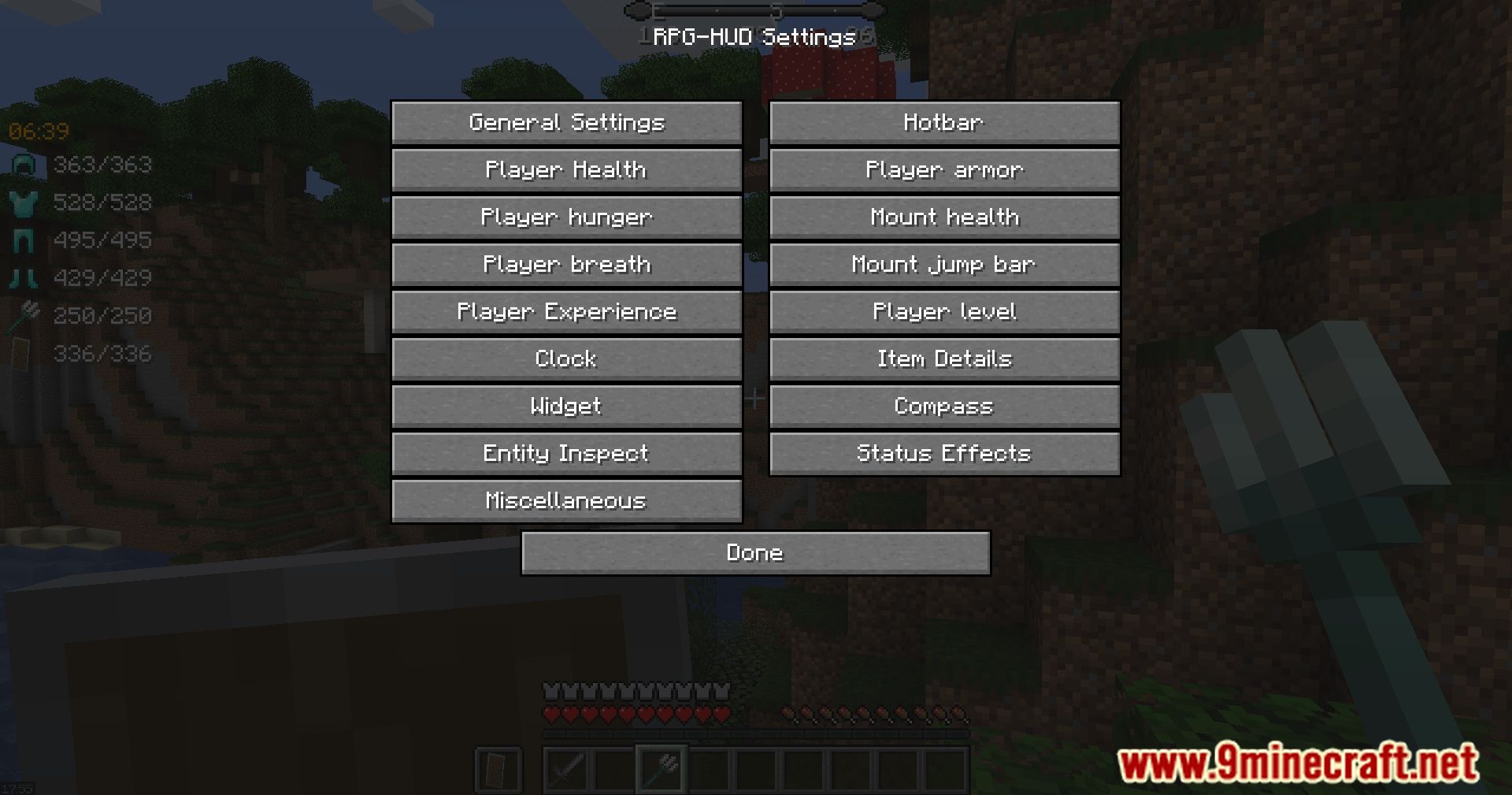
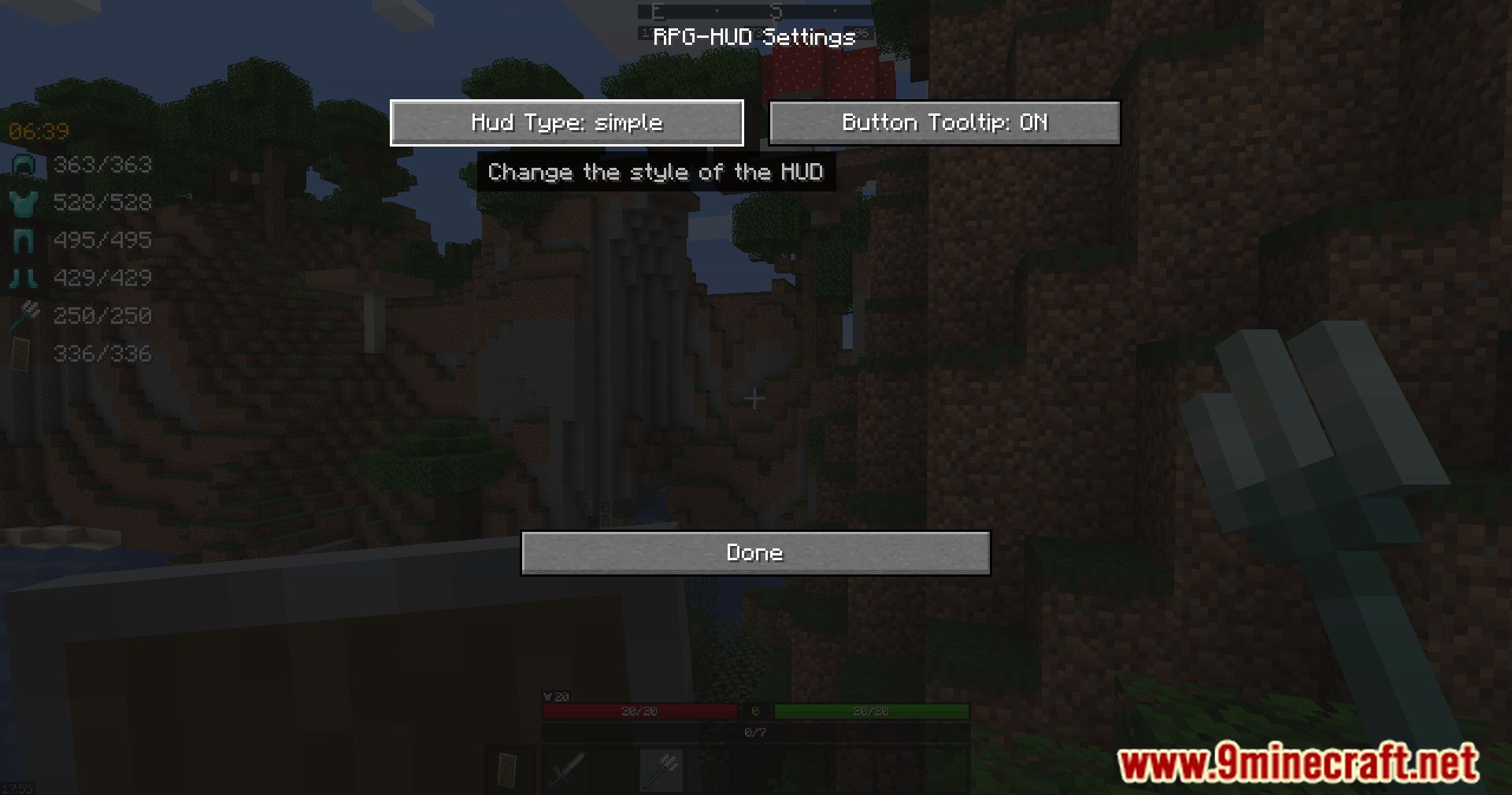
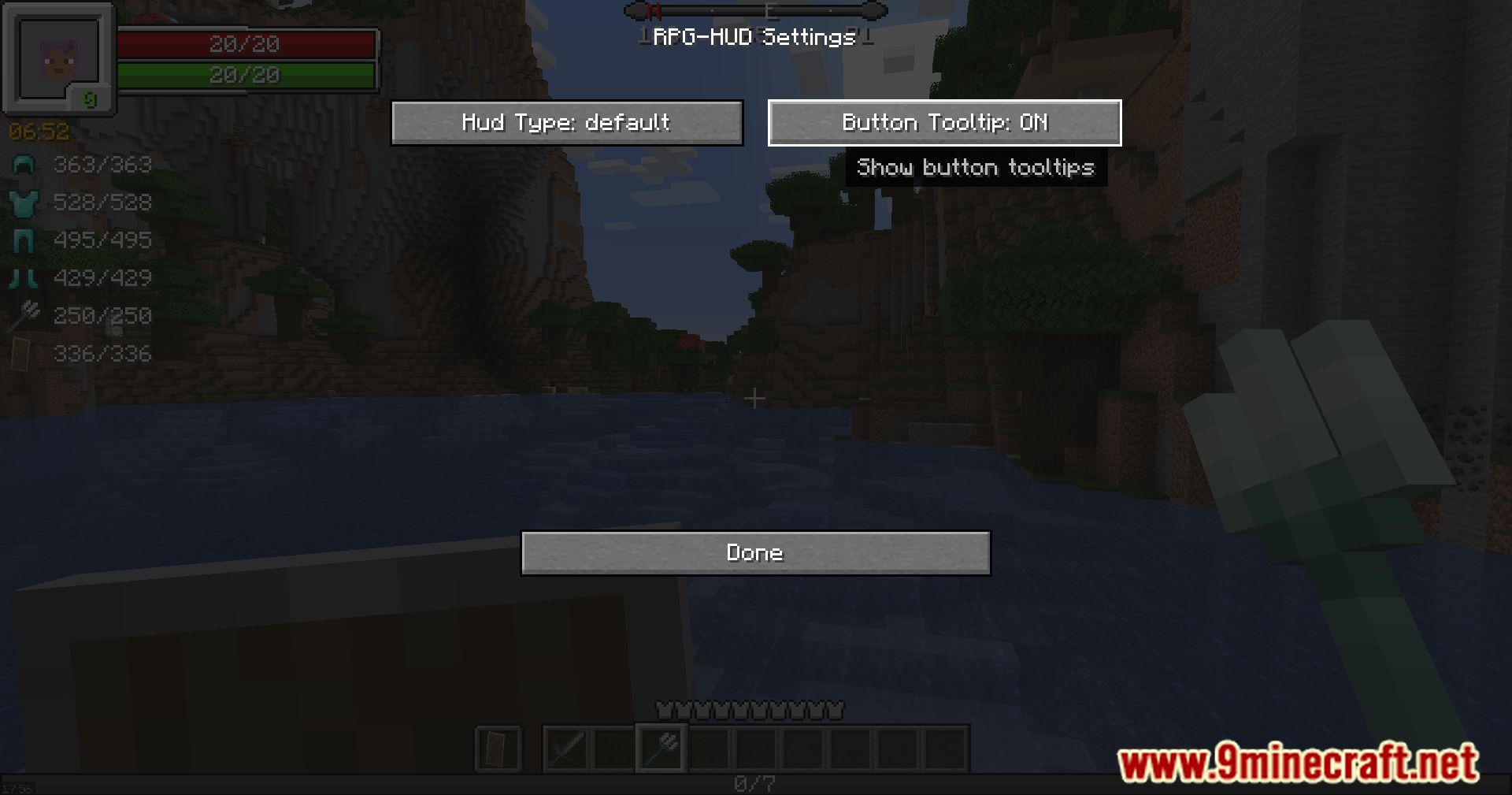
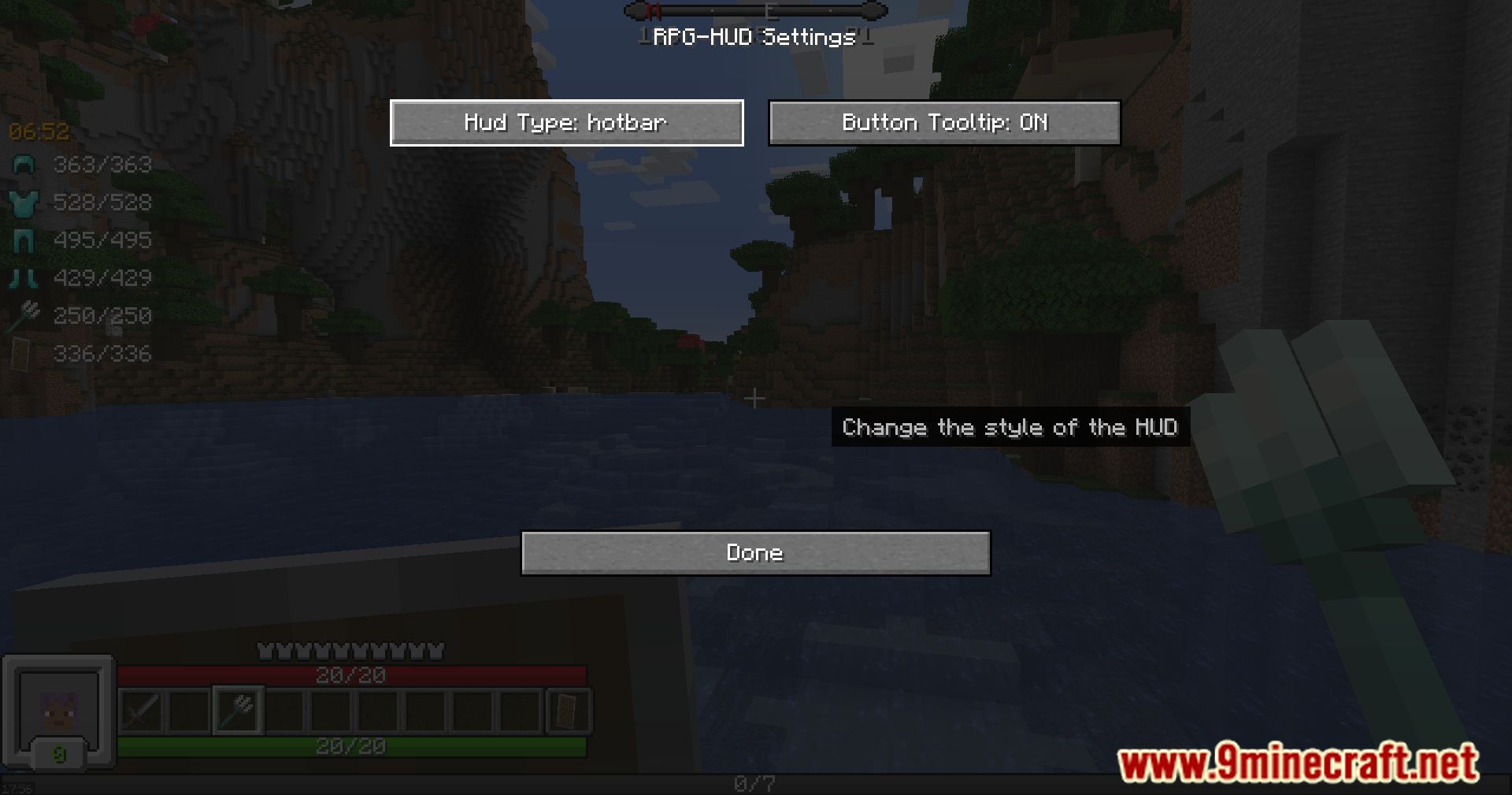
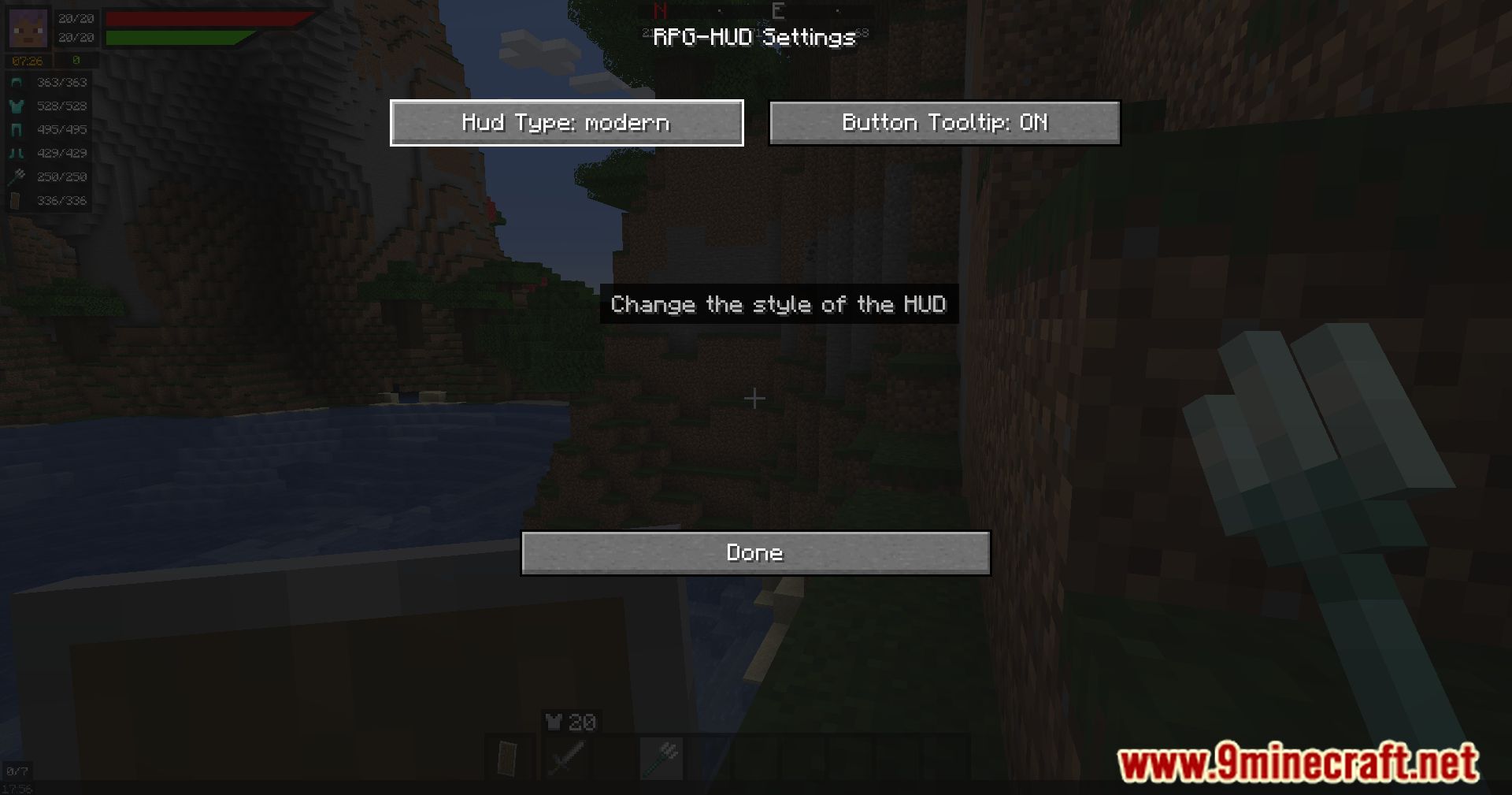
- Offers multiple built-in HUD styles, such as Modern, Simple, and Hotbar.
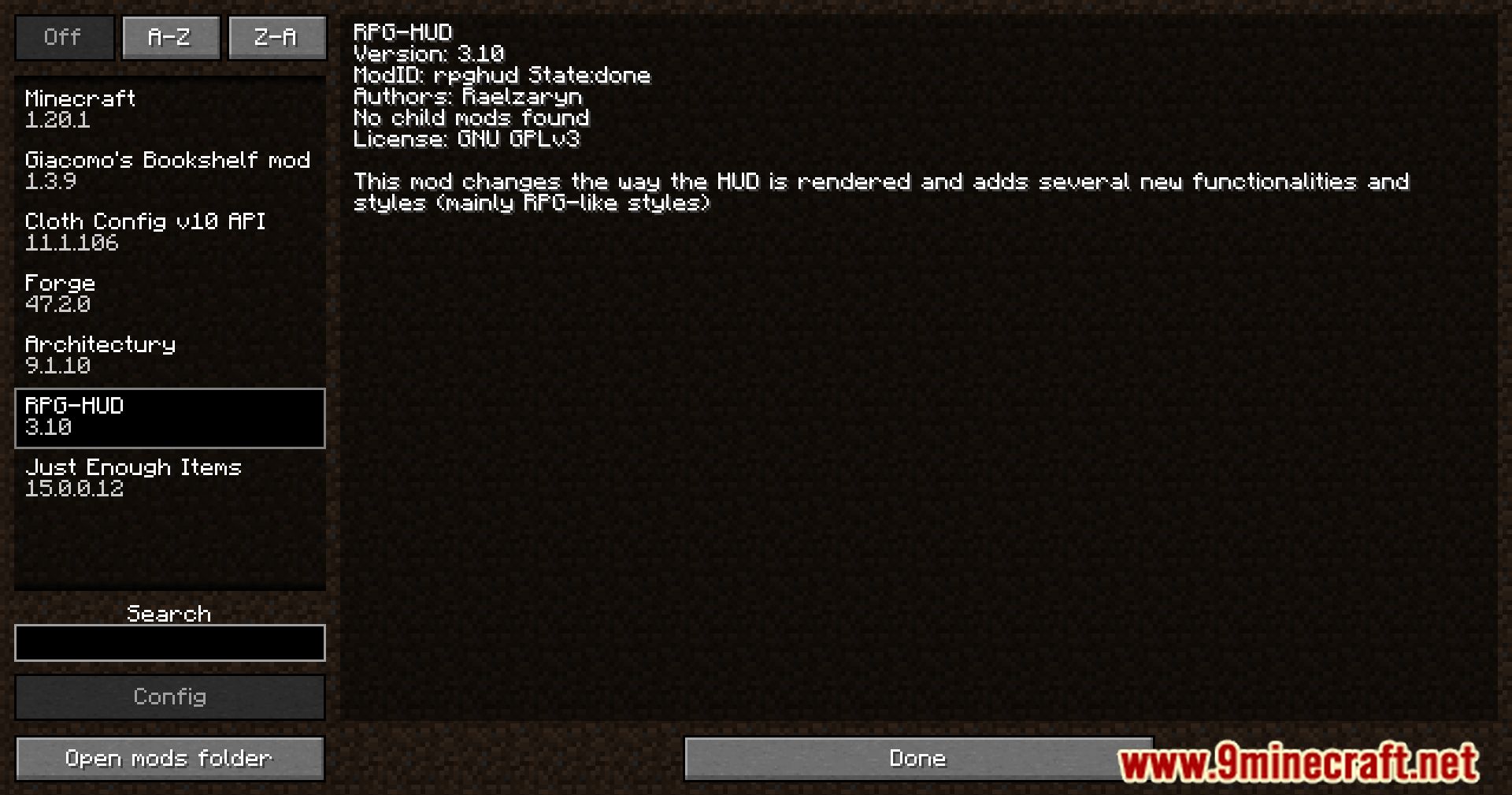
- Includes debug settings to help fix conflicts with other mods.
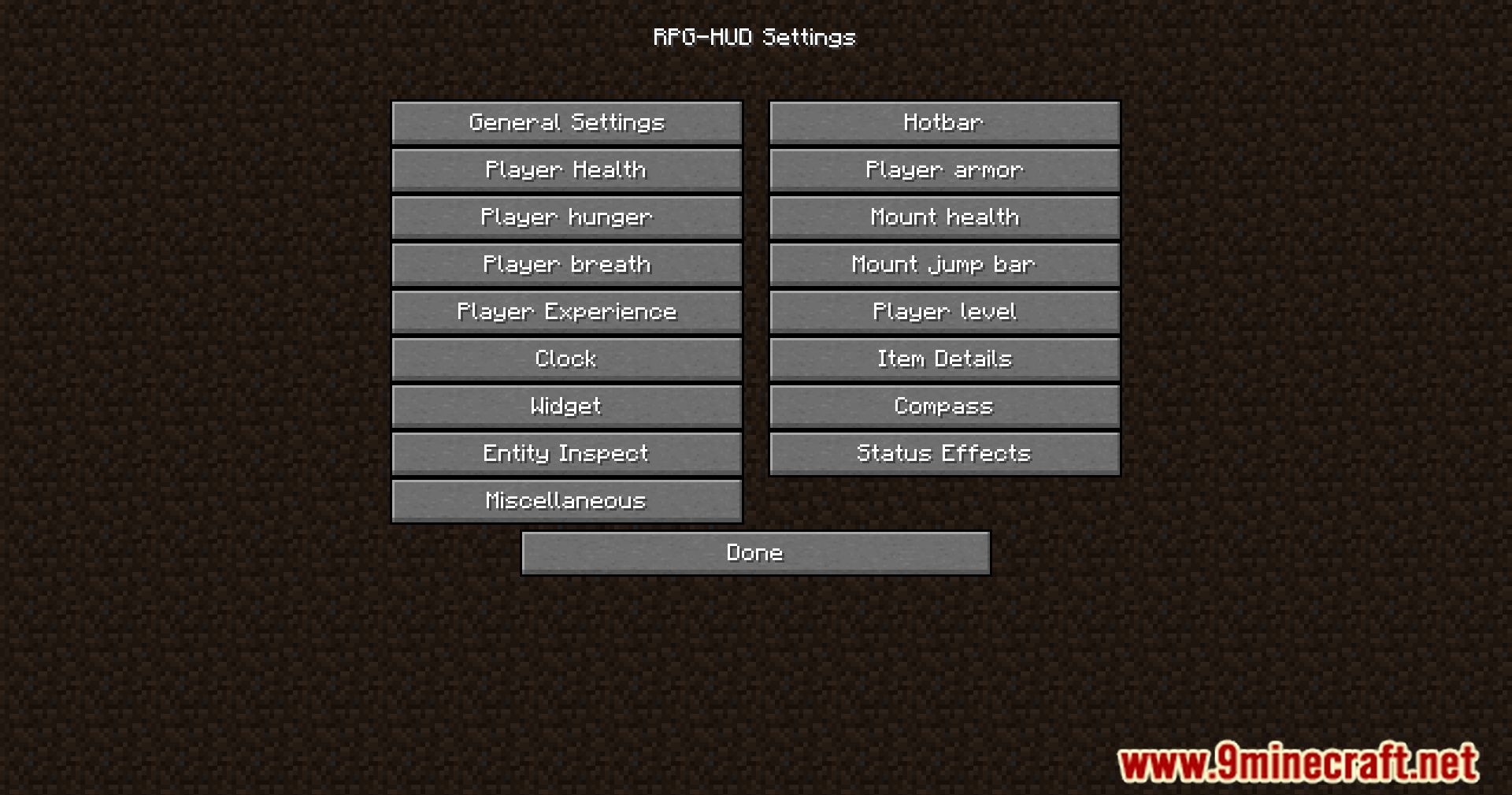
Configuration:
Now onto another great feature:
Screenshots:
Vanilla HUD
Default HUD
Extended HUD (Yes that small bar below the hunger bar is the experience)
Hotbar HUD
Modern HUD
Breathbar
Hunger preview
Arrow Count
Block Count
RPG-Hud Mod Download Links
- Edition: Minecraft Java
- File type: .jar
- Minecraft version listed: 1.20.1
- How to install: Install the matching mod loader (Forge, Fabric or NeoForge) for your Minecraft version. → Download the .jar. → Put it in the .minecraft/mods folder and launch that loader profile.
- Where to get it: In MC Java Mods, or directly above on this page.
Install steps are the general flow for this file type — How to install Minecraft Java mods & modpacks walks through it step by step.
- Downloads as 25854.mcaddon
- Download size: 216 KB
- Download link checked 23 Sept 2026 — working
- Mirrored on our own servers — the download does not depend on the original host
These come from our own check of the pack file, not from the source page.