ModsJava
1Influence's Smooth Boot Mod (1.21.11) – Load Your Game Without Freezing Your PC
1Influence's Smooth Boot Mod updates Smooth Boot (Reloaded) for newer Minecraft updates. It changes how the game uses your computer processor when it…
⬇ Download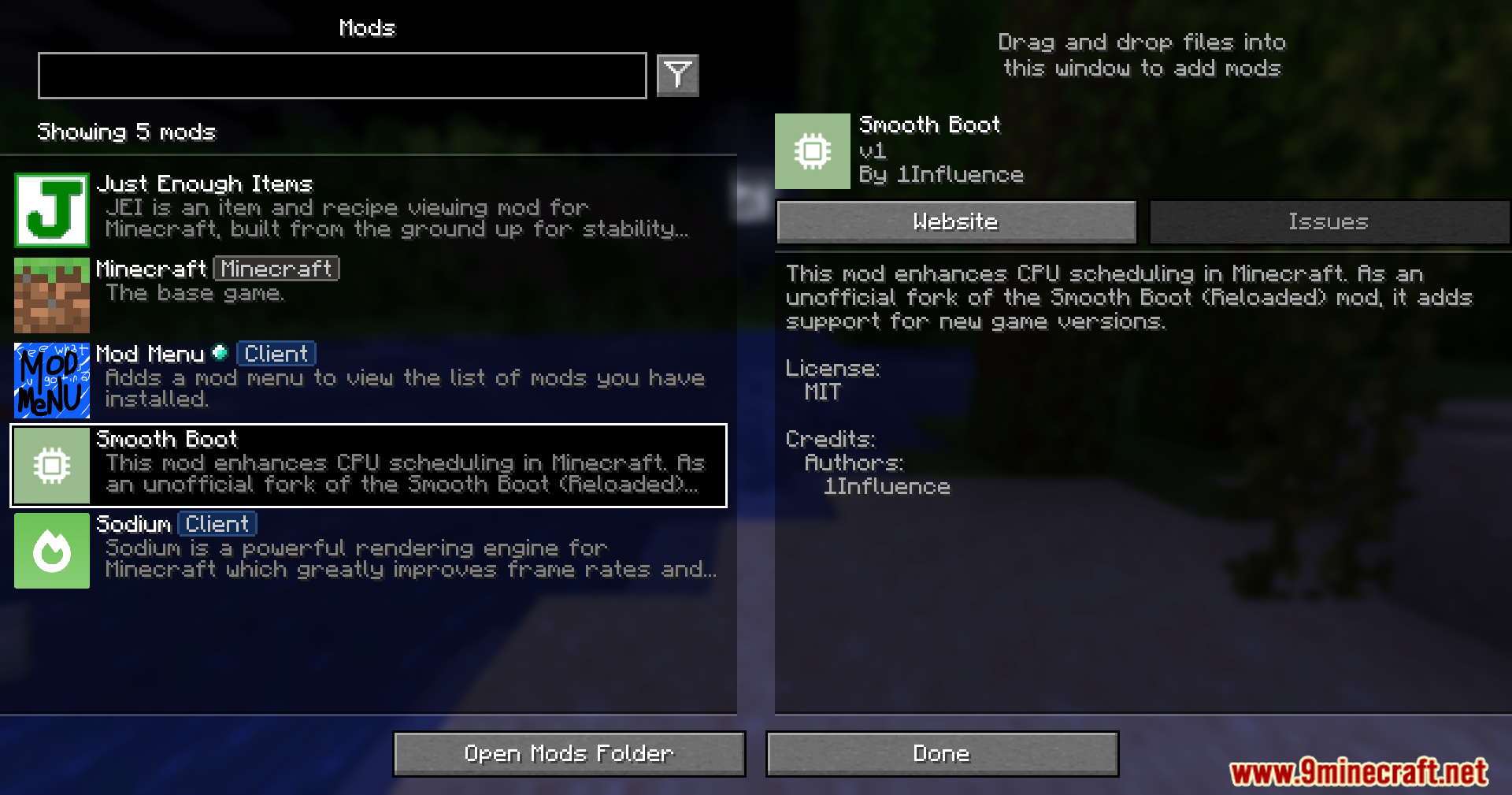
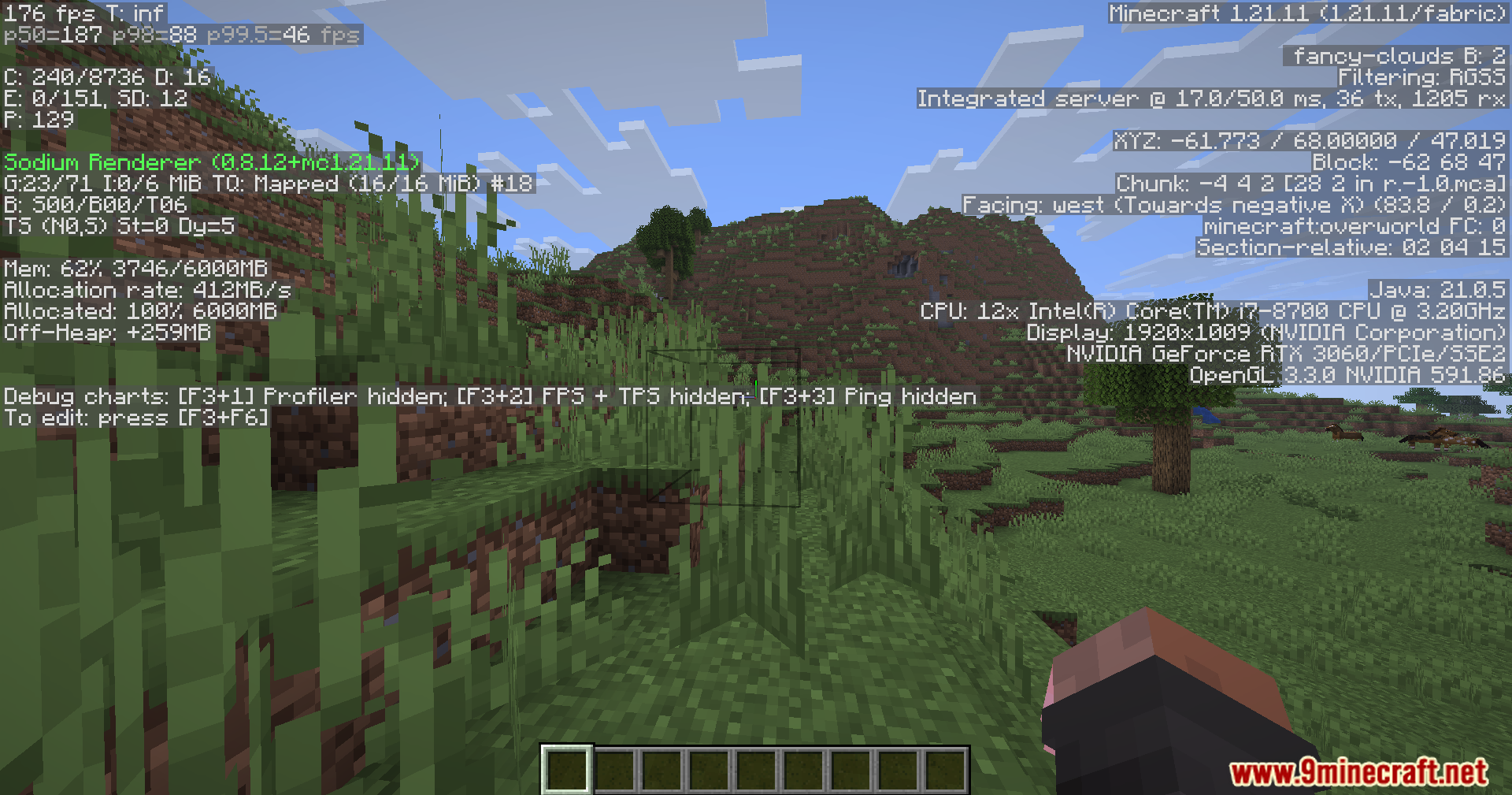
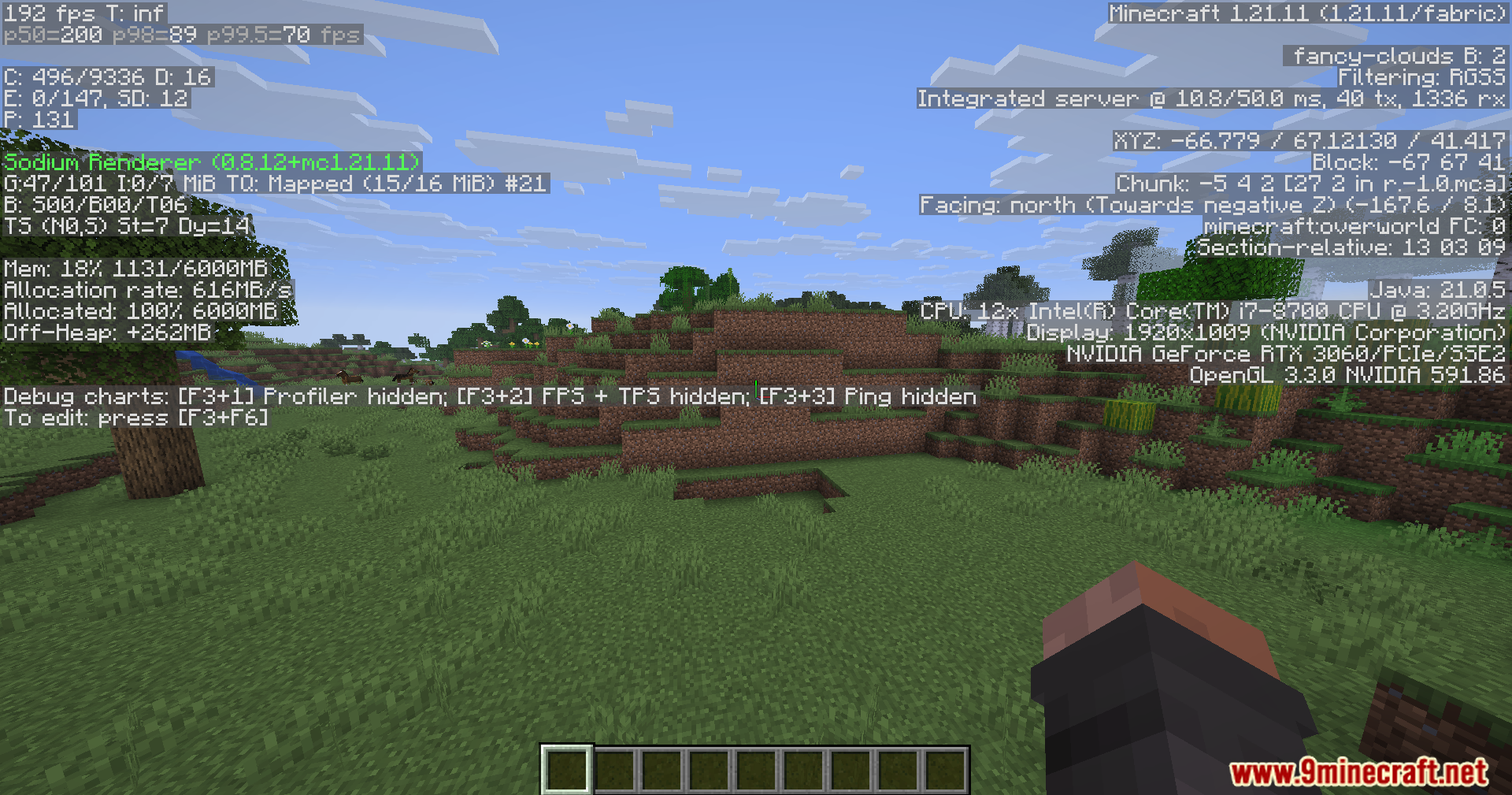
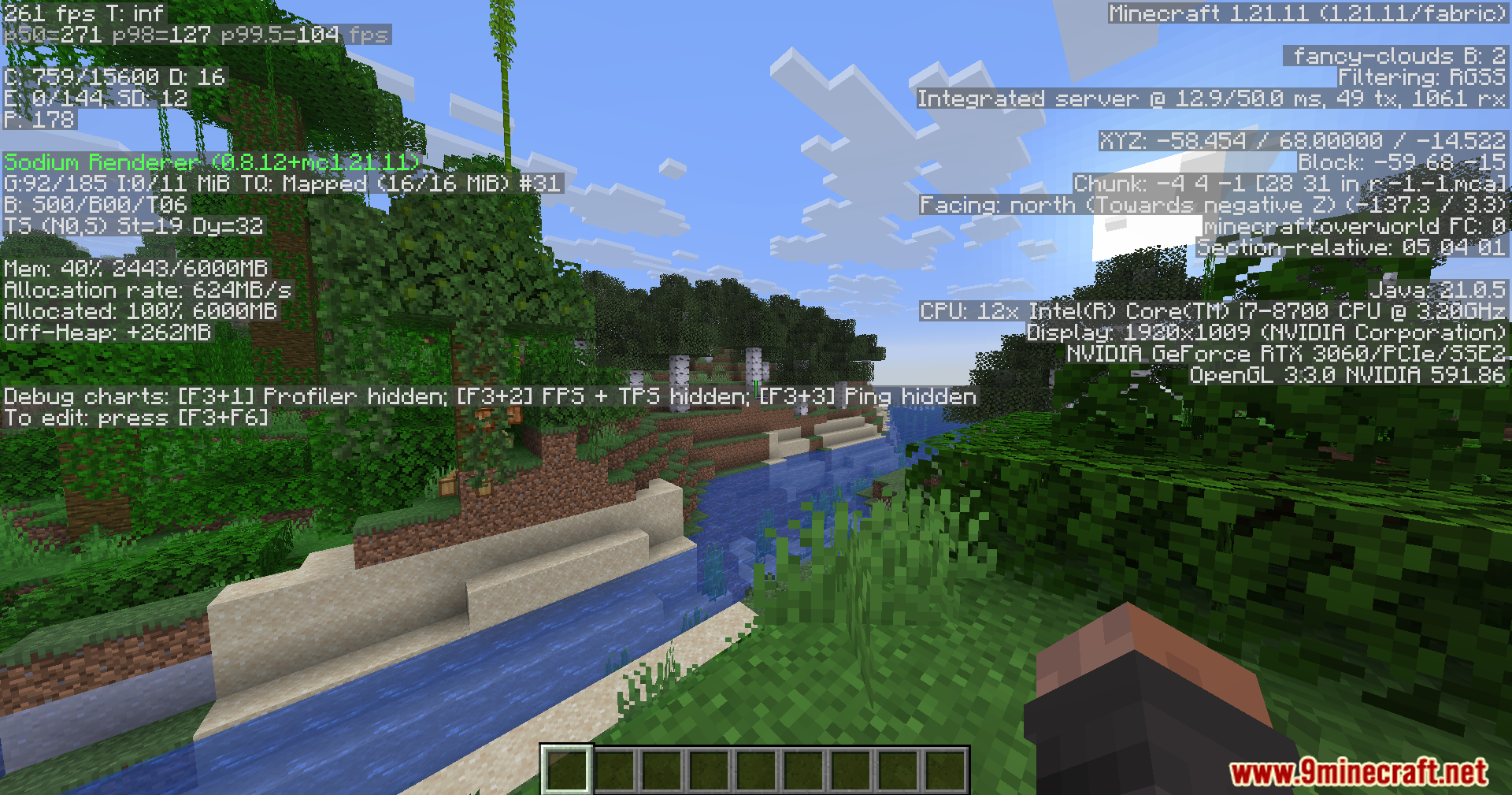
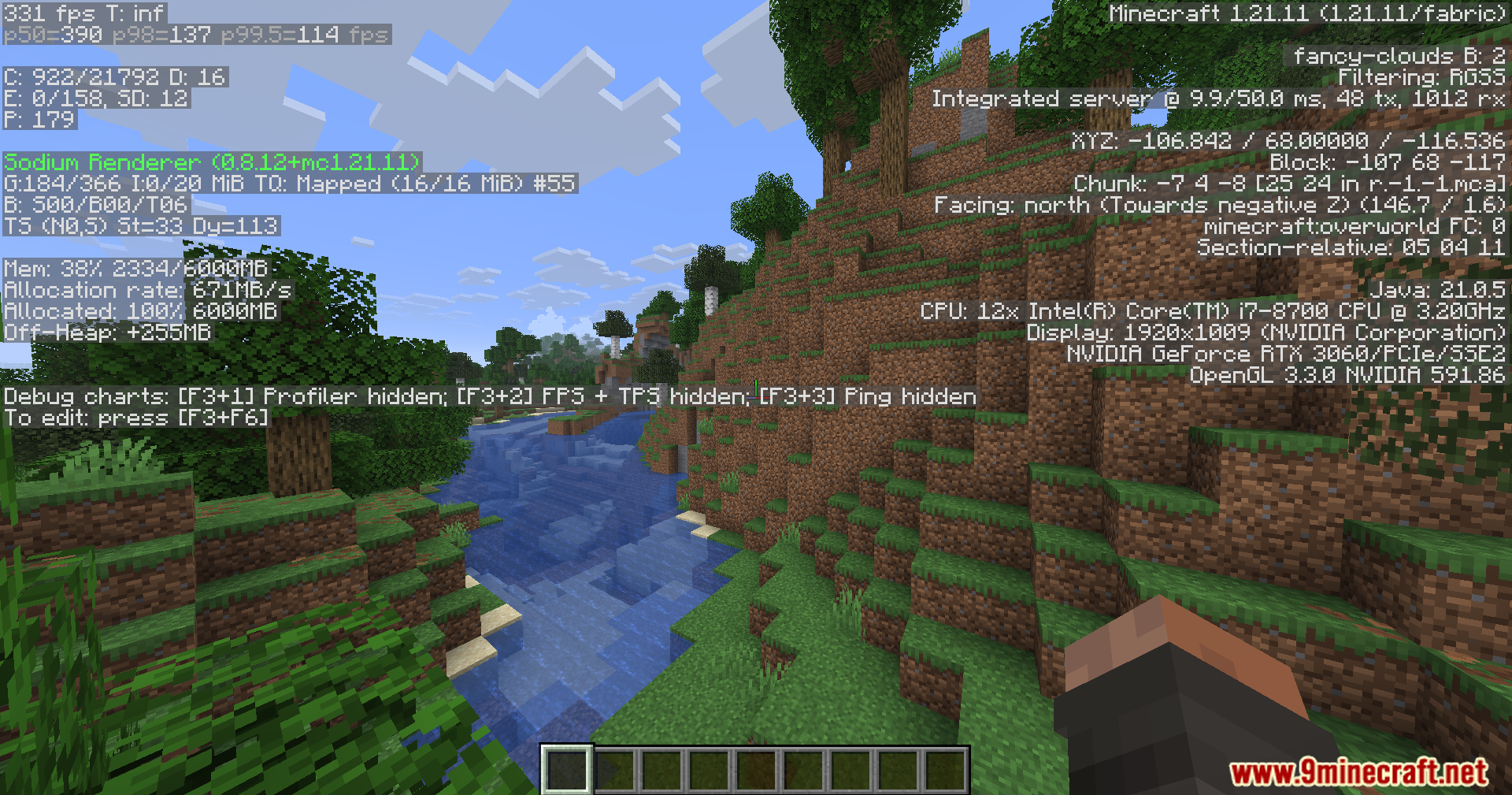

1Influence’s Smooth Boot Mod updates Smooth Boot (Reloaded) for newer Minecraft updates. It changes how the game uses your computer processor when it starts up. Normally, loading the game uses a lot of processing power all at once, which makes things slow down or freeze. This mod spreads out the work so your computer stays quiet and loads the game properly.
Features:
- Updates the classic performance fix for players on newer game versions.
- Reconfigures background tasks to make the loading screen run better.
- Lowers the sudden spike in processor usage when you launch the game.
- Changes thread counts and priority settings to balance the startup workload.
Screenshots:
1Influence’s Smooth Boot Mod Download Links
Quick facts
- Edition: Minecraft Java
- File type: .jar
- Minecraft version listed: 1.21.11
- How to install: Install the matching mod loader (Forge, Fabric or NeoForge) for your Minecraft version. → Download the .jar. → Put it in the .minecraft/mods folder and launch that loader profile.
- Where to get it: In MC Java Mods, or directly above on this page.
Install steps are the general flow for this file type — How to install Minecraft Java mods & modpacks walks through it step by step.
Verified by MCModsHub
- Downloads as 2586.mcaddon
- Download size: 38 KB
- Download link checked 23 Sept 2026 — working
- Mirrored on our own servers — the download does not depend on the original host
These come from our own check of the pack file, not from the source page.