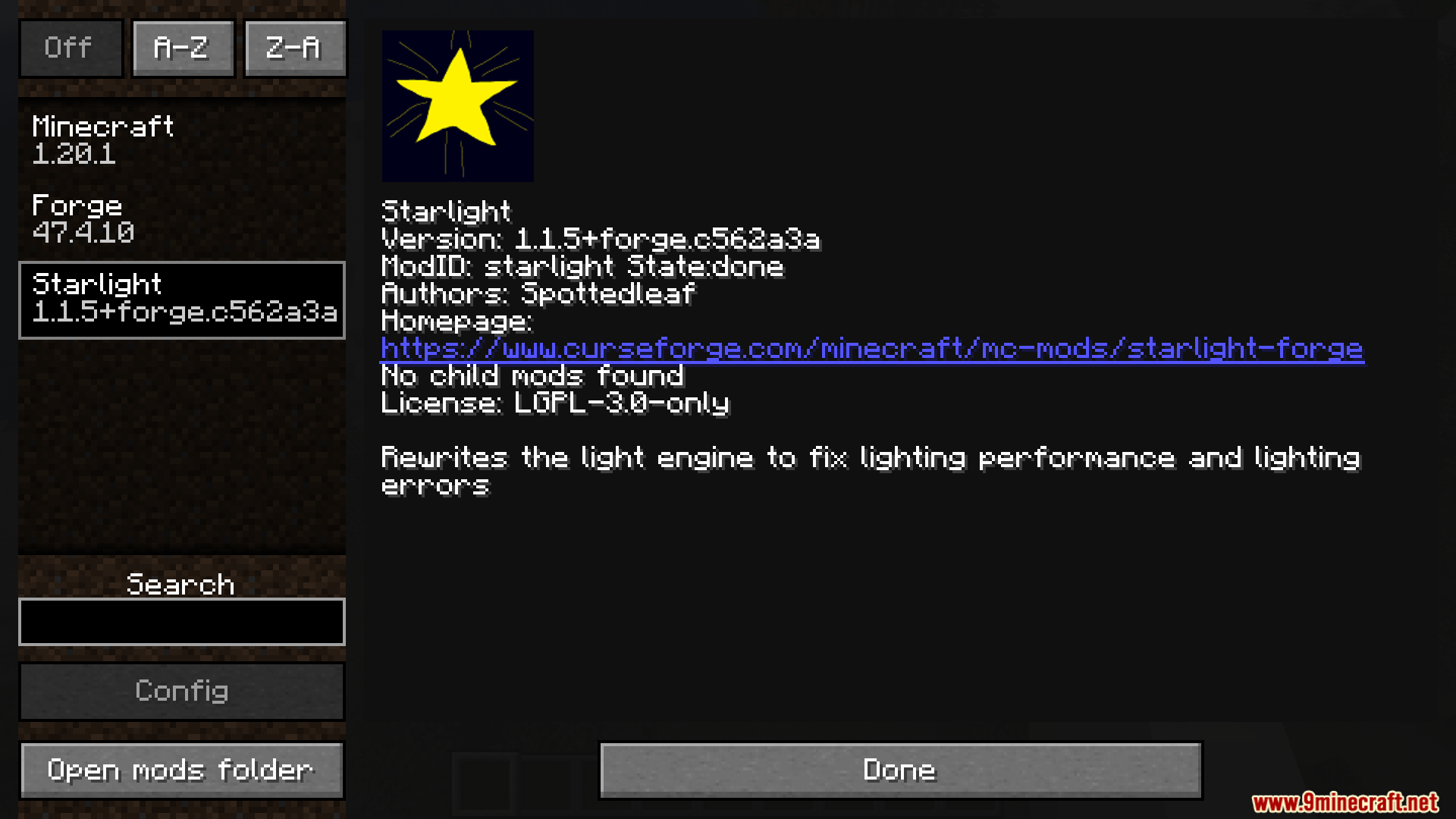
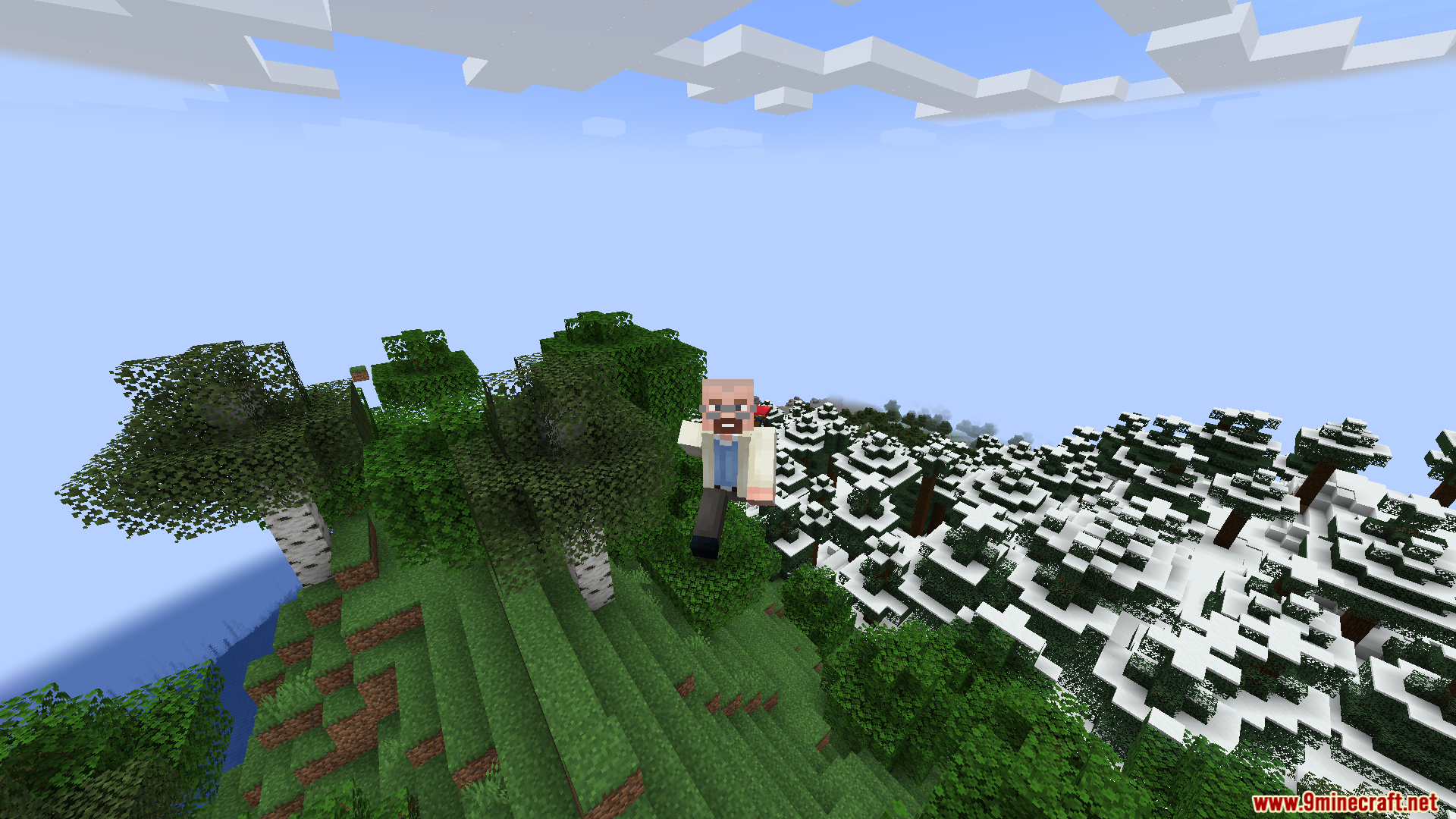
Starlight with Create Fix Mod patches lighting bugs in the Create mod. It backports light engine code from a newer game version to stop visual errors and lag. The mod rewrites how light works in the game so players on older versions keep their mechanical factories looking right without slowing down the game.
Features:
- New Light Engine: Replaces the default lighting system to stop visual glitches and make the game run faster.
- Create Mod Fixes: Fixes specific lighting bugs that happen when you build large moving machines.
- You can put this mod on your own computer or on a multiplayer server without needing it in both places.
- Players without the mod can still join a server that uses it.
- Helps large multiplayer worlds run smoothly by doing light math faster.
- Removes the option to use the Phosphor mod at the same time.
How to Use:
- Put the mod in your mods folder to stop lighting lag in your single-player world.
- Add it to a multiplayer server to speed up the game for everyone connected.
- Leave your friends’ computers alone; they can join your server without downloading this fix.
- Remove the Phosphor mod from your game folder before starting, as they crash when put together.
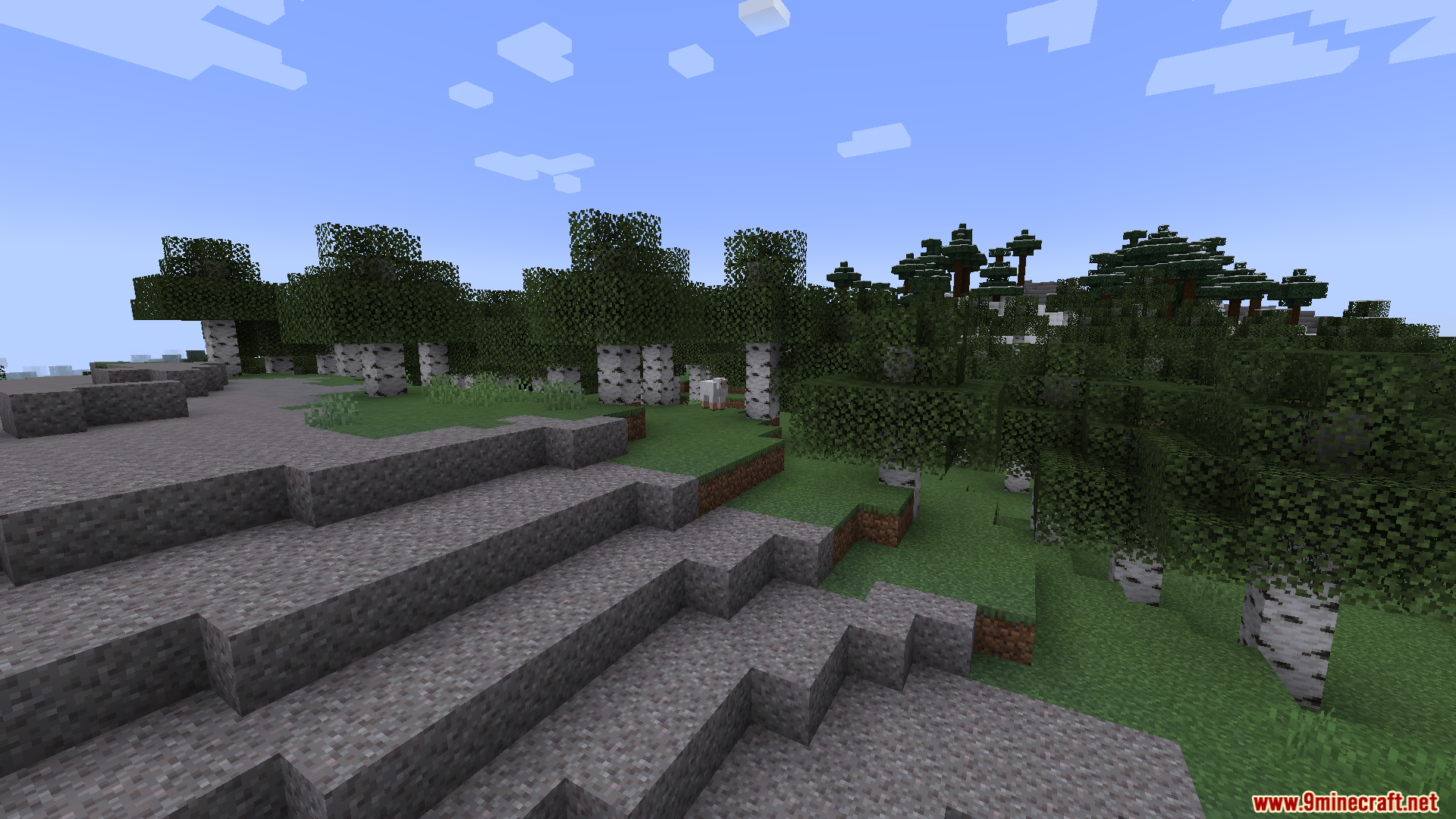
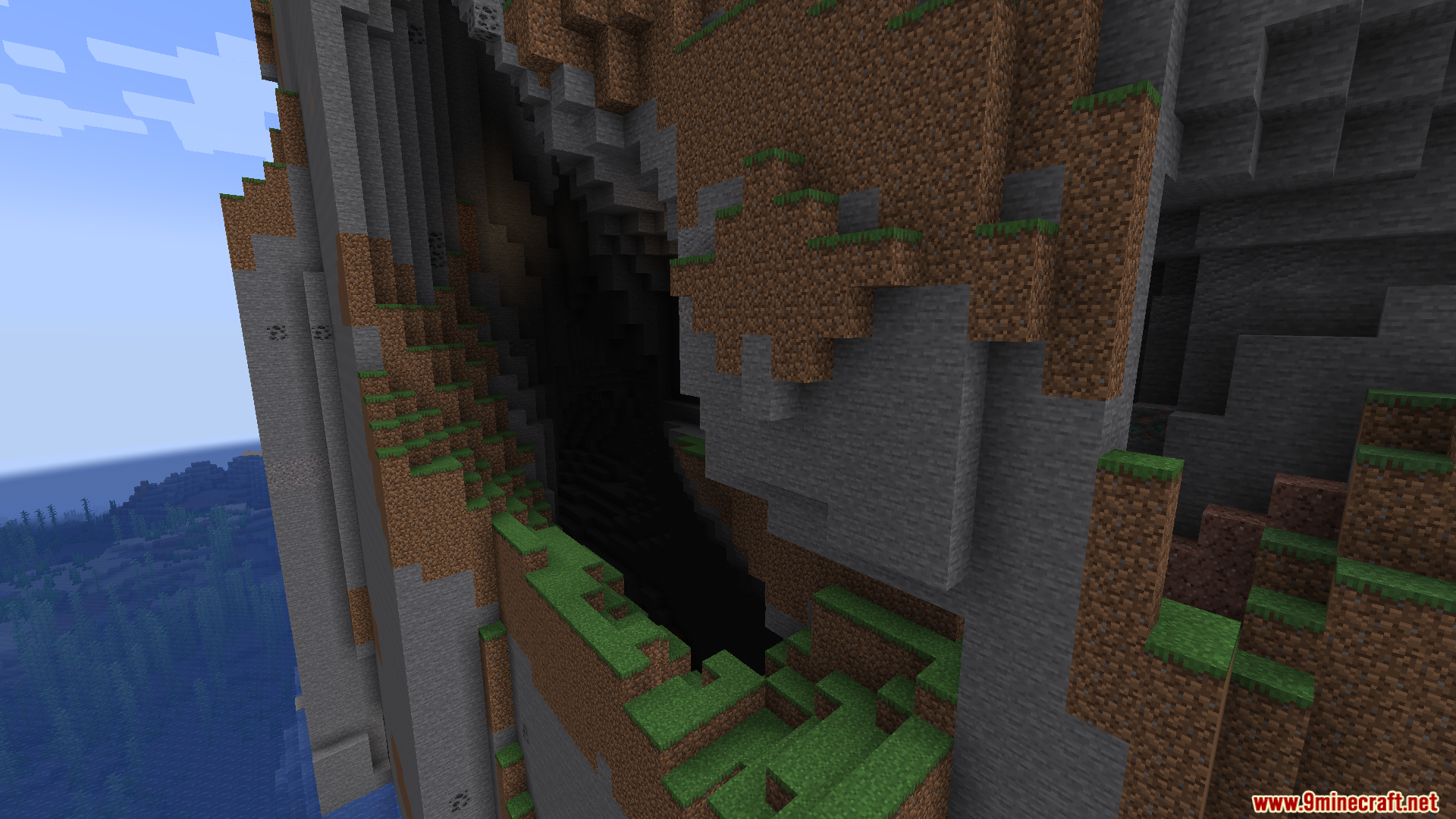
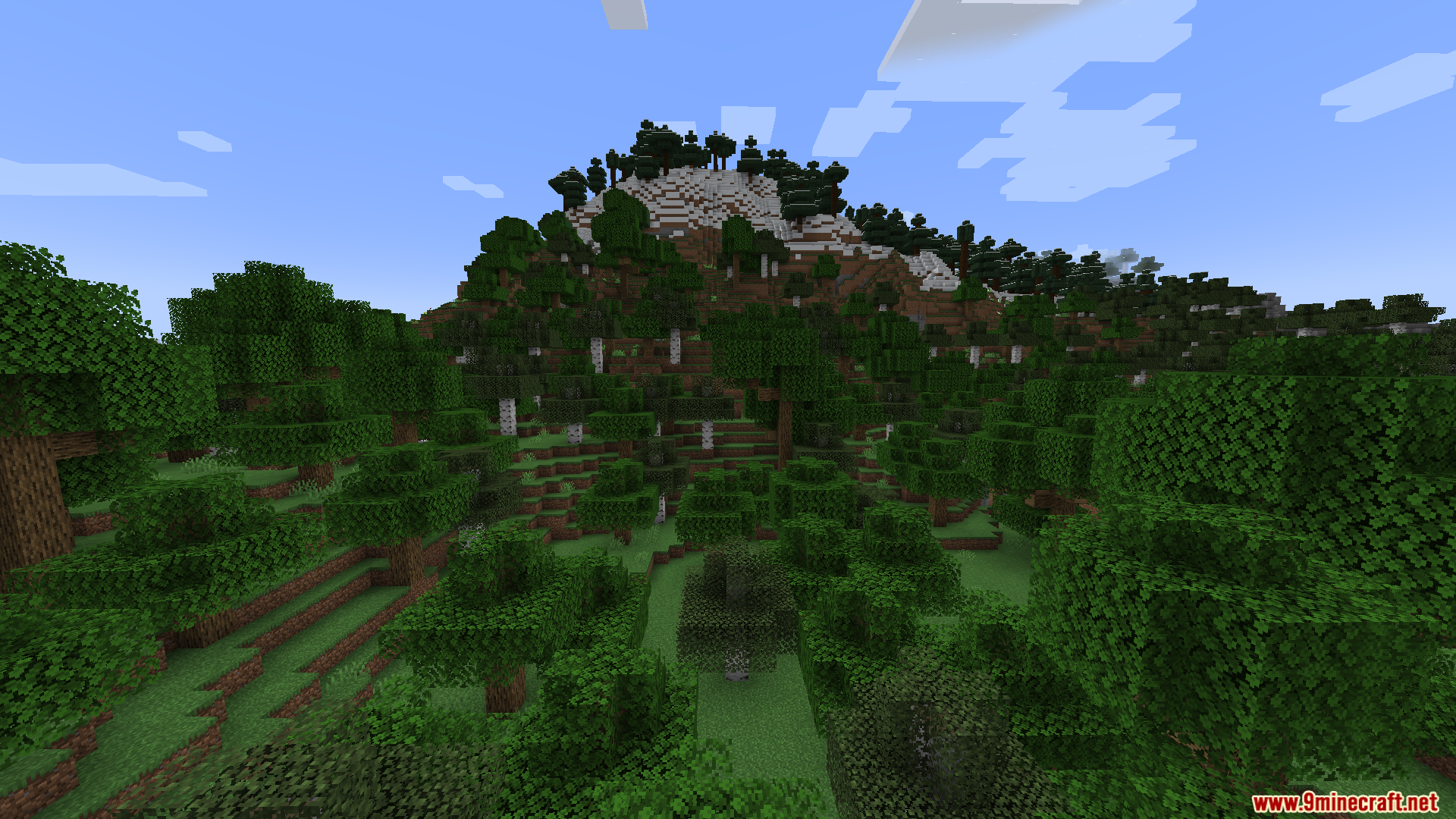
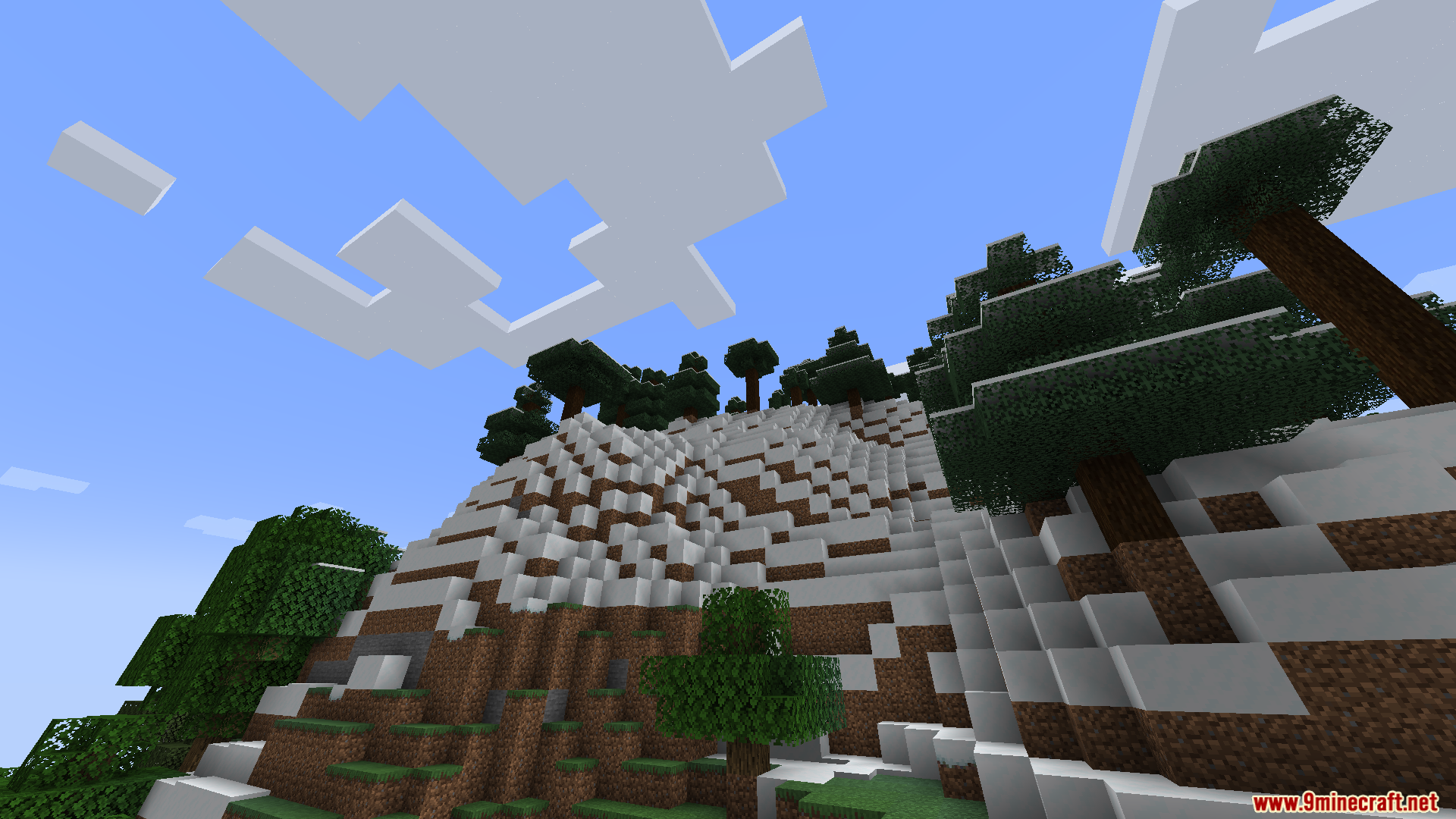
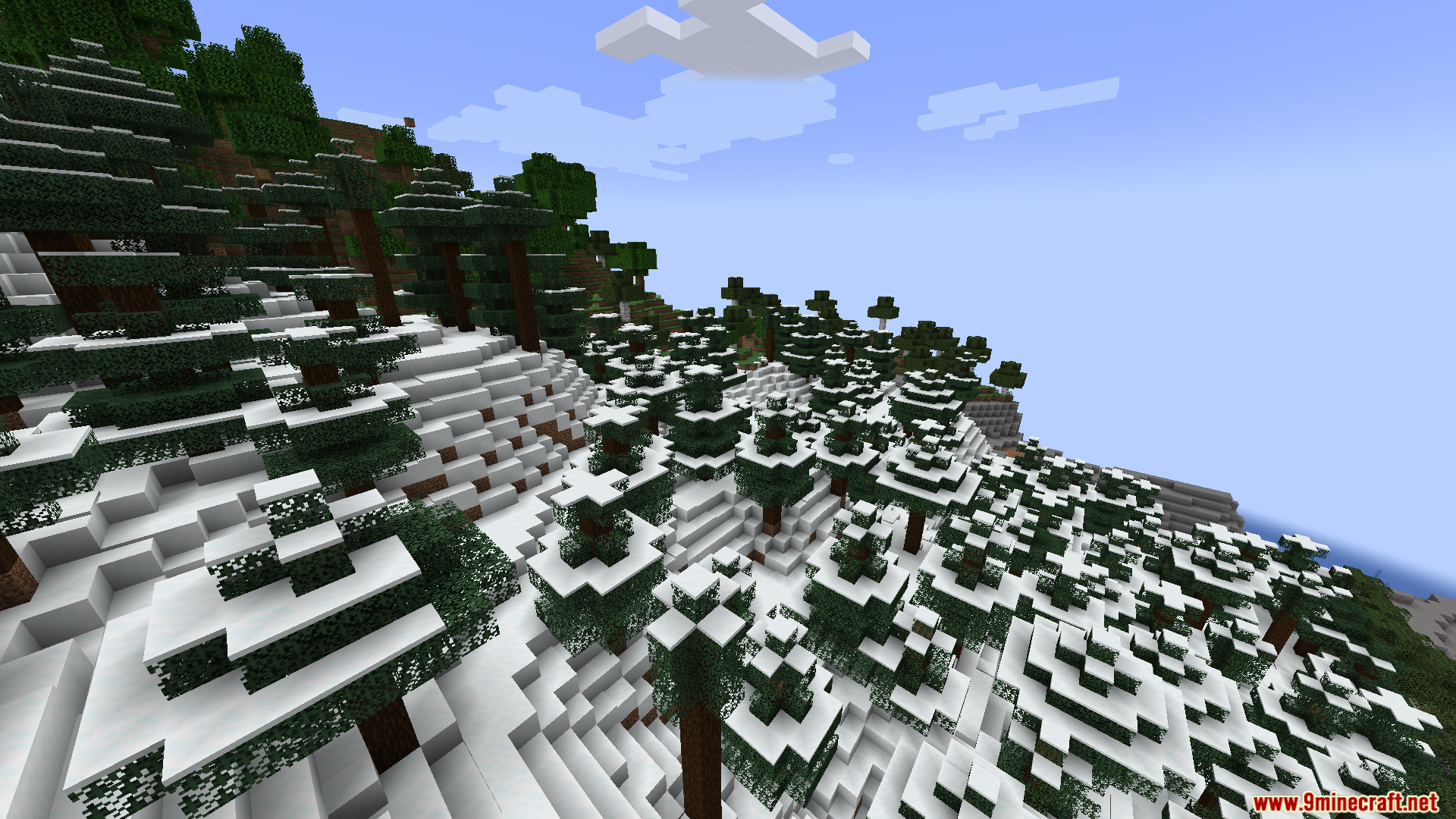
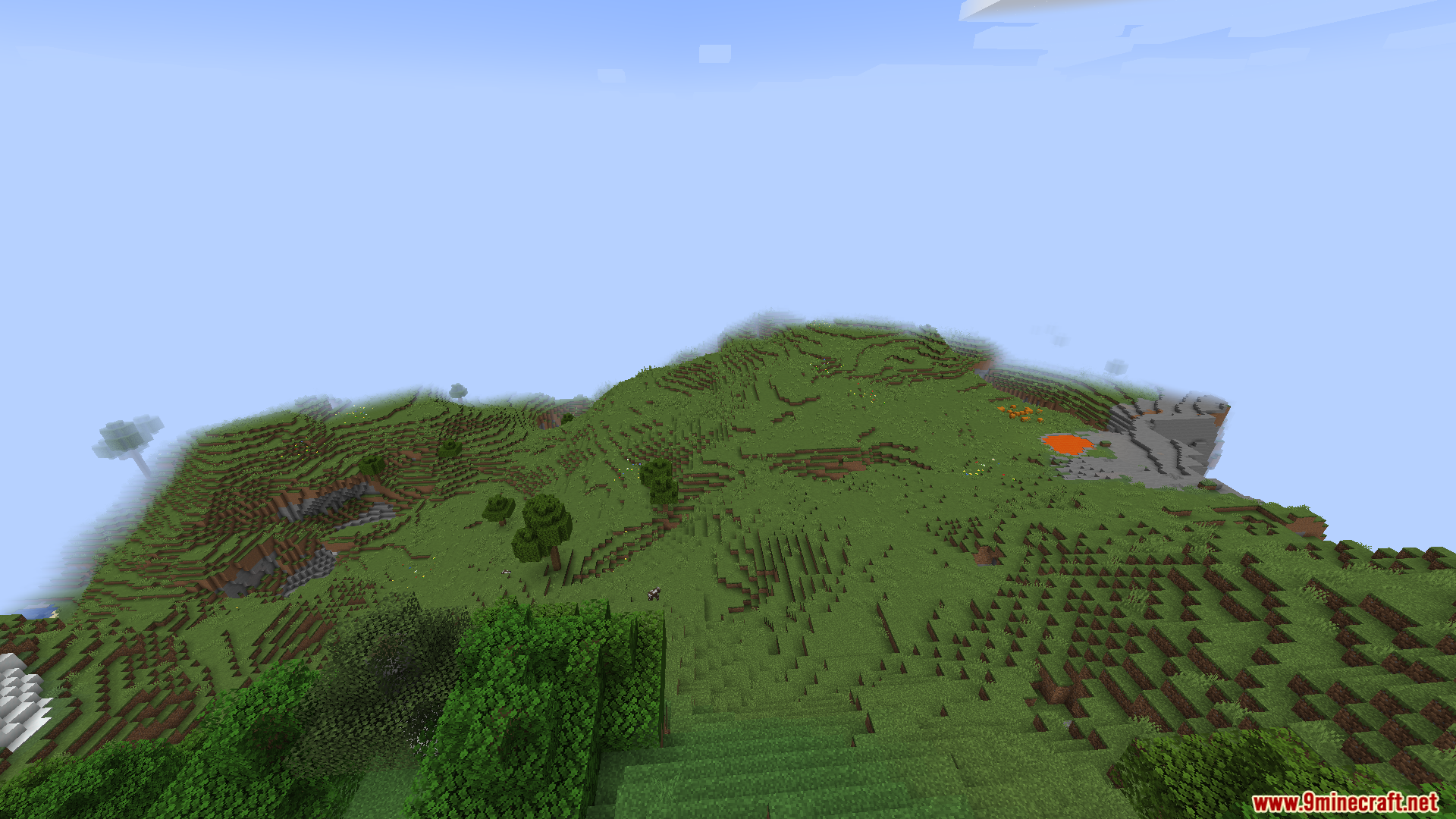
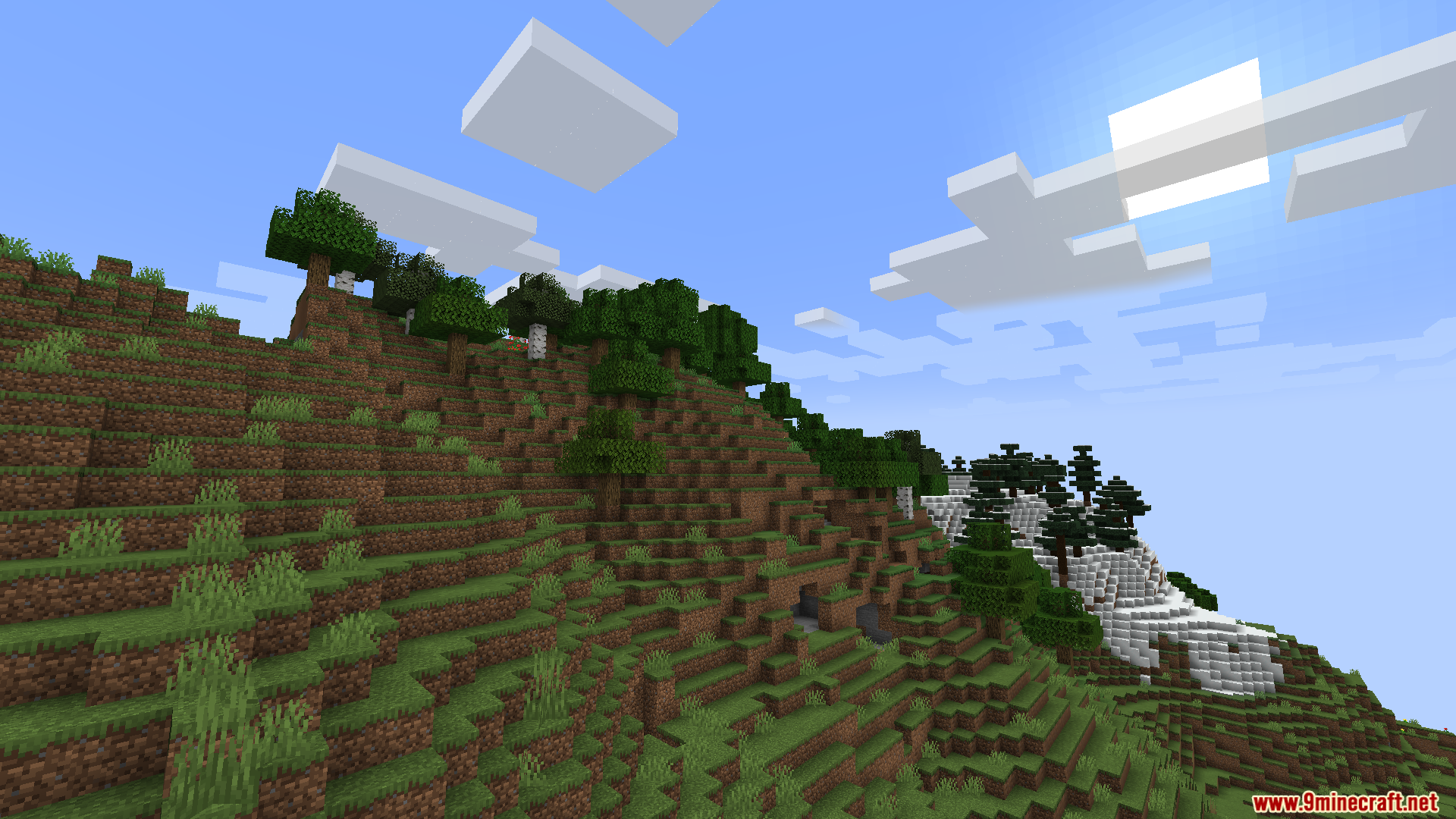
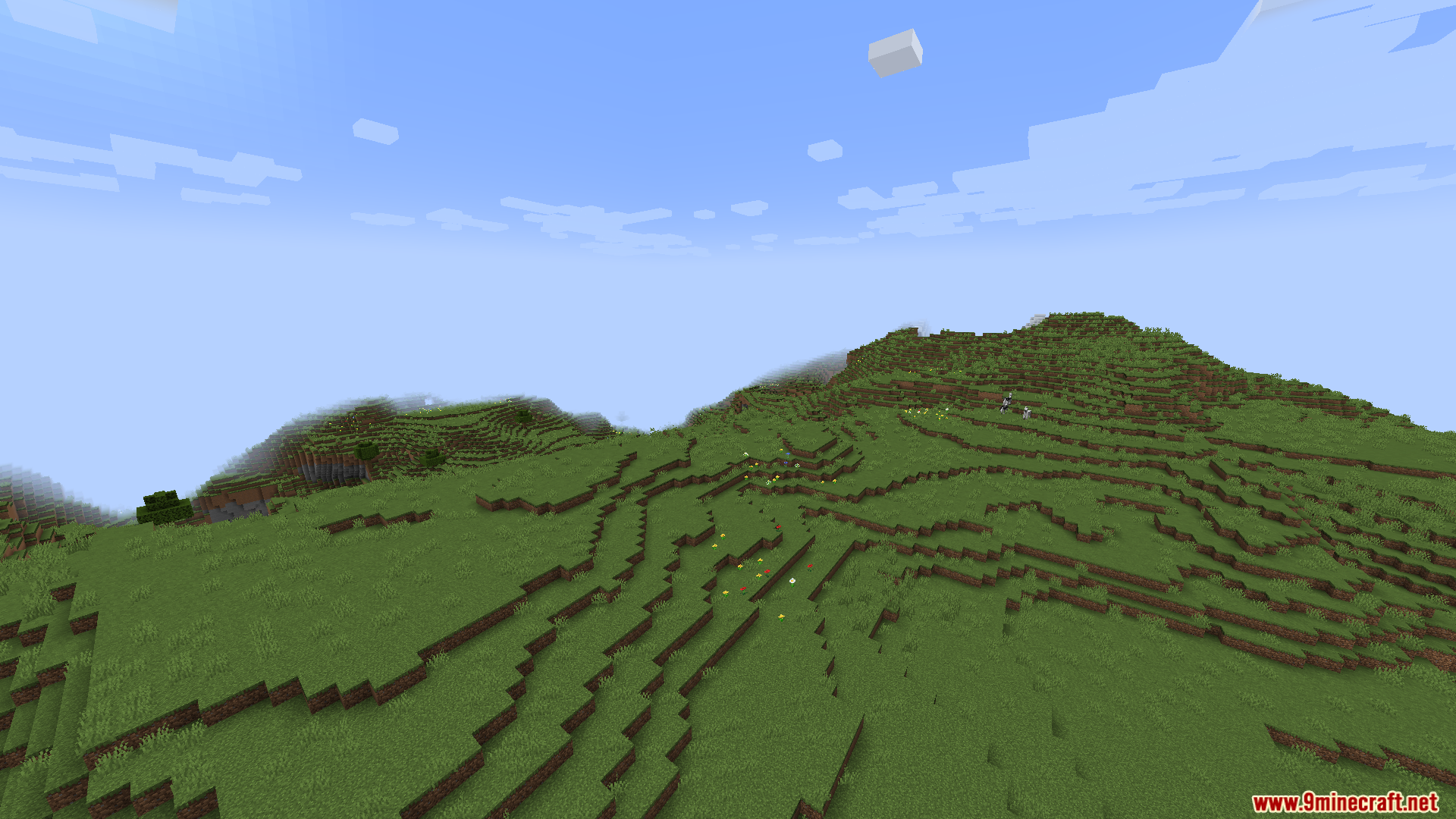
Screenshots:
Starlight with Create Fix Mod Download Links
Quick facts
- Edition: Minecraft Java
- File type: .jar
- Minecraft version listed: 1.20.1
- How to install: Install the matching mod loader (Forge, Fabric or NeoForge) for your Minecraft version. → Download the .jar. → Put it in the .minecraft/mods folder and launch that loader profile.
- Where to get it: Opens on the file's original source — not every file is mirrored on our own servers.
Install steps are the general flow for this file type — How to install Minecraft Java mods & modpacks walks through it step by step.
Starlight with Create Fix Mod (1.20.1) – Build Massive Factories Without Lags is a free Minecraft Java mod. Compatible with Minecraft 1.20.1. Download it and open it directly in the game.