
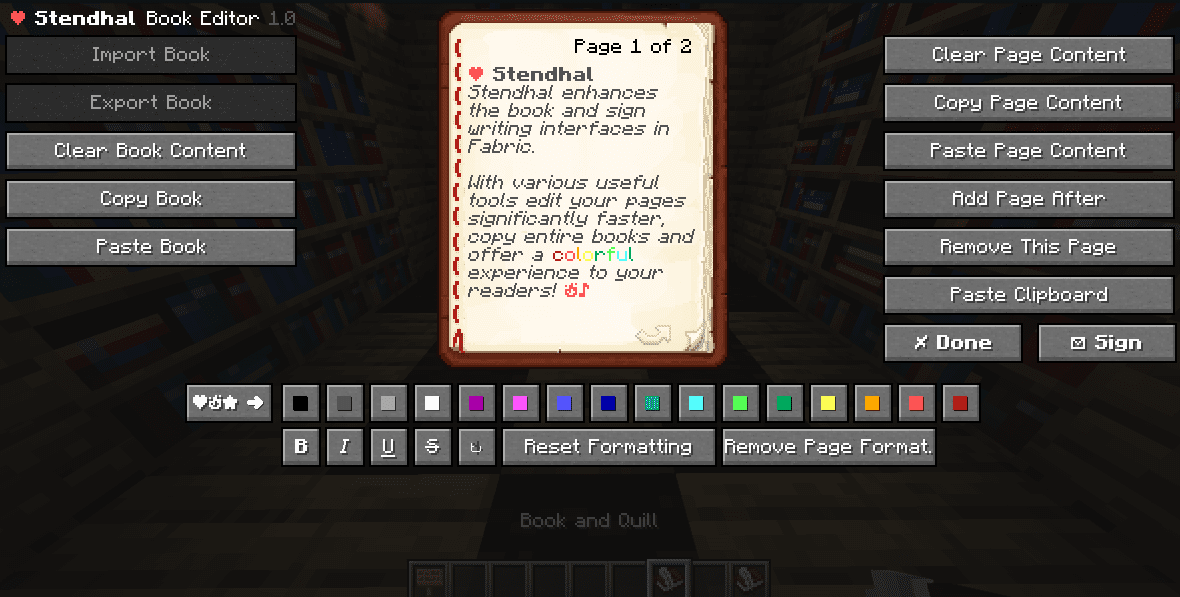
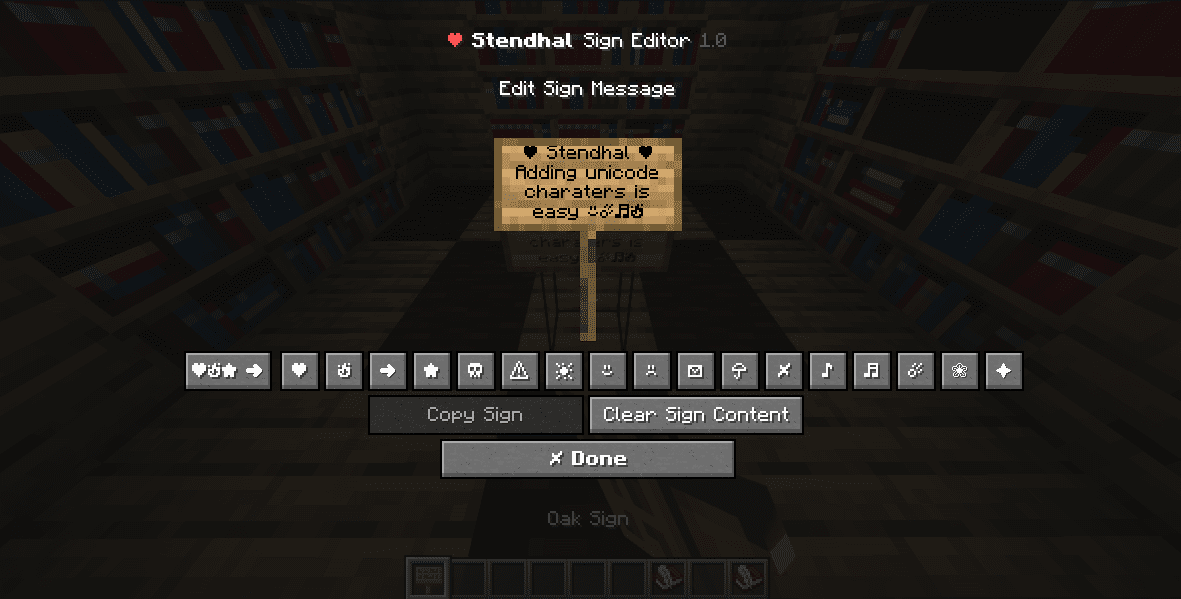

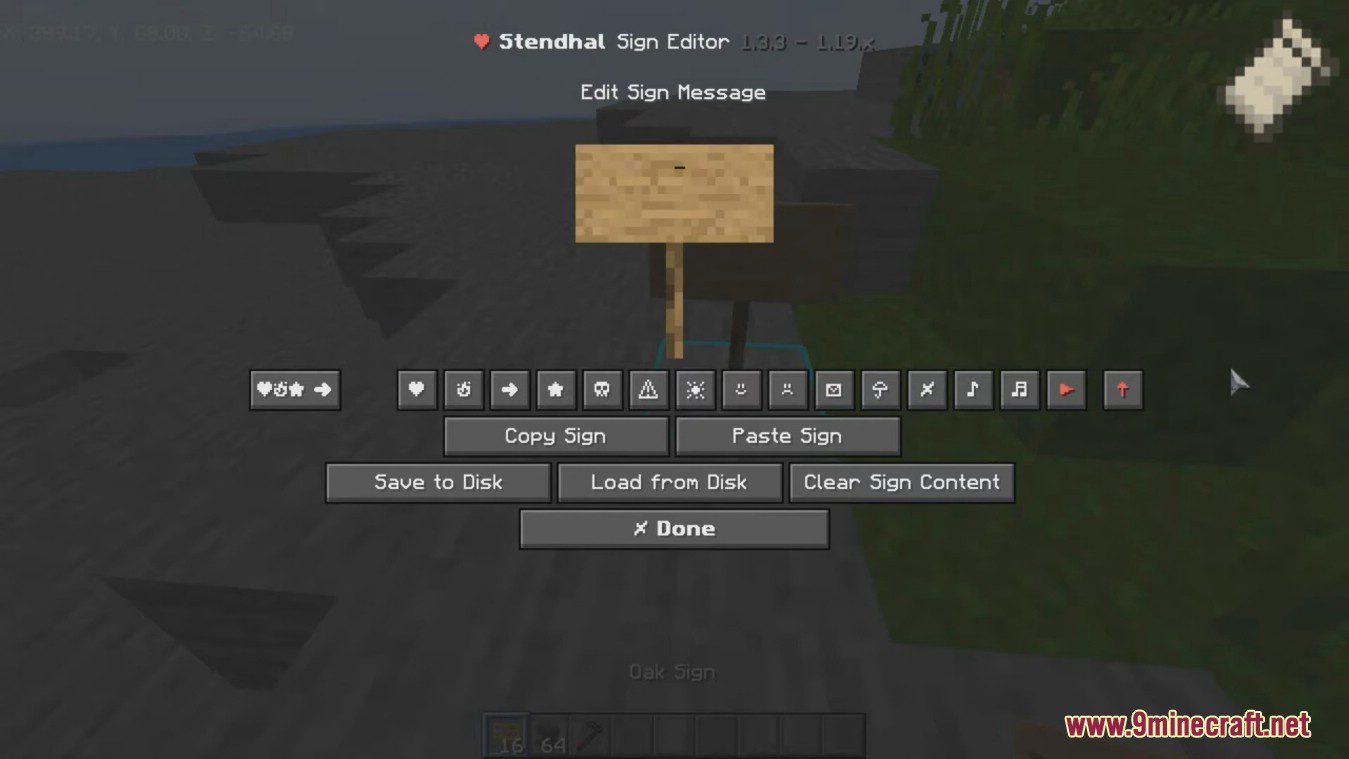
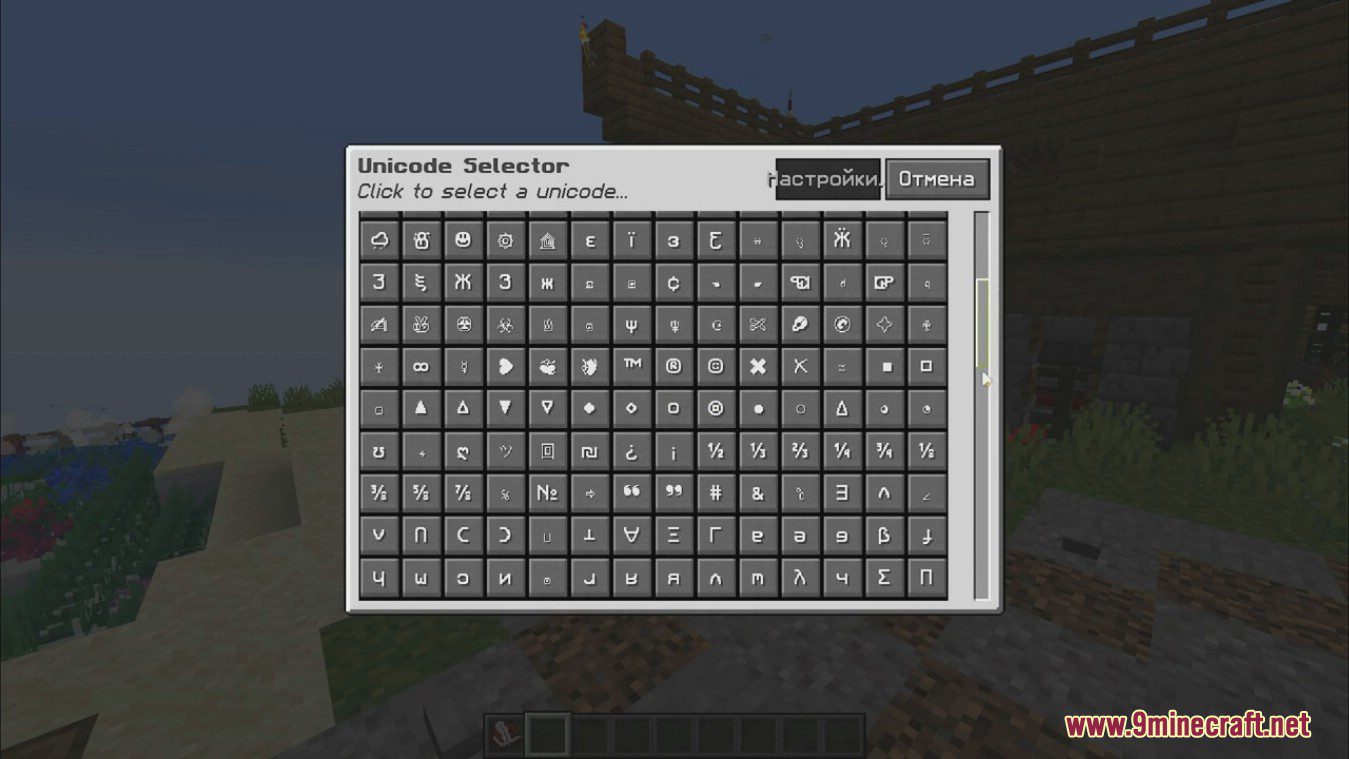
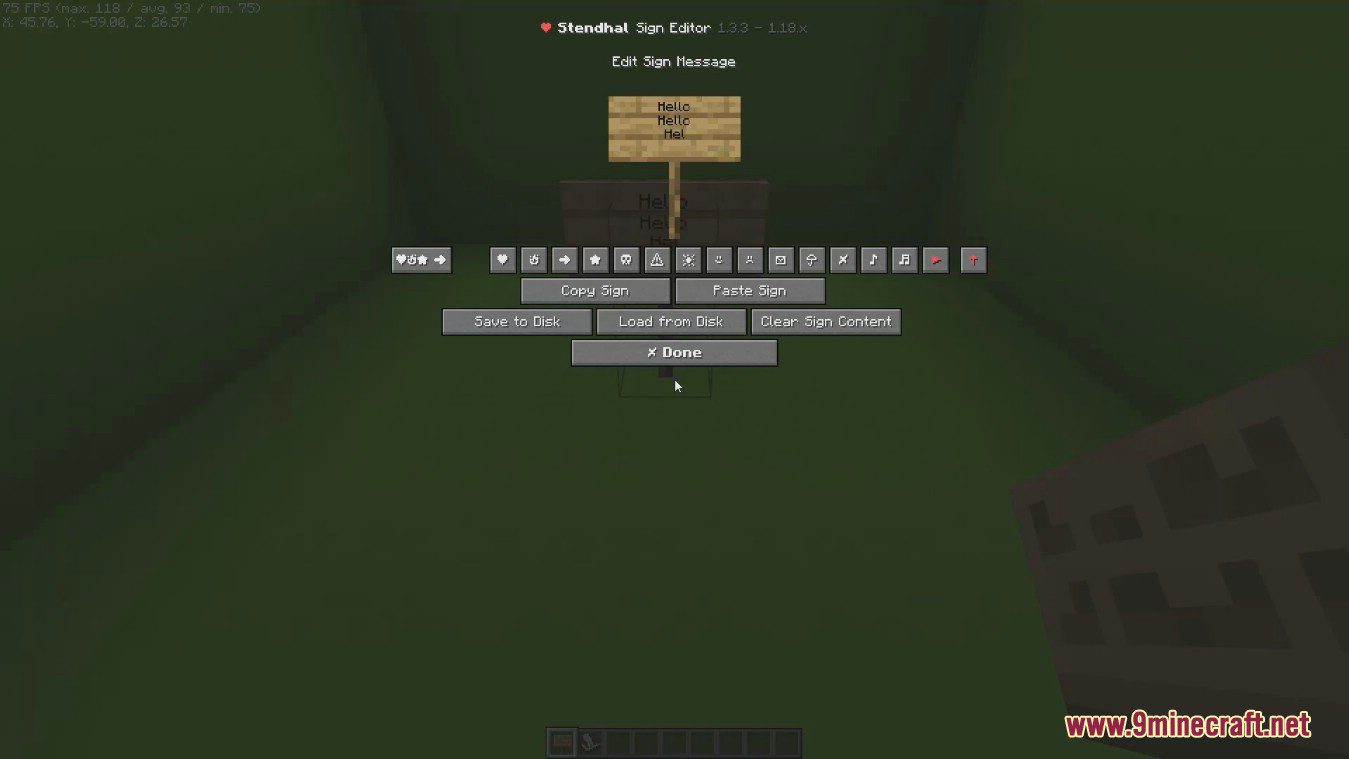
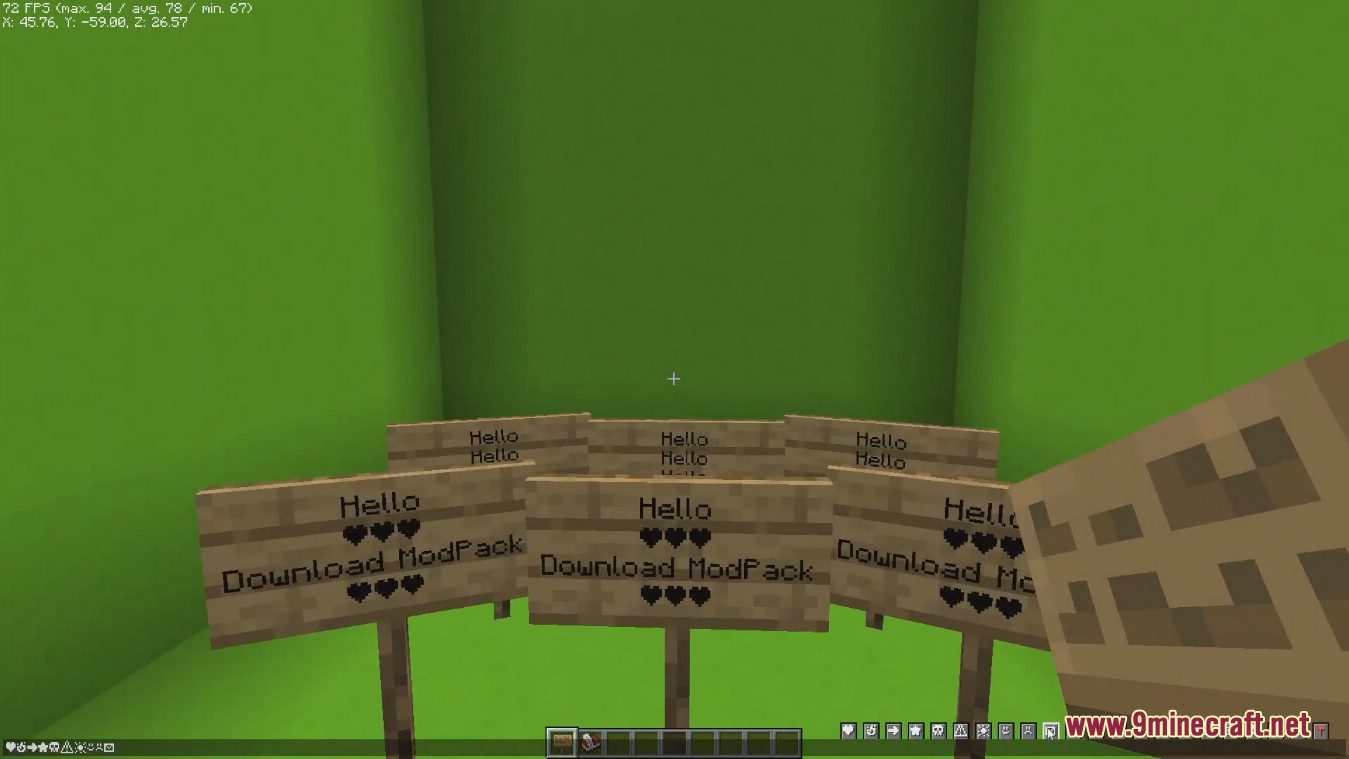
Stendhal Mod is a client-side mod offering new and enhanced visual utilities for books, signs, anvil and the in-game chat. All the vanilla GUIs (screens) for Book & Quills, Books, Anvils and Signs have been reworked, with quick access to various tools (import & export books and signs to/from disk, copy entire page content, entire books or signs, clear a page or a book entirely in one click, …), legacy colors and one-click away unicode characters. On top of that, it also offers a quick access bar for unicode characters when opening the chat! You can also customize your nametags with these beautiful vanilla unicodes in any Anvil. Impress your friends by using these unicode characters while talking to them, or give directions on signs in a beautiful way.
Features:
Book Editor
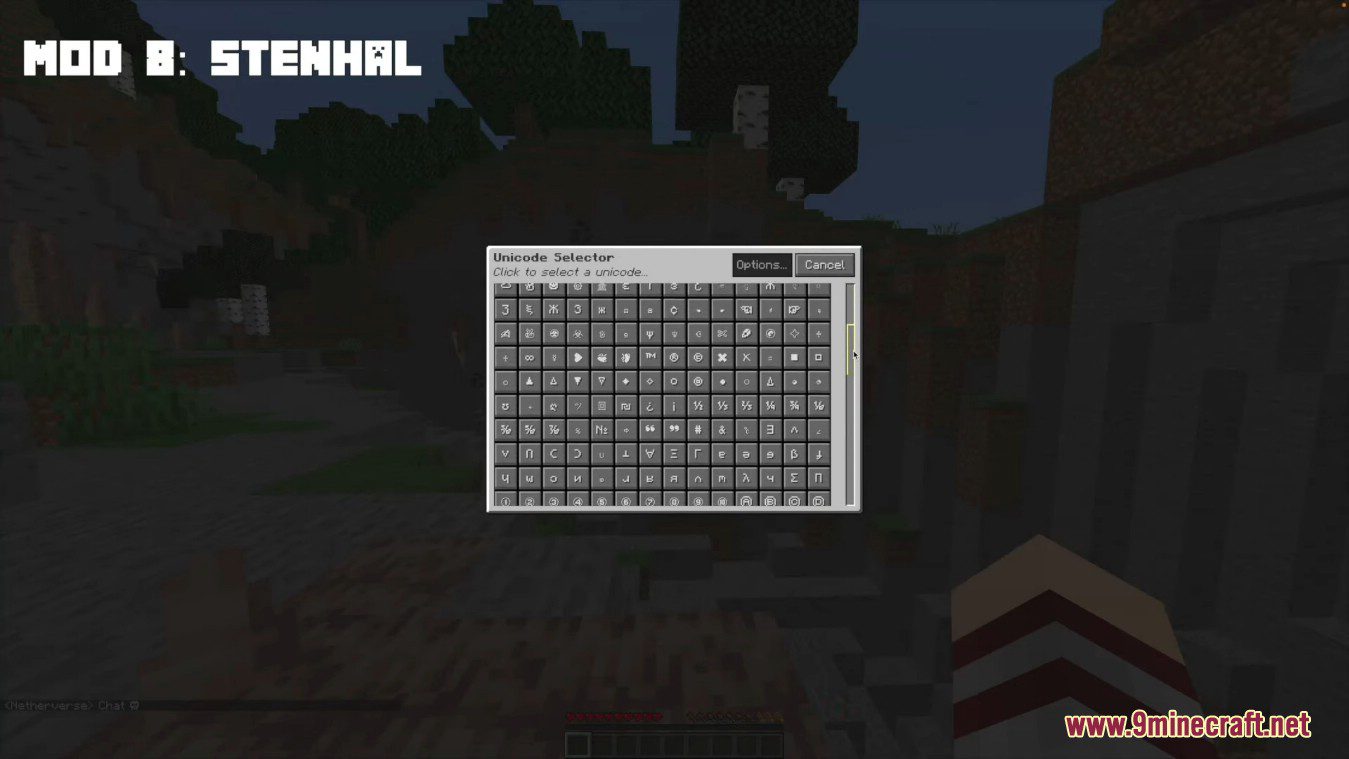
- A Unicode (emote) picker to select any unicode supported by the in-game font !
- Reading a signed book is now easier with page index navigation and search features. You can also export them to use their content in a Book & Quill again!
- Import and Export books to the Minecraft folder to load your books on other worlds or servers!
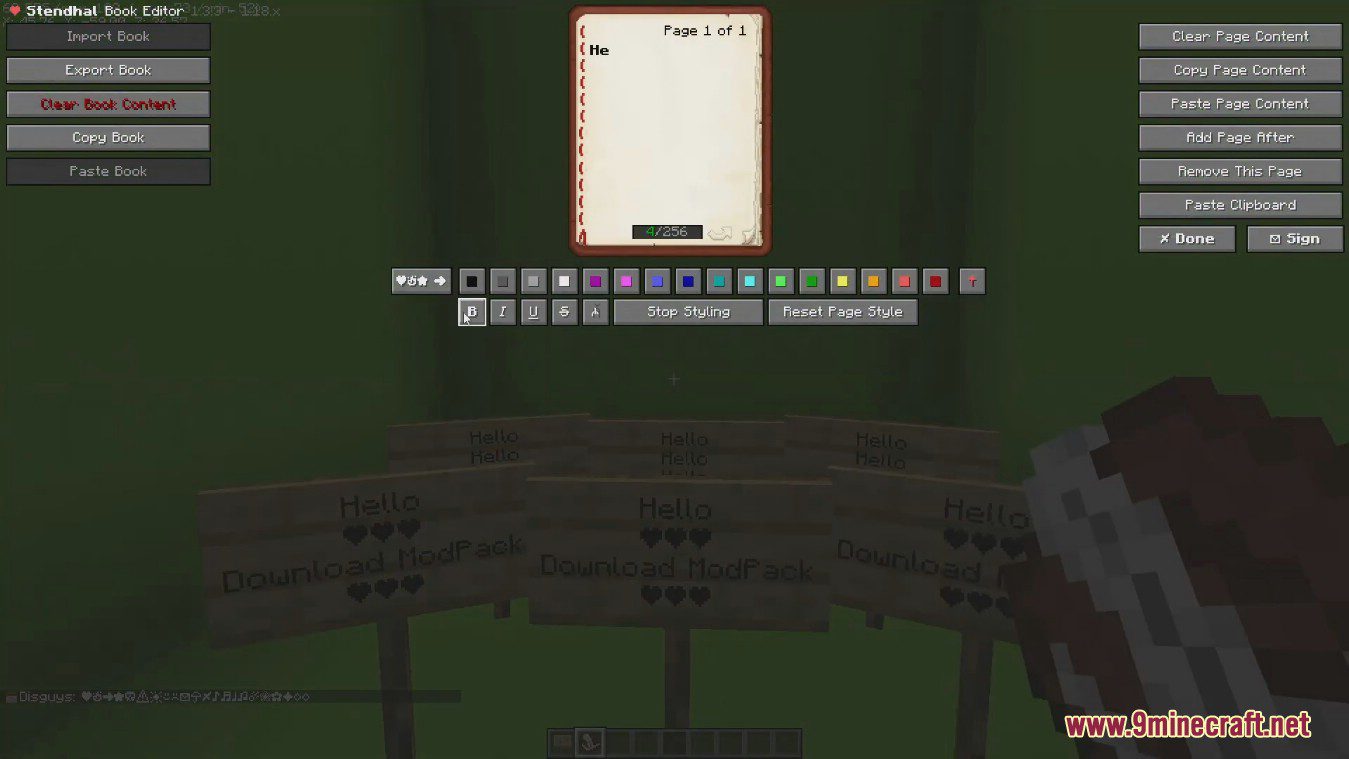
- Copy, paste and clear page content in writable books
- Add and remove pages in one click
- Copy, paste and clear an entire book
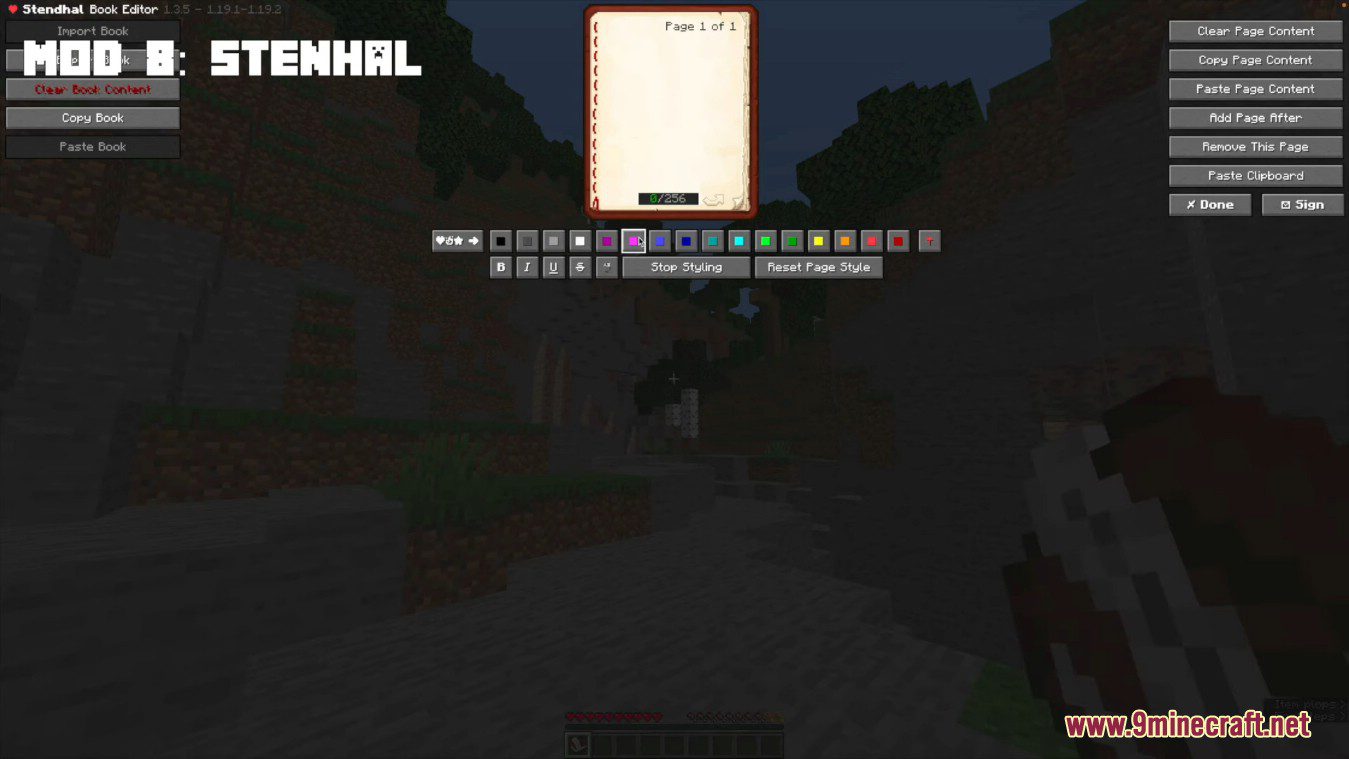
- Choose among all the formatting and legacy colors options to customize your book
- Keep track of how many characters you typed on the bottom of each page to not go over the vanilla 256 characters limitation
- Add 70+ unicode characters to enhance your readers experience!
- Unsatisfied? Remove the page formatting in one click and start again!
Sign Editor
- Import and Export signs to the Minecraft folder to load your books on other worlds or servers!
- Quickly copy and paste entire signs on the same world/server is now a two-click process!
- Use 70+ unicode characters to customize your signs
- Unsatisfied with what you wrote? Clear the sign in one click and start writing again!
Chat & Anvil Utilities
- Use 70+ unicode characters to talk to your friends in a more lively way, or with customized item names!
Screenshots:
New book interface allowing the use of various editing tools, legacy colors and unicode characters.
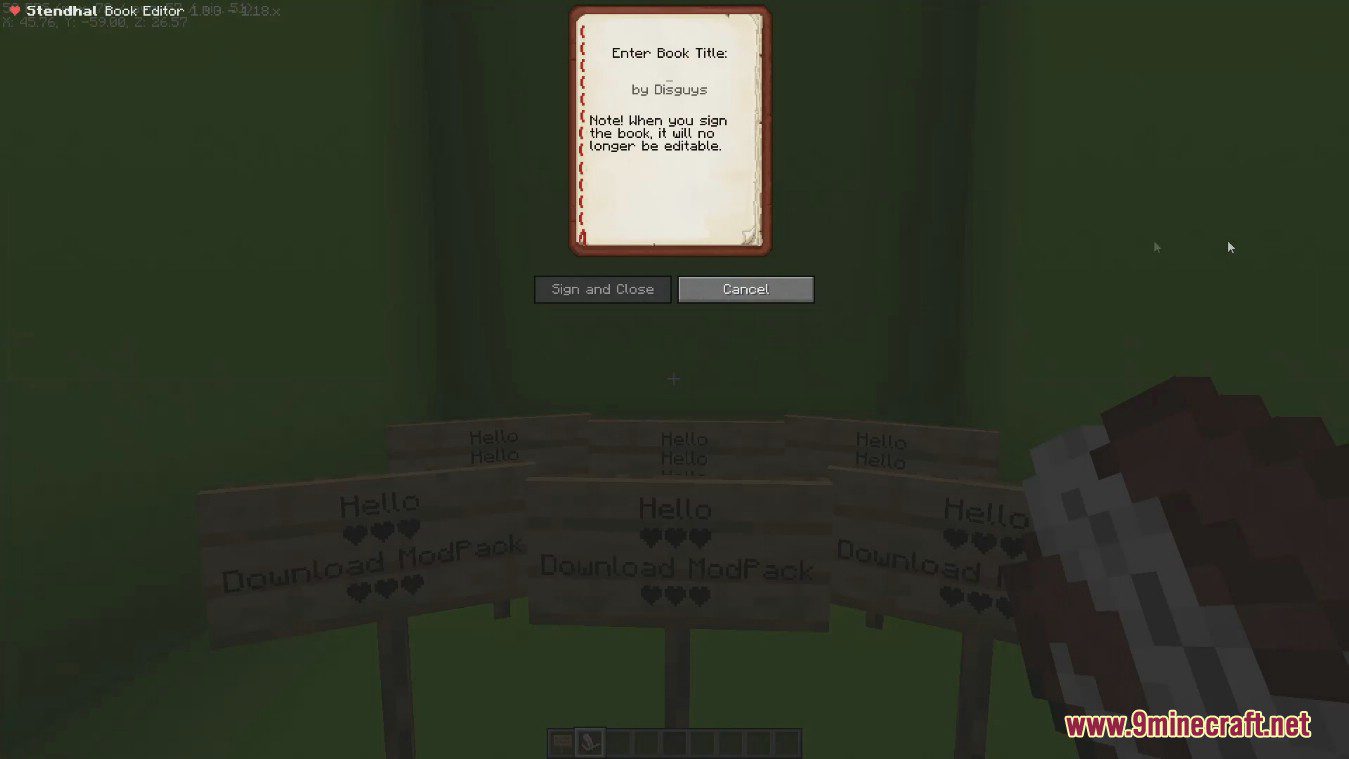
New sign interface to access unicode characters easily.
Access unicode characters easily and impress your friends on online servers!
Stendhal Mod Download Links
- Edition: Minecraft Java
- File type: .jar
- Minecraft version listed: 1.20.1
- How to install: Install the matching mod loader (Forge, Fabric or NeoForge) for your Minecraft version. → Download the .jar. → Put it in the .minecraft/mods folder and launch that loader profile.
- Where to get it: In MC Java Mods, or directly above on this page.
Install steps are the general flow for this file type — How to install Minecraft Java mods & modpacks walks through it step by step.
- Downloads as 25882.mcaddon
- Download size: 481 KB
- Download link checked 23 Sept 2026 — working
- Mirrored on our own servers — the download does not depend on the original host
These come from our own check of the pack file, not from the source page.