ModsJava
Create Tradeworks Mod (1.21.1, 1.20.1) – Display Your Goods
Java mod listed for Minecraft 1.20–1.21. Downloads from the MC Java Mods app on Android.
⬇ Download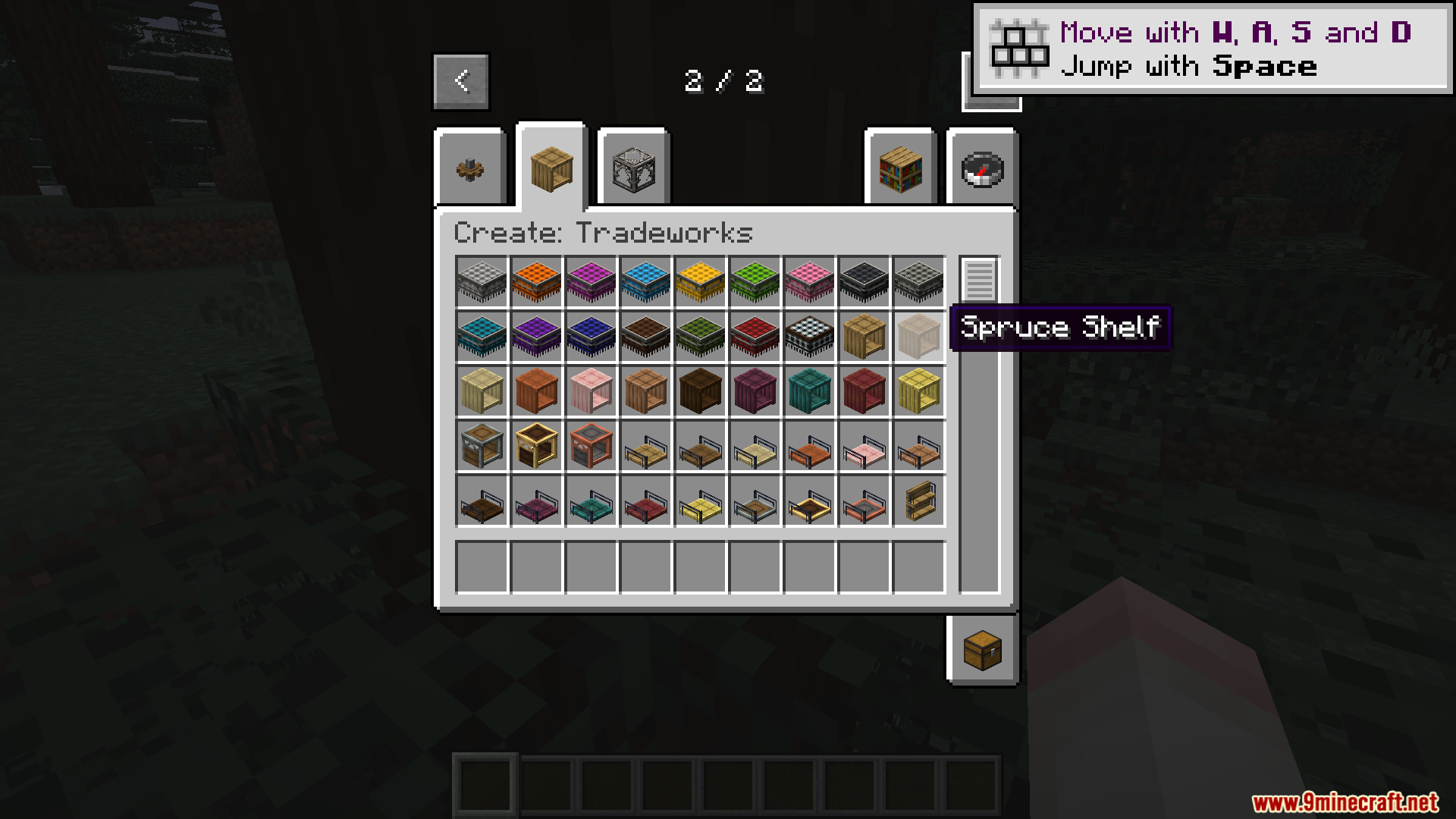
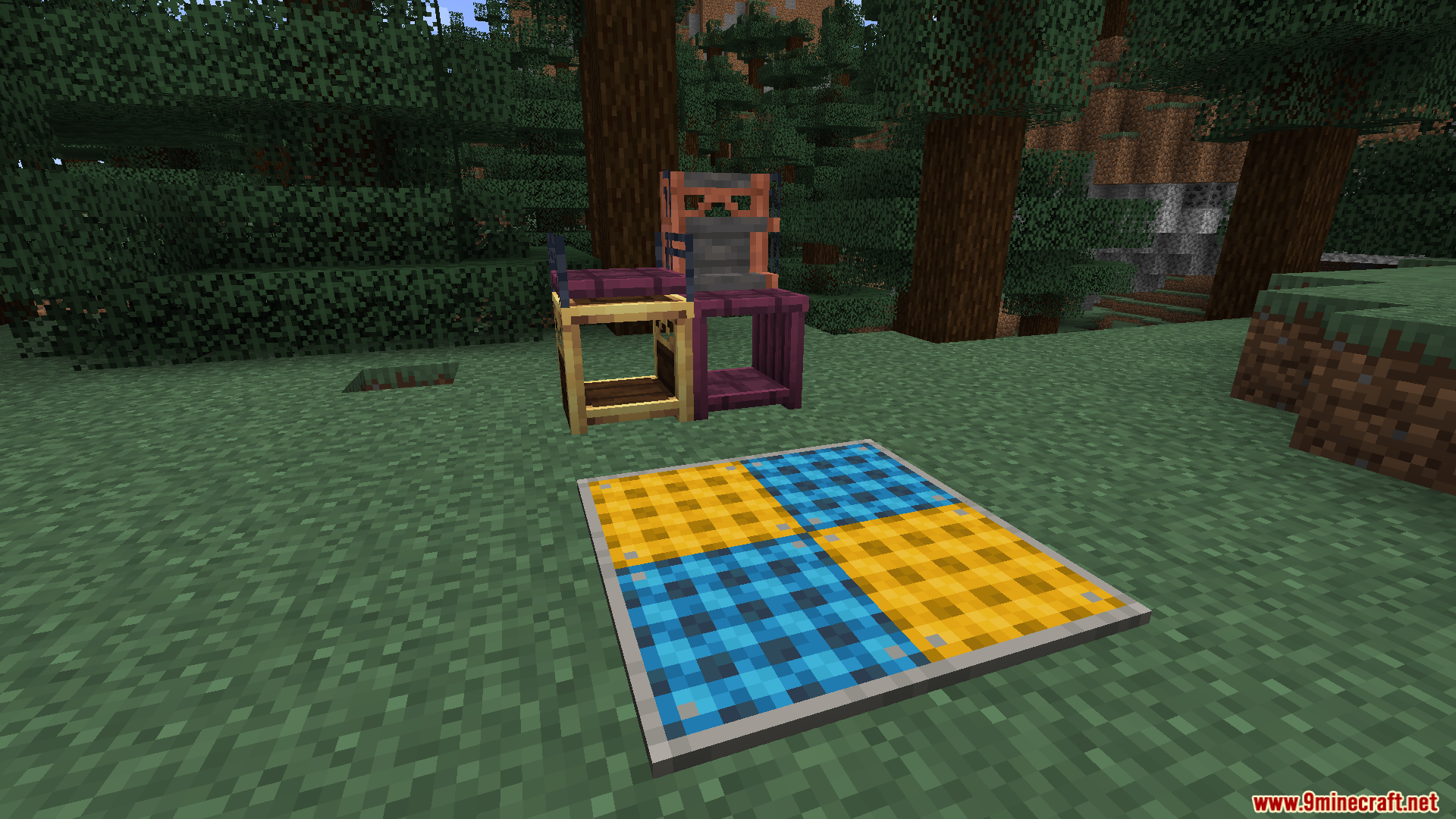
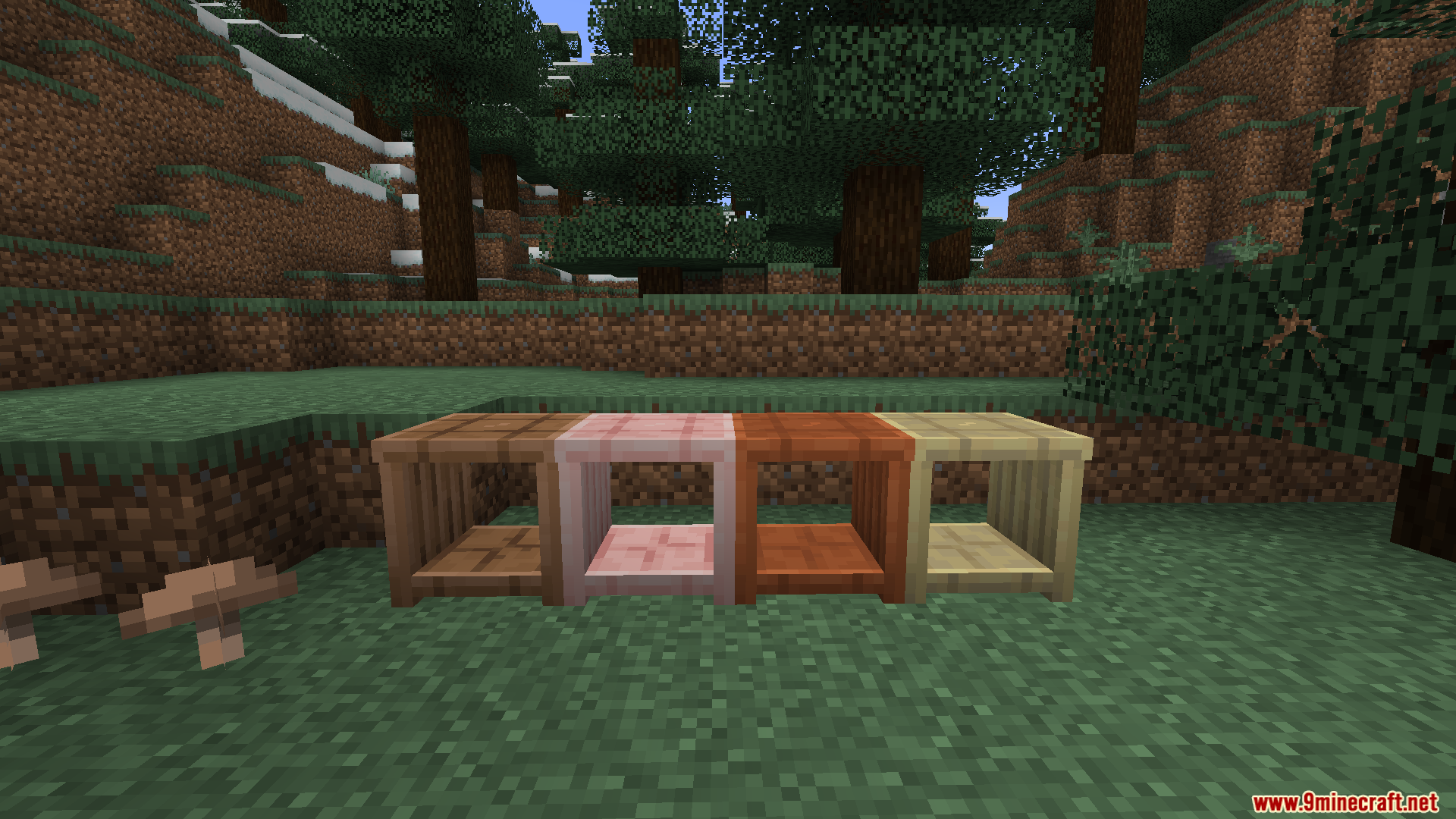
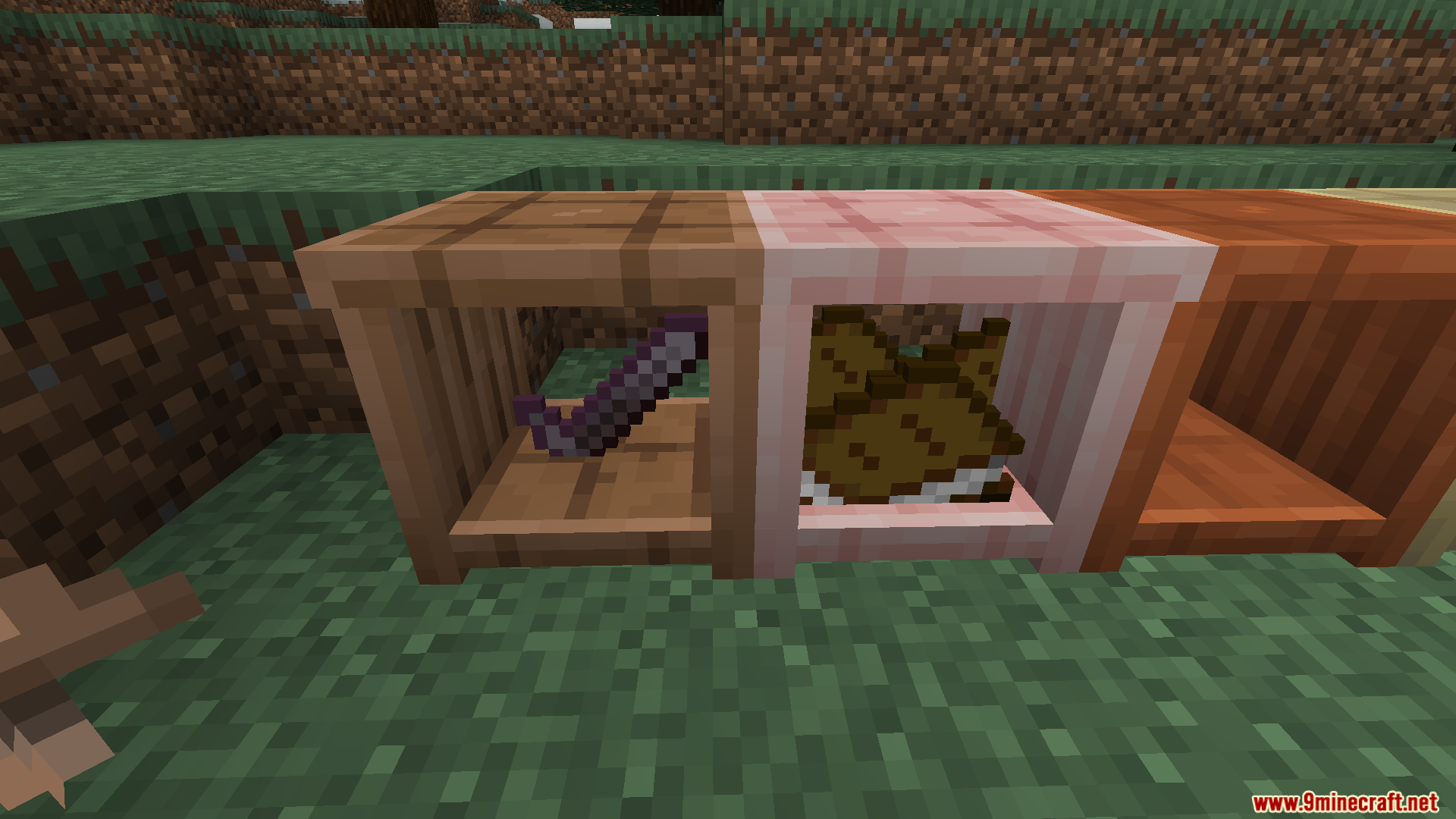
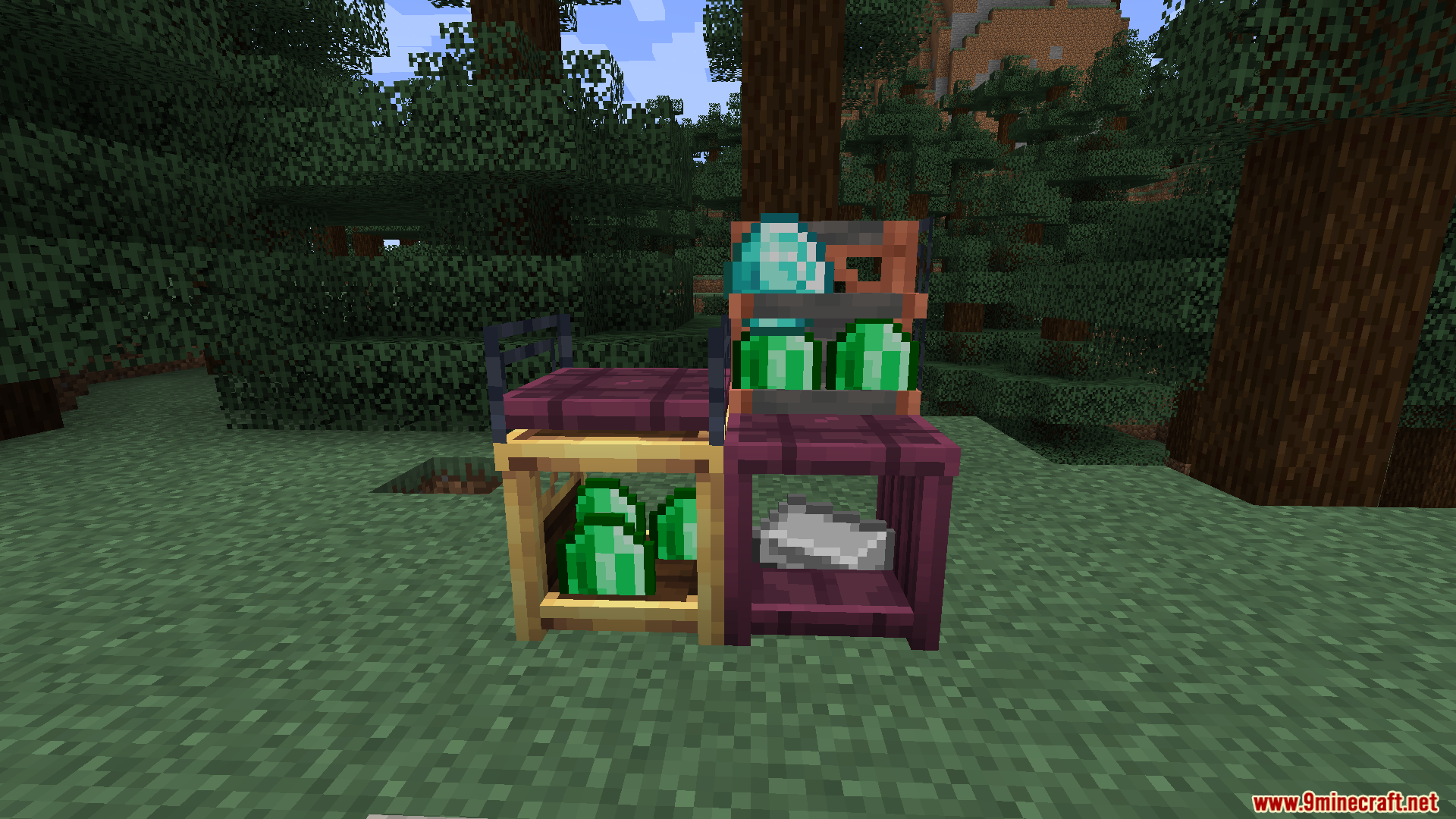
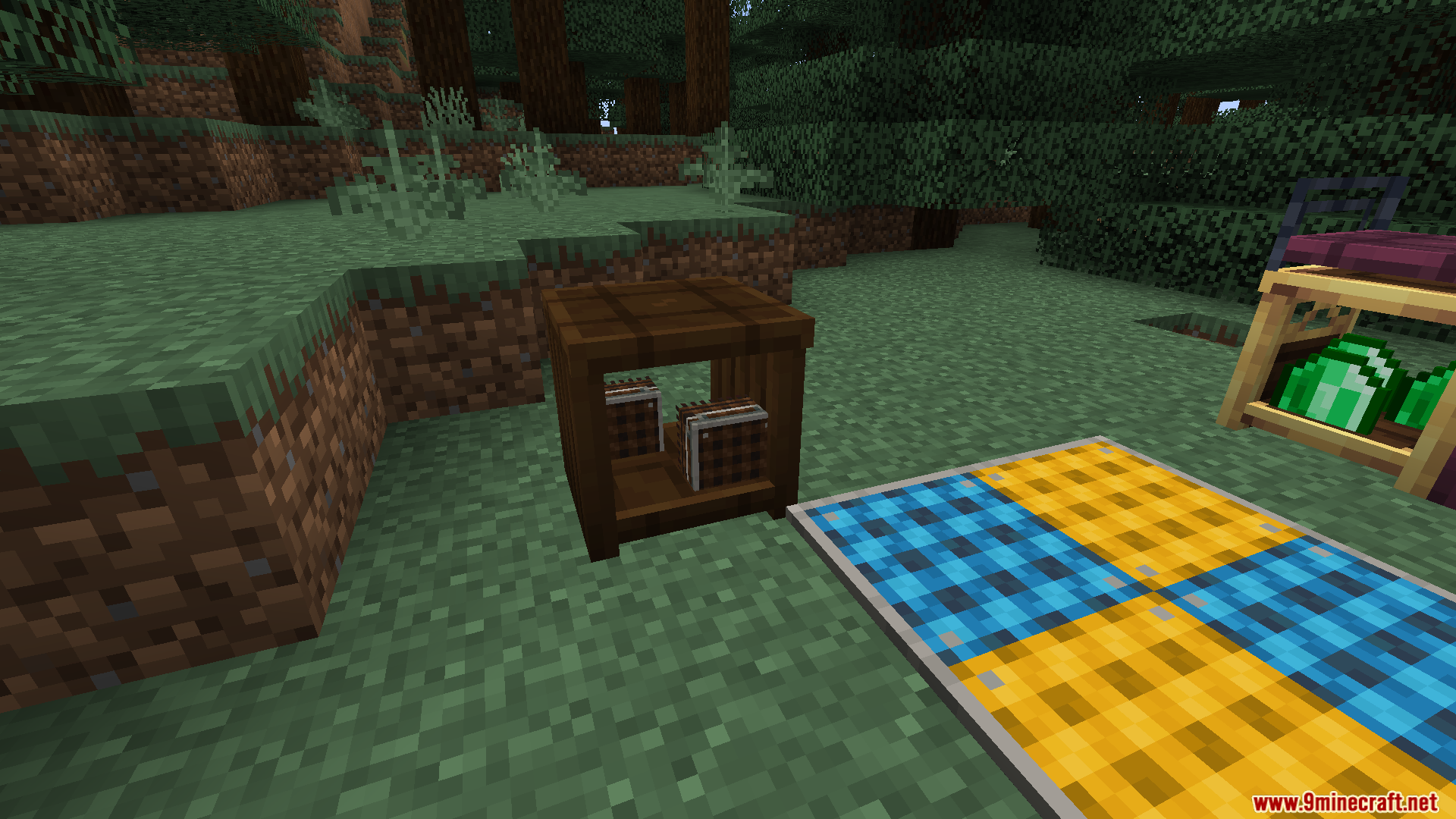
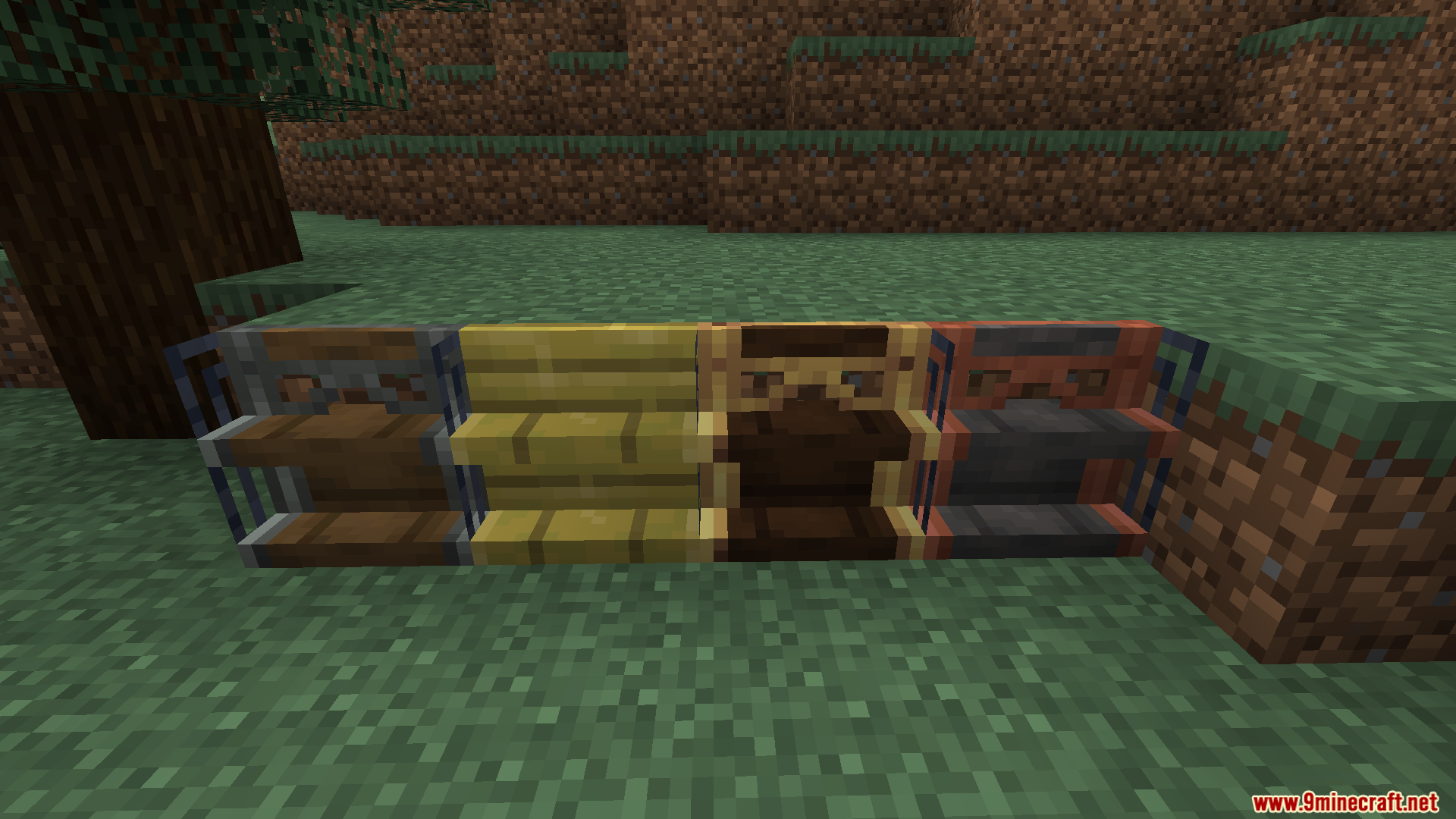
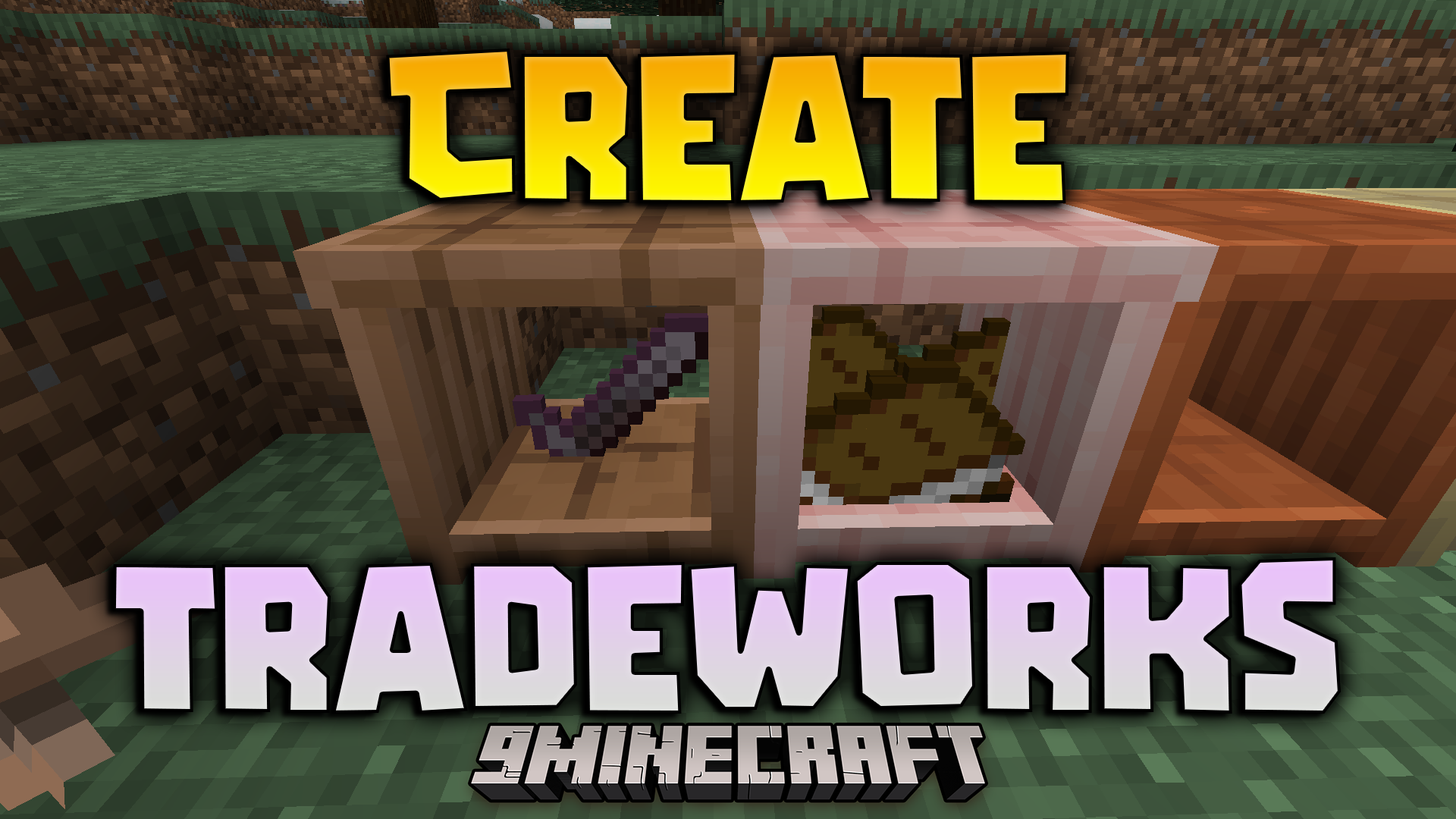
Create Tradeworks Mod adds new decorative table cloths and shelves to your game. It gives you more ways to show off items without stacking blocks on top of each other. You get different shapes and styles to build nice shops or storage areas. The mod also includes industrial metal options and matches the designs of colored table cloths.
Features:
Storage Options:
- Wooden Shelves: Store items in vertical boxes instead of placing table cloths on top of each other.
- Metal Shelves: Brings an industrial look to your vertical storage spaces.
- Side Shelves: Lets you build custom marketplace stalls to display your goods.
Table Cloths & Extras:
- Changes the design of colored table cloths so they all share the same inverted pattern.
- Adds a standard black table cloth to match the regular colored ones.
- Works alongside Everycompat to give you shelves in all your favorite wood types.
Screenshots:
Create Tradeworks Mod Download Links
Quick facts
- Edition: Minecraft Java
- File type: .jar
- Minecraft versions listed: 1.21.1, 1.20.1
- How to install: Install the matching mod loader (Forge, Fabric or NeoForge) for your Minecraft version. → Download the .jar. → Put it in the .minecraft/mods folder and launch that loader profile.
- Where to get it: In MC Java Mods, or directly above on this page.
Install steps are the general flow for this file type — How to install Minecraft Java mods & modpacks walks through it step by step.
Create Tradeworks Mod (1.21.1, 1.20.1) – Display Your Goods is a free Minecraft Java mod. Compatible with Minecraft 1.21.1, 1.20.1. Download it and open it directly in the game.