
Jukebox Looping
Java mod listed for Minecraft 26.x. Downloads from the MC Java Mods app on Android.
I don't know my version or loader
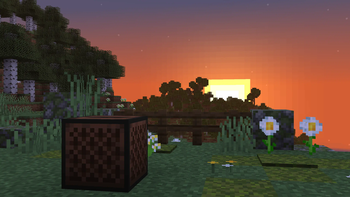

Jukebox Looping

Changes Jukeboxes so that when a disc finishes playing, instead of just stopping, the song loops.
The mod doesn't need to be installed client-side, it works fine when installed only on the server.
Jukeboxes won't loop if they're placed above a block entity. This allows redstone contraptions that use discs, such as disc shufflers, to continue working. Since hoppers are block entities, songs won't loop, and any creation using them can simply take the disc out as normal.
This can also be used to make non-looping jukeboxes if you need to; simply place the jukebox above a block entity that won't interact with it (e.g. Barrels) and the song won't loop.
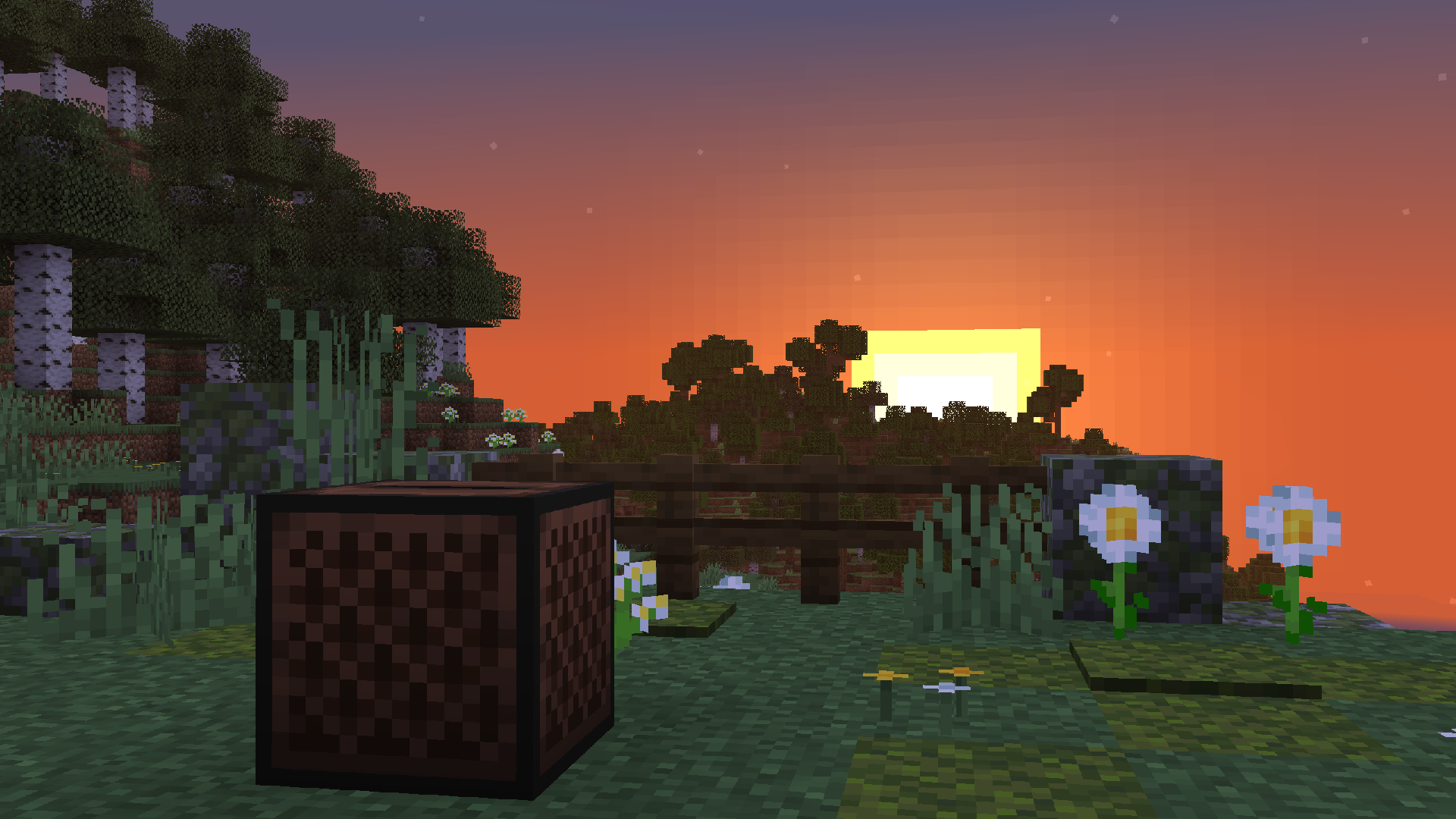
- Edition: Minecraft Java
- File type: .jar
- Minecraft versions listed: 26.1, 26.1.1, 26.1.2
- How to install: Install the matching mod loader (Forge, Fabric or NeoForge) for your Minecraft version. → Download the .jar. → Put it in the .minecraft/mods folder and launch that loader profile.
- Where to get it: Opens on Modrinth — not every file is mirrored on our own servers.
Install steps are the general flow for this file type — How to install Minecraft Java mods & modpacks walks through it step by step.
- Ships as jukebox_looping-1.1.2+26.1+B.jar — drop this file into the mods folder
- Download size: 8 KB
- Download link checked 10 Oct 2026 — working
These come from our own check of the pack file, not from the source page.