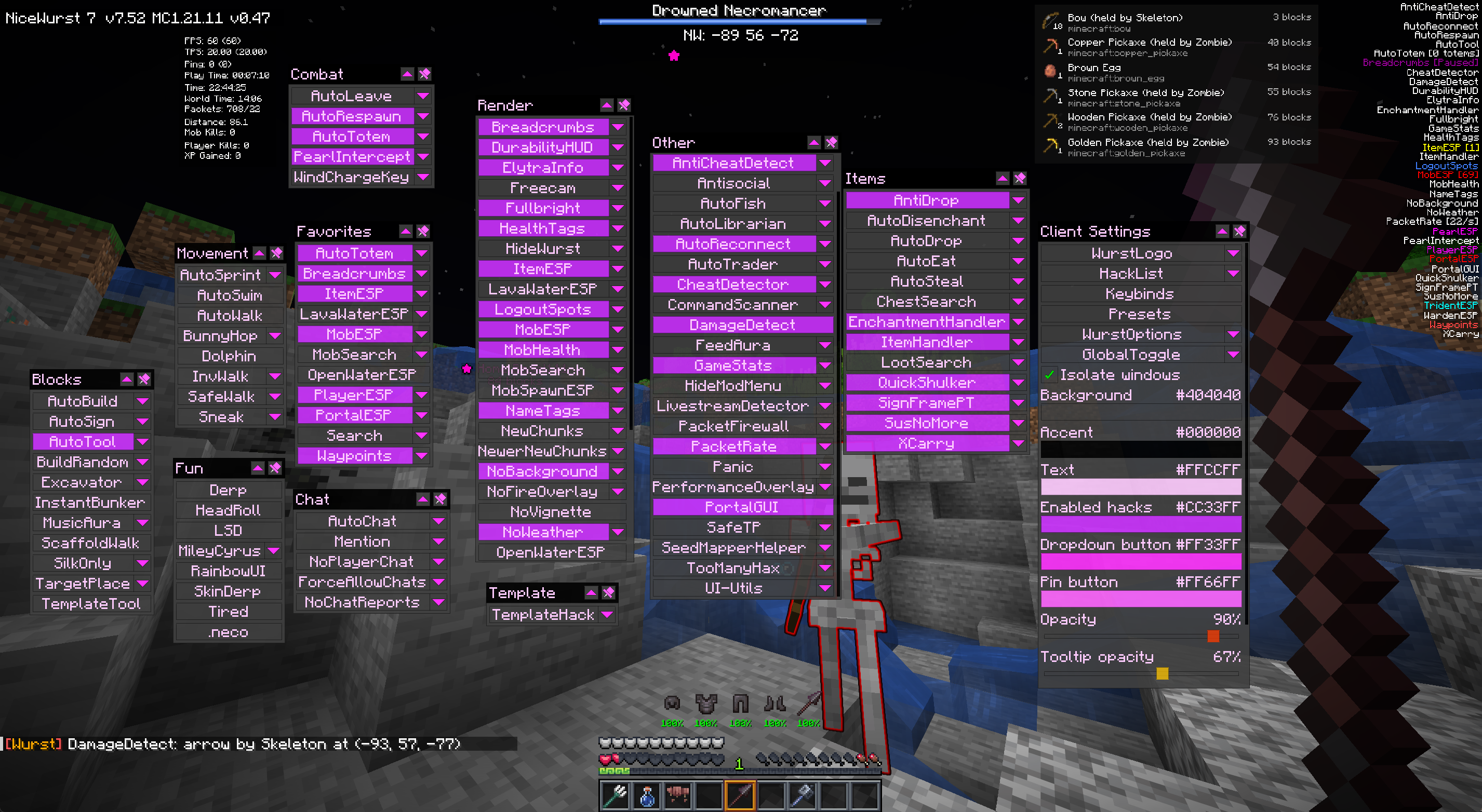
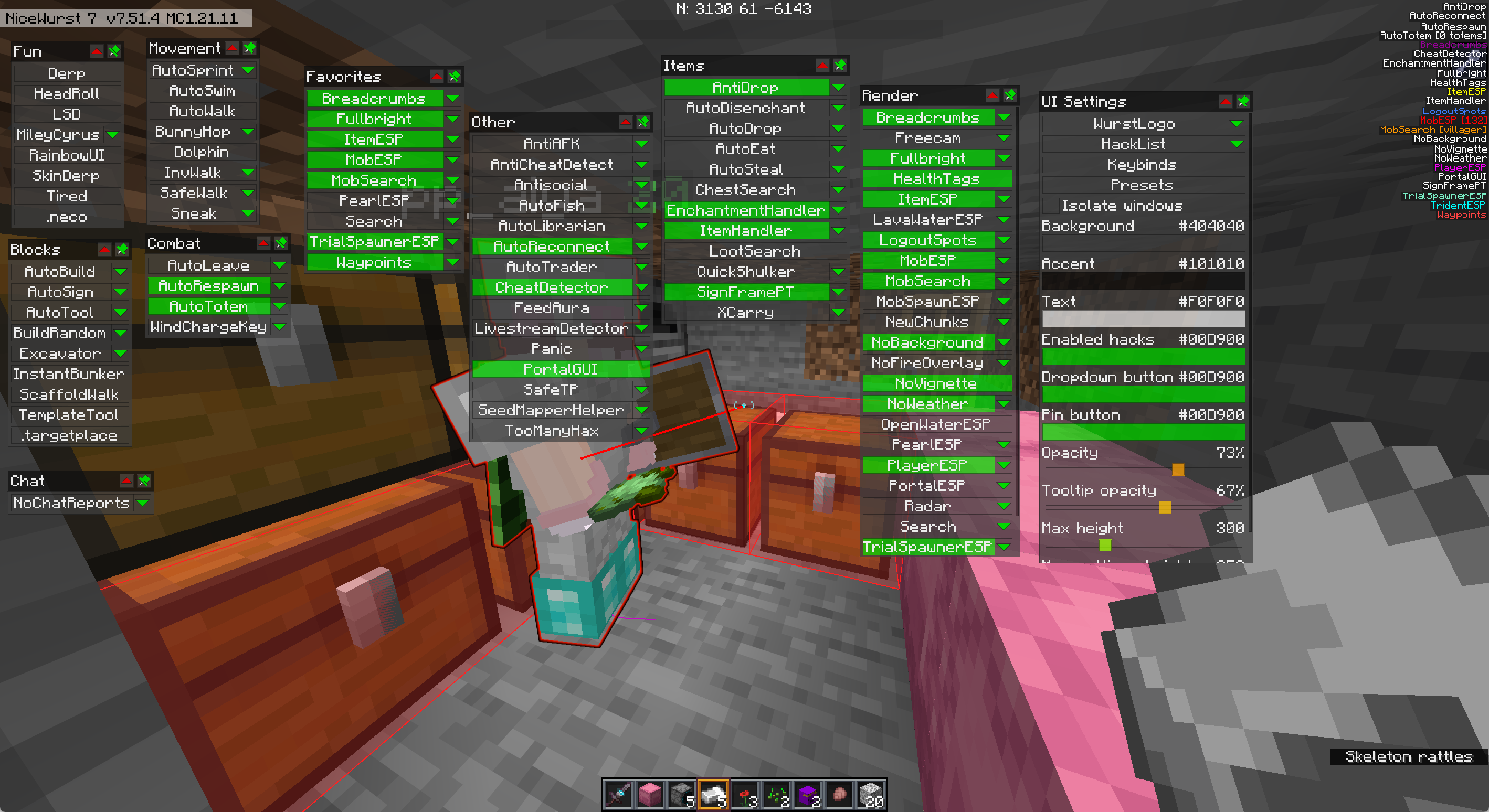
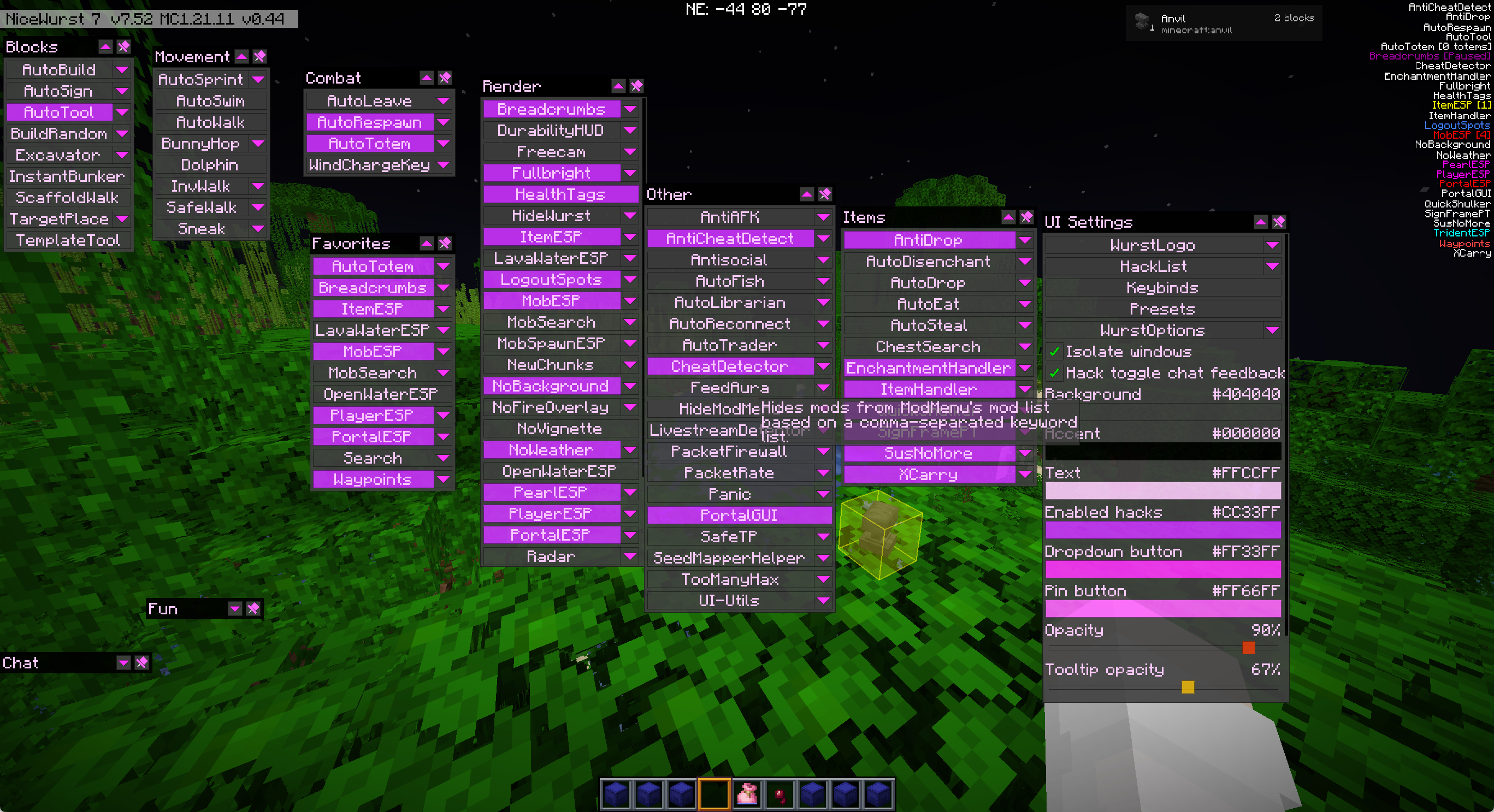
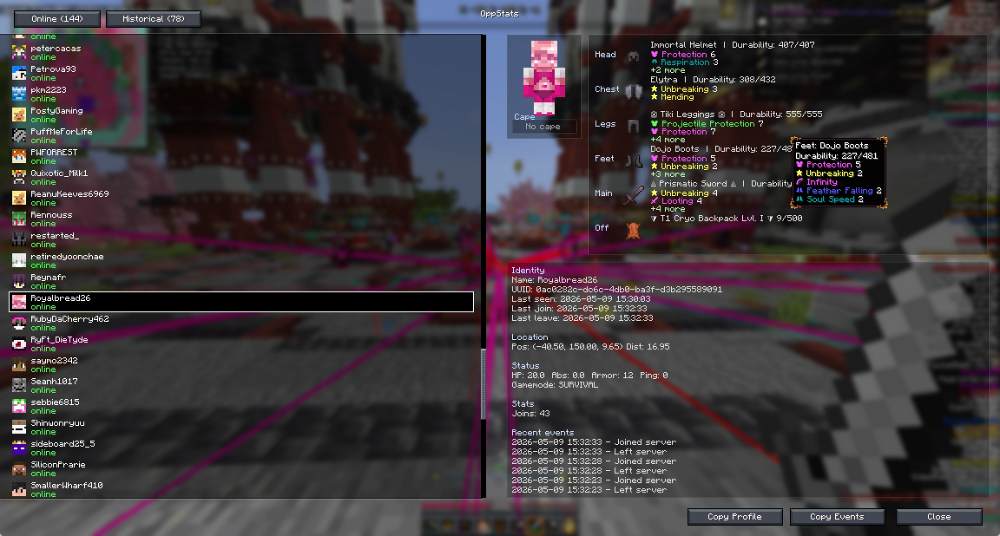
NiceWurst Mod gives you a huge collection of helpful tools for your survival world without any unfair cheats. It takes the best building, movement, and screen features from a popular utility client and makes them safe for regular play. You get tools to build faster, see your items clearly, and move around easily while keeping the game fair for everyone else on the server.
Features:
- Fair Play: Removes all unfair wall-hacks and cheats so you can play on regular servers safely.
- Safe Configs: Saves your settings in a separate folder so they do not mix up with other mods.
- Stops you from seeing through solid walls to keep exploration fair and fun.
Building and Mining Tools:
- Automatically builds structures for you after you place the very first block.
- Switches to the fastest pickaxe, shovel, or axe in your hotbar the moment you start breaking a block.
- Builds a small, safe bunker around you instantly if you have enough blocks in your inventory.
- Places blocks right under your feet as you walk so you never fall off edges while making a bridge.
Movement Upgrades:
- Keeps you sprinting forward without needing to hold down the sprint button.
- Makes you jump repeatedly to keep your speed up while running.
- Lets you walk around safely even while you have your inventory menu open.
- Stops you from walking off steep cliffs or high ledges by accident.
Screen and Vision:
- Turns up the brightness to the maximum level so you can see clearly in dark caves.
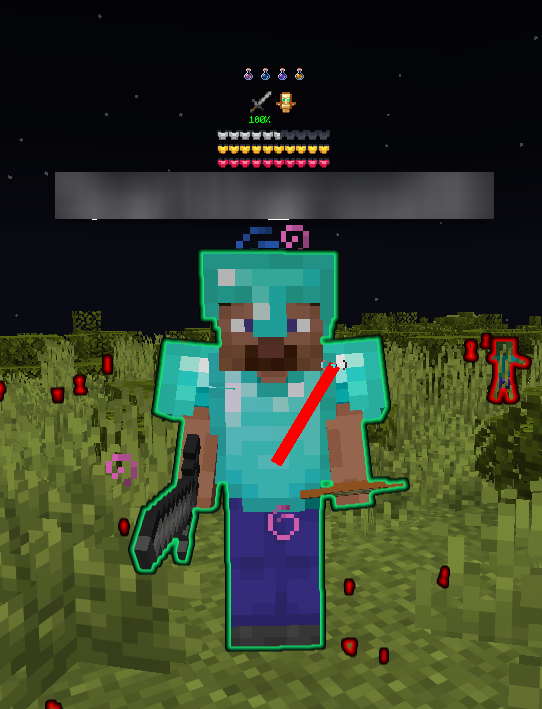
- Shows exactly how much health other players and mobs have right above their heads.
- Draws a bright outline around dropped items, water, and lava so you can spot them easily.
- Leaves a visible trail behind you so you can always find your way back home.
How to Use:
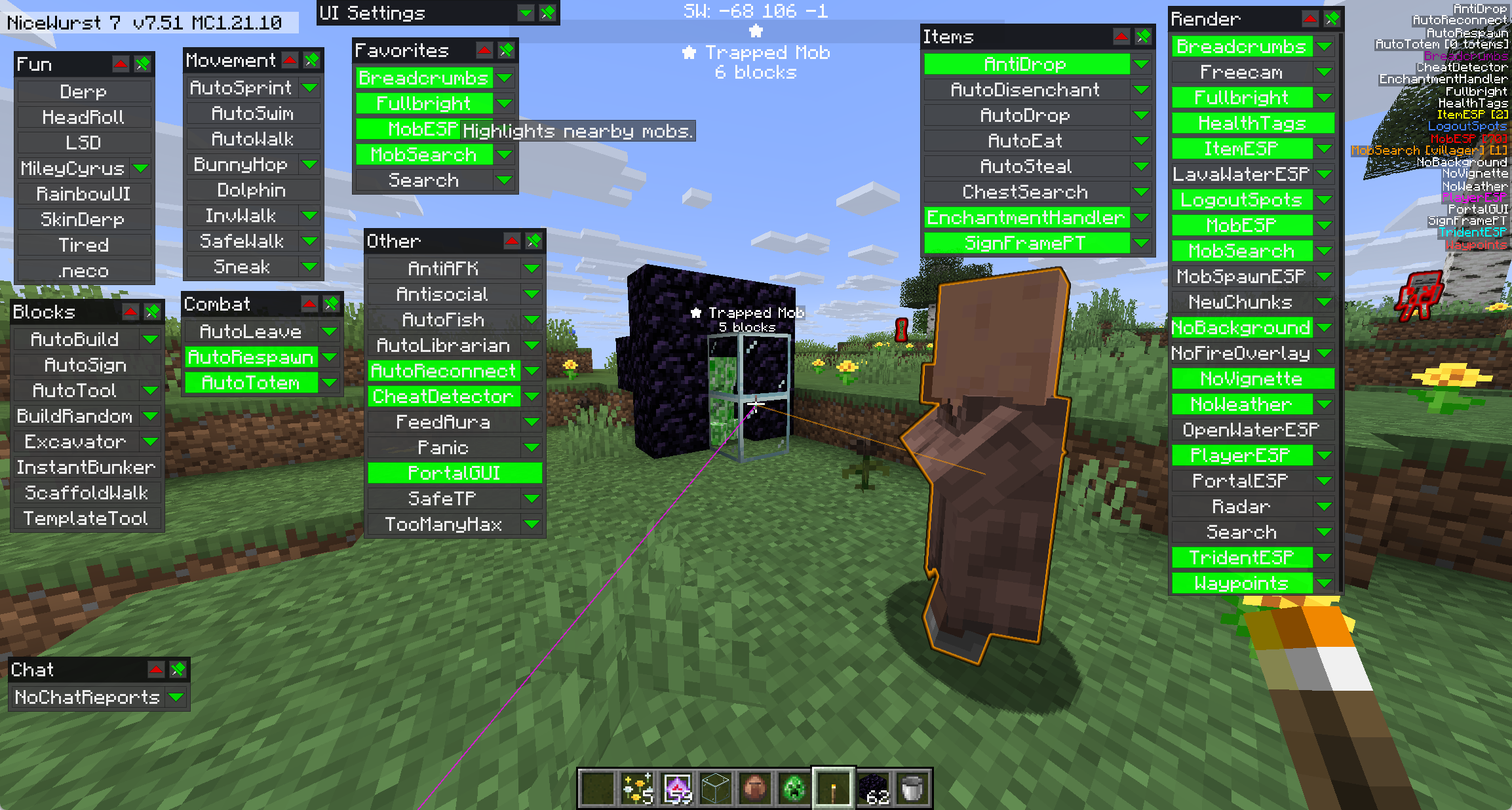
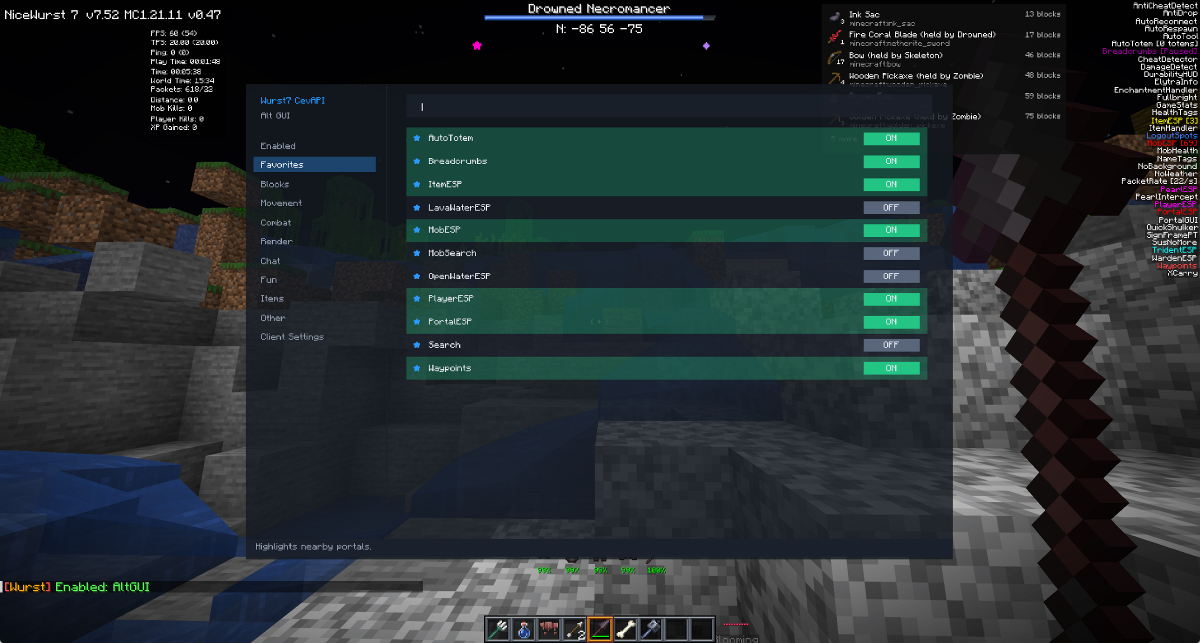
- Press the menu key to open the main click screen.
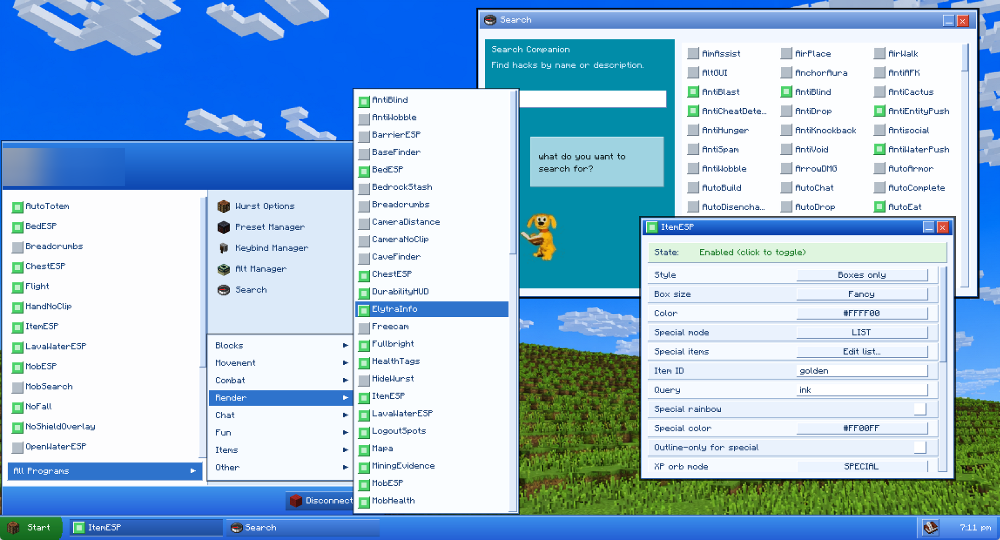
- Click on different categories like Blocks, Movement, or Render to find the tools you want.
- Click on any tool’s name to turn it on or off right away.
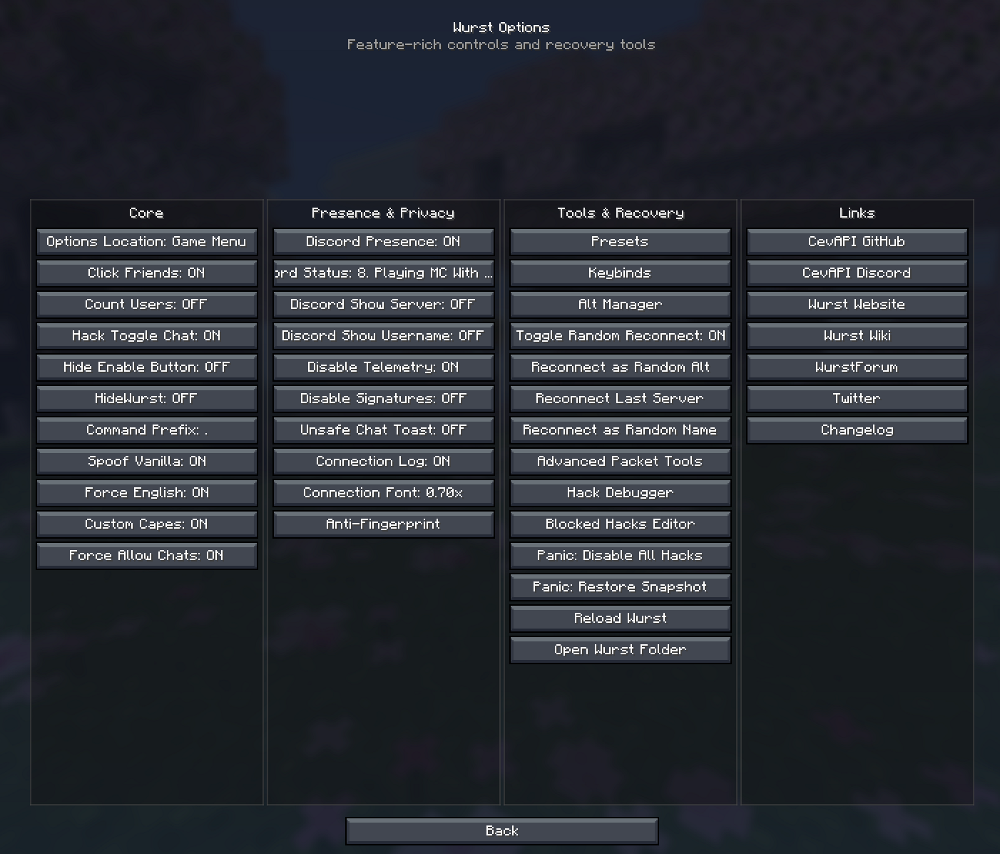
- Check the new folder in your game files to find and change your saved settings.
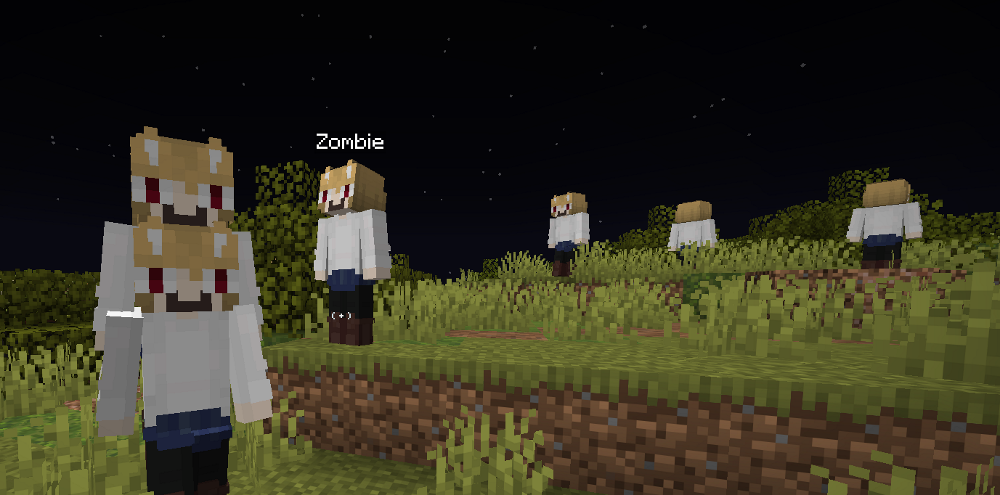
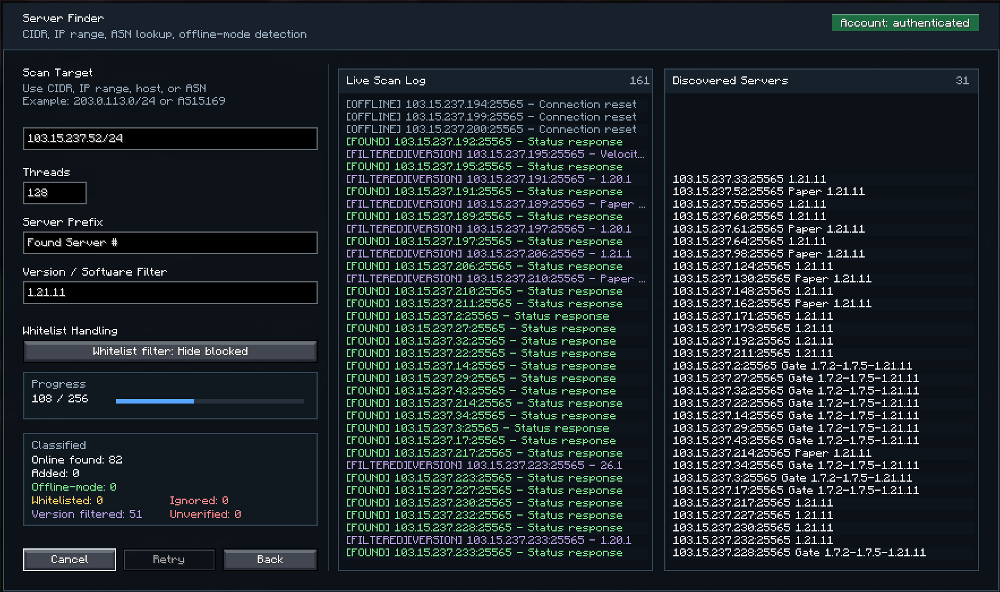
Screenshots:
NiceWurst Mod Download Links
Quick facts
- Edition: Minecraft Java
- File type: .jar
- Minecraft version listed: 1.21.1
- How to install: Install the matching mod loader (Forge, Fabric or NeoForge) for your Minecraft version. → Download the .jar. → Put it in the .minecraft/mods folder and launch that loader profile.
- Where to get it: In MC Java Mods, or directly above on this page.
Install steps are the general flow for this file type — How to install Minecraft Java mods & modpacks walks through it step by step.
Verified by MCModsHub
- Downloads as 25892.mcaddon
- Download size: 21.3 MB
- Download link checked 22 Sept 2026 — working
- Mirrored on our own servers — the download does not depend on the original host
These come from our own check of the pack file, not from the source page.