Home›Java›Mods›UI-Utils Advanced Mod (1.21.11, 1.21.1) – Take Full Control of Multiplayer Server Menus
ModsJava
UI-Utils Advanced Mod (1.21.11, 1.21.1) – Take Full Control of Multiplayer Server Menus
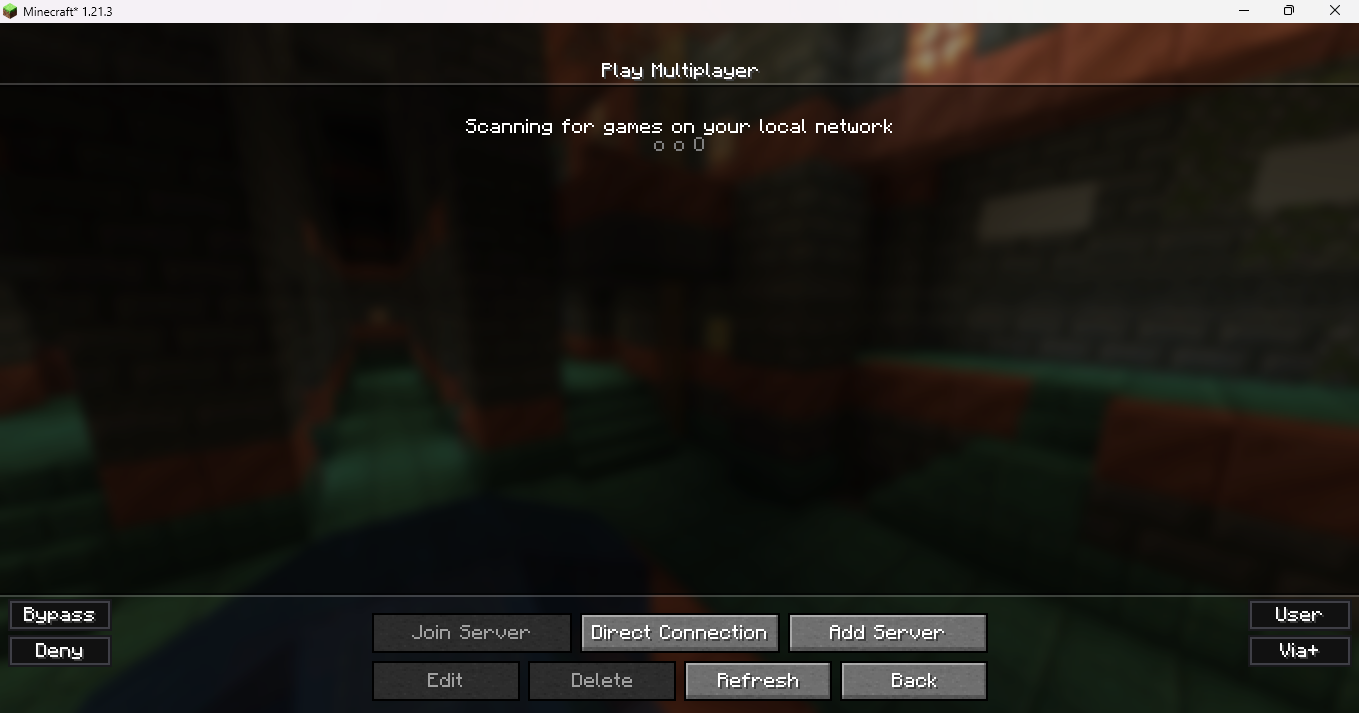
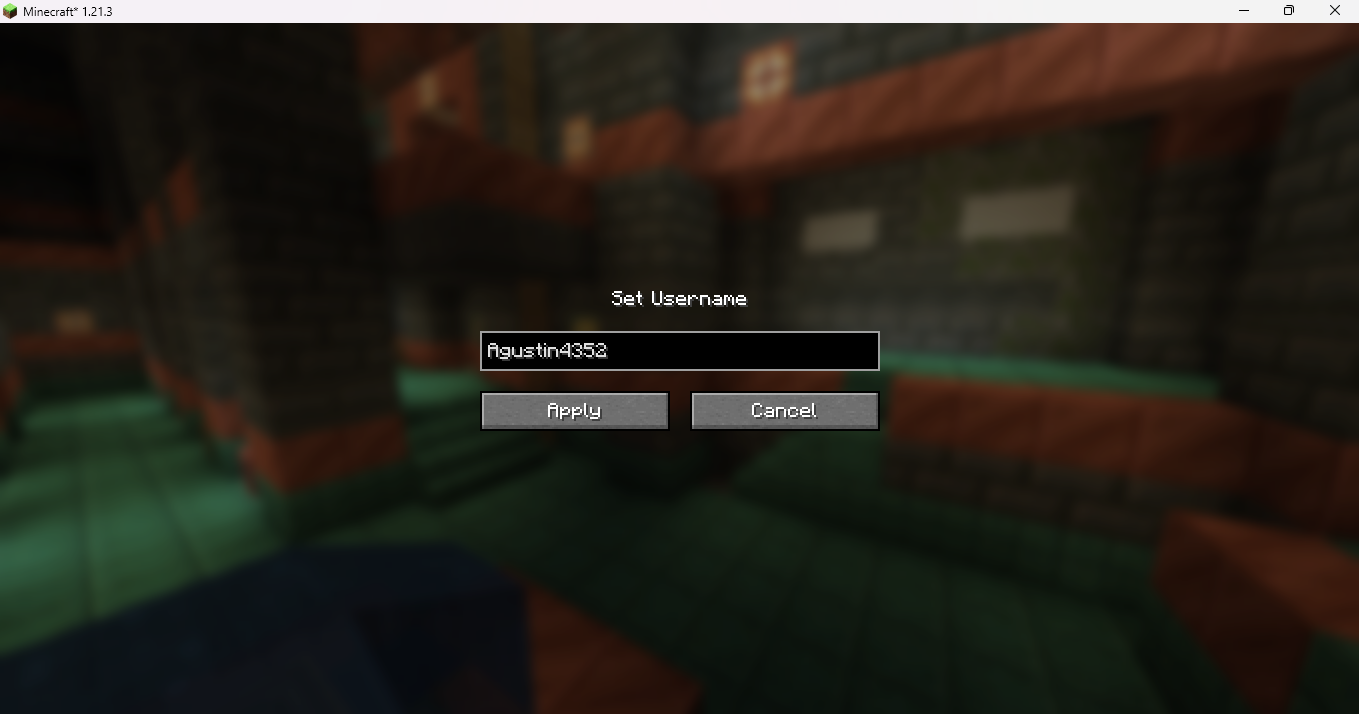
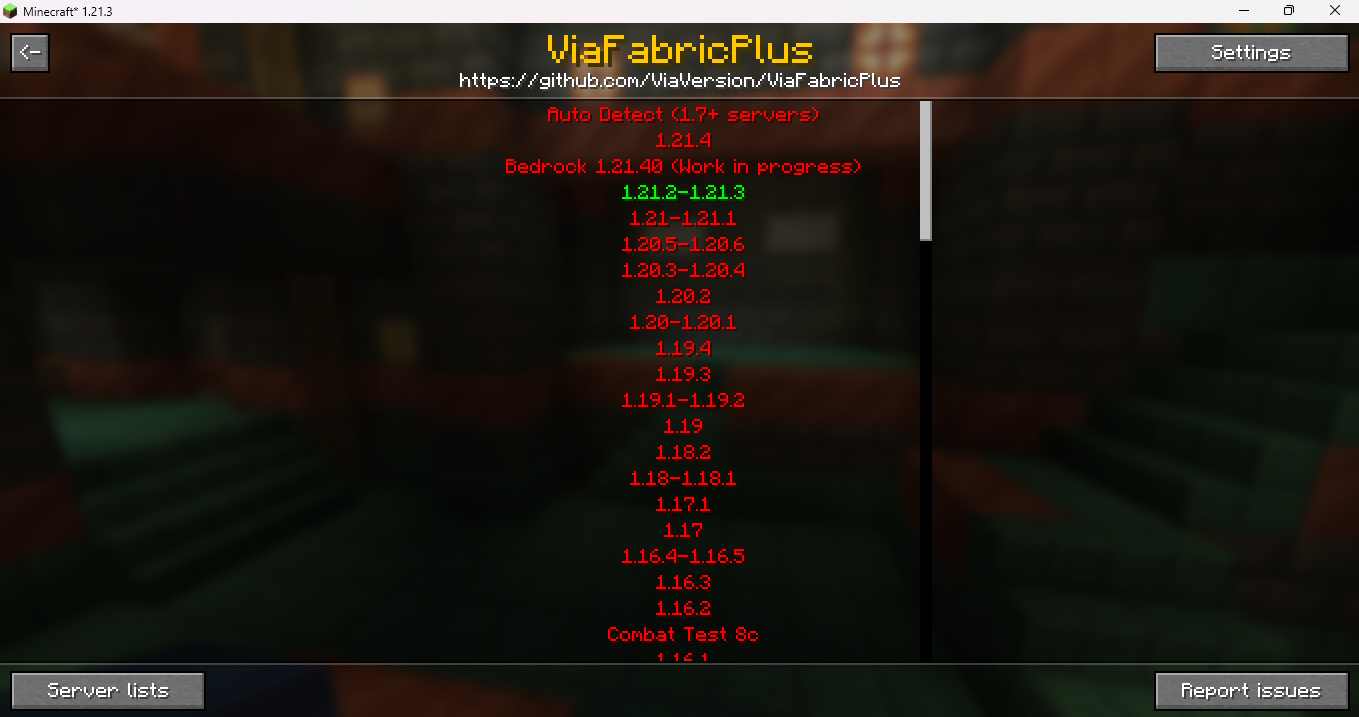
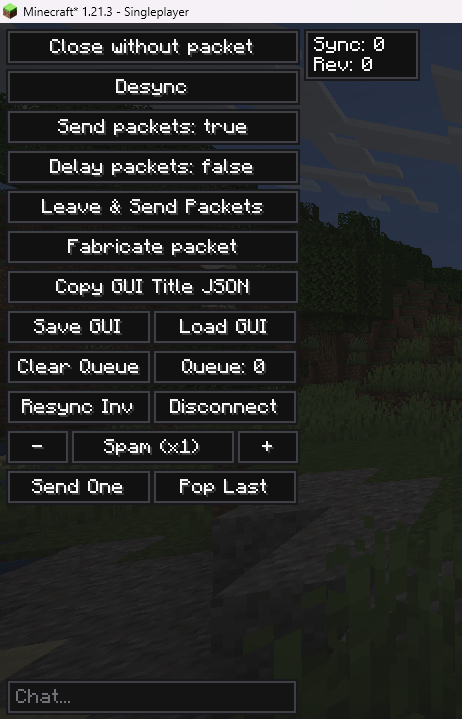
UI-Utils Advanced Mod gives you powerful tools to test and check how server menus work. It opens a special menu on your screen where you can control the data sent to the server. You can delay your clicks, save menu screens, or even change your username for a short time. This tool helps players find bugs or see exactly what happens behind the scenes when playing on a multiplayer server.
Features:
- Inventory Overlay: Adds a new panel to the left side of your screen whenever you open a chest or menu.
- Packet Control: Lets you delay, spam, or stop sending your click actions to the server completely.
- Shows important hidden details like the sync ID and revision numbers for the current menu you have open.
- Allows you to close a menu on your screen while the server still thinks you have it open.
- Includes a small chat box inside every menu so you can type messages or commands without closing it.
- Adds buttons to the multiplayer server list to skip or block server resource packs.
- Lets you change your username or UUID temporarily until you close the game.
- Opens an external window to build custom click actions, though this part does not work on Mac computers.
Commands:
,help– Shows a list of all available commands.,toggleuiutils– Turns the overlay panel on or off.,math [expression]– Solves math problems directly in the chat box.,plugins– Scans the server to find hidden plugins and anti-cheats.,vclip [number]– Teleports you up or down by a specific number of blocks.,hclip [number]– Teleports you forward in the direction you are looking.
How to Use:
- Open your normal inventory to see the new control panel on the left side of the screen.
- Look at the top right of the panel to see the current menu’s sync details.
- Click the toggle buttons to choose if your clicks are sent right away or stored in a delay queue.
- Use the chat box at the bottom left of the menu to type messages starting with a comma to run special commands.
- Press V to quickly load a menu screen you saved earlier into memory.
Screenshots:
UI-Utils Advanced Mod Download Links
Quick facts
- Edition: Minecraft Java
- File type: .jar
- Minecraft versions listed: 1.21.11, 1.21.1
- How to install: Install the matching mod loader (Forge, Fabric or NeoForge) for your Minecraft version. → Download the .jar. → Put it in the .minecraft/mods folder and launch that loader profile.
- Where to get it: In MC Java Mods, or directly above on this page.
Install steps are the general flow for this file type — How to install Minecraft Java mods & modpacks walks through it step by step.
Verified by MCModsHub
- Downloads as 25893.mcaddon
- Download size: 2.4 MB
- Download link checked 25 Sept 2026 — working
- Mirrored on our own servers — the download does not depend on the original host
These come from our own check of the pack file, not from the source page.