Compact Storage Mod (26.2, 1.20.1) – Carry Everything You Find
Java mod listed for Minecraft 1.20. Downloads from the MC Java Mods app on Android.
⬇ Download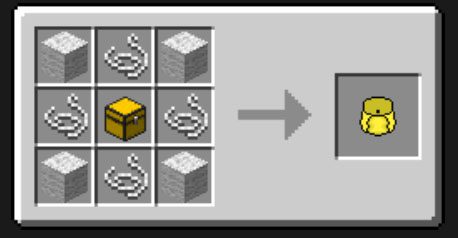
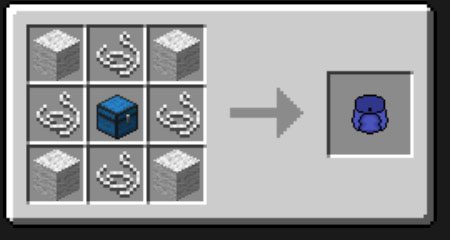
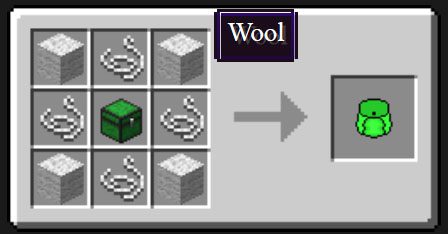
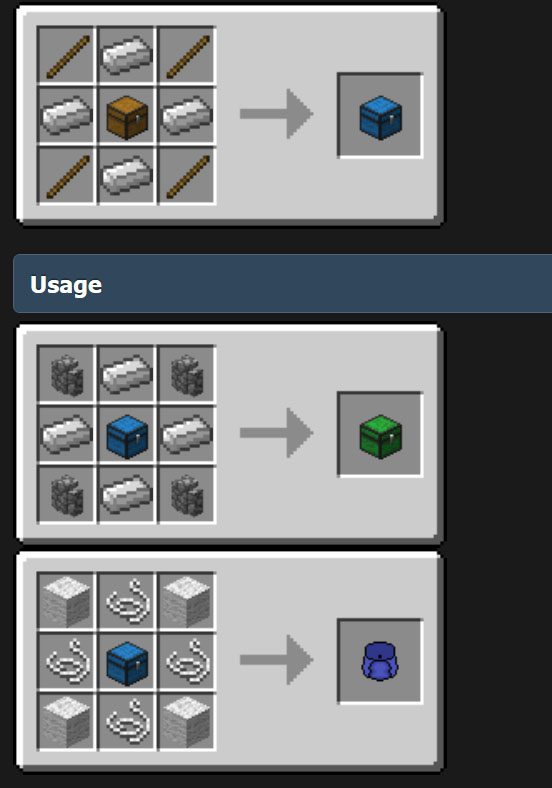
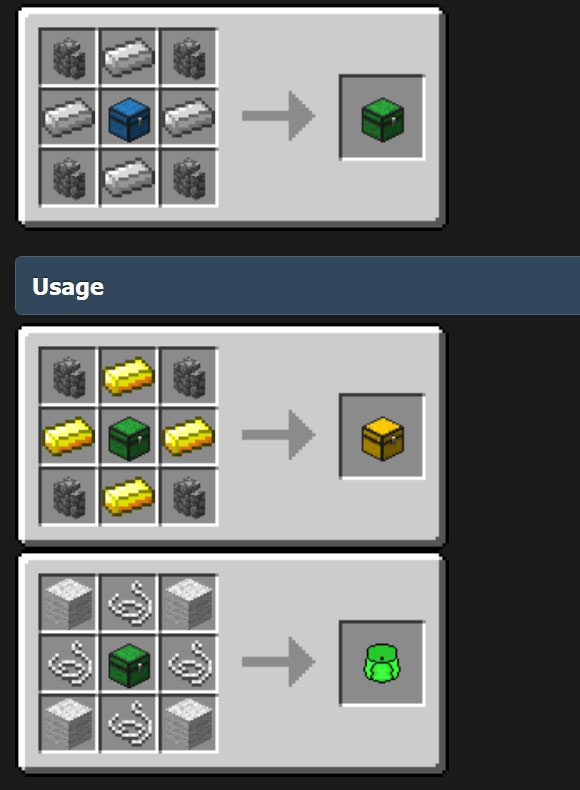
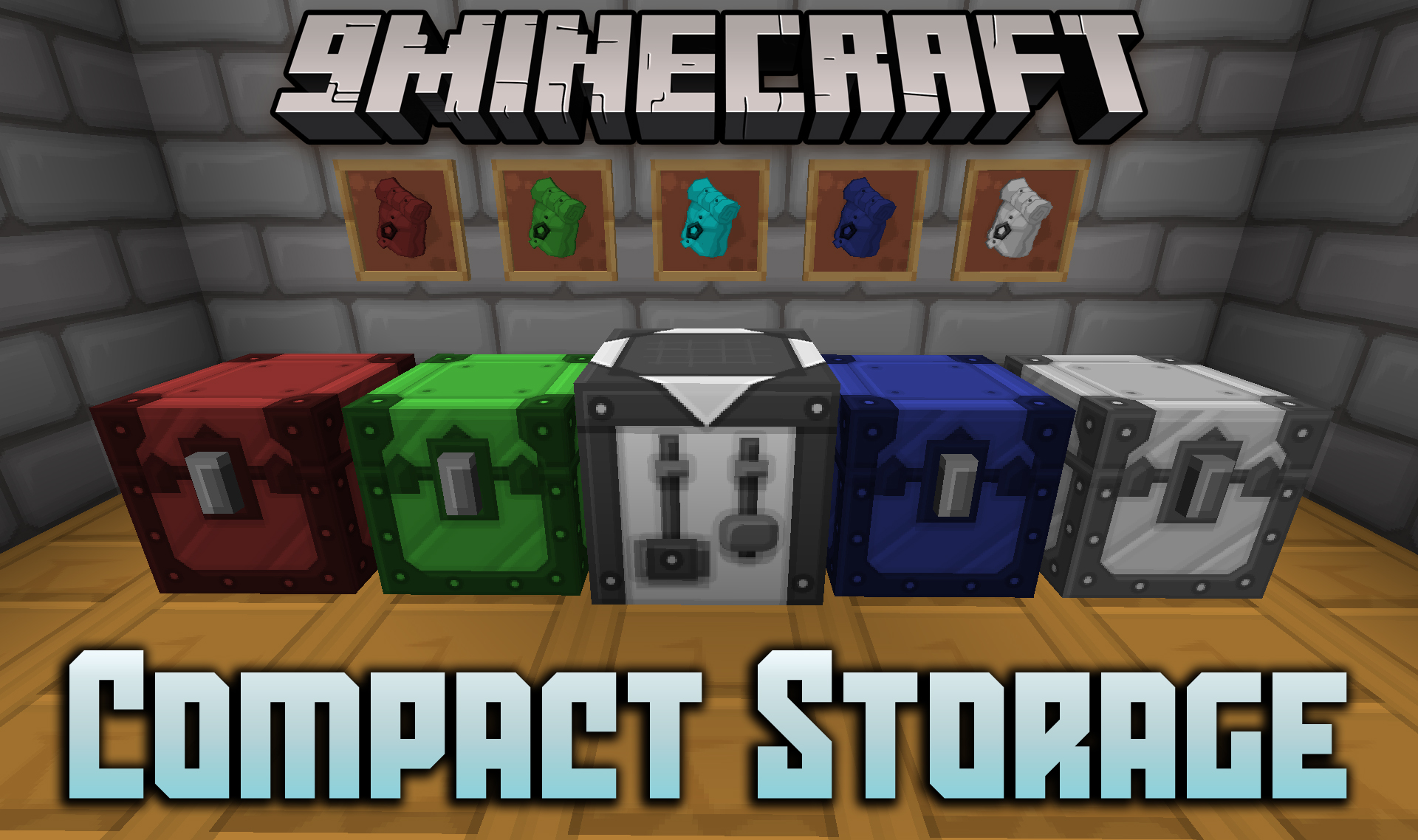
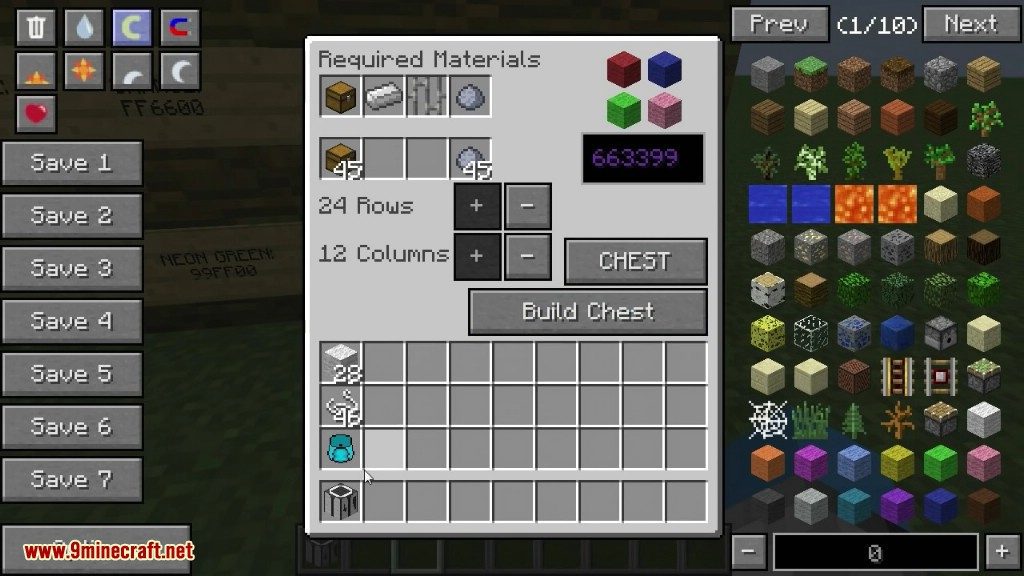
Compact Storage Mod adds an upgrade-based storage system to save space in your base. It provides chests, barrels, and backpacks that you can expand to hold more items. You can upgrade their size up to a massive 24×12 slots. The mod also includes special Drums for storing large quantities of a single type of item.
Features:
Storage Options
- Upgradable Chests & Barrels: Start with a 9×6 inventory and can be expanded up to 24×12 slots.
- Portable Backpacks: Carry a large number of items with you. These are also upgradable to the same maximum size as chests.
- Single-Item Drums: Store up to 64 stacks of one specific item, like cobblestone or dirt.
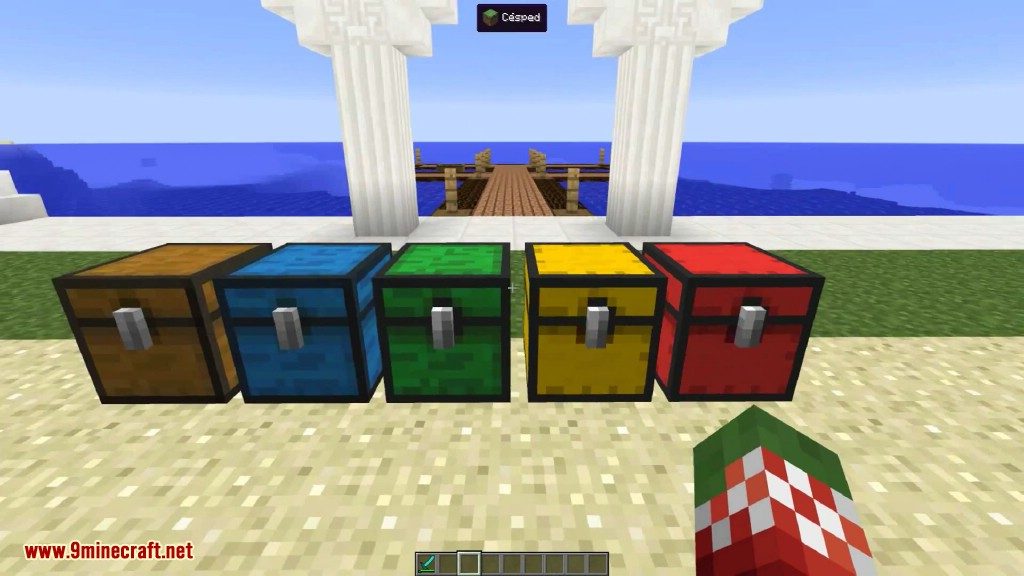
- Wooden Varieties: Craft wooden versions of the compact chests and barrels for a more rustic look.
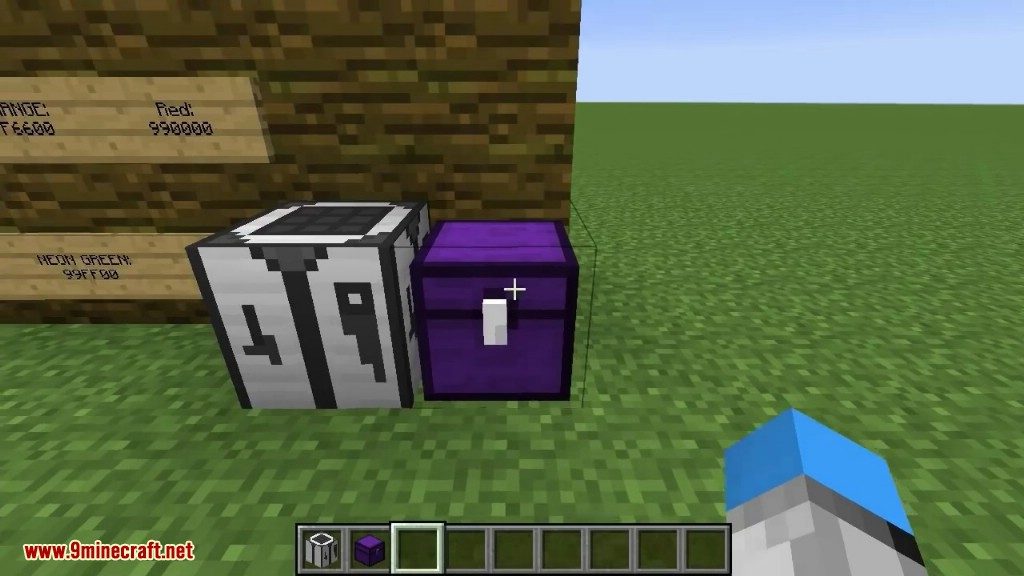
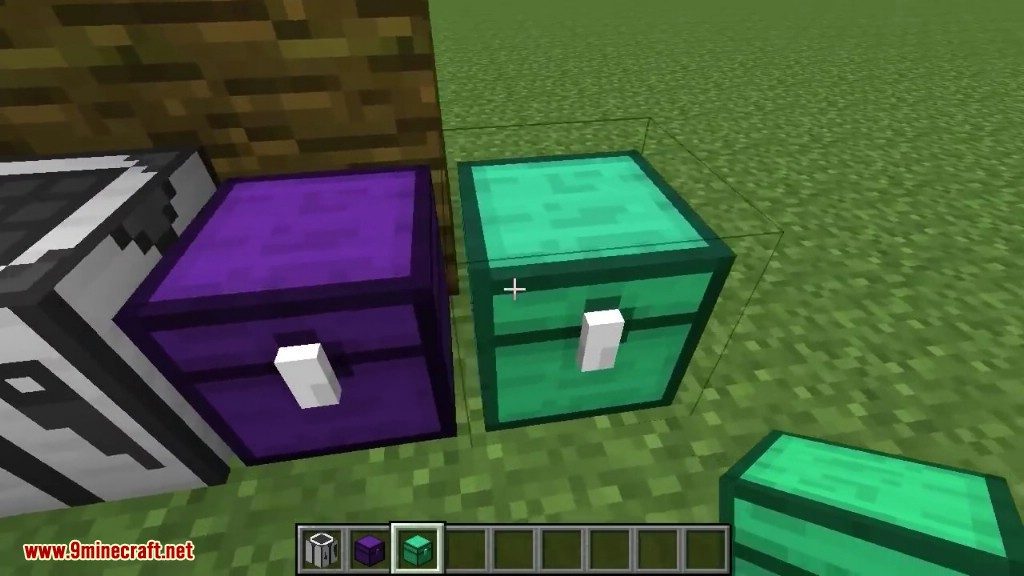
- Dyeable Storage: Change the color of iron chests and barrels by right-clicking them with dye.
- Worn backpacks are visible on your player model.
Upgrades
- Width & Height Upgrades: Increase the number of columns and rows in your chests, barrels, and backpacks.
- Retaining Upgrade: Apply this to a storage block so it keeps all its items inside when you break it.
How to Use:
- To upgrade a Chest or Barrel, simply right-click it with a Height or Width Upgrade in your hand.
- To upgrade a Backpack, hold the upgrade item in your off-hand and right-click.
- To use a Drum, right-click it to add items from the stack in your hand. Punch or shift-click the Drum to take items out.
- To change the color of an iron chest or barrel, right-click it with any dye.
Crafting Recipes:
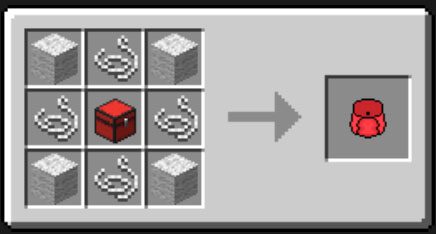
Quadruple Backpack
The Quadruple Backpack is a storage item added by the CompactStorage mod. It is a portable version of the Quadruple Chest which can be carried around by the player. When activated, right-clicking will open the storage. This backpack has a total of 108 available slots.
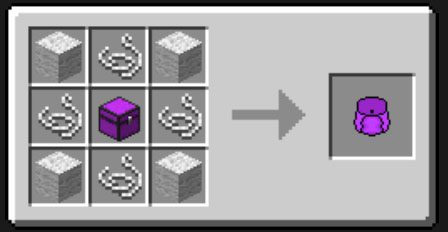
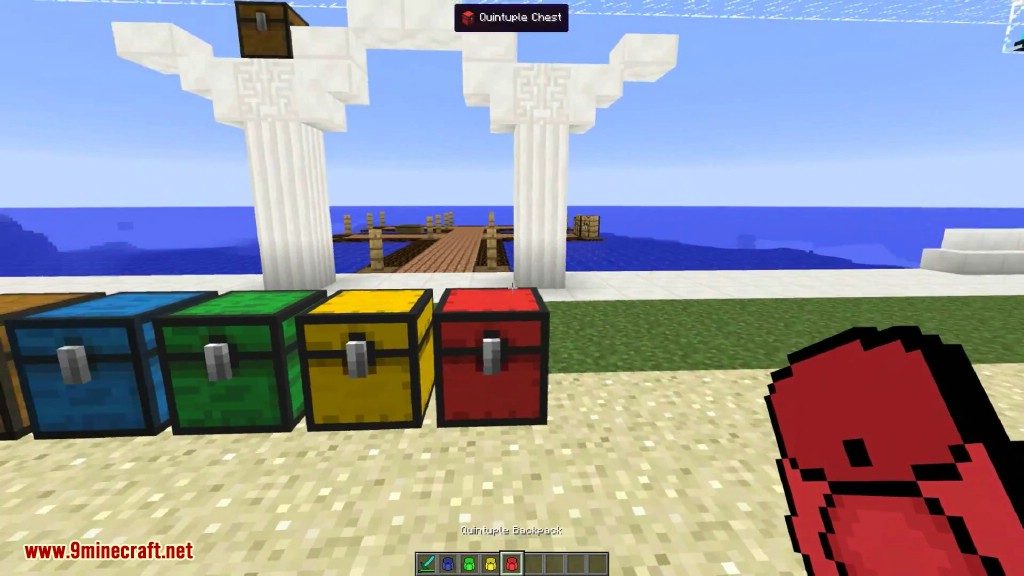
Quintuple Backpack
The Quintuple Backpack is a storage item added by the CompactStorage mod. It is a portable version of the Quintuple Chest which can be carried around by the player. When activated, right-clicking will open the storage. This backpack has a total of 135 available slots.
Sextuple Backpack
The Sextuple Backpack is a storage item added by the CompactStorage mod. It is a portable version of the Sextuple Chest which can be carried around by the player. When activated, right-clicking will open the storage. This backpack has a total of 153 available slots.
Double Backpack
The Double Backpack is a storage item added by the CompactStorage mod. It is a portable version of the Double Chest which can be carried around by the player. When activated, right-clicking will open the storage. This backpack has a total of 54 available slots.
Triple Backpack
The Triple Backpack is a storage item added by the CompactStorage mod. It is a portable version of the Triple Chest which can be carried around by the player. When activated, right-clicking will open the storage. This backpack has a total of 81 available slots.
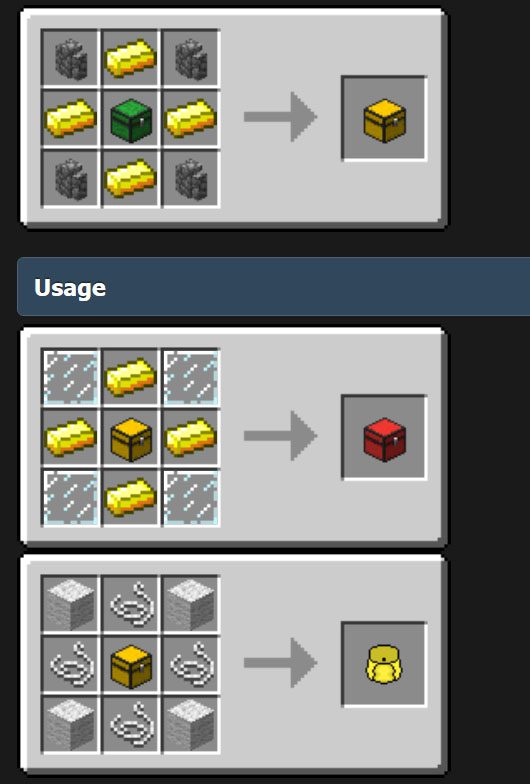
Double Chest
The Double Chest is a storage block added by the CompactStorage mod. It is an upgrade to the vanilla Chest which offers 54 storage slots, like a vanilla double chest, but in a single block.
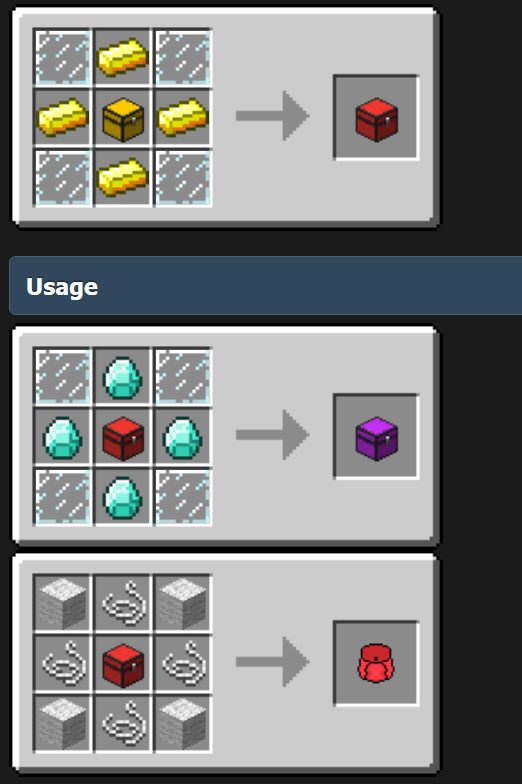
Triple Chest
The Triple Chest is a storage block added by the CompactStorage mod. It is an upgrade to the Double Chest which offers 81 storage slots.
Quadruple Chest
The Quadruple Chest is a storage block added by the CompactStorage mod. It is an upgrade to the Triple Chest which offers 108 storage slots.
Quintuple Chest
The Quintuple Chest is a storage block added by the CompactStorage mod. It is an upgrade to the Quadruple Chest which offers 135 storage slots.
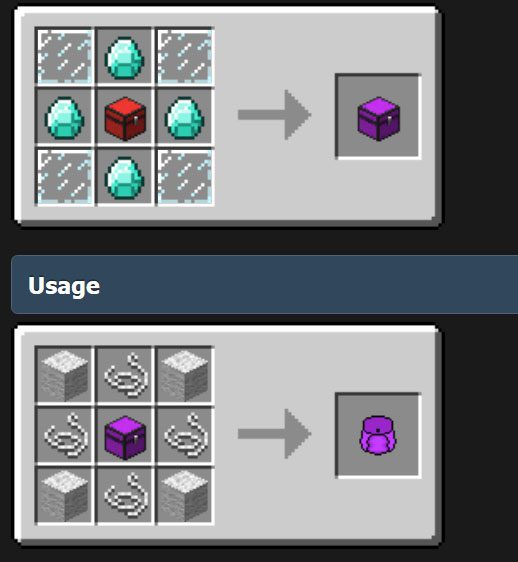
Sextuple Chest
The Sextuple Chest is a storage block added by the CompactStorage mod. It is an upgrade to the Quintuple Chest which offers 153 storage slots.
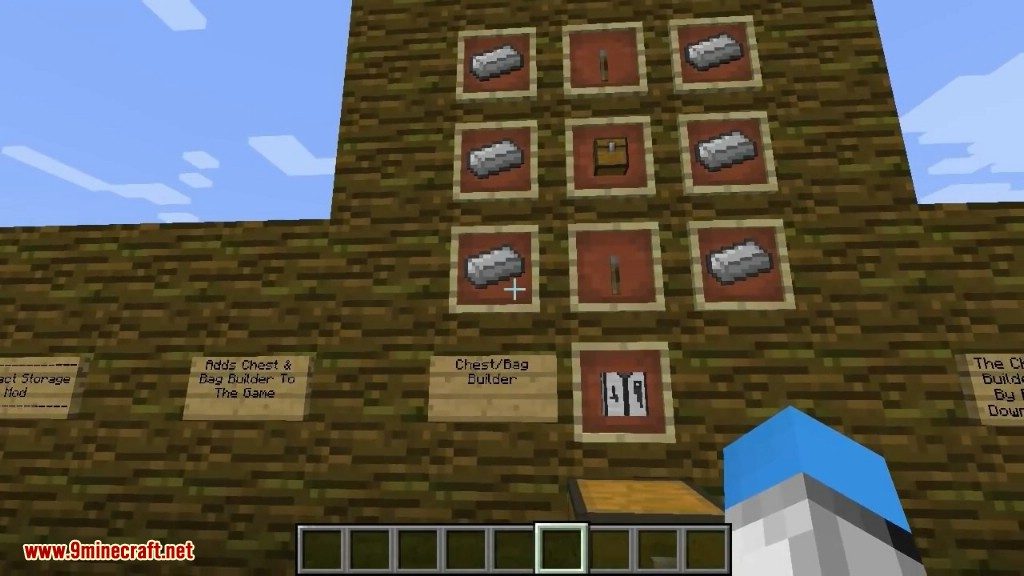
Screenshots:
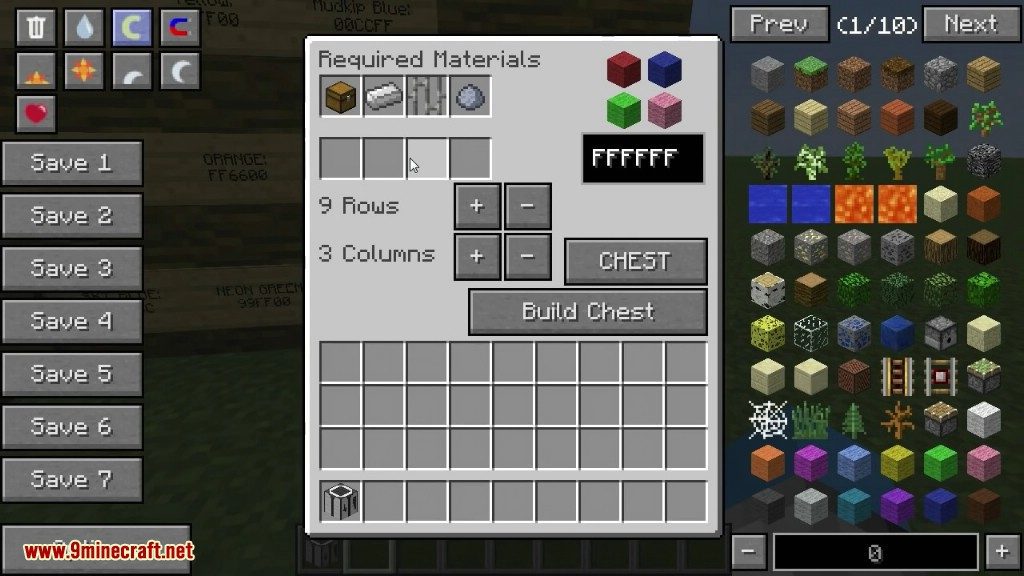
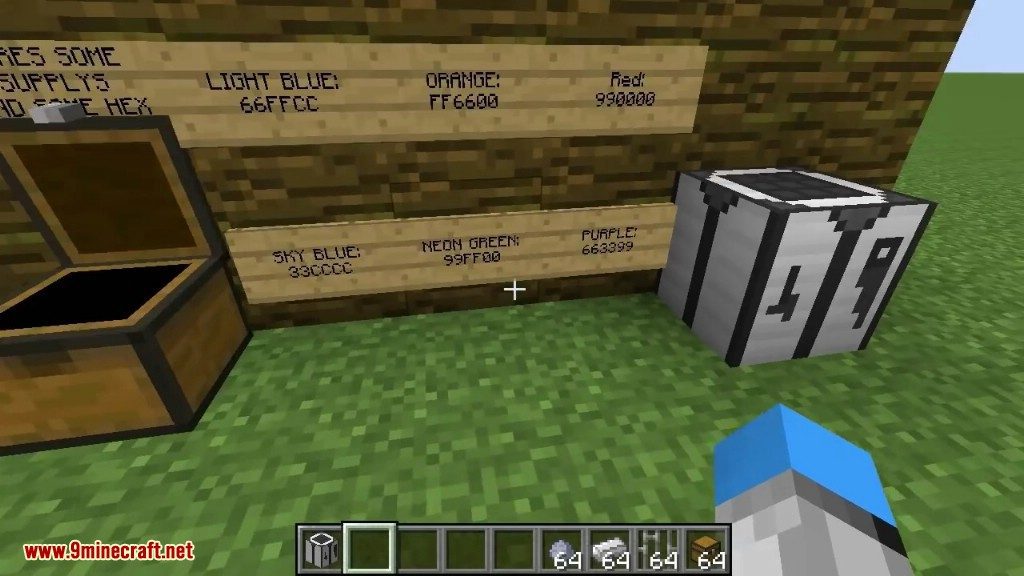
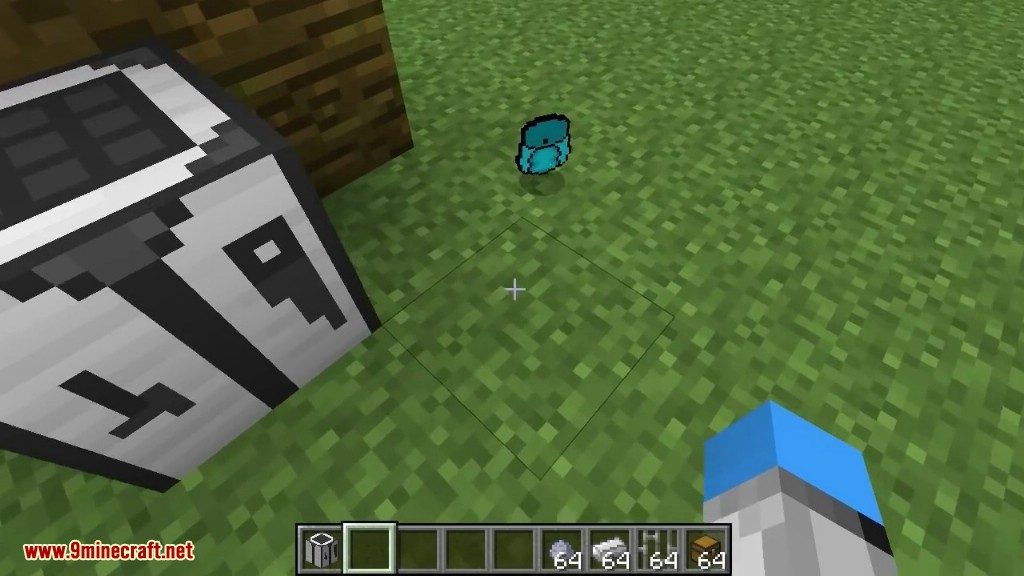
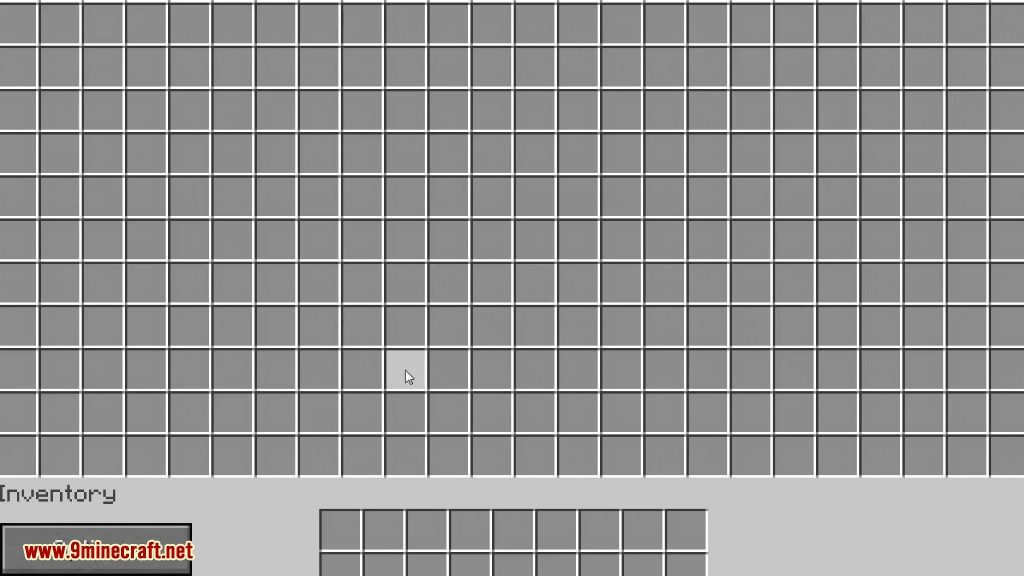
Compact Storage Mod Download Links
- Edition: Minecraft Java
- File type: .jar
- Minecraft version listed: 1.20.1
- How to install: Install the matching mod loader (Forge, Fabric or NeoForge) for your Minecraft version. → Download the .jar. → Put it in the .minecraft/mods folder and launch that loader profile.
- Where to get it: In MC Java Mods, or directly above on this page.
Install steps are the general flow for this file type — How to install Minecraft Java mods & modpacks walks through it step by step.
- Downloads as 2590.mcaddon
- Download size: 1.0 MB
- Download link checked 25 Sept 2026 — working
- Mirrored on our own servers — the download does not depend on the original host
These come from our own check of the pack file, not from the source page.