Bind Pizzeria
I don't know my version or loader
Pizzeria!
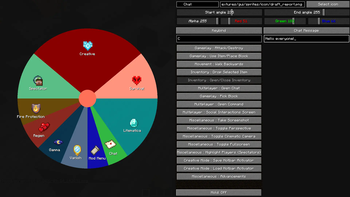
This mod adds highly customizable pizza menu on which you can add different actions.
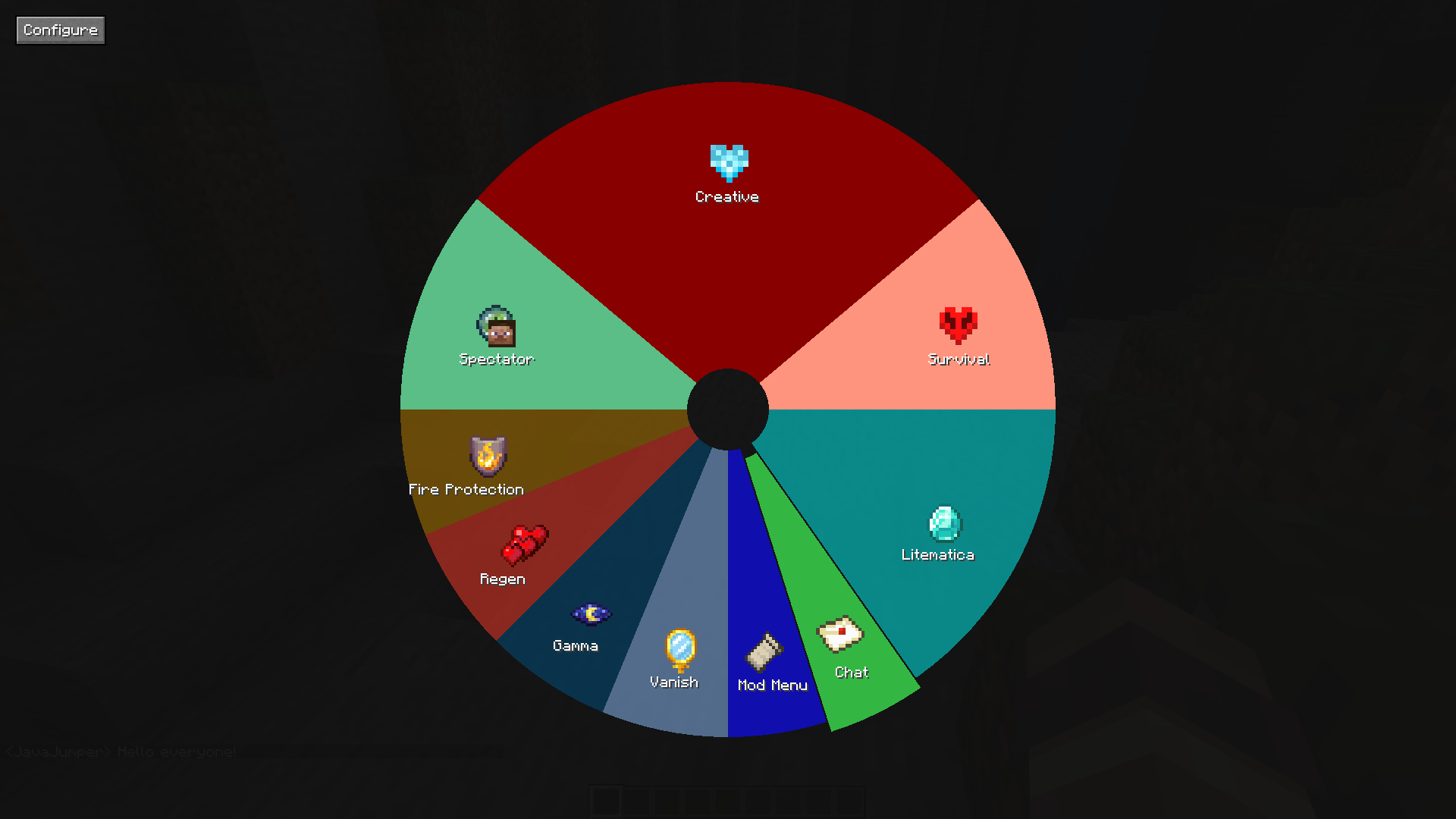 After installing mod you can bind pizza menu on any button
Initially it will be empty so you will need to configure it using button.
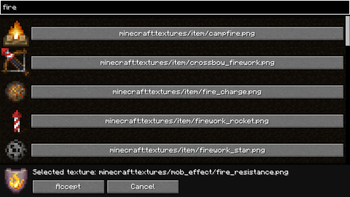
In this menu you can split any slice (by right click) , delete it (using red circle in center), and change its properties like name, icon, color, position and most important: actions.
Every slice has left and right click action. Actions define behaviour when activated. Out of the box two action types are avaliable: keybind action and chat message/command.
Keybind action allows you to bind some actions to this wheel instead of key. Chat message action allows you to send any chat messages or commands
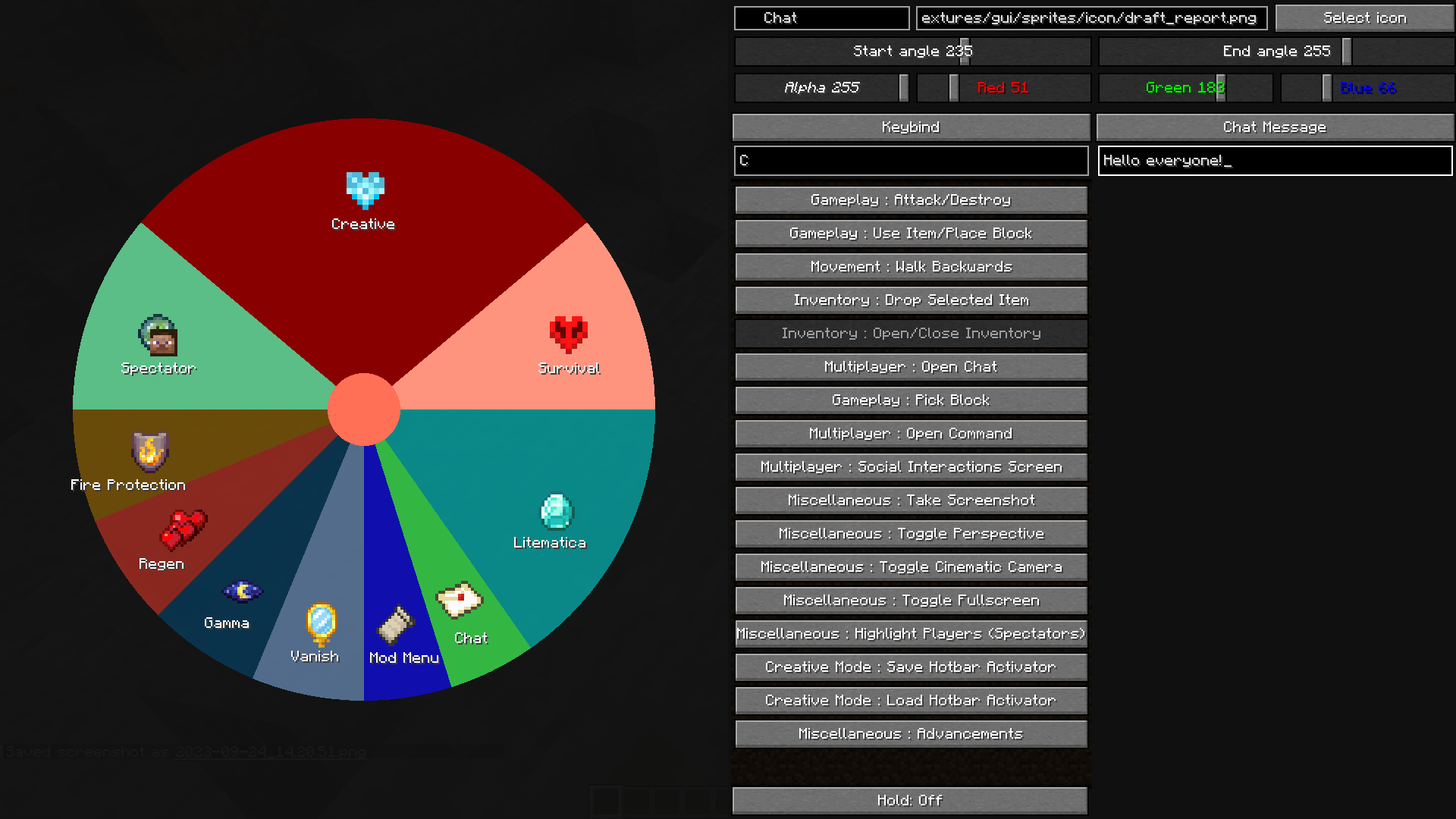
Mod also adds small api that allows you add new action types, more info in github readme
Warning: this mod may not work with some mods that use different way to detect keybinds. But most mods are probably compatible. By the way if you find some mod incompatible with this you can make issue on github and i will try my best to fix it
- Edition: Minecraft Java
- File type: .jar
- Minecraft versions listed: 1.21, 1.21.1
- How to install: Install the matching mod loader (Forge, Fabric or NeoForge) for your Minecraft version. → Download the .jar. → Put it in the .minecraft/mods folder and launch that loader profile.
- Where to get it: Opens on Modrinth — not every file is mirrored on our own servers.
Install steps are the general flow for this file type — How to install Minecraft Java mods & modpacks walks through it step by step.
- Ships as JumpersPizzeria-1.5.1-1.21.jar — drop this file into the mods folder
- Download size: 117 KB
- Download link checked 20 Sept 2026 — working
These come from our own check of the pack file, not from the source page.