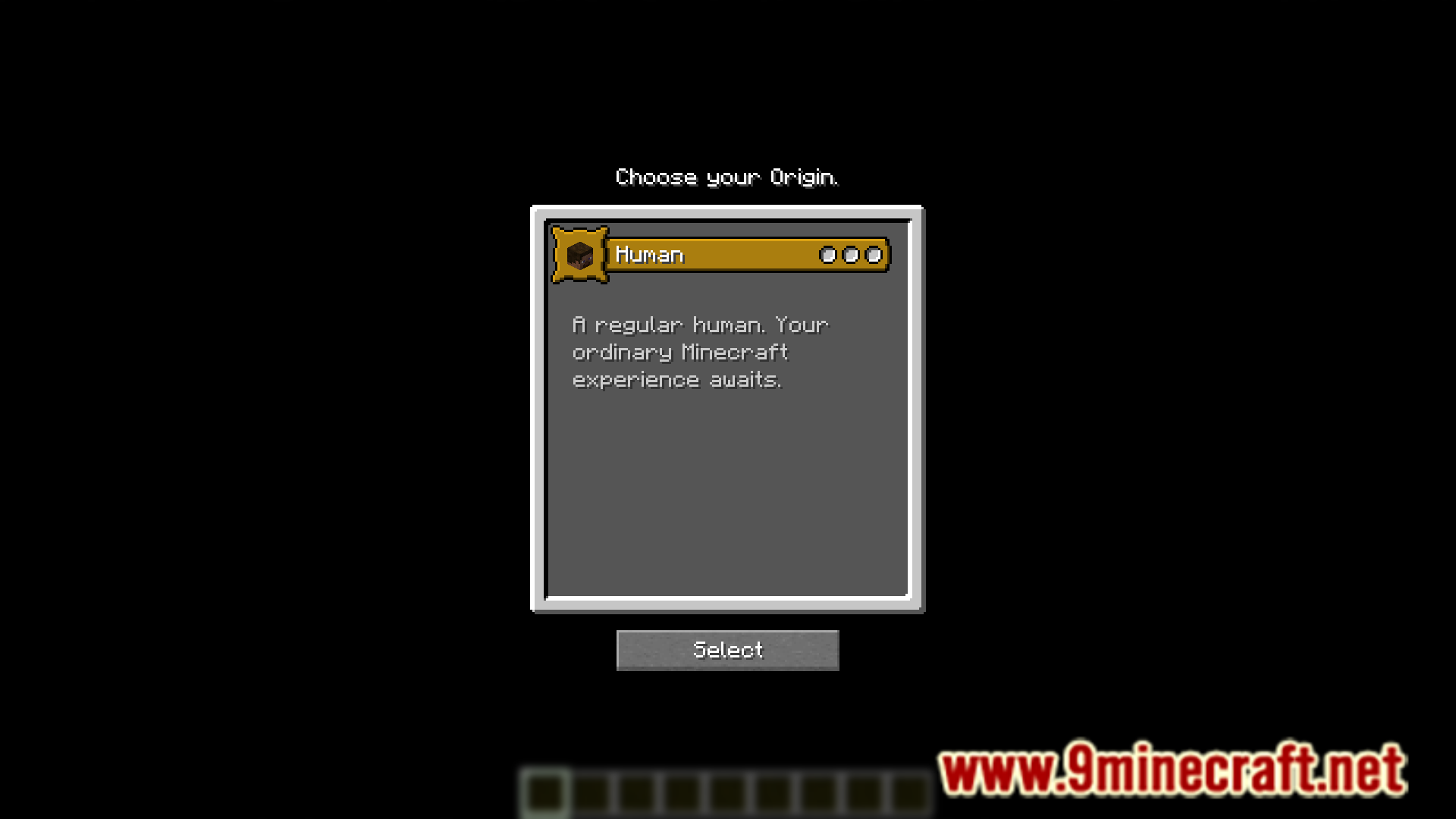
Some players like to use add-on for the Origins mod to introduce new and interesting Origins to the game. The Origins mod by default has around nine origins. When new origins are added using add-on mods, all the new origins and the existing default ones clutter the origins selection screen. Unoriginal Mod is here to help avoid that clutter. This mod basically removes all default origins except for the human origin, so that you can browse through new add-on origins and select the one that you find interesting.
Features:
- Removes all default origins.
- Human origin is not removed.
- Makes it convenient to use add-on origins only.
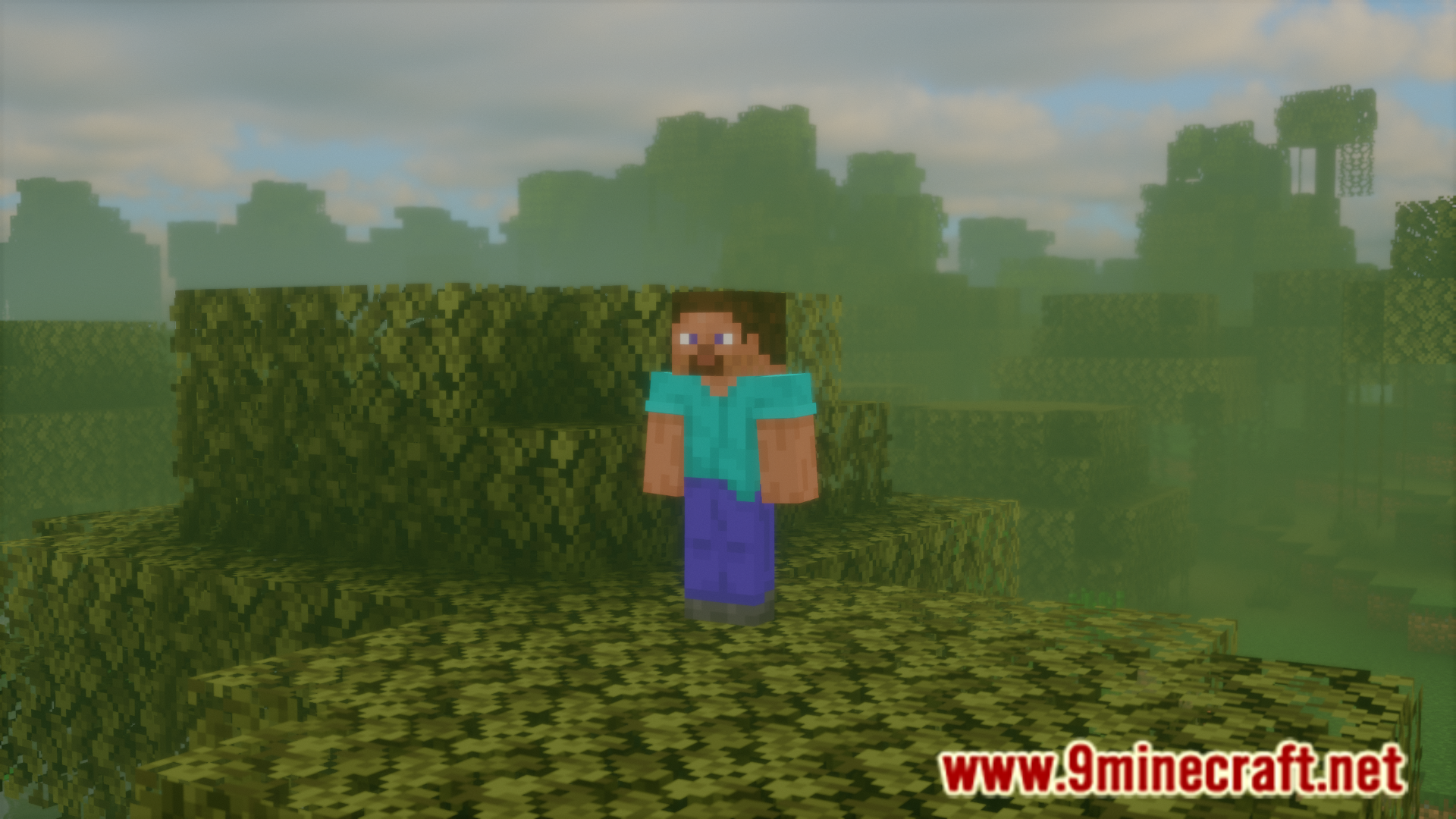
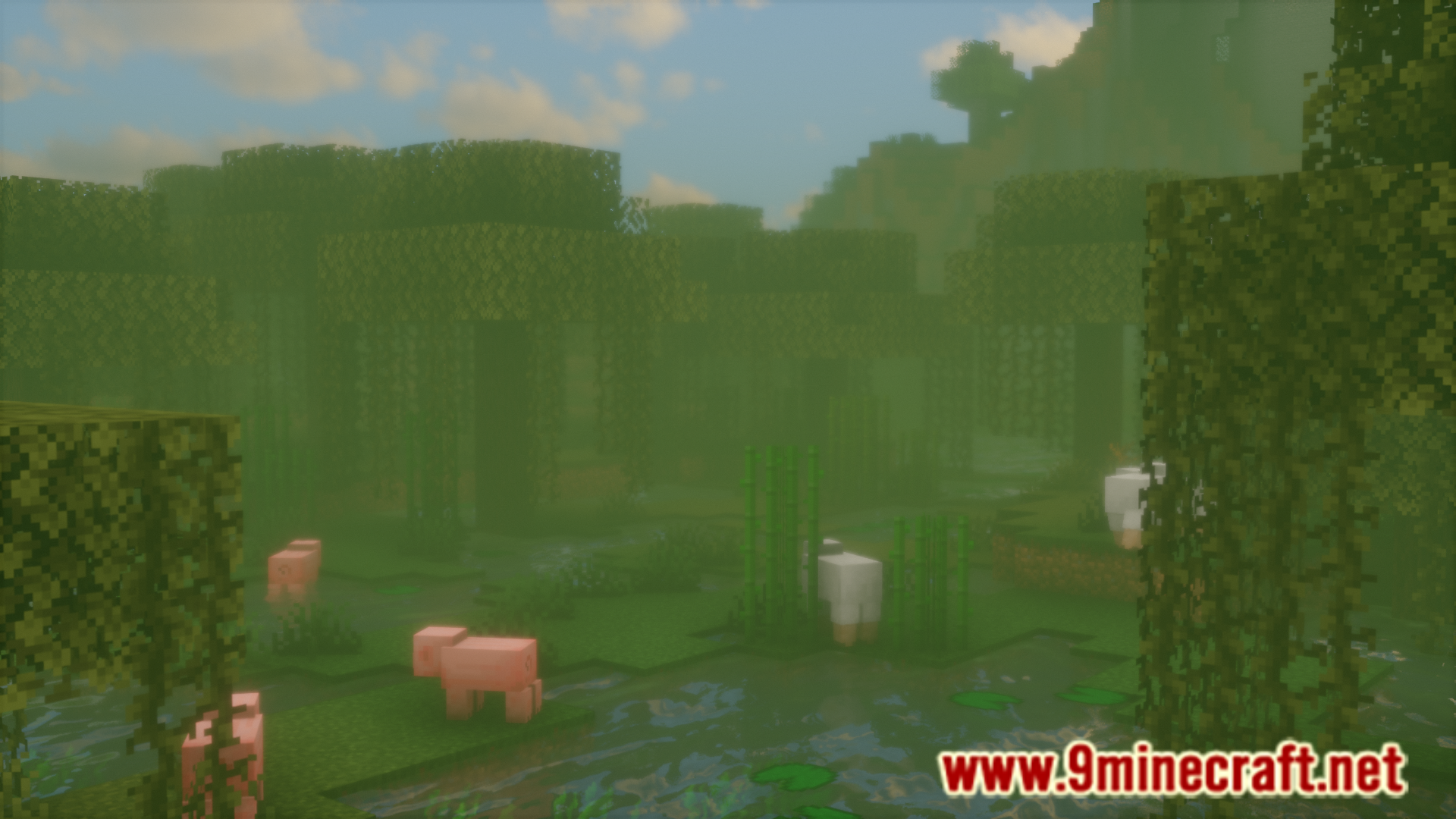
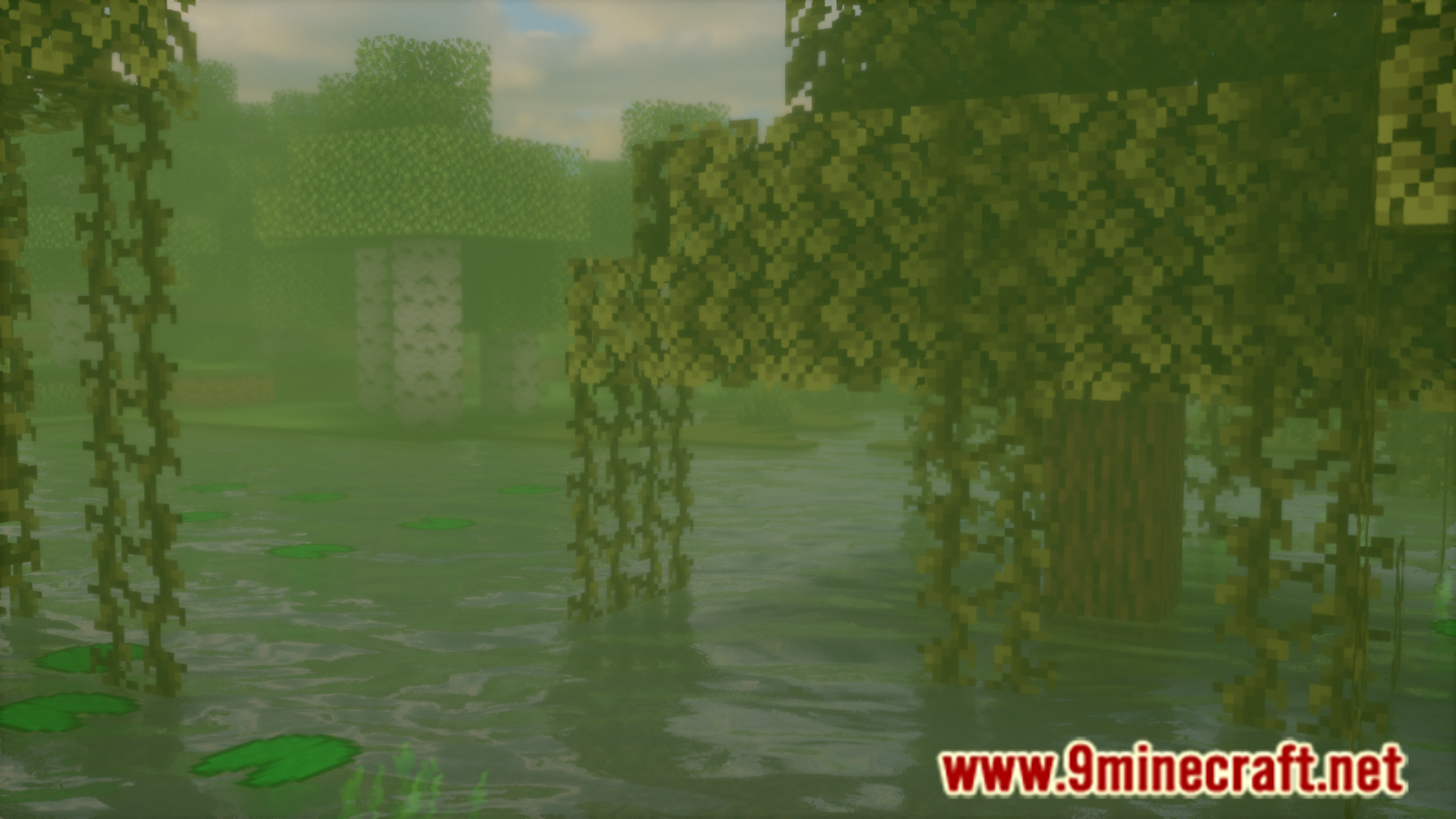
Screenshots:
Unoriginal Mod Download Links
- Edition: Minecraft Java
- File type: .jar
- Minecraft versions listed: 1.21.11, 1.21.1
- How to install: Install the matching mod loader (Forge, Fabric or NeoForge) for your Minecraft version. → Download the .jar. → Put it in the .minecraft/mods folder and launch that loader profile.
- Where to get it: Opens on the file's original source — not every file is mirrored on our own servers.
Install steps are the general flow for this file type — How to install Minecraft Java mods & modpacks walks through it step by step.
Unoriginal Mod (1.21.11, 1.21.1) – Removes All Default Origins is a free Minecraft Java mod. Compatible with Minecraft 1.21.11, 1.21.1. Download it and open it directly in the game.