
Robotix's Custom Crosshair Mod!




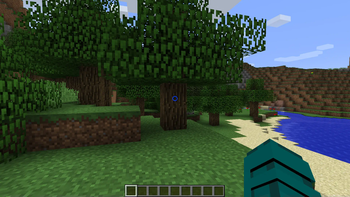
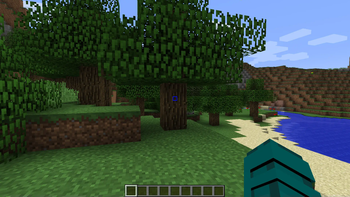
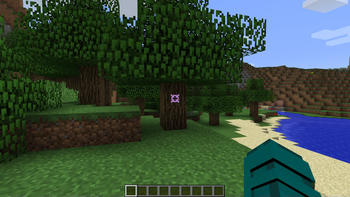
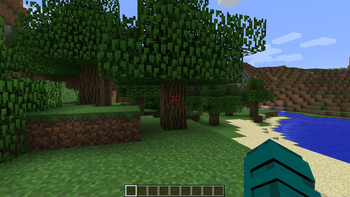
Enhance your Minecraft experience with the Custom Crosshair mod! This Forge 1.8.9 modification allows you to personalize your crosshair, providing a variety of elements and dynamic features to suit your gameplay style. The mod offers a seamless integration with your favorite version of Minecraft, giving you the power to configure and customize your crosshair to perfection.
Crosshair Elements
1. Cross Element
Add a classic touch to your targeting with the cross element. Choose your preferred color and customize its outline to make it stand out.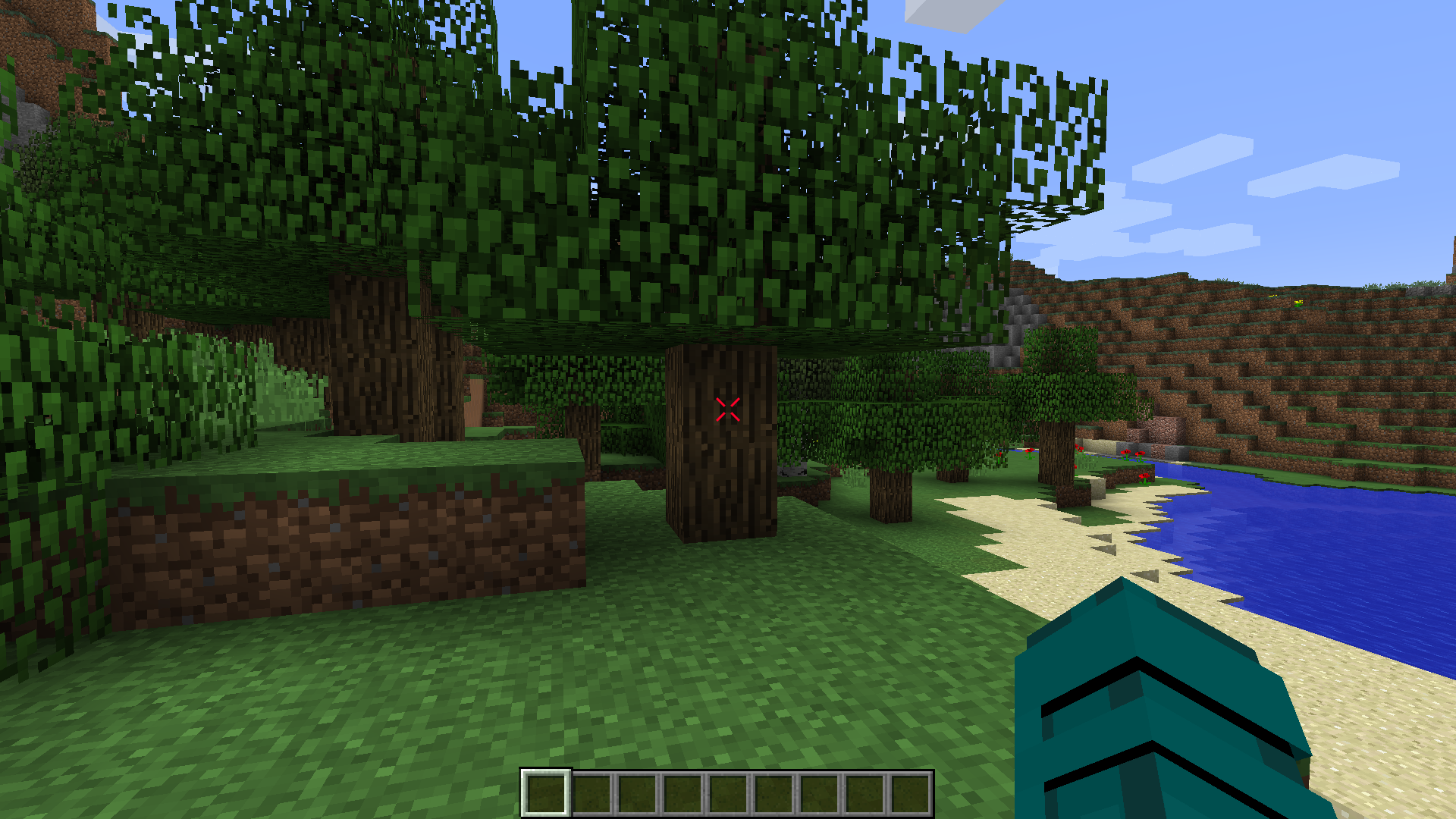
Configuration:
- Outline: Yes/No
- Width
- Height
- Gap
- Thickness
- Rounding
- Rotation
- Lines: Top, Bottom, Left, Right
- Dynamic Bow Configuration
- Color Configuration
2. Square Element
For a clean and modern look, opt for the square element. Tailor its color and outline settings to match your visual preferences.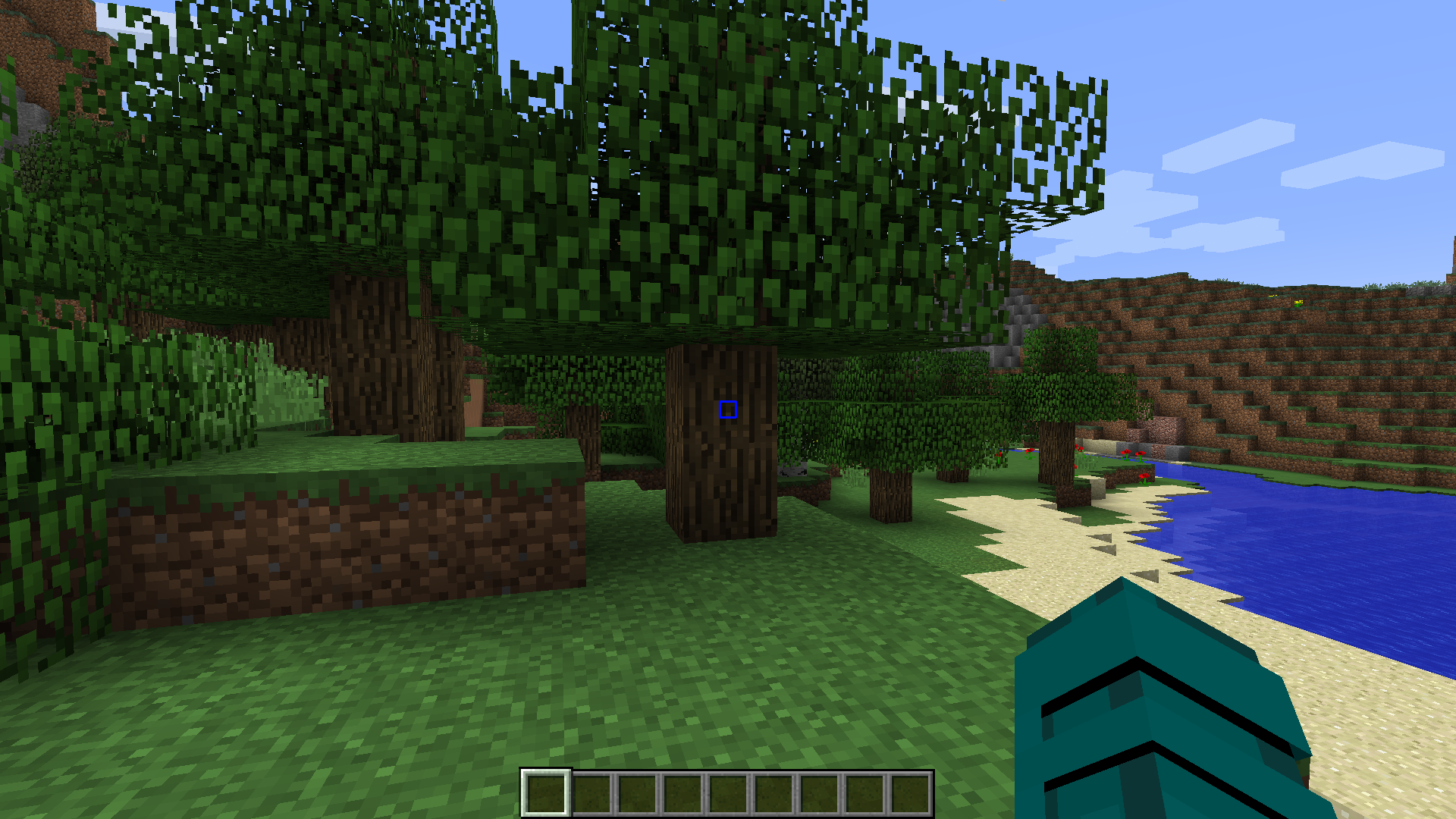
Configuration:
- Outline: Yes/No
- Width
- Height
- Gap
- Thickness
- Rounding
- Rotation
- Lines: Top, Bottom, Left, Right
- Dynamic Bow Configuration
- Color Configuration
3. Dot Element
Keep it minimalistic with the dot element. Configure its color and outline settings for a subtle yet effective crosshair design.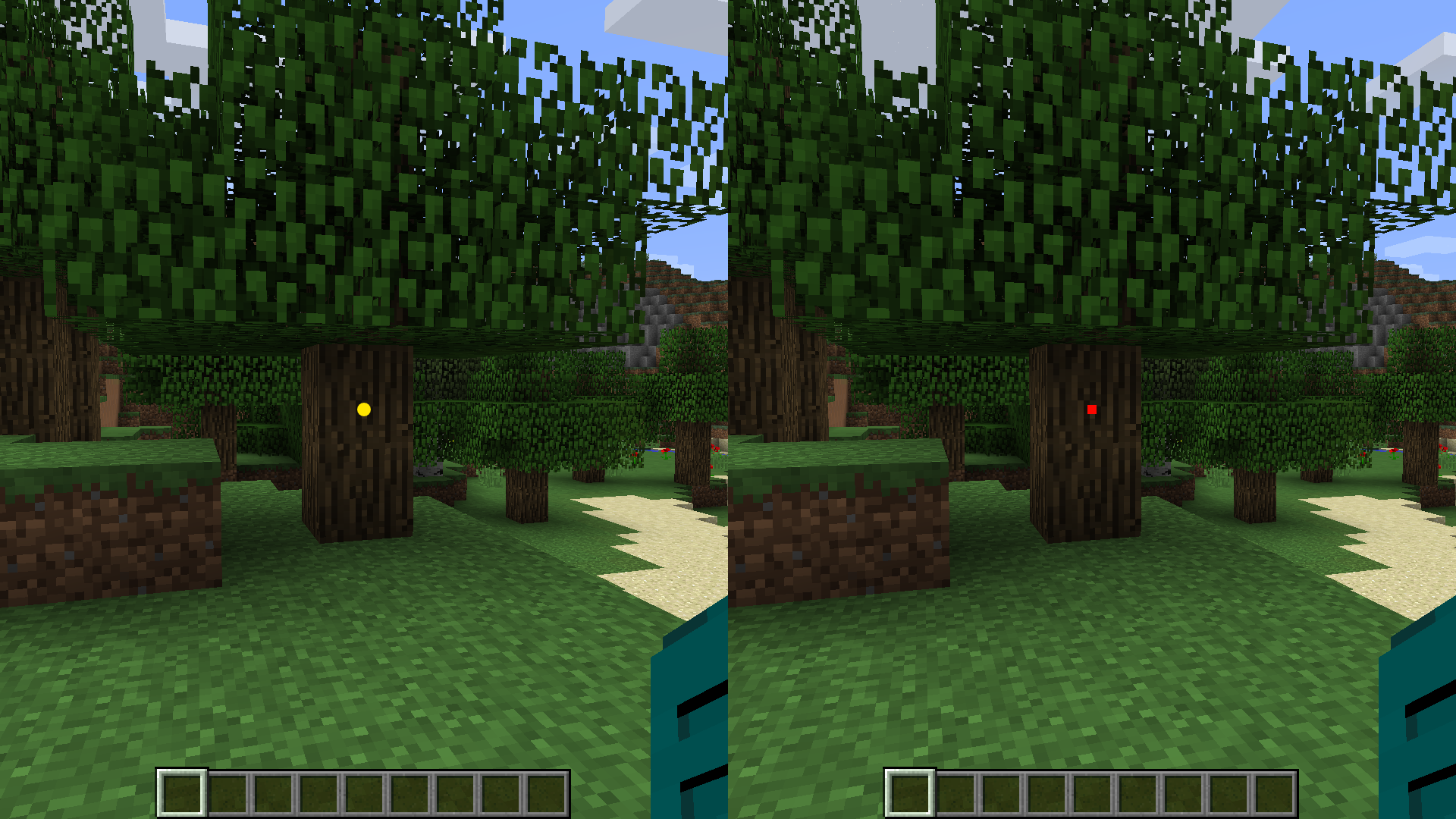
Configuration:
- Outline: Yes/No
- Type: Circle/Square
- Size
- Rotation
- Color Configuration
4. Circle Element
Embrace a circular crosshair design for a unique aesthetic. Adjust color and outline options to make it visually appealing.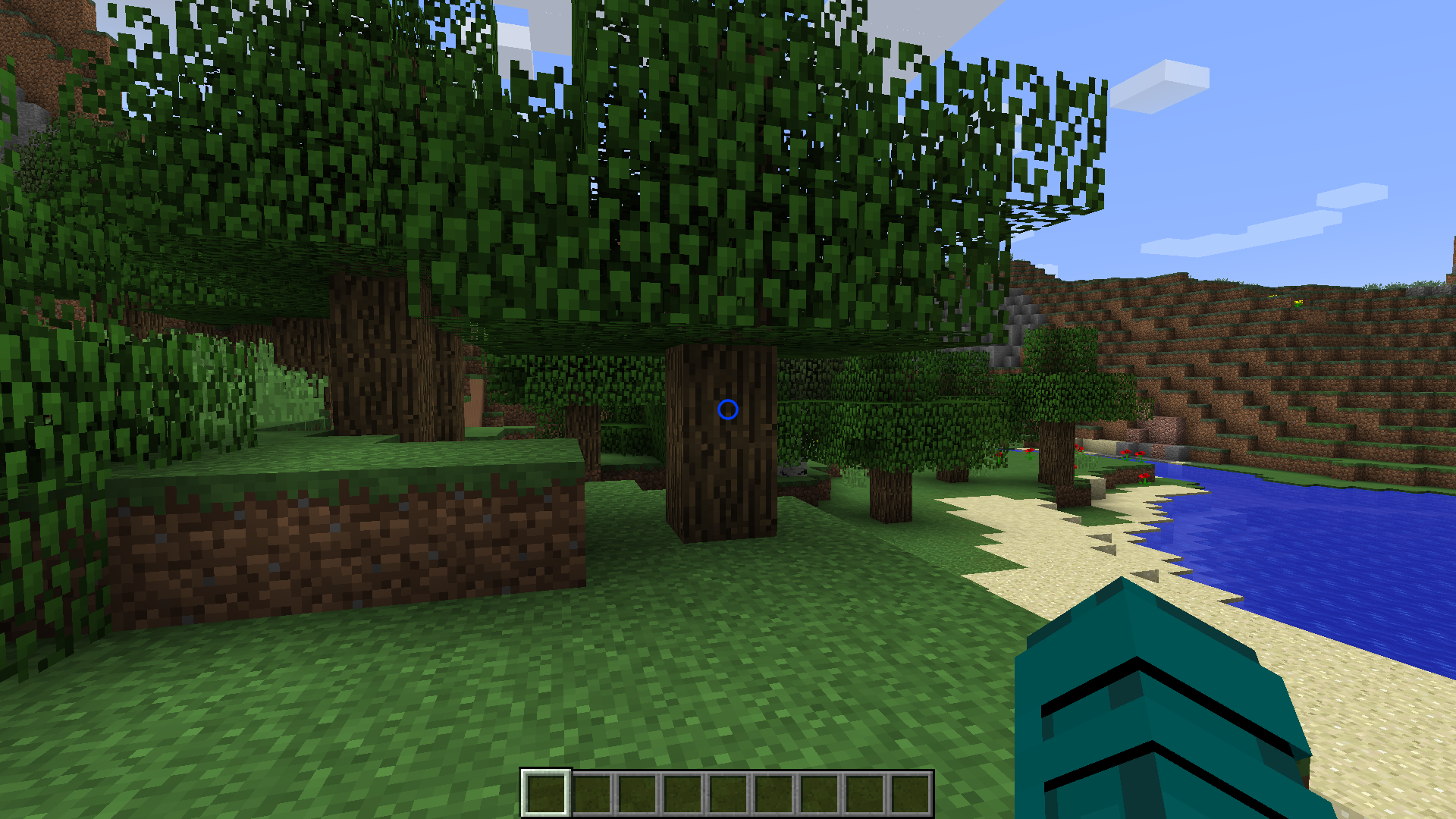
Configuration:
- Outline: Yes/No
- X Radius
- Y Radius
- Thickness
- Rotation
- Dynamic Bow Configuration
- Color Configuration
Dynamic Features
Color Configuration
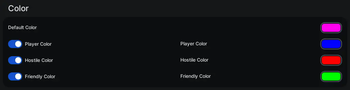
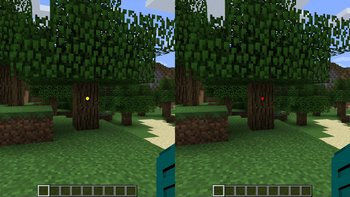
Customize the color of each crosshair element individually. Whether you prefer a consistent color scheme or a dynamic rainbow effect, the choice is yours. Enable dynamic color changes based on the type of entities in your hit range. Set distinct colors for players, hostile entities, and passive entities.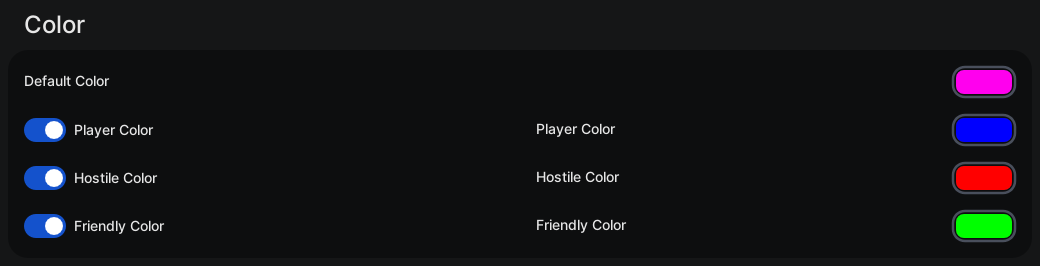
Configuration
- Default Color: #RRGGBB / Chroma (Rainbow)
- Player Color: Yes/No
- Player Color: #RRGGBB / Chroma (Rainbow)
- Hostile Color: Yes/No
- Hostile Color: #RRGGBB / Chroma (Rainbow)
- Friendly Color: Yes/No
- Friendly Color: #RRGGBB / Chroma (Rainbow)
Outline
Add a distinctive outline to your crosshair elements. Adjust the outline width and color to enhance visibility.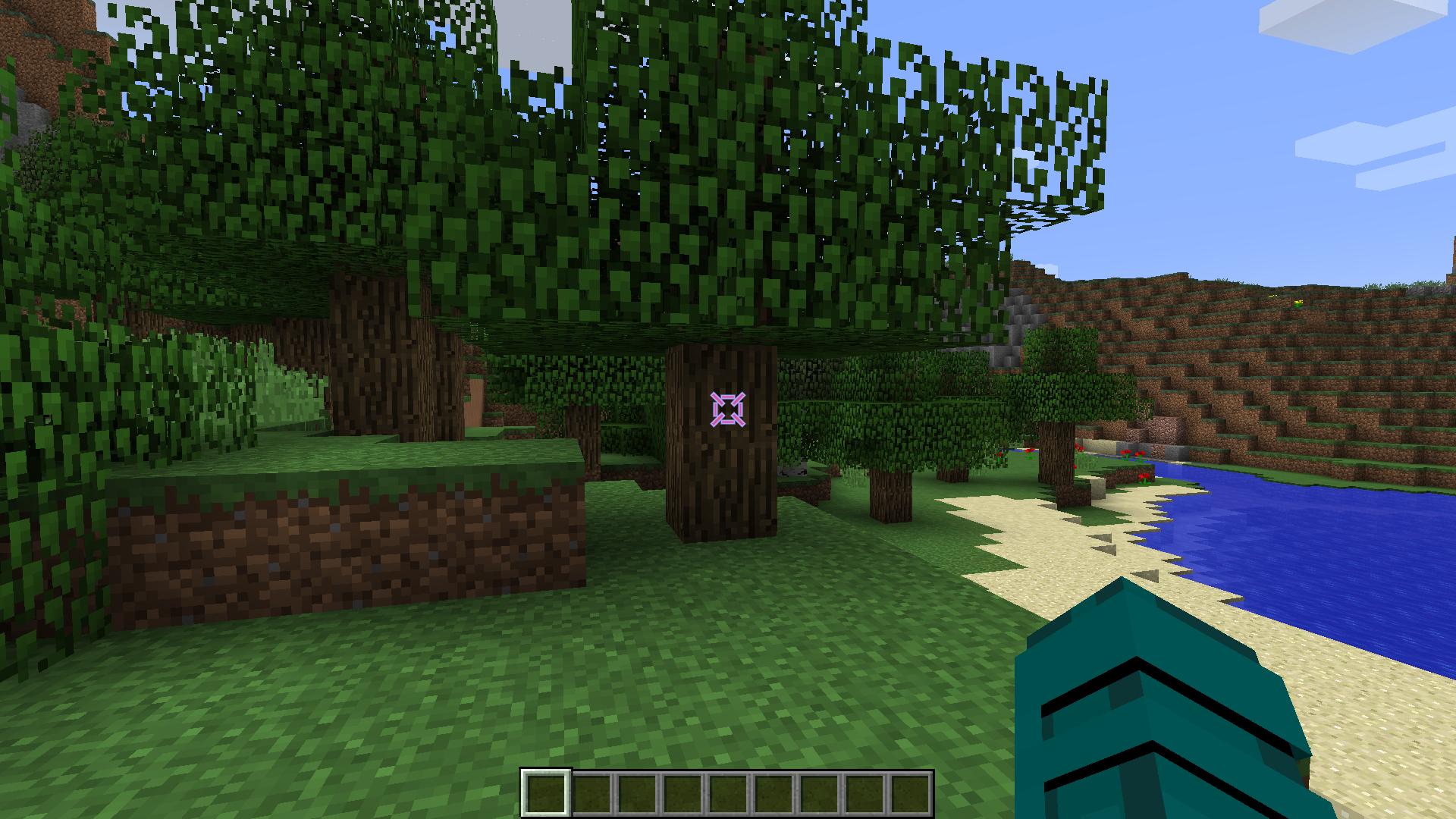 Configuration
- Outline Enabled: Yes/No
- Outline Width
- Color Configuration
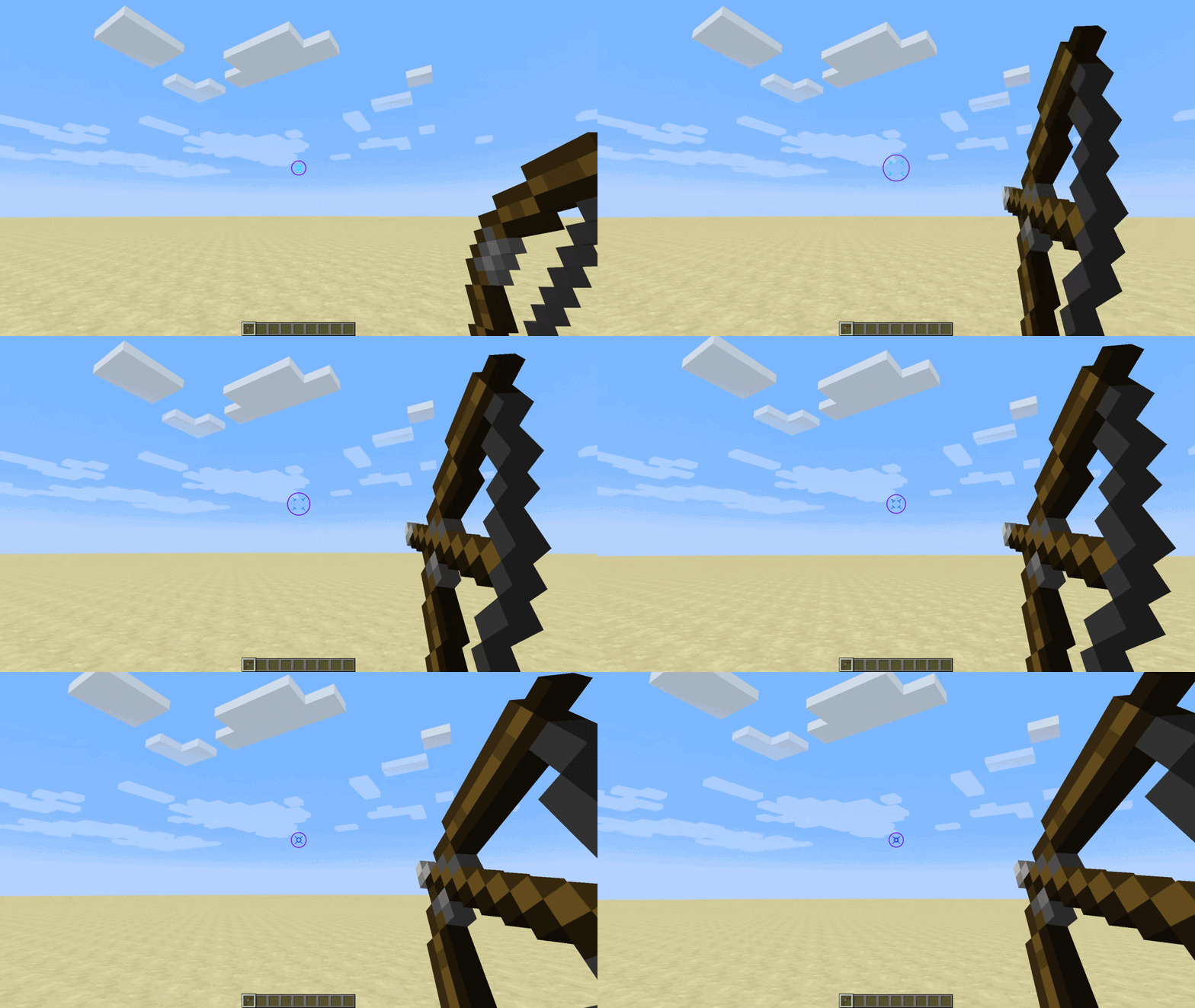
Dynamic Bow
Experience immersive bow mechanics with a crosshair that dynamically changes size when a bow is being pulled back. Witness the visual feedback as you prepare for your shot.
Configuration
- Dynamic Bow: Yes/No
- Dynamic Bow Multiplier
Upgrade your Minecraft visuals and precision with the Custom Crosshair mod. Dive into a world of customization and dynamic features, enhancing your gameplay like never before!
- Edition: Minecraft Java
- File type: .jar
- Minecraft version listed: 1.8.9
- How to install: Install the matching mod loader (Forge, Fabric or NeoForge) for your Minecraft version. → Download the .jar. → Put it in the .minecraft/mods folder and launch that loader profile.
- Where to get it: Opens on Modrinth — not every file is mirrored on our own servers.
Install steps are the general flow for this file type — How to install Minecraft Java mods & modpacks walks through it step by step.
- Ships as CustomCrosshair-1.8.9-forge-1.0.2.jar — drop this file into the mods folder
- Download size: 191 KB
- Download link checked 30 Aug 2026 — working
These come from our own check of the pack file, not from the source page.