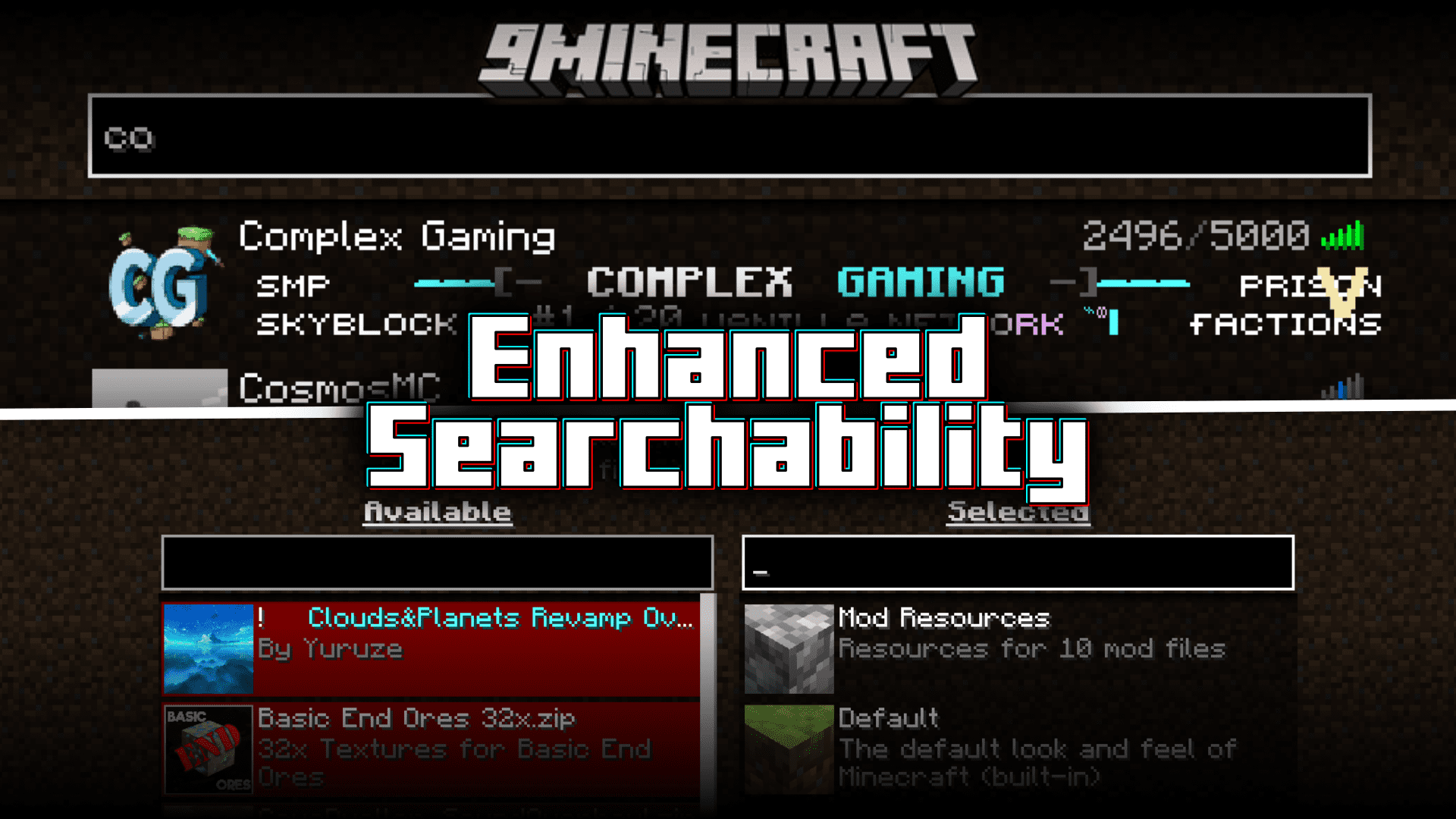
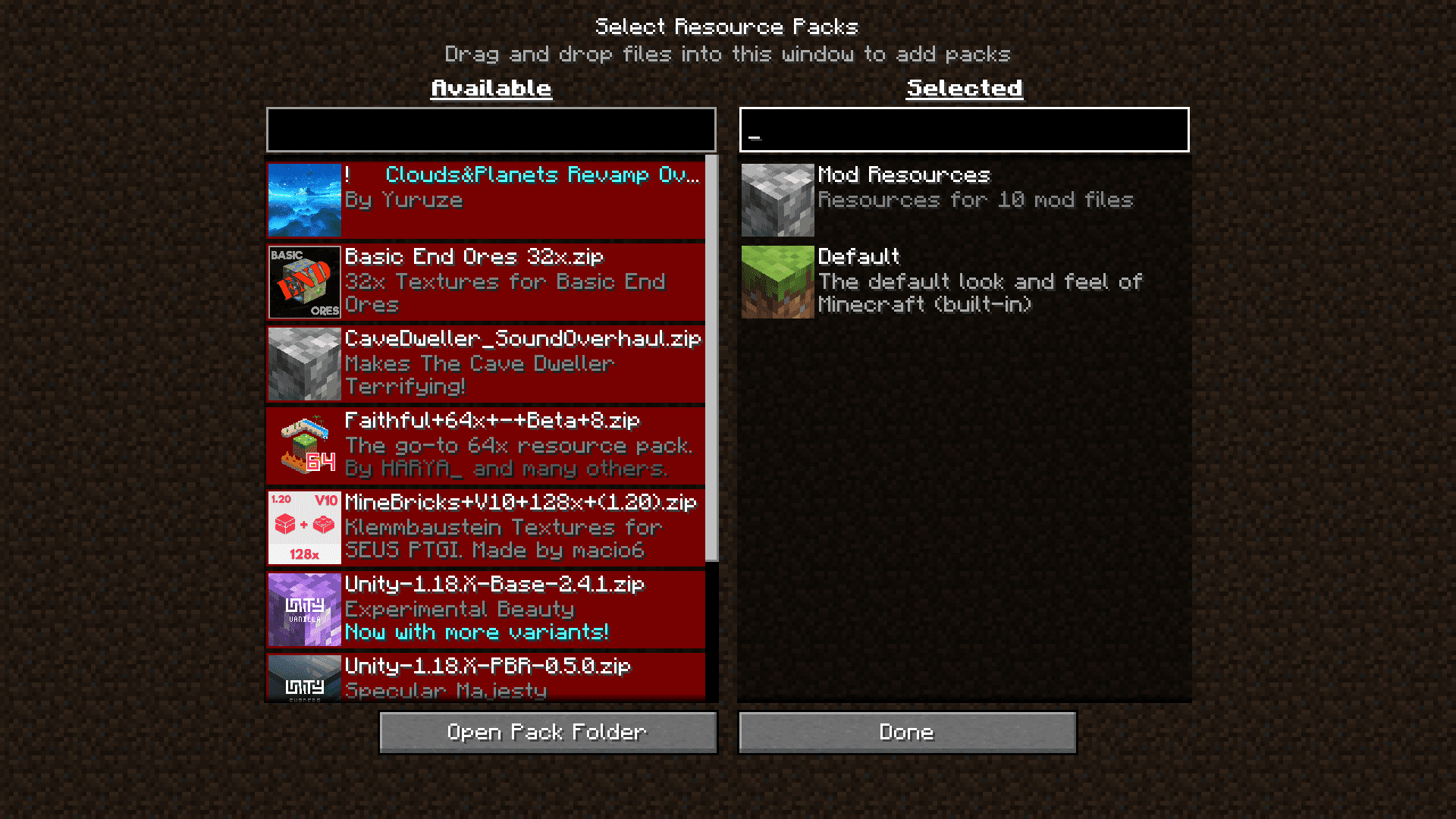
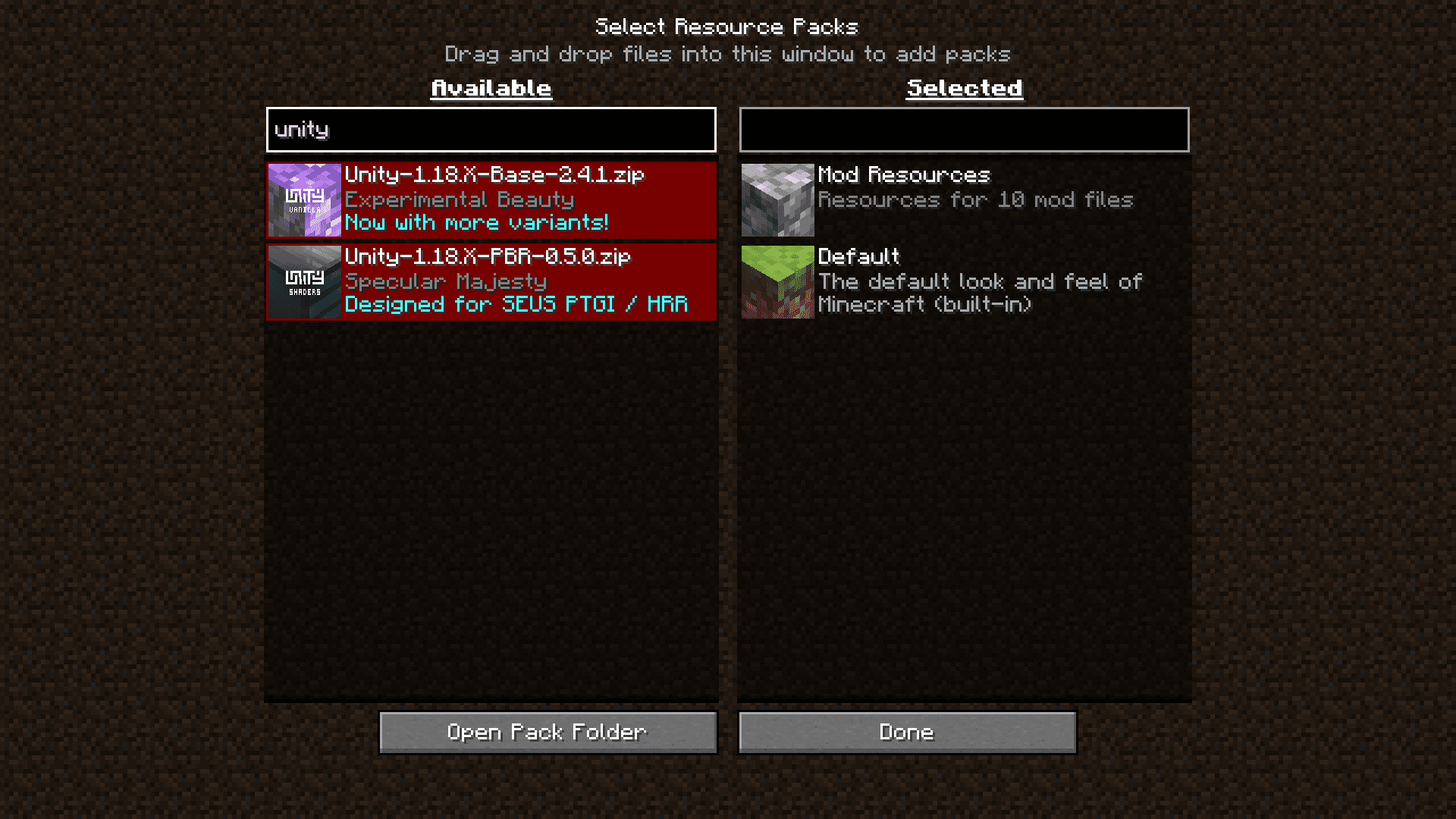

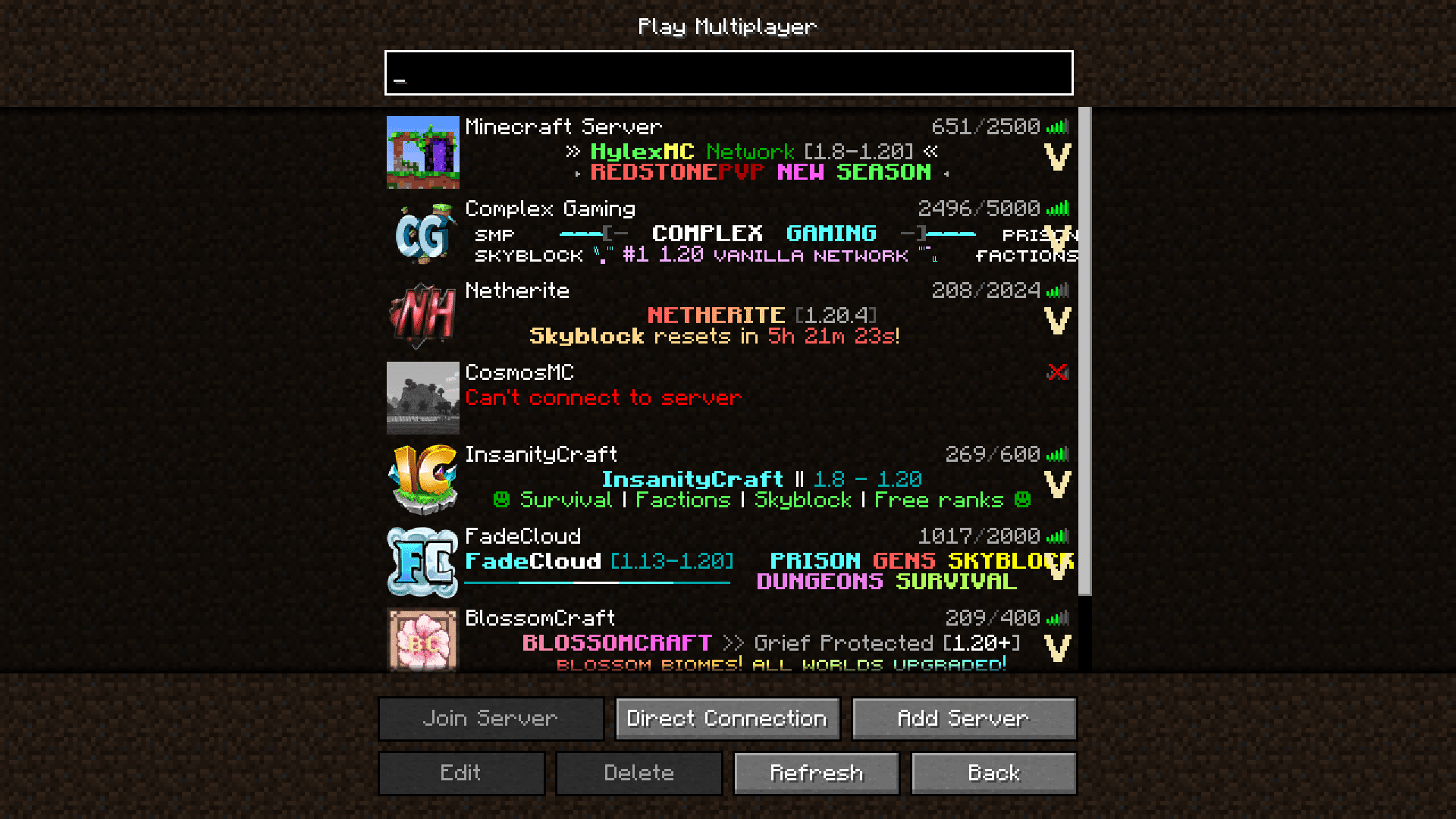
If you have a lot of texture packs installed, you would know how difficult it is to scroll through and select the one that is required. This will especially be an inconvenience if you have the habit of switching texture packs very often. The multiplayer server selection screen also offers the same issue. If you have a lot of servers in your list, scrolling through to find the one that you want is an inconvenience. But not anymore! Enhanced Searchability Mod is here with an optimal solution. This mod introduces search bars into your resource pack selection screen and to your multiplayer server selection screen. You can quickly find your required resource pack or server by simply typing out its name instead of scrolling through large lists.
Features:
- Adds search bars to resource pack selection screen and to server selection screen.
- Saves the time required to find your required item by scrolling through large lists.
Screenshots:
Requires:
Minecraft Forge
Fabric Loader
Fabric API
Quilt Installer
Architectury API
Cloth Config API
Enhanced Searchability Mod Download Links
- Edition: Minecraft Java
- File type: .jar
- Minecraft version listed: 1.20.1
- How to install: Install the matching mod loader (Forge, Fabric or NeoForge) for your Minecraft version. → Download the .jar. → Put it in the .minecraft/mods folder and launch that loader profile.
- Where to get it: In MC Java Mods, or directly above on this page.
Install steps are the general flow for this file type — How to install Minecraft Java mods & modpacks walks through it step by step.
- Downloads as 25923.mcaddon
- Download size: 118 KB
- Download link checked 25 Sept 2026 — working
- Mirrored on our own servers — the download does not depend on the original host
These come from our own check of the pack file, not from the source page.