ModsJava
Selectable Painting Mod (1.21.11, 1.20.1) – Customize Painting Parameters Yourself
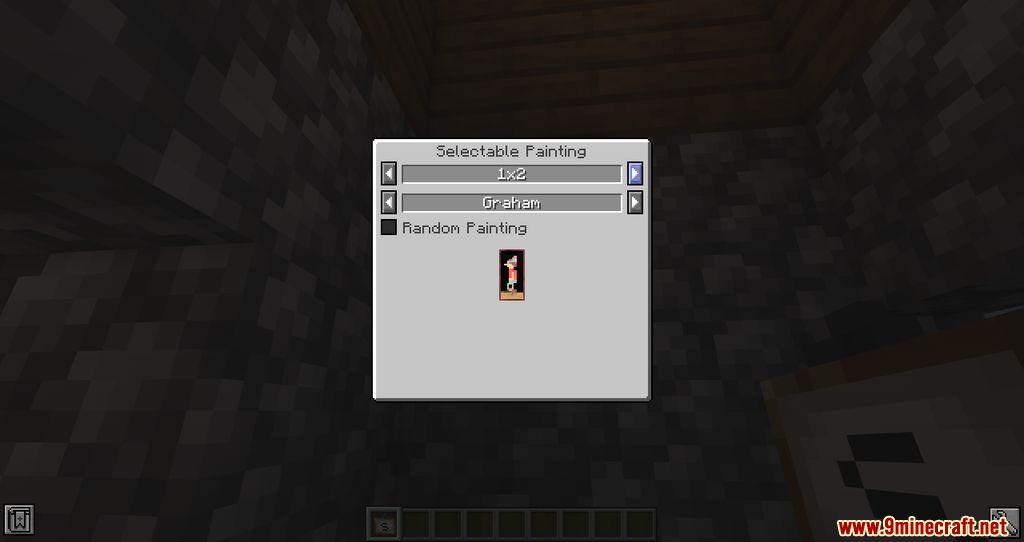
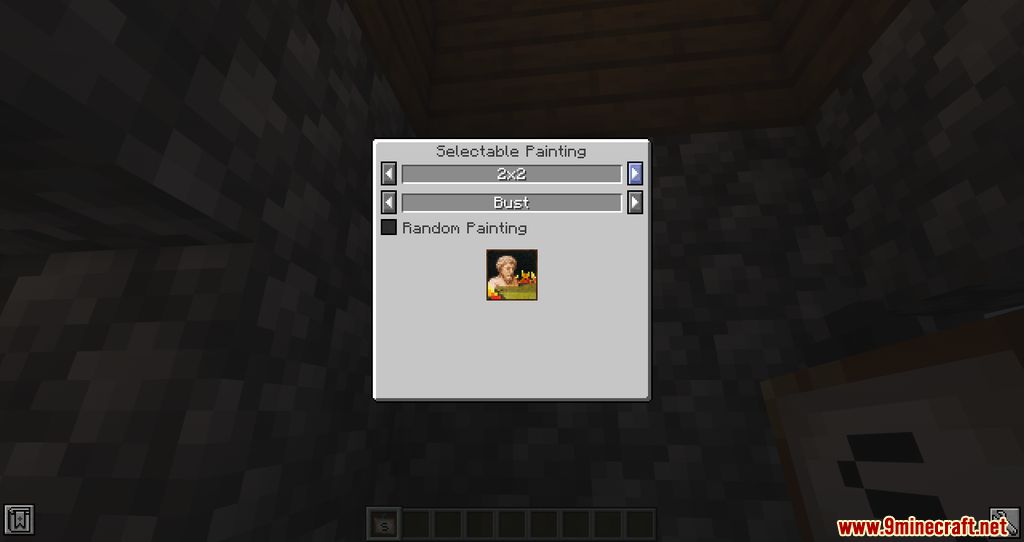
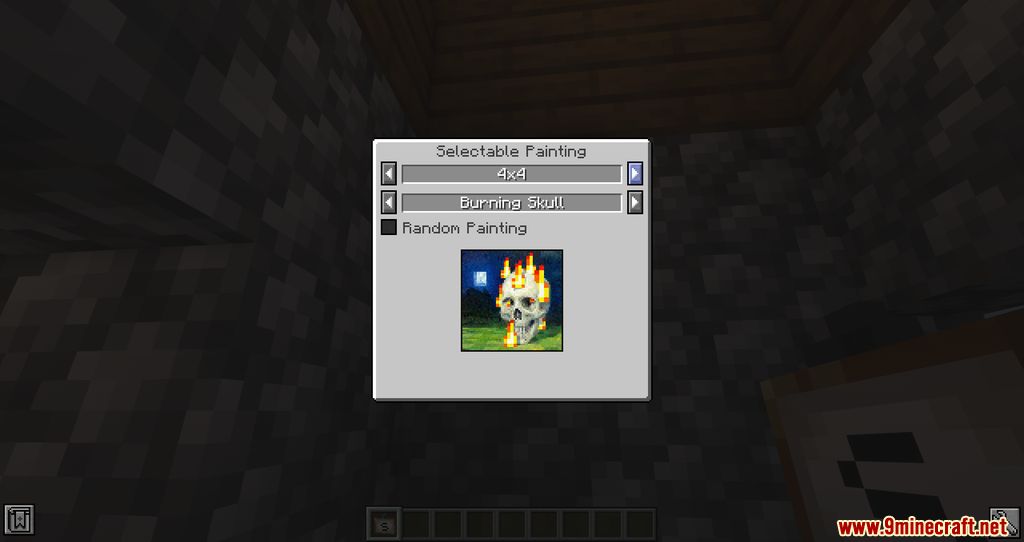
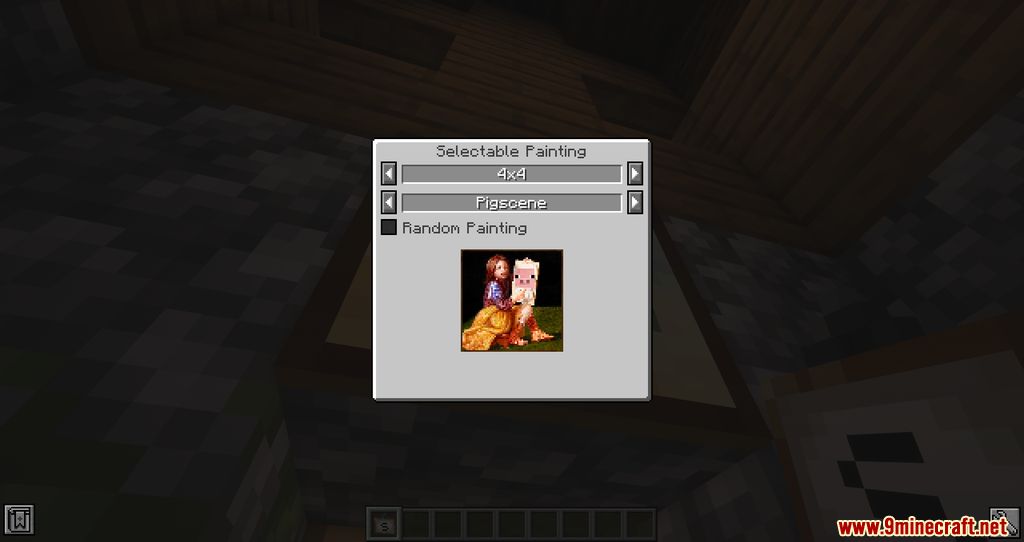
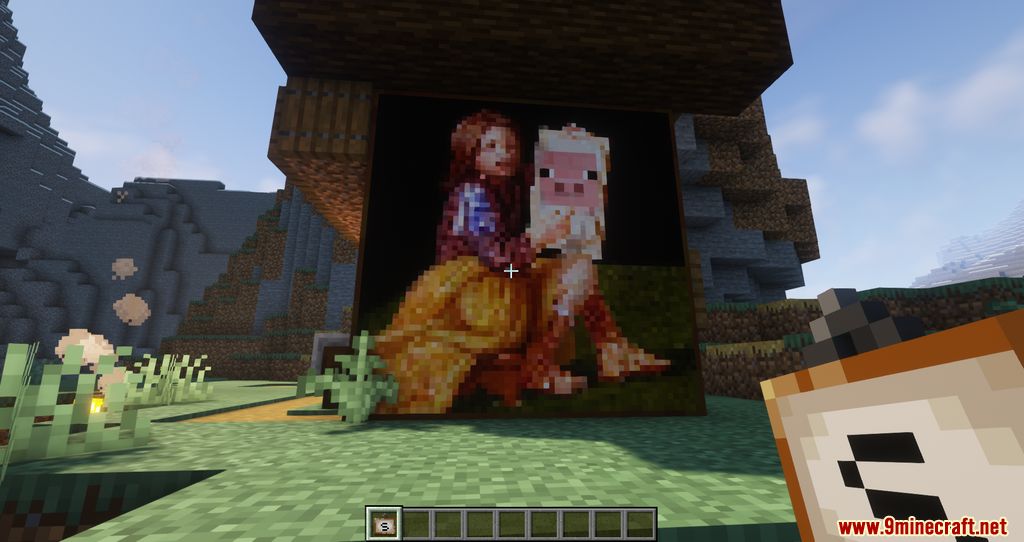
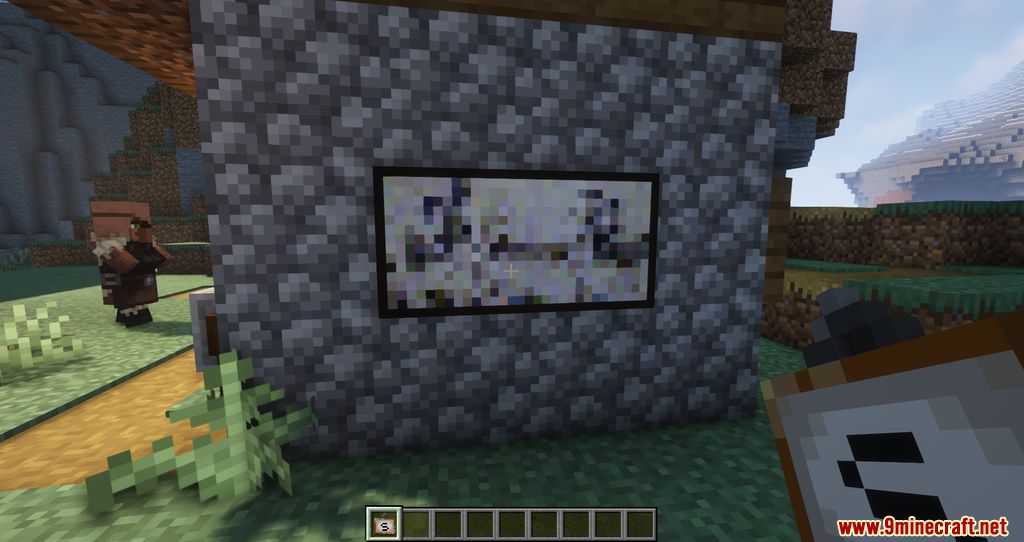
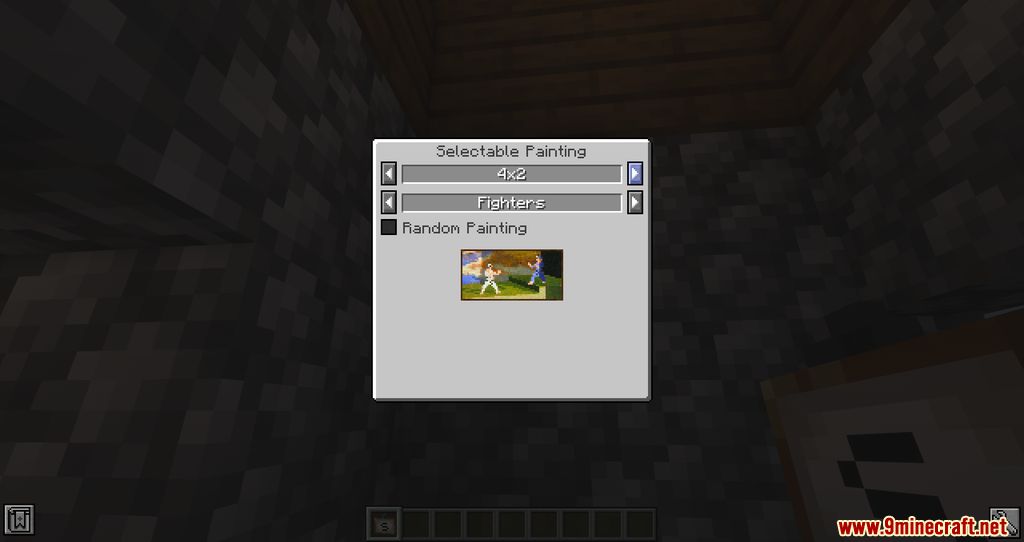
Selectable Painting Mod adds the Selectable Painting, with which the painting to be placed can be selected. Using Shift + Right-Click lets you choose the size, while Right-Clicking with the cursor pointed at the sky lets you choose the type. If you try to place a painting on a block without enough space, you will get an error message.
Features:
- Adds a new item called Selectable Painting.
- Players can choose a specific painting before placing it.
- Includes a dedicated GUI to select painting size and painting design.
- Option for Random Painting to place a random painting within the selected size.
- Tooltip shows the current size and selected painting.
- Error message appears if the painting is too large for the available space.
How to use:
- Right-click on a block → place the painting on the wall.
- Right-click in the air → open the GUI to select size and painting.
- When removing a painting → you receive the item back with the same size and painting you had selected.
Screenshots:
Crafting Recipes:
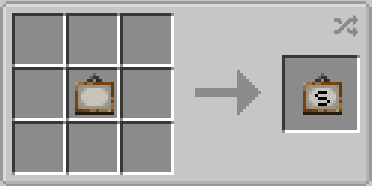
- Selectable Painting: put a Painting in any slot of the crafting table.
- Regular Painting: put a Selectable Painting in any slot of the crafting table.
Selectable Painting Mod Download Links
Quick facts
- Edition: Minecraft Java
- File type: .jar
- Minecraft versions listed: 1.21.11, 1.20.1
- How to install: Install the matching mod loader (Forge, Fabric or NeoForge) for your Minecraft version. → Download the .jar. → Put it in the .minecraft/mods folder and launch that loader profile.
- Where to get it: In MC Java Mods, or directly above on this page.
Install steps are the general flow for this file type — How to install Minecraft Java mods & modpacks walks through it step by step.
Verified by MCModsHub
- Downloads as 25924.mcaddon
- Download size: 109 KB
- Download link checked 22 Sept 2026 — working
- Mirrored on our own servers — the download does not depend on the original host
These come from our own check of the pack file, not from the source page.