
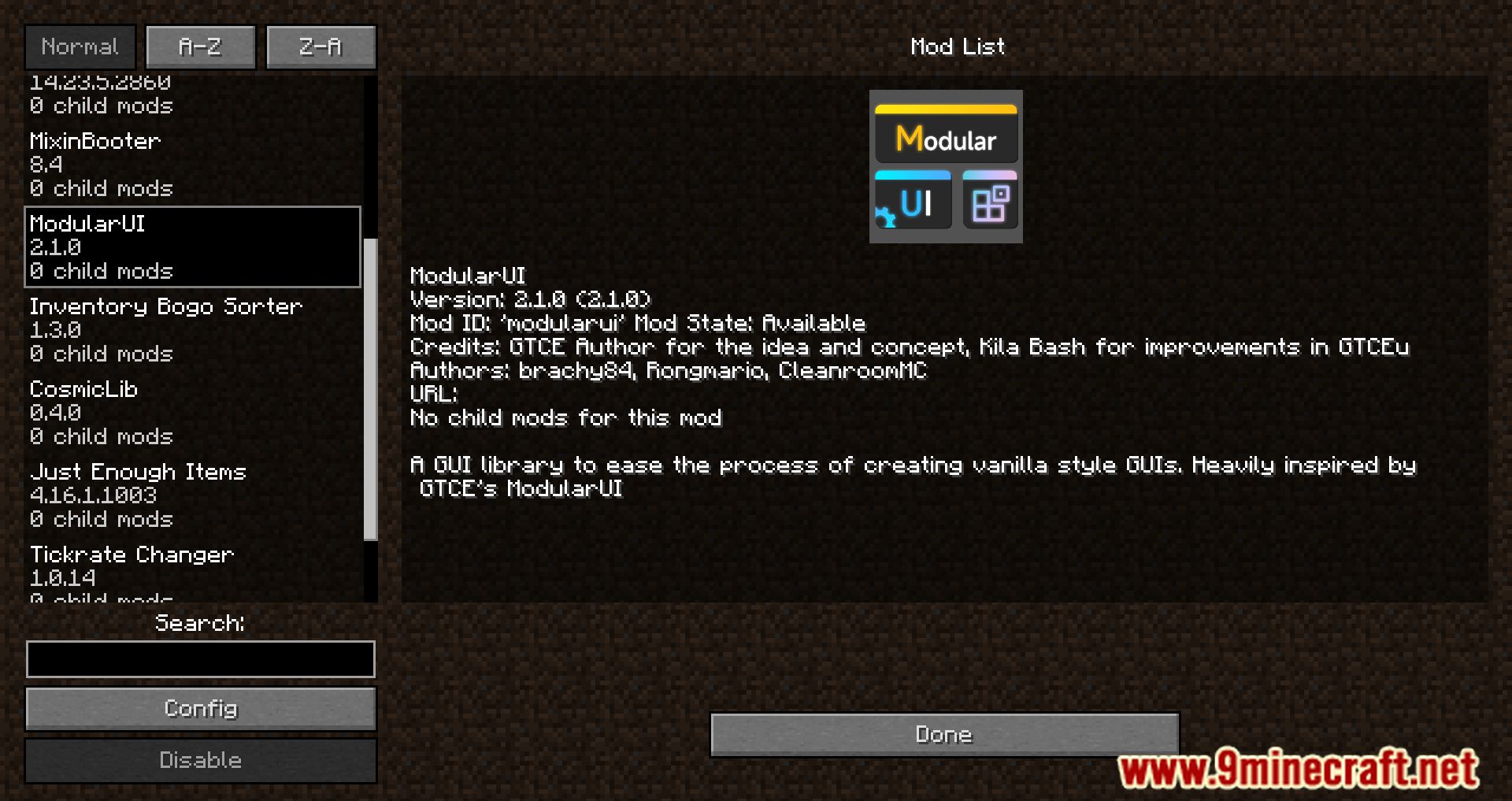
ModularUI Mod designed to simplify the creation of user interfaces that align with the game’s vanilla aesthetic. Serving as a foundational tool for developers, it streamlines the process of crafting intuitive and cohesive graphical user interfaces (GUIs) within Minecraft.
Features:
- Supports both client-only and synchronized server-client GUIs, making it ideal for interfaces associated with TileEntities.
- Facilitates seamless synchronization of values between the server and client, ensuring consistent data representation across platforms.
- Enables the development of compact GUIs through a modular approach, promoting code reusability and maintainability.
- Offers compatibility with mods like Just Enough Items (JEI) and InventoryBogoSorter, enhancing the user experience when used alongside these tools
- Provides support for color themes, allowing developers to tailor the appearance of GUIs to match specific design preferences.
- Features a draggable window system with open and close animations, contributing to a dynamic and interactive interface environment.
- Includes preliminary support for defining user interfaces using JSON, aiming to simplify the UI creation process.
Screenshots:
ModularUI Mod Download Links
Quick facts
- Edition: Minecraft Java
- File type: .jar
- Minecraft version listed: 1.20.1
- How to install: Install the matching mod loader (Forge, Fabric or NeoForge) for your Minecraft version. → Download the .jar. → Put it in the .minecraft/mods folder and launch that loader profile.
- Where to get it: In MC Java Mods, or directly above on this page.
Install steps are the general flow for this file type — How to install Minecraft Java mods & modpacks walks through it step by step.
Verified by MCModsHub
- Downloads as 25925.mcaddon
- Download size: 2.1 MB
- Download link checked 24 Sept 2026 — working
- Mirrored on our own servers — the download does not depend on the original host
These come from our own check of the pack file, not from the source page.