
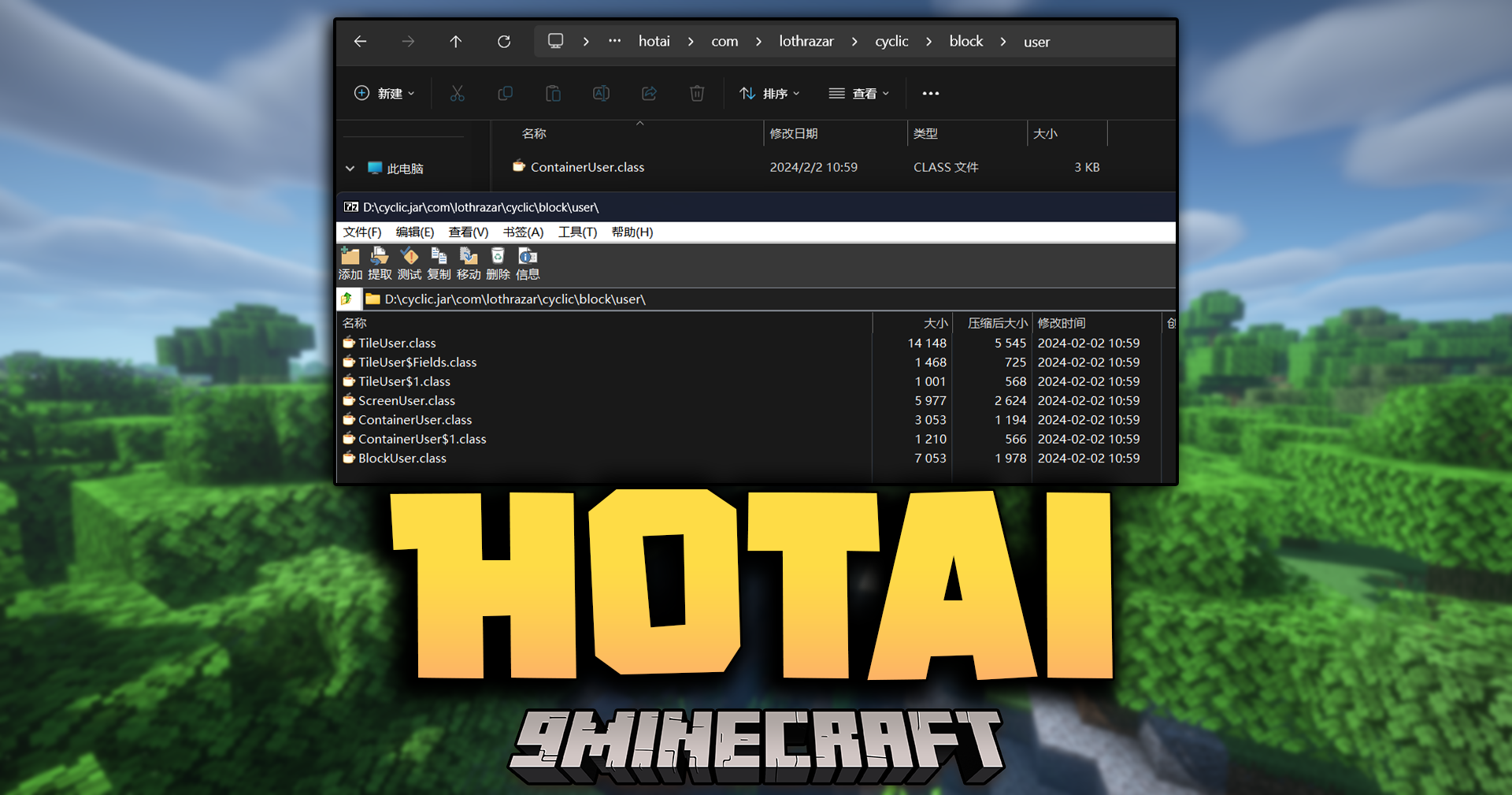

Hotai Mod provides a simple way to patch the code of other mods for modern Minecraft versions. It is a tool that helps apply and manage code edits safely. The mod automatically converts modified files into small records that only store the changes, which helps reduce copyright risks.
Features:
- Patches and updates the bytecode of mods to work with newer game versions.
- Automatically converts modified files into compact “.badiff” files.
- These files only store the difference data, not the entire original file.
- Reduces copyright risk by avoiding the redistribution of full bytecode.
- Please note, this mod can only replace bytecode classes, not resources or other coremods.
How to Use:
- Place the bytecode
.classfiles you want to use into thehotaifolder. - After you run the game, the mod will automatically process these files.
- The original
.classfiles will be replaced with.badifffiles, which only contain the changes.
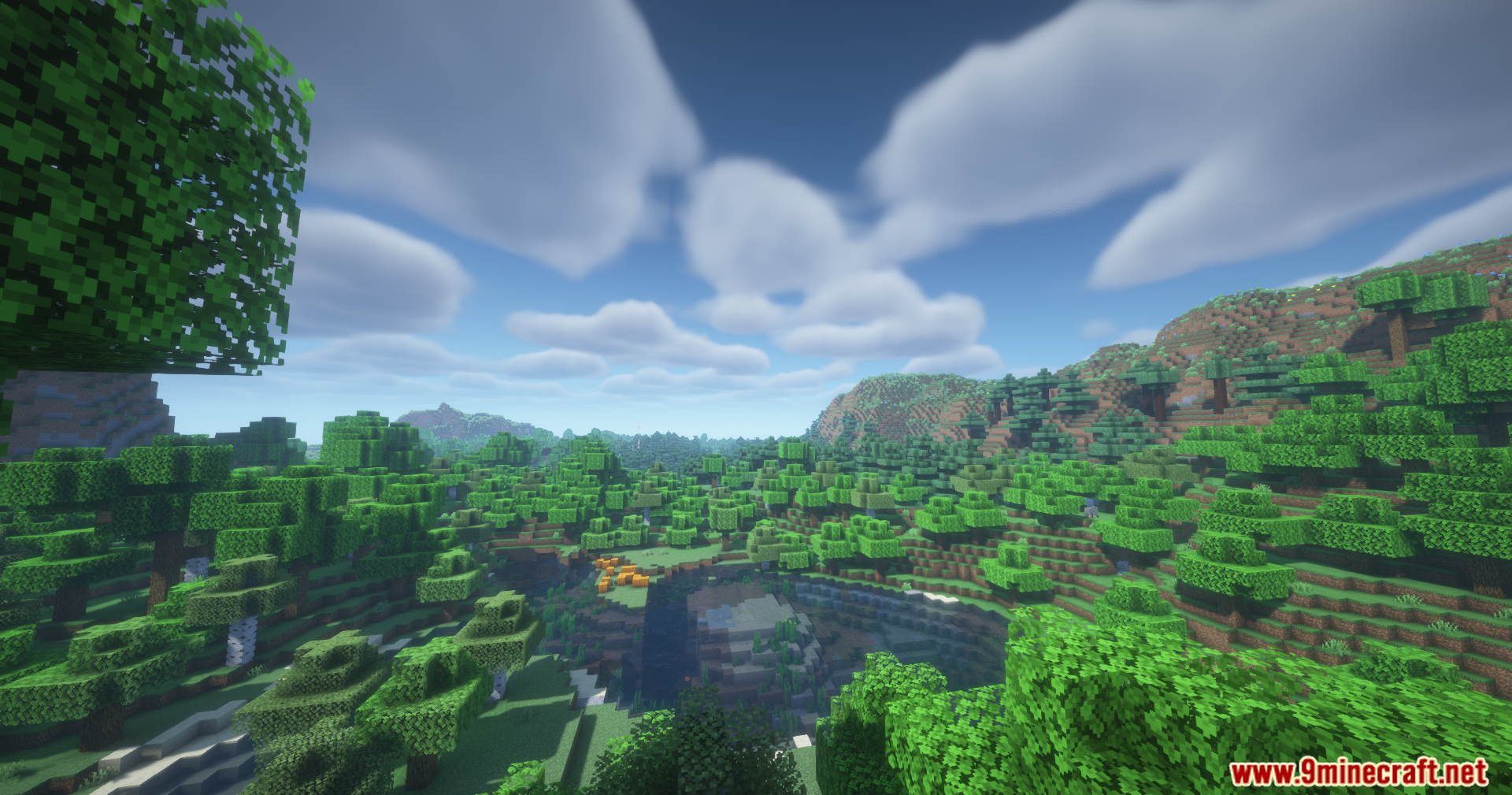
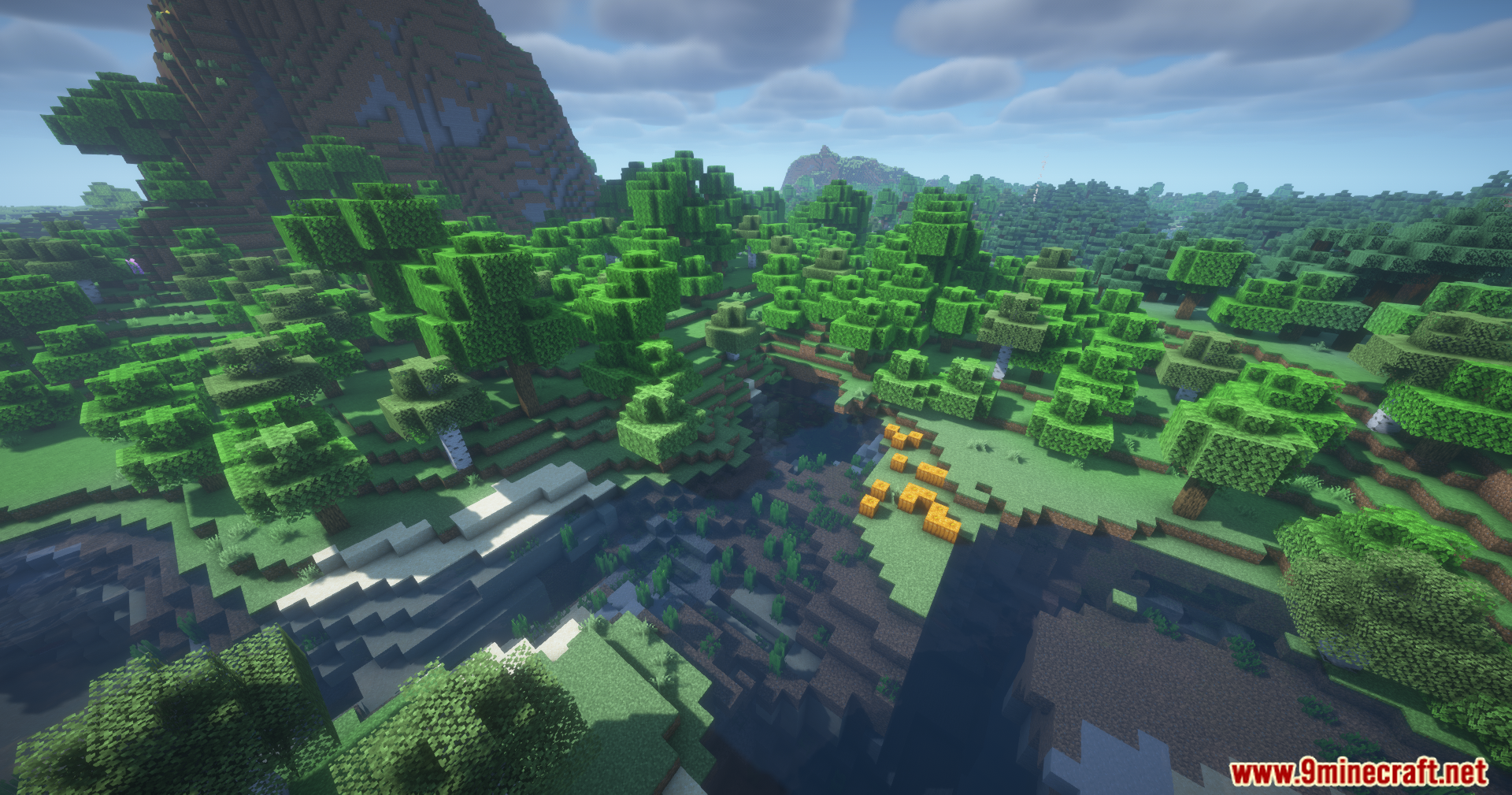
Screenshots:
Hotai Mod Download Links
Quick facts
- Edition: Minecraft Java
- File type: .jar
- Minecraft version listed: 1.20.1
- How to install: Install the matching mod loader (Forge, Fabric or NeoForge) for your Minecraft version. → Download the .jar. → Put it in the .minecraft/mods folder and launch that loader profile.
- Where to get it: In MC Java Mods, or directly above on this page.
Install steps are the general flow for this file type — How to install Minecraft Java mods & modpacks walks through it step by step.
Verified by MCModsHub
- Downloads as 2593.mcaddon
- Download size: 122 KB
- Download link checked 23 Sept 2026 — working
- Mirrored on our own servers — the download does not depend on the original host
These come from our own check of the pack file, not from the source page.