
ModsJava
Book and Quick Save
Java mod listed for Minecraft 26.x. Downloads from the MC Java Mods app on Android.
⬇ Download on Modrinth
Book and Quick Save
Experience peace of mind while writing your books in Minecraft. Your progress will never be lost without proper confirmation due to accidental actions, i.e. ESC-presses or disconnections. Rest easy knowing your hard work will be saved to the hardcover!
✅ Features
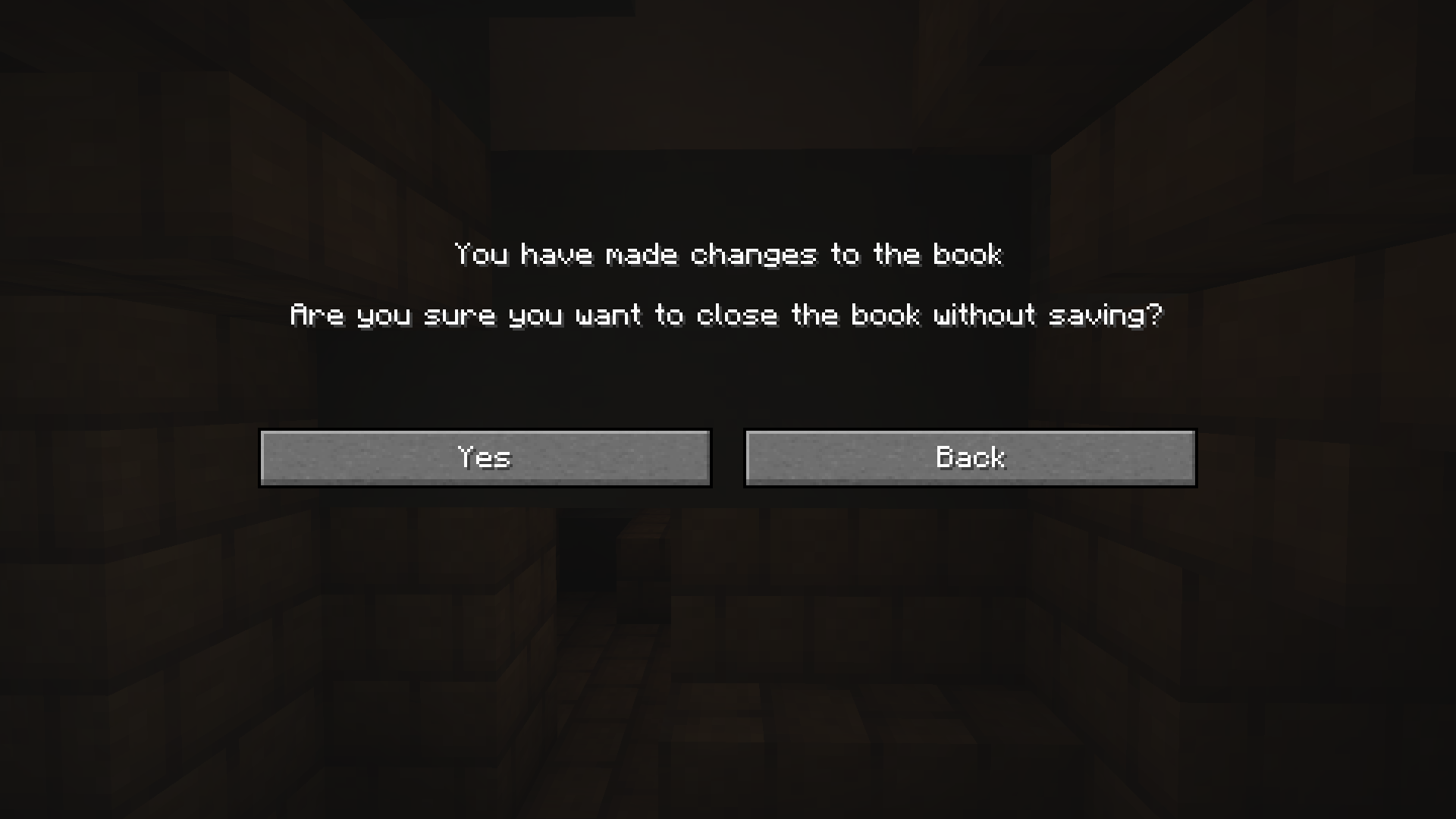
- Confirmation Screen will prompt you whether you meant to discard your changes when pressing ESC or E after editing your Book and Quill.
- Automatic Save when you've made changes and the GUI closes without confirmation, for instance when you get timed out, kicked or die.
- Client-side, so that only you need to have the mod, not the server
📷 Visuals
Quick facts
- Edition: Minecraft Java
- File type: .jar
- Minecraft version listed: 26.1.2
- How to install: Install the matching mod loader (Forge, Fabric or NeoForge) for your Minecraft version. → Download the .jar. → Put it in the .minecraft/mods folder and launch that loader profile.
- Where to get it: Opens on Modrinth — not every file is mirrored on our own servers.
Install steps are the general flow for this file type — How to install Minecraft Java mods & modpacks walks through it step by step.
File checked by MCModsHub
- Ships as book-and-quick-save-1.2+26.1.2.jar — drop this file into the mods folder
- Download size: 137 KB
- Download link checked 10 Oct 2026 — working
These come from our own check of the pack file, not from the source page.