RuOK Mod (1.21.1, 1.20.1) – Limit the Number of Entities Displayed
Java mod listed for Minecraft 1.20–1.21. Downloads from the MC Java Mods app on Android.
⬇ Download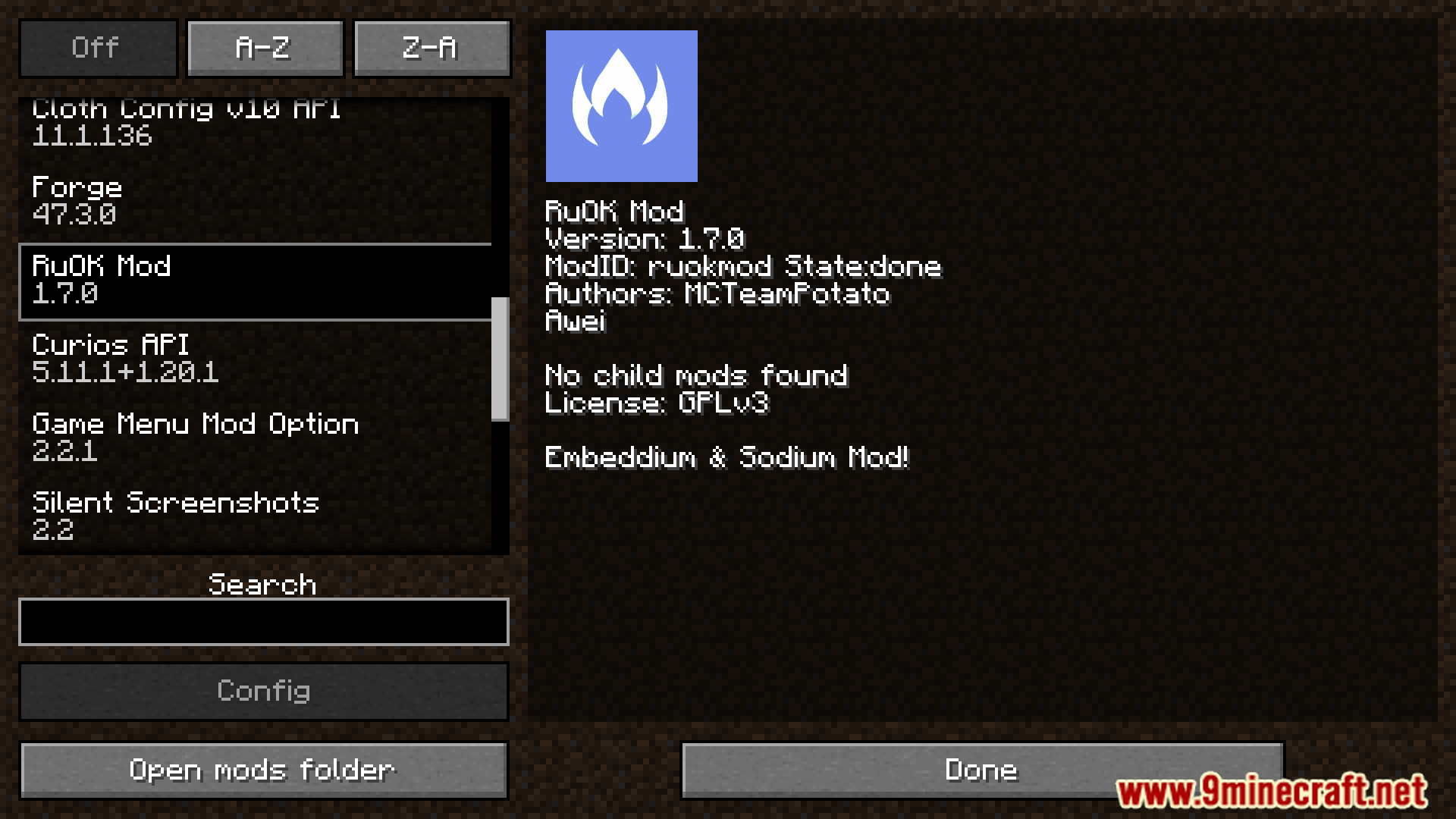
RuOK Mod is a simple optimization mod that provides performance improvements for players. Integrates a dynamic display adjustment system, reducing graphics processing load by limiting the number of displayed entities. Provides quick graphics settings on multiple levels, optimizing the experience without having to manually adjust each parameter. Features mob display adjustment and many other small optimizations that significantly increase gaming performance.
Features:
- Limit the number of entities displayed to improve performance.
- Adjust the position of the entity display according to the player’s position.
- Provide quick graphics settings: Ultra High, High, Normal, Low, Very Low.
- Custom interface to display mobs without editing the configuration file.
- Significantly improve performance in situations with many entities.
Screenshots:
RuOK Mod Download Links
- Edition: Minecraft Java
- File type: .jar
- Minecraft versions listed: 1.21.1, 1.20.1
- How to install: Install the matching mod loader (Forge, Fabric or NeoForge) for your Minecraft version. → Download the .jar. → Put it in the .minecraft/mods folder and launch that loader profile.
- Where to get it: In MC Java Mods, or directly above on this page.
Install steps are the general flow for this file type — How to install Minecraft Java mods & modpacks walks through it step by step.
- Downloads as 25939.mcaddon
- Download size: 434 KB
- Download link checked 24 Sept 2026 — working
- Mirrored on our own servers — the download does not depend on the original host
These come from our own check of the pack file, not from the source page.