Features
Better Doors
Ever noticed how broken Minecraft's doors look on the sides? DecoMod's doors have custom-made textures for all sides of the block!
Wallpapers
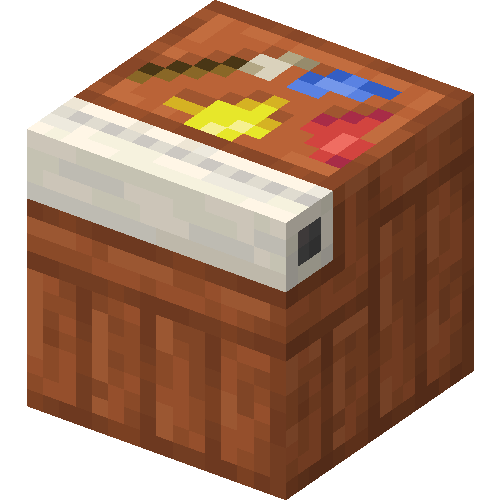
Use the Wallpapering Table to craft wallpapers - you can then put them over your walls to decorate without taking up a block space!
Quoins
Using the wallpapering system, these fancy bricks let the corners of your building stand out.
Trims
Place wooden trims along your interior walls to spruce (or acacia, dark oak, warped...) them up :)
Chain-Link fences
Iron bars don't always do the trick - these fences can look much better. They also come with a door variant.
- Edition: Minecraft Java
- File type: .jar
- Minecraft versions listed: 1.20, 1.20.1
- How to install: Install the matching mod loader (Forge, Fabric or NeoForge) for your Minecraft version. → Download the .jar. → Put it in the .minecraft/mods folder and launch that loader profile.
- Where to get it: Opens on Modrinth — not every file is mirrored on our own servers.
Install steps are the general flow for this file type — How to install Minecraft Java mods & modpacks walks through it step by step.
- Ships as DecoMod-fabric-1.20.1-1.0.2+blanketcon.jar — drop this file into the mods folder
- Download size: 529 KB
- Download link checked 30 Aug 2026 — working
These come from our own check of the pack file, not from the source page.
