
Zxygo's Crystal Util
Crystal Util that helps you learn how crystals work and the damage you can take at different positions relative to a crystal.
⬇ Download on Modrinth
Business email: zxygomc.mod@gmail.com | Business discord: zxygomc.mod
Open to partnerships/sponsors ^
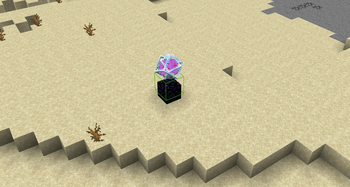
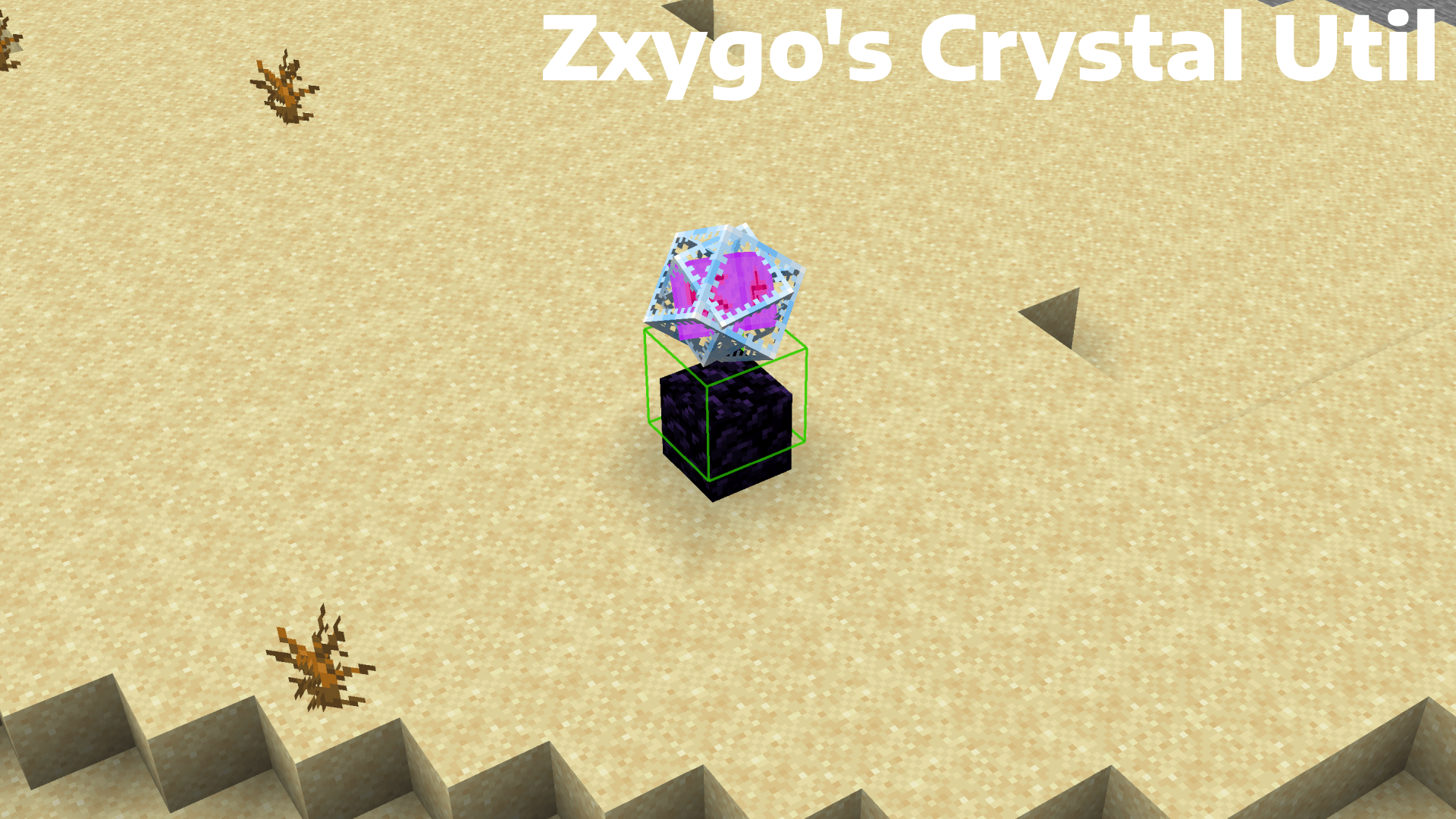
Zxygo's Crystal Util is a utility mod that shows people a relative damage indicator of a crystal comapred to the position and distance of a player compared to a crystal. It shows a simple box outline that changes color depending on your relative position and distance, and it allows for many uses.
NOTE: This mod may be seen as cheating on some servers and provides a unfair advantage. This mod is simply to be used as a learning tool for people getting into Crystal PVP. It exists as a tool that players can use, not a cheat. I don't support hacking or cheating of any kind
Features
Color-Coded Danger Levels
Red: can be dealt heavy damage and can be popped / killed
Yellow: will deal some damage, a bit dangerous, take caution
Green: safe
Fully Customizable
- Toggle the indicator on/off anytime
Clean & Optimized
Minimal performance impact
Works in multiplayer smoothly
Mod Menu Integration
- Simple Mod Menu Integration
How It Works
Zxygo's Crystal Util analyzes the vertical position of end crystals relative to your player, along with the distance from the player to the crystal. This allows for a calculation for the indicator and then a color depending on the calculation.
For example, if the crystal is above your head or you are far away from it, it renders green (least damage).
Intermediate positions blend between colors.
This is my first ever mod, so apologies if there are some bugs. I hope this helps in someone's journey in Crystal PVP, as at the very start of your journey, this mod can help you learn the mechanics and how you take damage from a crystal.
- Edition: Minecraft Java
- File type: .jar
- Minecraft version listed: 1.21.4
- How to install: Install the matching mod loader (Forge, Fabric or NeoForge) for your Minecraft version. → Download the .jar. → Put it in the .minecraft/mods folder and launch that loader profile.
- Where to get it: Opens on Modrinth — not every file is mirrored on our own servers.
Install steps are the general flow for this file type — How to install Minecraft Java mods & modpacks walks through it step by step.
- Ships as Zxygos-Crystal-Util-1.21.4-1.0.0.jar — drop this file into the mods folder
- Download size: 13 KB
- Download link checked 30 Aug 2026 — working
These come from our own check of the pack file, not from the source page.