
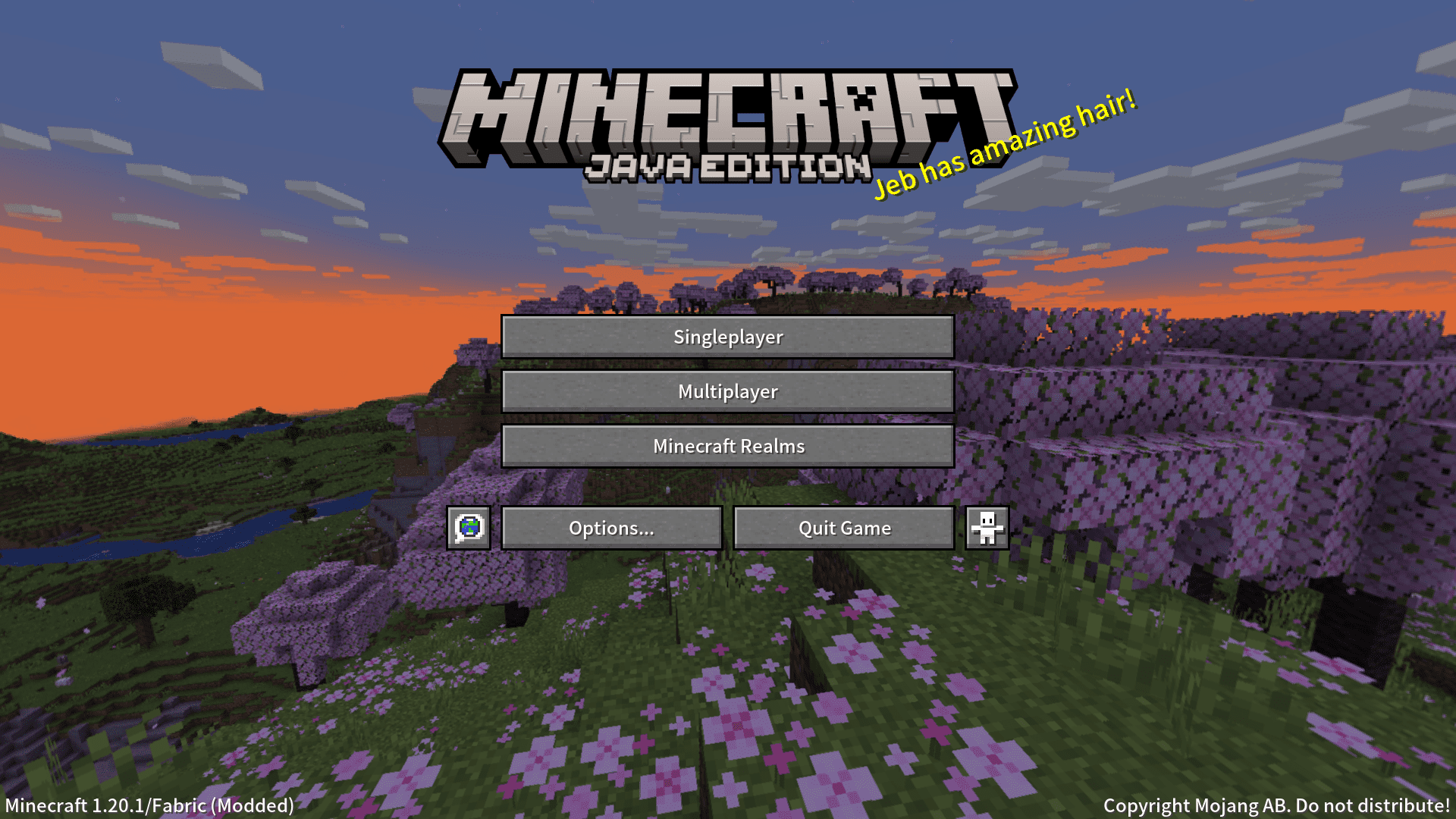
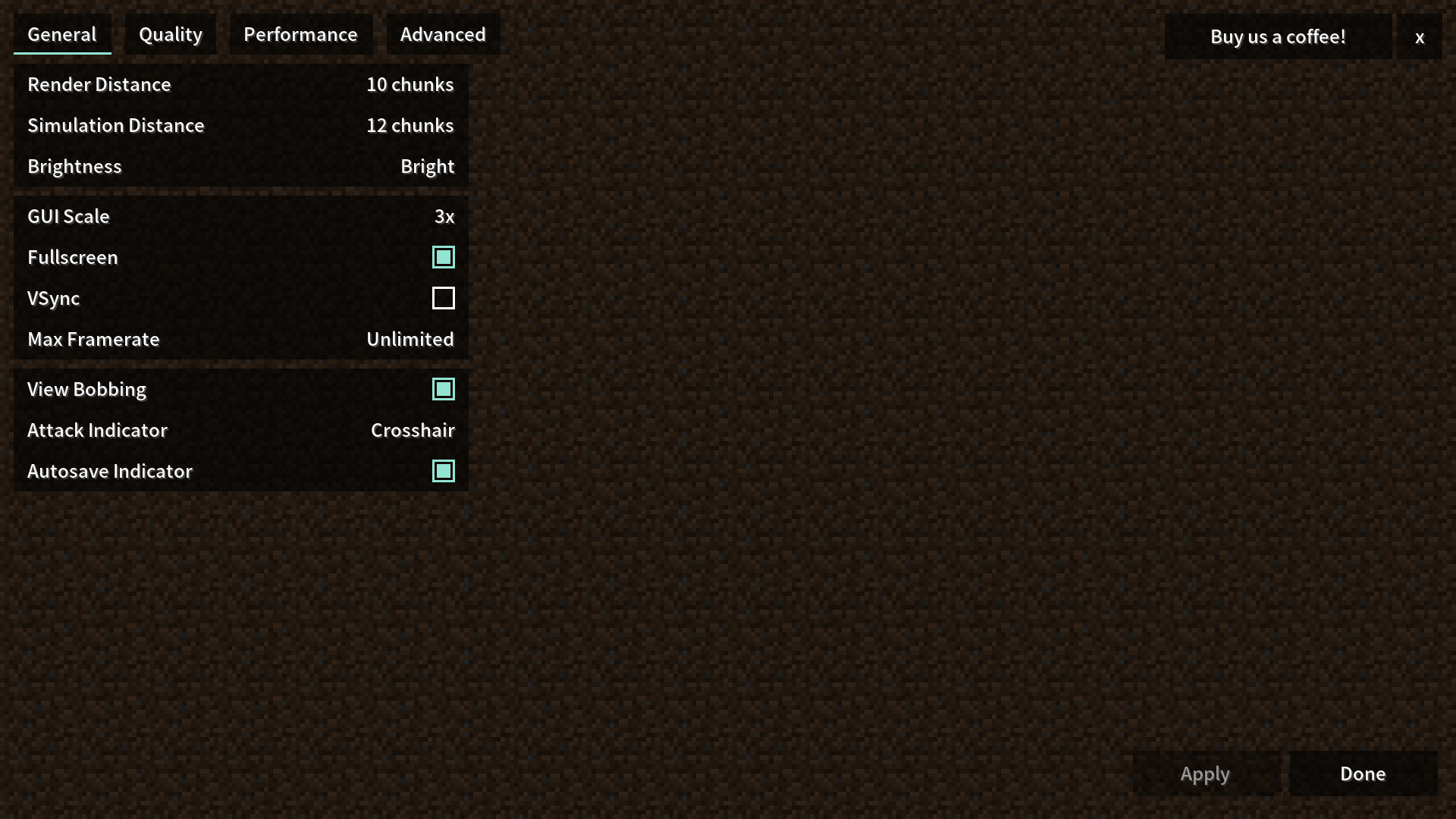
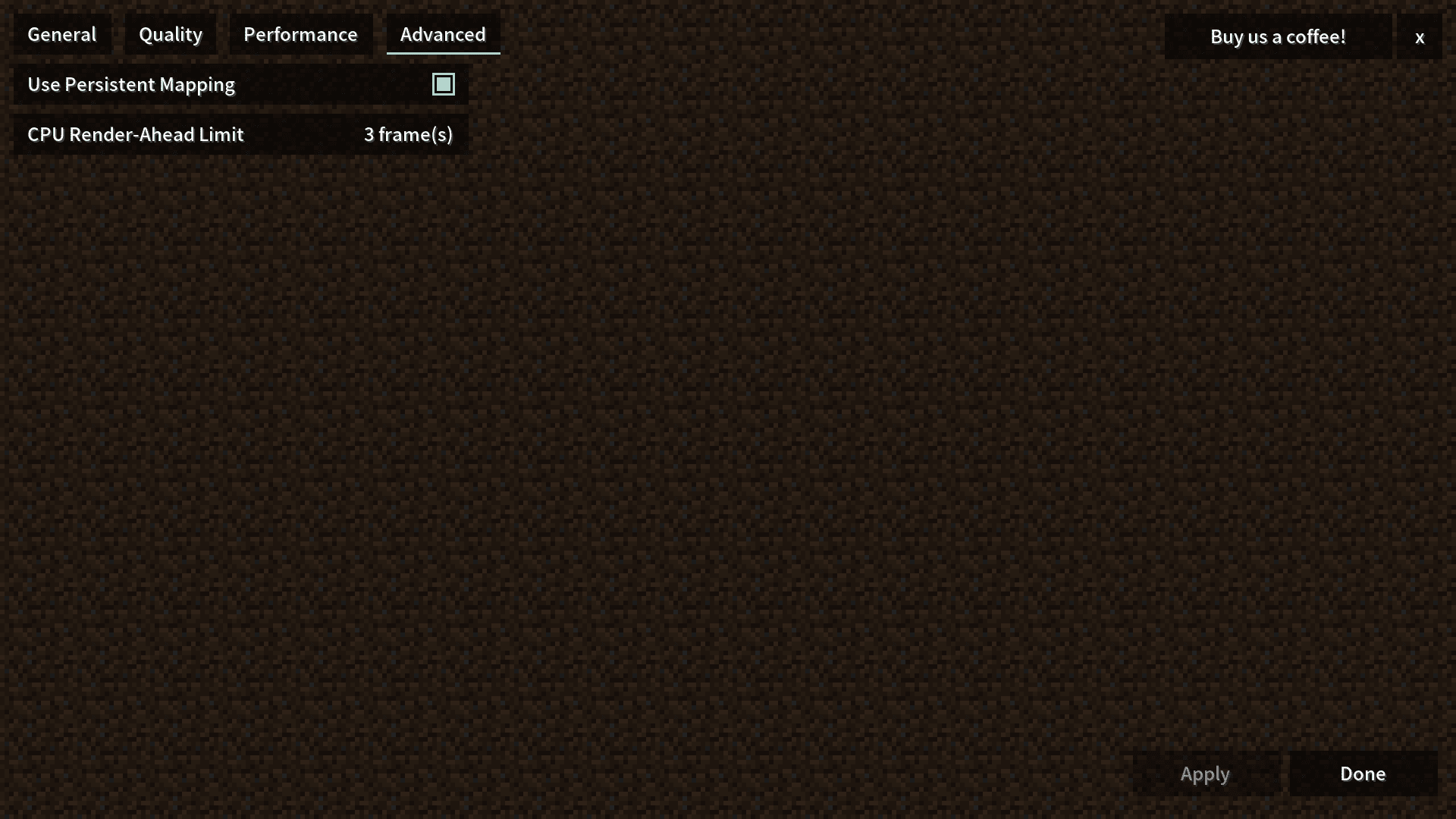
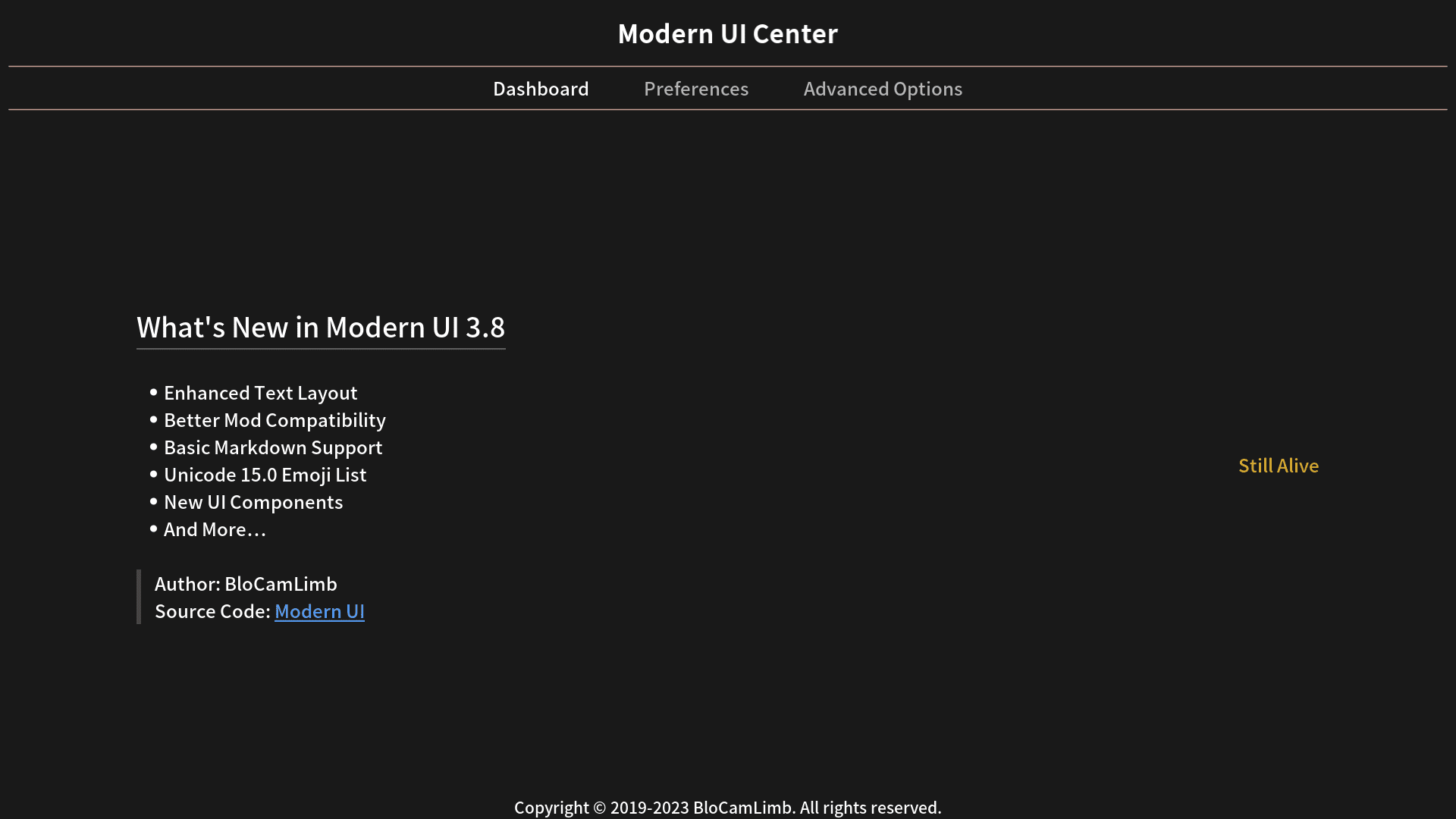
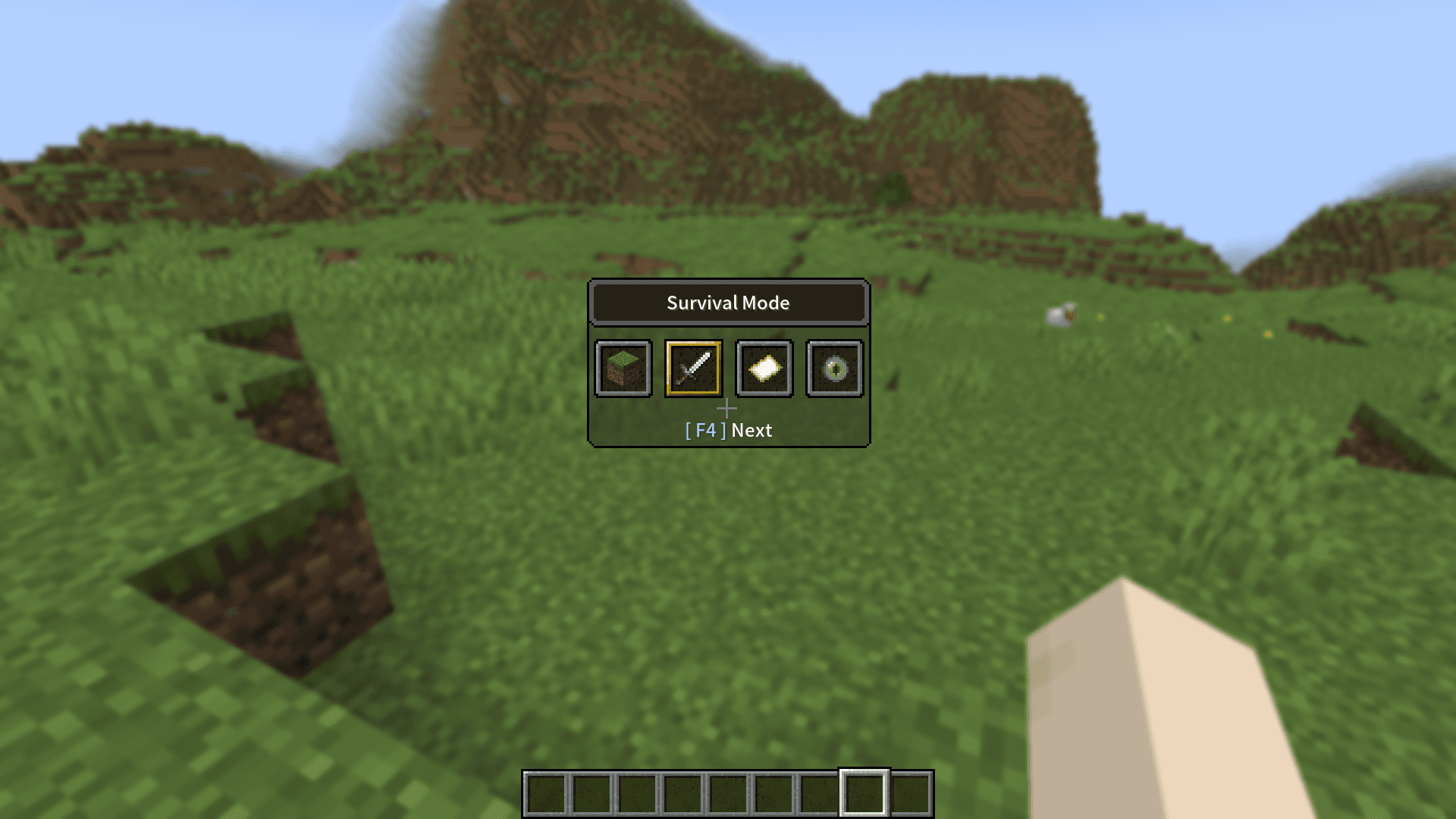
Modern UI Mod revamps the entire user interface in Minecraft to make it look cleaner and smoother. The blocky letters and old colors are replaced with a more modern style. It also adds a special settings page with many options to let you customize the look and feel of your game.
Features:
- Reworks the text system for clearer and more readable text at any size.
- Adds support for TrueType/OpenType fonts with real-time preview and reloading.
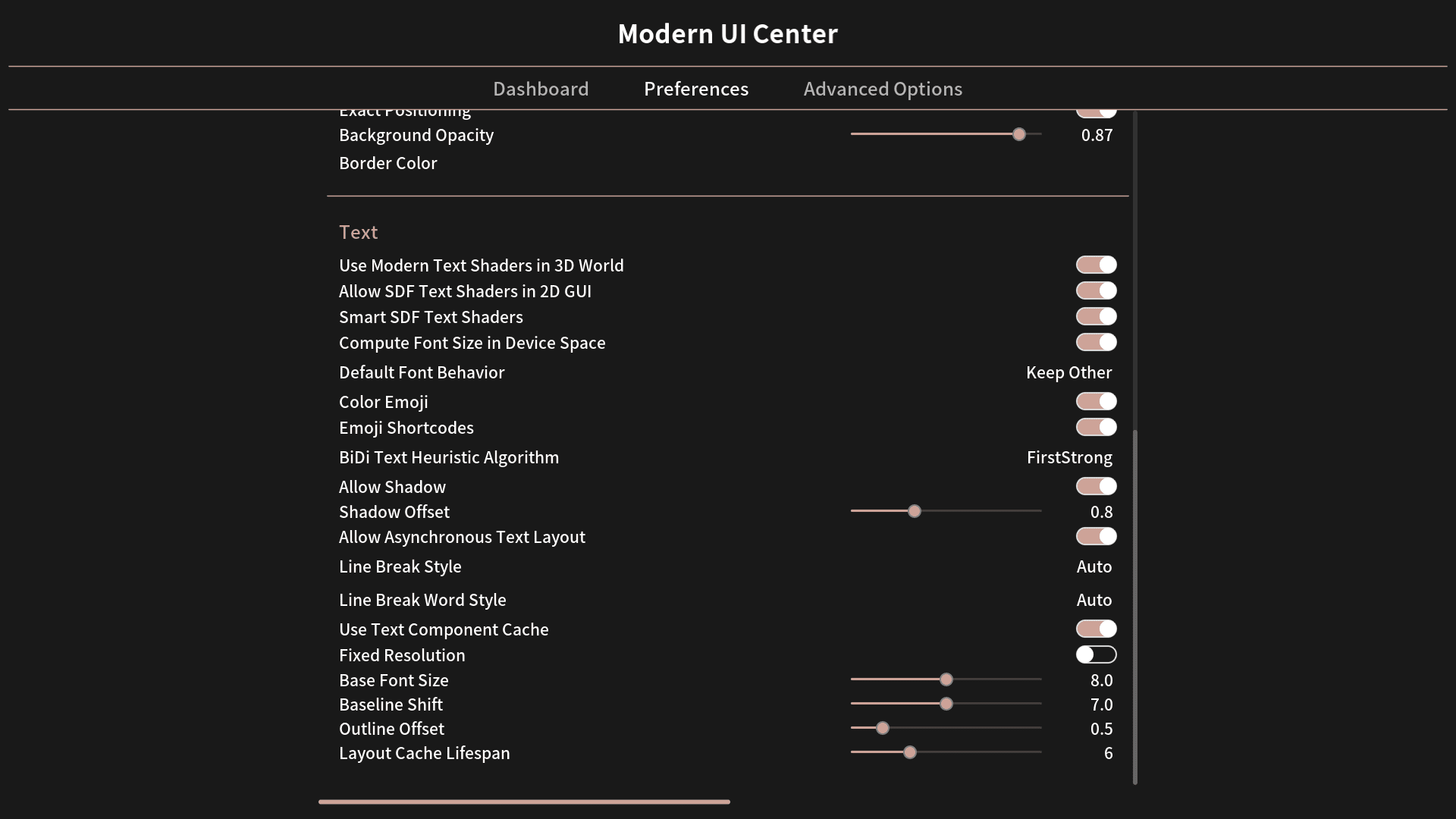
- Includes support for all Unicode 15.1 Emoji, which can be used in chat with shortcodes.
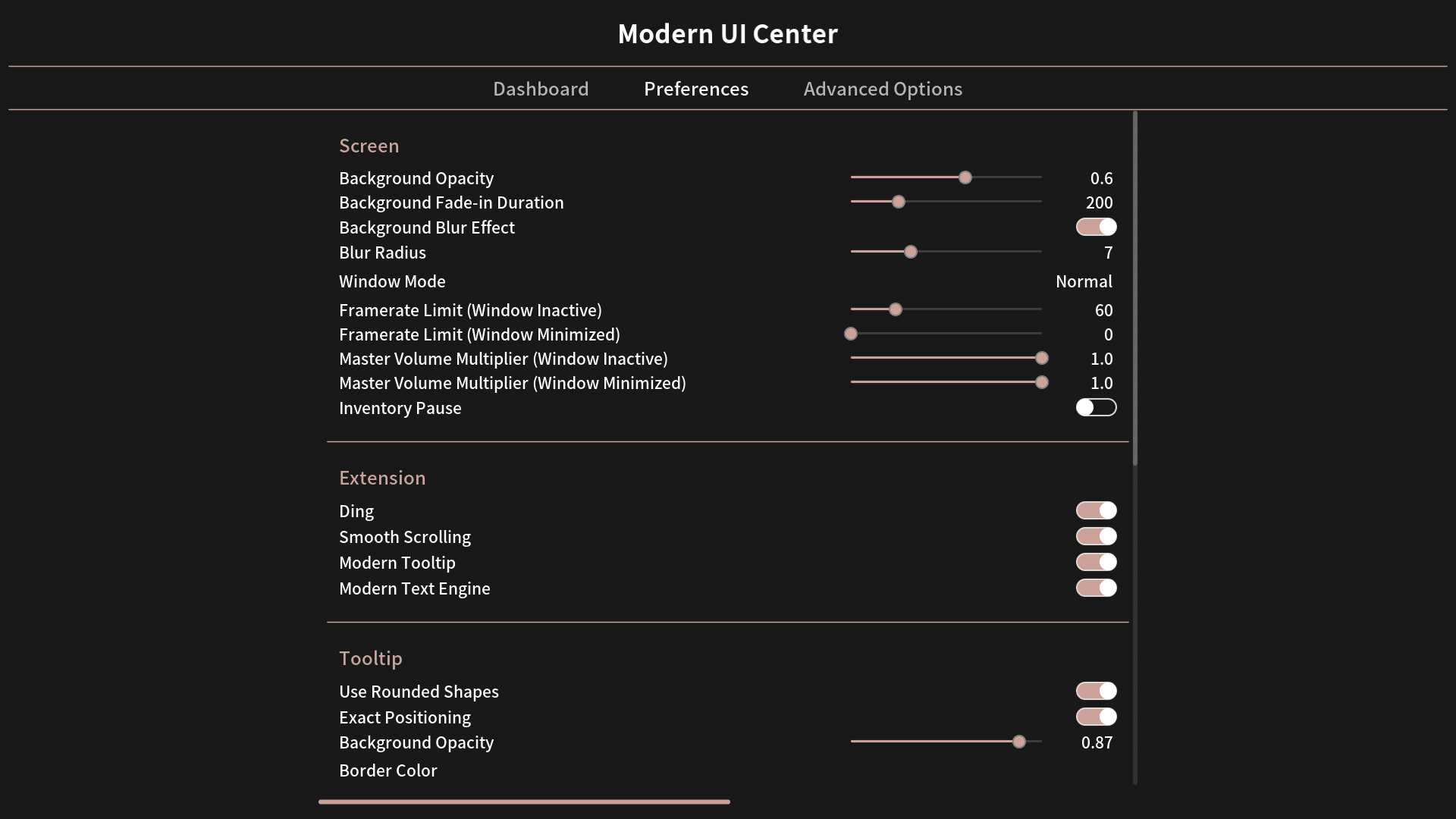
- Lets you change the screen background color and add a Gaussian blur effect.
- Adds new window modes, like borderless fullscreen and maximized borderless.
- Can automatically limit the framerate when the game window is not active.
- Pauses single-player games when you open your inventory.
- Changes the GUI scale option to a slider for more precise control.
- Enables smooth scrolling in menus and selection lists.
- Pressing the C key lets you zoom in, similar to OptiFine.
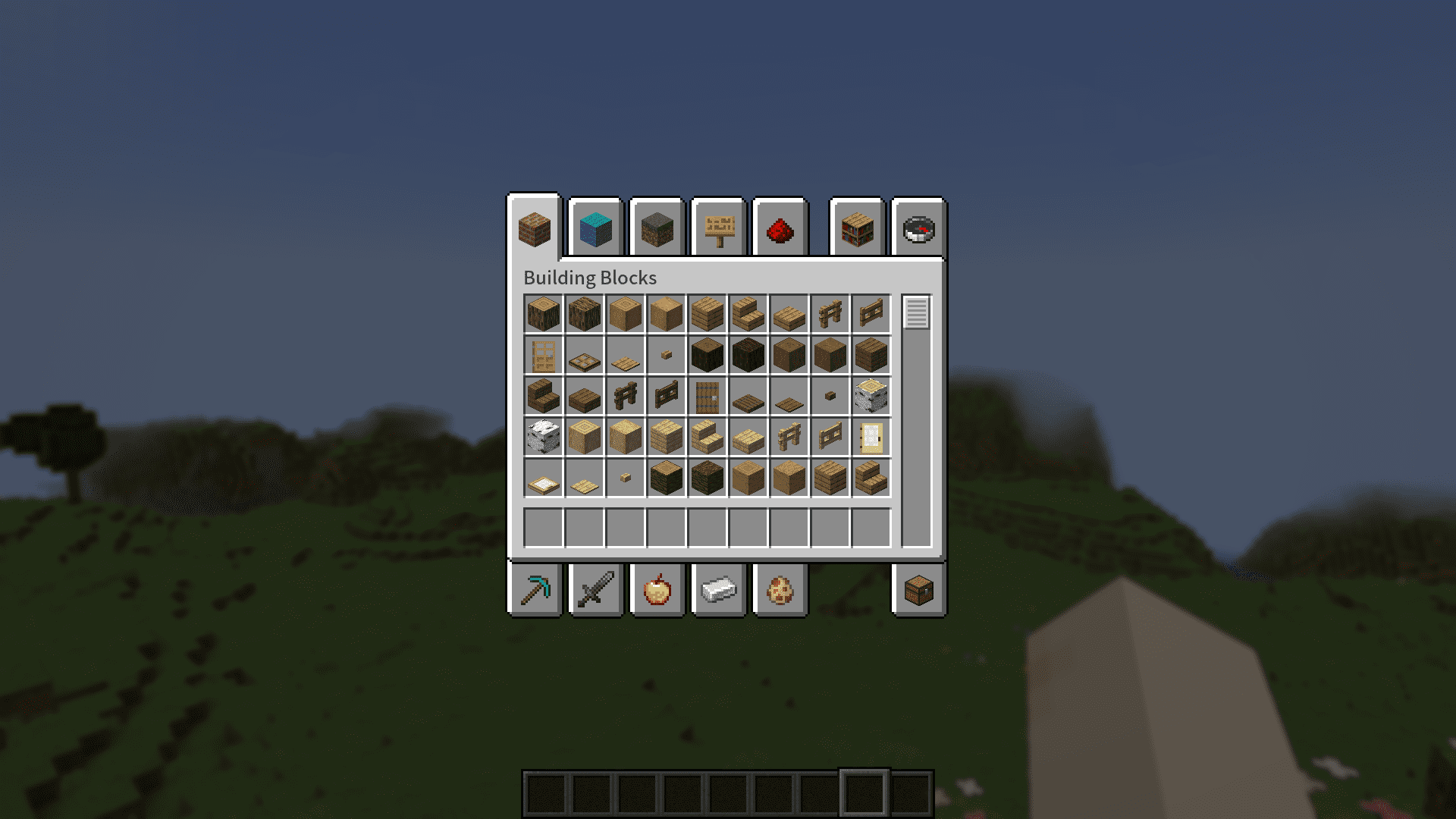
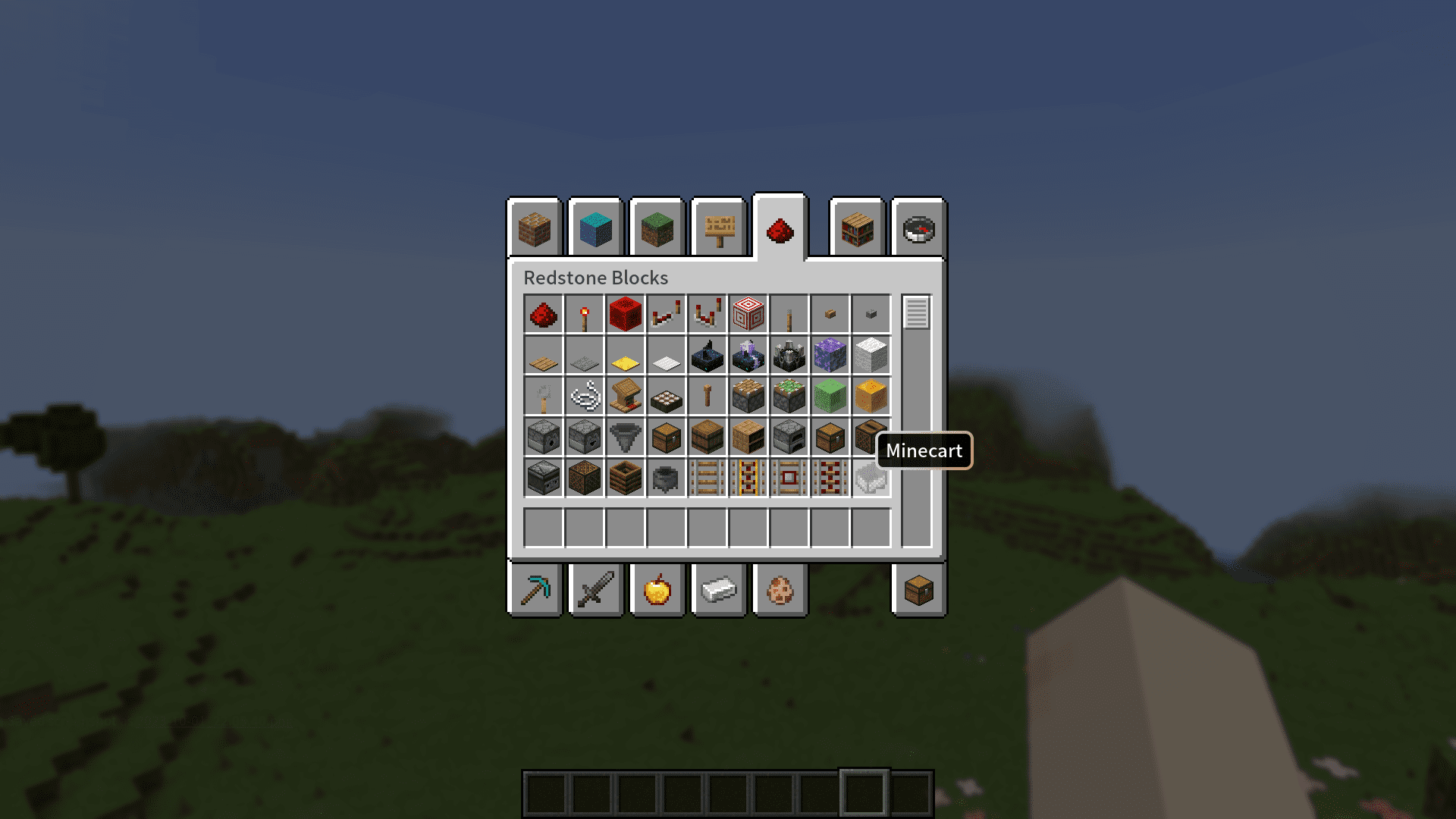
- Gives tooltips a new, rounded style with customizable colors.
How to Use:
- Press Ctrl+K (or ⌘+K on Mac) by default to open the Action Center screen.
- From this menu, you can configure all of the mod’s settings.
- To change font settings, go to Preferences and swipe to the second page.
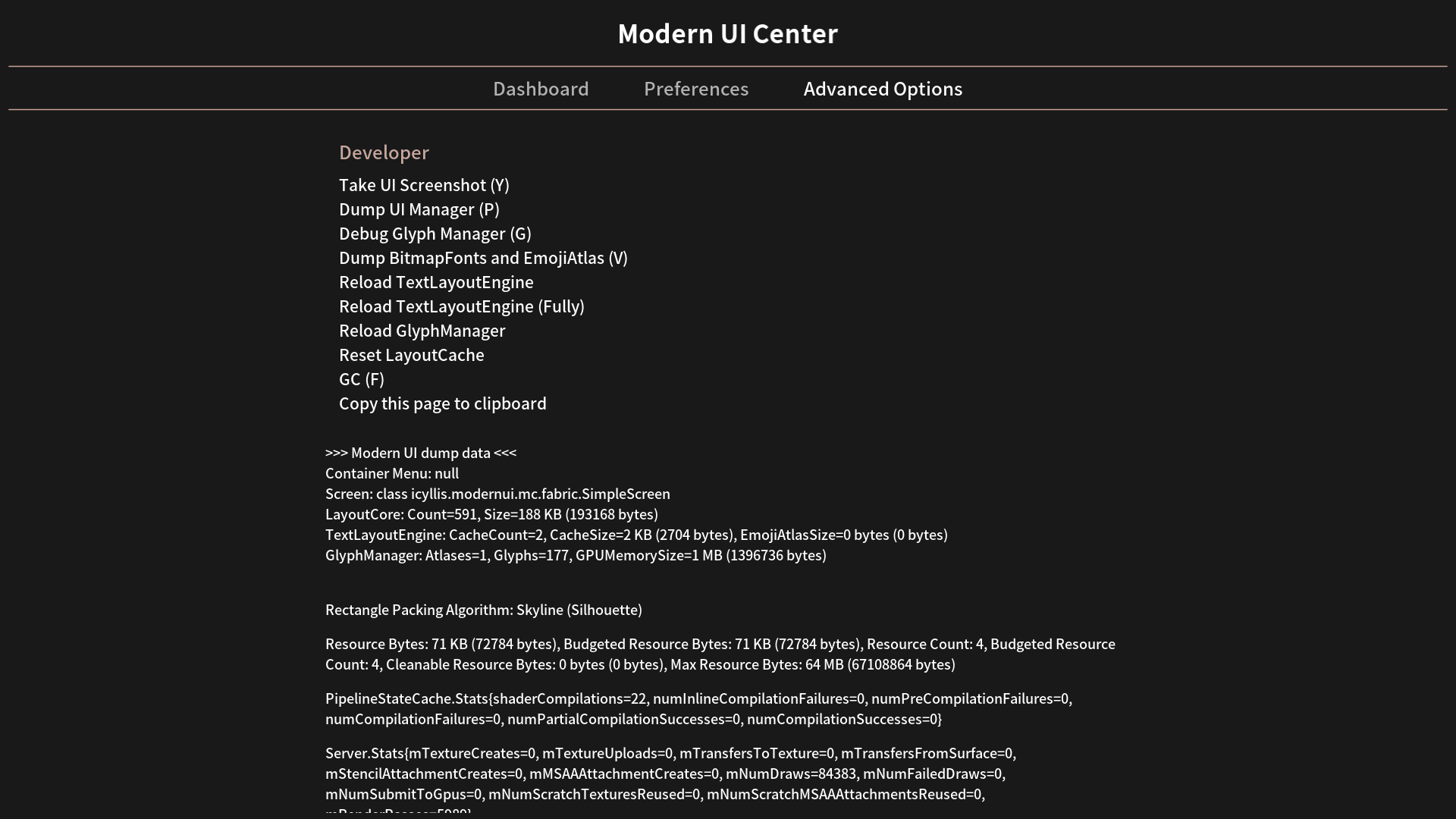
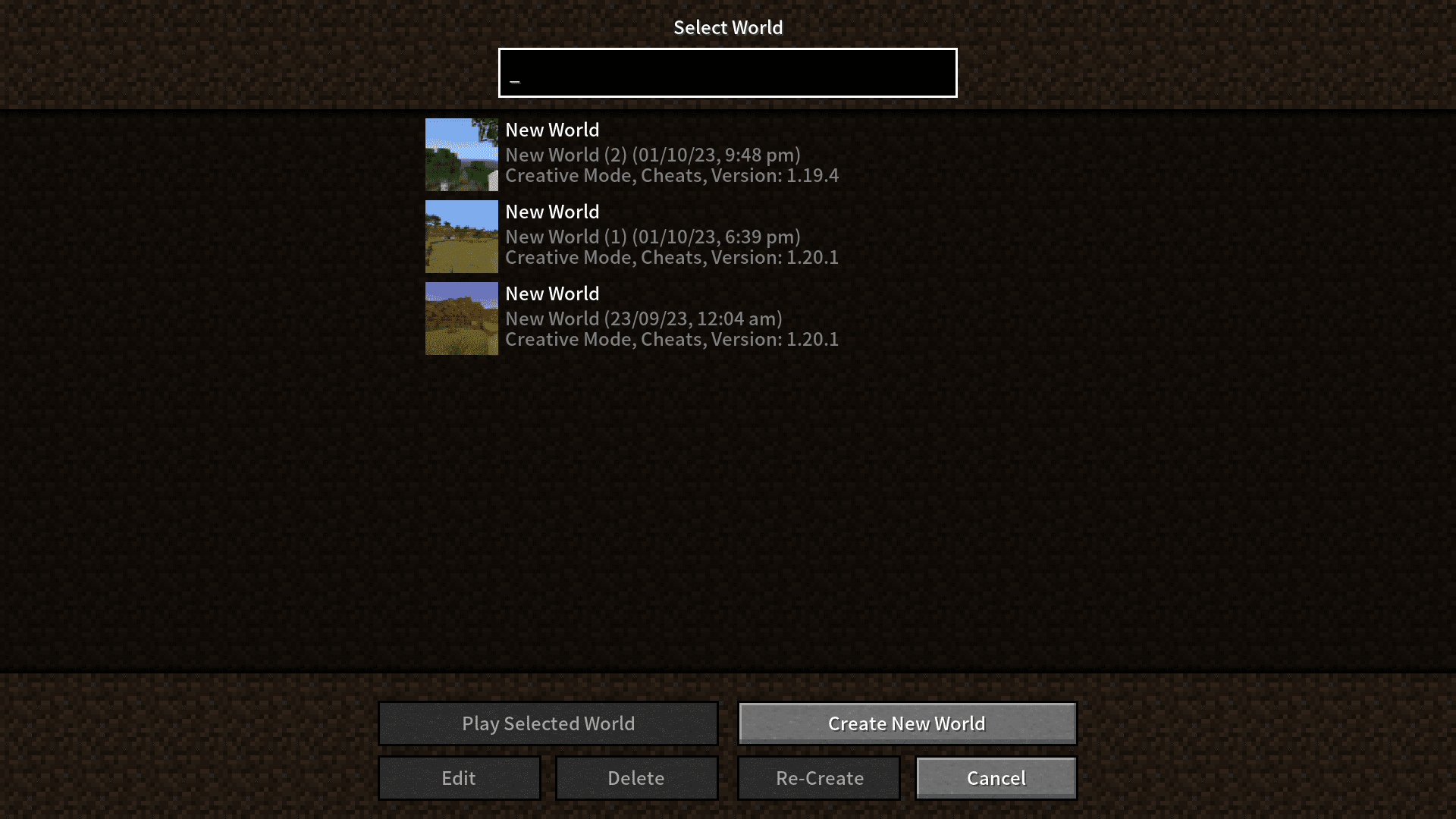
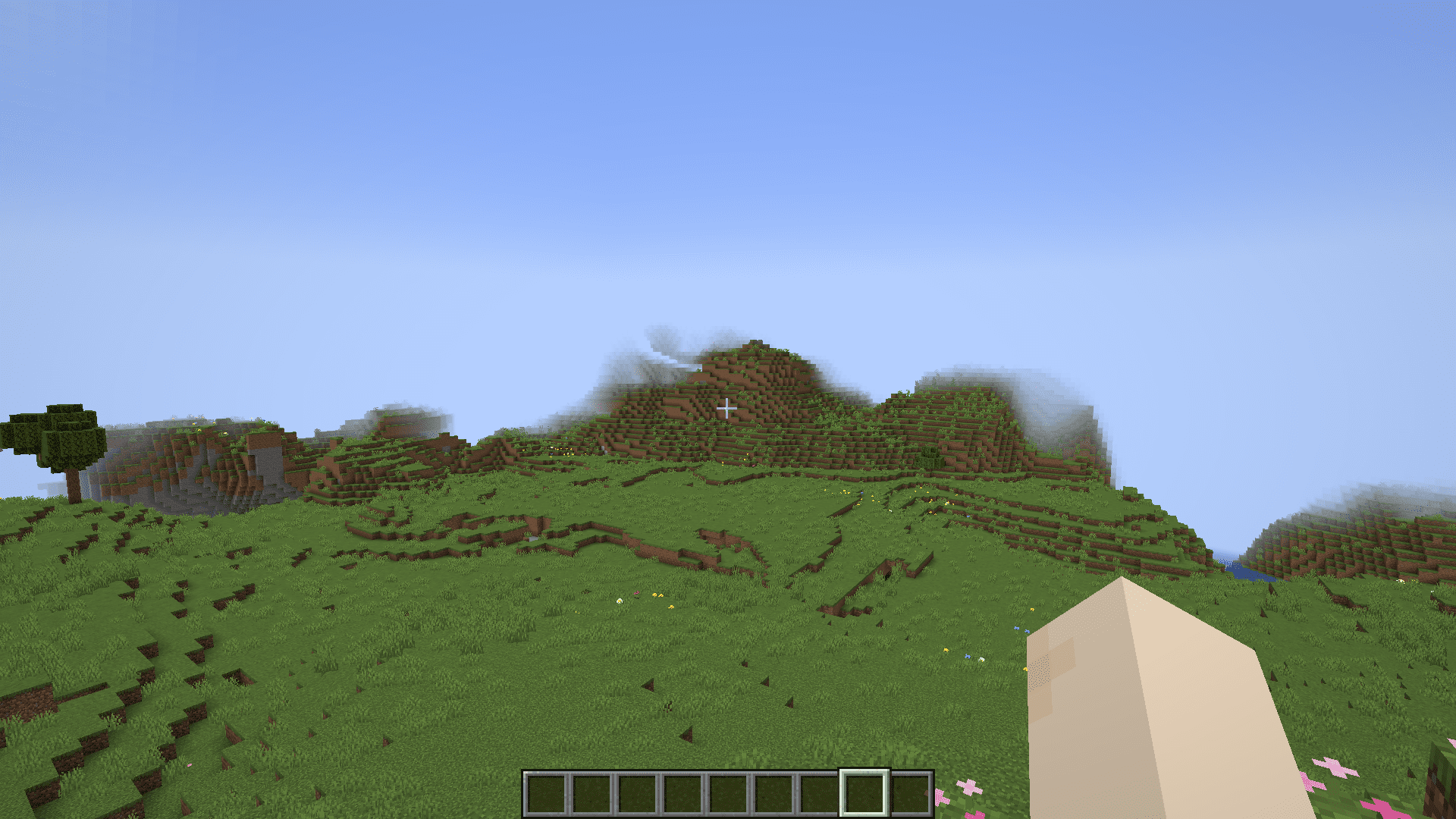
Screenshots:
Modern UI Mod Download Links
Quick facts
- Edition: Minecraft Java
- File type: .jar
- Minecraft version listed: 1.20.1
- How to install: Install the matching mod loader (Forge, Fabric or NeoForge) for your Minecraft version. → Download the .jar. → Put it in the .minecraft/mods folder and launch that loader profile.
- Where to get it: In MC Java Mods, or directly above on this page.
Install steps are the general flow for this file type — How to install Minecraft Java mods & modpacks walks through it step by step.
Verified by MCModsHub
- Downloads as 2597.mcaddon
- Download size: 24.5 MB
- Download link checked 25 Sept 2026 — working
- Mirrored on our own servers — the download does not depend on the original host
These come from our own check of the pack file, not from the source page.