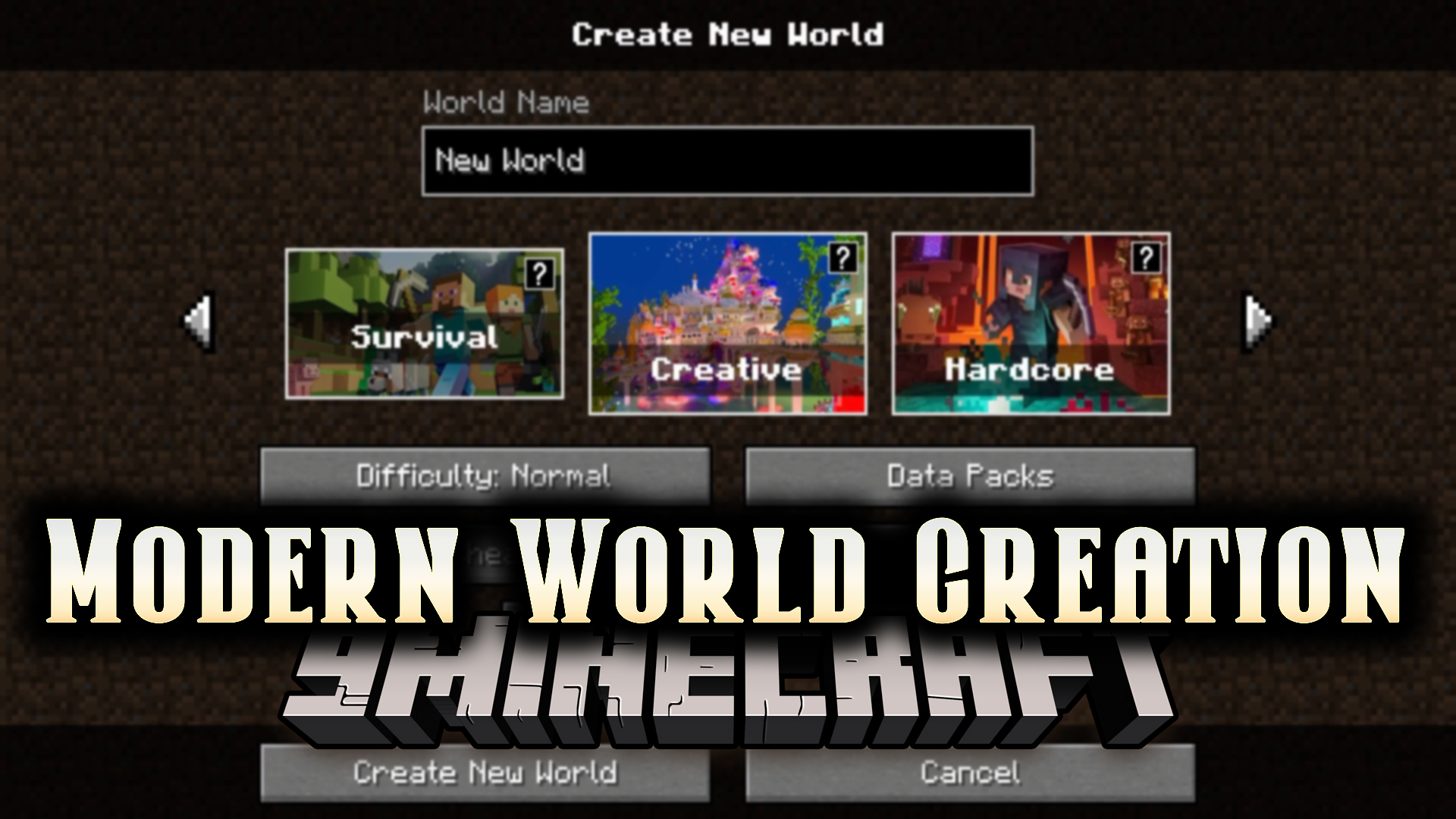
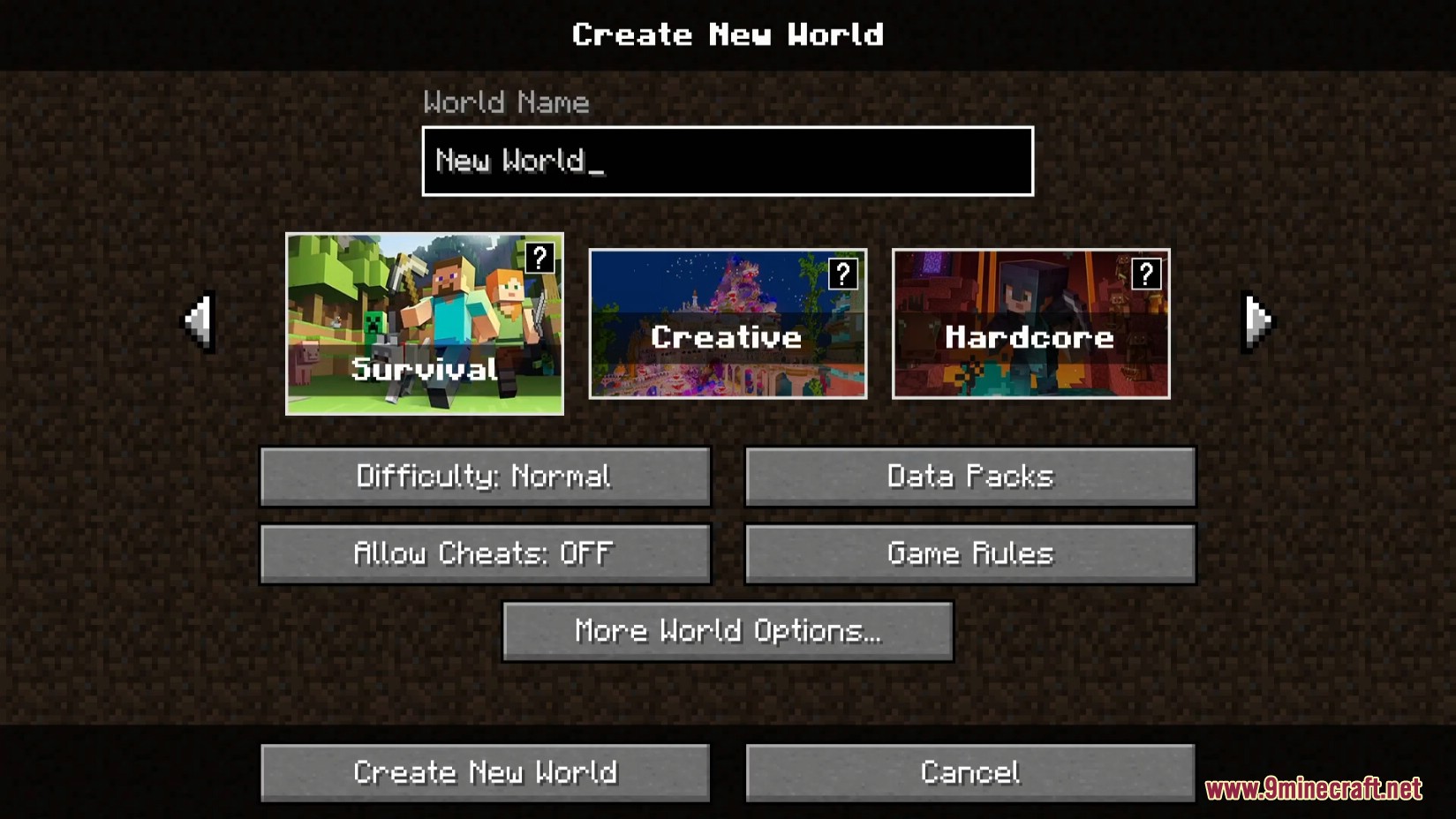
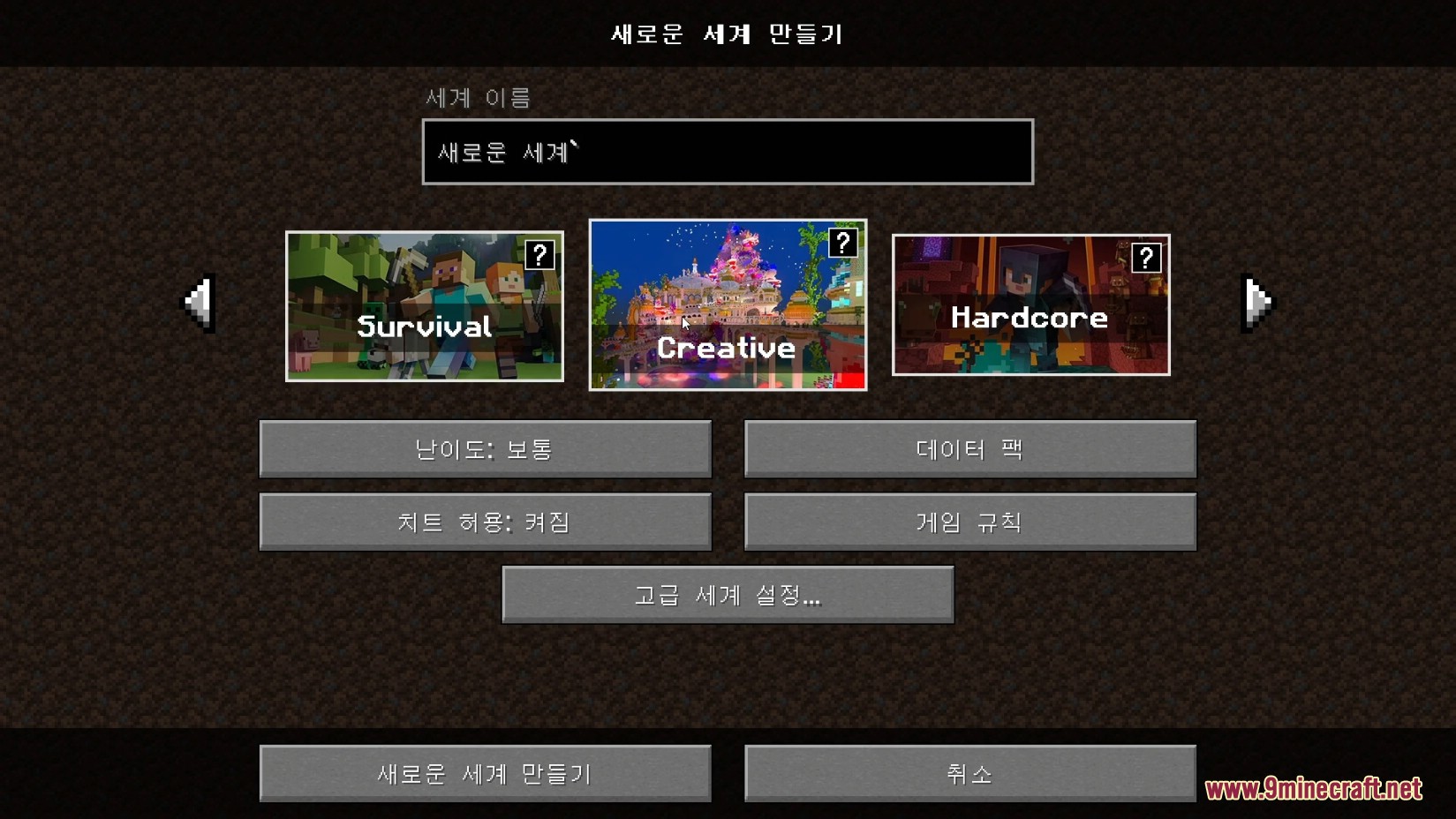
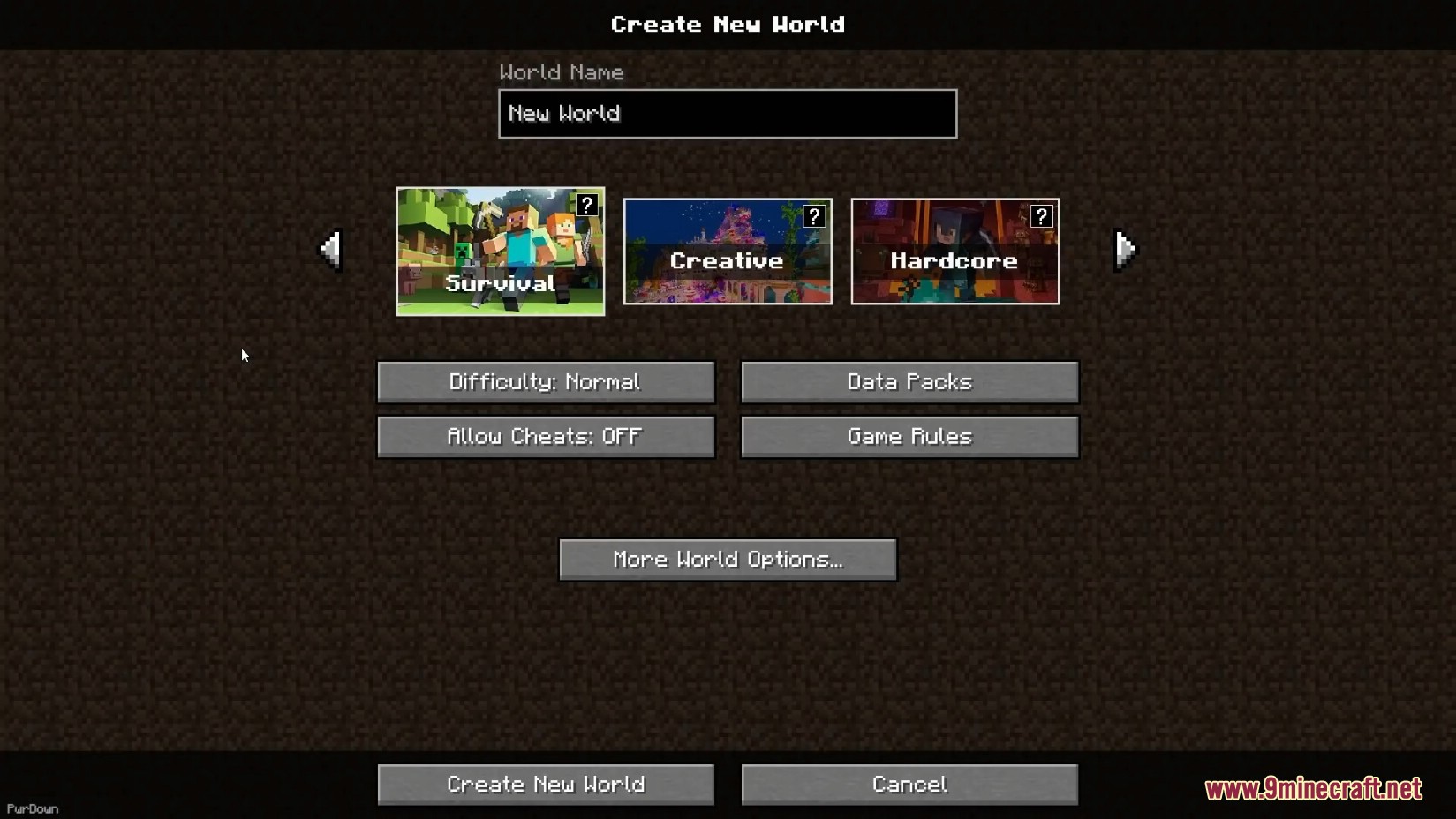
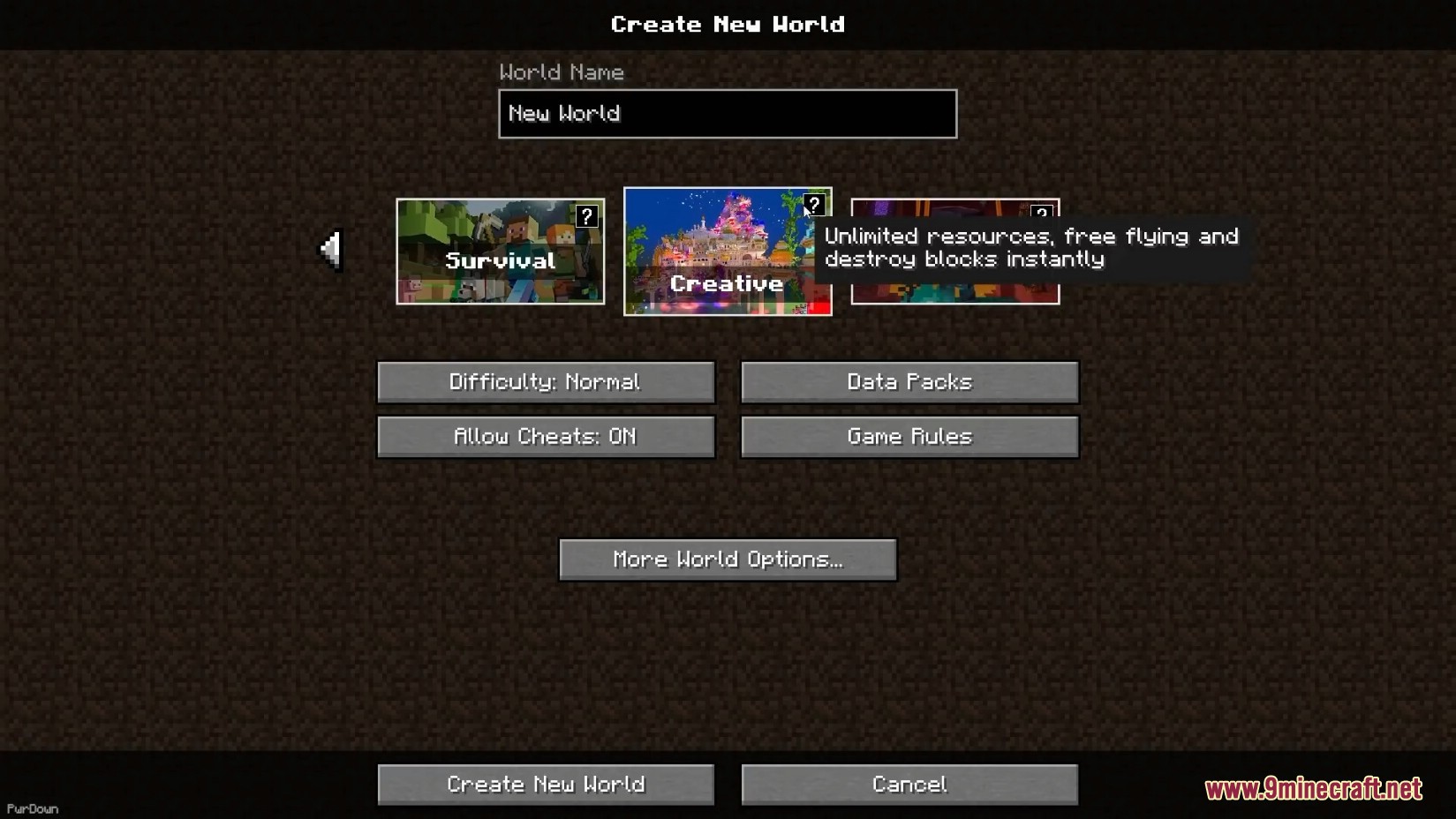
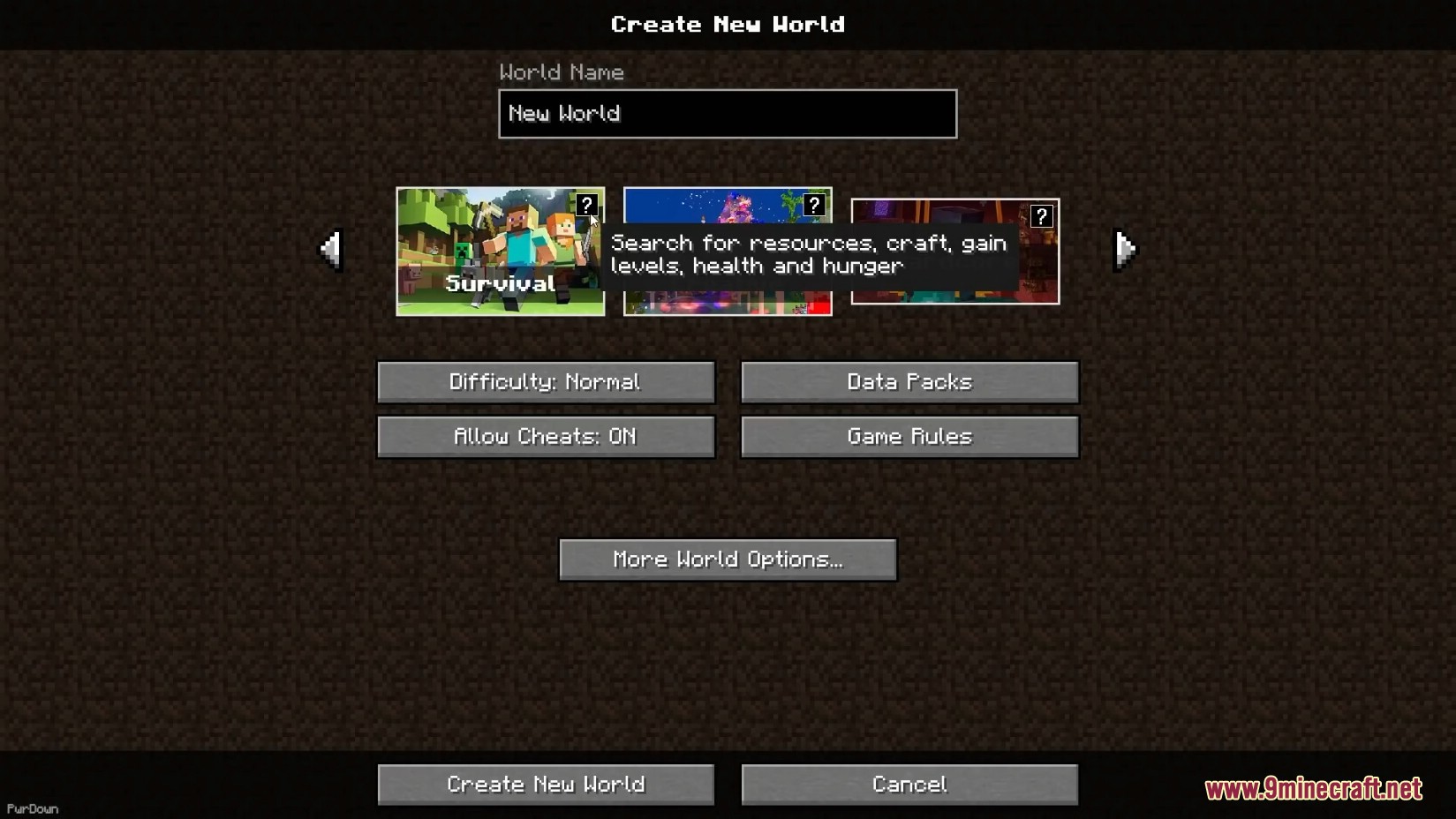
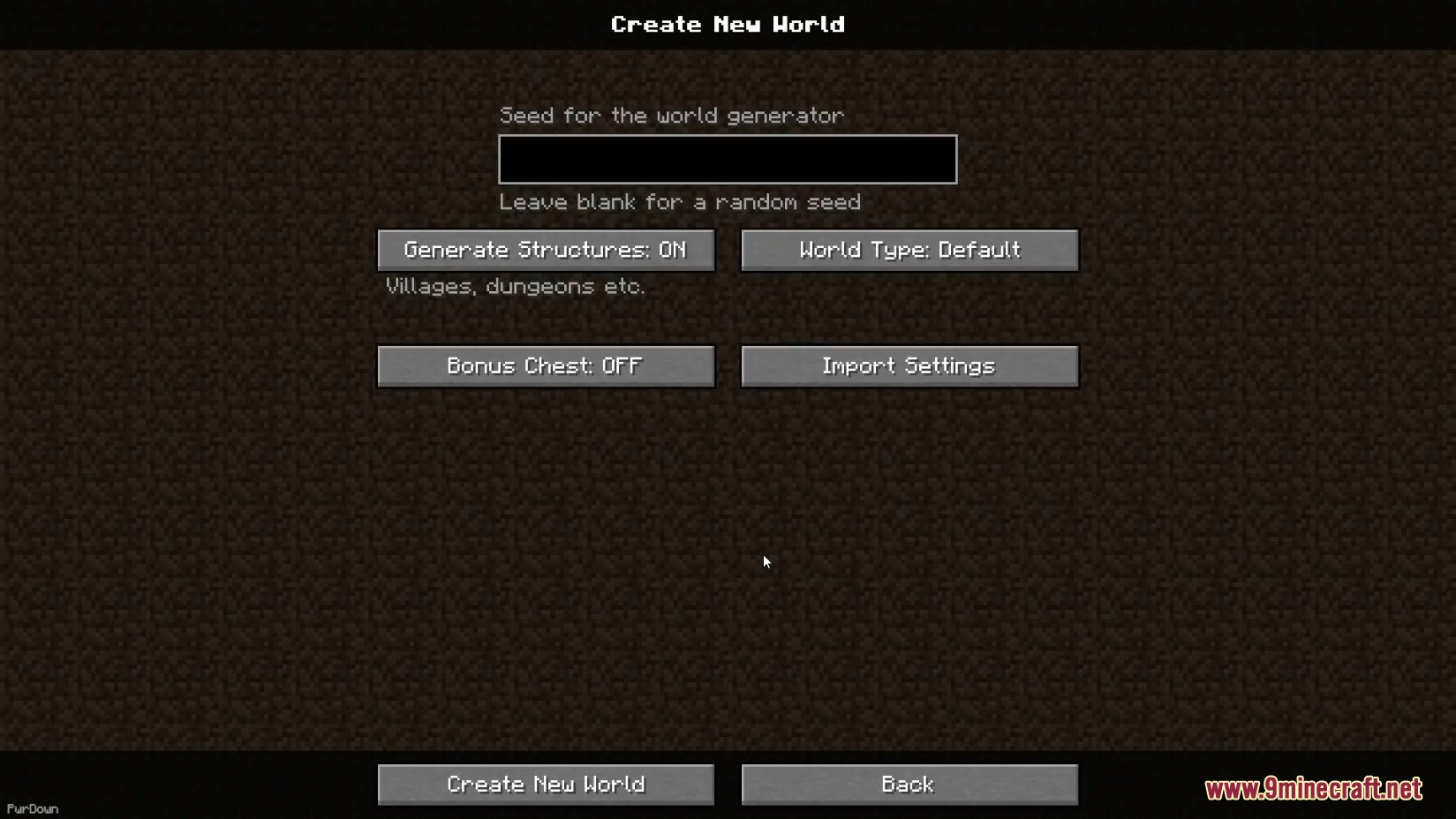
Modern World Creation Mod is a client-side mod for Minecraft that enhances the world creation menu to resemble the modern Bedrock Edition style.
Features:
- Customization Options: You can adjust various elements of the world creation menu, such as disabling the bold menu title, dark menu header, and footer.
- Button Customization: Change the border thickness and color of game mode buttons.
- Tooltips and Info: Enable or disable tooltips and information displays for game mode buttons.
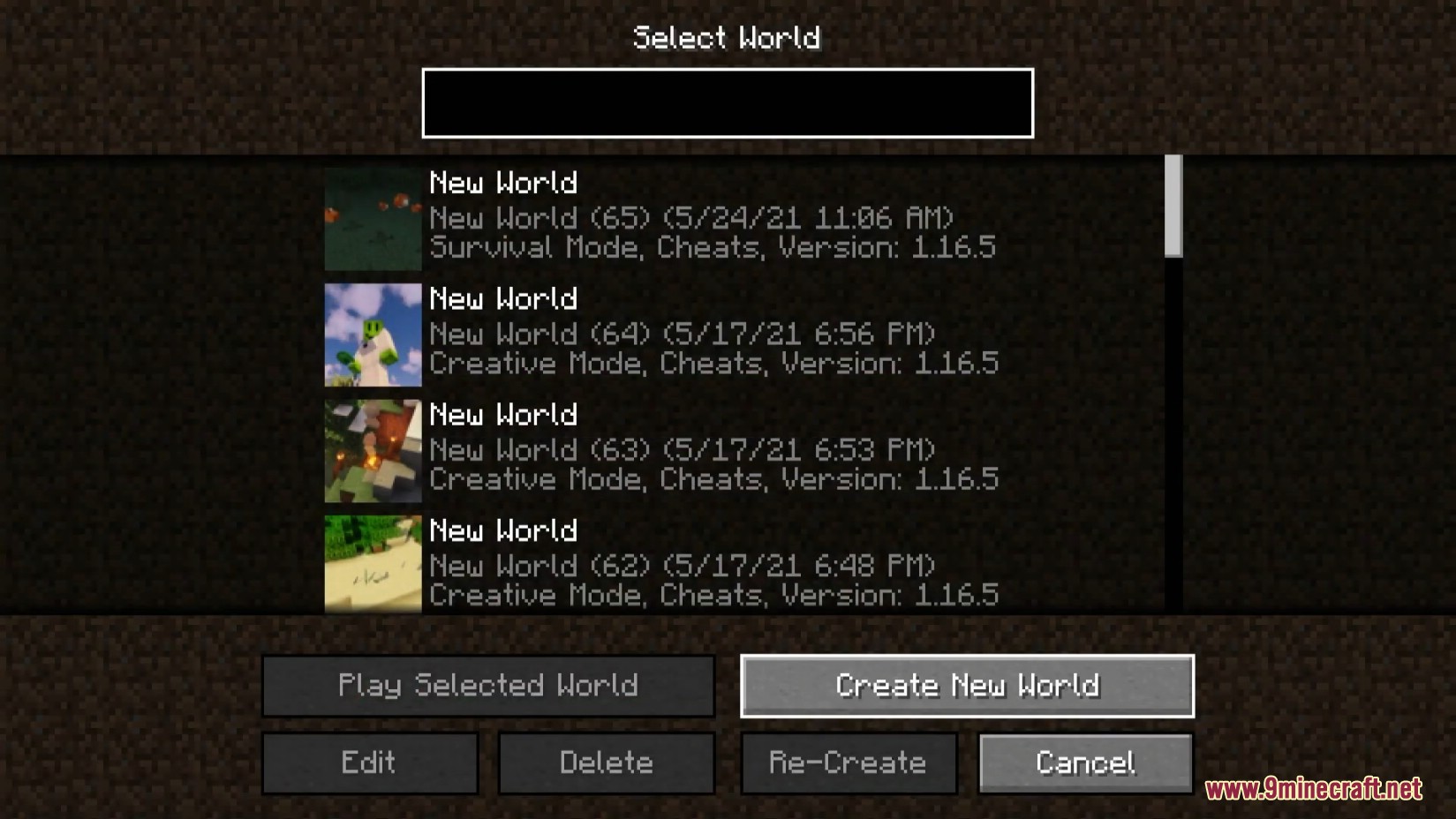
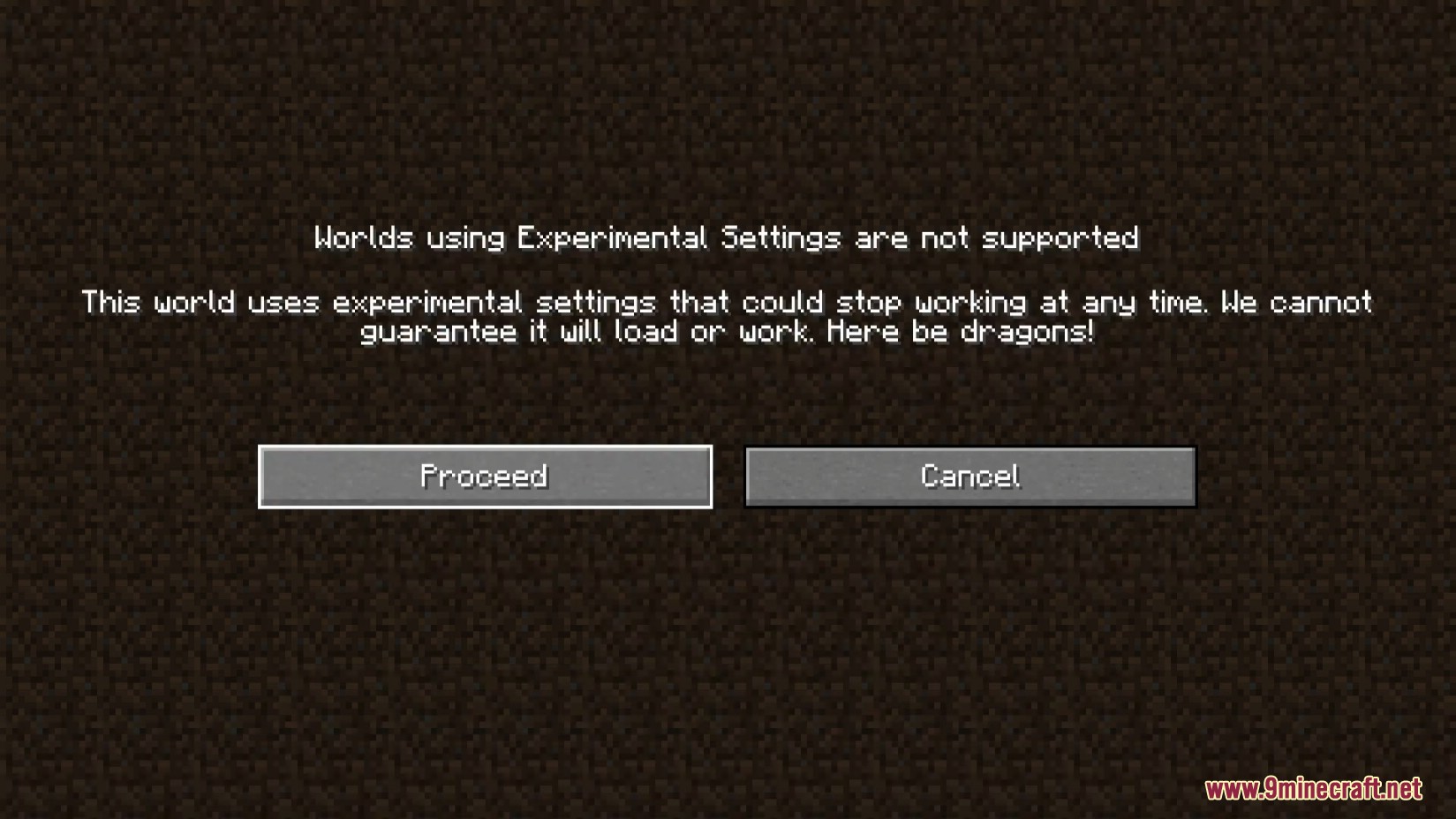
Screenshots:
Configs:
Modern World Creation has a lot of customization options to make the world creation menu look like you want. The config file is located at .minecraft/config/modernworldcreation/config.cfg. The file can be opened with a normal text editor. A game restart is needed after changing things in the config.
- Bold Menu Title: Not a fan of bold titles? No problem. You can disable the bold menu title of the world creation menu by setting the ‘bold_menu_title’ value to ‘false’.
- Header: The dark menu header can be disabled by setting the ‘show_header’ value to ‘false’.
- Footer: The dark menu footer can be disabled by setting the ‘show_footer’ value to ‘false’.
- Allow Cheats Button Tooltip: The button tooltip that is displayed when hovering the Allow Cheats button can be disabled by setting the ‘show_allowcheats_tooltip’ to ‘false’.
- Game Mode Info: The little info thingy in the top-right corner of the game mode buttons can be disabled by setting ‘show_gamemode_info’ to ‘false’.
- Button Border Thickness: The border of the game mode buttons is just too t h i c c ?! Well, I’m a bit disappointed tbh, but you can change it by editing the ‘button_border_thickness’ value.
- Button Border HEX Color: Want a different color for the game mode button borders? Just change the ‘button_border_hex_color’ value to the HEX color you like.
Modern World Creation Mod Download Links
Quick facts
- Edition: Minecraft Java
- File type: .jar
- Minecraft versions listed: 1.21.4, 1.20.1
- How to install: Install the matching mod loader (Forge, Fabric or NeoForge) for your Minecraft version. → Download the .jar. → Put it in the .minecraft/mods folder and launch that loader profile.
- Where to get it: In MC Java Mods, or directly above on this page.
Install steps are the general flow for this file type — How to install Minecraft Java mods & modpacks walks through it step by step.
Verified by MCModsHub
- Downloads as 25989.mcaddon
- Download size: 663 KB
- Download link checked 25 Sept 2026 — working
- Mirrored on our own servers — the download does not depend on the original host
These come from our own check of the pack file, not from the source page.