
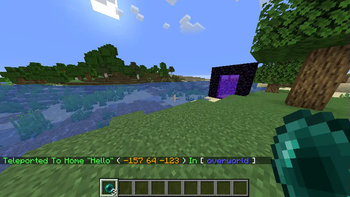
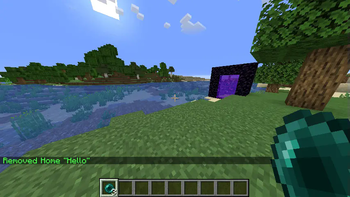
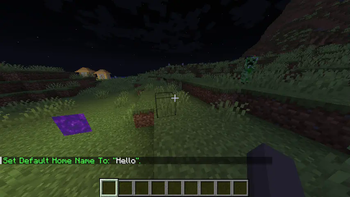
Set And Teleport To Your Home Points Without Needing OP Permissions.
Installation
To get Started, Simply Drop The .jar File Of The Latest Release In Your Mods Folder.
Commands
- home.set [Name]: Set Your Home Point.
- home.go [Name]: Teleport To Your Home Point.
- home.delete [Name]: Remove A Home Point.
- home.list: List Your Home Points.
- home.default [Name]: Set The Default Home Point Name.
- home.reload-config: Reload The Config From Disk.
Note: The Default Home Point Name Is For All Players Also Note: "default" & "reload-config" Both Require OP Perms To Run, To Prevent Abuse / Disk Thrashing By Players.
You Can Set A Default Value For Name In The Config, That Will Be Used If The Name Parameter is Ommited.
Compatibility
This Mod Works On Both The Dedicated Server, And The Client's Integrated Server.
Quick facts
- Edition: Minecraft Java
- File type: .jar
- Minecraft version listed: 1.21.1
- How to install: Install the matching mod loader (Forge, Fabric or NeoForge) for your Minecraft version. → Download the .jar. → Put it in the .minecraft/mods folder and launch that loader profile.
- Where to get it: Opens on Modrinth — not every file is mirrored on our own servers.
Install steps are the general flow for this file type — How to install Minecraft Java mods & modpacks walks through it step by step.
Verified by MCModsHub
- Ships as SuperSimpleHome-1.21.1.jar — drop this file into the mods folder
- Download size: 55 KB
- Download link checked 20 Sept 2026 — working
These come from our own check of the pack file, not from the source page.