Rrtt217's HDR Mod (26.2, 1.20.1) – Unlock Brighter Lights And Deeper Shadows
Java mod listed for Minecraft 1.20. Downloads from the MC Java Mods app on Android.
Rrtt217's HDR Mod adds true high dynamic range lighting for Iris Shaders. It changes how the game handles colors and brightness, making lights look much…
⬇ Download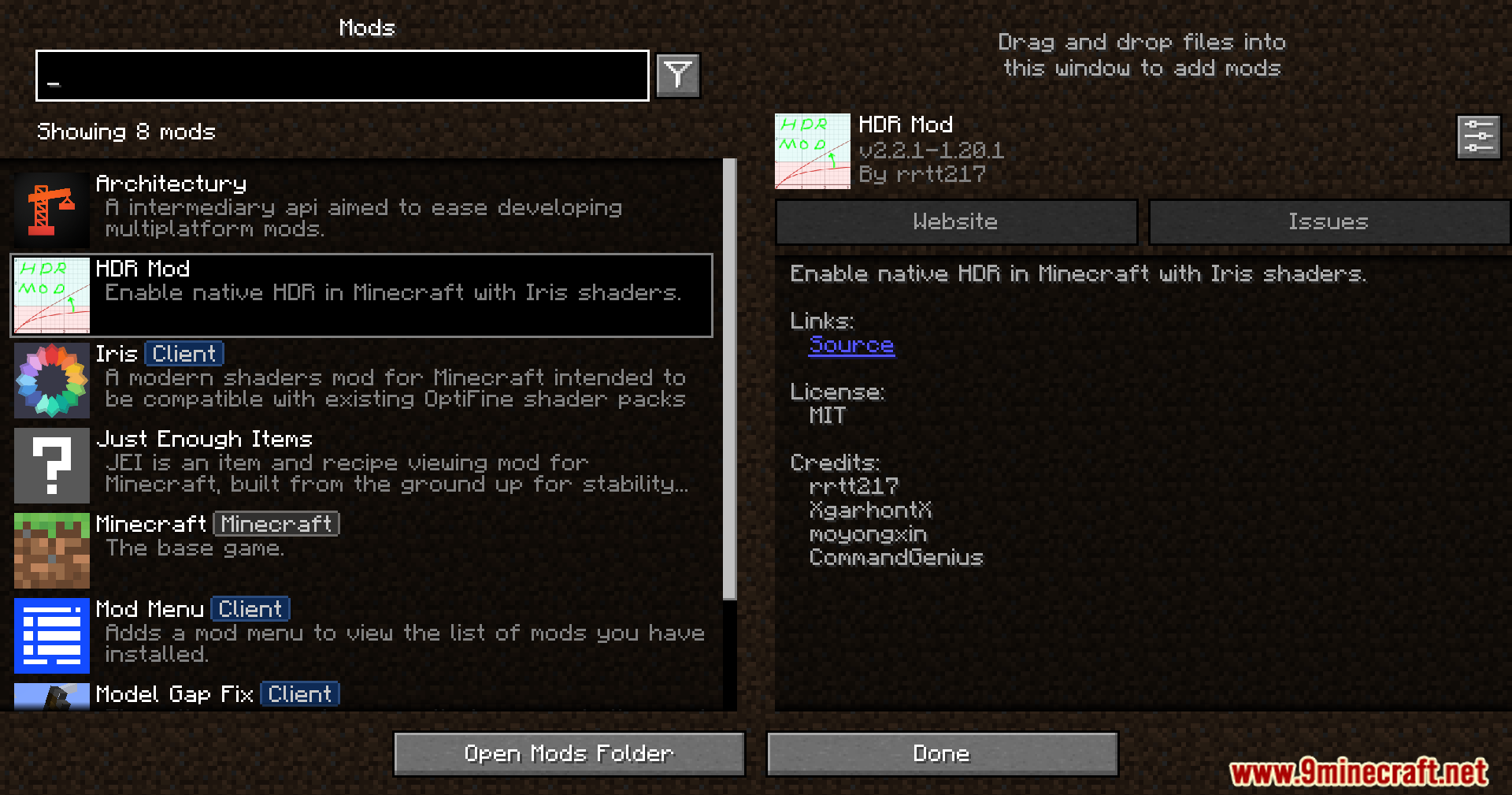
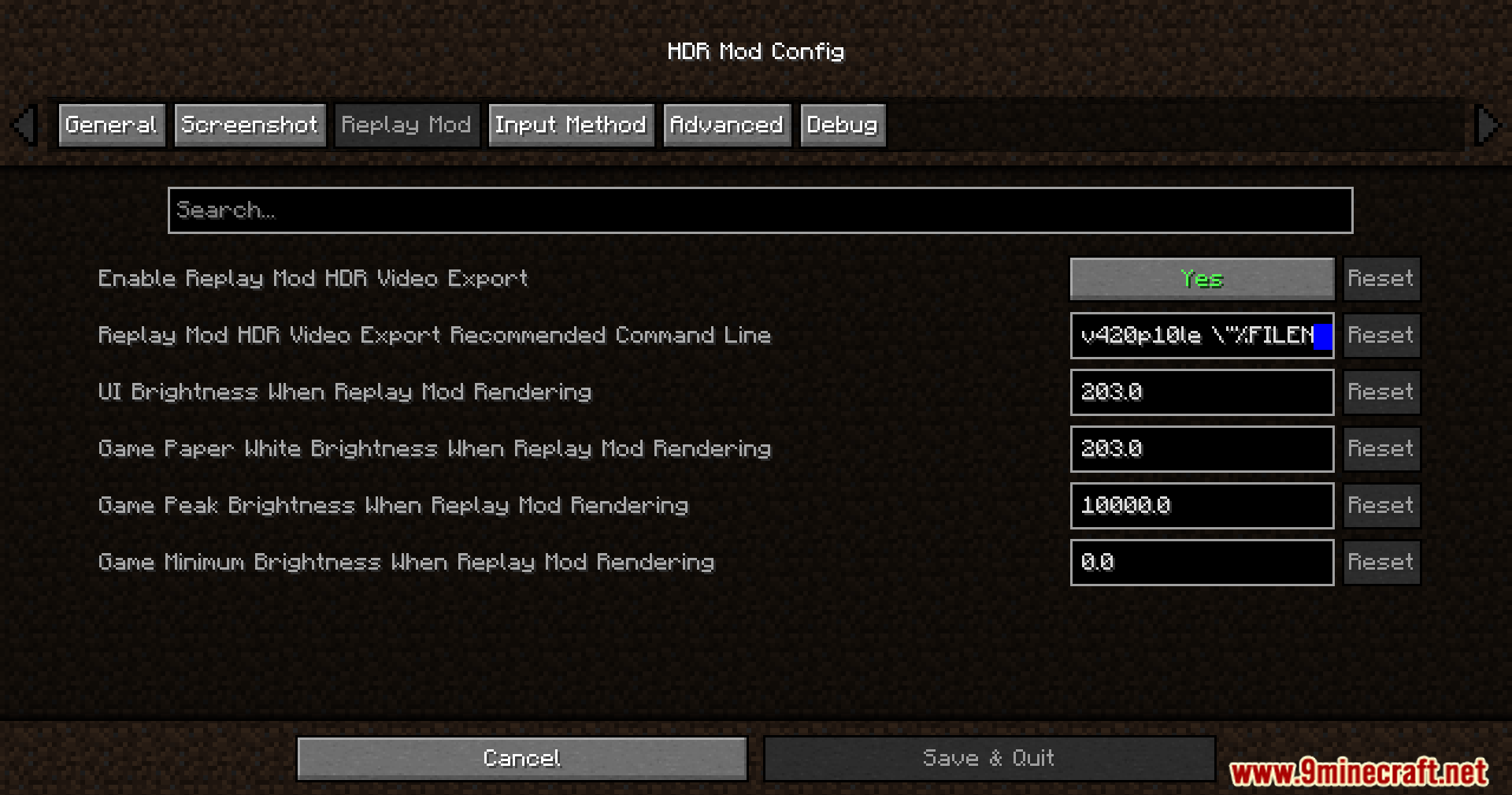
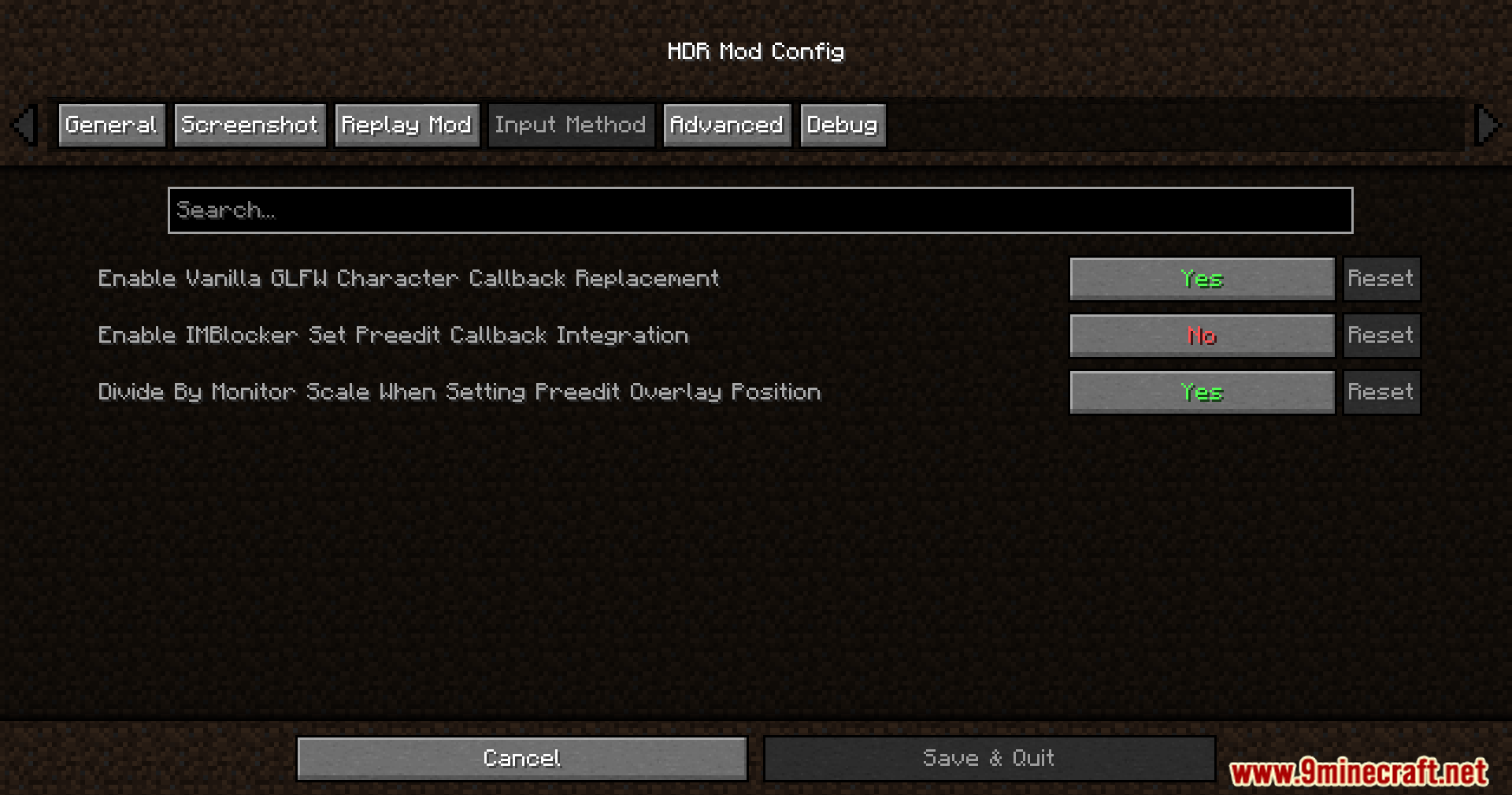
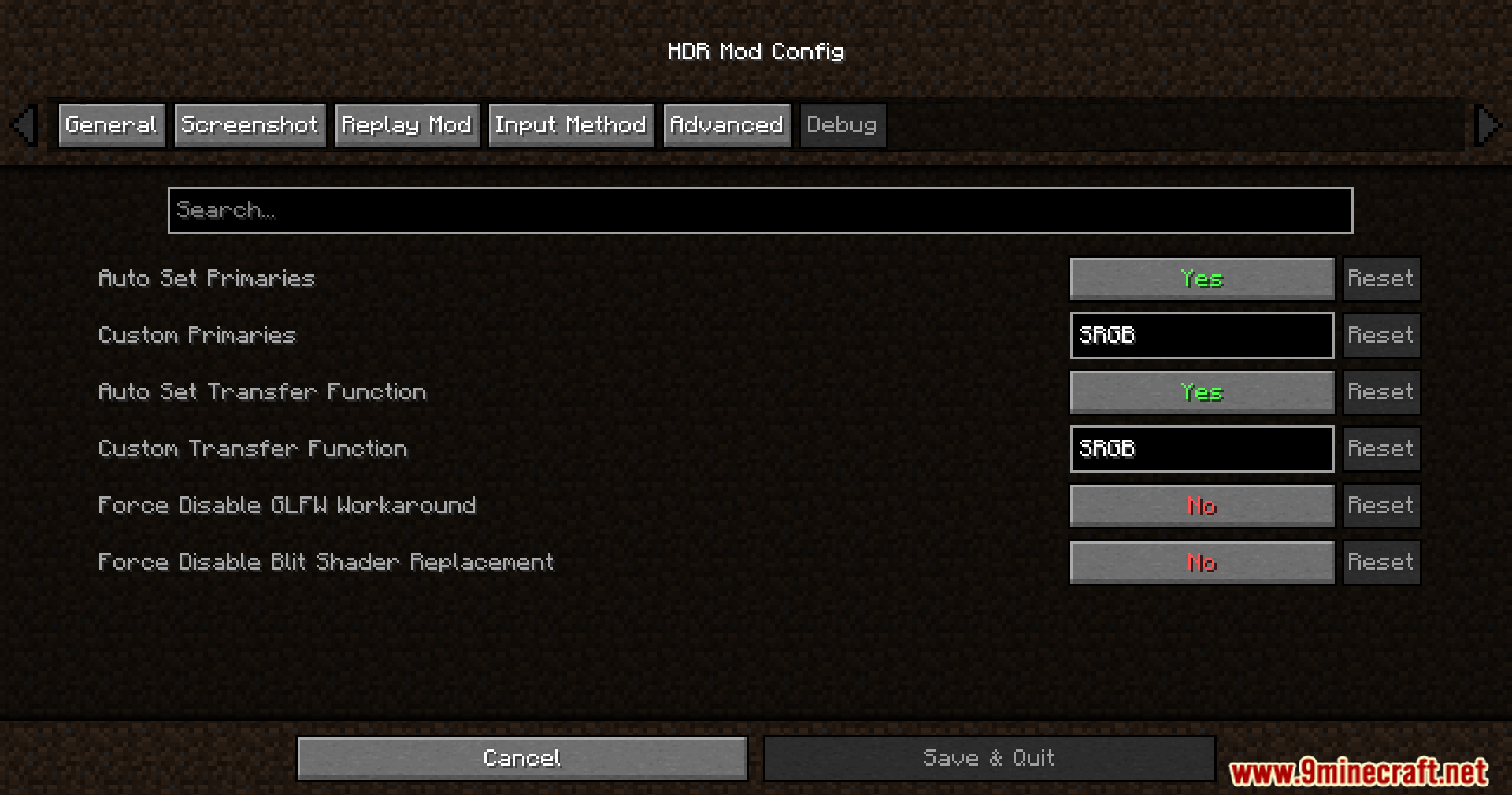
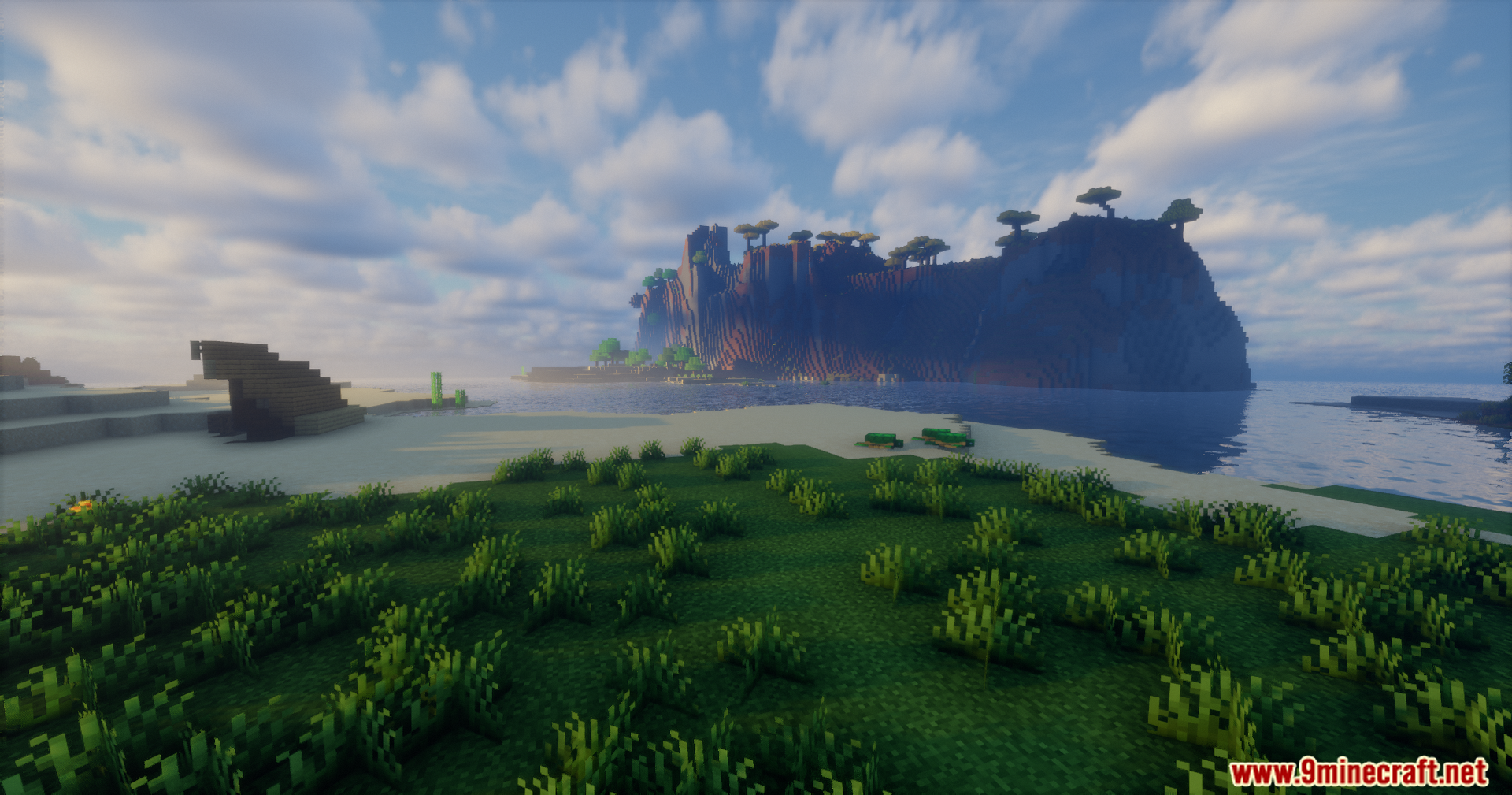
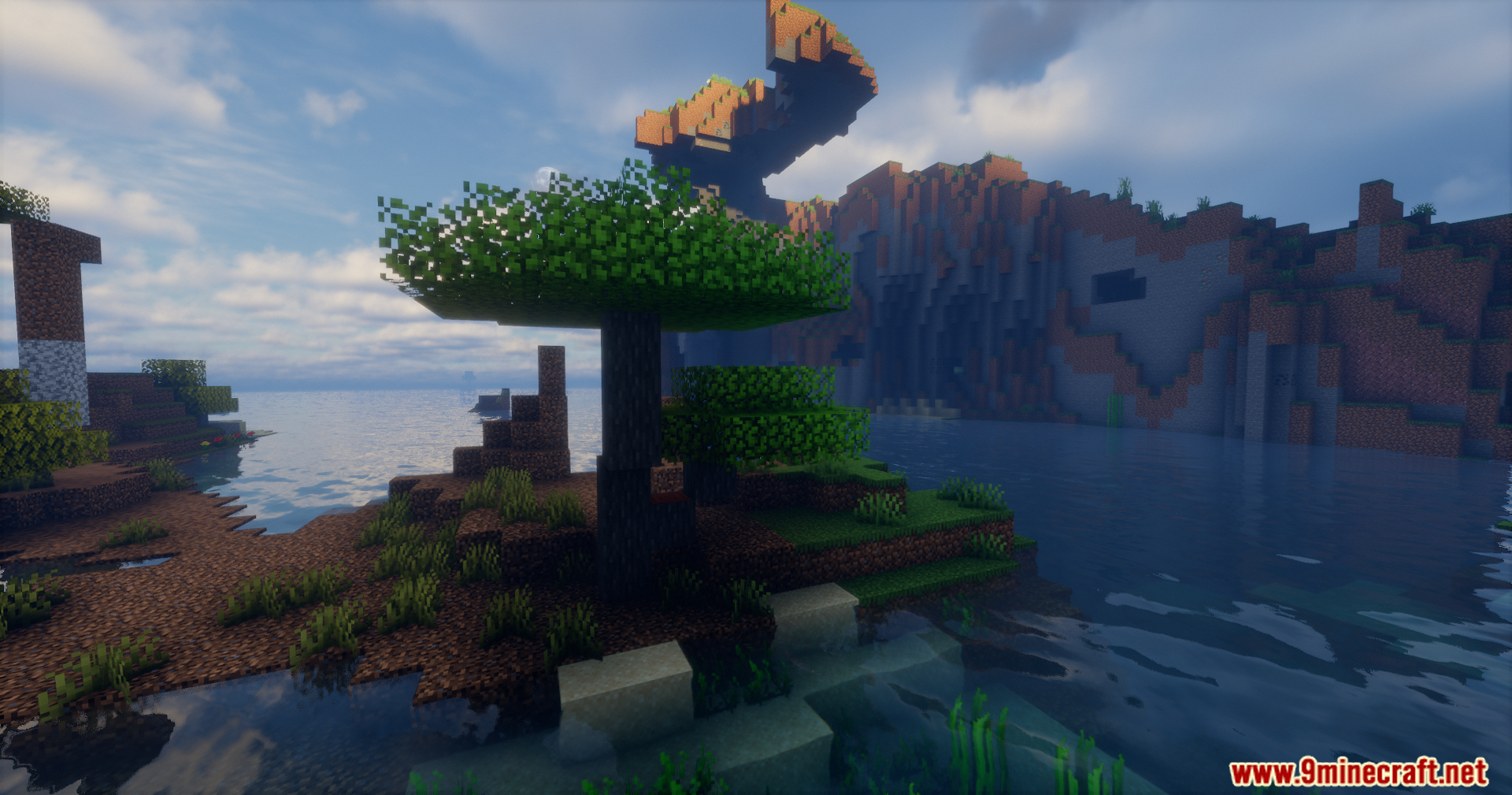
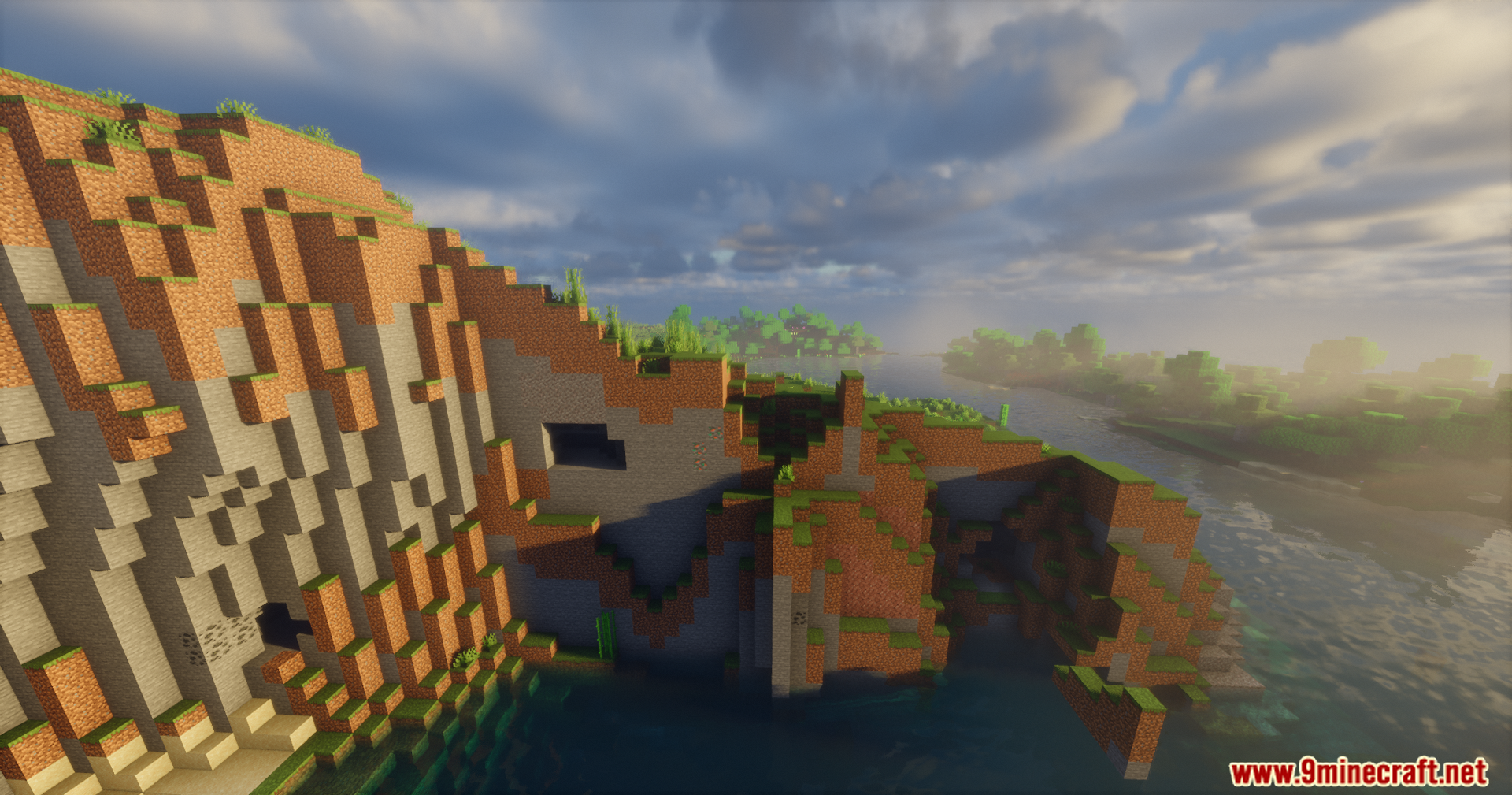
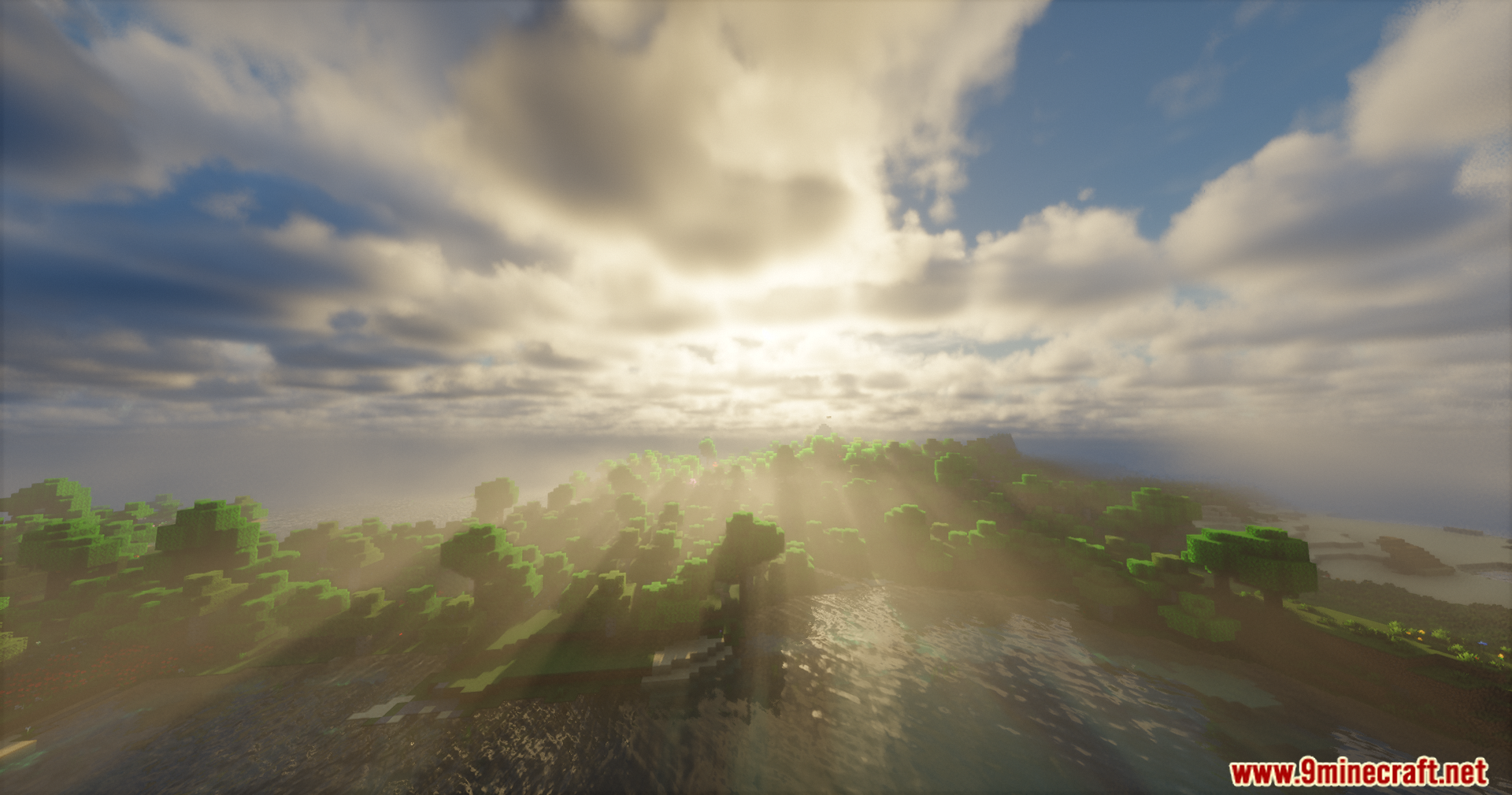
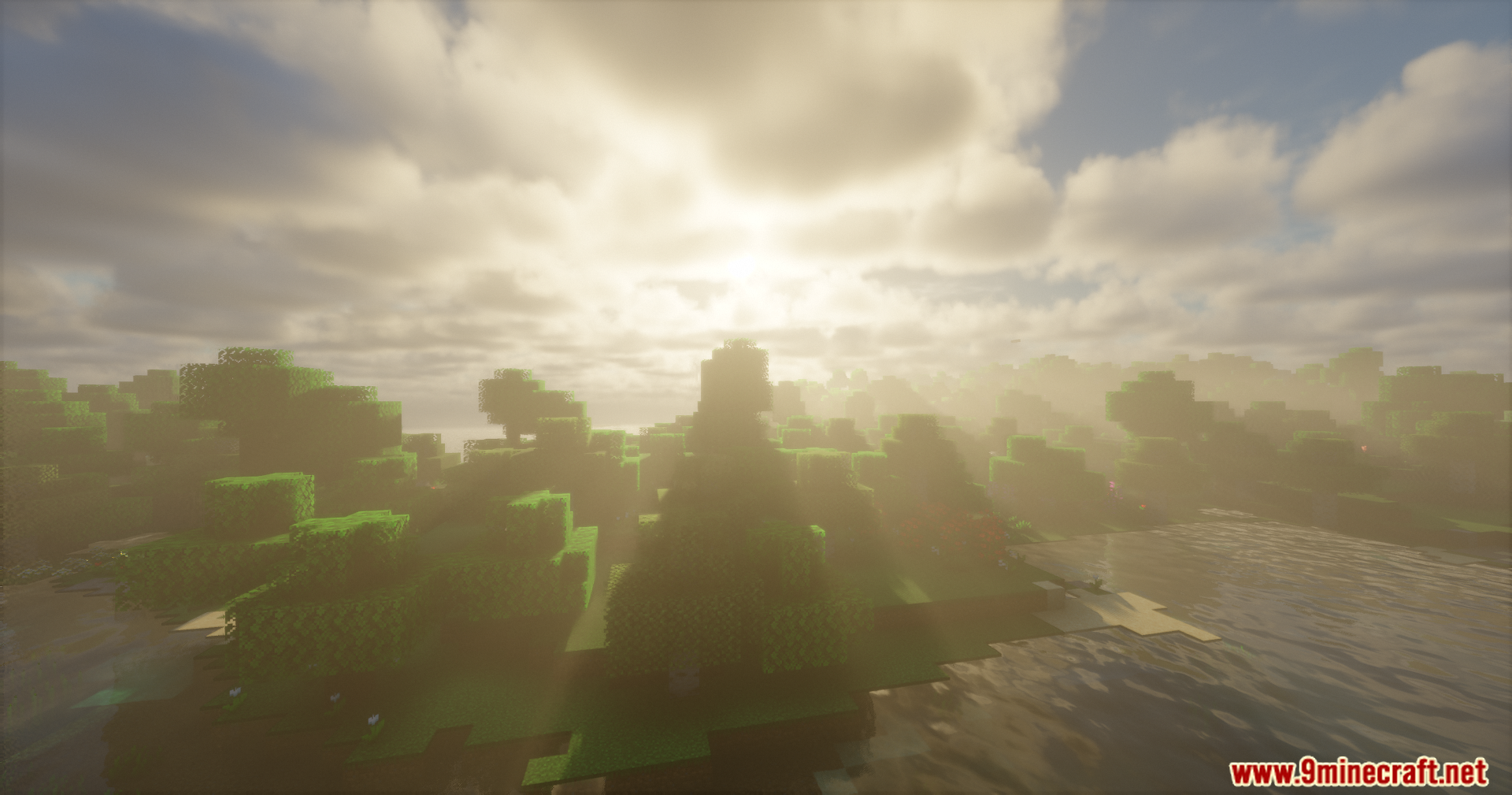
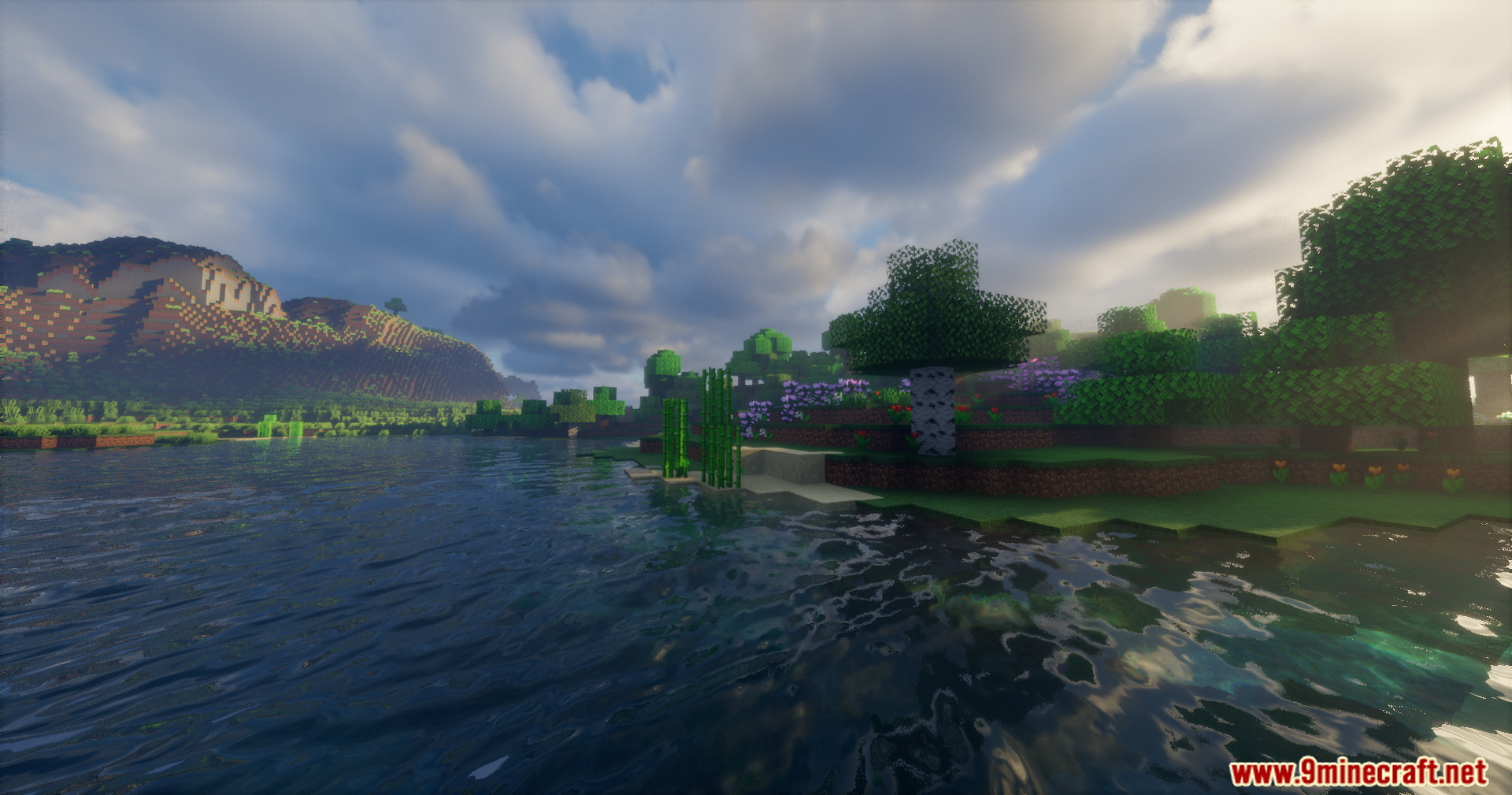
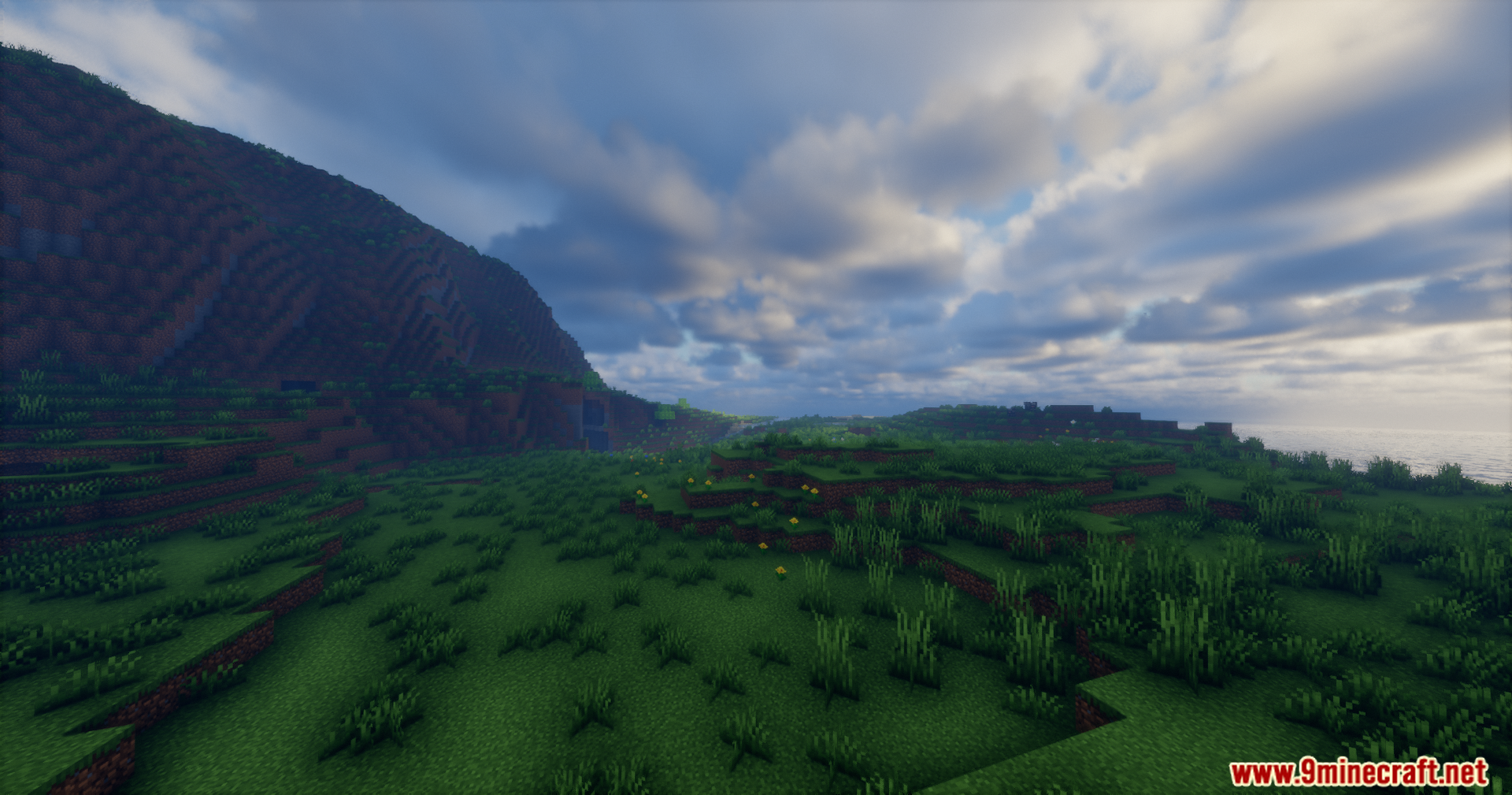
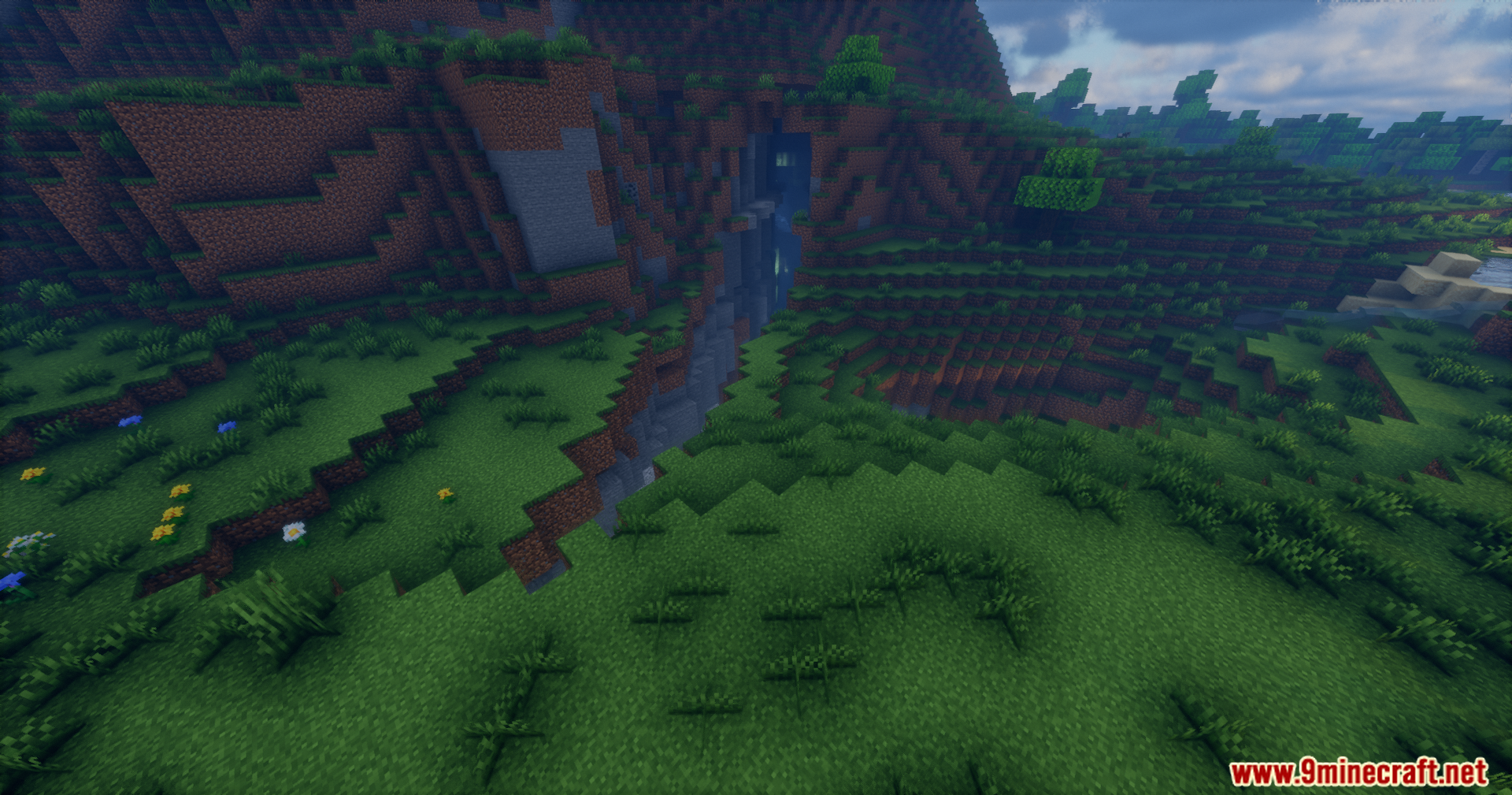
Rrtt217’s HDR Mod adds true high dynamic range lighting for Iris Shaders. It changes how the game handles colors and brightness, making lights look much brighter and dark areas look deeper. You get a much wider range of colors on monitors that support this feature. The mod also fixes the game menus so they look normal and do not get washed out by the new lighting. You can even take special screenshots that save all the extra color details.
Features:
- True HDR: Brings real high dynamic range support to the game.
- Menu Fix: Corrects the colors of your inventory and menus so they look right.
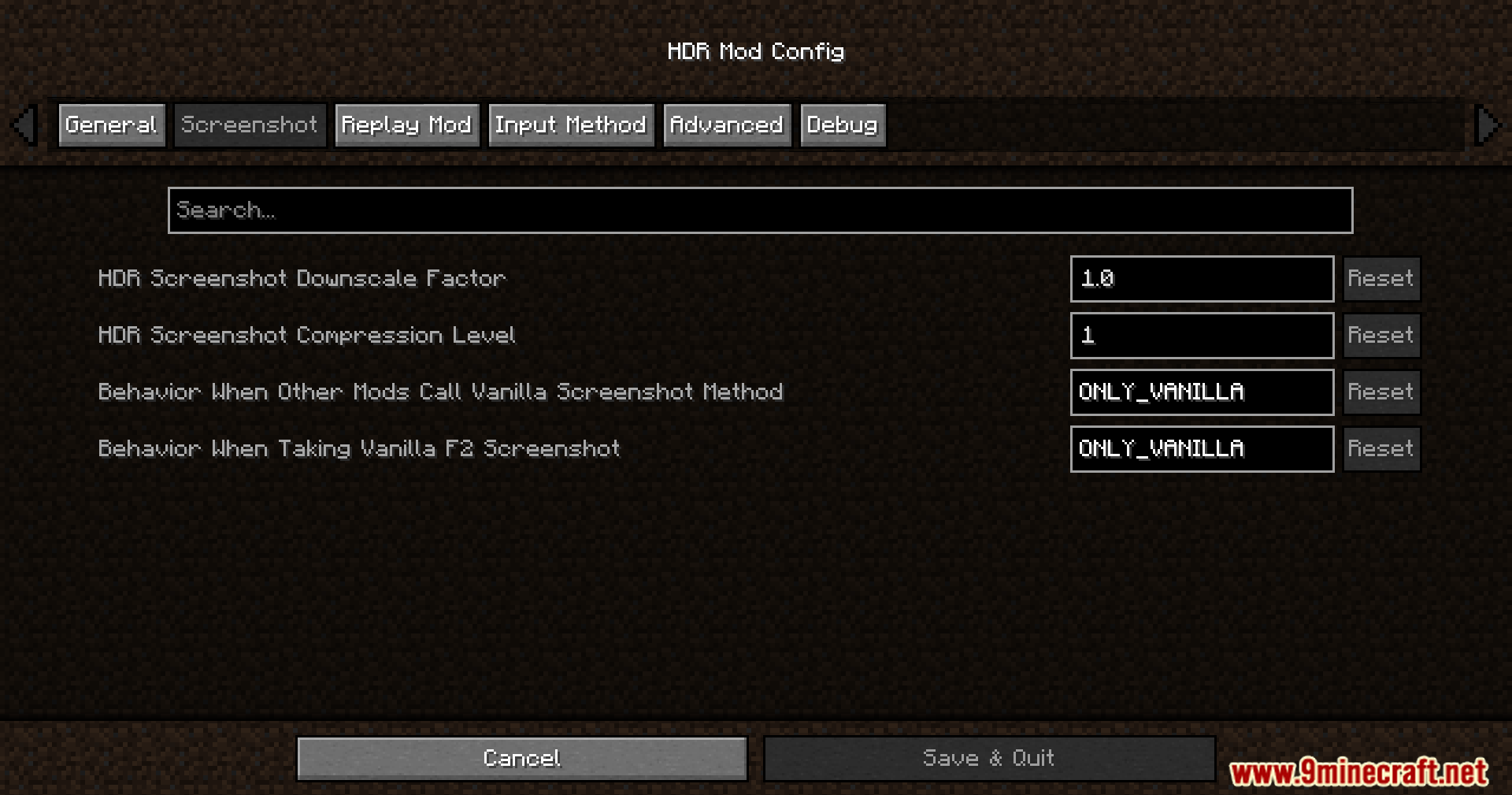
- Takes special screenshots that capture the full range of light.
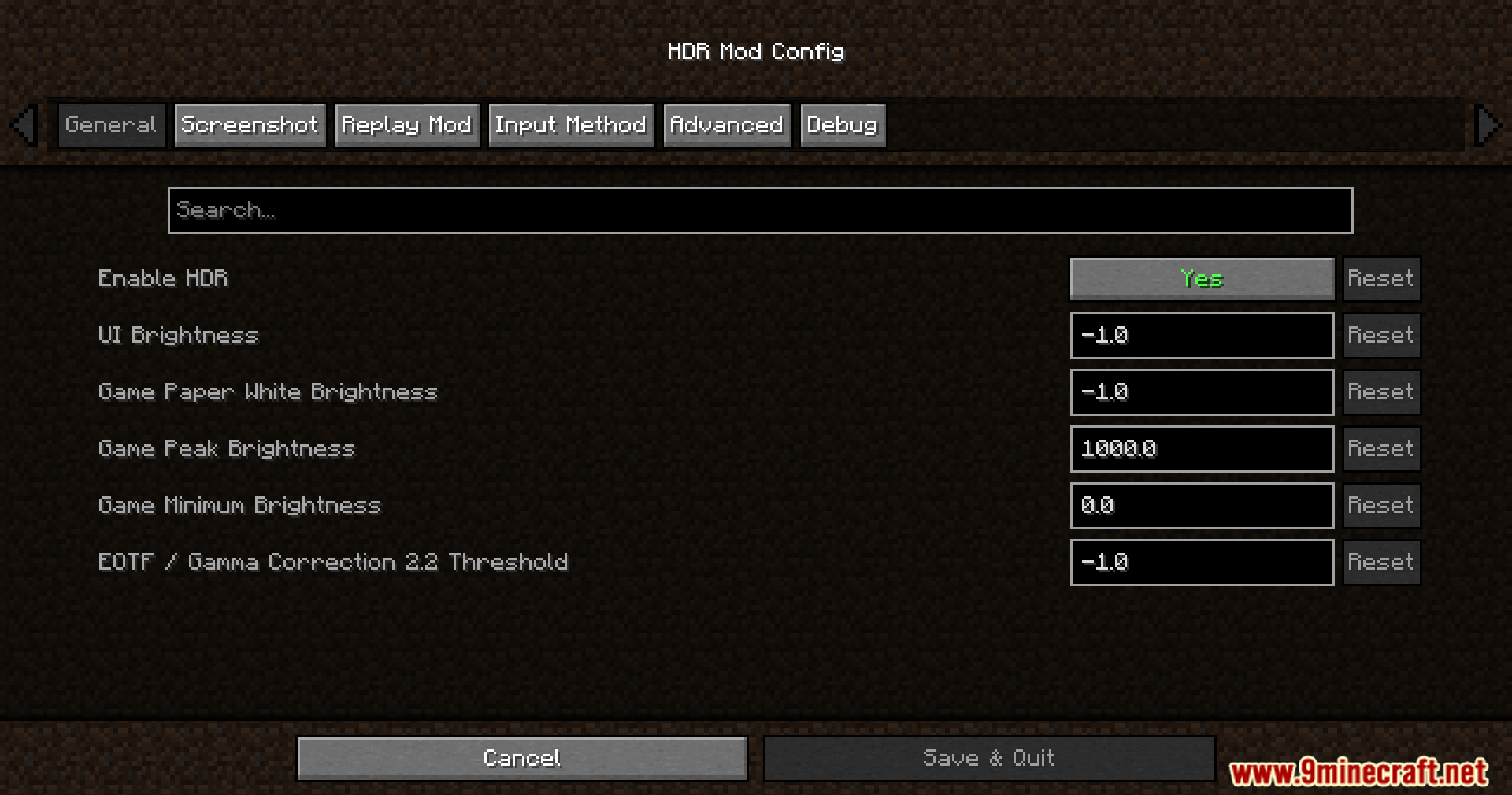
- Lets you change brightness settings right inside the game while you play.
- Works with the Replay Mod to save high-quality videos.
- Runs on Windows and Linux computers with most modern graphics cards.
Configuration:
- Press F9 to open the brightness settings menu.
- Press F10 to take a special screenshot.
How to Use:
- Turn on your shader pack in the Iris menu.
- Set the Colorspace setting in Iris to “sRGB” so the lighting works properly.
- Press F9 while playing to open the brightness menu.
- Adjust the Paper White, UI, and Peak brightness sliders until the game looks good on your screen.
Screenshots:
Rrtt217’s HDR Mod Download Links
- Edition: Minecraft Java
- File type: .jar
- Minecraft version listed: 1.20.1
- How to install: Install the matching mod loader (Forge, Fabric or NeoForge) for your Minecraft version. → Download the .jar. → Put it in the .minecraft/mods folder and launch that loader profile.
- Where to get it: In MC Java Mods, or directly above on this page.
Install steps are the general flow for this file type — How to install Minecraft Java mods & modpacks walks through it step by step.
- Downloads as 26005.mcaddon
- Download size: 1.2 MB
- Download link checked 22 Sept 2026 — working
- Mirrored on our own servers — the download does not depend on the original host
These come from our own check of the pack file, not from the source page.