
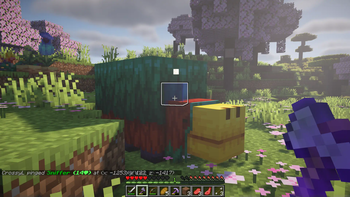

Vanilla Pings
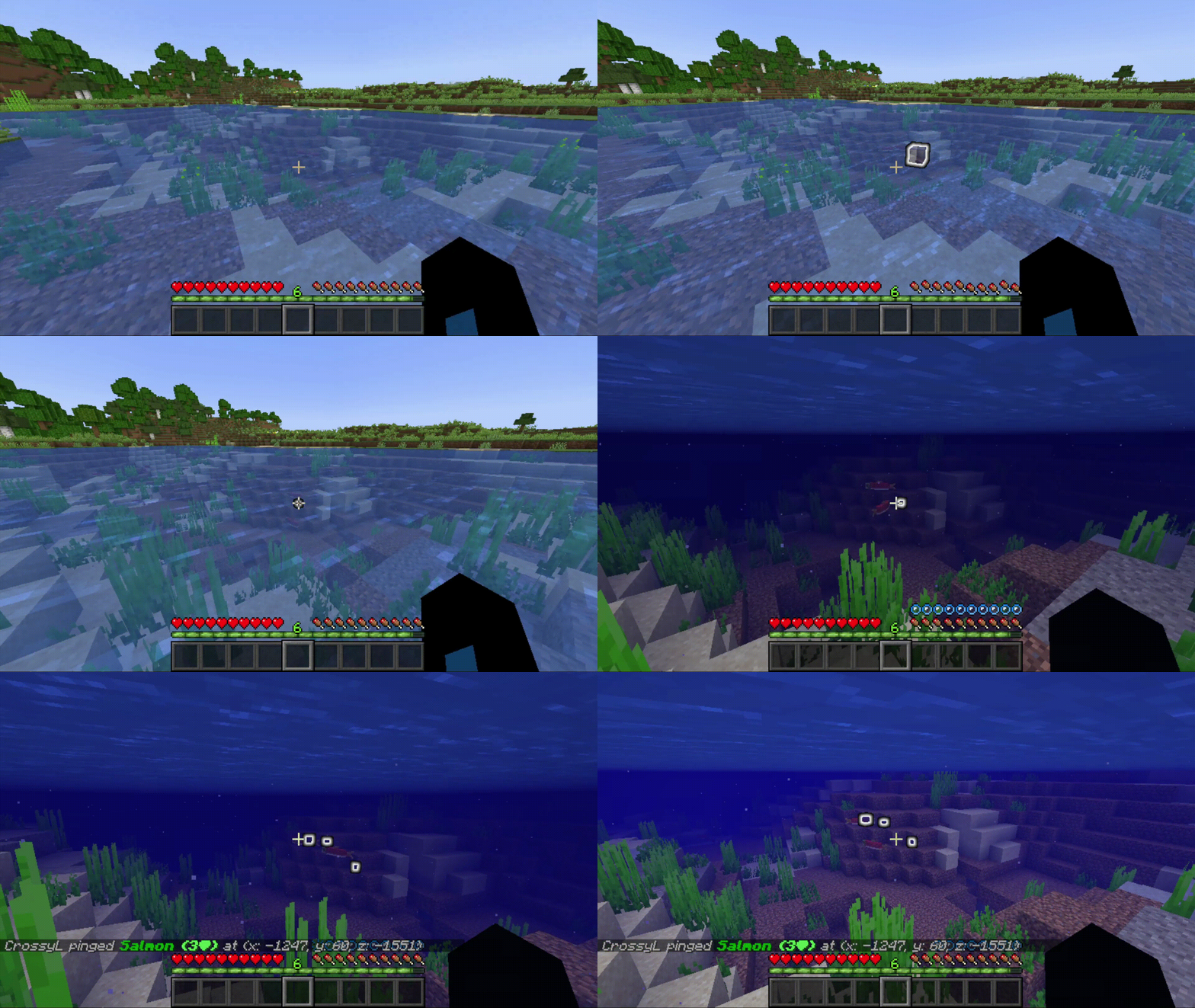
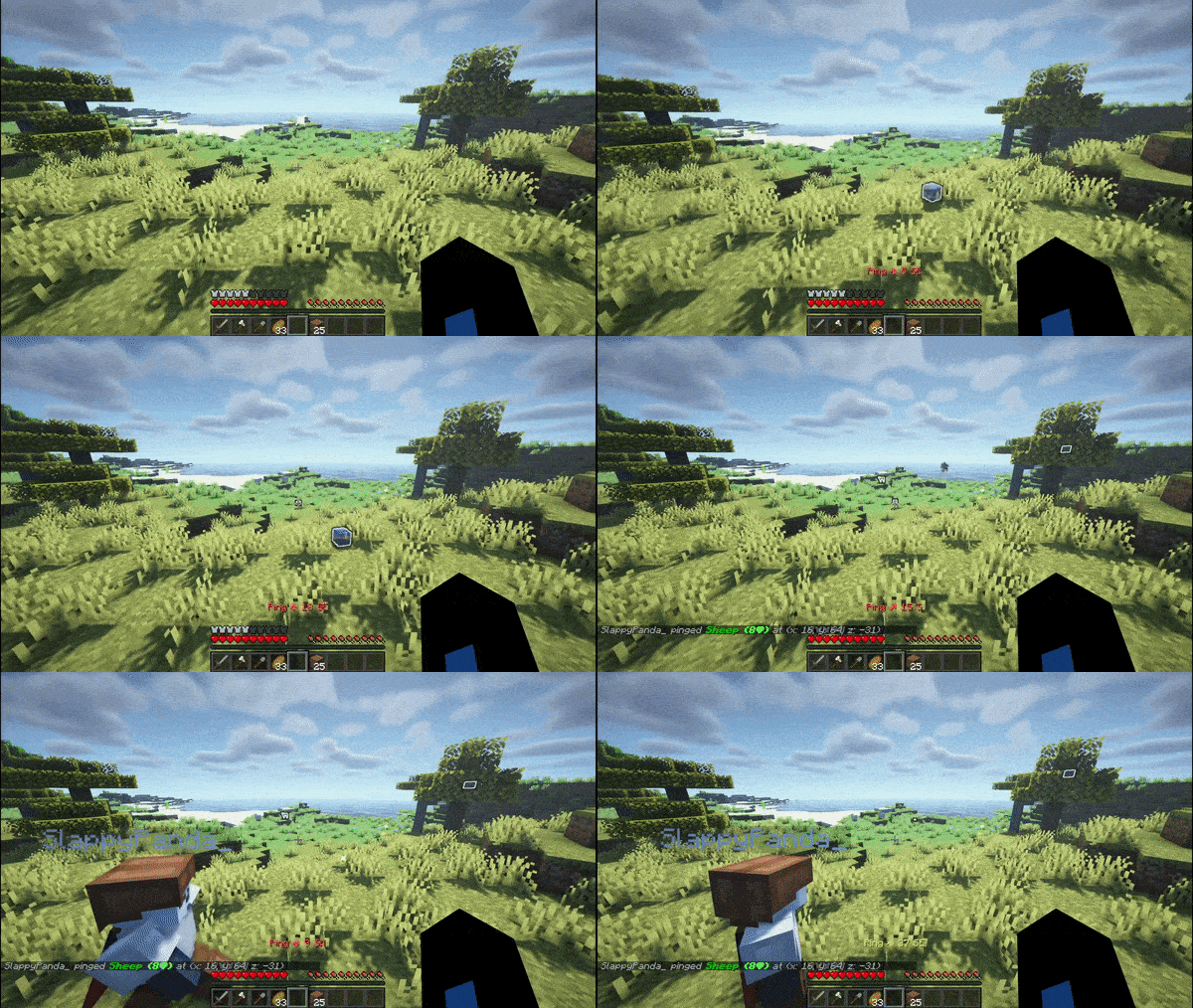
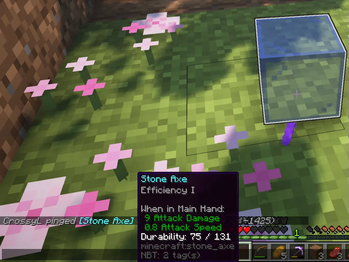
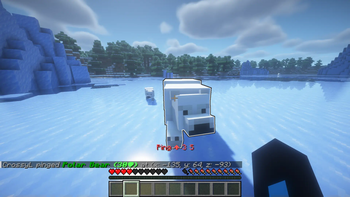
A Minecraft mod to easily ping entities and locations like in most popular shooter games. The pings show up using armor stands and have glowing on them. This makes it possible for the mod to be server-side only. Using it on the client will add a hotkey.
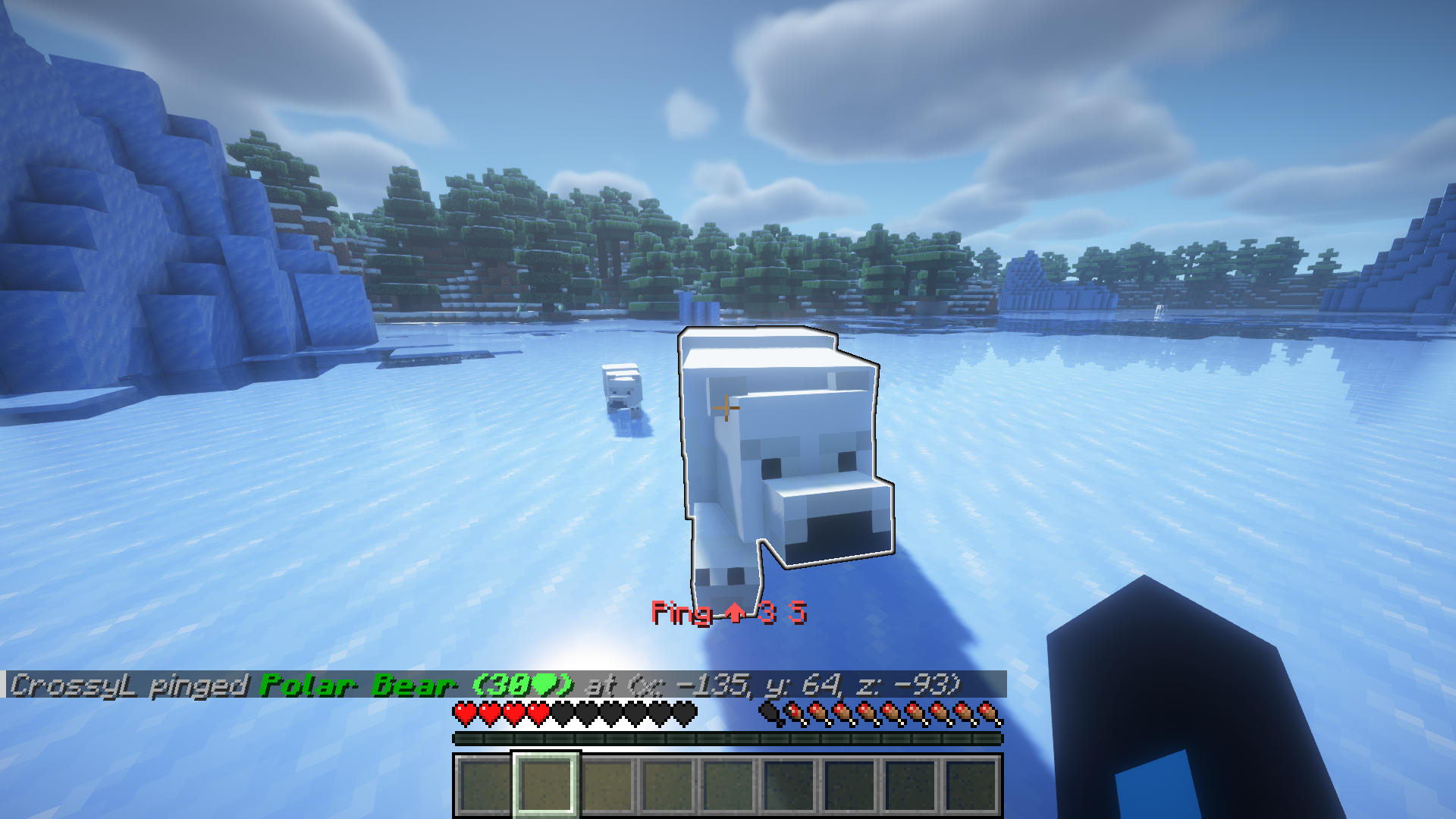
It's possible to customize the language used for messages (see: custom messages).
The mod uses the game rules sendCommandFeedback and logAdminCommands for command feedback and logging (just like vanilla commands) on all admin commands.
Newer builds (starting
1.11.0and higher) were rebuilt to support a wider range of Minecraft versions. If you run into any problem on one of these versions, please open an issue — and in the meantime you can safely fall back to1.10.3, the last release before this change.
Usage
The mod is required on the server. But not mandatory for clients. However, using it on the client adds a customizable hotkey for pinging. Admin commands behave like vanilla operator commands and can only be run by operators.
Client-side Hotkey (Optional)
Using it on the client adds a customizable hotkey for pinging.
- Default Key: By default, the hotkey to ping is Z on US Keyboards.
- Configure: Change at any time in the standard Minecraft controls menu (
Options...>Controls...>Key Binds...) under the "Vanilla Pings" category.
Commands
Public commands (can be run by everyone)
/pingto ping the block or any entity in front of you
Admin commands (only for operators, work from the console)
/vanillapings reloadto reload all settings./vanillapings removeOldto remove pings that didn't disappear on their own (ping-remove-old (settings))./vanillapings language <name>to set your desired language (lang (settings) more info here)./vanillapings sound (<true|false>)to disable/enable playing sounds when a ping appears (ping-sound (settings))./vanillapings cooldown <ticks>to set the cooldown which a player needs to wait for between each ping (ping-cooldown (settings))./vanillapings item <item>to set the item used for the ping (ping-item (settings))./vanillapings item count <true|false>to disable/enable displaying the amount of items in a ping (ping-item-count (settings))./vanillapings item count range <value>to set the range in which items will be counted (ping-item-count-range (settings))./vanillapings glowing (<true|false>)to disable/enable the glowing effect pings have (ping-glowing (settings))./vanillapings glowing flash (<true|false>)to disable/enable the flashing effect pings have before disappearing (ping-glowing-flash (settings))./vanillapings range <value>to set the maximum range a player can ping from their position (ping-max-range (settings))./vanillapings range chat <value>to set the maximum range a player needs to be near a ping to see chat messages (ping-chat-message-range (settings))./vanillapings range direction <value>to set the maximum range a player needs to be near a ping to see direction messages in the action bar (ping-direction-message-range (settings)).
Configuration
Settings file
For general settings use the vanillapings.properties file found in the config/vanillapings folder of your server or minecraft folder. Settings should be configured on the server side or on your local client if you play single player or share your world via open to lan.
#vanillapings.properties
#Mon May 13 11:39:38 CEST 2024
lang=en_us                             # Language used for ping chat messages
ping-chat-message-range=160.0          # Range a player needs to be near a ping to see chat messages (-1=no limit, 0=disabled)
ping-cooldown=5                        # Server side cooldown for pings sent by players in game ticks. Players ping speed using the hotkey is limited to 5 ticks per ping so that's also the default. (Note: "/ping" can be used to ping faster if the cooldown is set lower)
ping-direction-message-range=160.0     # Range a player needs to be near a ping to see direction messages in the action bar (-1=no limit, 0=disabled)
ping-glowing=true                      # If pings should be highlighted with glowing.
ping-glowing-flash=true                # Start flashing the ping (only if ping-glowing is enabled) when it's about to disappear.
ping-item=minecraft\:red_stained_glass # The type of item that's used for a ping. (empty=default, nonexistent item=default)
ping-item-count=true                   # Show the count of items near an item ping
ping-item-count-range=1.0              # Range for counting items near an item ping
ping-max-range=500.0                   # Max range a player can ping. (Note: horizontal range is still limited to 256 due to that also being the max render distance) (-1=max-range, 0=disabled)
ping-remove-old=true                   # If old pings should be removed automatically every 20s. Old pings are created when a ping hasn't deleted itself due to the world unloading.
ping-sound=true                        # If a sound should be played when a ping appears
You may delete the file to regenerate the default configuration upon a restart. A reload only reconstructs current values into the file (This behaviour will likely change in future updates).
Custom messages
When a player pings an entity the server sends a message with information about the ping in the chat. The language of that message (and other messages) can be configured in the vanillapings.properties file. By default, only en_us and de_de are available as I only know these languages.
Creating your own language file
- Copy the en_us.json out of the GitHub repo found in the resource folder into your local
config/vanillapings/langfolder. You might have to create it if it doesn't exist. - Fill out the json in your language and select the language in the config lang field. E.g. if your file is named fr_fr.json you have to specify fr_fr as the lang in the vanillapings.properties config file.
- Restart your server or use
/vanillapings reloadto reload the configuration.
You may also select your custom language using the new /vanillapings language command.
In spectator mode you can see the invisible armor stand wearing the highlighted block (in case you're curious).
- Edition: Minecraft Java
- File type: .jar
- Minecraft version listed: 26.2
- How to install: Install the matching mod loader (Forge, Fabric or NeoForge) for your Minecraft version. → Download the .jar. → Put it in the .minecraft/mods folder and launch that loader profile.
- Where to get it: Opens on Modrinth — not every file is mirrored on our own servers.
Install steps are the general flow for this file type — How to install Minecraft Java mods & modpacks walks through it step by step.
- Ships as vanillapings-26.2-v1.11.1.jar — drop this file into the mods folder
- Download size: 81 KB
- Download link checked 30 Aug 2026 — working
These come from our own check of the pack file, not from the source page.