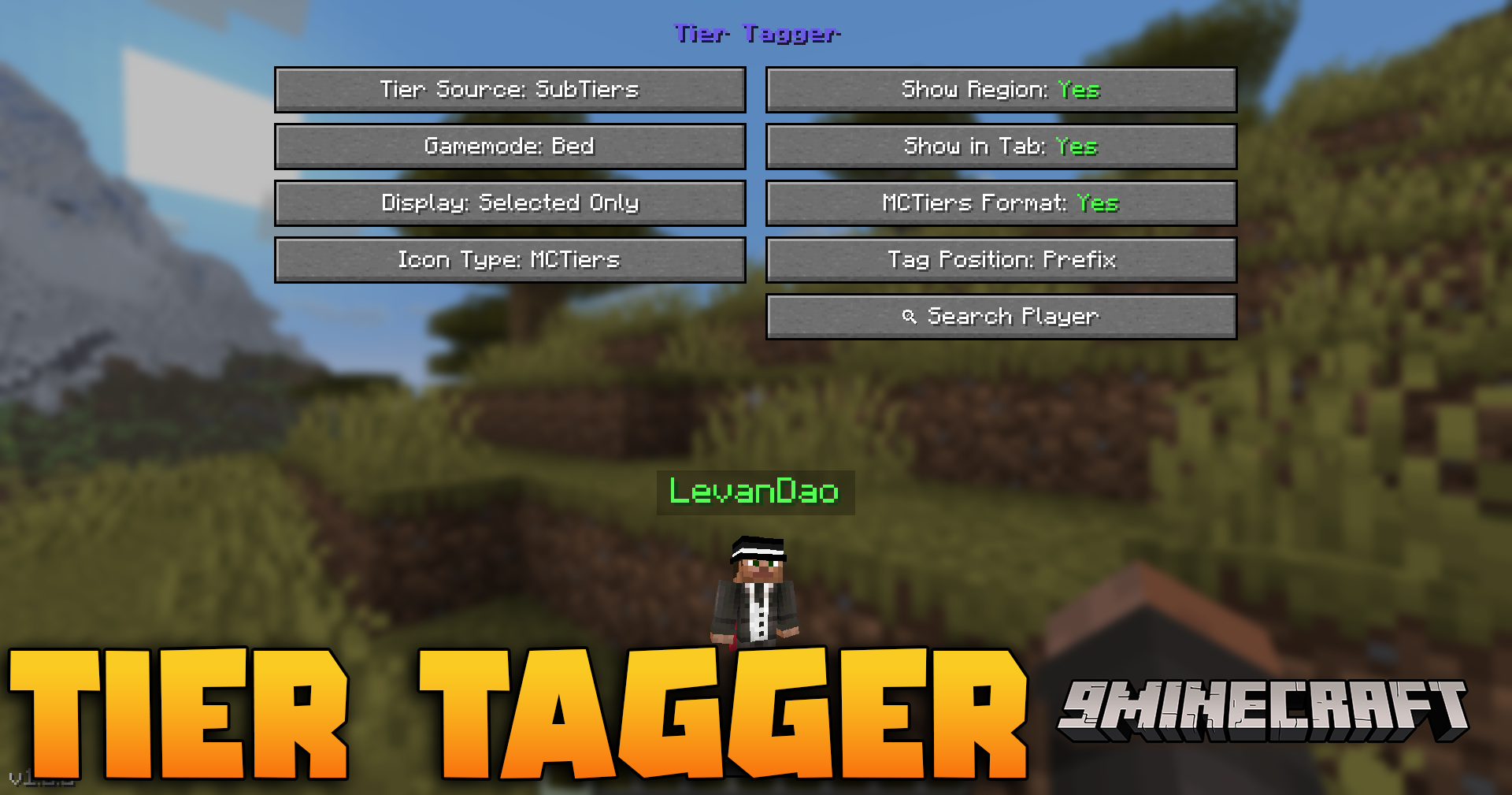
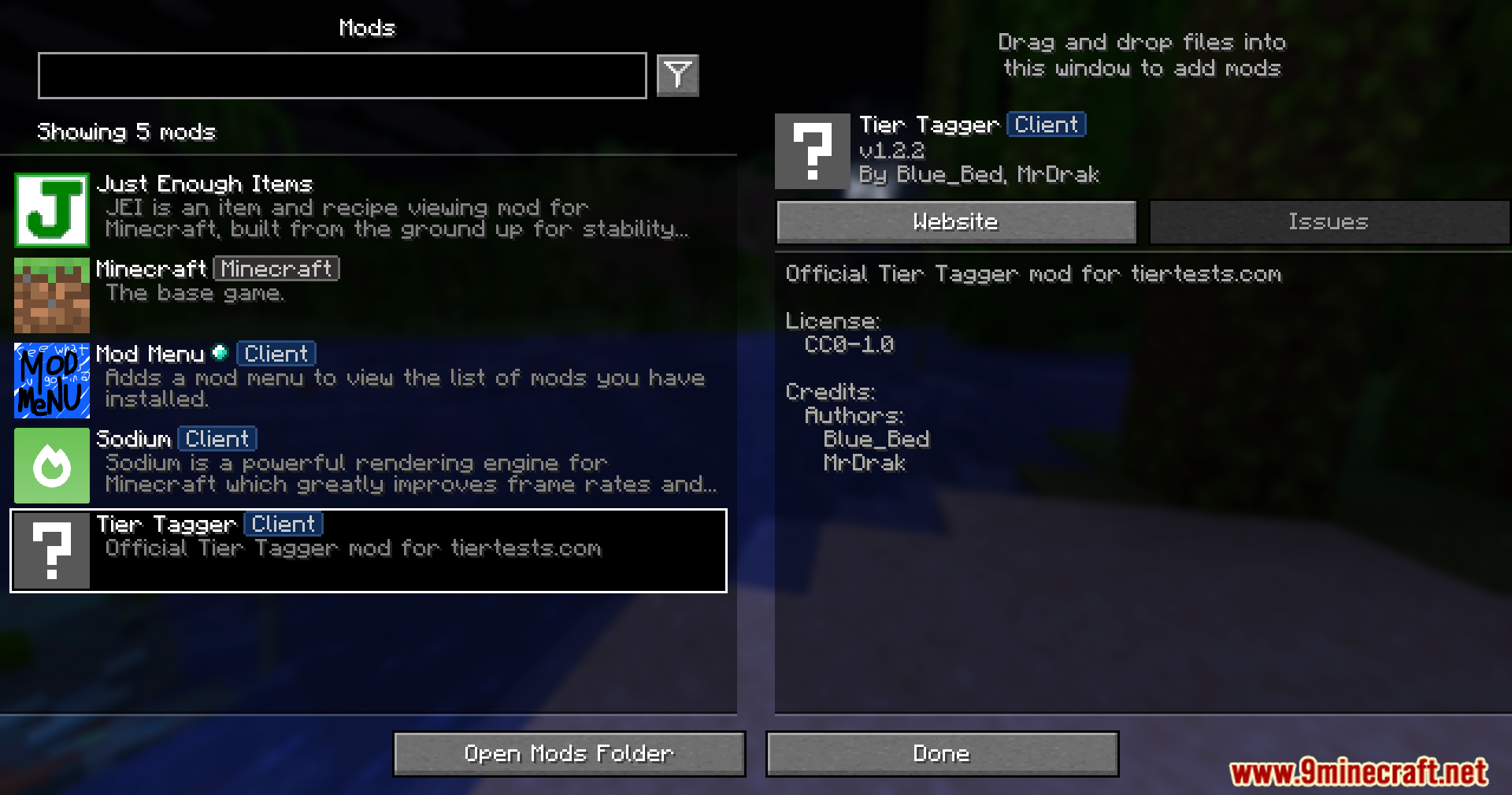
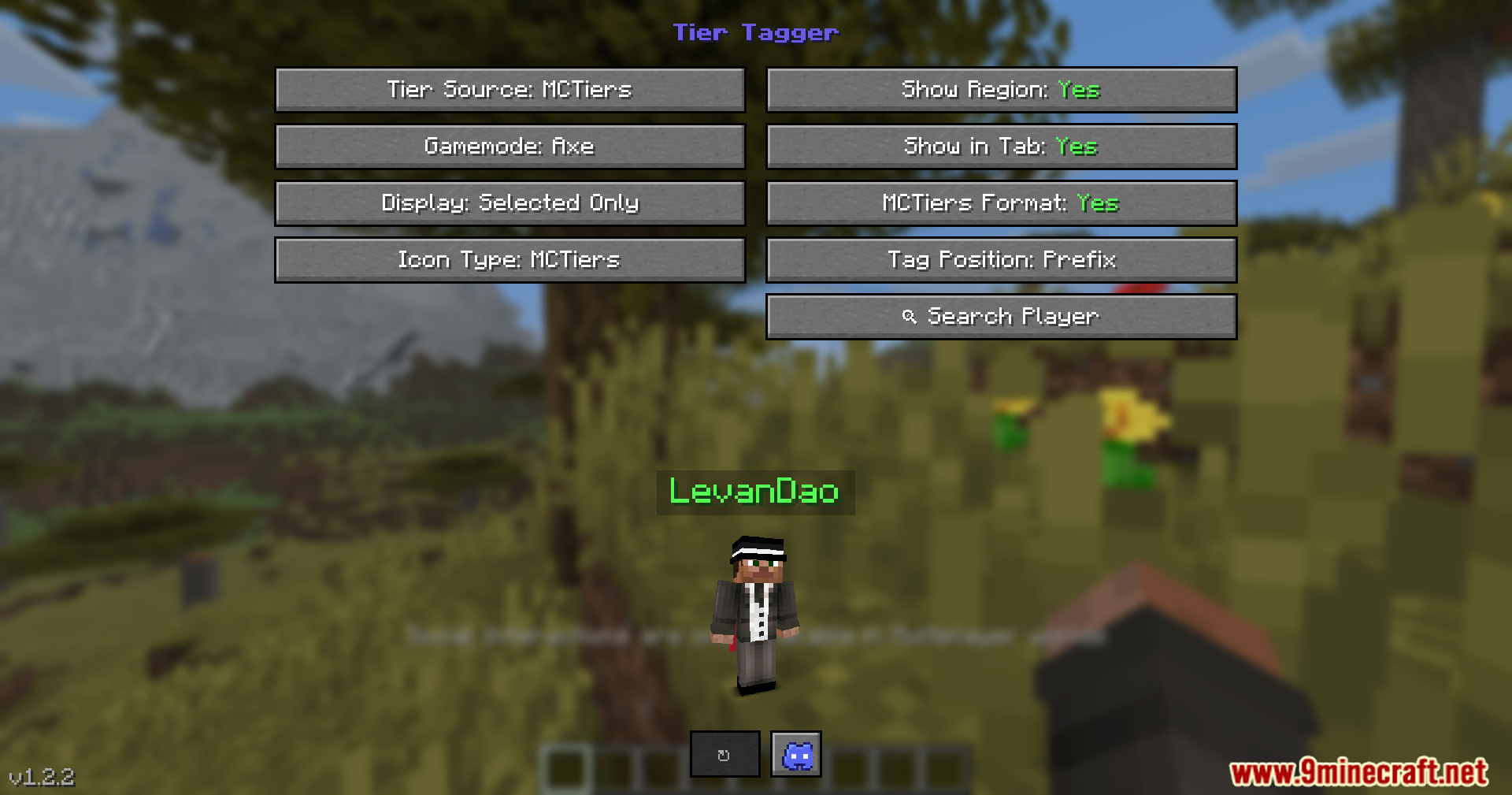
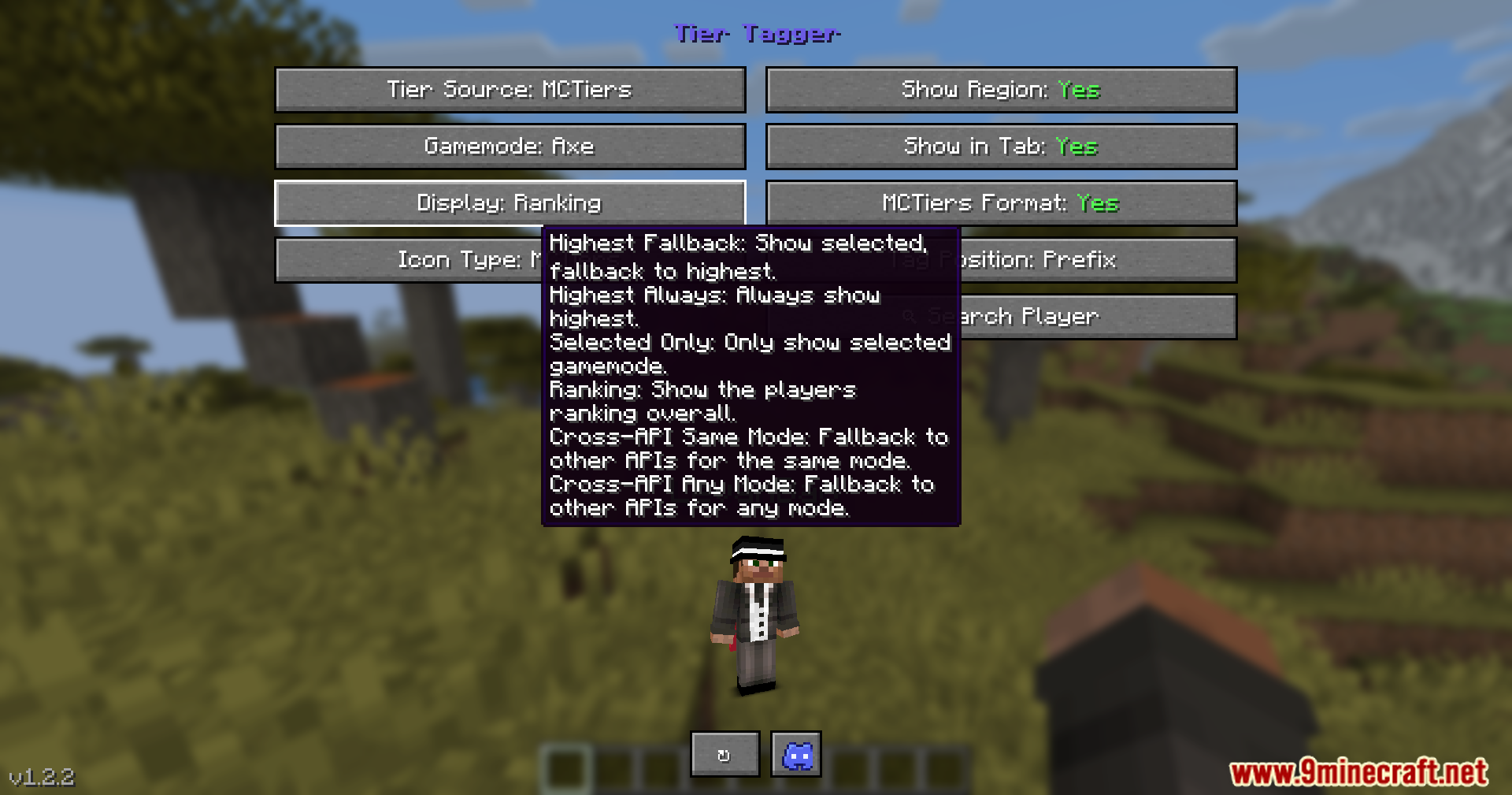
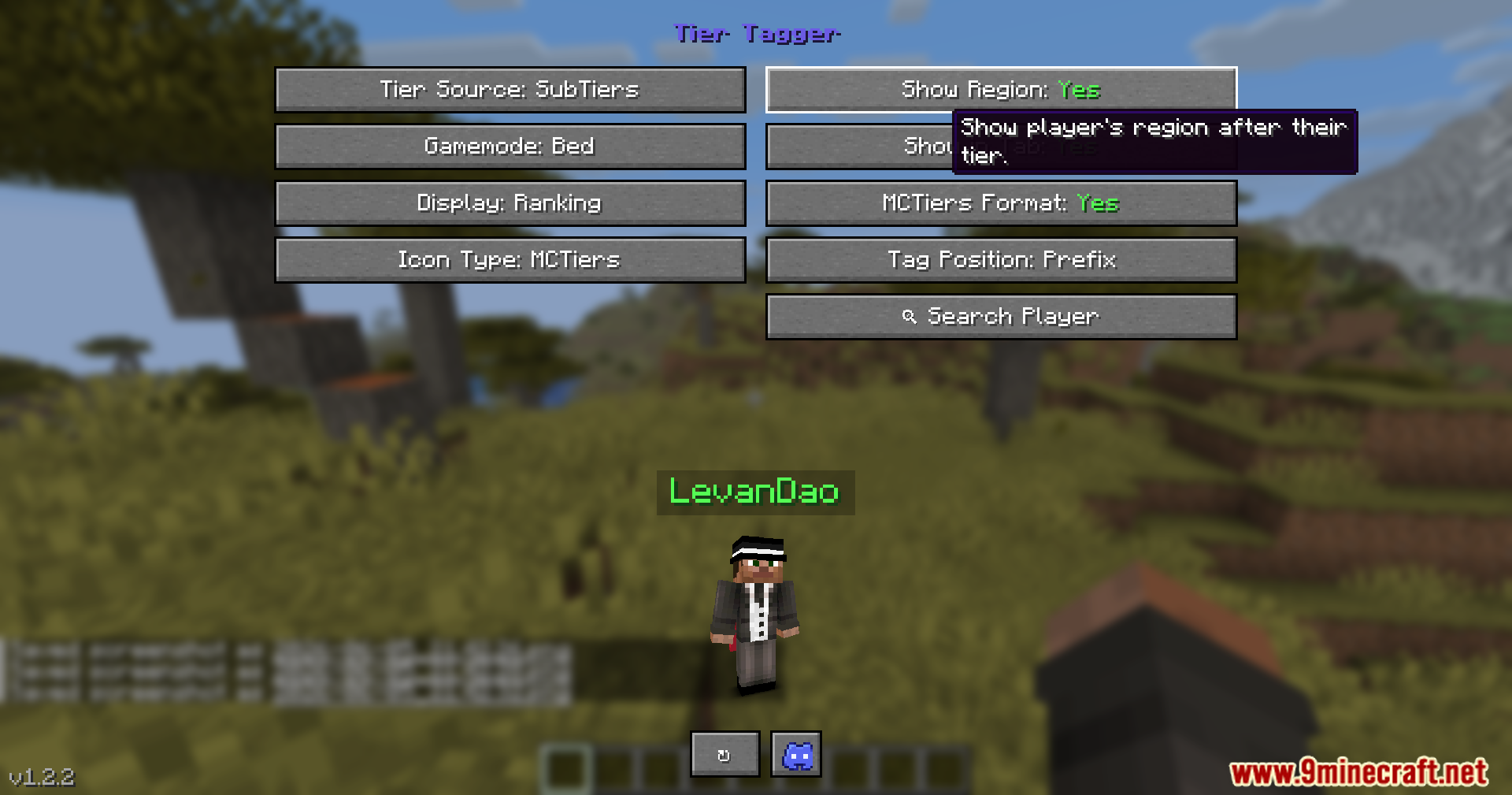
Tier Tagger Mod displays player PvP skill ranks right above their heads. It pulls data from popular tier websites to show you exactly how good your opponents are before you fight them. You can check the ranks of players near you or see the stats of the last person you hit. The mod also lets you customize how these tags look on screen, so you always know who you are up against in multiplayer matches.
Features:
- Live Nametags: Puts the player’s PvP tier directly on their nametag so you can see it while playing.
- Quick Lookups: Lets you press a button to instantly see the stats of the closest player or the last person you attacked.
- Shows player ranks in the tab list when you hold down the player menu button.
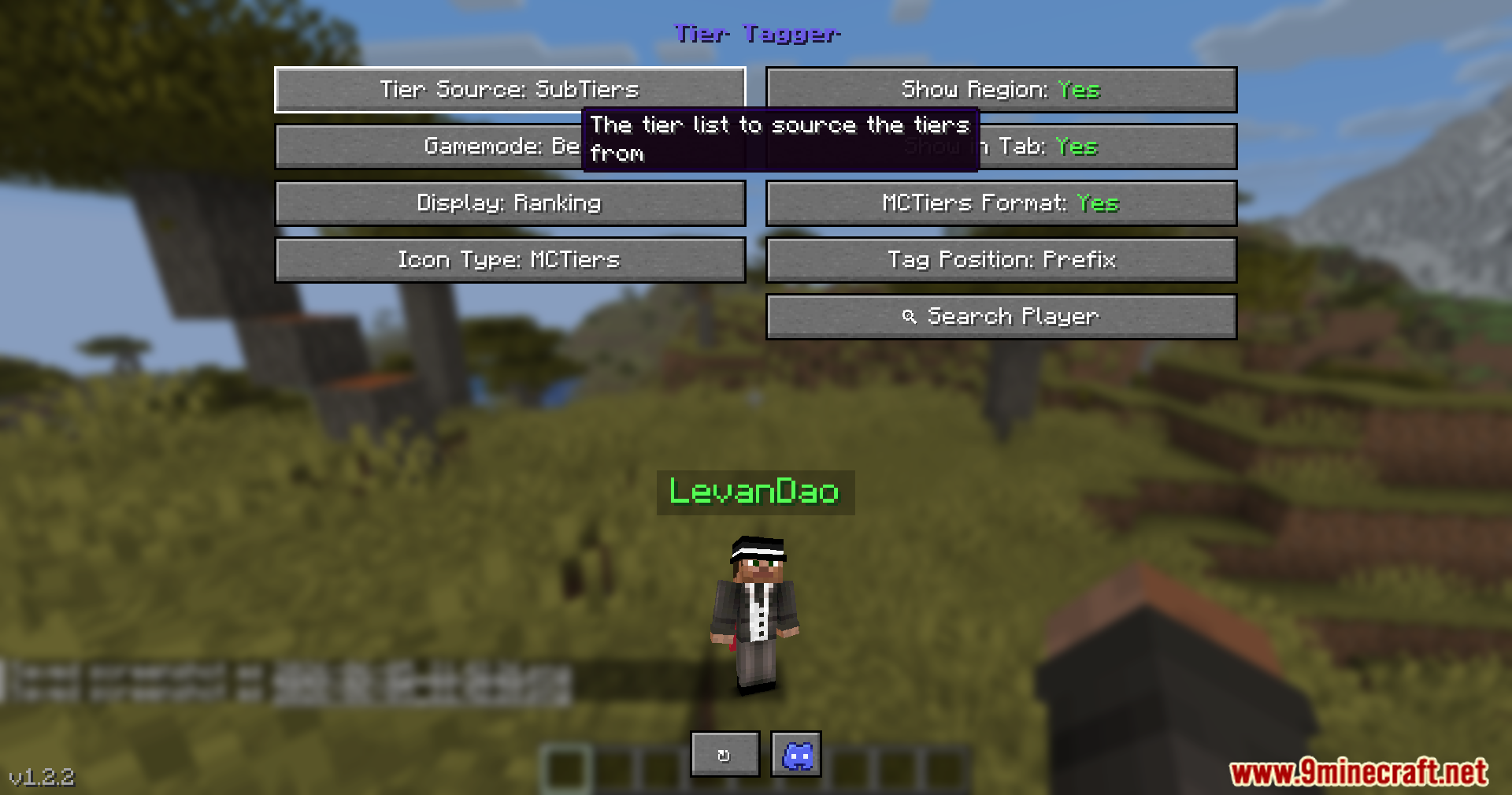
- Pulls skill data from multiple popular PvP tracking websites automatically.
- Searches other databases for a player’s rank if their stats are missing from your main choice.
- Includes a search menu to look up any username and see their region, rank, and peak scores.
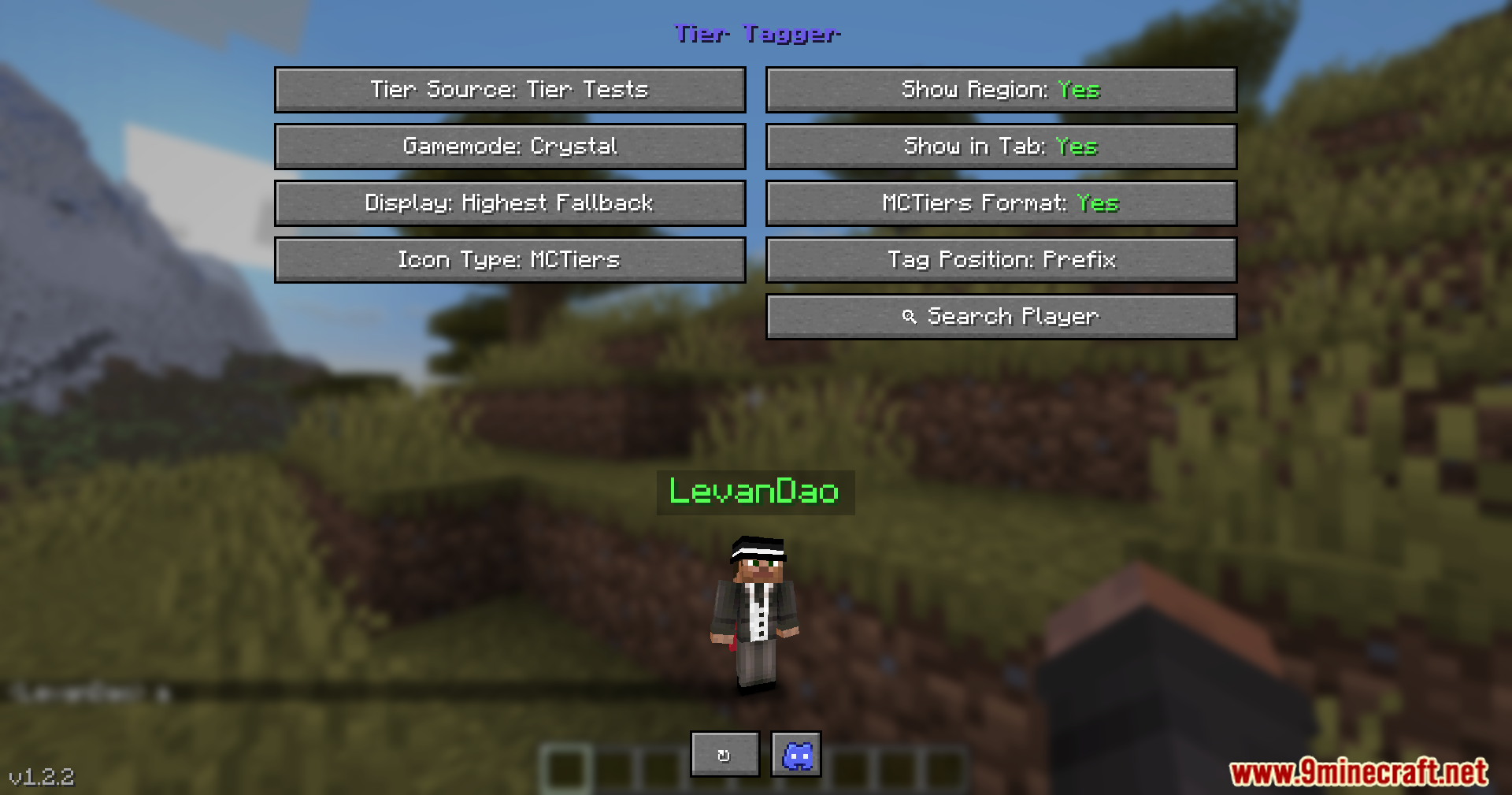
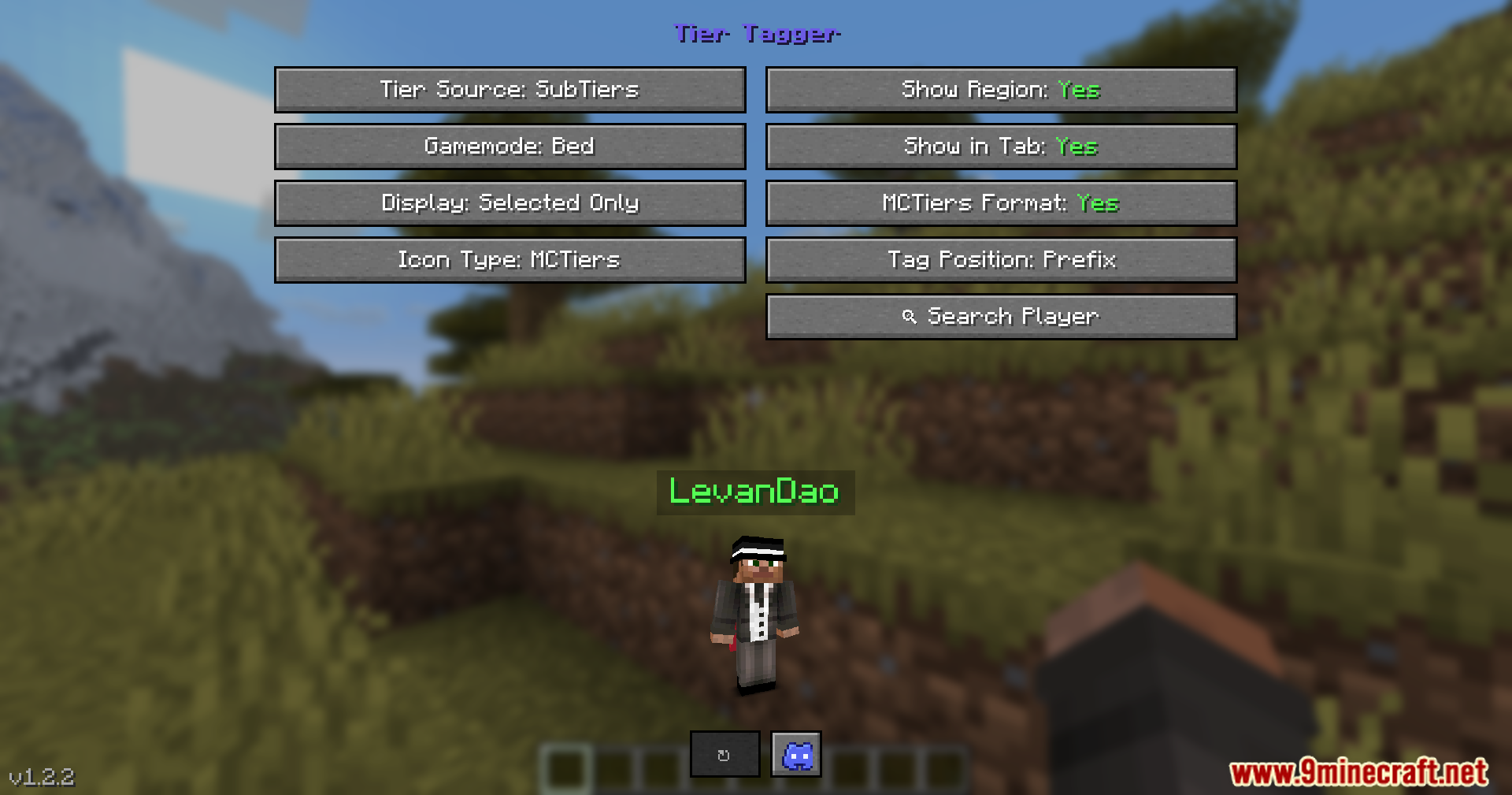
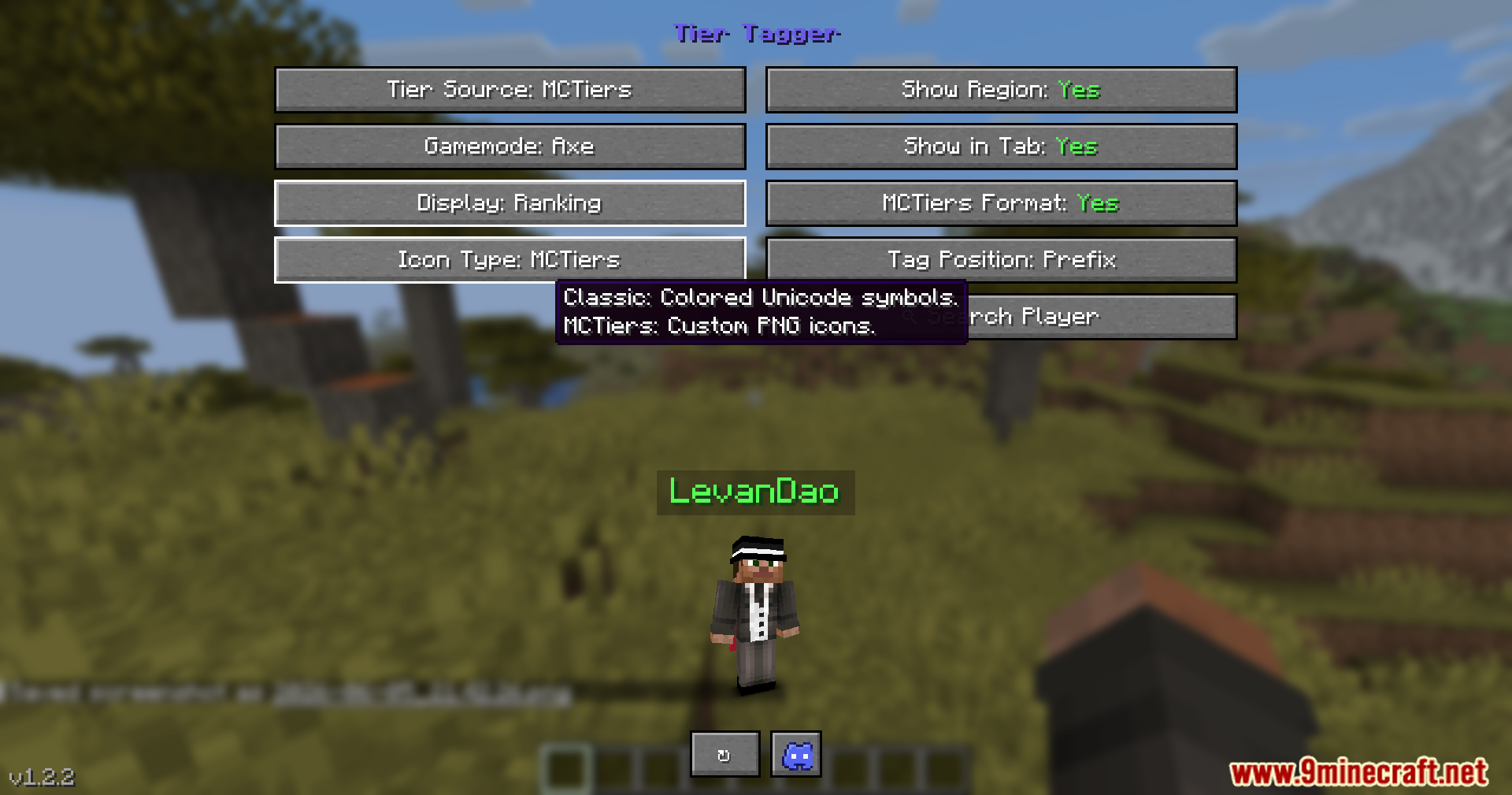
- Provides an in-game settings screen with a live preview so you can see exactly how your own nametag looks.
- Lets you choose between classic text icons or picture icons for the tier displays.
- Allows you to put the rank either before or after a player’s name.
How to Use:
- Press the N key to open the main settings screen and pick your preferred tracking website.
- Press the R key during a game to pop up the stats of the player standing closest to you.
- Press the C key after a fight to check the tier of the last person you hit.
- Change these default buttons in your normal game controls menu if you want to use different keys.
Screenshots:
Tier Tagger Mod Download Links
Quick facts
- Edition: Minecraft Java
- File type: .jar
- Minecraft version listed: 1.21.1
- How to install: Install the matching mod loader (Forge, Fabric or NeoForge) for your Minecraft version. → Download the .jar. → Put it in the .minecraft/mods folder and launch that loader profile.
- Where to get it: In MC Java Mods, or directly above on this page.
Install steps are the general flow for this file type — How to install Minecraft Java mods & modpacks walks through it step by step.
Verified by MCModsHub
- Downloads as 2602.mcaddon
- Download size: 467 KB
- Download link checked 22 Sept 2026 — working
- Mirrored on our own servers — the download does not depend on the original host
These come from our own check of the pack file, not from the source page.