ModsJava
GD656Peek Mod (1.20.1) – Safely Peek Around Corners During Tactical Combat
Java mod listed for Minecraft 1.20. Downloads from the MC Java Mods app on Android.
⬇ Download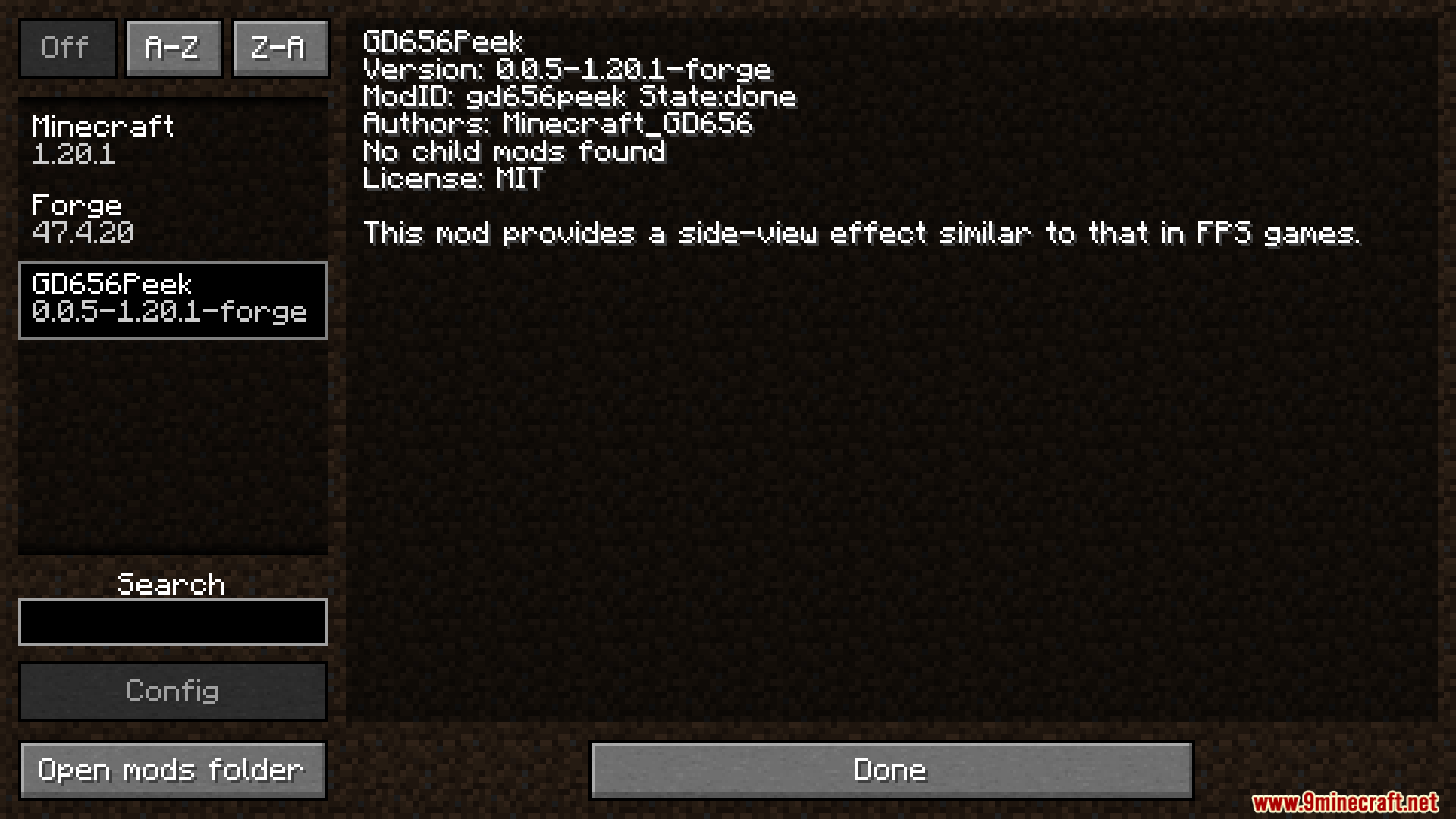
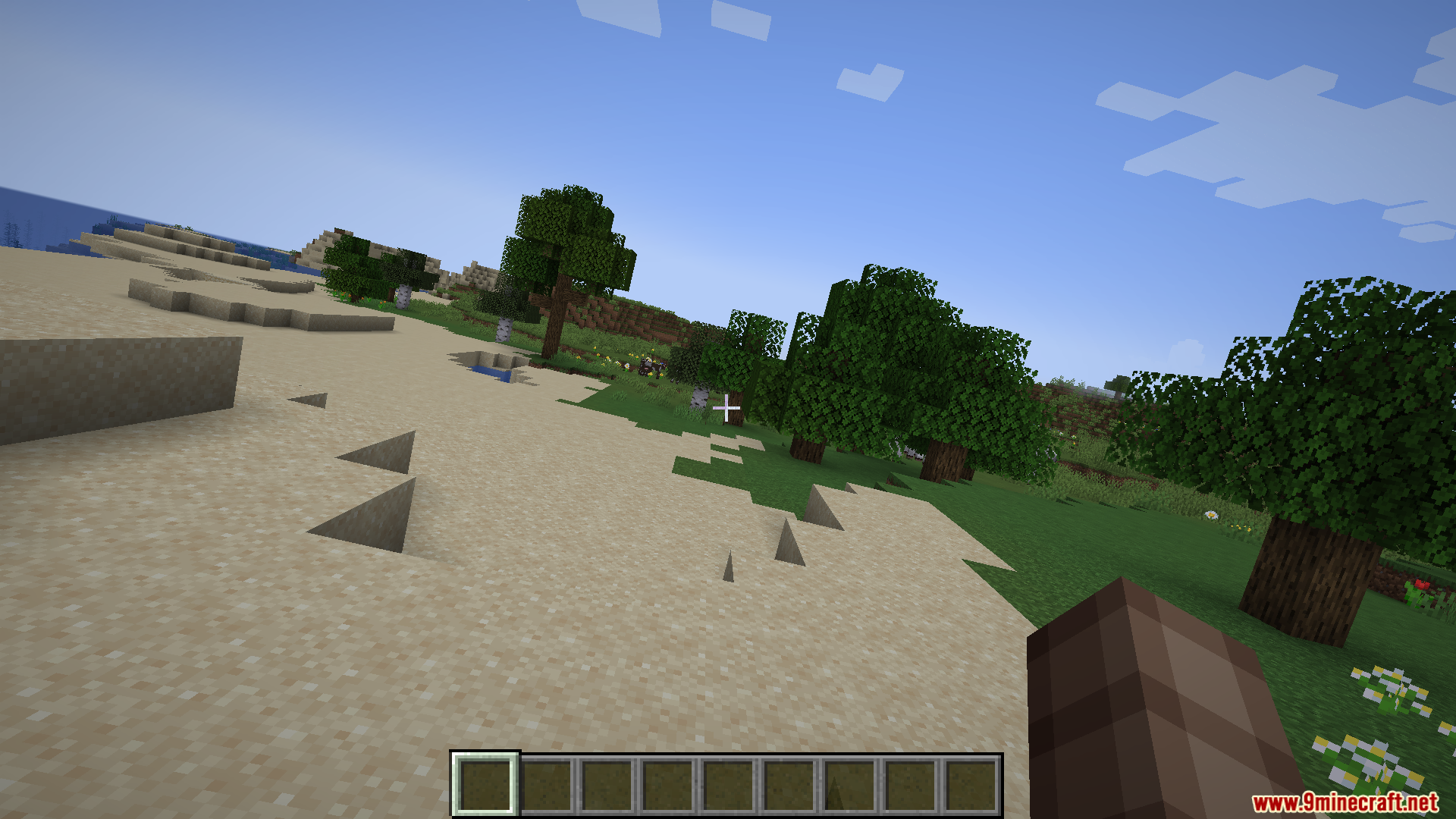
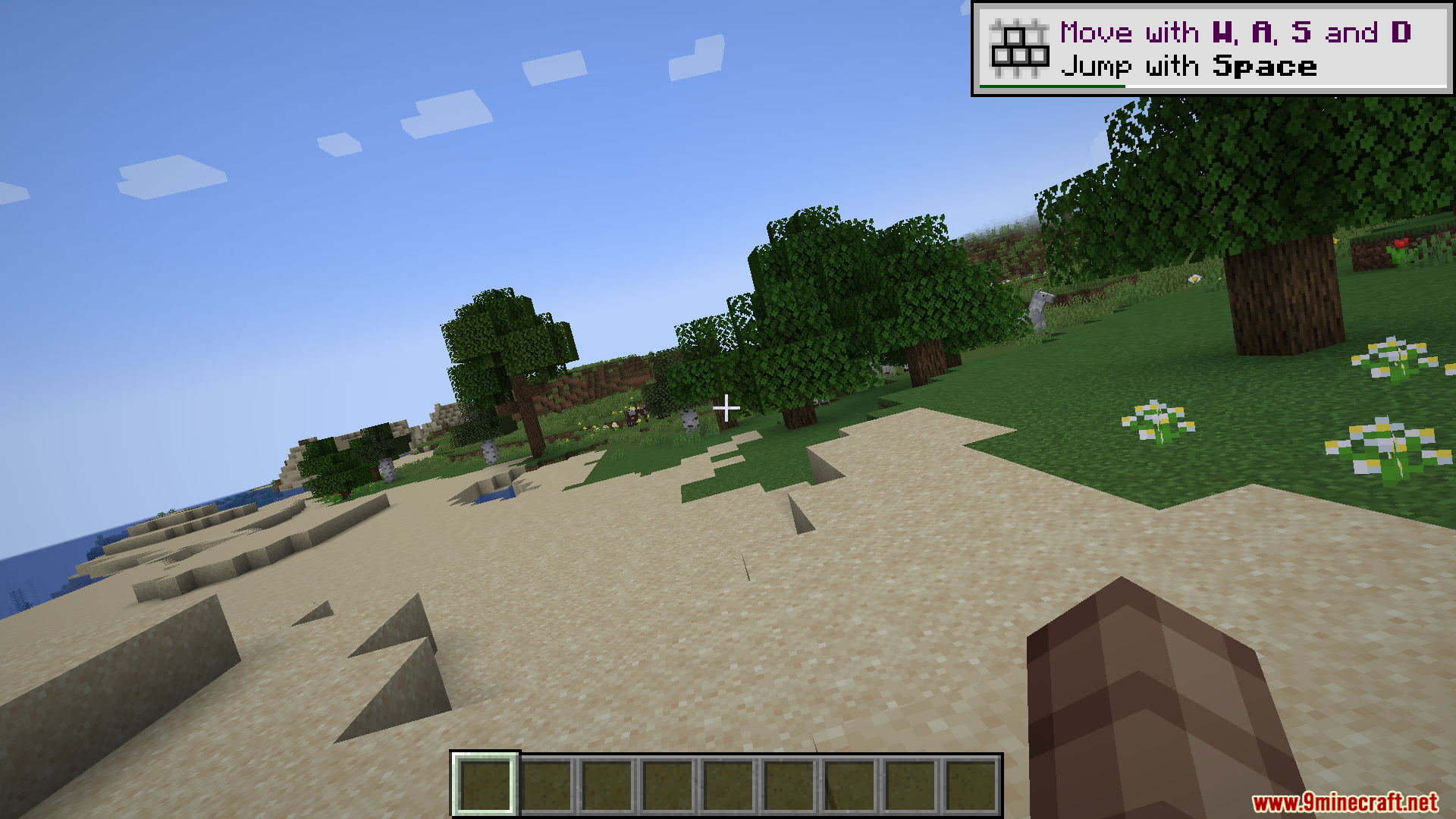
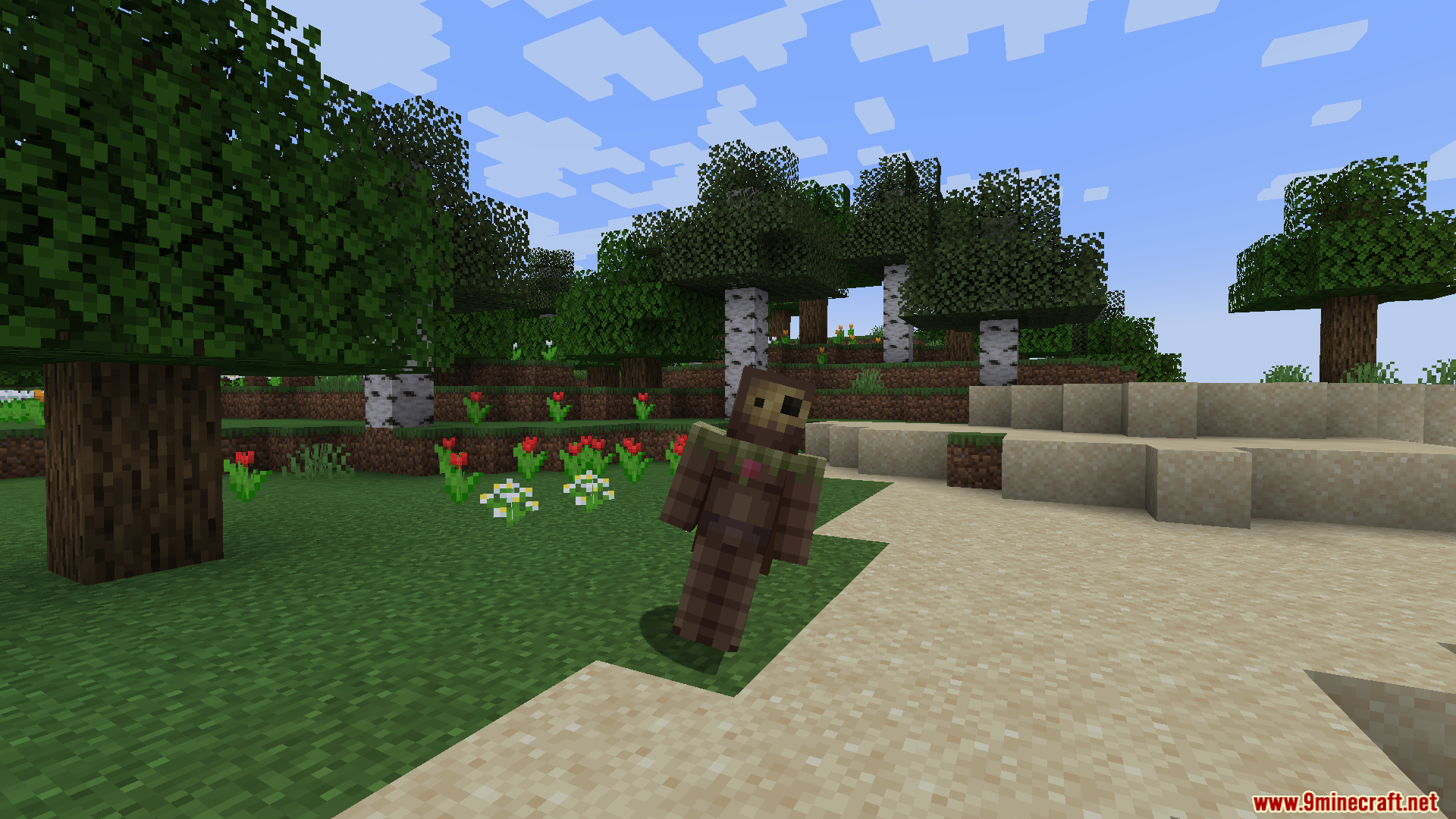
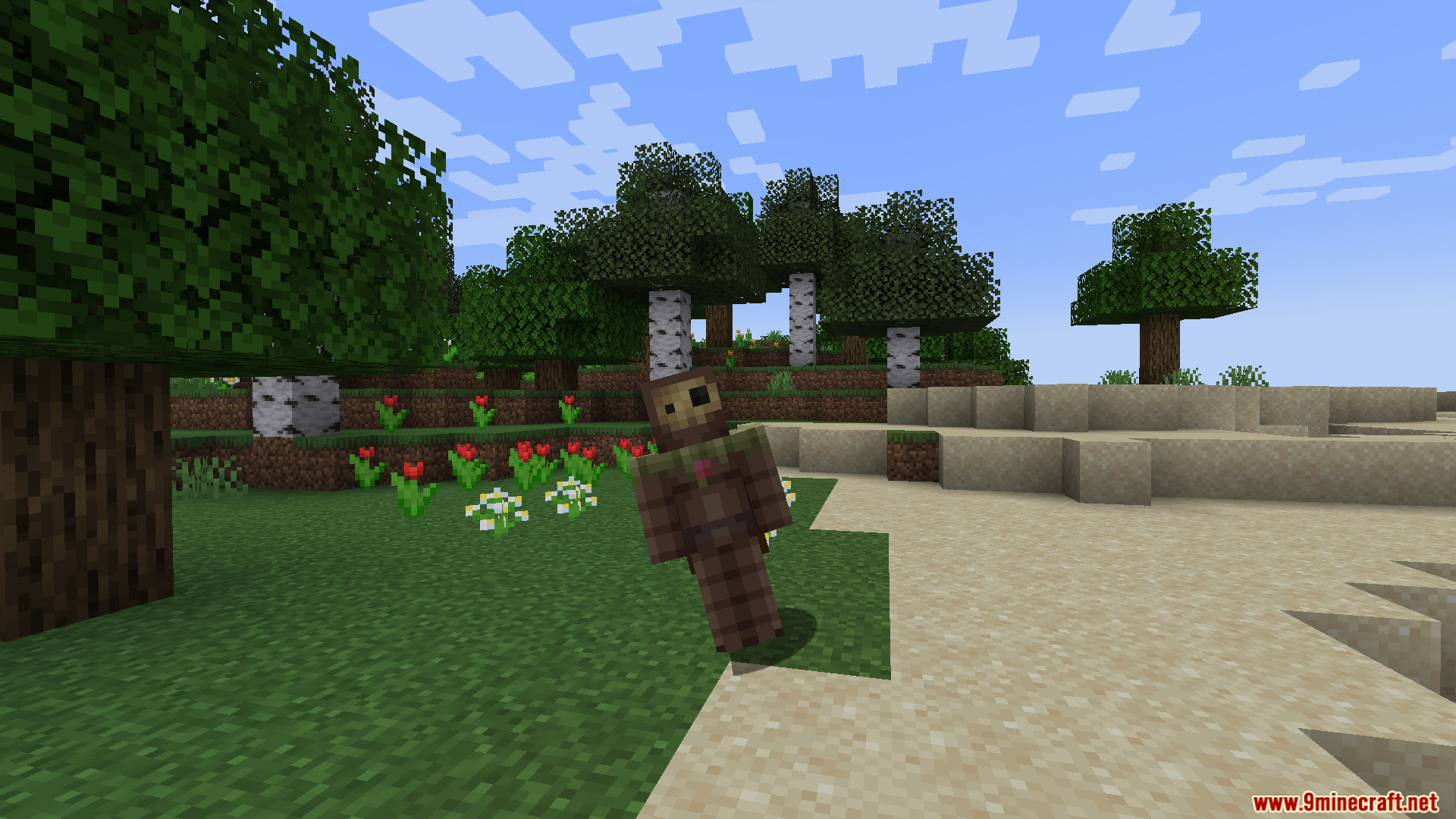
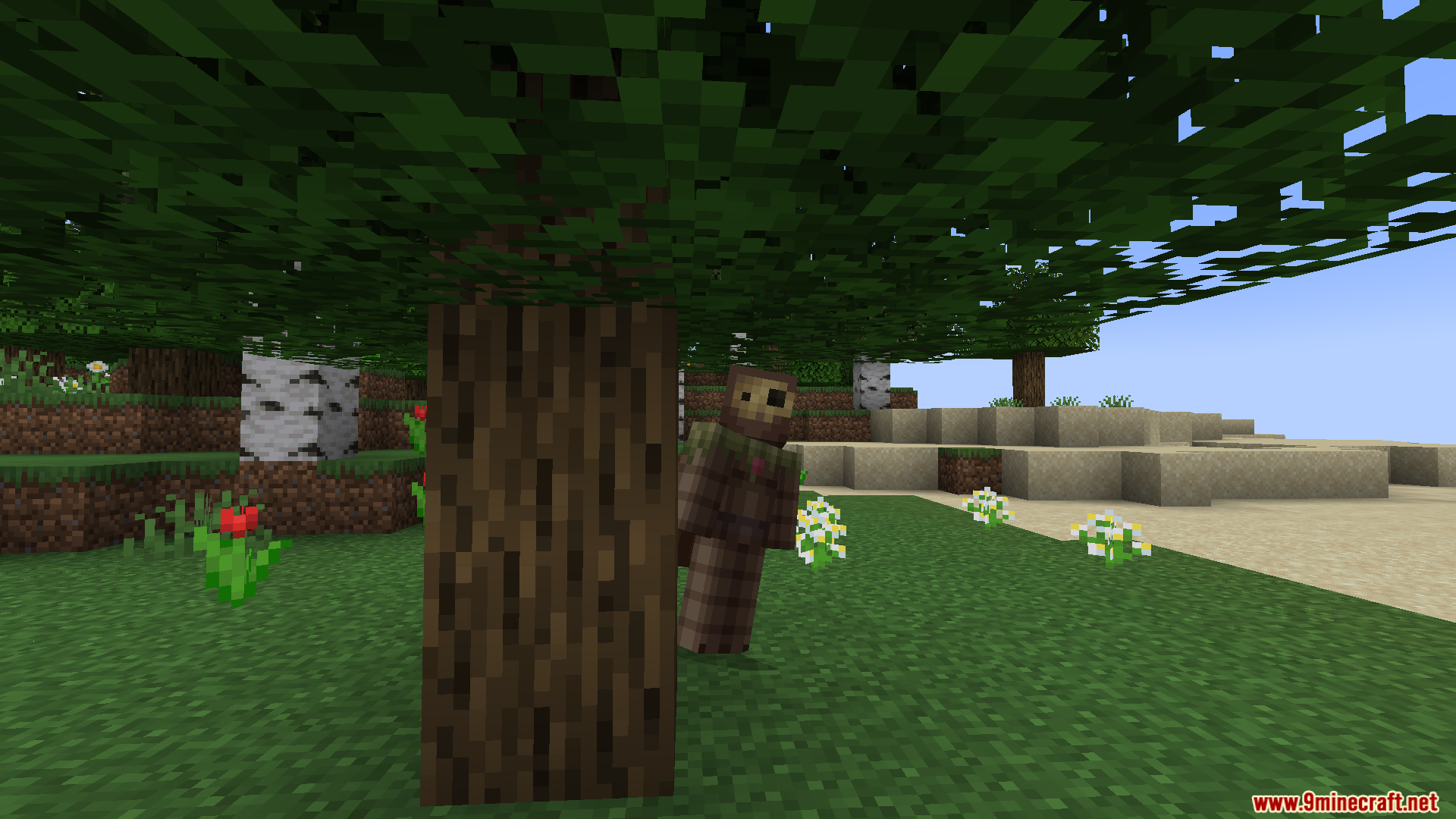
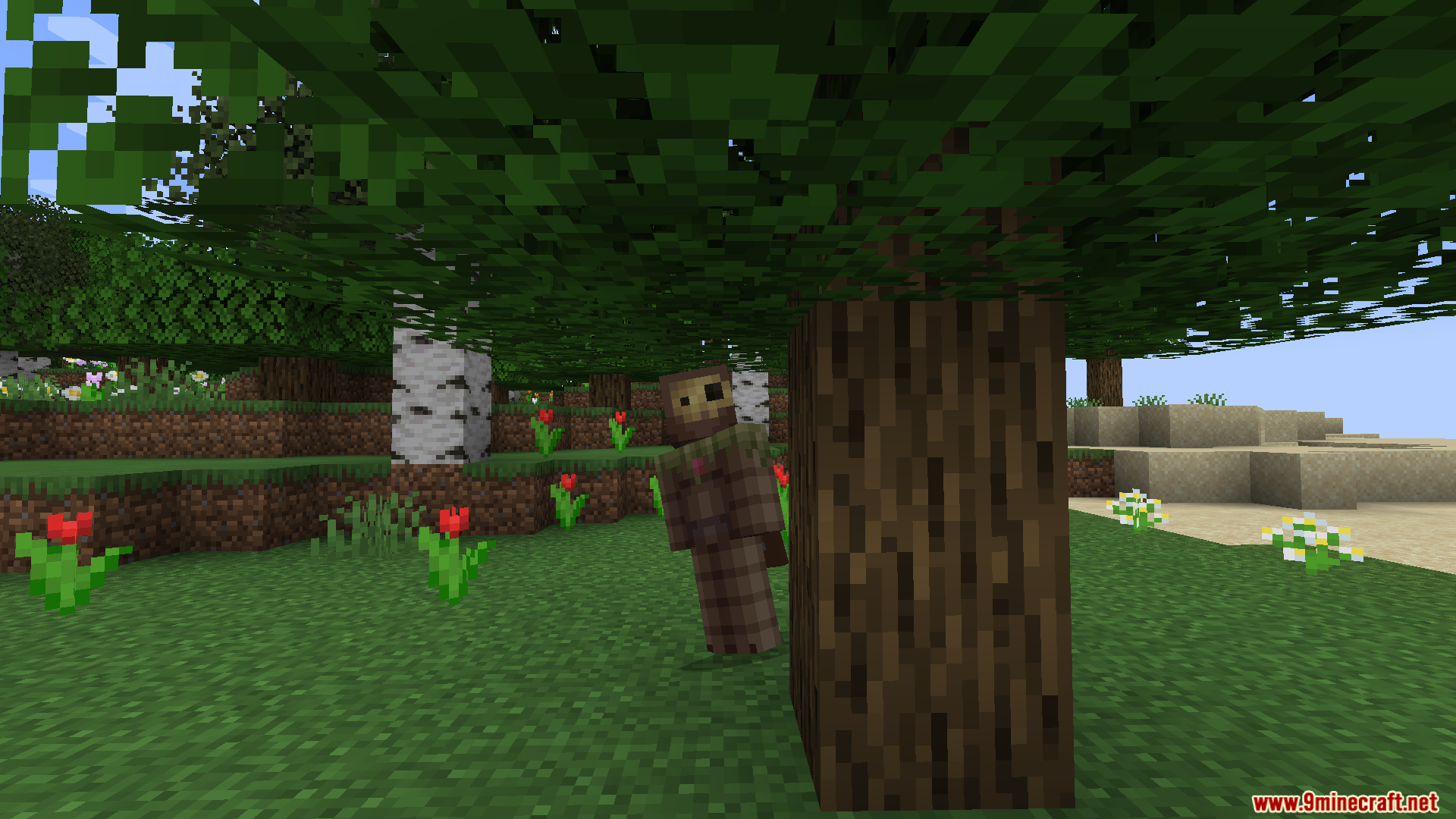
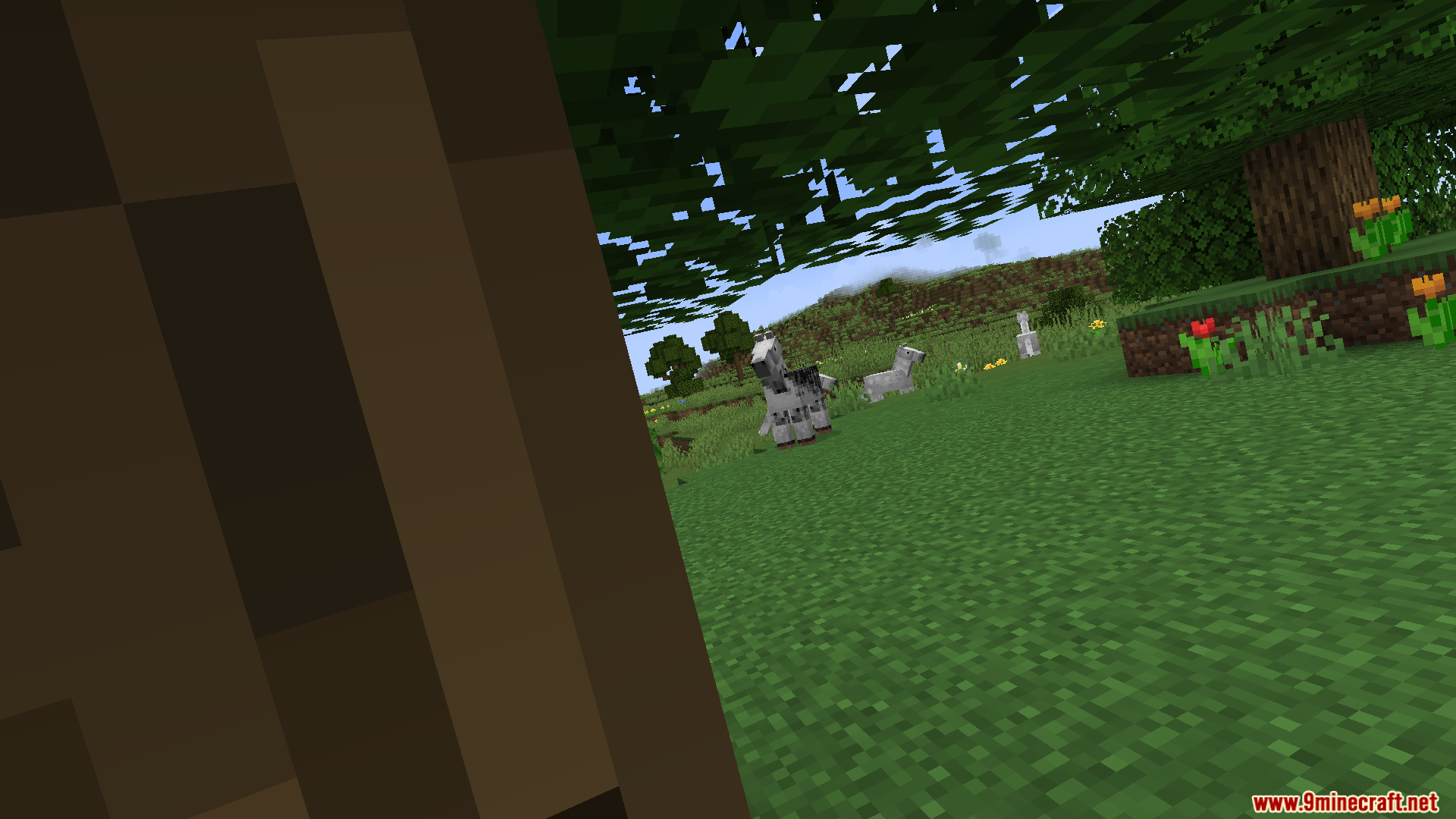
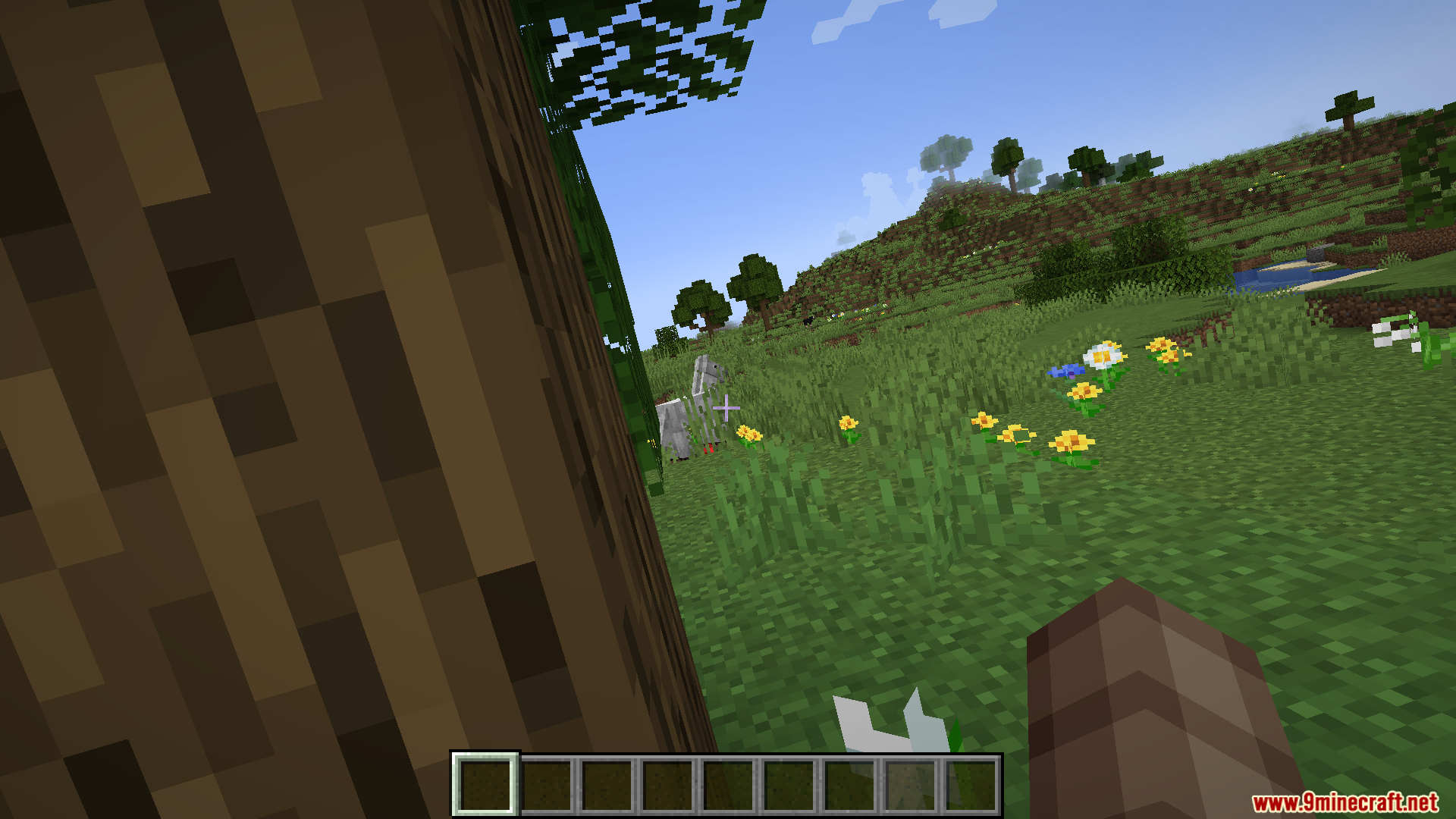
GD656Peek Mod brings the classic peeking mechanic from popular shooter games straight into Minecraft. It lets you tilt your character left or right to look around corners without exposing your whole body to enemies. This addition changes how you handle combat and tactical battles in your world.
Features:
- Moves your character exactly 0.5 blocks to the side when you lean.
- Bypasses the standard game tick speed so the leaning animation runs incredibly smooth.
- Lets you walk and move around normally while holding the peek angle.
- Allows you to cancel or stop the leaning animation instantly at any time.
- Works on regular multiplayer servers as a client-side addition, but make sure the server rules allow movement shifts before you play.
How to Use:
- Press the Q key to peek to the left.
- Press the E key to peek to the right.
- Open the game controls menu to change these keybinds if you want different buttons.
Screenshots:
GD656Peek Mod Download Links
Quick facts
- Edition: Minecraft Java
- File type: .jar
- Minecraft version listed: 1.20.1
- How to install: Install the matching mod loader (Forge, Fabric or NeoForge) for your Minecraft version. → Download the .jar. → Put it in the .minecraft/mods folder and launch that loader profile.
- Where to get it: In MC Java Mods, or directly above on this page.
Install steps are the general flow for this file type — How to install Minecraft Java mods & modpacks walks through it step by step.
File checked by MCModsHub
- Downloads as 2603.mcaddon
- Download size: 17 KB
- Download link checked 26 Sept 2026 — working
- Mirrored on our own servers — the download does not depend on the original host
These come from our own check of the pack file, not from the source page.