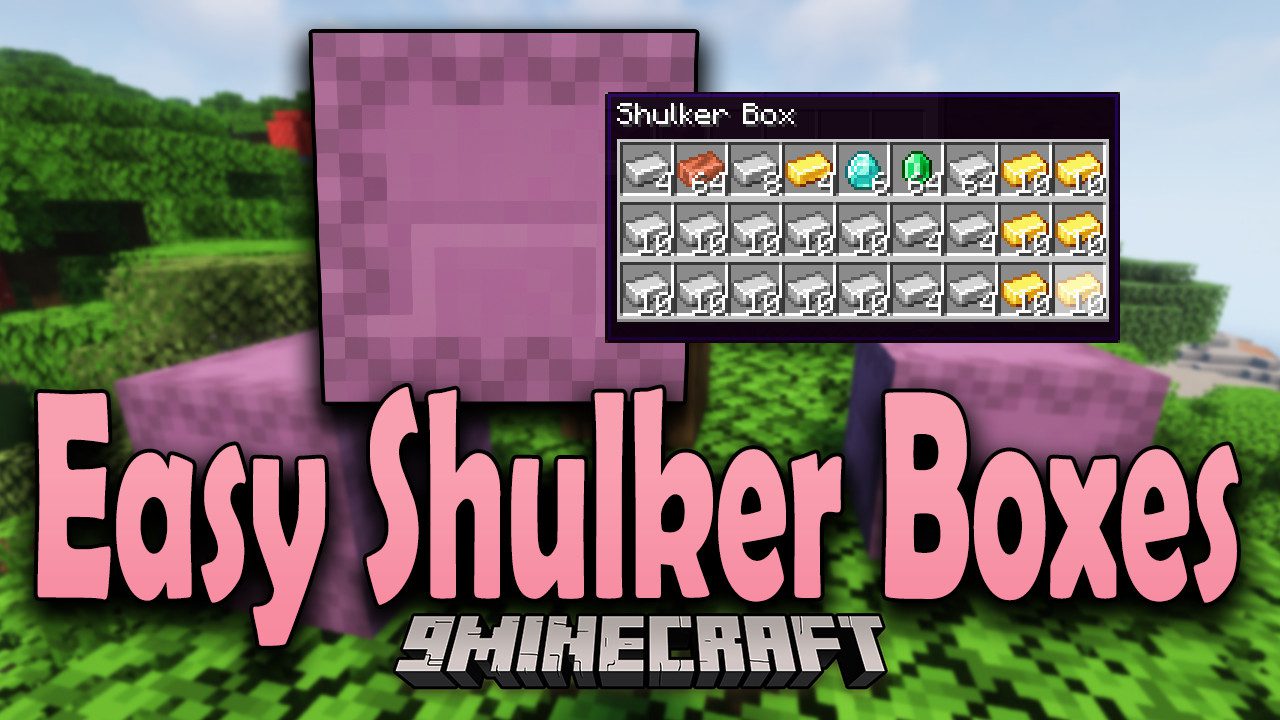
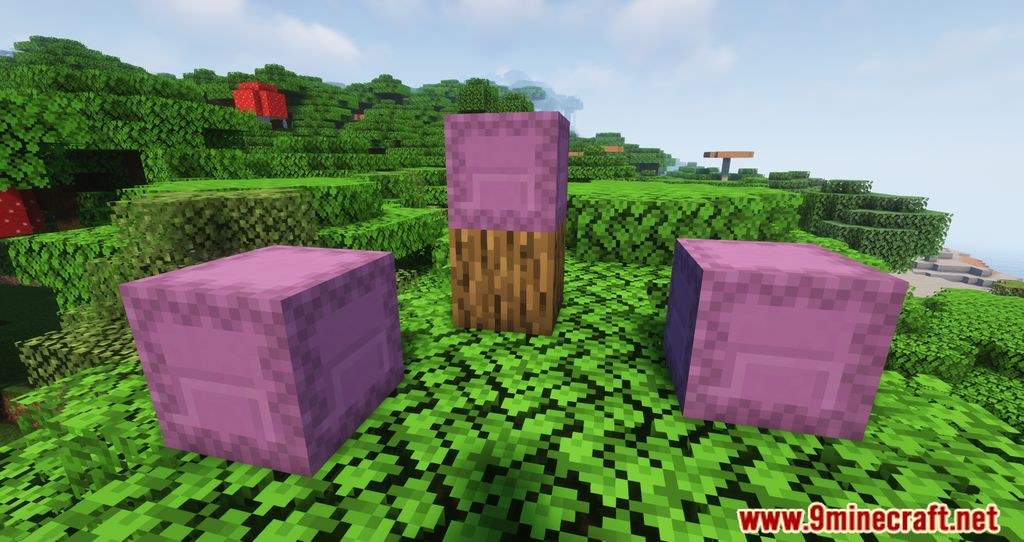
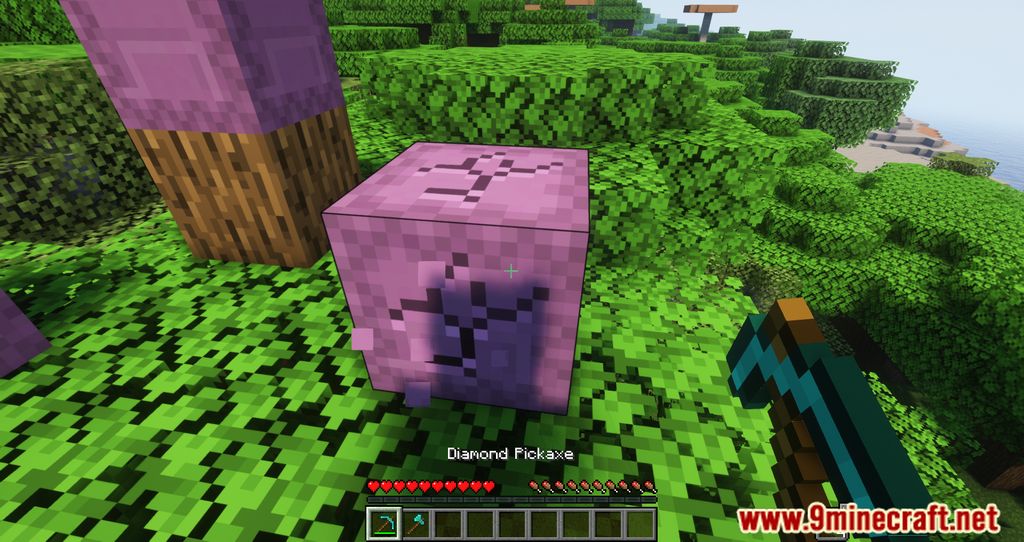
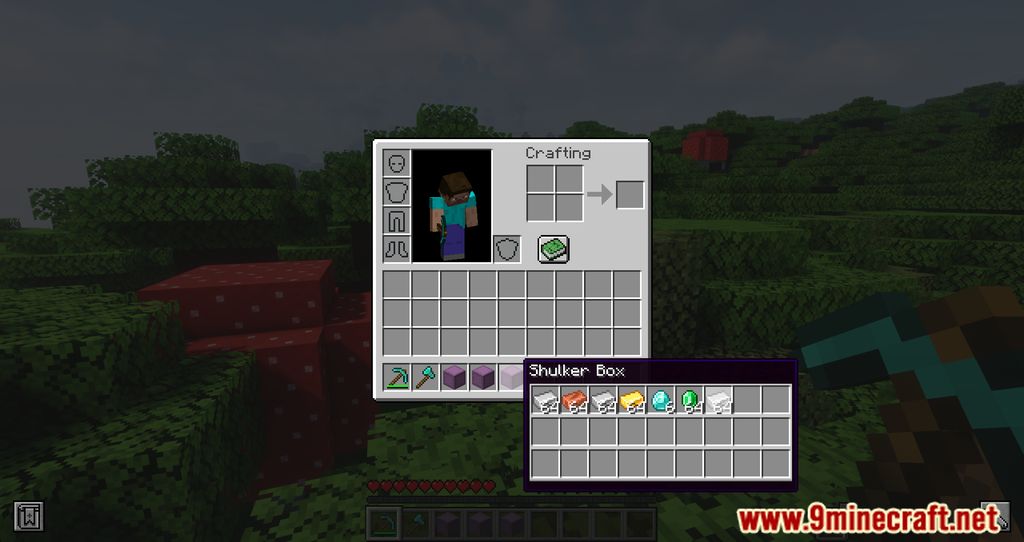
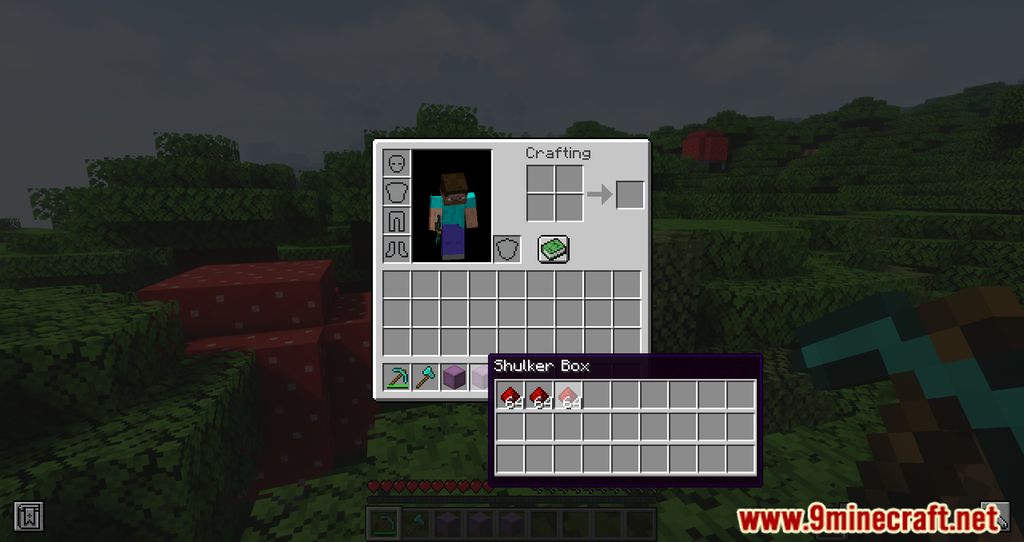
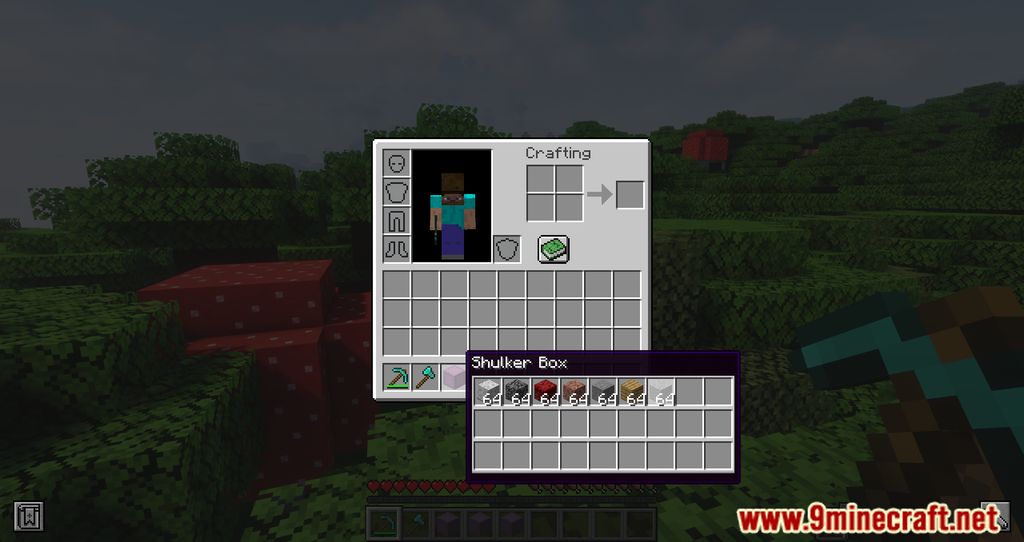
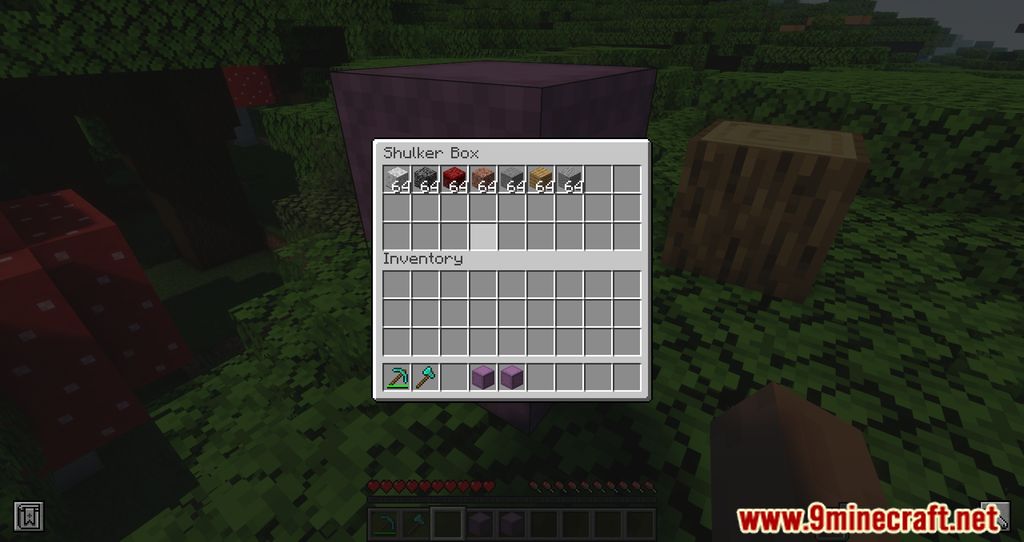
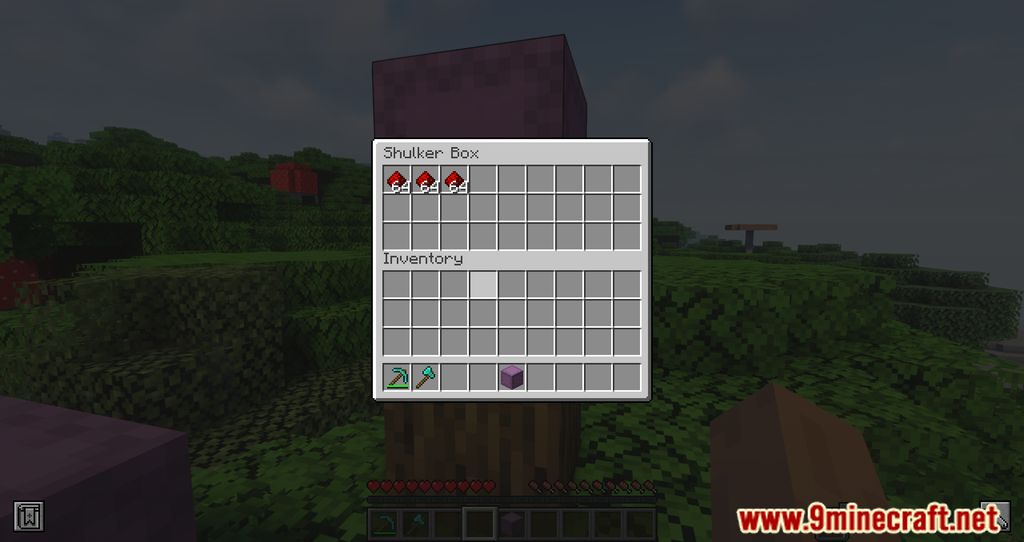
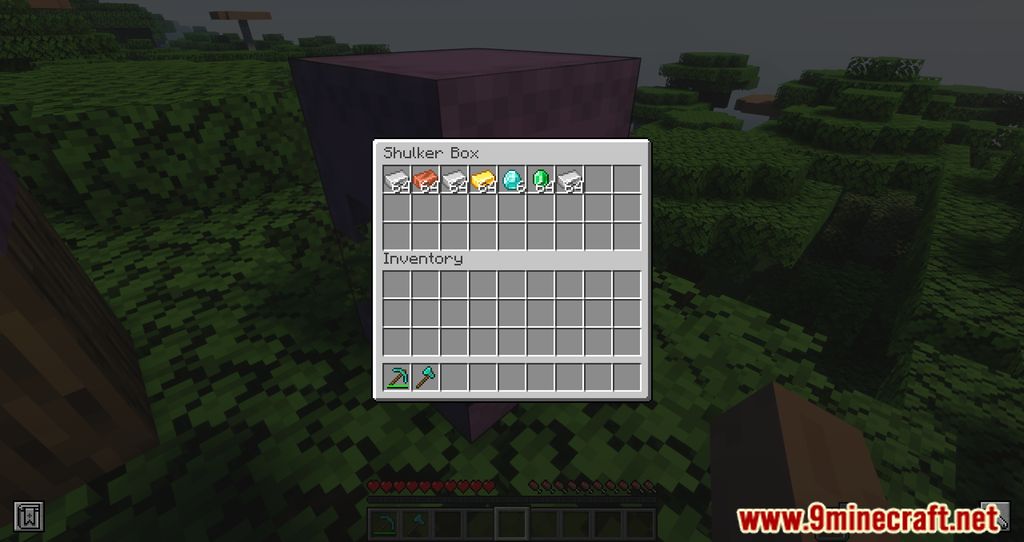
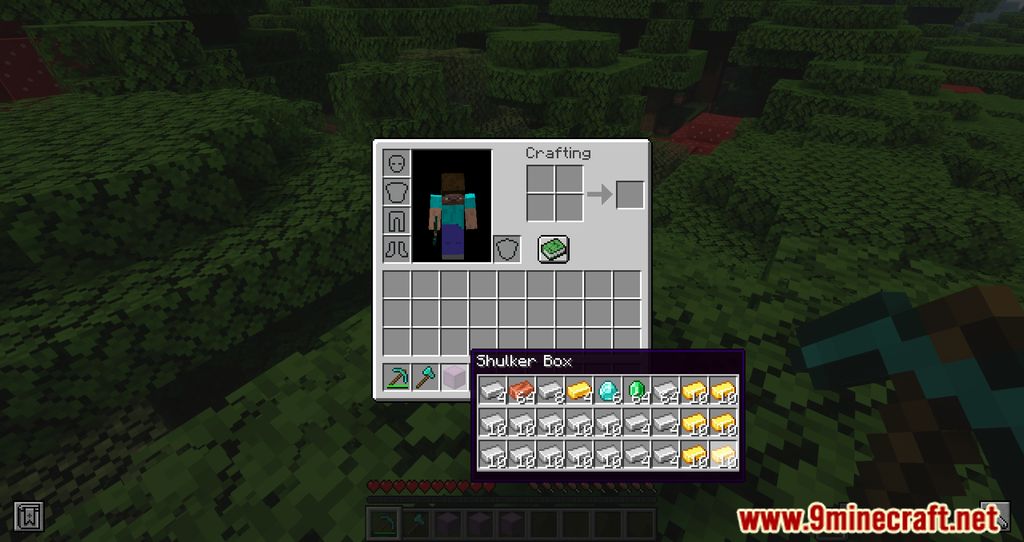
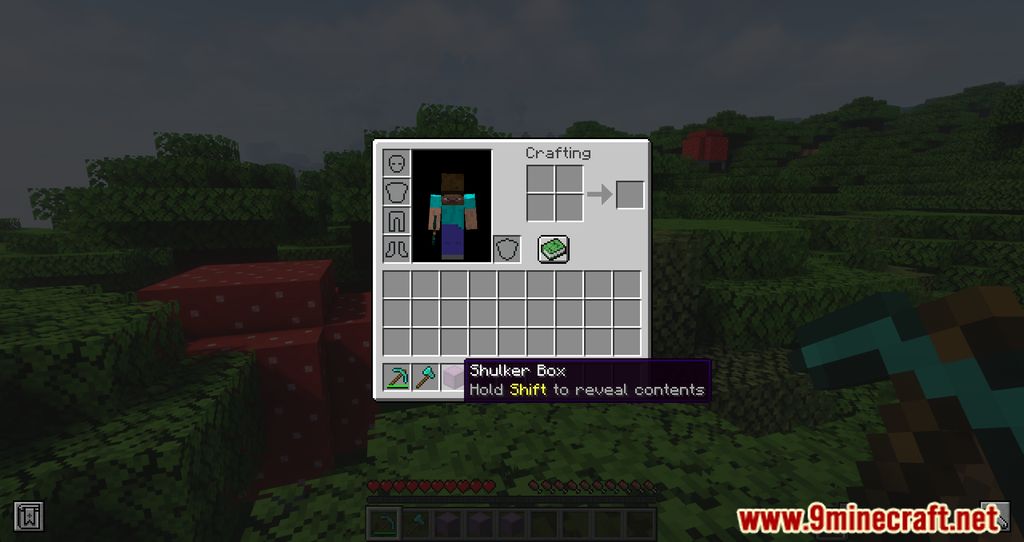
Easy Shulker Boxes Mod is a mod that adds a very interesting functionality to Shulker Boxes. As you may know, they are an item somewhere between a chest and a backpack, though they must be placed on the ground to be used. With this mod installed, you can open the graphical interface of a Shulker Box directly from your character’s inventory. Simply press “Left Shift” on a Shulker Box full of items in your inventory to view its contents without having to place it on the ground. After inspecting the contents of a Shulker Box, if you only want some of the items inside, you can right-click on any object to move it directly into your character’s inventory.
Features:
- Open Shulker Boxes directly from your inventory without placing them on the ground.
- Click on items to insert or extract them from the Shulker Box.
- Use the scroll wheel to choose which slot to interact with.
- View contents easily with improved tooltips.
- Move single items instead of full stacks using the Ctrl key.
- Right-click and drag across multiple slots to insert or extract items.
Configs:
If available for a mod, configuration is possible directly from in-game using the mod menu (requires Mod Menu Mod to be installed on Fabric). Please note that on older Minecraft versions installing Forge Config Screens is also a requirement.
For manual configuration using an external text editor all files are found at .minecraft/config, named as MOD_ID-client.toml, MOD_ID-common.toml, or MOD_ID-server.toml, depending on the type of config. Not all types might exist for a mod, if any at all.
Screenshots:
Easy Shulker Boxes Mod Download Links
- Edition: Minecraft Java
- File type: .jar
- Minecraft version listed: 1.20.1
- How to install: Install the matching mod loader (Forge, Fabric or NeoForge) for your Minecraft version. → Download the .jar. → Put it in the .minecraft/mods folder and launch that loader profile.
- Where to get it: In MC Java Mods, or directly above on this page.
Install steps are the general flow for this file type — How to install Minecraft Java mods & modpacks walks through it step by step.
- Downloads as 26031.mcaddon
- Download size: 619 KB
- Download link checked 23 Sept 2026 — working
- Mirrored on our own servers — the download does not depend on the original host
These come from our own check of the pack file, not from the source page.