
ModsJava
CleanContainer
Java mod listed for Minecraft 1.21. Downloads from the MC Java Mods app on Android.


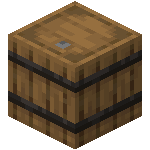
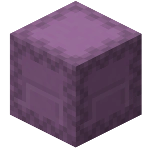
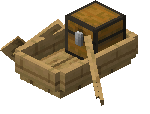
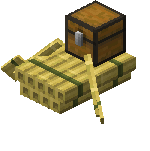
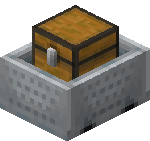
CleanContainer helps you to sort your inventory and your containers, such as chests, barrels, shulkers, minecartchests and enderchests.
⬇ Download on Modrinth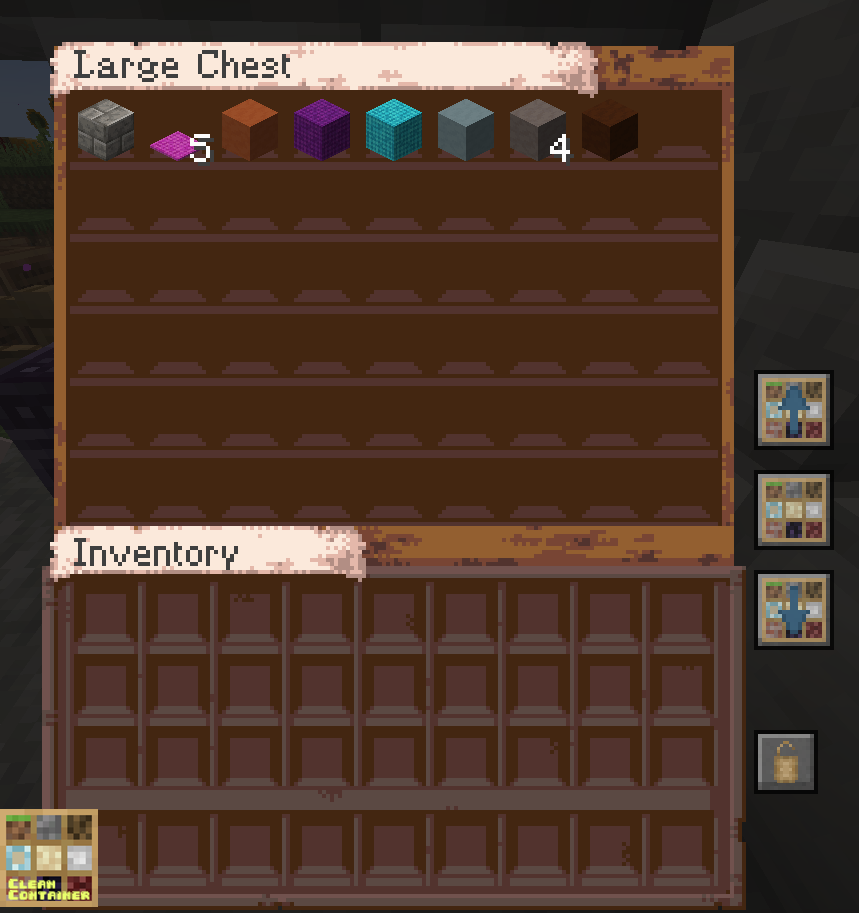
CleanContainer - Fabric - 1.20.X
[1.21.1 | 1.21 | 1.20.6 | 1.20.5 |1.20.4] - Fabric API dependency
Sort player's inventory and containers inventories
Features
Sort player's inventory & containers inventories
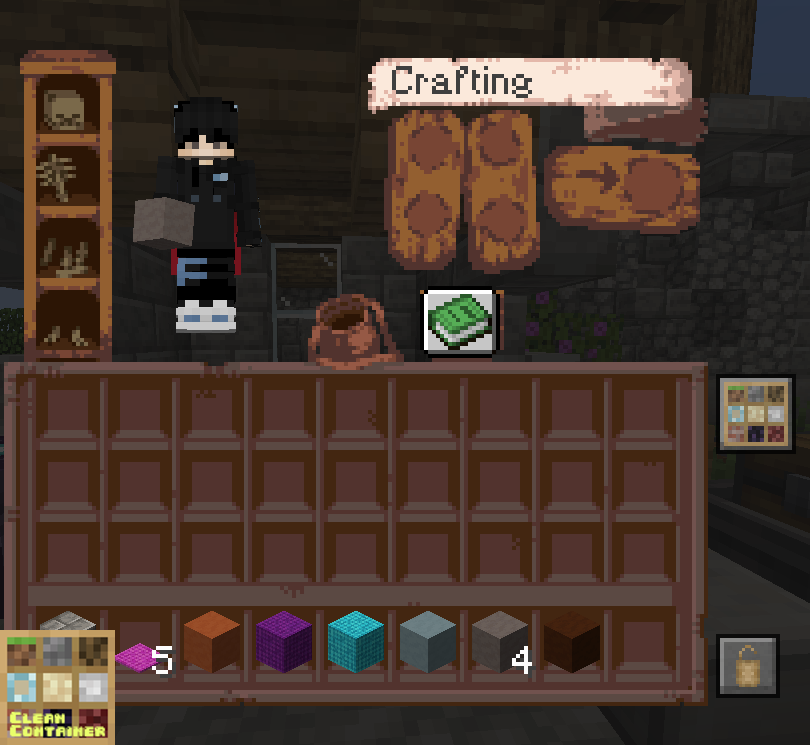
Transfer content - From containers to player's inventory
- From player's inventory to containers
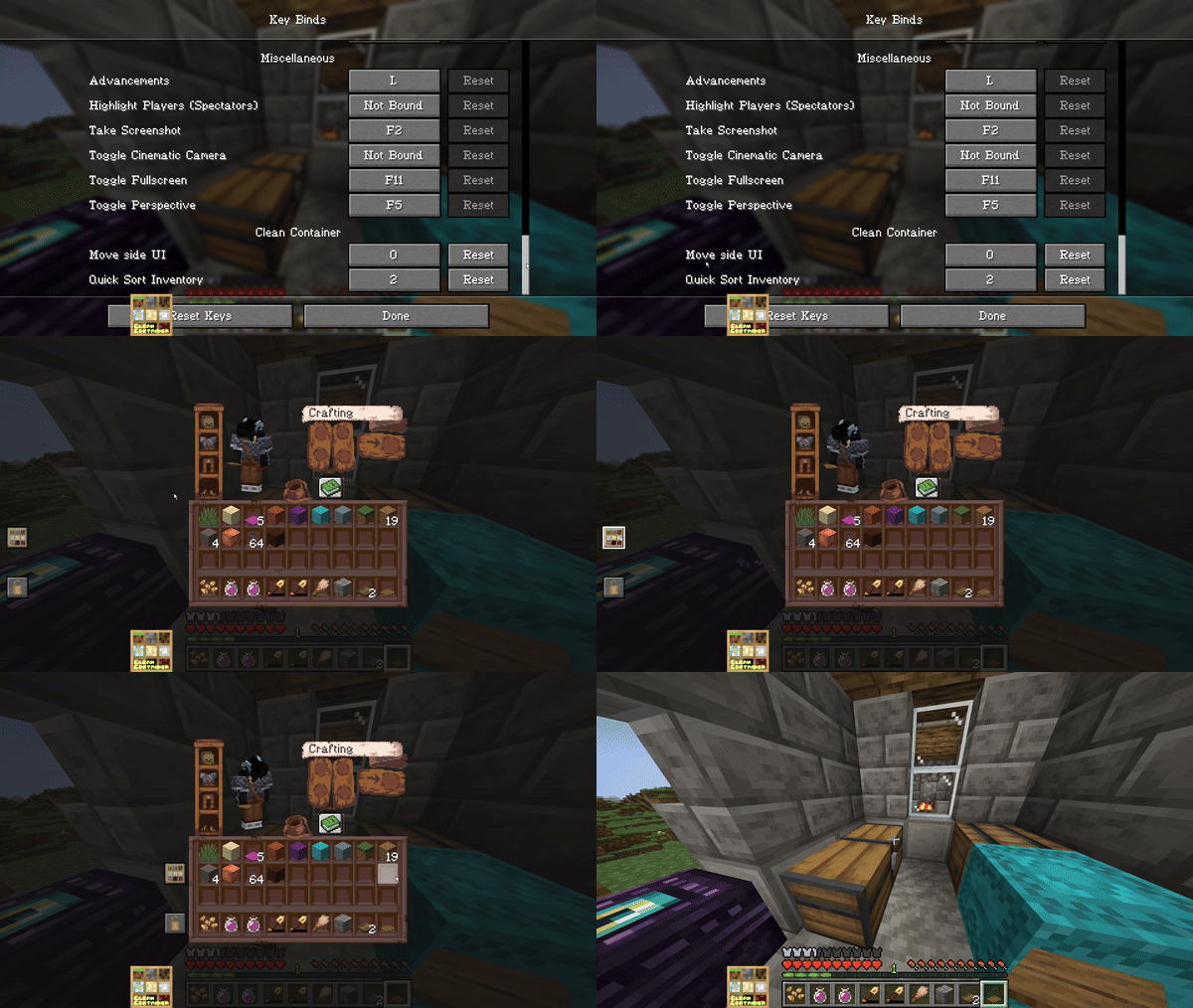
Toggle Hotbar (lock/unlock) to prevent hotbar's items from being moved or sorted
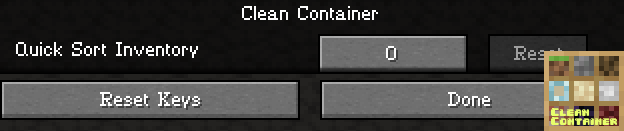
Quick sort player's inventory key
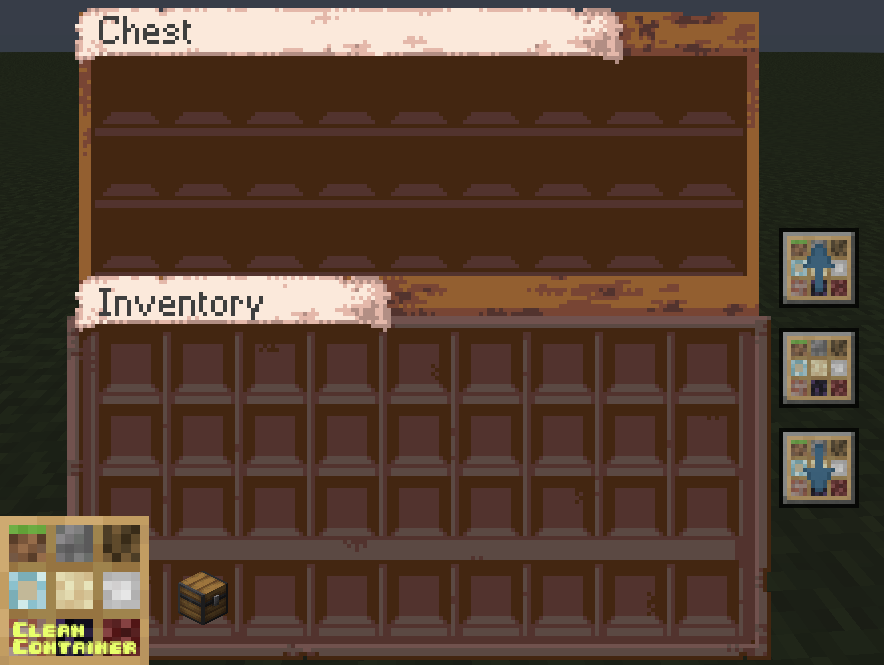
Accessibility
- Custom key bind in game settings to quick sort player's inventory.
- Custom key bind in game settings to change UI buttons position.

Changelog
May 2024 - mod version 1.3.0
[Bug Fixes]
- Potions getting duplicated when sorting
- Enderchest transfer to player's inventory now works
- Items durability are no longer duplicated
[Add]
- Keybind to change CleanContainer buttons position (far-left, left, right, far-right)
Disclaimers
- CleanContainer could contain bugs and issues.
- Please provide me feedback if you encounter any issues using it.
- Feel free to contact me for any mod ideas or CleanContainer improvements.
Supported containers
Quick facts
- Edition: Minecraft Java
- File type: .jar
- Minecraft version listed: 1.21.1
- How to install: Install the matching mod loader (Forge, Fabric or NeoForge) for your Minecraft version. → Download the .jar. → Put it in the .minecraft/mods folder and launch that loader profile.
- Where to get it: Opens on Modrinth — not every file is mirrored on our own servers.
Install steps are the general flow for this file type — How to install Minecraft Java mods & modpacks walks through it step by step.
File checked by MCModsHub
- Ships as cleancontainer-1.21.1.jar — drop this file into the mods folder
- Download size: 48 KB
- Download link checked 10 Oct 2026 — working
These come from our own check of the pack file, not from the source page.