ModsJava
Bedrodium Mod (1.21.11, 1.20.1) – Performance Improvement
Java mod listed for Minecraft 1.20–1.21. Downloads from the MC Java Mods app on Android.
⬇ Download
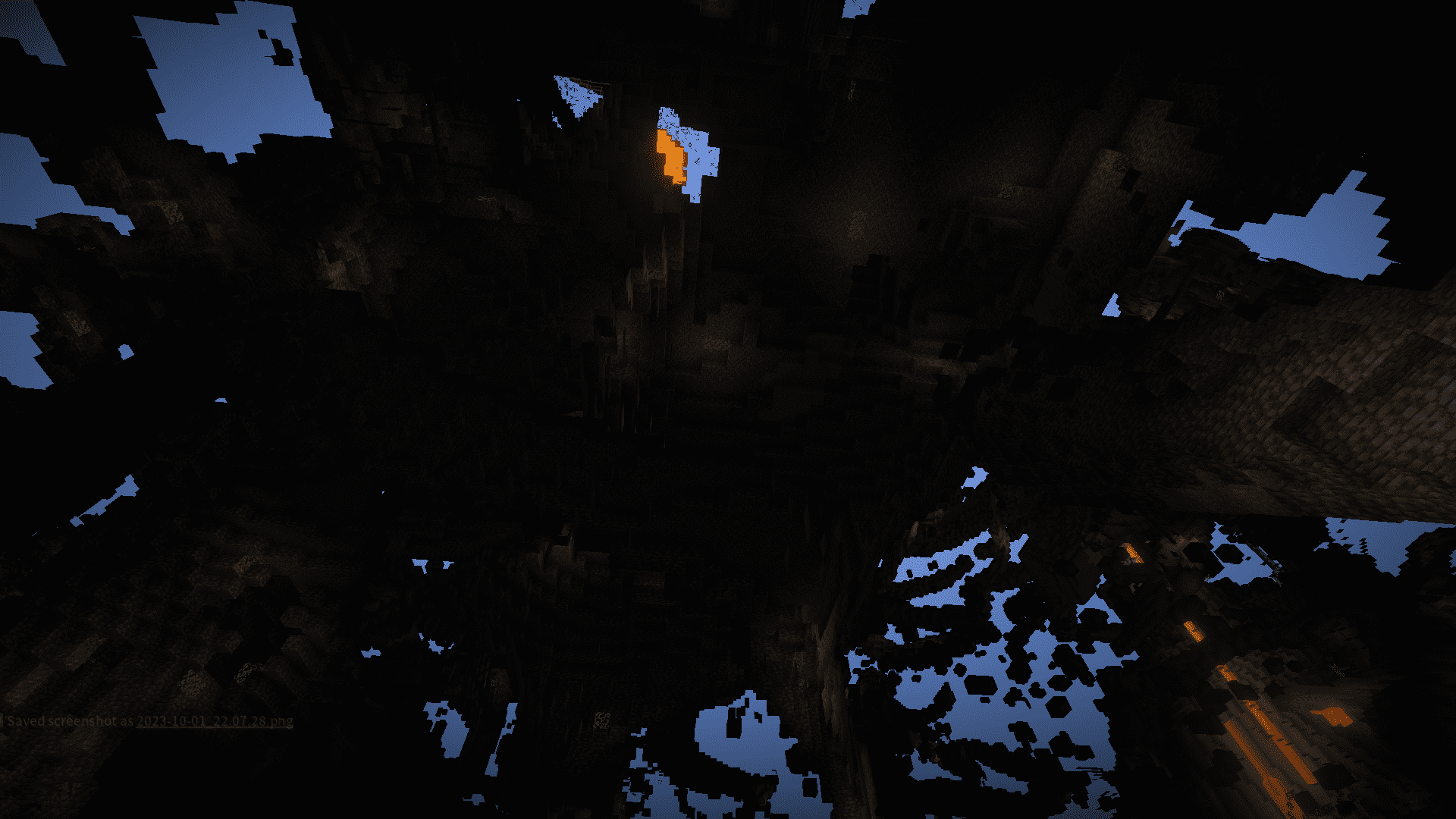
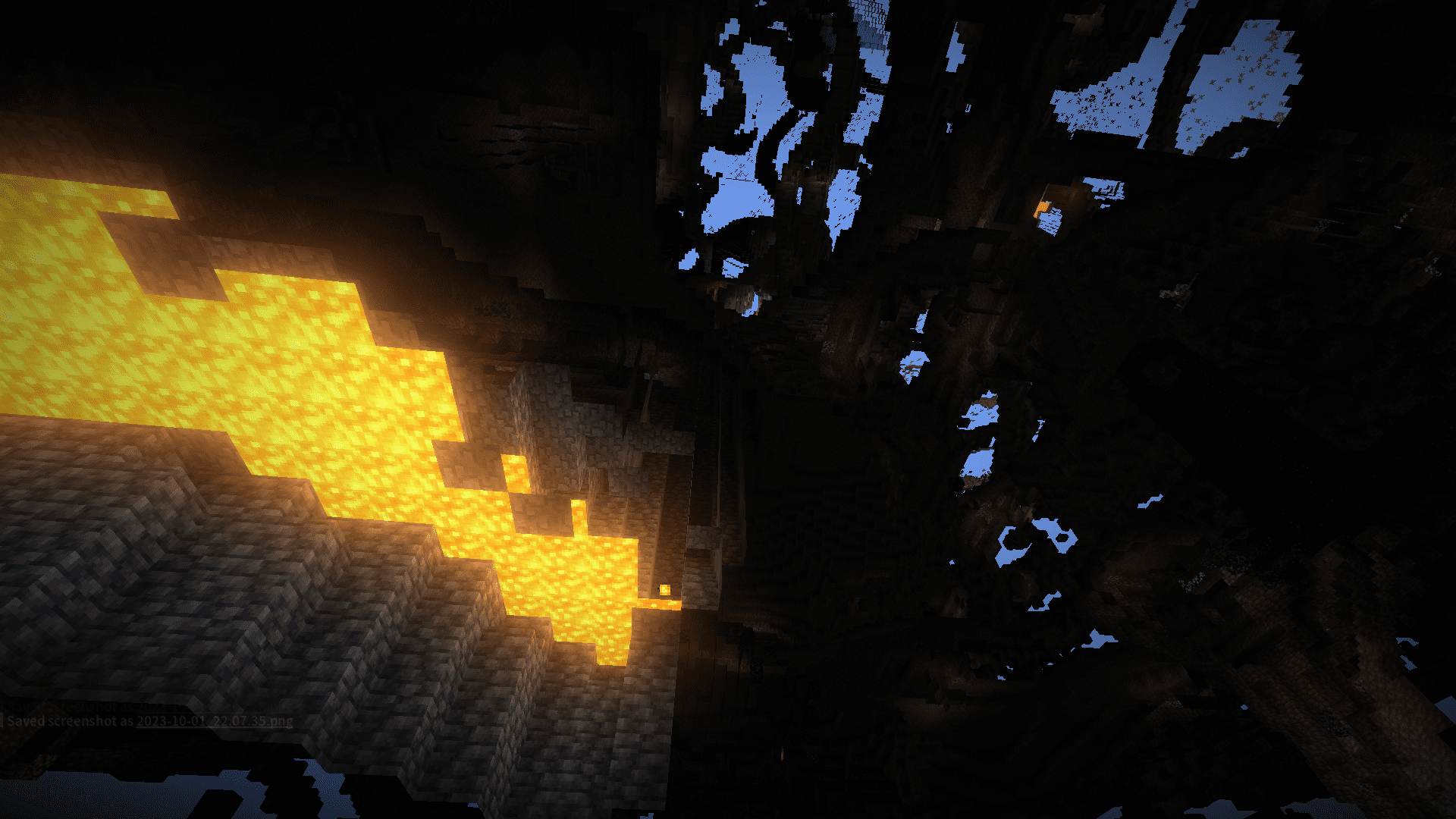
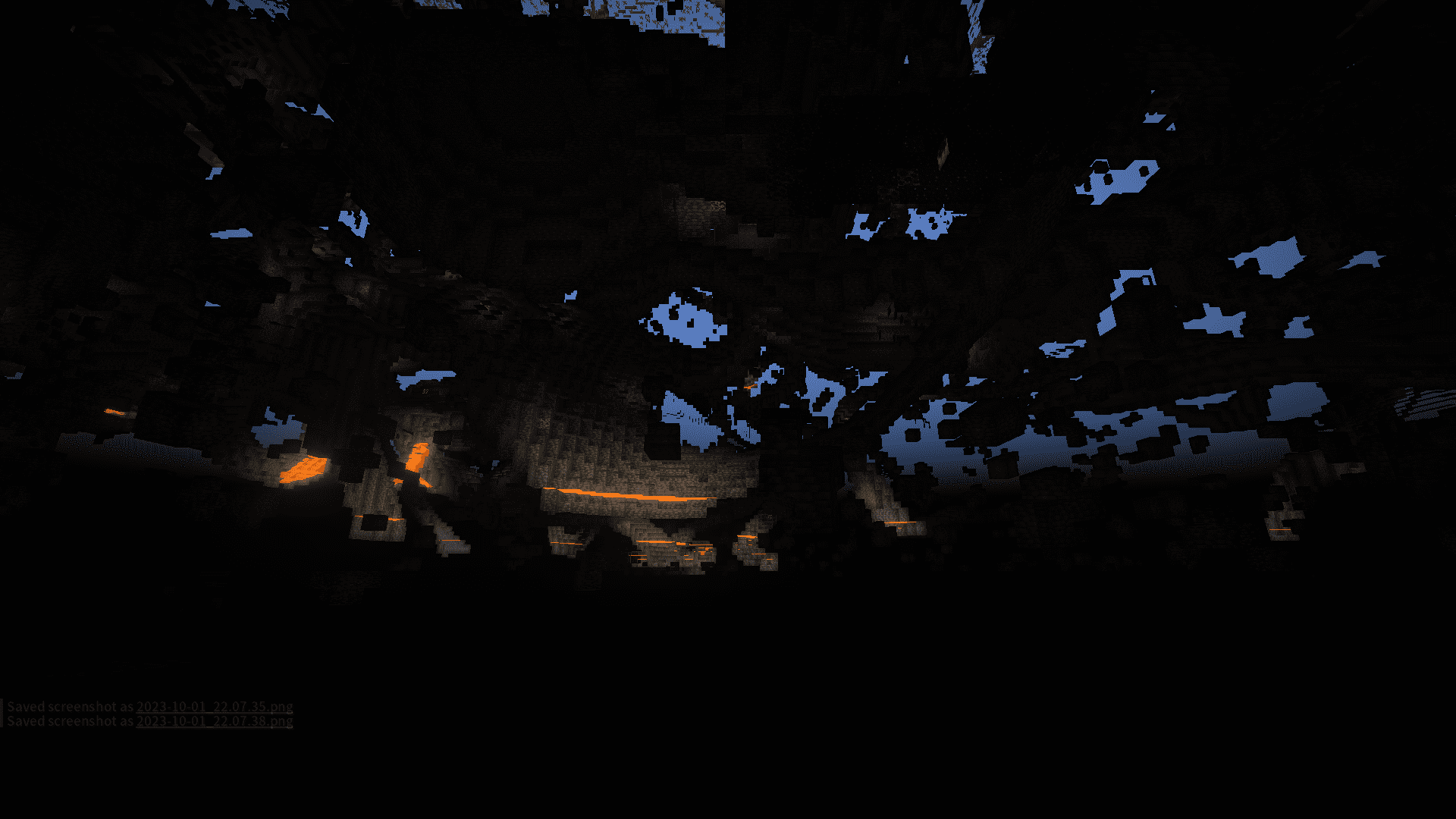
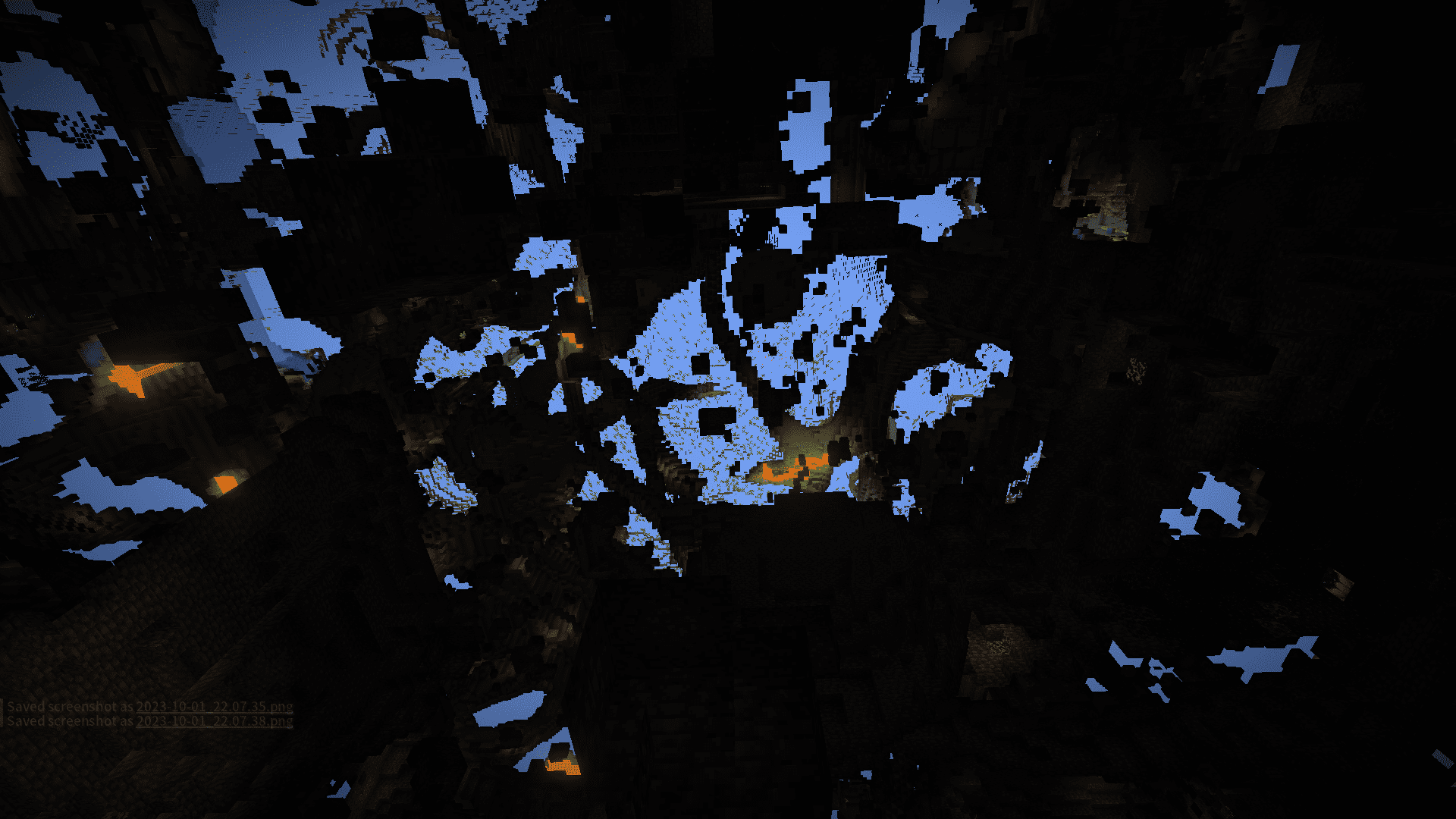
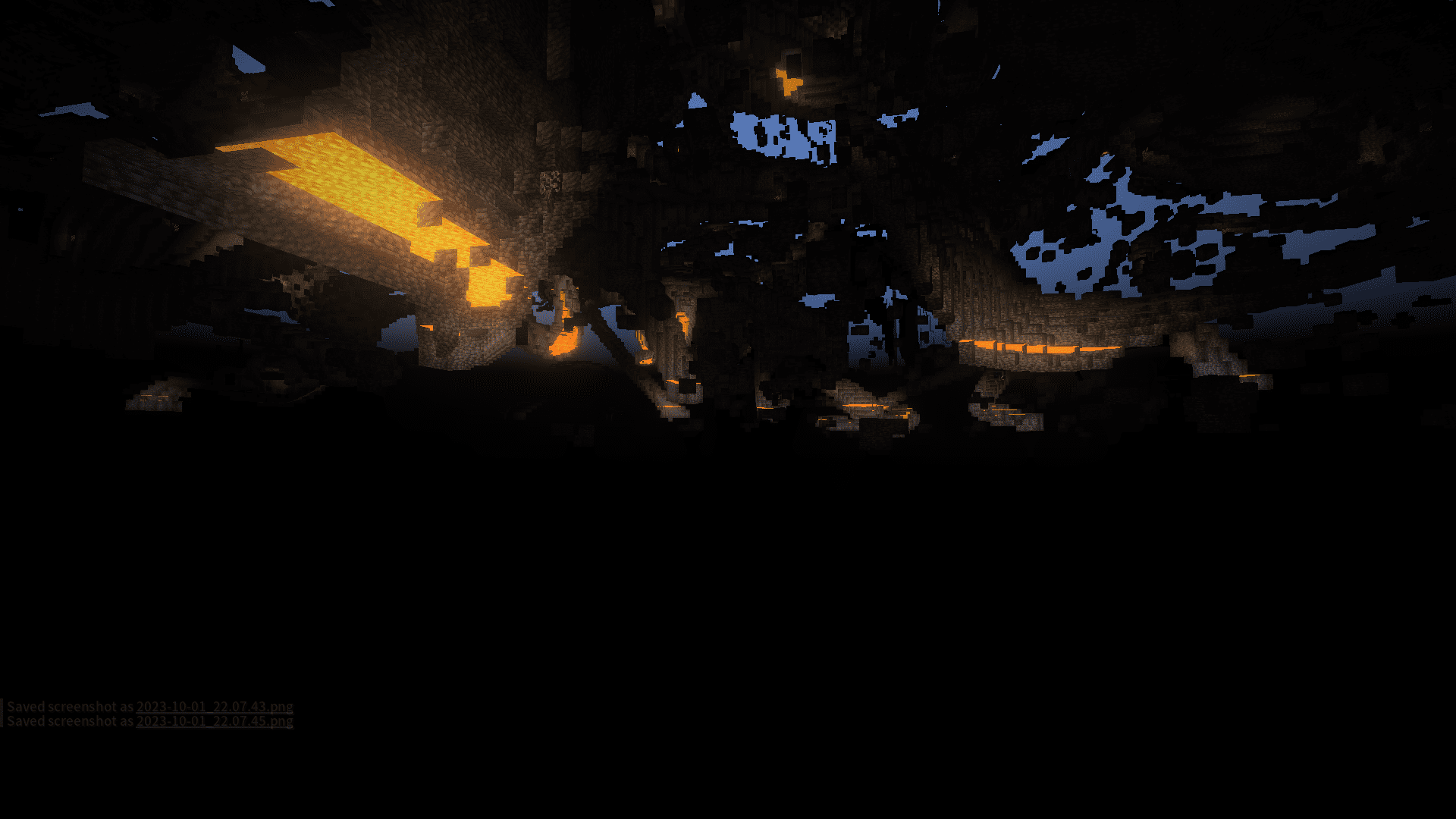
Bedrodium Mod optimizes the bedrock layer in the game. It removes the invisible sides of the bedrock, making them visible only when necessary. This optimization helps improve performance by reducing the number of polygons rendered in the game.
Features:
- It removes the invisible sides of the bedrock, making them visible only when necessary. This helps improve performance by reducing the number of polygons rendered in the game.
- The bottom layer of polygons in the normal world is deleted, and the bottom and top layers in the nether world are optimized.
- This optimization is particularly beneficial for players on weaker computers, as it reduces the rendering load.
Screenshots:
Bedrodium Mod Download Links
Quick facts
- Edition: Minecraft Java
- File type: .jar
- Minecraft versions listed: 1.21.11, 1.20.1
- How to install: Install the matching mod loader (Forge, Fabric or NeoForge) for your Minecraft version. → Download the .jar. → Put it in the .minecraft/mods folder and launch that loader profile.
- Where to get it: In MC Java Mods, or directly above on this page.
Install steps are the general flow for this file type — How to install Minecraft Java mods & modpacks walks through it step by step.
File checked by MCModsHub
- Downloads as 26047.mcaddon
- Download size: 29 KB
- Download link checked 25 Sept 2026 — working
- Mirrored on our own servers — the download does not depend on the original host
These come from our own check of the pack file, not from the source page.