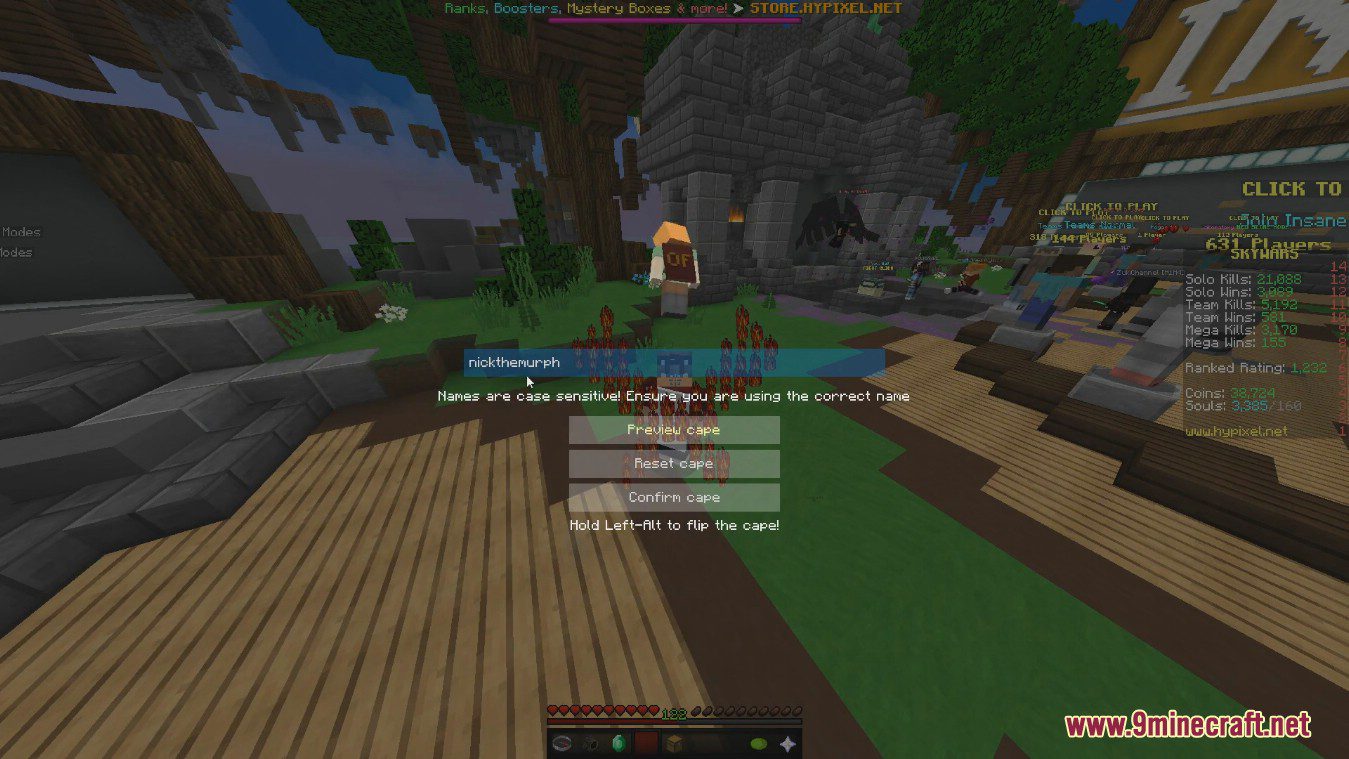
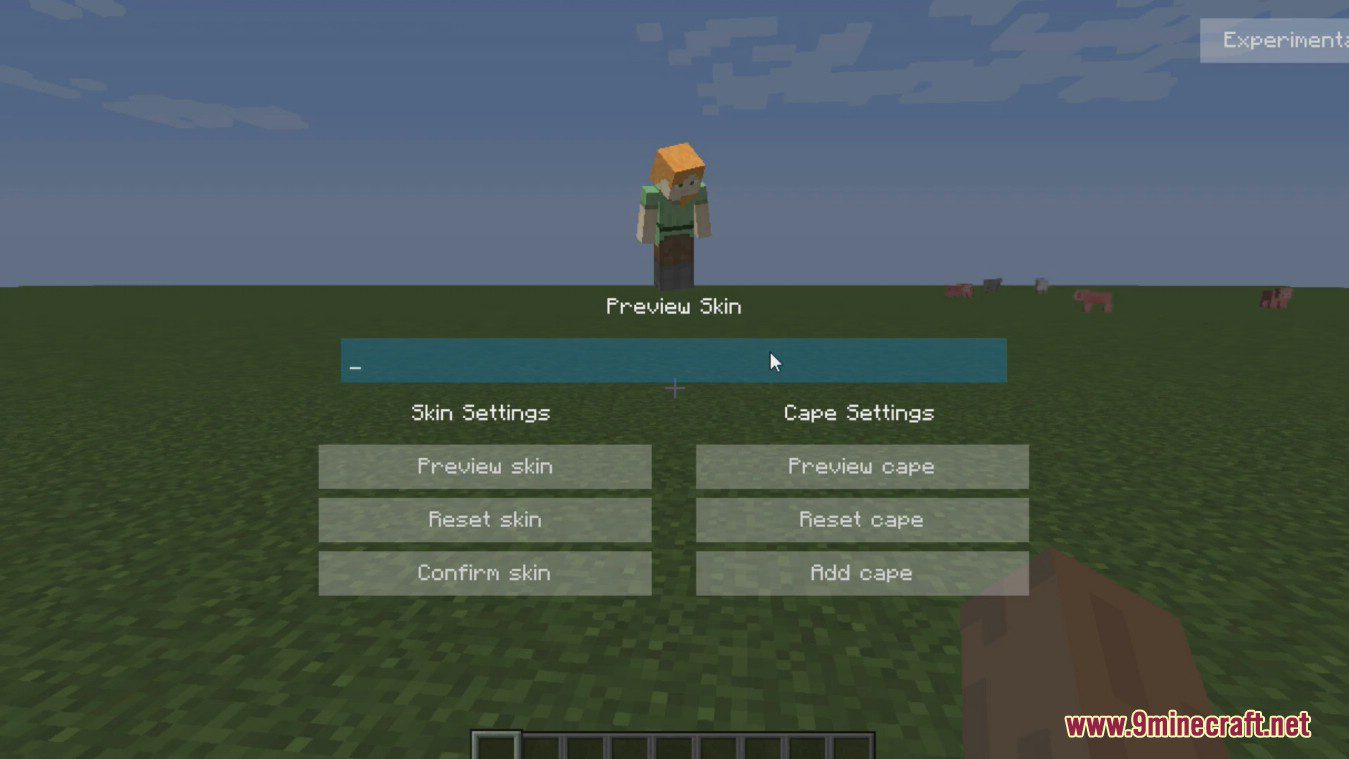
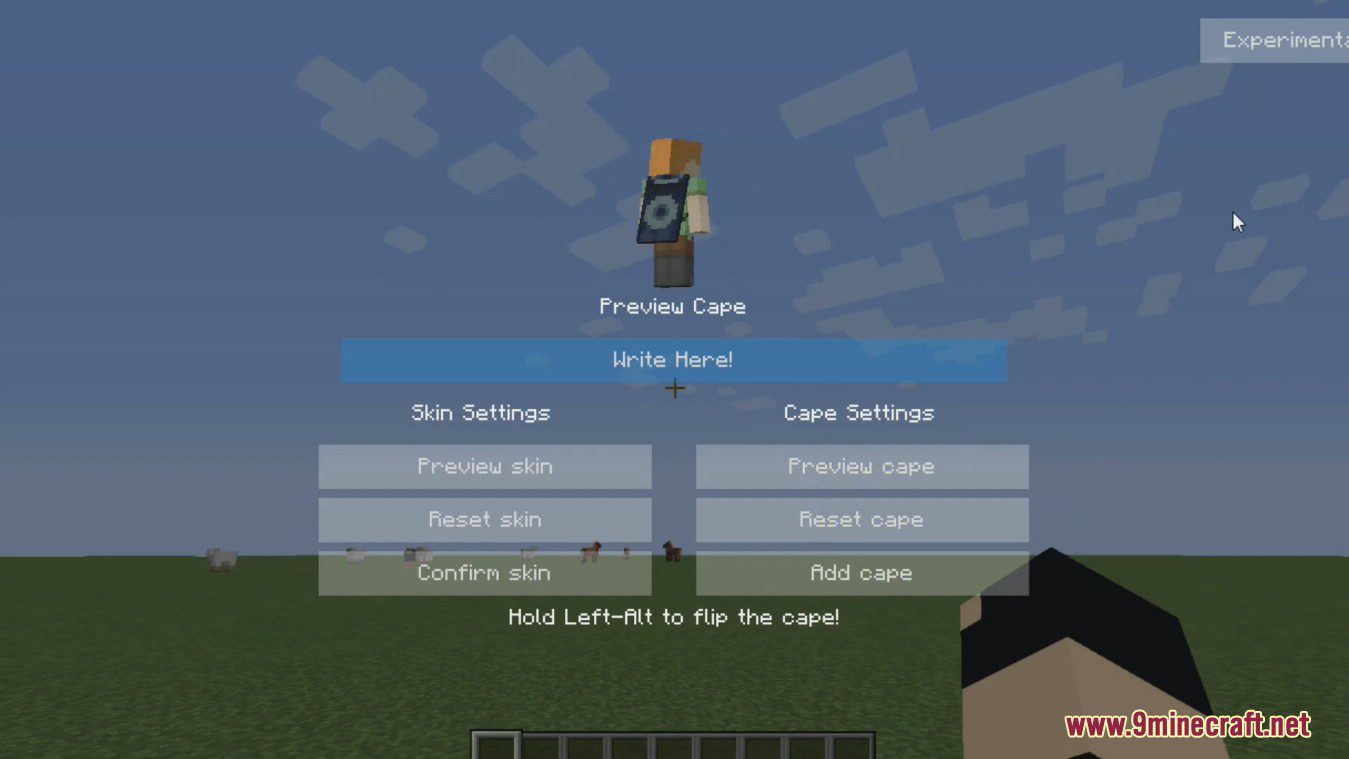
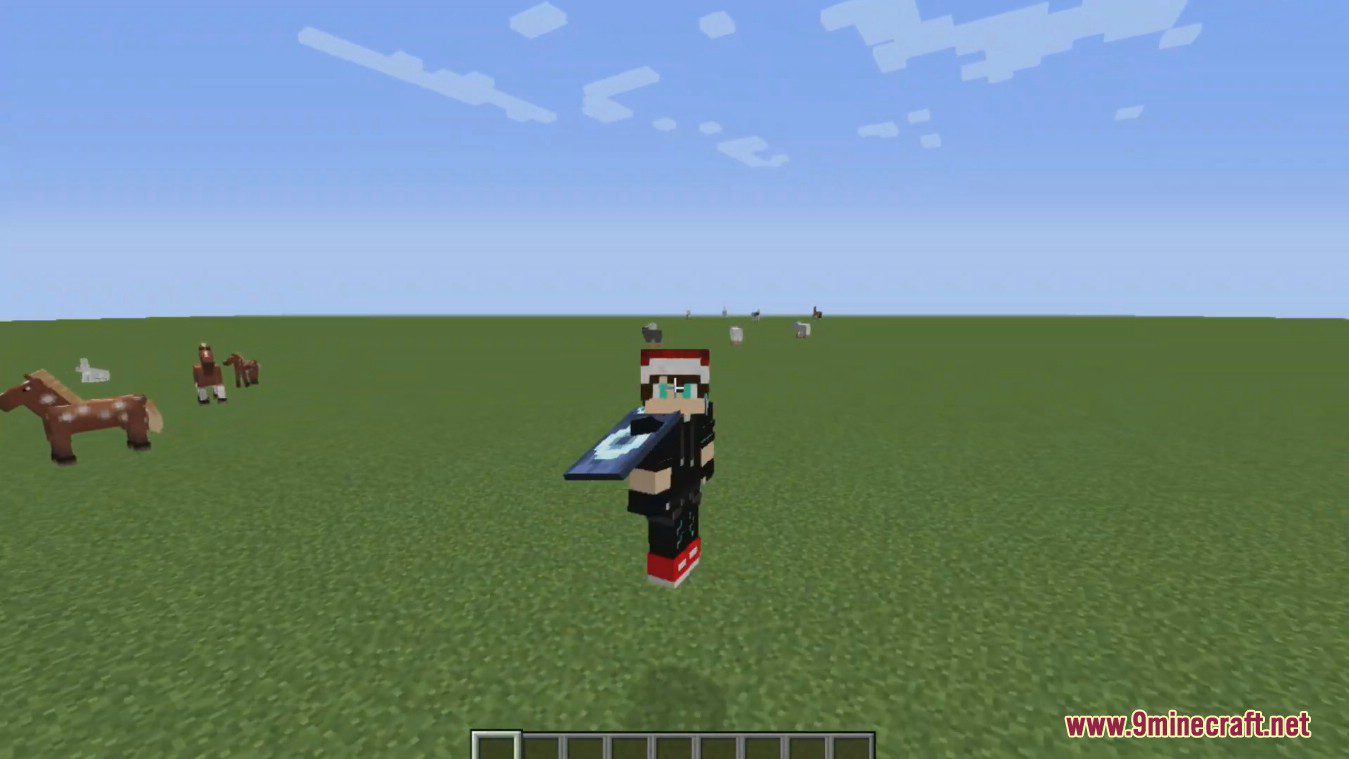
SkinChanger Mod allows players to change their cape and skin directly from an in-game menu. Skins can be retrieved from files, urls and directly from player names and UUIDs. This mod designed to implement in-game dynamic skin and cape switching.
Features:
- Turn cape on and off.
- Change your skin to another players.
- Use other players Optifine capes.
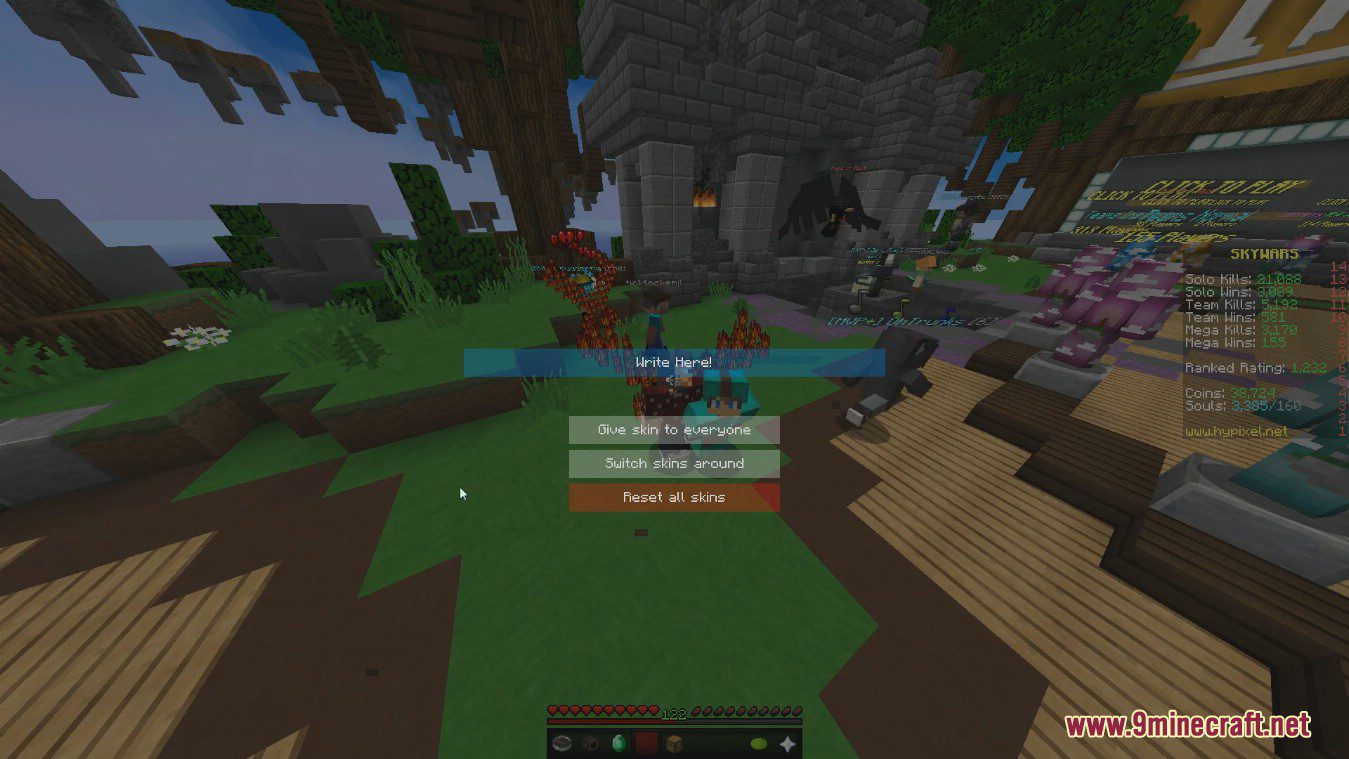
- Temporarily change all users skins.
- Other player’s won’t see the cape or skin you use.
For skins:
- Skin from file
- Skin from URL
- Skin from a player’s name/UUID
For capes:
- Cape from file
- Cape from a URL
- Cape from optifine
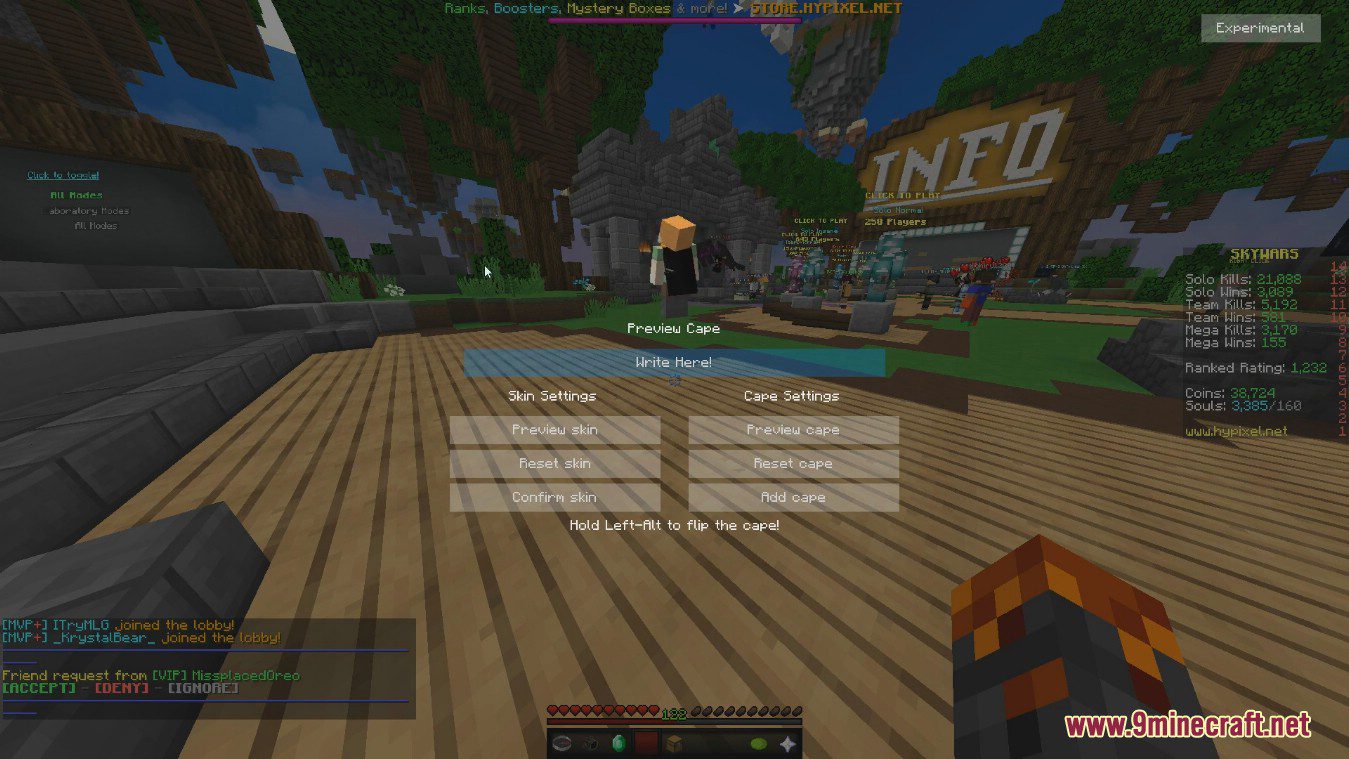
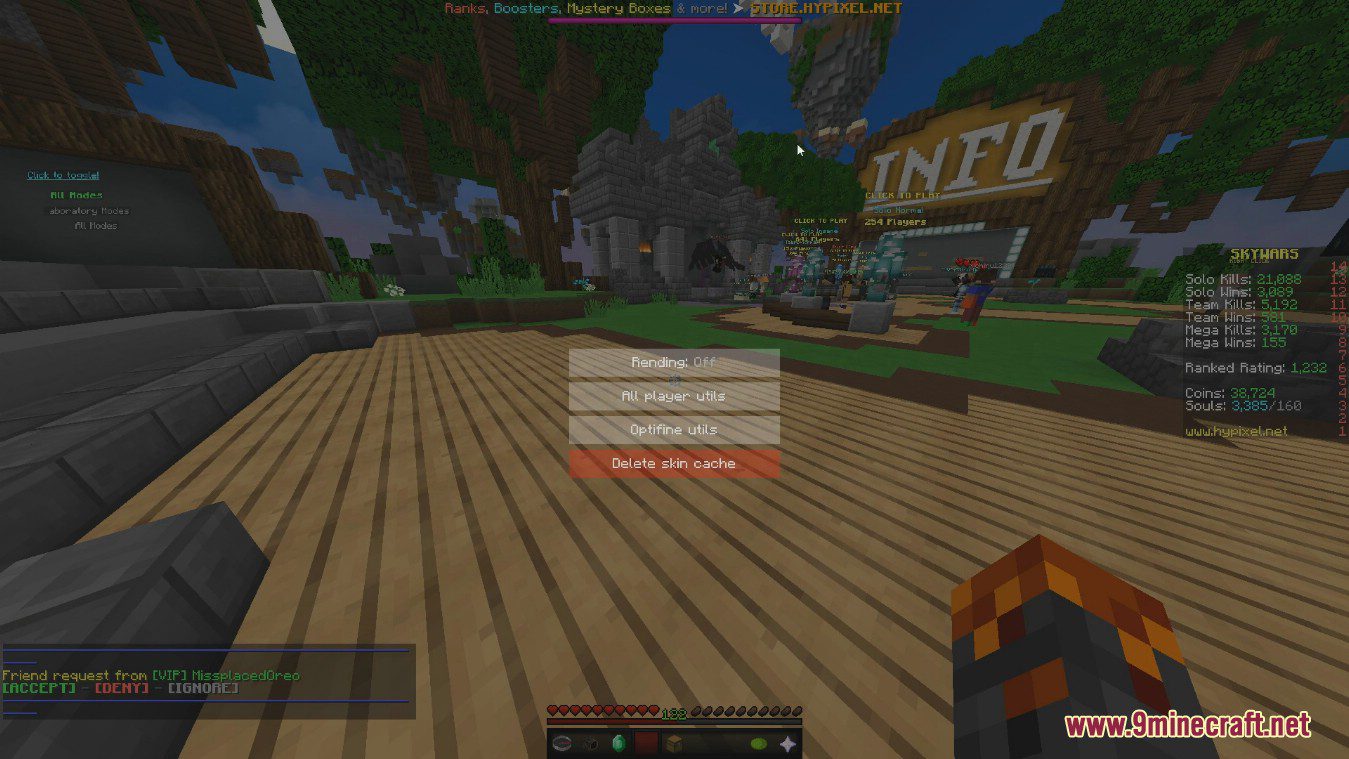
Screenshots:
How to use:
- To change your skin, type a players name in the TextBox (Should say “Write here”) then press “Confirm Skin”.
- If you want to preview the skin, repeat the steps above, except click “Preview Skin” instead.
- To use a cape, press the “Add cape” button. You should have one behind you.
Commands:
- Main command is /skinchanger
- Aliases /cape and /skin
- Example: /skin boomboompower
SkinChanger Mod Download Links
Quick facts
- Edition: Minecraft Java
- File type: .jar
- Minecraft versions listed: 1.21.11, 1.20.1
- How to install: Install the matching mod loader (Forge, Fabric or NeoForge) for your Minecraft version. → Download the .jar. → Put it in the .minecraft/mods folder and launch that loader profile.
- Where to get it: In MC Java Mods, or directly above on this page.
Install steps are the general flow for this file type — How to install Minecraft Java mods & modpacks walks through it step by step.
Verified by MCModsHub
- Downloads as 26057.mcaddon
- Download size: 62 KB
- Download link checked 26 Sept 2026 — working
- Mirrored on our own servers — the download does not depend on the original host
These come from our own check of the pack file, not from the source page.