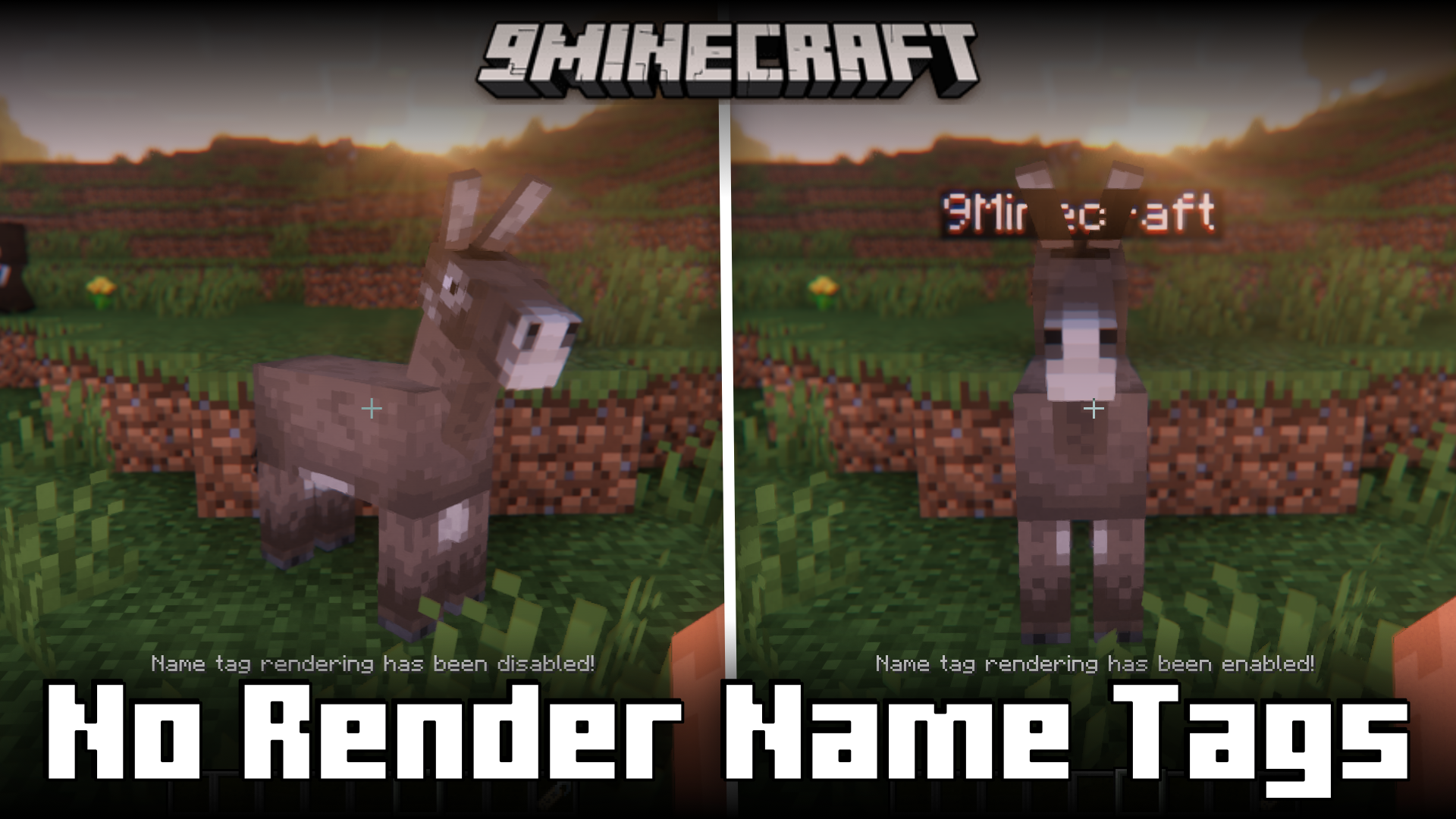
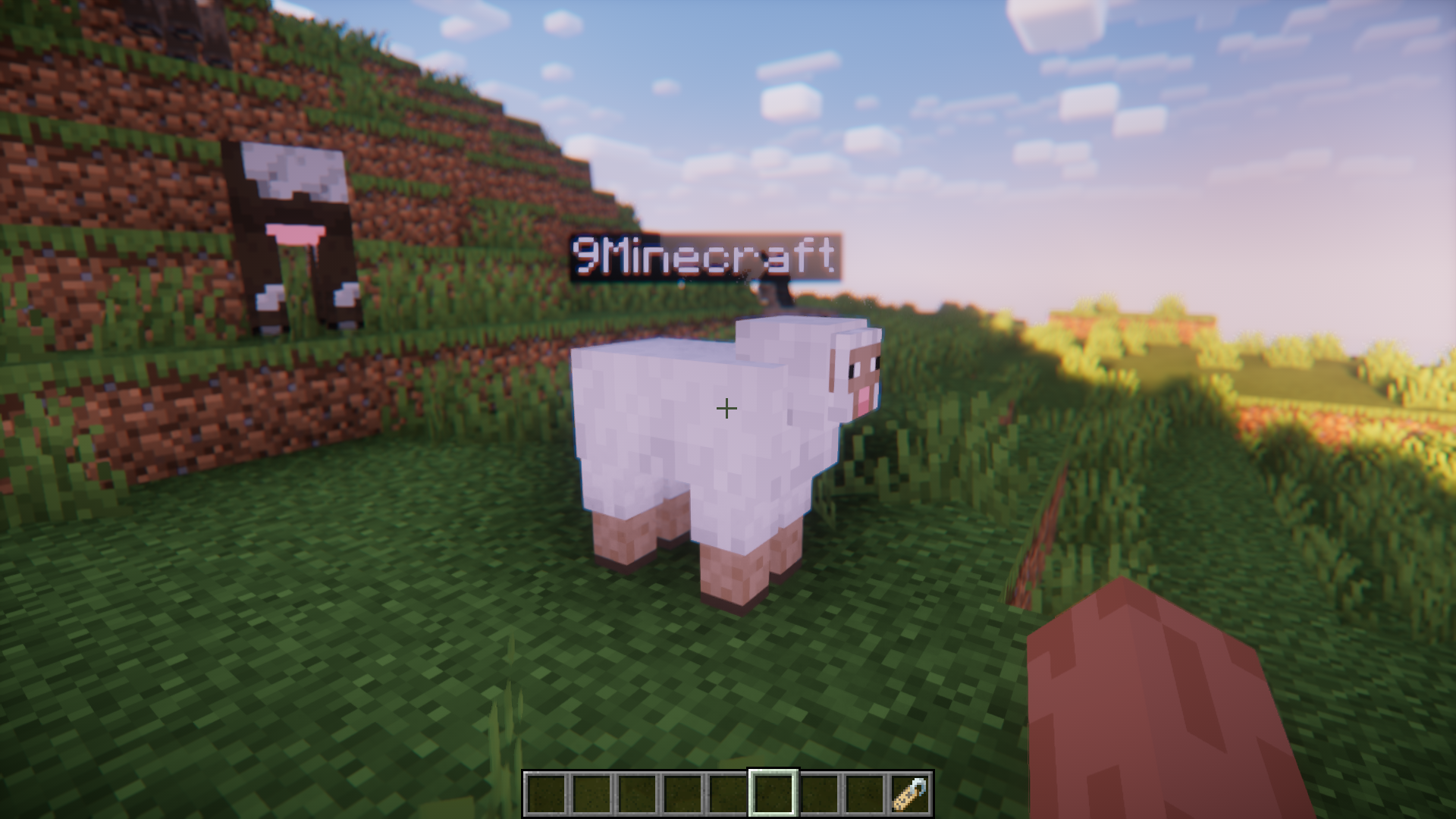
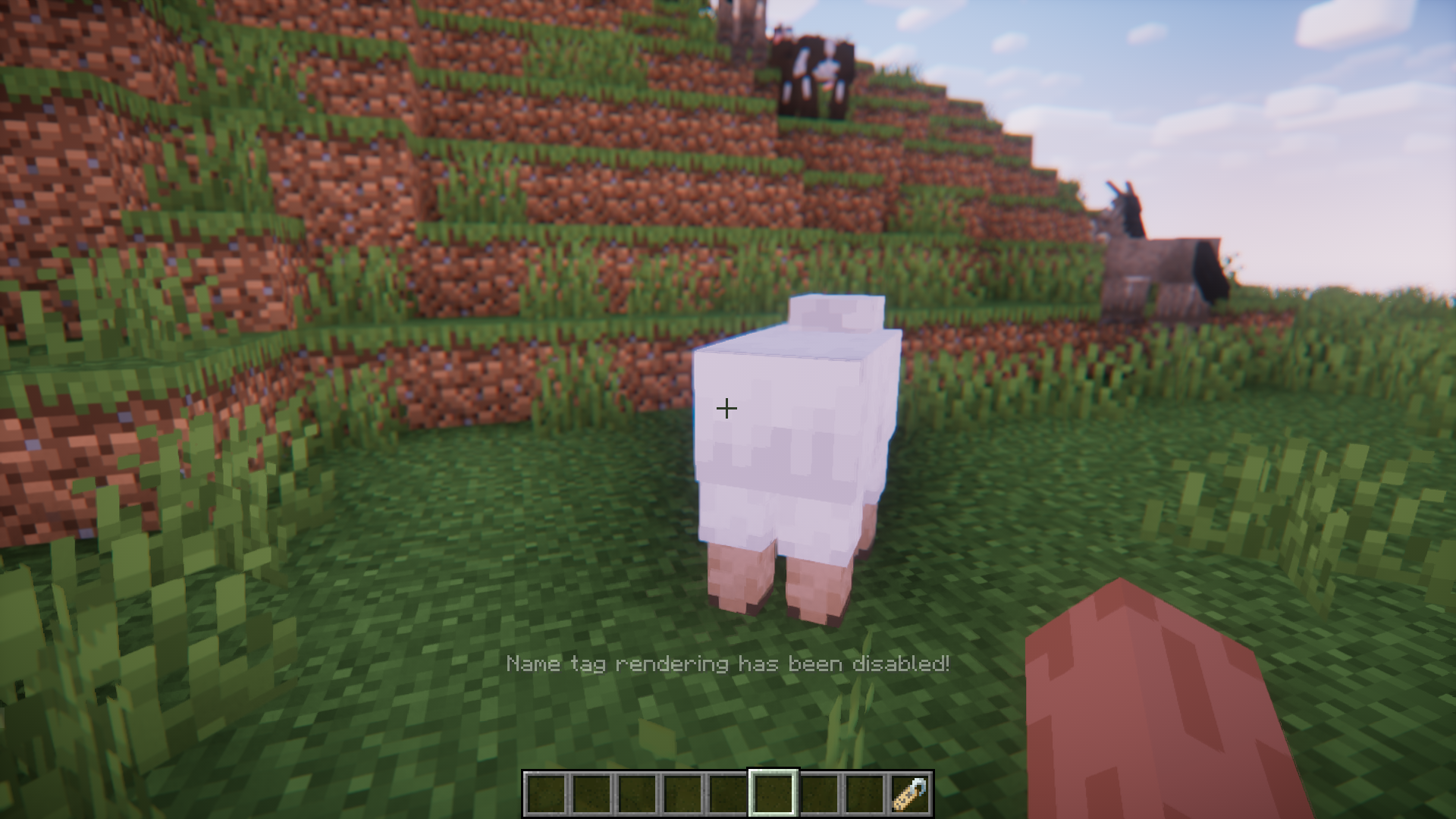
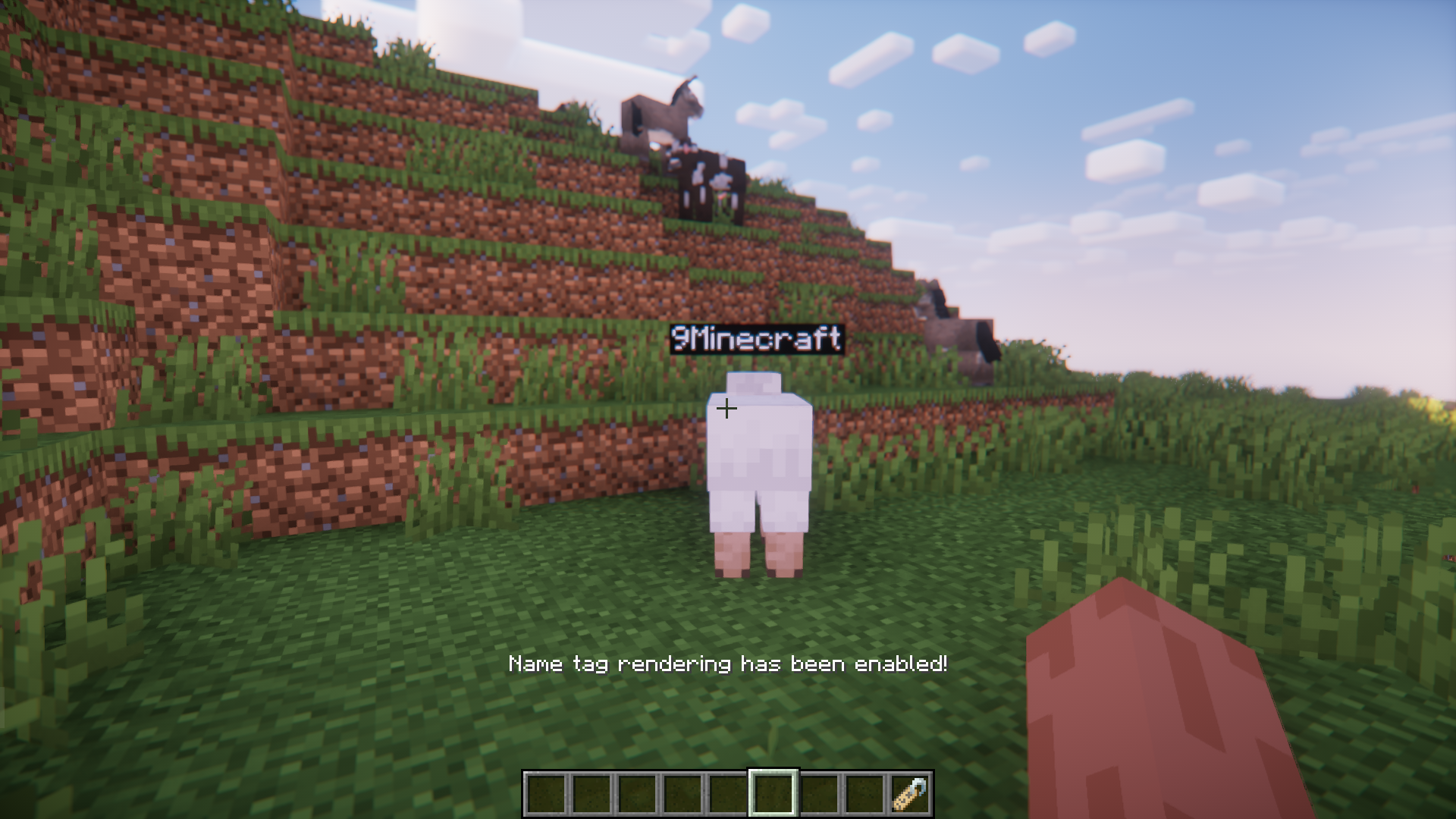
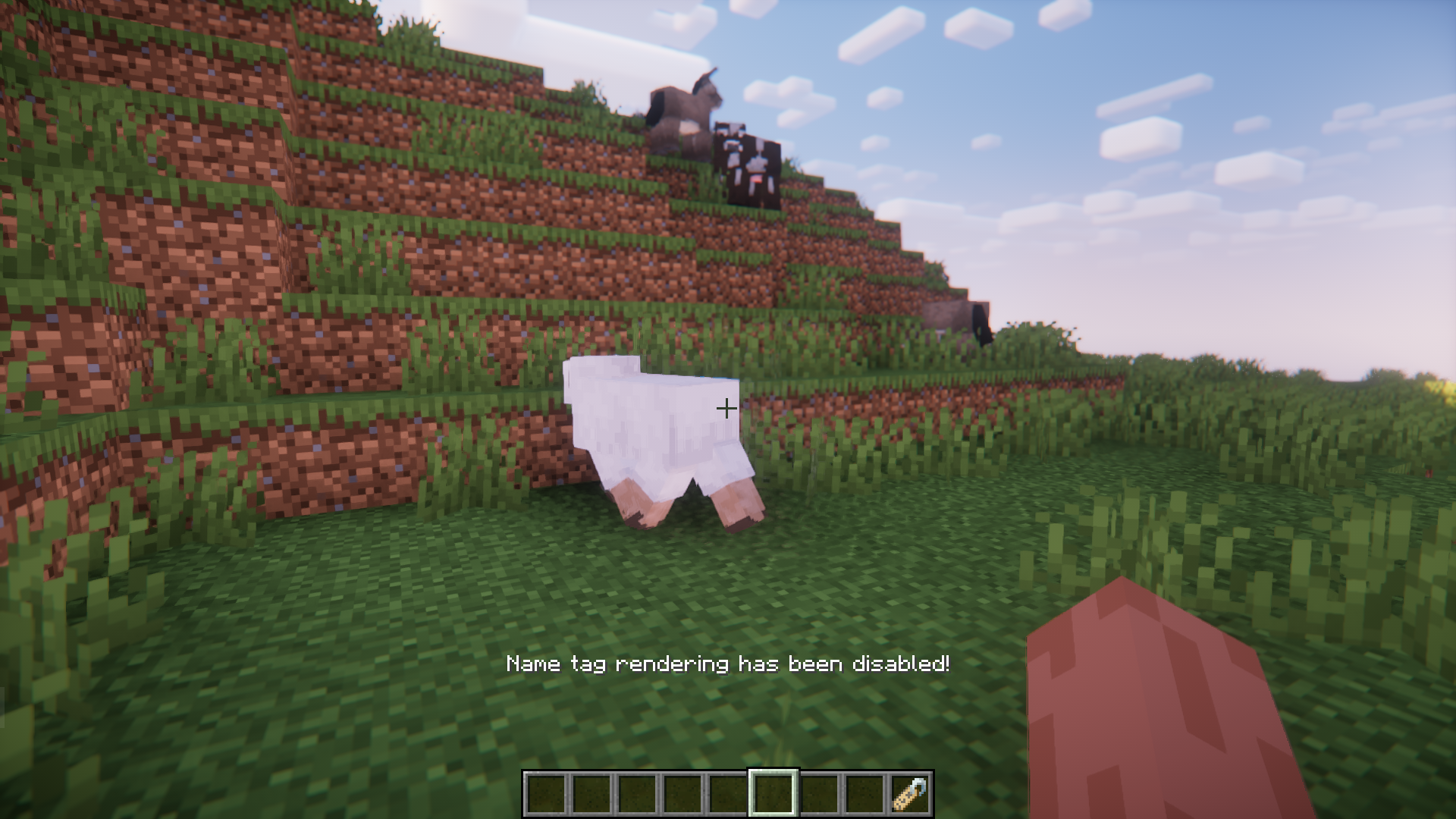
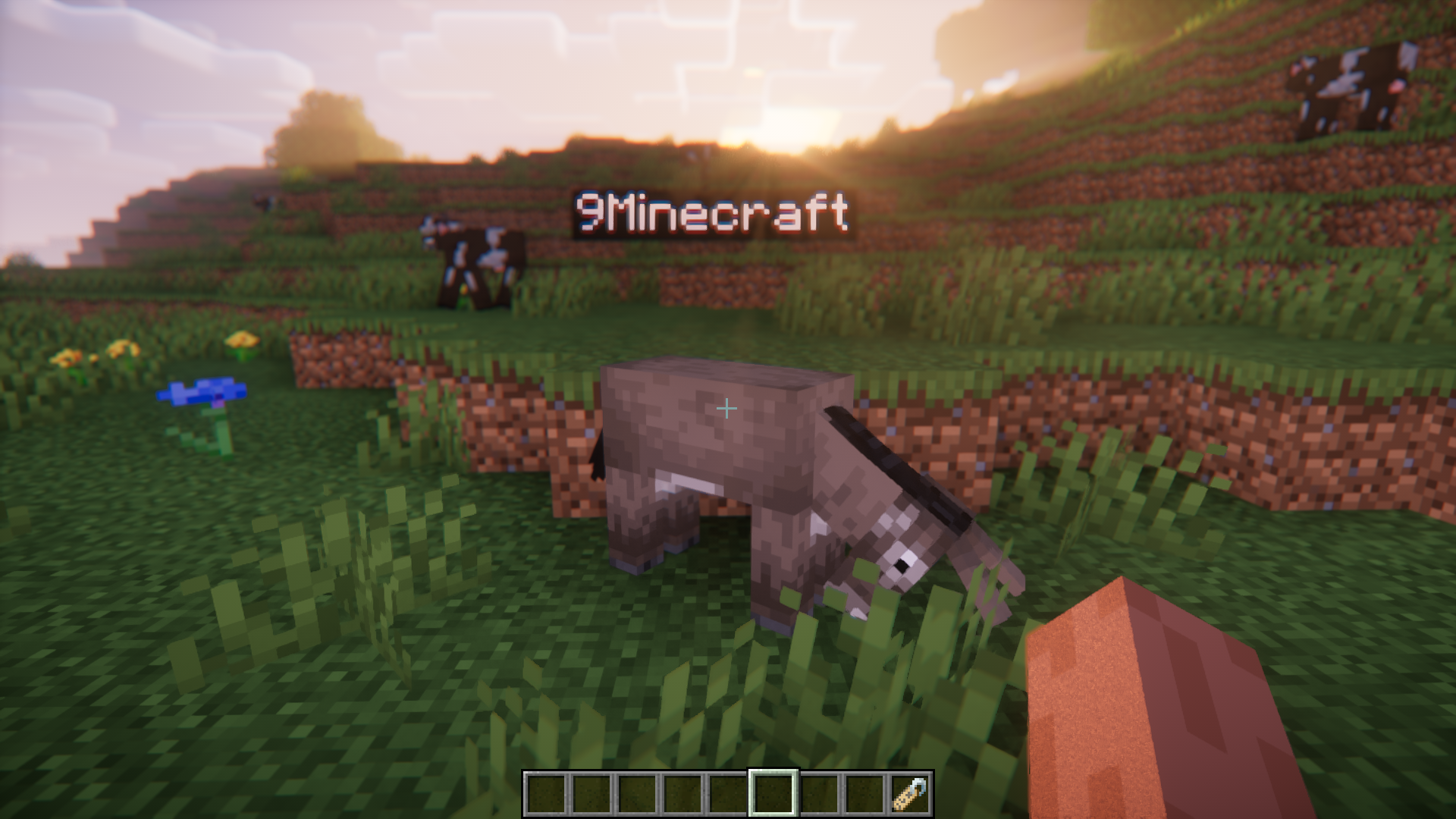
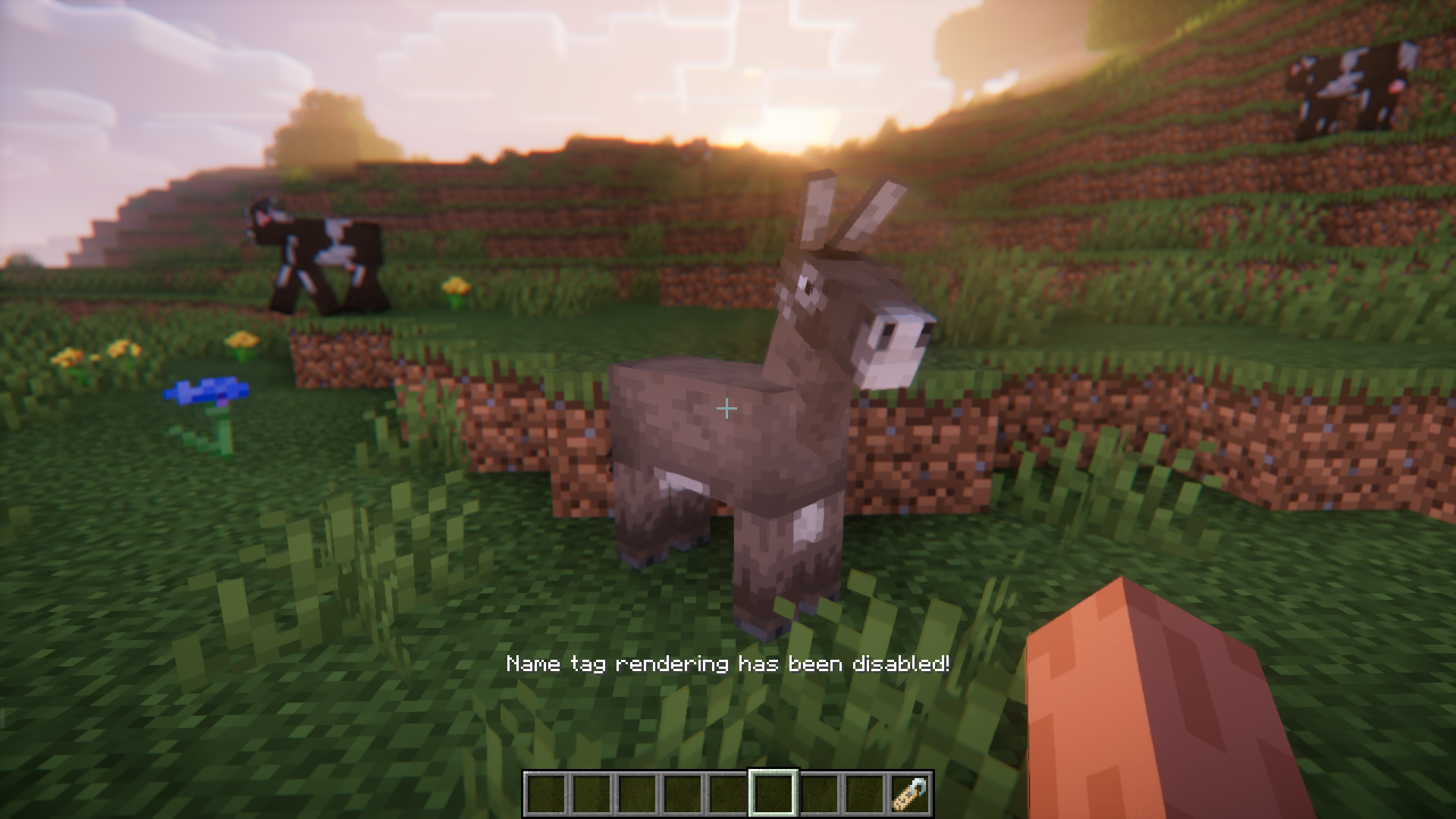
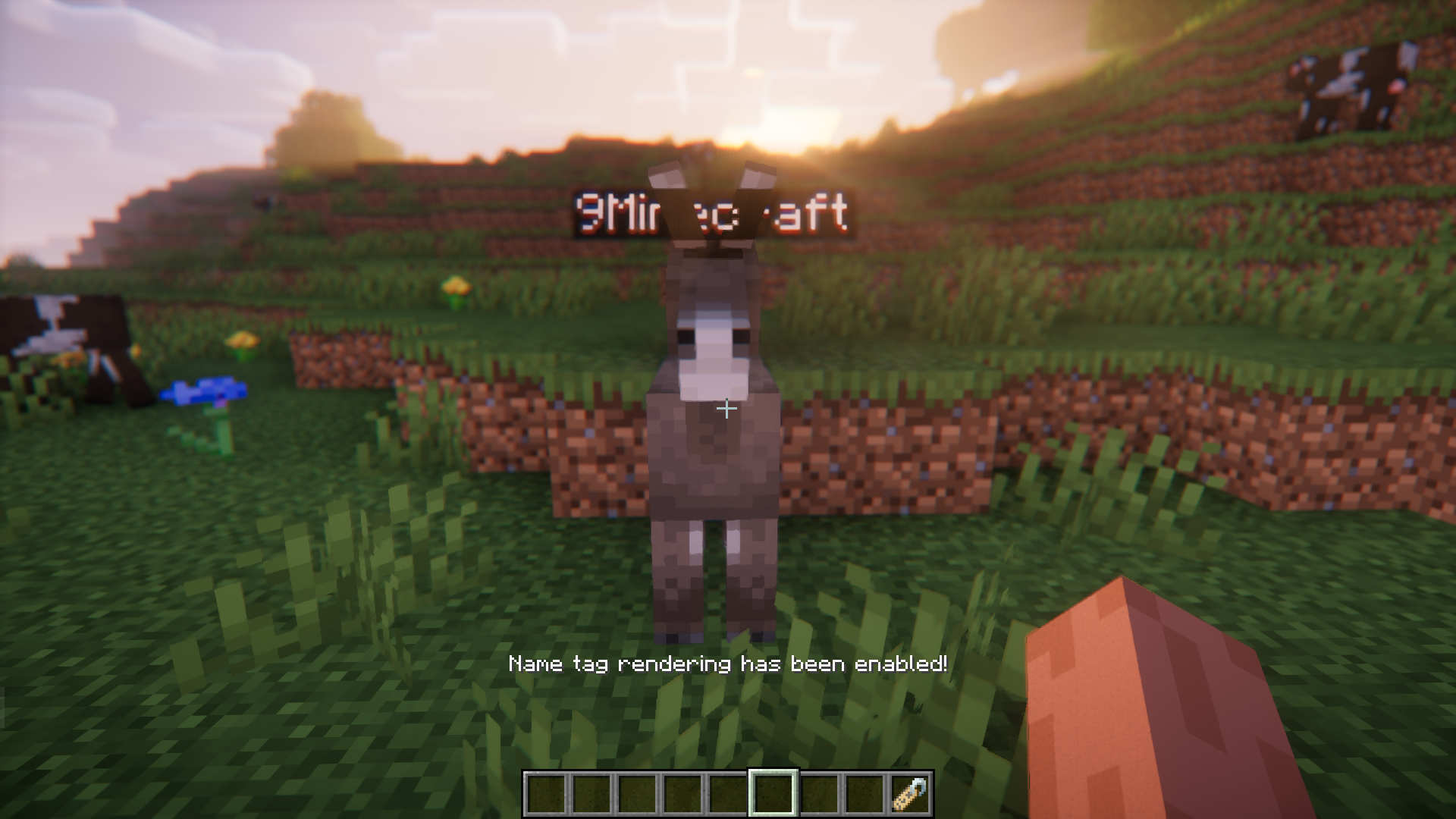
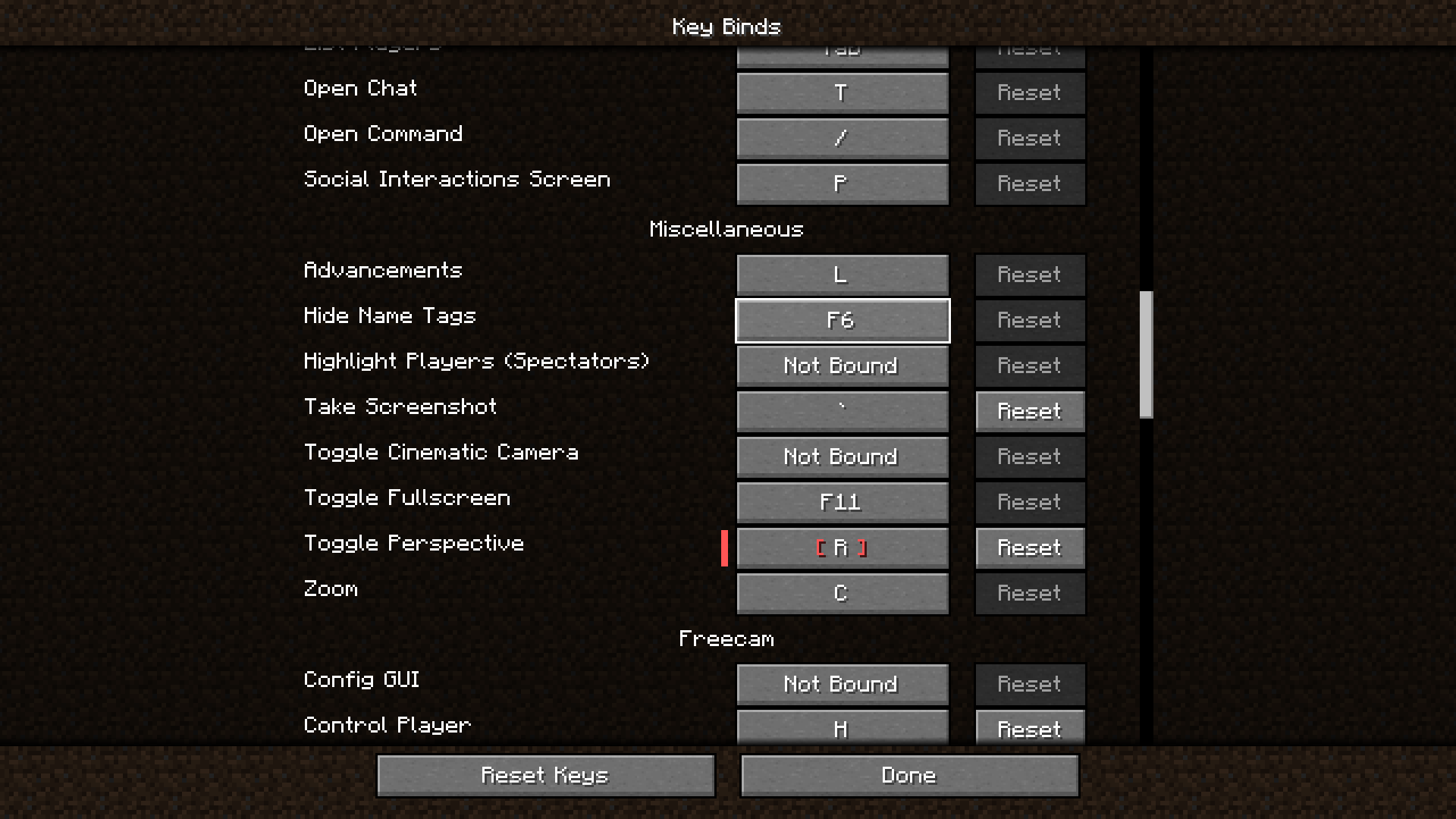
In Minecraft, you can use nametags to name a mob. The name that you give to the mob using the nametag will appear as a bubbled text over the mob’s head. When you have a large number of mobs with nametags, or if you just want to take a screenshot of the game, but the name bubble appears as an unnecessary artifact, you may want to hide the nametag bubbles. No Render Name Tags Mod allows you to use a keybind to enable and disable the rendering of nametag bubbles. By default, the keybind is set to the F6 key, but you can change it to your liking in the keybind settings.
Features:
- Use a keybind to toggle nametag bubbles.
- Uses the F6 key by default.
- Keybind can be changed in the keybind settings.
Screenshots:
No Render Name Tags Mod Download Links
- Edition: Minecraft Java
- File type: .jar
- Minecraft versions listed: 1.21.1, 1.20.1
- How to install: Install the matching mod loader (Forge, Fabric or NeoForge) for your Minecraft version. → Download the .jar. → Put it in the .minecraft/mods folder and launch that loader profile.
- Where to get it: Opens on the file's original source — not every file is mirrored on our own servers.
Install steps are the general flow for this file type — How to install Minecraft Java mods & modpacks walks through it step by step.
No Render Name Tags Mod (1.21.1, 1.20.1) – Keybind To Hide/Unhide Nametags is a free Minecraft Java mod. Compatible with Minecraft 1.21.1, 1.20.1. Download it and open it directly in the game.