
ModsJava
Capsule Mod (1.21.1, 1.20.1) – Move Your Base in One Item
Java mod listed for Minecraft 1.20–1.21. Downloads from the MC Java Mods app on Android.
⬇ Download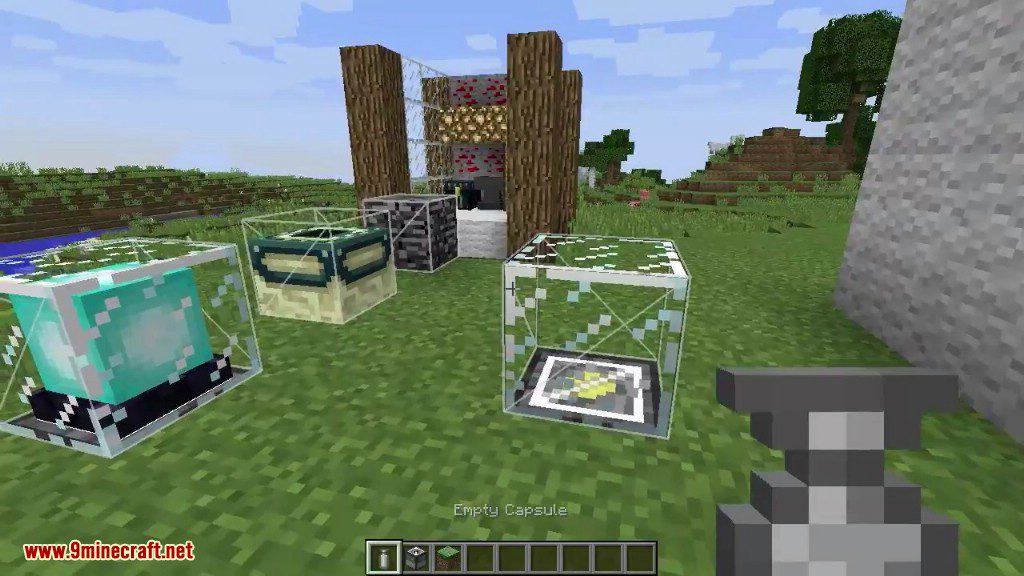
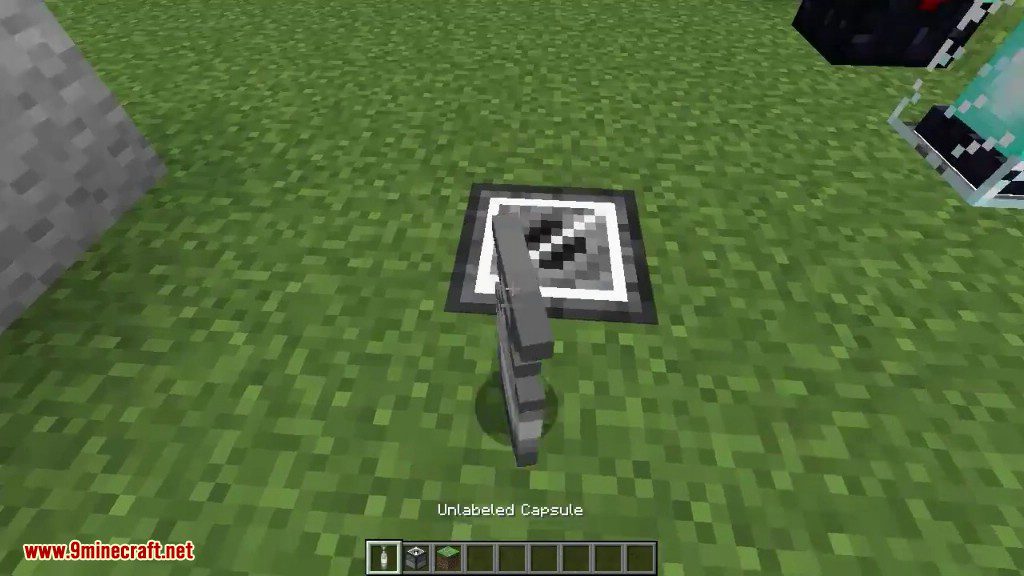
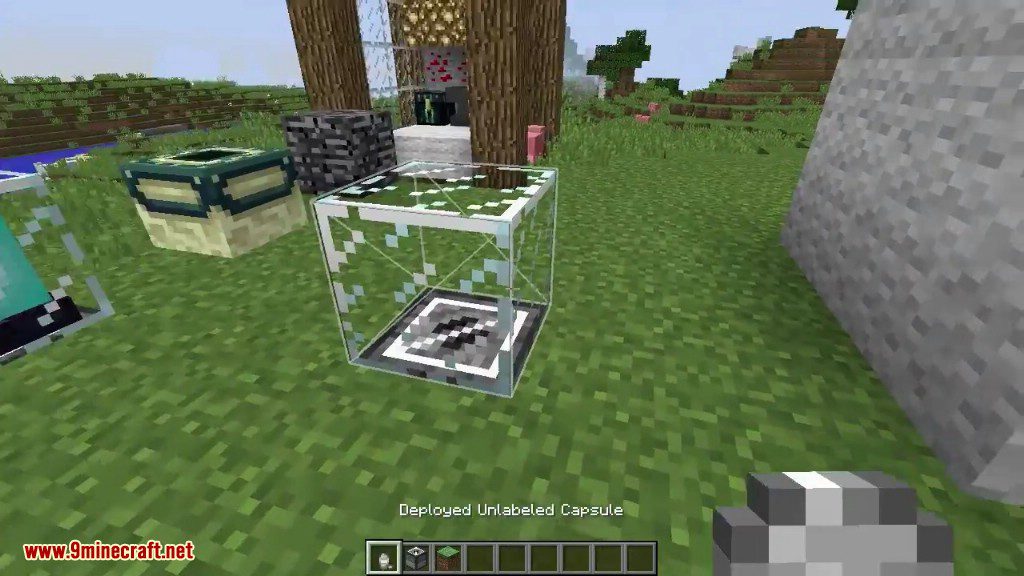
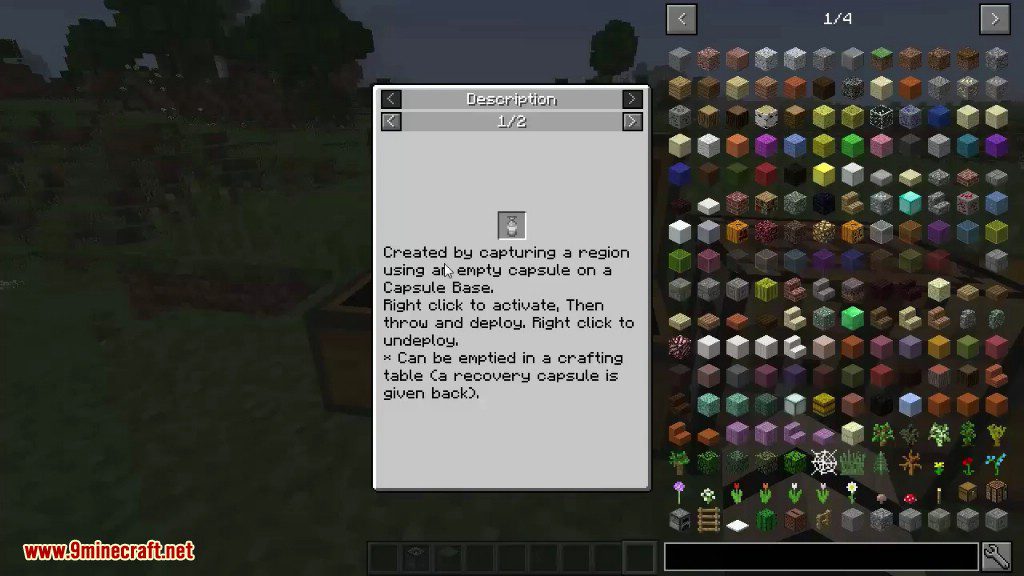
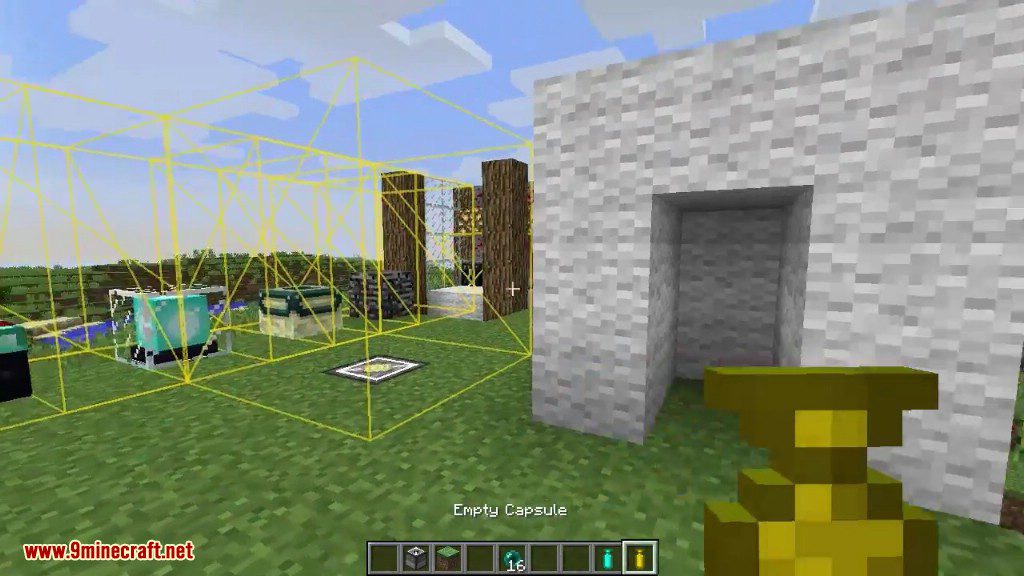
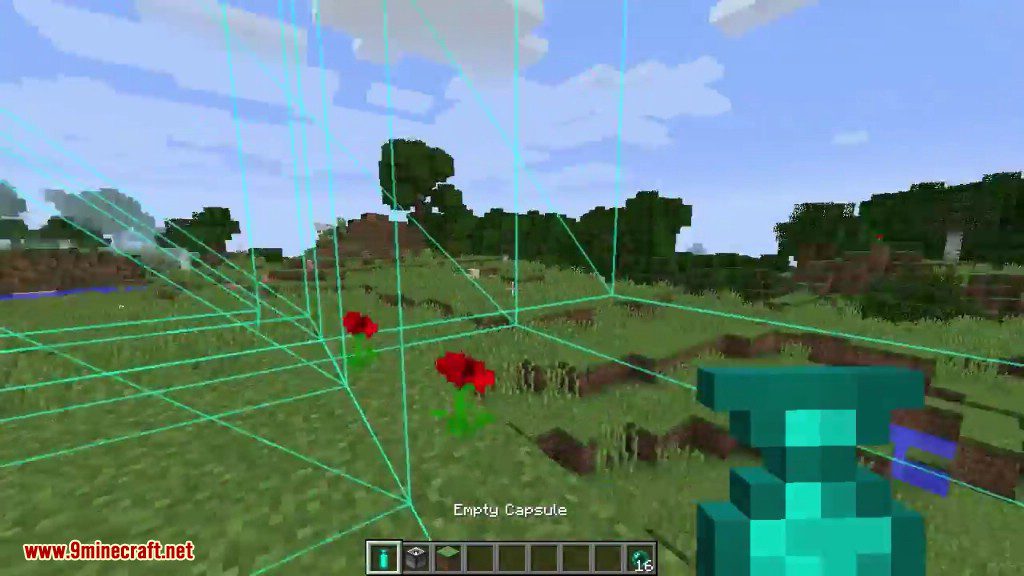
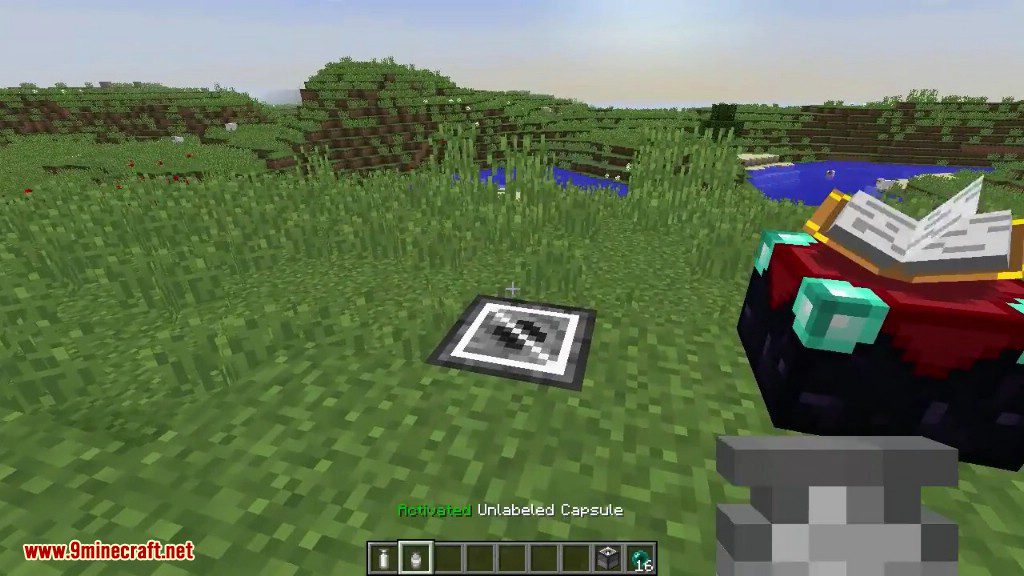
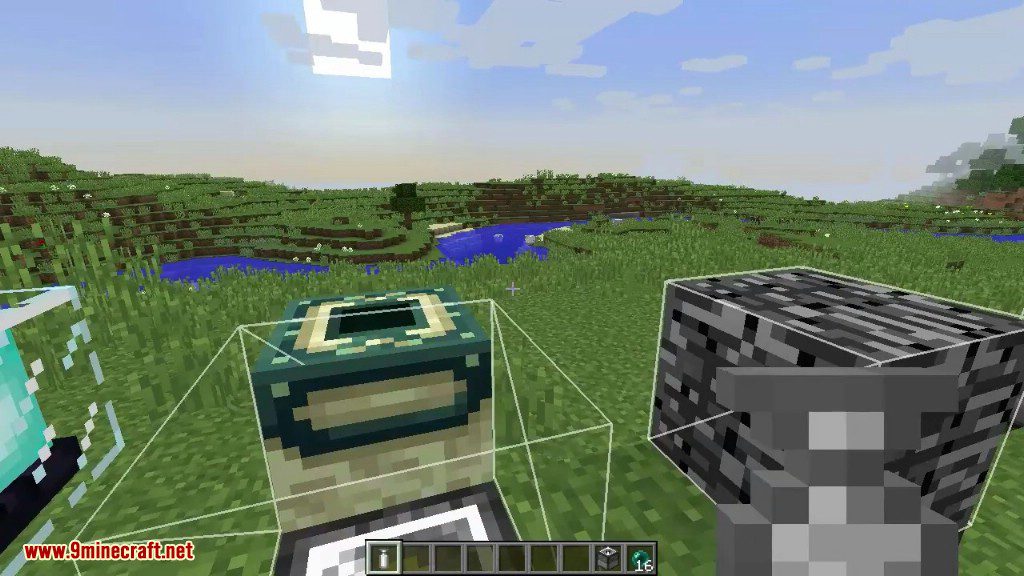
Capsule Mod lets you capture entire regions of your world, including blocks and machines, into a single, portable item. Inspired by the Dragon Ball series, you can throw these capsules to instantly deploy your structures anywhere you want. This makes moving your base, duplicating buildings, or setting up a temporary camp incredibly easy. The mod adds several tiers of capsules, from wood to diamond, with each tier able to hold a larger area.
Features:
- Capture and move your entire base or any large structure with ease.
- Use special blueprint capsules to automatically build structures using materials from nearby chests.
- Rotate and mirror your captured structures before placing them down.
- Craft different tiers of capsules, each with a larger capture size: Wood (1x1x1), Iron (3x3x3), Gold (5x5x5), Diamond (7x7x7), Obsidian (9x9x9), and Emerald (11x11x11).
- Dye capsules in different colors to help you stay organized.
- Give each capsule a custom name by sneaking and right-clicking it.
- Find the special “Recall” enchantment, which makes thrown capsules automatically return to your inventory.
How to Use:
- First, craft a Capture Base block. Place this block on the ground in the center of the area you want to save.
- Build your structure on top of or around the Capture Base.
- Next, craft an empty capsule. The material you use (wood, iron, etc.) determines the size of the area it can capture.
- To capture the structure, throw the empty capsule near the Capture Base. It will absorb all the blocks within its range.
- To place your structure, hold the filled capsule, right-click to see a preview, and right-click again to throw it. The building will appear instantly.
- To pick the structure back up, find the deployed capsule block and right-click it. Everything will be stored back inside the capsule item.
Screenshots:
Capsule Mod Download Links
Quick facts
- Edition: Minecraft Java
- File type: .jar
- Minecraft versions listed: 1.21.1, 1.20.1
- How to install: Install the matching mod loader (Forge, Fabric or NeoForge) for your Minecraft version. → Download the .jar. → Put it in the .minecraft/mods folder and launch that loader profile.
- Where to get it: In MC Java Mods, or directly above on this page.
Install steps are the general flow for this file type — How to install Minecraft Java mods & modpacks walks through it step by step.
File checked by MCModsHub
- Downloads as 26071.mcaddon
- Download size: 342 KB
- Download link checked 26 Sept 2026 — working
- Mirrored on our own servers — the download does not depend on the original host
These come from our own check of the pack file, not from the source page.