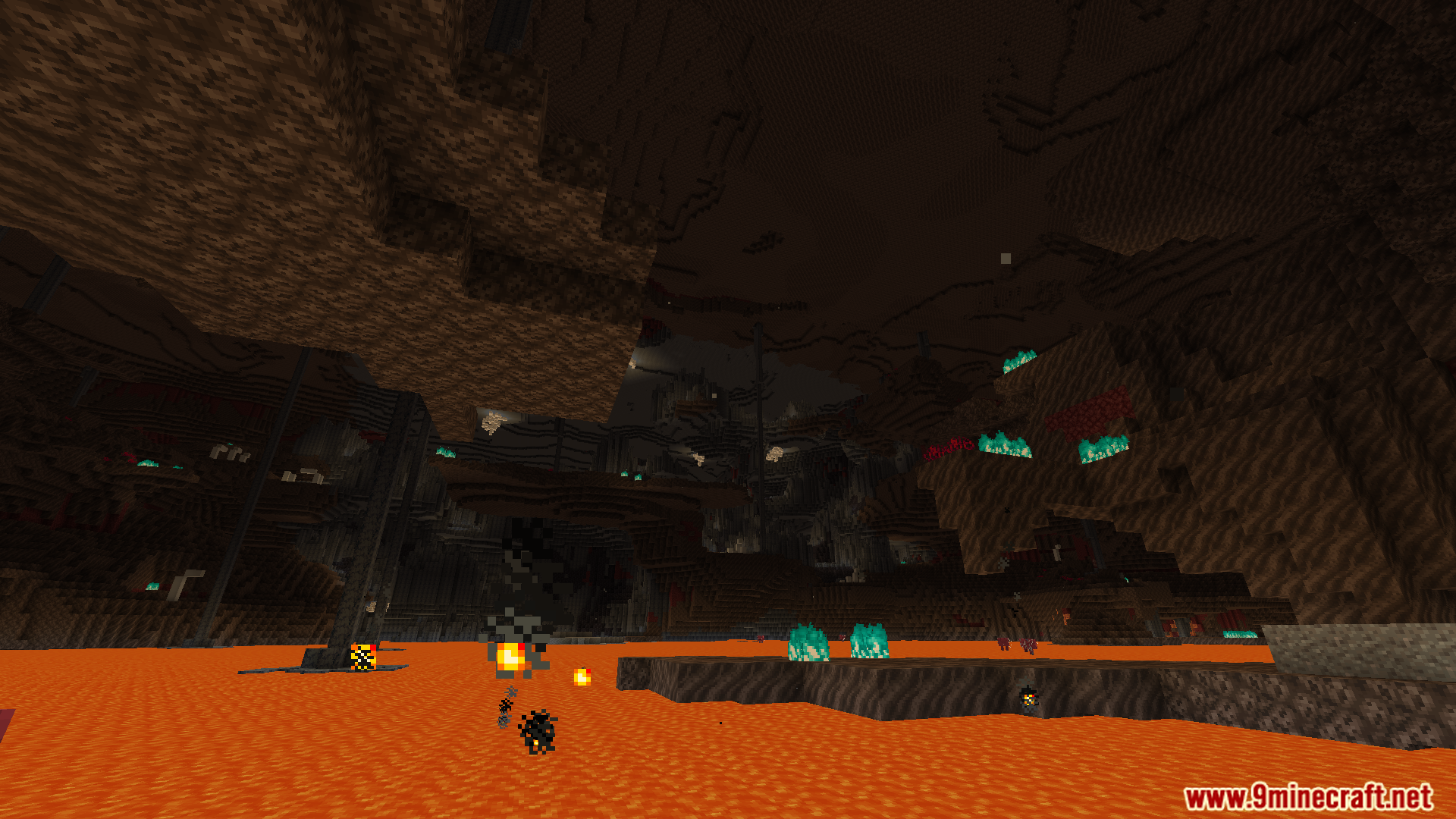
Voxy Extra Mod extends the Voxy mod with extra features that do not fit into the main project. It gives you more control over how the game handles fog, servers, and replays. You can tweak all these new settings directly in your video options.
Features:
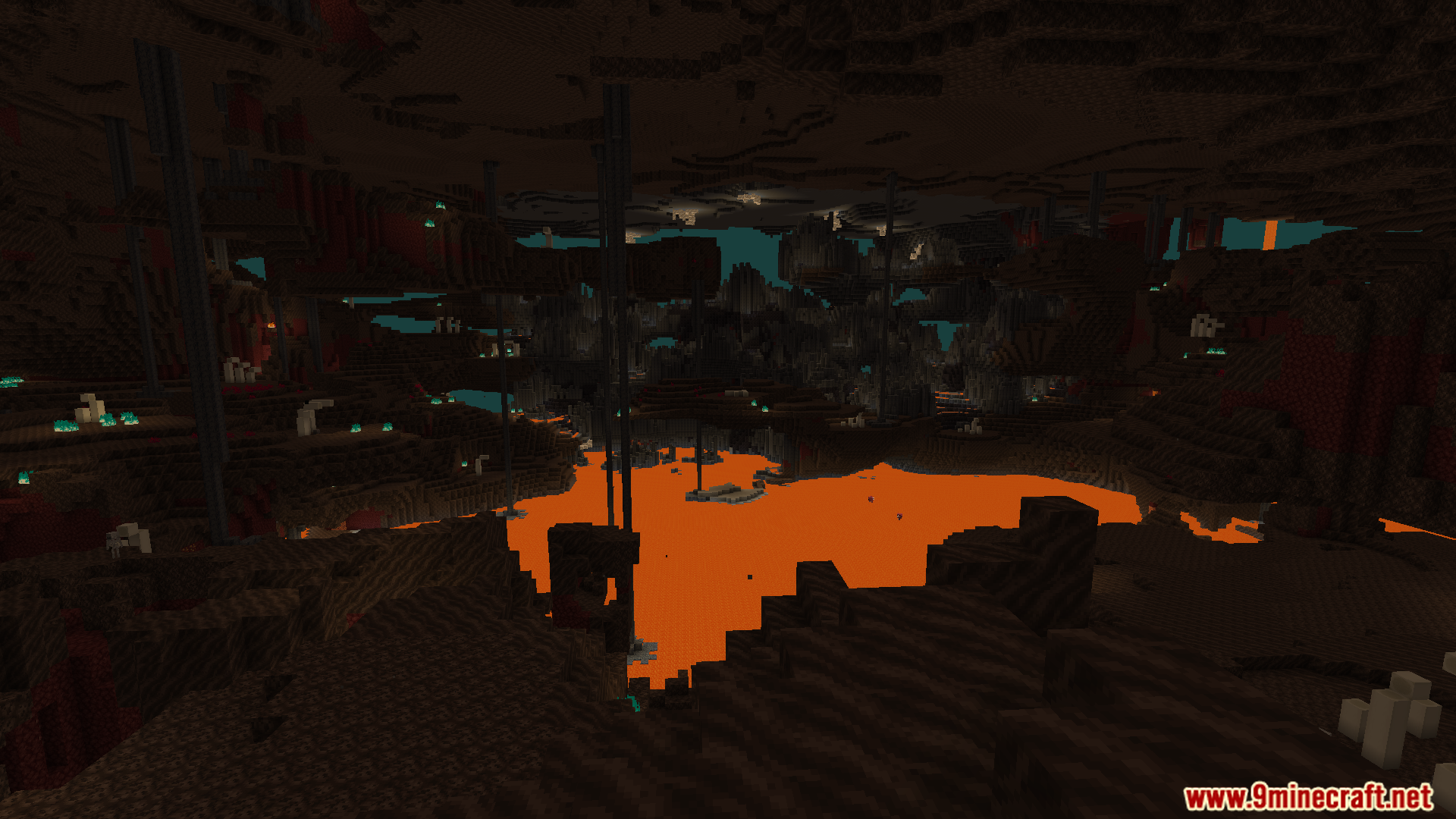
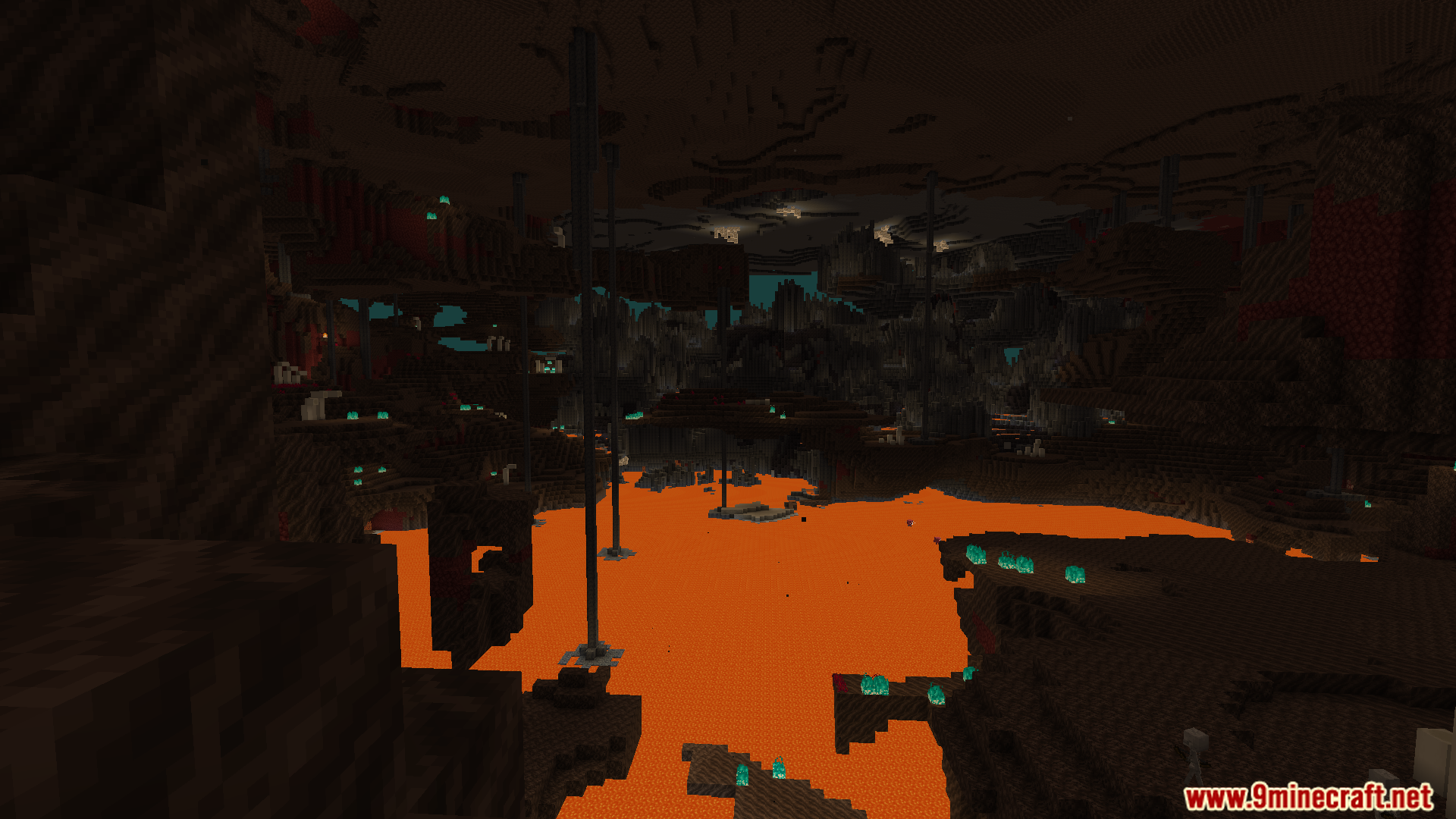
- Removes the thick fog in the Nether when you have environmental fog turned on.
- Lets you copy Level of Detail data into Flashback replays so old recordings look correct.
- Saves replay data directly to your hard drive, which takes up extra storage space.
- Gives you a blacklist to turn off the main mod when you join certain multiplayer servers.
- Allows you to share one single storage folder for your Level of Detail data across multiple different servers.
How to Use:
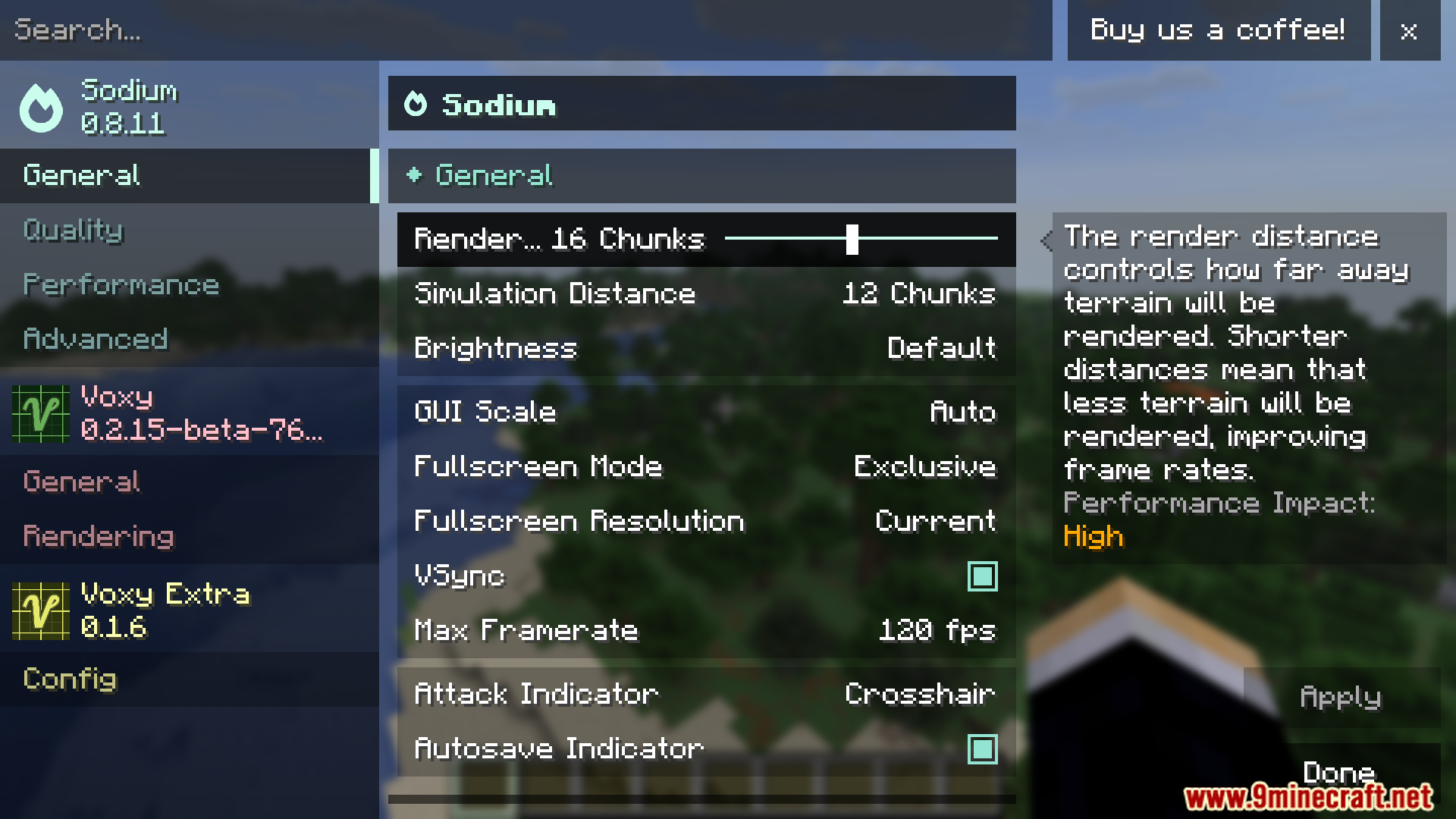
- Open your game settings and go to the Video Settings menu.
- Find the Sodium options screen.
- Look for the new extra settings to turn the features on or off.
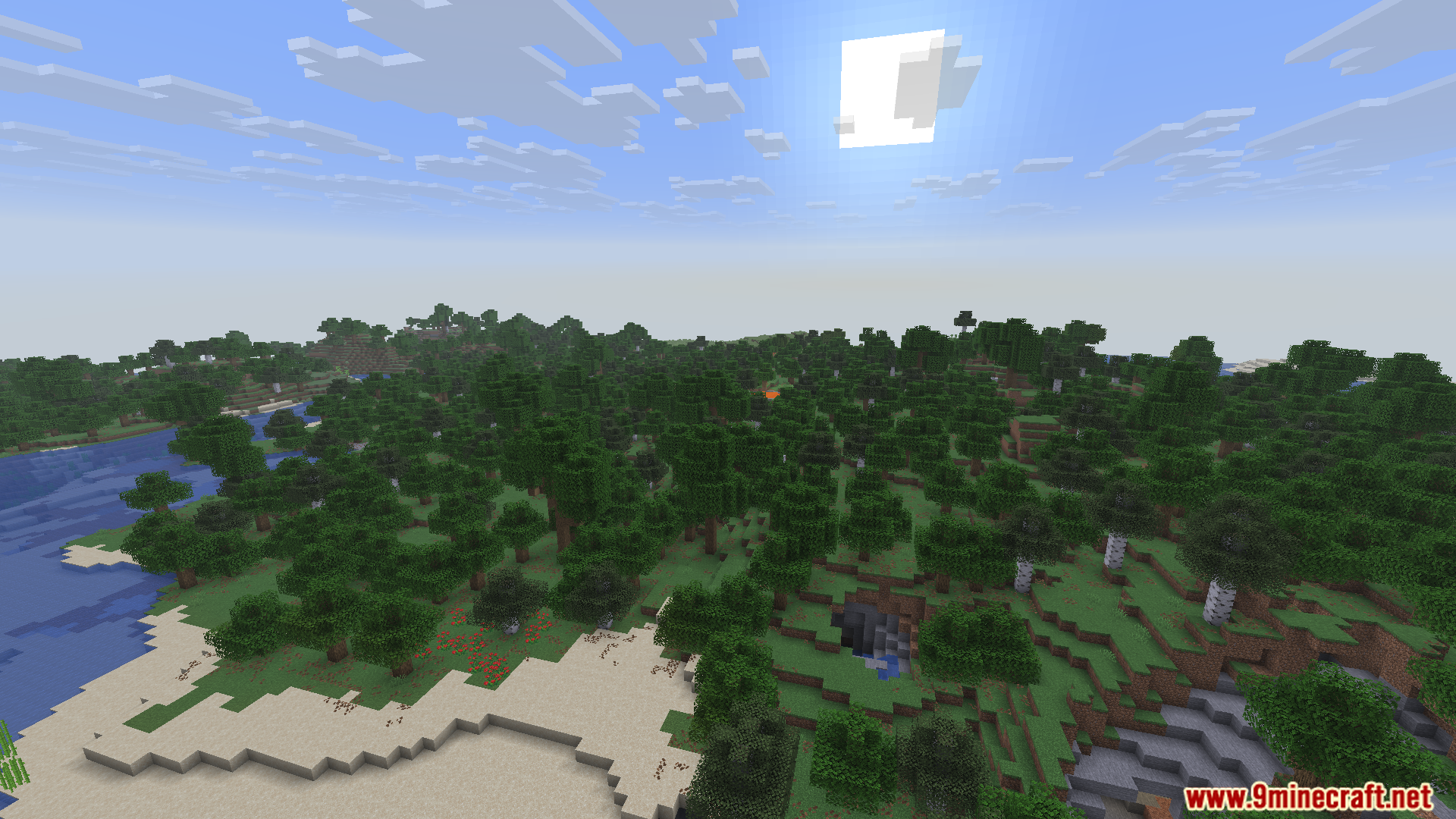
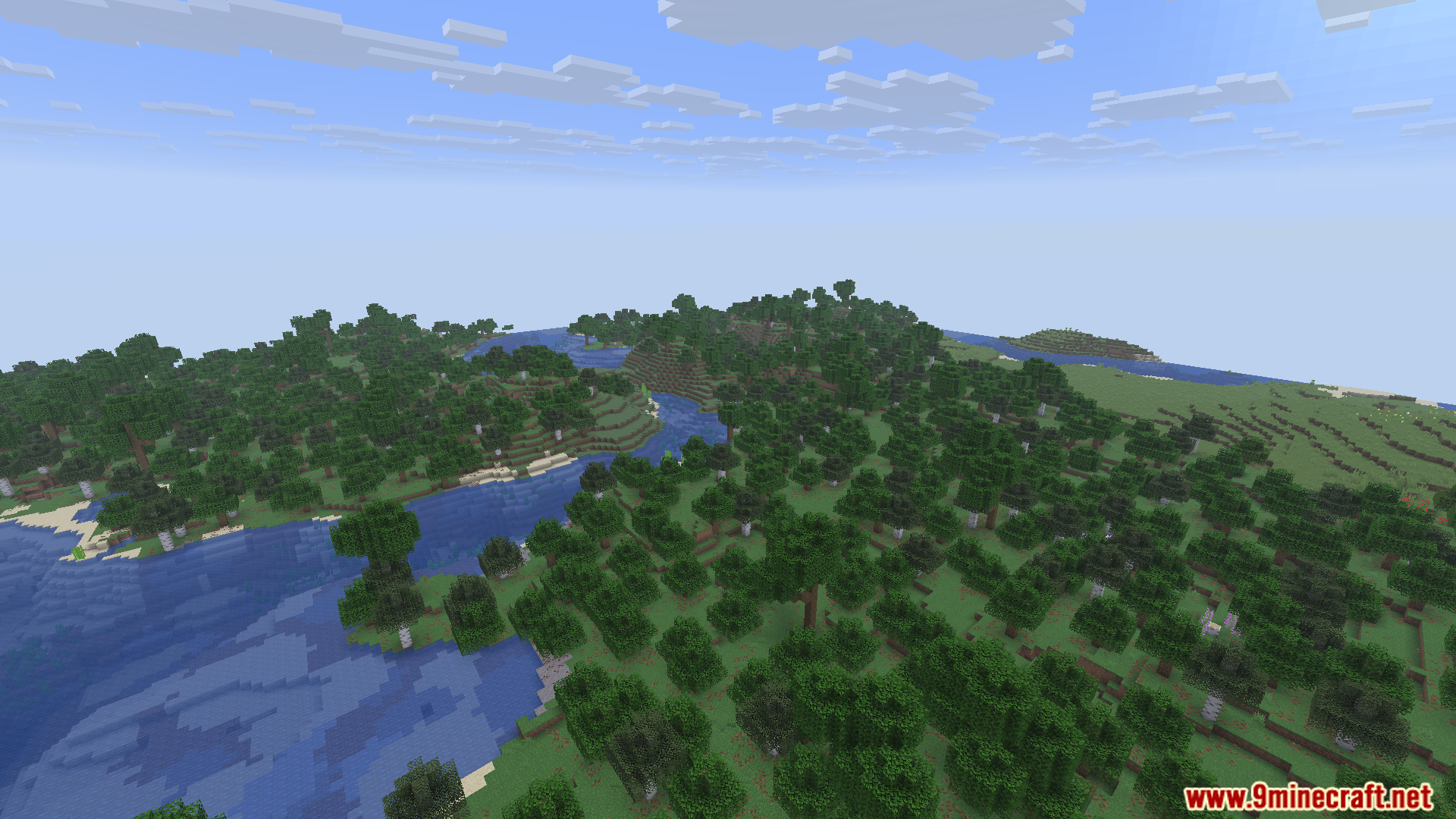
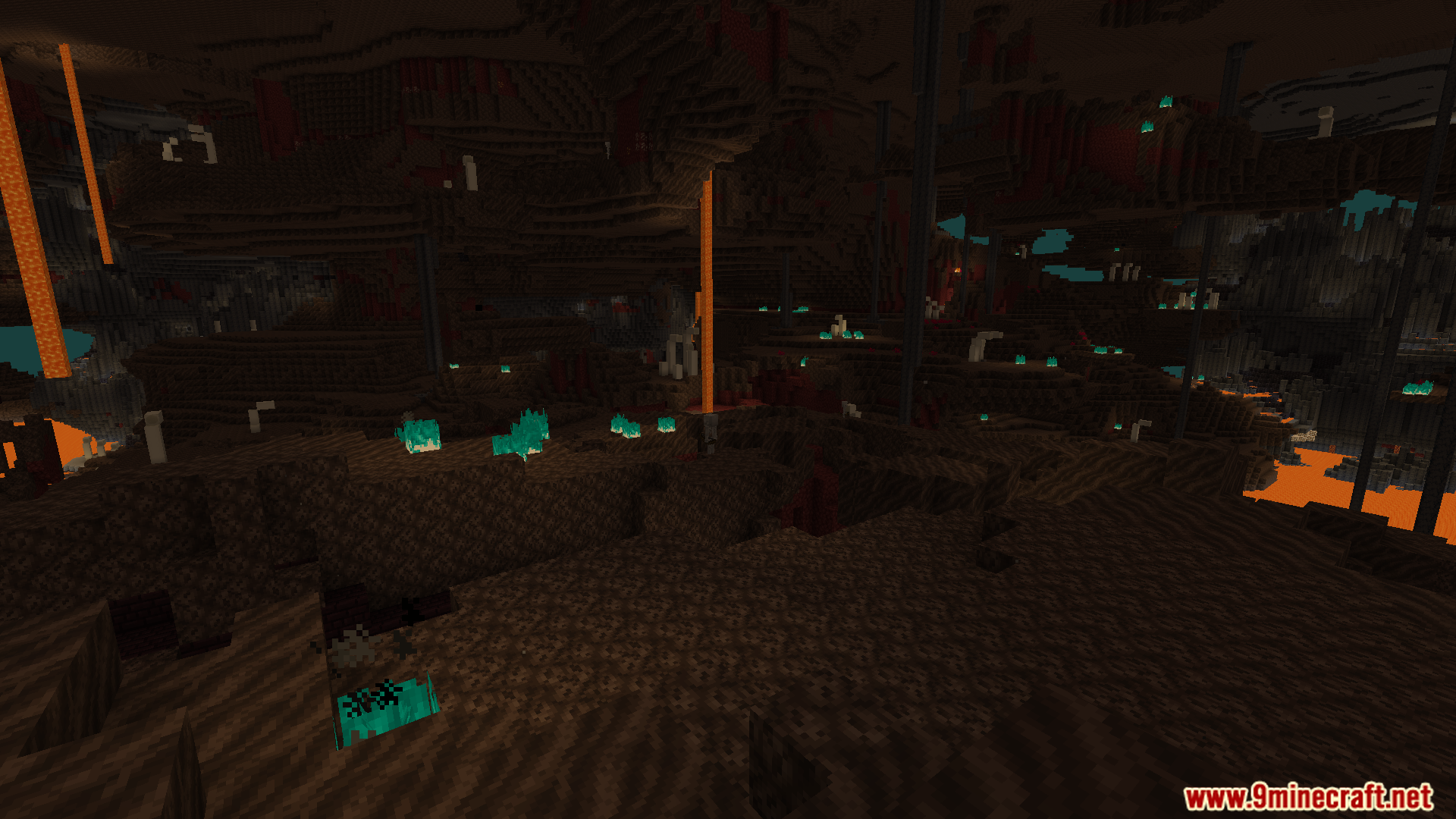
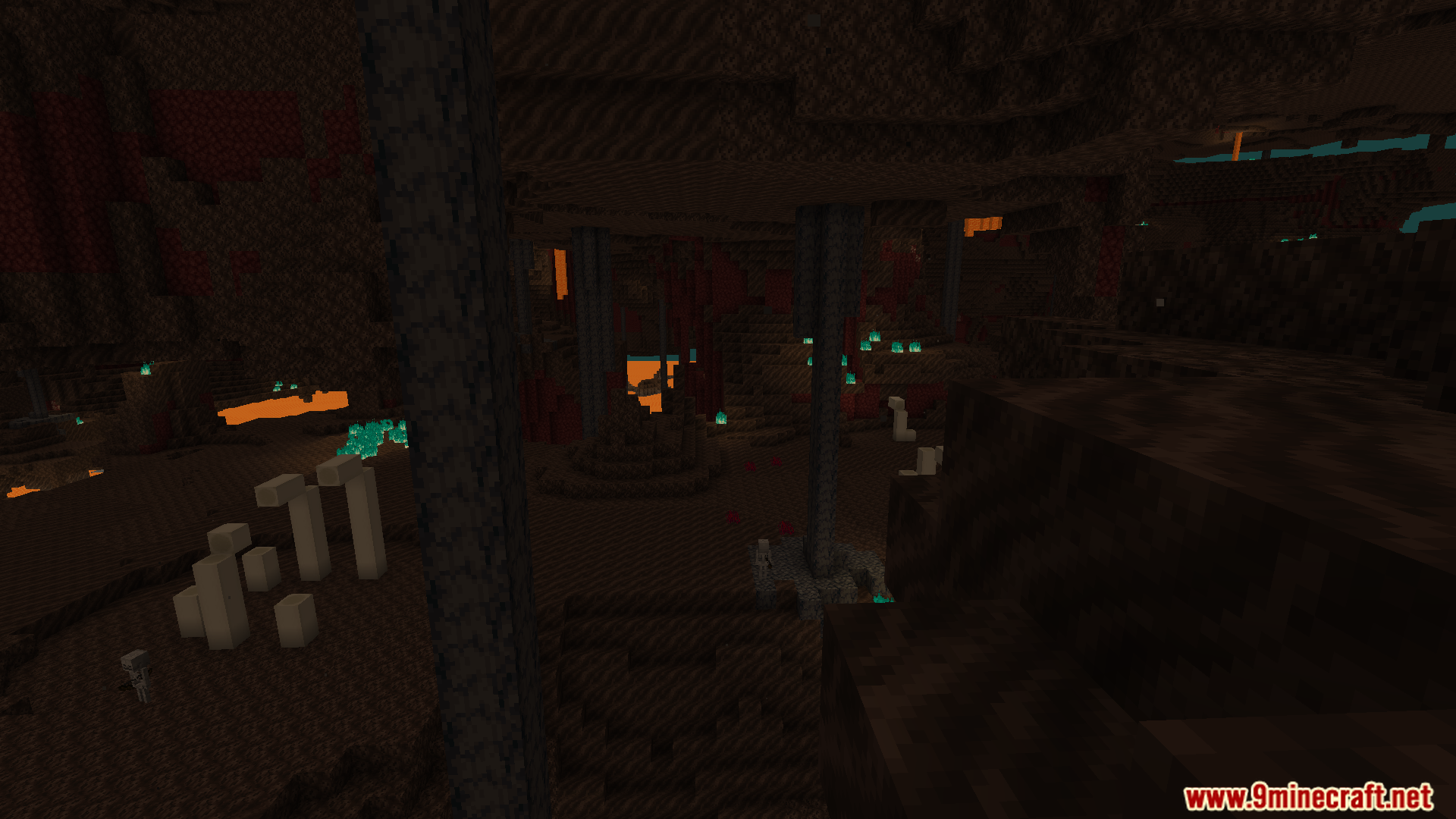
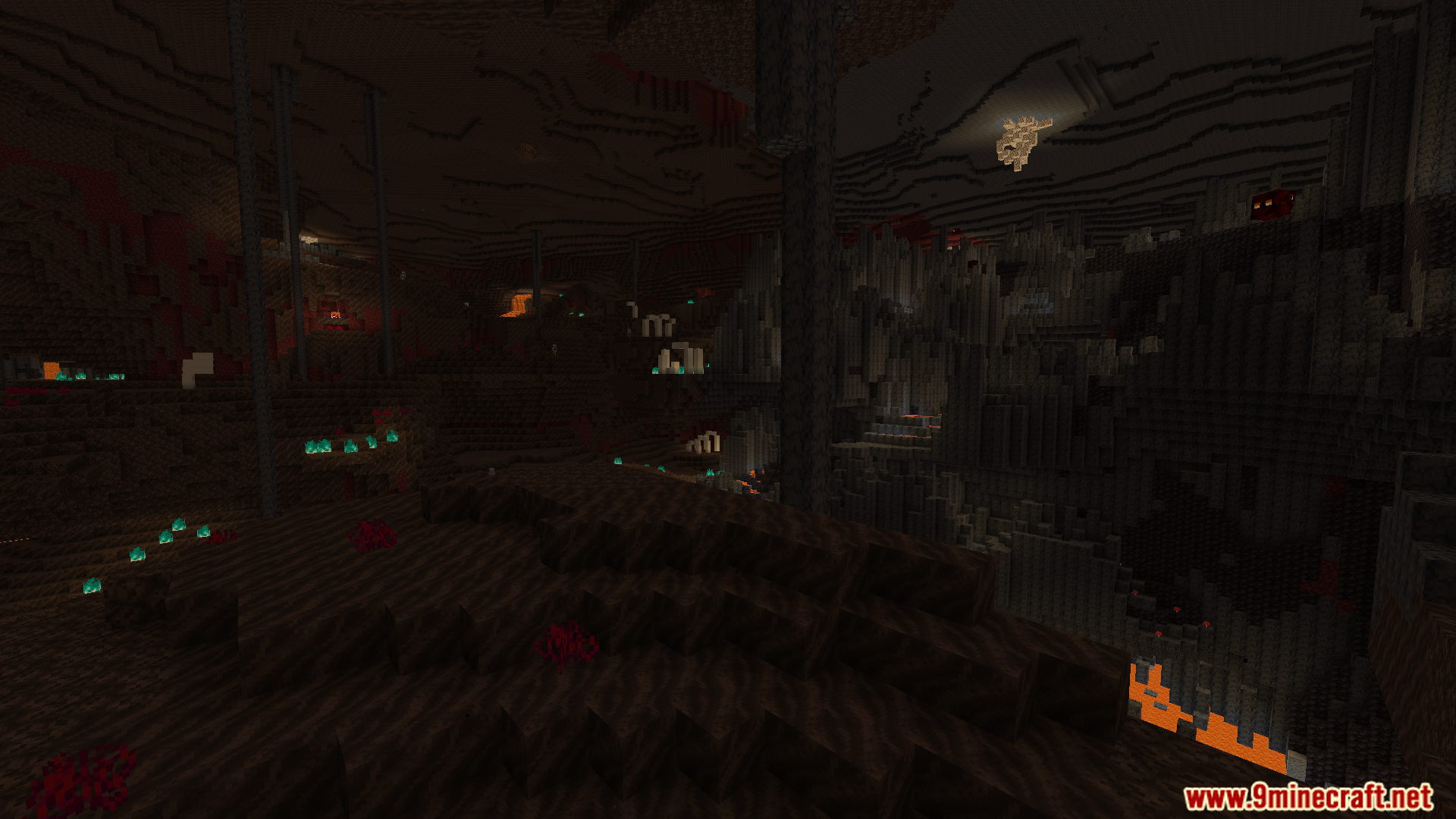
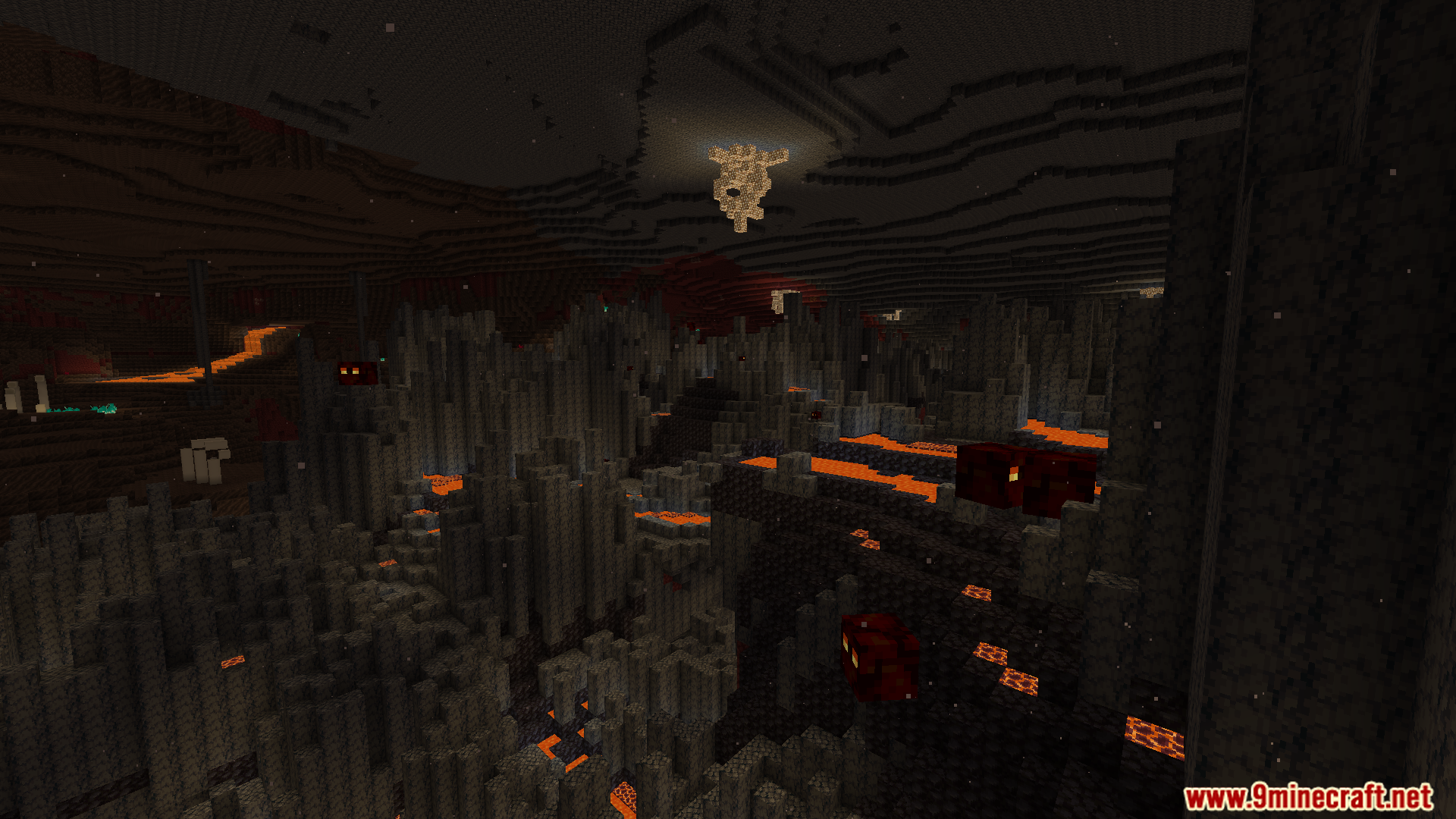
Screenshots:

Voxy Extra Mod Download Links
Quick facts
- Edition: Minecraft Java
- File type: .jar
- Minecraft version listed: 1.21.11
- How to install: Install the matching mod loader (Forge, Fabric or NeoForge) for your Minecraft version. → Download the .jar. → Put it in the .minecraft/mods folder and launch that loader profile.
- Where to get it: In MC Java Mods, or directly above on this page.
Install steps are the general flow for this file type — How to install Minecraft Java mods & modpacks walks through it step by step.
Verified by MCModsHub
- Downloads as 26076.mcaddon
- Download size: 59 KB
- Download link checked 25 Sept 2026 — working
- Mirrored on our own servers — the download does not depend on the original host
These come from our own check of the pack file, not from the source page.