ModsJava
Better Player Locator Bar
A Minecraft Fabric mod that adds an enhanced player locator bar. An improvement over Mojang's existing player indicator system.
I don't know my version or loader
Open the Minecraft launcher and look at the profile you play on — it names both, like fabric-loader-1.21.4. The version also shows in the bottom-right corner of the game's main menu.
No loader in the profile name? Then it's plain Minecraft, and these mods won't run — you need Fabric or NeoForge installed first.
Better Player Locator Bar is a Fabric mod. It shows players in a HUD bar above the XP bar. You can customize icons, borders, fades, and more.
🎯 Features
- HUD bar with icons representing nearby players and death markers
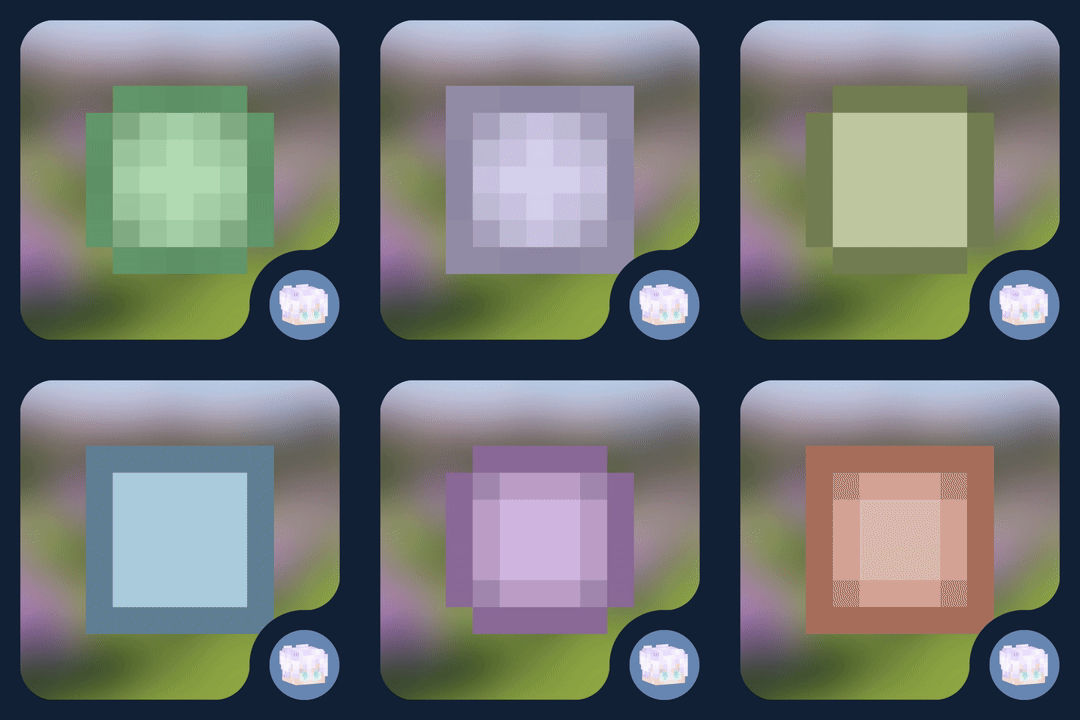
- Customizable icon style:
default,minimal,mojang,bowtie (shift + click) - Icon border styles:
roundedorsquared - Option to show player names and heads
- Vertical arrows when height difference is significant by player camera or position
- Distance-based fading (configurable start, end, alpha min/max)
- Smooth interpolation using easing
- Asset detection: scans included textures in
sprites/hud/ - Client/server sync via handshake and position payloads; fallback to local mode
- Config UI (
F8in game or useModMenu), preview, per-player overrides (color, icon, border...) - Death markers persistence and cleanup
📸 Gallery
A preview of how you would see other players with the mod
A preview of a player on the HUD
A preview of two players on the HUD
This would be a preview of the settings screen so you can customize it as much as you want
Now you can customize your friends icons
Dependencies
- Fabric API
- ModMenu
(recommended but opcional)
Installation
- Install Fabric Loader and Fabric API
- Place the
.jarmod file into yourmods/folder - Run Minecraft
Known Issues & Limitations
- Only works in Fabric, no Forge/NeoForge/... support
(yet? 🥀) - It can become inaccurate
- There may be rendering issues in other parts of the HUD
- You will most likely encounter problems with the order of the icons and the experience bar
- It is not possible to change the color of your dot/head
(yet...)
License
The contents of this repository and mod, are licensed under a Creative Commons Attribution-NonCommercial-ShareAlike 4.0 International License. (Canonical URL)
Quick facts
- Edition: Minecraft Java
- File type: .jar
- Minecraft versions listed: 1.21.2, 1.21.3
- How to install: Install the matching mod loader (Forge, Fabric or NeoForge) for your Minecraft version. → Download the .jar. → Put it in the .minecraft/mods folder and launch that loader profile.
- Where to get it: Opens on Modrinth — not every file is mirrored on our own servers.
Install steps are the general flow for this file type — How to install Minecraft Java mods & modpacks walks through it step by step.
Verified by MCModsHub
- Ships as better-player-locator-bar-1.1.2-fabric+1.21.2(.3)mc.jar — drop this file into the mods folder
- Download size: 228 KB
- Download link checked 30 Aug 2026 — working
These come from our own check of the pack file, not from the source page.